Kling 2.6 AI video model AI Generator
In today's fast-paced digital landscape, creating engaging video content is paramount. With PixelDojo's integration of the Kling 2.6 AI video model, you can effortlessly produce high-quality videos complete with synchronized audio. Whether you're a content creator, marketer, or educator, Kling 2.6 empowers you to bring your ideas to life with unparalleled ease and efficiency.
Join over 10,000 satisfied creators who have transformed their content using PixelDojo's AI tools. Rated 4.8/5 based on 2,000+ reviews.
Why Choose Pixel Dojo for Kling 2.6 AI video model
Professional-quality results with cutting-edge AI technology
Effortless Video Creation
Generate professional-grade videos with synchronized audio from simple text or image prompts, eliminating the need for complex editing.
Time-Saving Workflow
Produce complete videos in a single pass, significantly reducing production time and allowing you to focus on creativity.
Versatile Applications
Create content ranging from marketing videos to educational materials, all with natural dialogue and ambient sounds.
How It Works
Creating captivating videos with Kling 2.6 on PixelDojo is a straightforward process. Follow these steps to bring your vision to life:
Step 1: Select Kling 2.6 Tool
Navigate to the 'Create Videos' section on PixelDojo and choose the Kling 2.6 model to begin your project.
Step 2: Input Your Prompt
Enter a descriptive text prompt or upload an image that encapsulates your desired scene. Be specific to ensure accurate generation.
Step 3: Generate and Download
Click 'Generate' to let Kling 2.6 create your video. Once processed, preview and download your high-quality video with synchronized audio.





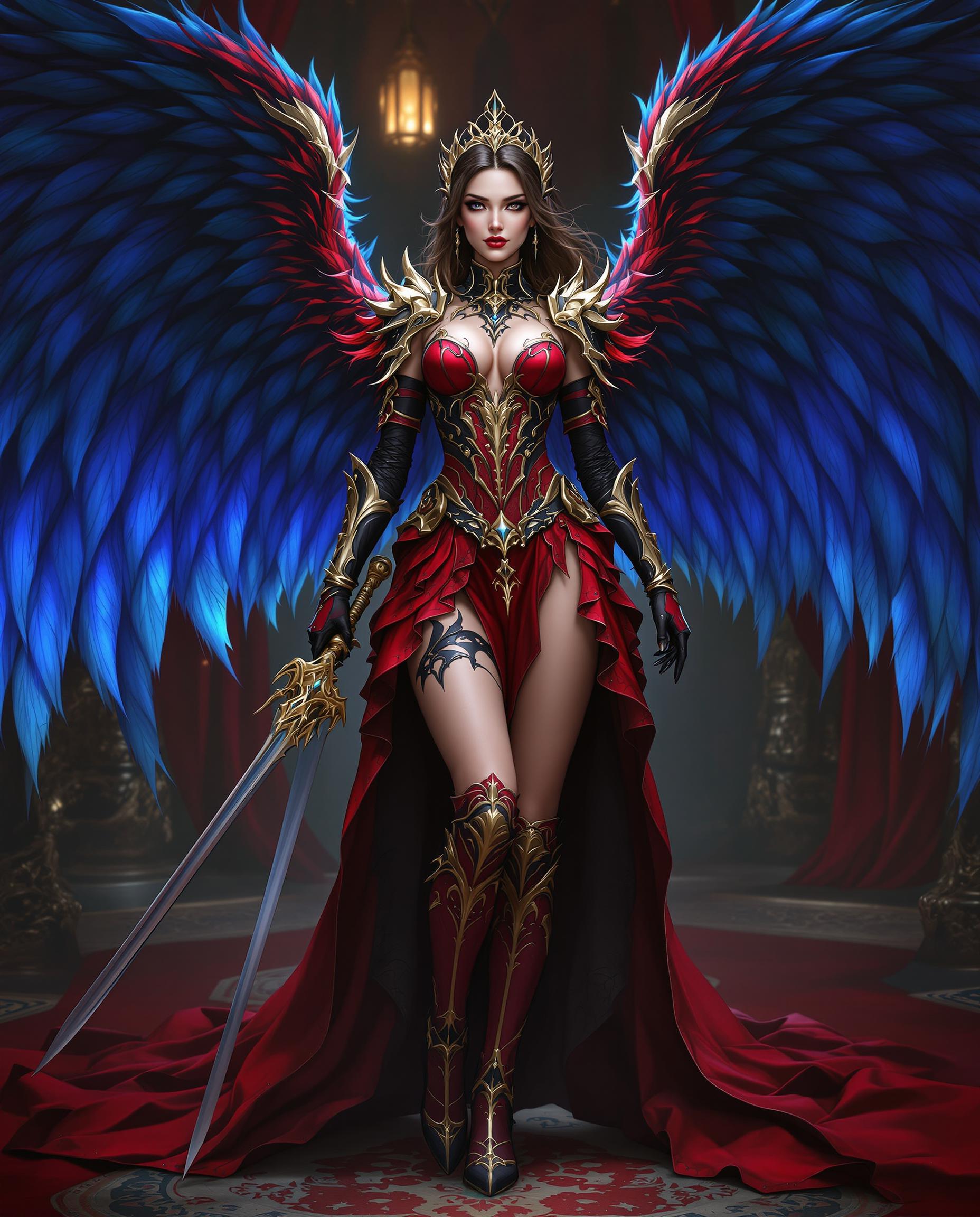




The Pixel Dojo Advantage
Discover how PixelDojo's Kling 2.6 stands out in AI video generation:
| Others | Pixel Dojo |
|---|---|
| Traditional Video Production | Eliminates the need for extensive equipment and editing, streamlining the creation process. |
| Other AI Video Tools | Offers native audio-visual synchronization, providing a more cohesive and immersive output. |
| Manual Audio Synchronization | Automatically aligns audio with visuals, saving time and ensuring precision. |
Loved by Creators
See what our community says about Kling 2.6 AI video model
"PixelDojo's Kling 2.6 has revolutionized my content creation process. The synchronized audio and video generation is a game-changer."
Alex Johnson
Content Creator
"As a marketer, producing engaging videos quickly is crucial. Kling 2.6 on PixelDojo delivers high-quality results effortlessly."
Samantha Lee
Digital Marketer
Common Questions
Everything you need to know about Kling 2.6 AI video model AI generation
How does Kling 2.6 ensure synchronized audio and video?
Kling 2.6 utilizes advanced AI algorithms to generate visuals and audio simultaneously, ensuring perfect synchronization without manual intervention.
Can I use Kling 2.6 for commercial projects?
Yes, videos created with Kling 2.6 on PixelDojo can be used for commercial purposes, adhering to our licensing terms.
What input formats does Kling 2.6 support?
Kling 2.6 accepts text prompts and image uploads, providing flexibility in content creation.
Is there a limit to the video length I can generate?
Currently, Kling 2.6 supports video generation up to 10 seconds in length, ideal for short-form content.
Do I need prior video editing experience to use Kling 2.6?
No, Kling 2.6 is designed for users of all skill levels, enabling easy video creation without prior editing experience.
How can I access Kling 2.6 on PixelDojo?
Simply sign up or log in to your PixelDojo account, navigate to the 'Create Videos' section, and select Kling 2.6 to start creating.