Kling 2.6 crisp motions AI Generator
Unlock the power of Kling 2.6 to transform your concepts into cinematic-quality videos. With its advanced AI capabilities, Kling 2.6 enables you to create videos featuring crisp motions and synchronized native audio, bringing your ideas to life like never before.
Join thousands of creators who have generated over 1,000 AI videos using Kling 2.6, achieving professional-grade results effortlessly.
Why Choose Pixel Dojo for Kling 2.6 crisp motions
Professional-quality results with cutting-edge AI technology
Seamless Audio-Visual Synchronization
Generate videos where visuals and audio are perfectly aligned, eliminating the need for post-production adjustments.
High-Definition Cinematic Quality
Produce 1080p videos with realistic textures and fluid motions that rival traditional filming techniques.
Effortless Content Creation
Transform text prompts or static images into dynamic videos with minimal effort, streamlining your creative process.
How It Works
Creating stunning videos with Kling 2.6 is a straightforward process. Follow these steps to bring your vision to life:
Step 1: Input Your Concept
Provide a detailed text description or upload a reference image that encapsulates your desired scene.
Step 2: Customize Settings
Adjust parameters such as aspect ratio, duration, and audio preferences to tailor the output to your needs.
Step 3: Generate and Download
Click 'Generate' to process your input. Once complete, preview and download your high-quality video.

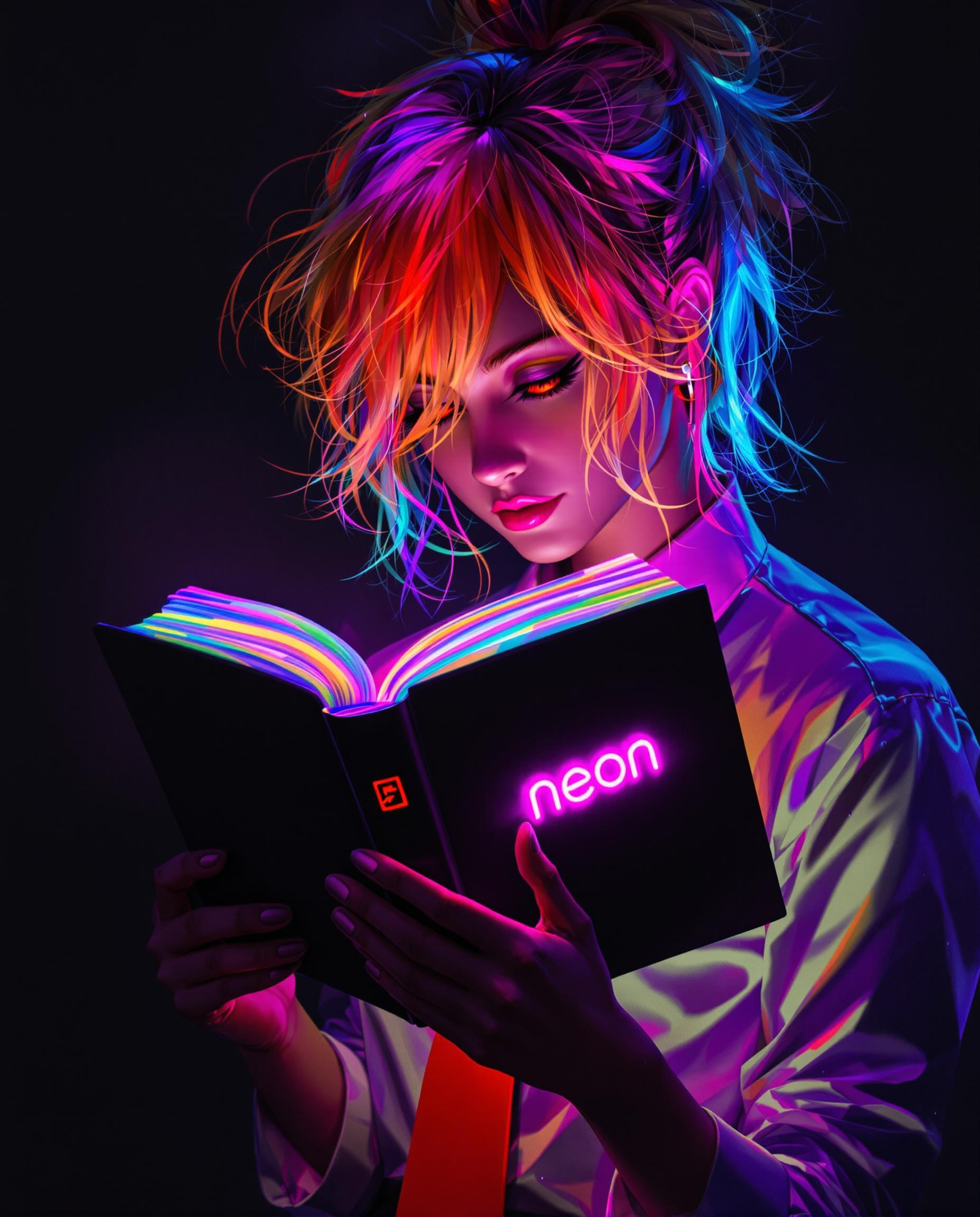
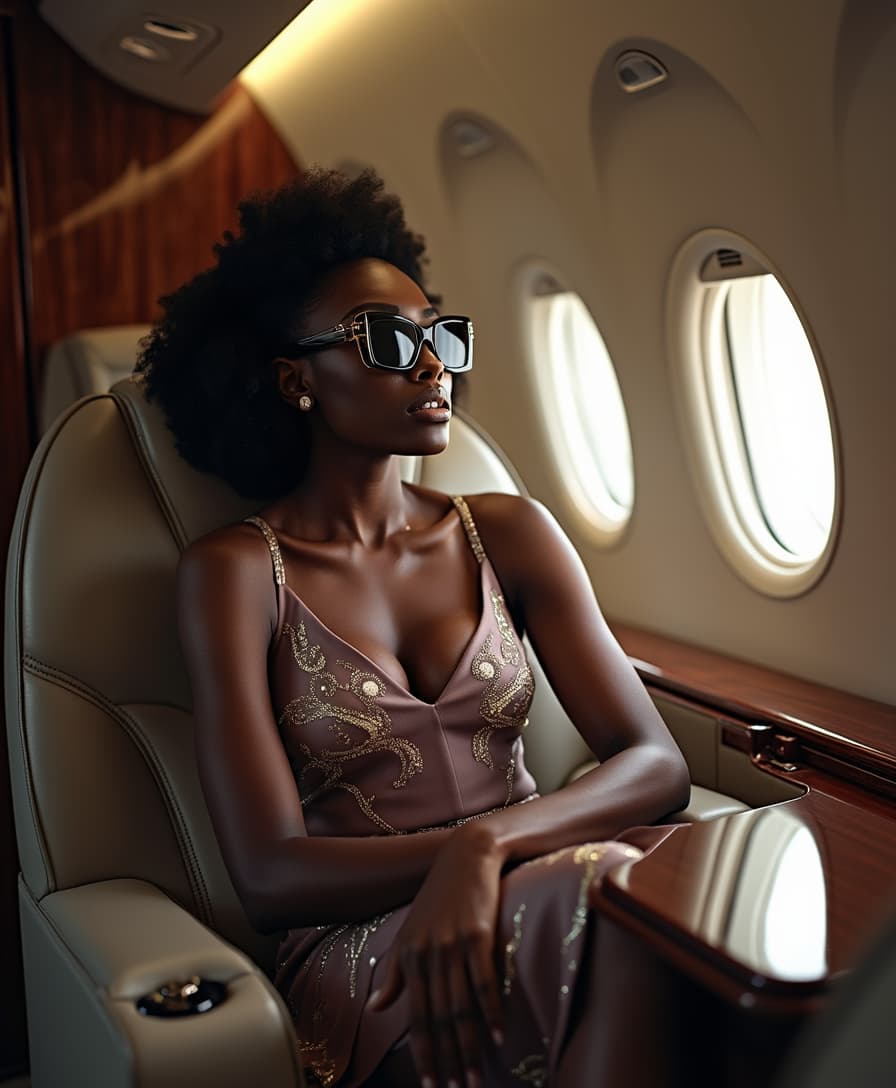


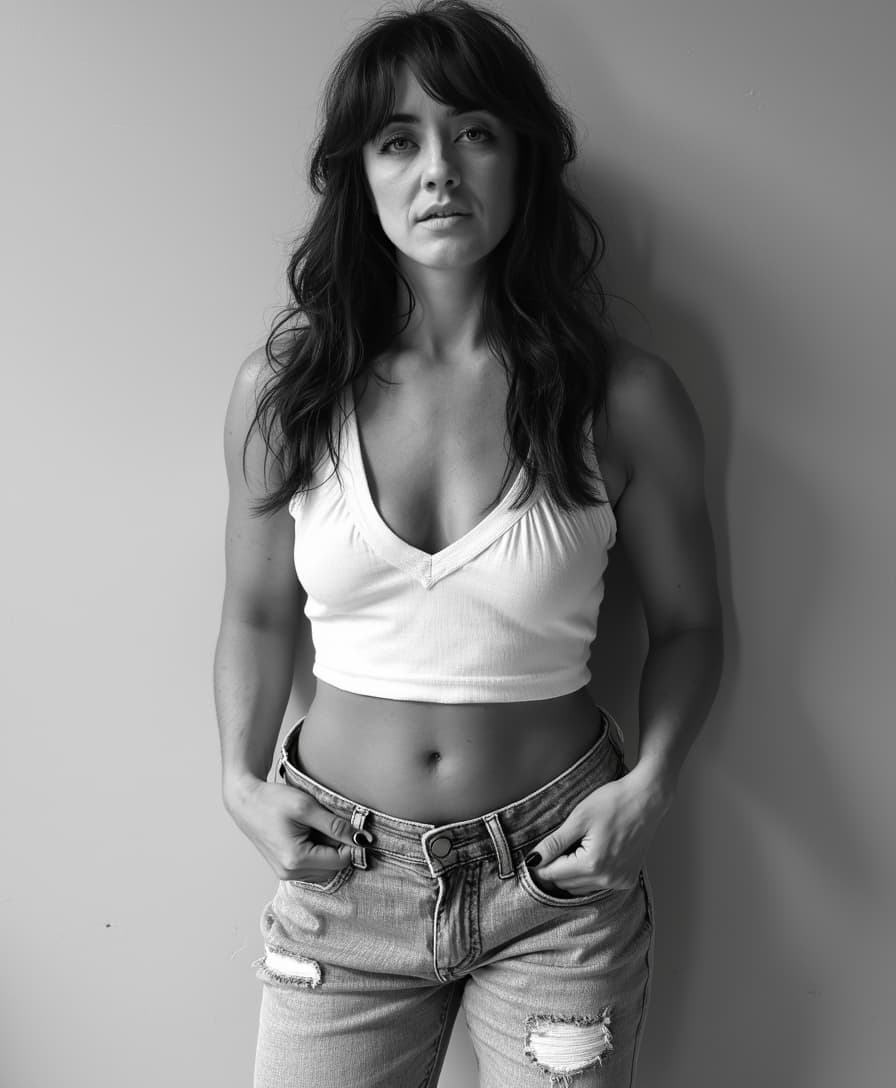
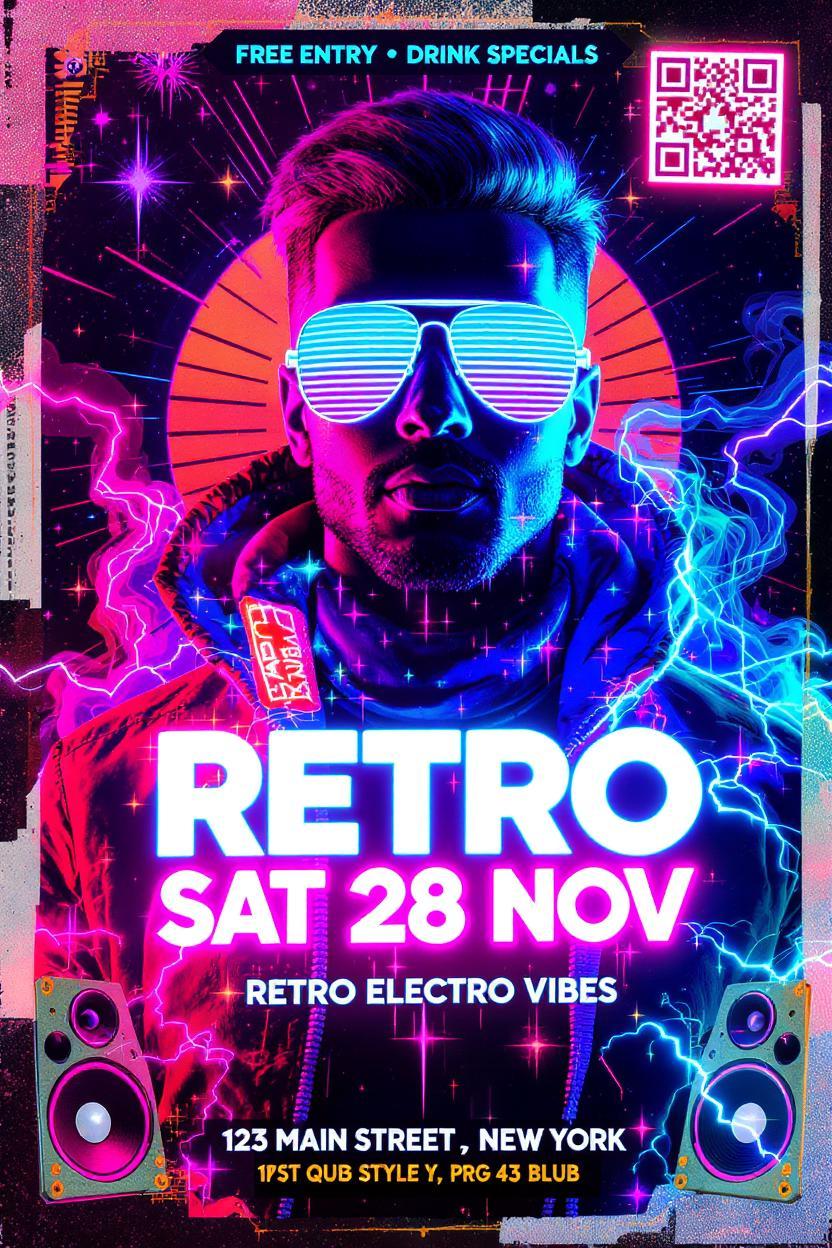





The Pixel Dojo Advantage
Discover how Kling 2.6 stands out in the realm of AI video generation:
| Others | Pixel Dojo |
|---|---|
| Traditional Video Production | Eliminates the need for expensive equipment and extensive post-production, reducing time and costs. |
| Other AI Video Tools | Offers native audio synchronization, ensuring perfect alignment between visuals and sound without additional editing. |
| Manual Animation | Automates the animation process, allowing for rapid creation of complex scenes with minimal effort. |
Loved by Creators
See what our community says about Kling 2.6 crisp motions
"Kling 2.6 transformed our content creation process, enabling us to produce high-quality videos in a fraction of the time."
Alex Johnson
Content Creator
"The native audio synchronization feature is a game-changer, making our videos more engaging and professional."
Samantha Lee
Marketing Manager
Common Questions
Everything you need to know about Kling 2.6 crisp motions AI generation
How does Kling 2.6 ensure audio and video synchronization?
Kling 2.6 generates visuals and audio simultaneously, ensuring perfect alignment between the two without the need for manual adjustments.
Can I use Kling 2.6 for commercial projects?
Yes, Kling 2.6 is suitable for both personal and commercial use, allowing you to create professional-grade videos for various applications.
What input formats does Kling 2.6 support?
Kling 2.6 accepts text prompts and image uploads in formats such as JPG and PNG to generate videos.
Is any prior experience required to use Kling 2.6?
No, Kling 2.6 is designed with an intuitive interface, making it accessible to users of all experience levels.
How long does it take to generate a video with Kling 2.6?
Processing times vary based on video length and complexity but typically range from a few seconds to a couple of minutes.
Are there any limitations on video length or resolution?
Kling 2.6 supports videos up to 10 seconds in length and outputs in 1080p resolution, suitable for most applications.