Kling 2.6 filmmaker assistant AI Generator
Imagine transforming your creative concepts into cinematic-quality videos with synchronized audio, all without the need for expensive equipment or extensive editing skills. With PixelDojo's Kling 2.6 Filmmaker Assistant, you can effortlessly produce professional-grade videos that captivate your audience and bring your stories to life.

Join over 100,000 creators who have embraced Kling 2.6 Filmmaker Assistant to elevate their video content. With a 4.8/5 average rating, our users praise the platform's ease of use and exceptional output quality.
Why Choose Pixel Dojo for Kling 2.6 filmmaker assistant
Professional-quality results with cutting-edge AI technology
Effortless High-Quality Video Creation
Generate 1080p cinematic videos from simple text or image prompts, eliminating the need for complex editing software.
Synchronized Audio Integration
Produce videos with native audio, including dialogue, sound effects, and ambient sounds, all perfectly aligned with the visuals.
Cost-Effective Production
Save time and resources by creating professional videos without the need for expensive equipment or extensive post-production.
How It Works
Creating cinematic videos with Kling 2.6 Filmmaker Assistant is a straightforward process:
Step 1: Choose Your Tool
Select the Kling 2.6 Filmmaker Assistant from PixelDojo's suite of AI tools to begin your video creation journey.
Step 2: Enter Your Prompt
Input a detailed text description or upload an image to guide the AI in generating your desired video content.
Step 3: Customize & Download
Review the generated video, make any necessary adjustments, and download the final product ready for sharing.








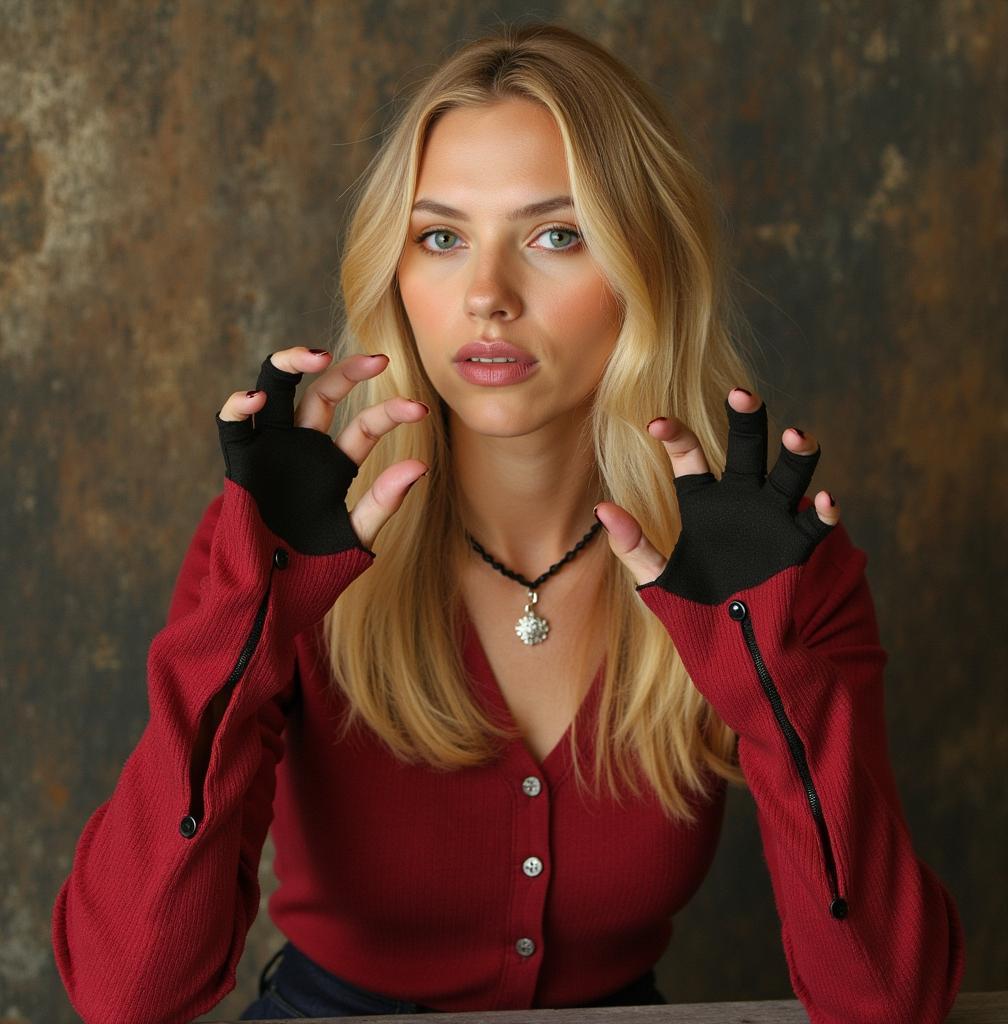



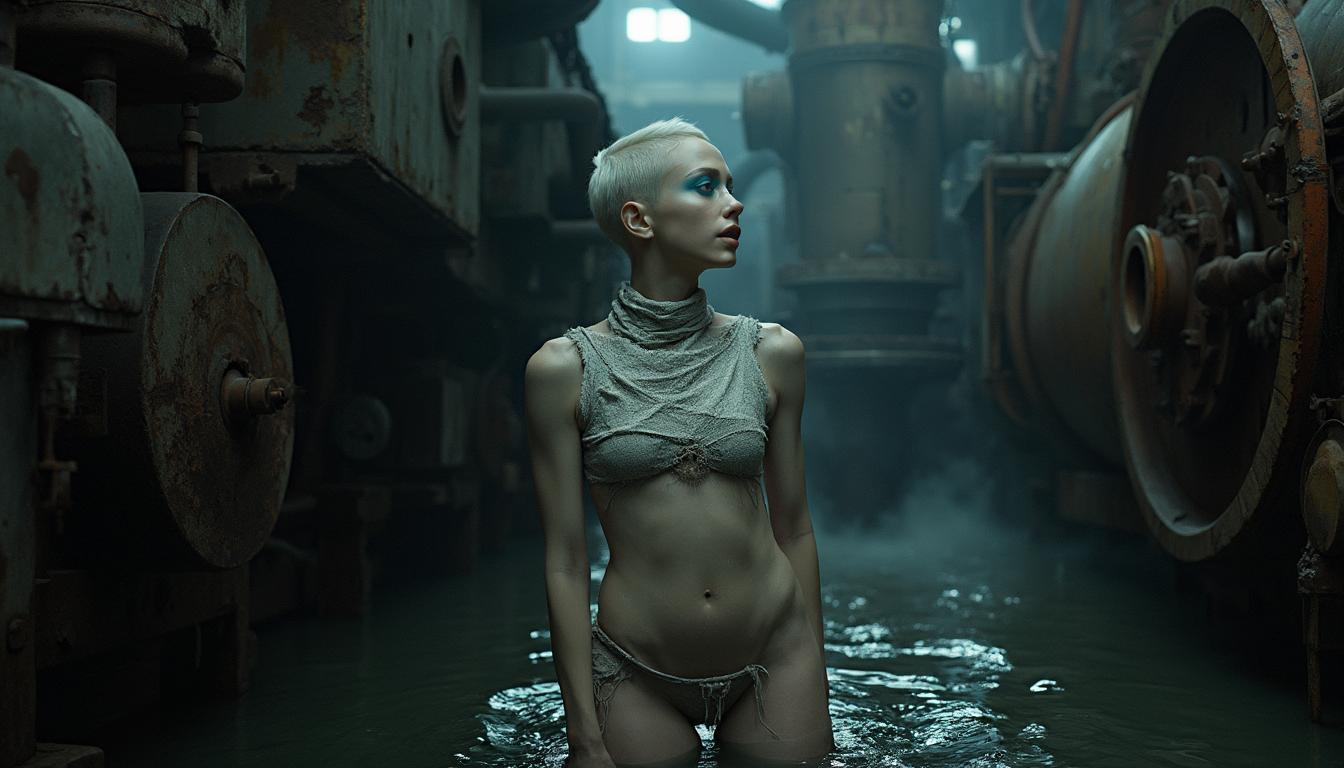
The Pixel Dojo Advantage
Why PixelDojo outperforms other options for AI video generation
| Others | Pixel Dojo |
|---|---|
| Traditional Video Production | Eliminates the need for expensive equipment and extensive editing, making high-quality video creation accessible to all. |
| Generic AI Tools | Offers synchronized audio integration, ensuring that dialogue and sound effects are perfectly aligned with visuals. |
| Manual Editing | Significantly reduces production time by automating the video creation process without compromising quality. |
Loved by Creators
See what our community says about Kling 2.6 filmmaker assistant
"Kling 2.6 Filmmaker Assistant has revolutionized the way I create content. The synchronized audio and high-quality visuals are unparalleled."
Alex Johnson
Content Creator
"As a marketer, producing engaging videos quickly is crucial. PixelDojo's Kling 2.6 makes this process seamless and efficient."
Samantha Lee
Marketing Manager
Common Questions
Everything you need to know about Kling 2.6 filmmaker assistant AI generation
How does Kling 2.6 Filmmaker Assistant generate synchronized audio?
Kling 2.6 utilizes advanced AI algorithms to produce native audio, including dialogue and sound effects, that are perfectly aligned with the generated visuals, eliminating the need for manual synchronization.
Can I use Kling 2.6 for commercial projects?
Yes, videos created with Kling 2.6 Filmmaker Assistant can be used for commercial purposes, providing a cost-effective solution for professional video production.
Is any prior video editing experience required to use Kling 2.6?
No, Kling 2.6 is designed to be user-friendly, allowing individuals without prior video editing experience to create high-quality videos effortlessly.
What formats are the generated videos available in?
Videos generated with Kling 2.6 are available in standard formats compatible with most platforms, ensuring easy sharing and distribution.
How long does it take to generate a video with Kling 2.6?
The generation time varies depending on the complexity of the prompt, but Kling 2.6 is optimized for quick processing to deliver your videos promptly.
Can I customize the generated videos?
Yes, after the initial generation, you can review and make adjustments to ensure the final product aligns with your vision.