Kling 2.6 image to video AI Generator
Imagine transforming your static images into dynamic, engaging videos complete with synchronized audio—all in a matter of minutes. With Kling 2.6 on PixelDojo, you can breathe life into your visuals, creating compelling content that captivates your audience and elevates your storytelling.

Join thousands of creators who have enhanced their content with Kling 2.6, achieving over 1 million dynamic videos generated to date.
Why Choose Pixel Dojo for Kling 2.6 image to video
Professional-quality results with cutting-edge AI technology
Effortless Image Animation
Convert static images into dynamic videos with synchronized audio, enhancing engagement and storytelling.
Time-Saving Content Creation
Generate high-quality videos in minutes, streamlining your workflow and boosting productivity.
Professional-Quality Output
Produce videos with realistic motion and audio synchronization, ensuring a polished final product.
How It Works
Creating dynamic videos from your images is simple with Kling 2.6 on PixelDojo. Follow these steps to bring your visuals to life:
Step 1: Select Kling 2.6 Tool
Navigate to the Kling 2.6 tool on PixelDojo's platform to begin your image-to-video transformation.
Step 2: Upload Your Image
Choose the static image you wish to animate by uploading it to the Kling 2.6 interface.
Step 3: Customize and Generate
Adjust settings such as video duration and aspect ratio, then click 'Generate' to create your dynamic video.



![Turn your image into a cartoon with FLUX.1 Kontext [pro] - cartoonify](https://cdn.pixeldojo.ai/cdn-cgi/image/f=auto,q=75,w=3840/pixeldojo/generated-images/1752258771272-zpnmk426d.png)




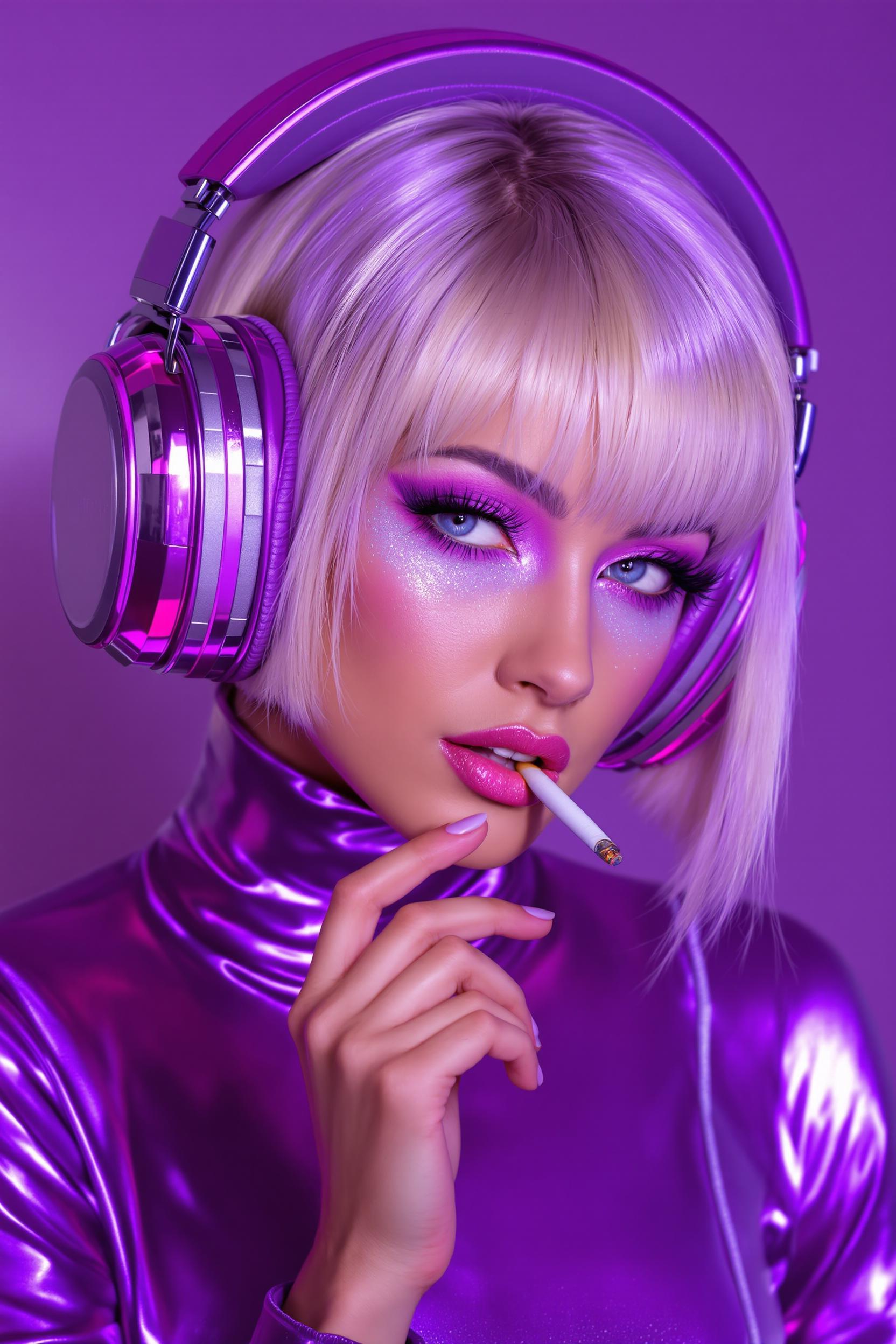
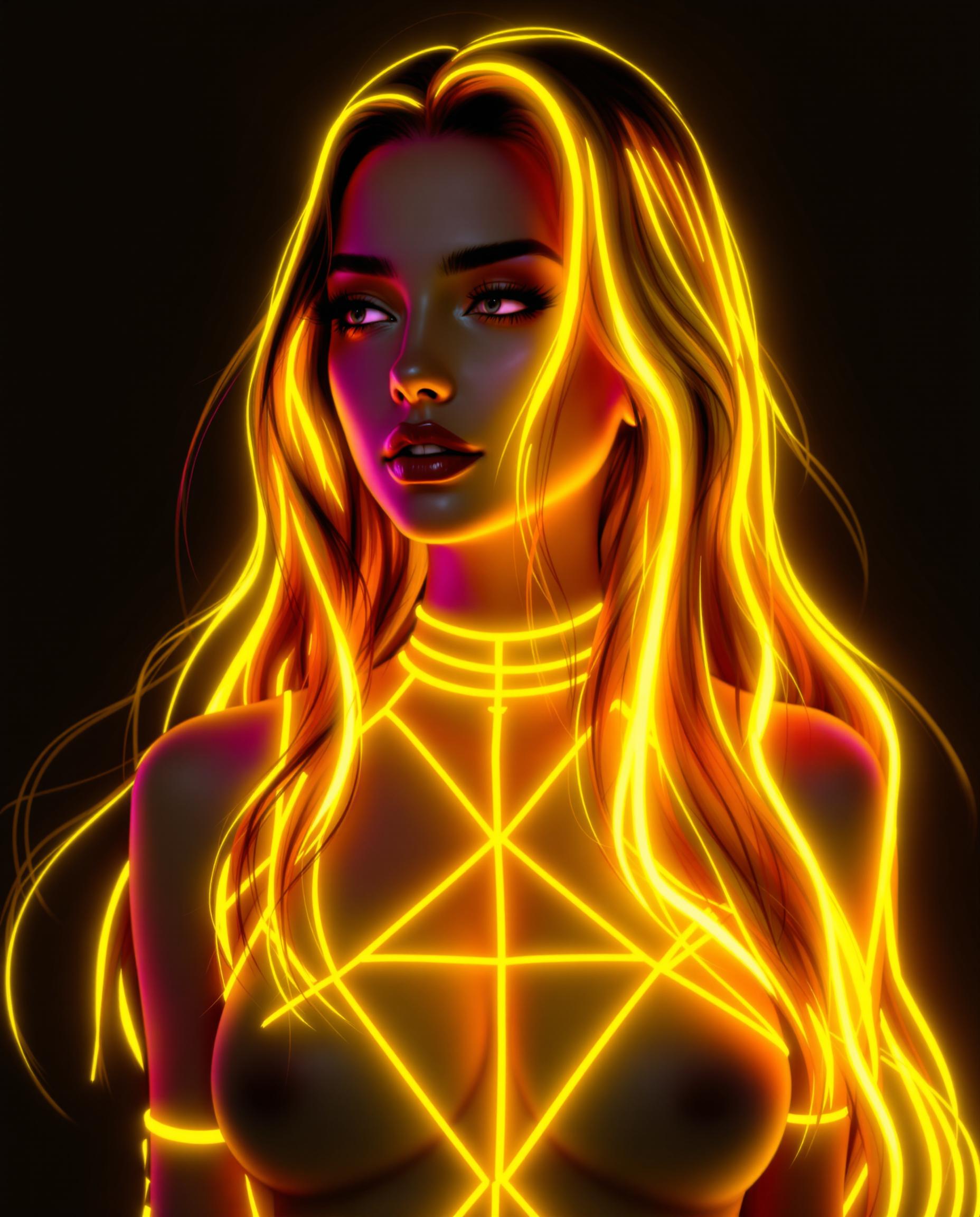
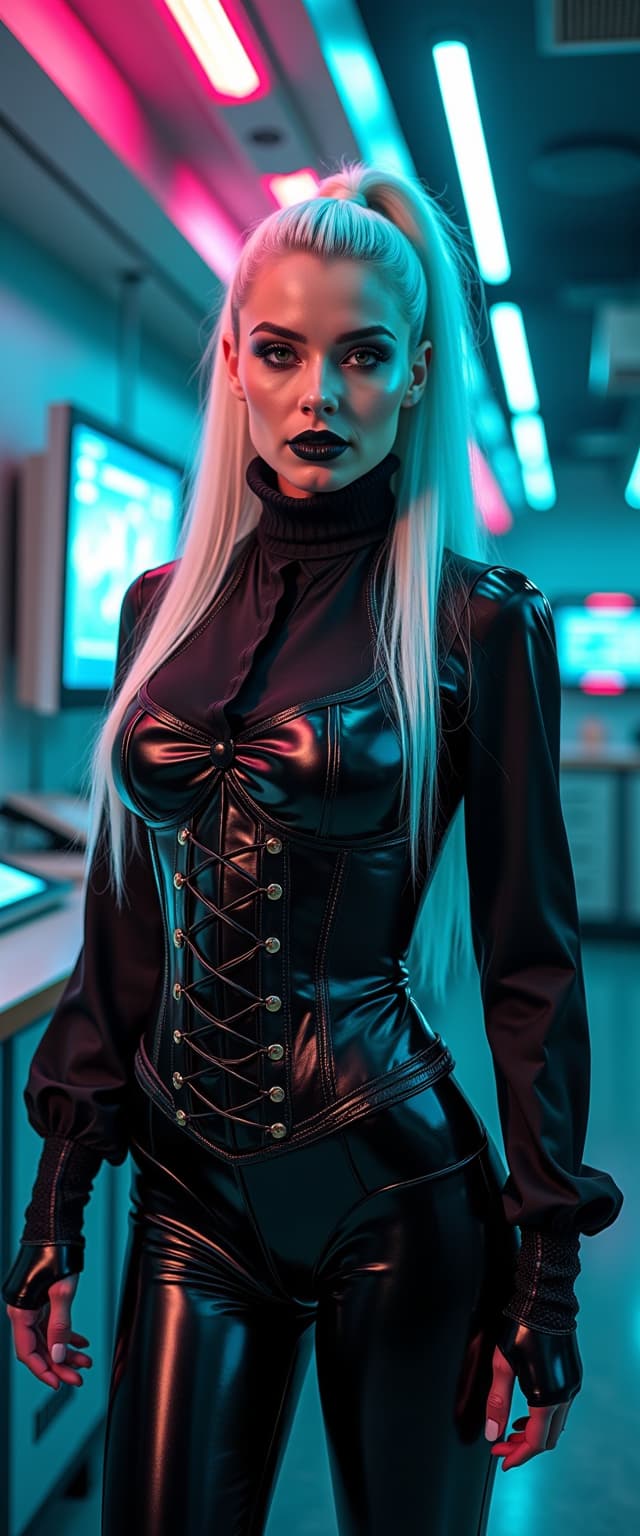
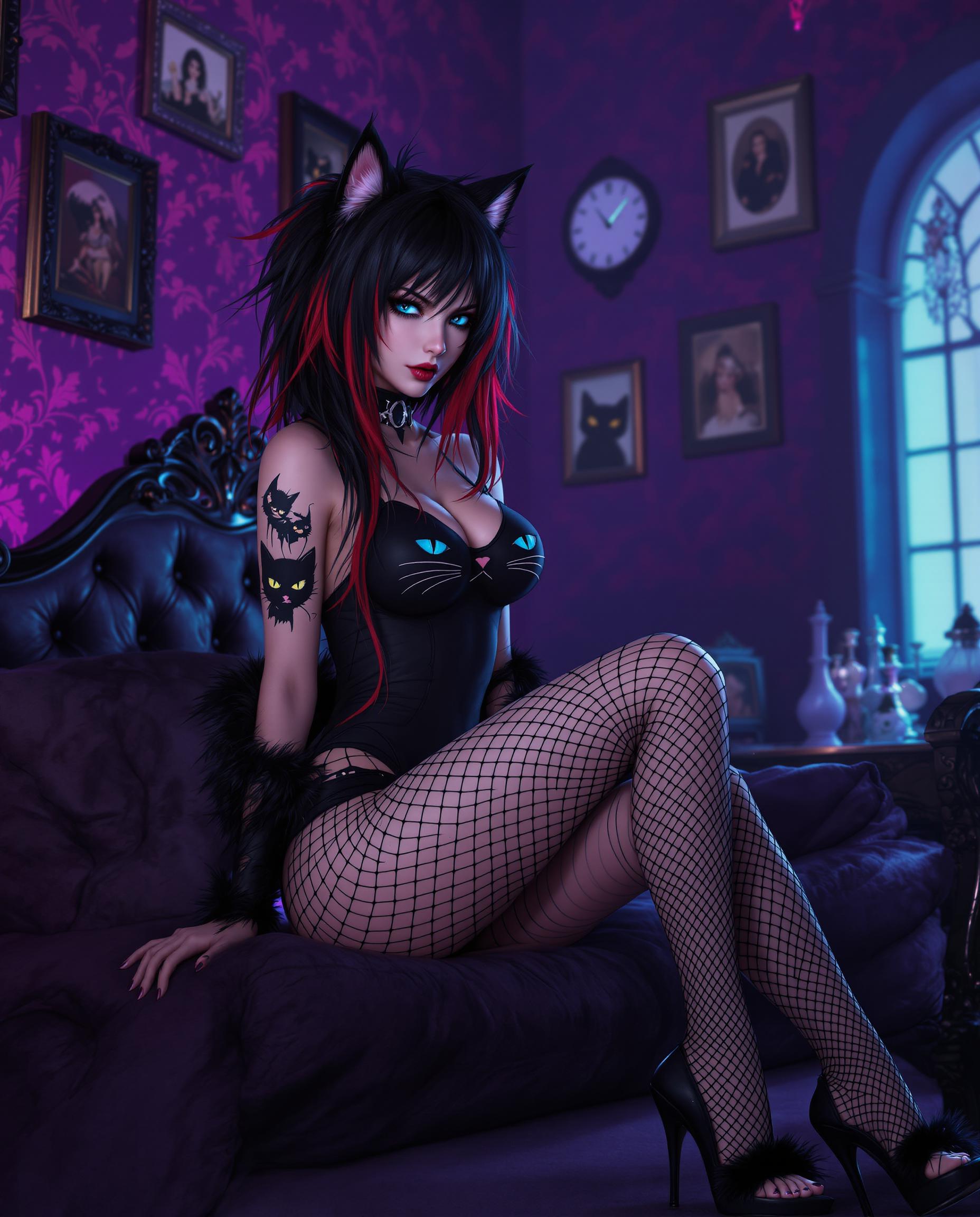
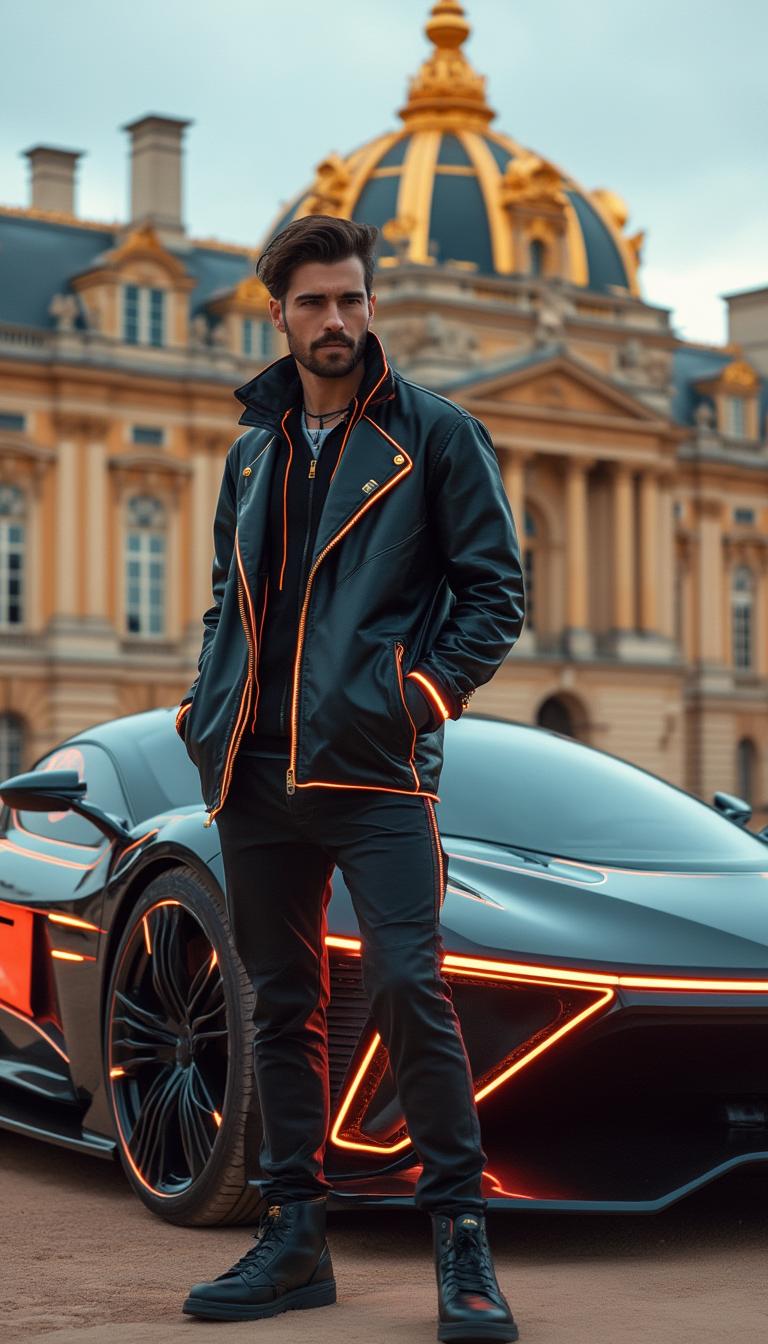
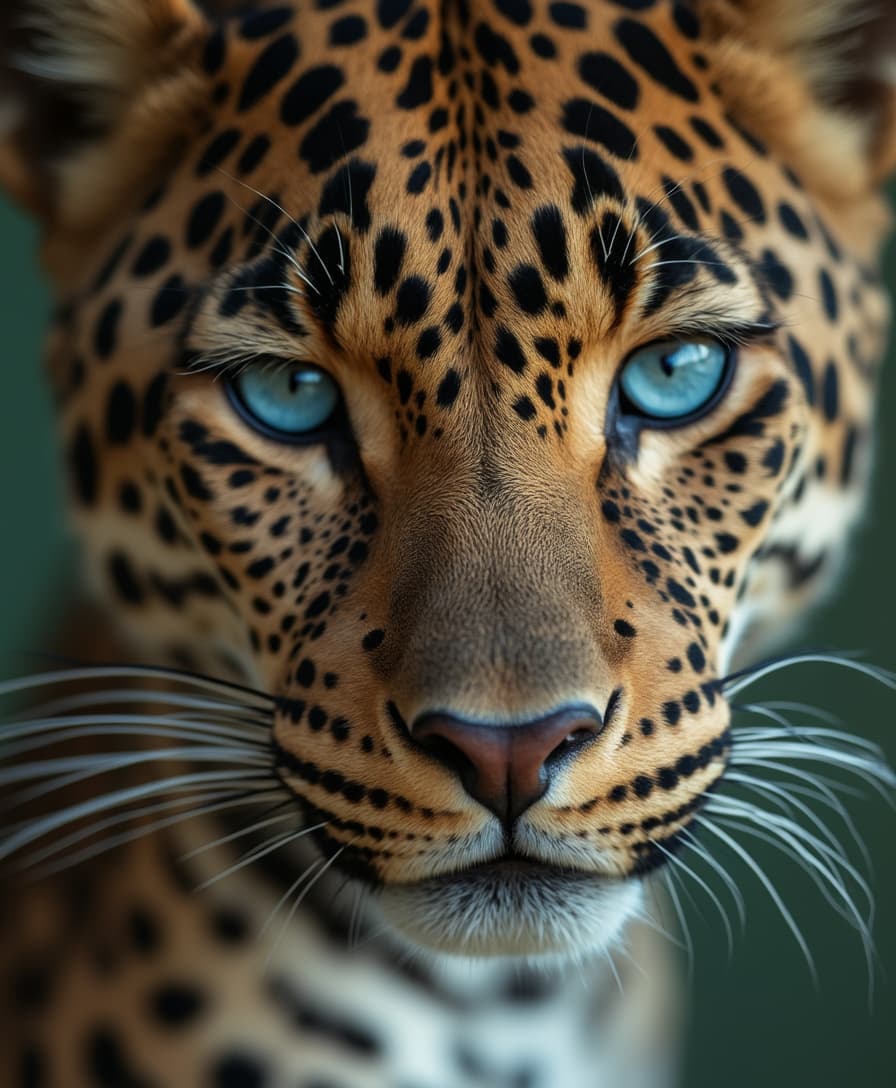
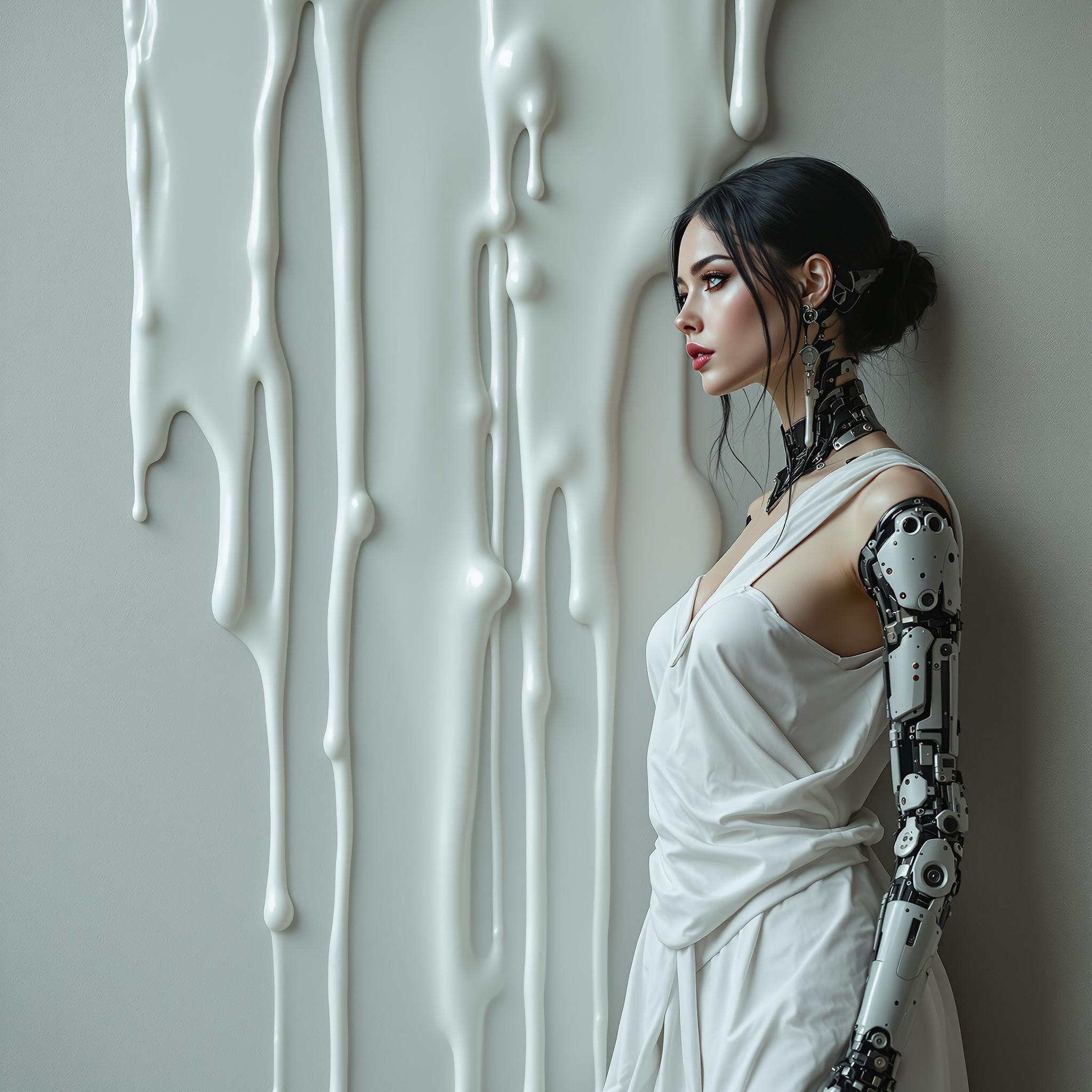
The Pixel Dojo Advantage
Why choose Kling 2.6 on PixelDojo for your image-to-video needs?
| Others | Pixel Dojo |
|---|---|
| Traditional Video Creation | Eliminate the need for complex software and manual editing; create videos effortlessly with AI. |
| Generic AI Tools | Experience superior audio-visual synchronization and realistic motion with Kling 2.6. |
| Manual Animation | Save time and resources by automating the animation process without compromising quality. |
Loved by Creators
See what our community says about Kling 2.6 image to video
"Kling 2.6 has revolutionized how I create content. Turning images into videos with synchronized audio has never been easier."
Alex Johnson
Content Creator
"The quality and efficiency of Kling 2.6 on PixelDojo are unmatched. It's a game-changer for my marketing campaigns."
Samantha Lee
Digital Marketer
Common Questions
Everything you need to know about Kling 2.6 image to video AI generation
How does Kling 2.6 create videos from images?
Kling 2.6 utilizes advanced AI to analyze your static images and generate dynamic videos with synchronized audio, bringing your visuals to life.
Can I customize the duration and aspect ratio of the generated videos?
Yes, Kling 2.6 allows you to adjust settings such as video duration and aspect ratio to suit your specific needs.
Is Kling 2.6 suitable for professional use?
Absolutely. Kling 2.6 produces high-quality videos with realistic motion and audio synchronization, making it ideal for professional content creation.
Do I need prior experience to use Kling 2.6?
No prior experience is necessary. Kling 2.6 is designed with a user-friendly interface, making it accessible to both beginners and professionals.
What file formats are supported for image uploads?
Kling 2.6 supports common image formats such as JPEG, JPG, PNG, and WEBP for uploads.
Can I try Kling 2.6 before committing to a subscription?
Yes, PixelDojo offers a trial period for Kling 2.6, allowing you to experience its capabilities before making a commitment.