Kling 2.6 image to video conversion AI Generator
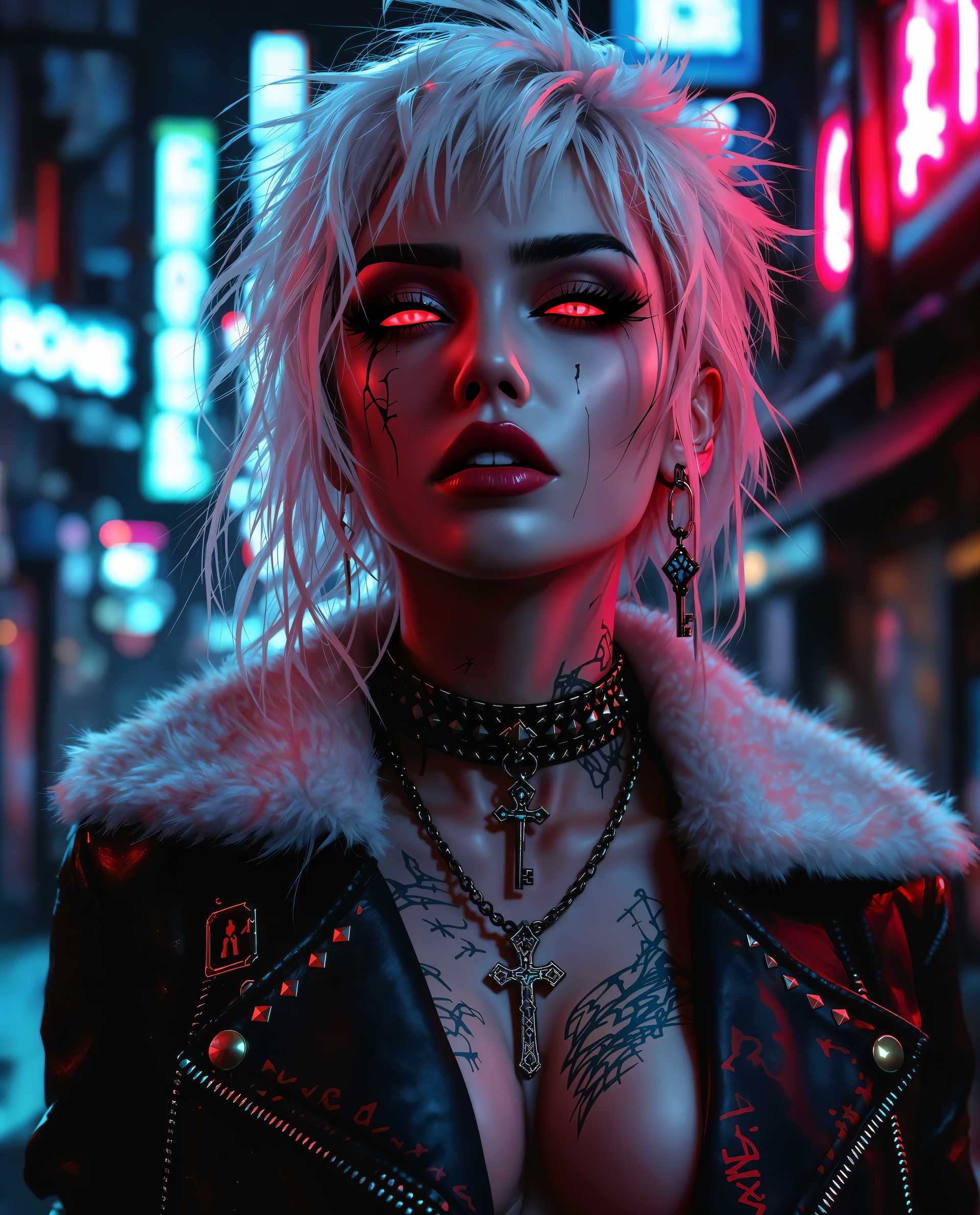
Imagine turning your static images into dynamic, engaging videos effortlessly. With Kling 2.6's advanced AI capabilities, you can breathe life into your photos, creating captivating content that resonates with your audience. Whether you're a marketer aiming to enhance your campaigns or a content creator seeking to add motion to your visuals, Kling 2.6 empowers you to achieve professional-quality results without the need for extensive technical skills.
Join over 22 million global users who have embraced Kling 2.6 for their video creation needs. Experience enterprise-grade quality trusted by professionals worldwide.
Why Choose Pixel Dojo for Kling 2.6 image to video conversion
Professional-quality results with cutting-edge AI technology
Effortless Image-to-Video Conversion
Transform static images into dynamic videos seamlessly, enhancing your content's appeal and engagement.
Synchronized Audio Integration
Automatically generate synchronized sound effects and ambient audio that perfectly match your video's content, eliminating the need for post-production audio work.
Professional-Quality Outputs
Achieve cinematic-quality videos with 1080p resolution, realistic motion, and photorealistic textures, elevating your content to professional standards.
How It Works
Creating dynamic videos from your images with Kling 2.6 is a straightforward process. Follow these steps to bring your visuals to life:
Step 1: Upload Your Image
Select the static image you wish to animate. Kling 2.6 supports various formats, including PNG and JPG.
Step 2: Enter Your Prompt
Describe the desired motion, scene, and audio elements. For example, 'A serene mountain landscape at sunset with golden light reflecting off a crystal clear lake.'
Step 3: Generate and Download
Click 'Generate' to let Kling 2.6 process your input. Once complete, preview and download your dynamic video with synchronized audio.










The Pixel Dojo Advantage
Why Kling 2.6 Outperforms Other Image-to-Video Solutions
| Others | Pixel Dojo |
|---|---|
| Traditional Video Production | Eliminates the need for expensive equipment and extensive editing, making video creation accessible to all. |
| Generic AI Tools | Offers synchronized audio integration and high-resolution outputs, providing a more comprehensive solution. |
| Manual Animation | Significantly reduces the time and effort required to animate images, delivering results in seconds. |
Loved by Creators
See what our community says about Kling 2.6 image to video conversion
"Kling 2.6 has revolutionized our content creation process. We can now produce engaging videos from our images in minutes."
Alex Johnson
Digital Marketing Manager
"The synchronized audio feature is a game-changer. Our videos now have a professional touch without additional effort."
Samantha Lee
Content Creator
Common Questions
Everything you need to know about Kling 2.6 image to video conversion AI generation
How does Kling 2.6 ensure audio and video synchronization?
Kling 2.6 utilizes deep alignment technology to achieve precise synchronization between visual motion and sound rhythms, ensuring a cohesive and natural viewing experience.
Can I use Kling 2.6 for commercial projects?
Yes, Kling 2.6 is suitable for commercial use, allowing you to create professional-quality videos for your business needs.
What input formats does Kling 2.6 support?
Kling 2.6 supports various image formats, including PNG and JPG, for seamless image-to-video conversion.
Is any technical expertise required to use Kling 2.6?
No, Kling 2.6 is designed with a user-friendly interface, making it accessible to users without technical backgrounds.
How long does it take to generate a video with Kling 2.6?
Kling 2.6 processes videos quickly, typically generating a 5-second video in just a few seconds, depending on the complexity of the input.
Does Kling 2.6 offer customization options for the generated videos?
Yes, Kling 2.6 allows you to customize various aspects of your video, including motion, scene details, and audio elements, to match your creative vision.