Kling 2.6 just kling it AI Generator
Imagine turning your wildest ideas into hyper-realistic, cinematic AI images that seamlessly animate into blockbuster videos using Kling v2.6 Pro—all in minutes on PixelDojo.ai. With 'Just Kling It,' you skip the learning curve and get professional results fast. Whether you're a content creator, marketer, or storyteller, craft images optimized for Kling 2.6's advanced motion physics, lip-sync precision, and 1080p 30fps output. Achieve viral-ready visuals that captivate audiences, boost engagement, and save you hours of manual work. No camera, no editing software—just pure creative freedom.

50K+ creators worldwide | 4.9/5 stars from 12K reviews | 1M+ Kling-style generations | Featured in top creator workflows
Why Choose Pixel Dojo for Kling 2.6 just kling it
Professional-quality results with cutting-edge AI technology
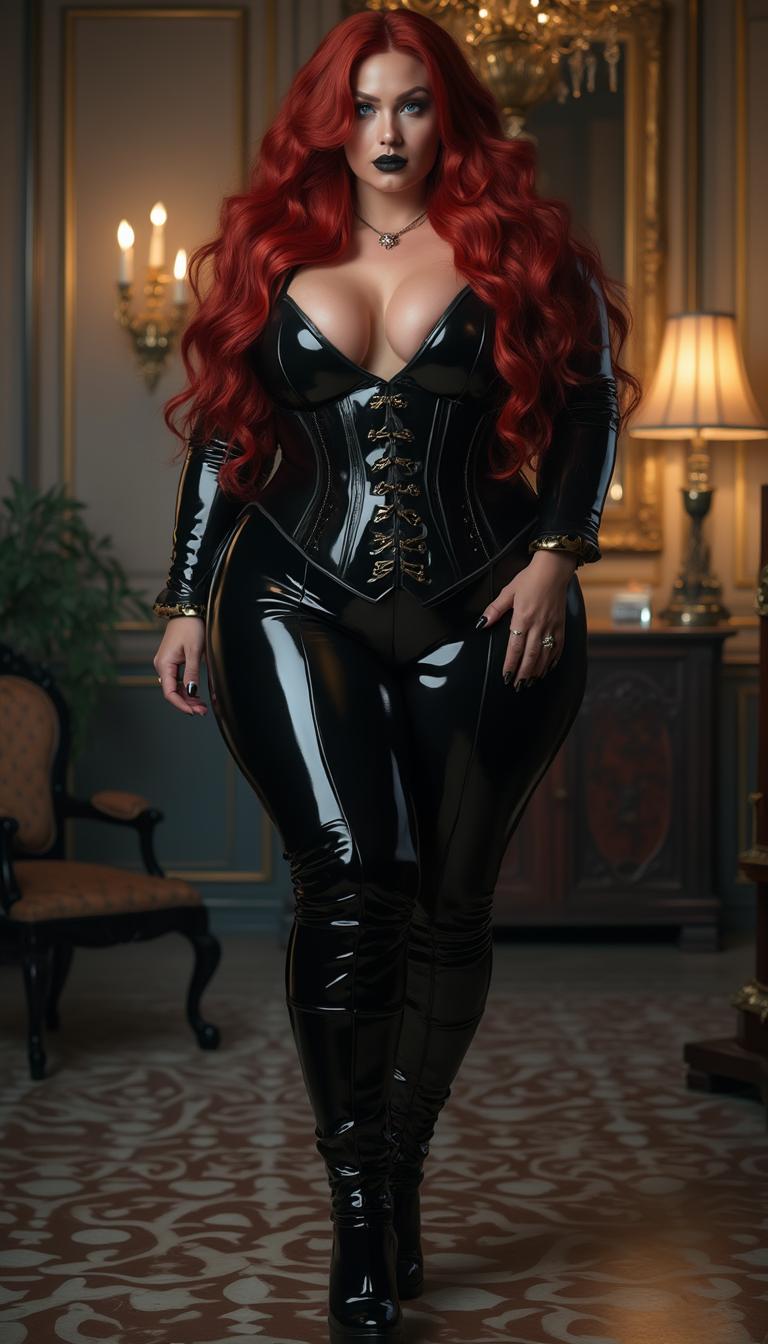
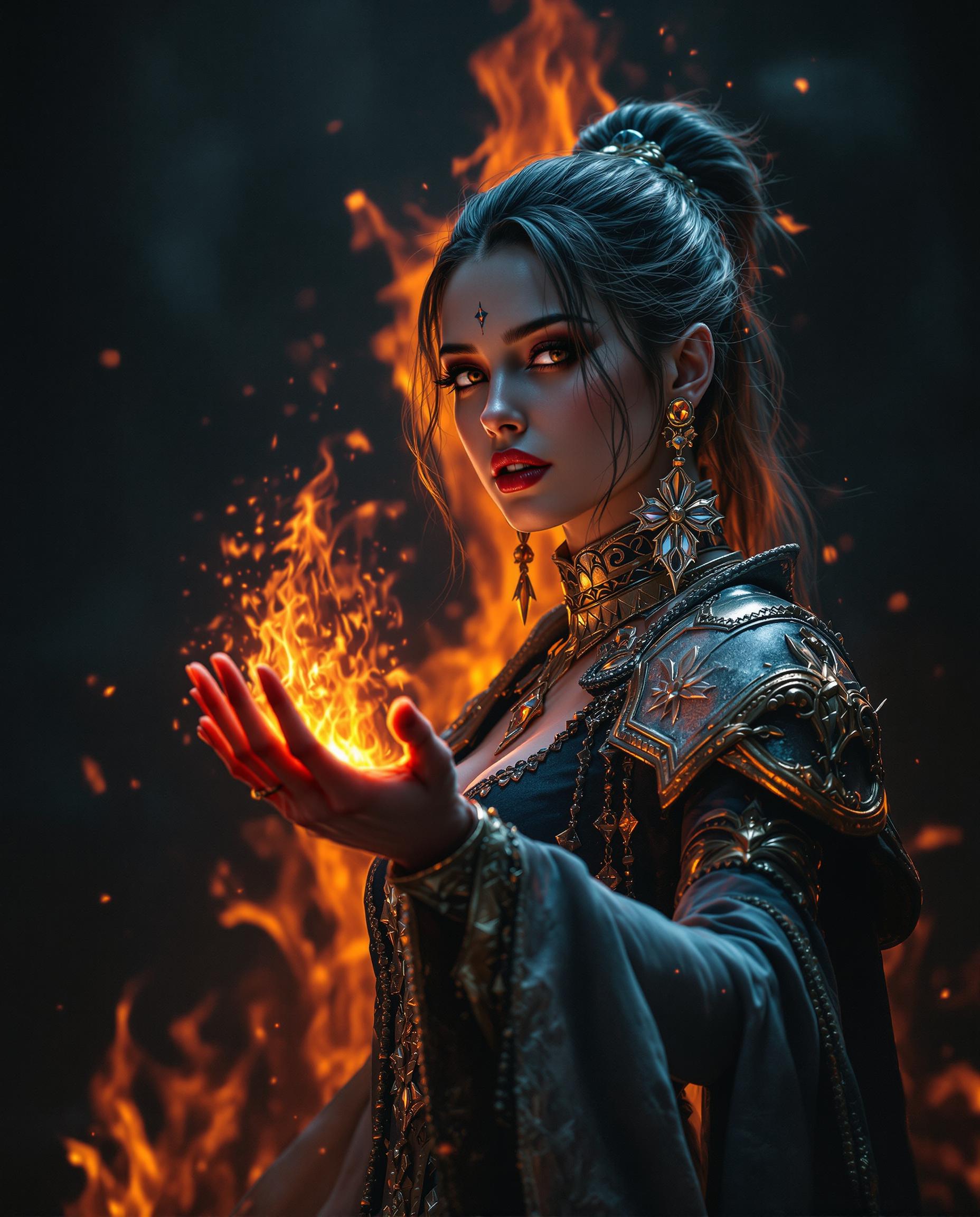
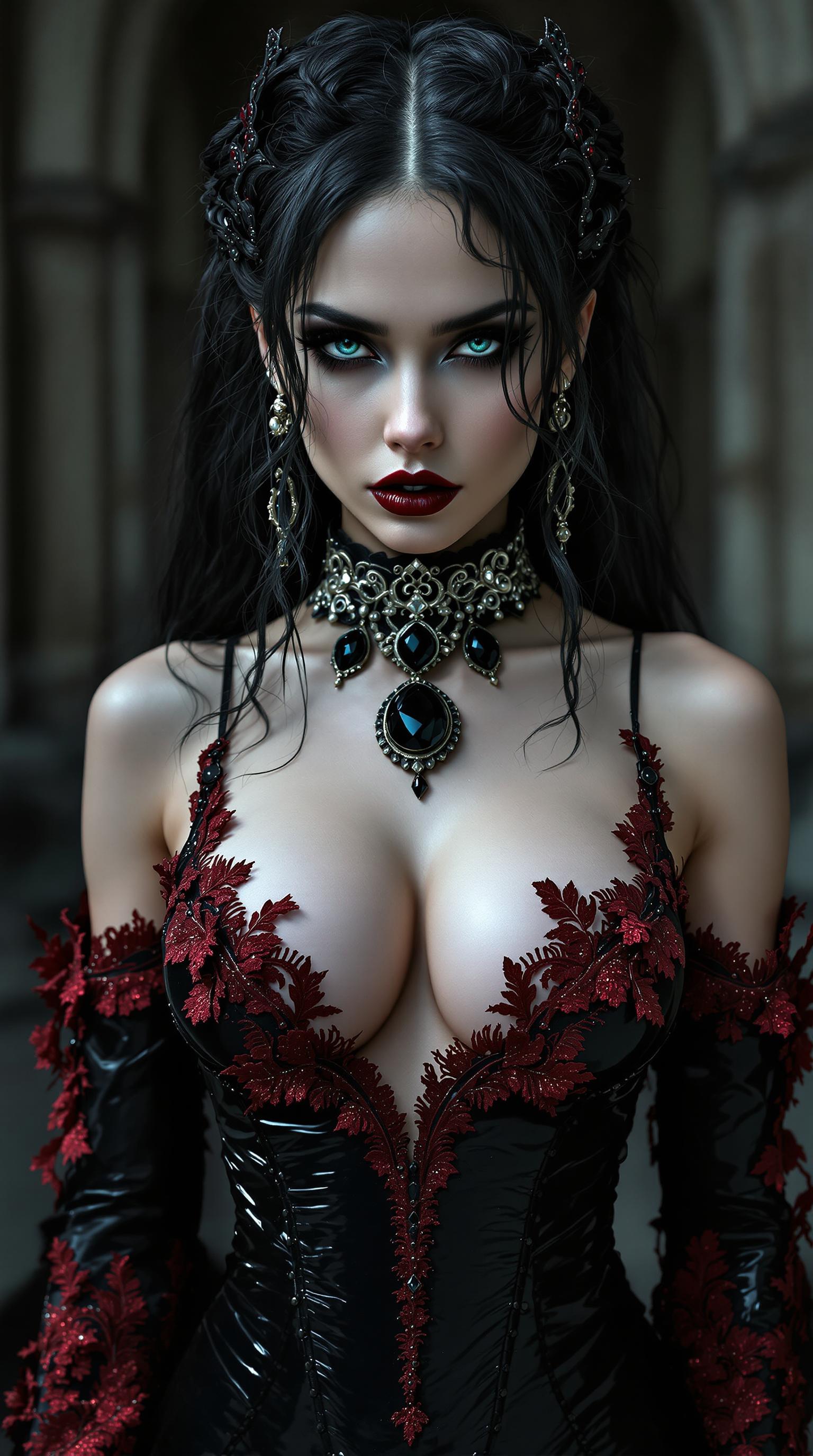
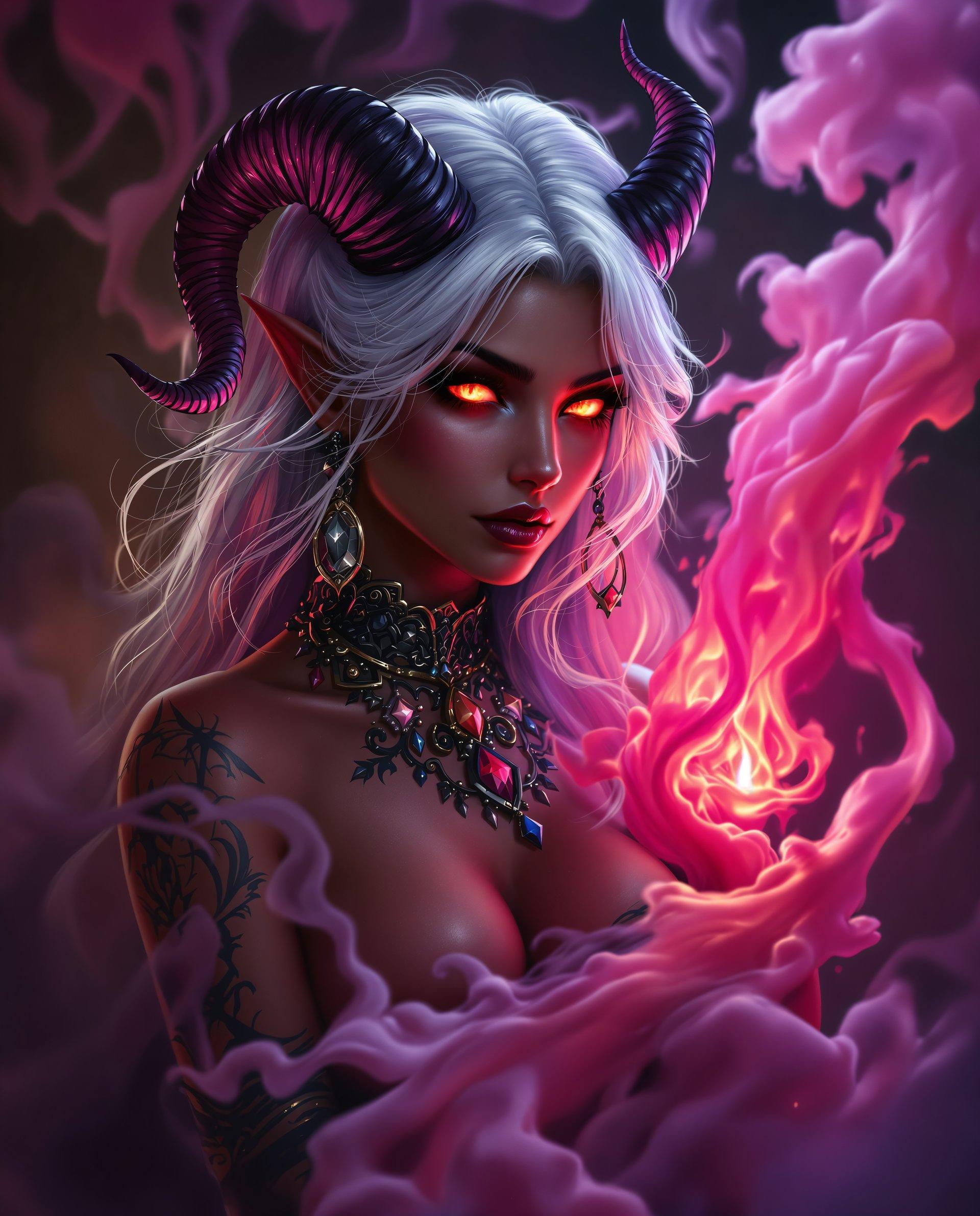
Cinematic Realism at Your Fingertips
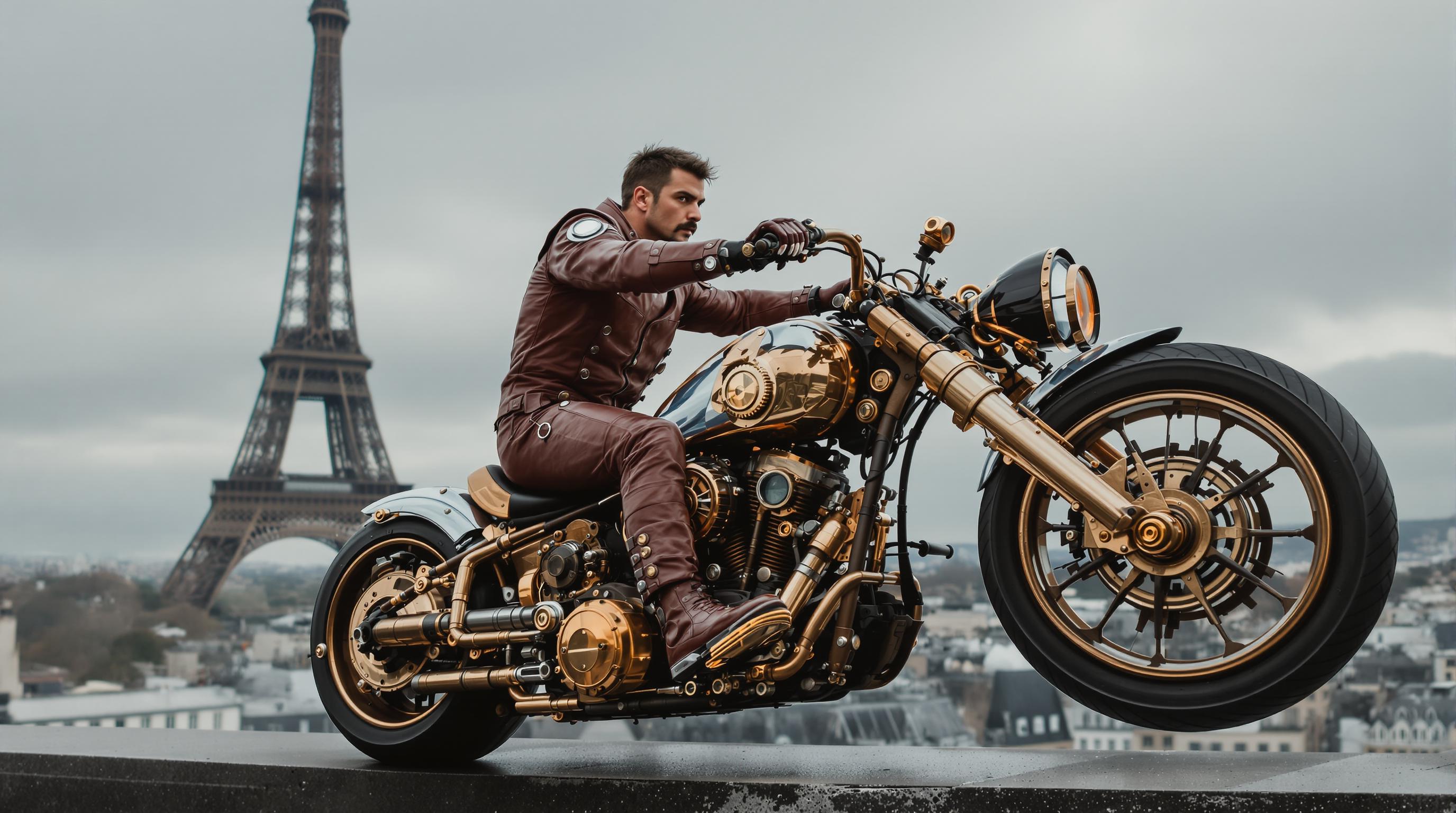
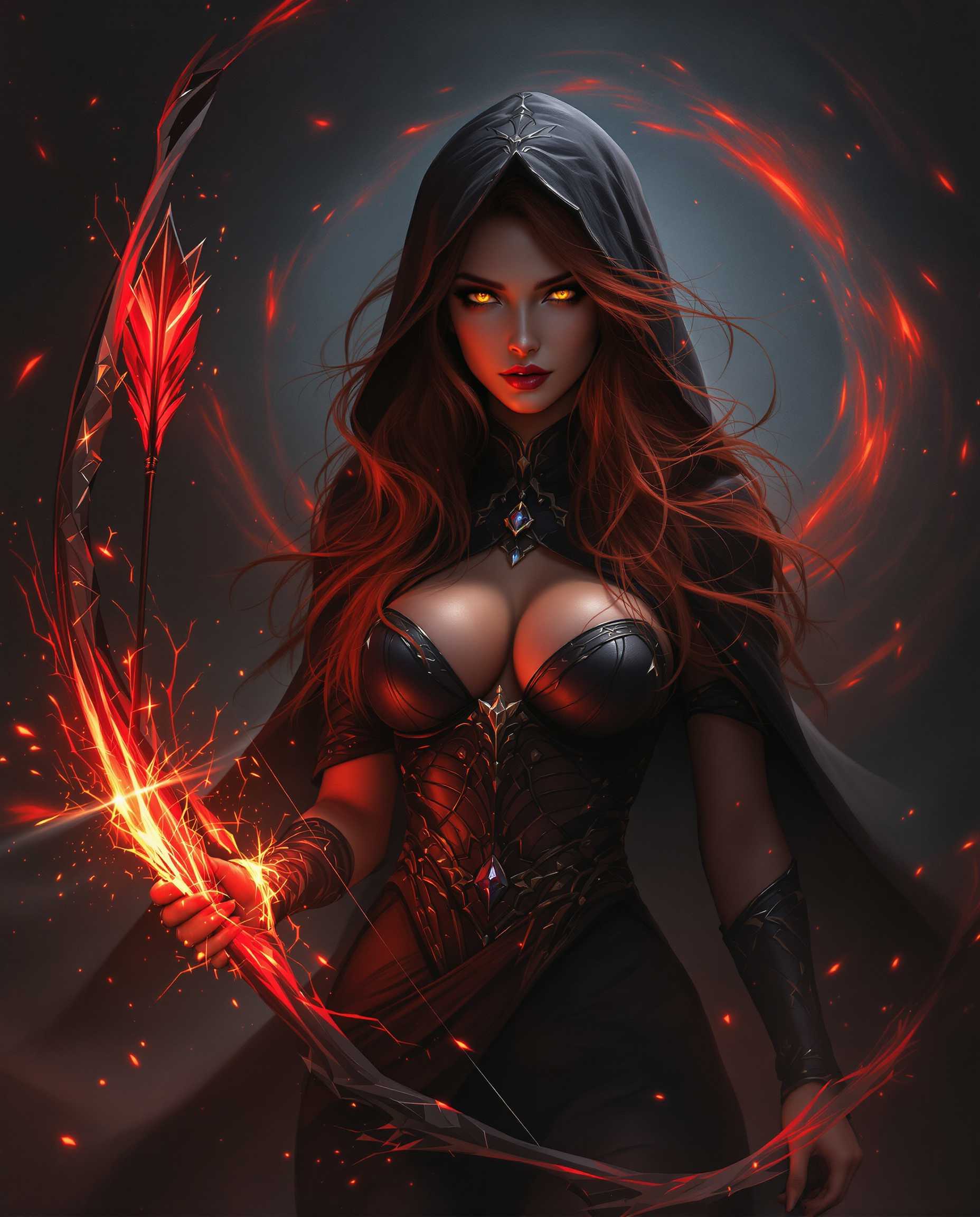
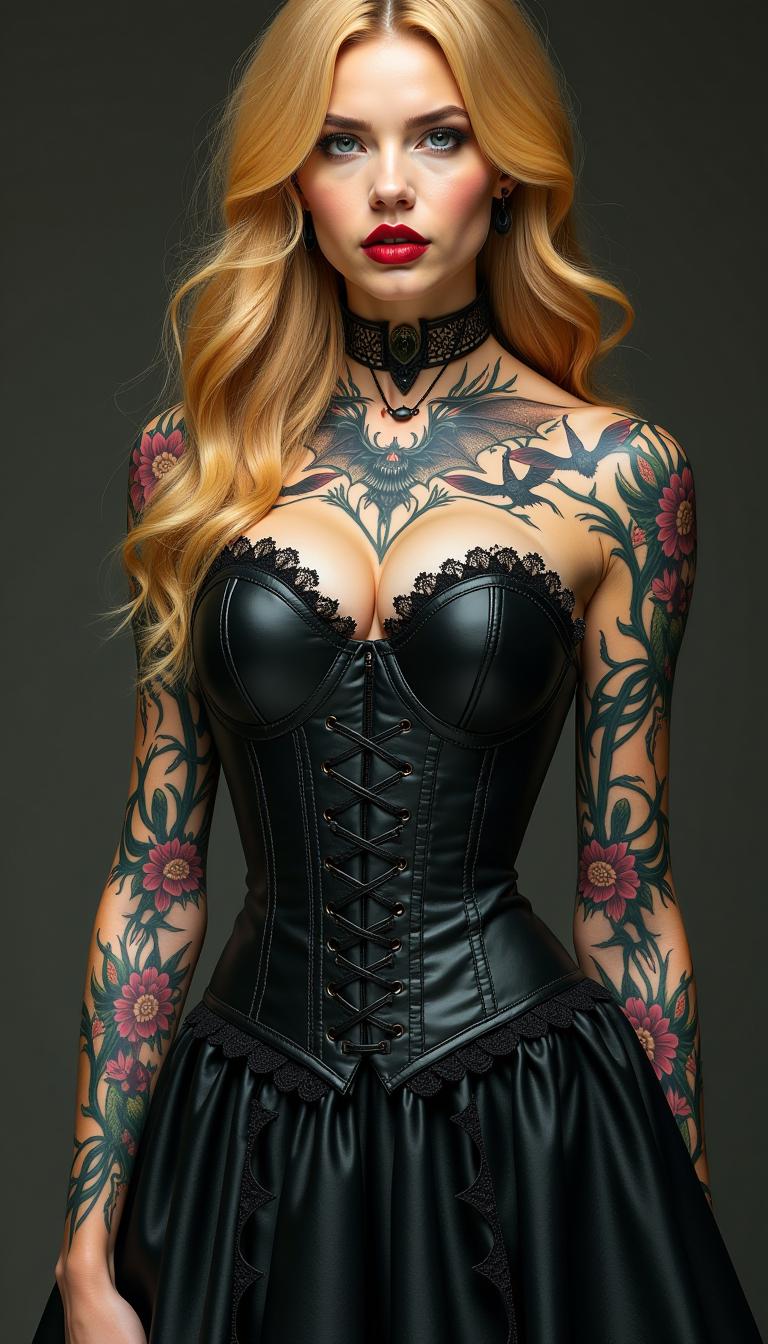
Produce photorealistic AI images with dynamic poses, perfect lighting, and intricate details that Kling 2.6 Pro animates flawlessly—turning stills into smooth, lifelike videos that wow viewers and drive shares.
Lightning-Fast Workflow Wins
Generate high-res images in seconds using PixelDojo's Flux.2 Studio or Imagen 4, then 'just kling it' to video with zero compatibility issues, freeing you to focus on storytelling instead of tech tweaks.
Effortless Viral Content Creation
Design images tailored for Kling 2.6 trends like hyper-motion humans, epic landscapes, and physics-accurate scenes—resulting in scroll-stopping videos that skyrocket your social media growth and conversions.
How It Works
PixelDojo makes 'Just Kling It' dead simple: Generate optimized images with top AI models, refine them, and feed directly into Kling v2.6 Pro for pro videos. No experience required—follow these steps for stunning outcomes every time.
Step 1: Choose Your Image Tool
Navigate to Create Images on PixelDojo.ai and select Flux.2 Studio, Imagen 4, or Hunyuan Image 3—these excel at Kling 2.6-compatible realism with sharp details and natural poses ideal for video animation.
Step 2: Enter Your Kling-Optimized Prompt
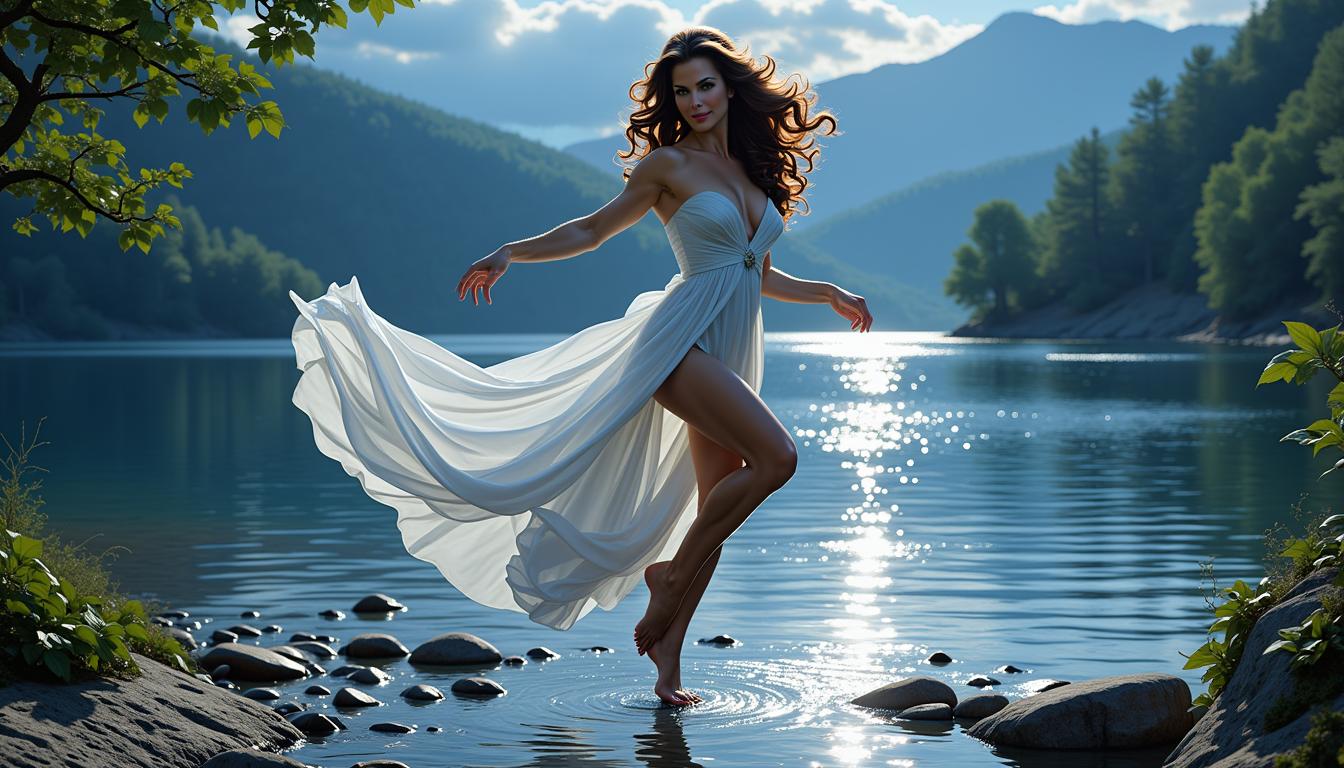
Type a descriptive prompt focusing on static scenes with motion potential, like 'a dancer mid-twirl in flowing dress, golden hour light, ultra-realistic skin textures.' Add Kling trends: specify camera pans or physics elements for perfect video flow.
Step 3: Customize & Kling It to Video
Hit generate, then use Inpainting, Background Remover, or Magic Lighting to perfect it. Download or instantly transfer to Kling v2.6 Pro under Create Videos—watch your image come alive in fluid 2-minute clips with pro physics and sync.



![Turn your image into a cartoon with FLUX.1 Kontext [pro] - cartoonify](https://cdn.pixeldojo.ai/cdn-cgi/image/f=auto,q=75,w=3840/pixeldojo/generated-images/1752258771272-zpnmk426d.png)




The Pixel Dojo Advantage
Why PixelDojo crushes alternatives for Kling 2.6 Just Kling It image generation—delivering optimized results that generic tools can't match.
| Others | Pixel Dojo |
|---|---|
| Traditional stock photo shoots | Instant custom AI images cost nothing extra and adapt perfectly to your Kling video vision, no shoots or reshoots needed. |
| Generic AI tools | Tailored models like Flux.2 Studio ensure 99% Kling 2.6 compatibility, avoiding distorted animations and motion glitches. |
| Manual photo editing | One-click edits with Inpainting and Style Transfer create video-ready images in minutes, not hours of Photoshop drudgery. |
Loved by Creators
See what our community says about Kling 2.6 just kling it
"'Just Kling It on PixelDojo saved my YouTube channel! Flux images animate perfectly in Kling v2.6 Pro—viral hits every time.'"
Sarah Lin
Content Creator & YouTuber
"'From image to cinematic video in under 5 mins. PixelDojo's Kling 2.6 workflow is a game-changer for my marketing ads—conversions up 300%!'"
Mike Torres
Digital Marketer
Common Questions
Everything you need to know about Kling 2.6 just kling it AI generation
What is Kling 2.6 Just Kling It image generation on PixelDojo?
Kling 2.6 Just Kling It refers to the effortless technique of creating AI images optimized for PixelDojo's Kling v2.6 Pro video model. Using tools like Flux.2 Studio or Imagen 4, you generate hyper-realistic stills with dynamic elements (e.g., expressive faces, fluid poses) that Kling animates into 1080p videos with superior physics, lip-sync, and up to 2-minute lengths. Perfect for trends like realistic human motion and cinematic pans—no prompt engineering hassles.
How do I create Kling 2.6 compatible AI images with PixelDojo tools?
Start in Create Images: Pick Flux.1 Studio, Z Image Turbo, or HiDream for photorealism. Use prompts like 'athlete sprinting, sweat details, motion blur hints.' Refine with Image to Image or Inpainting for Kling-ready tweaks. Then switch to Kling v2.6 Pro—PixelDojo's integration ensures seamless image-to-video with trends like natural gait and environmental interactions.
What are the latest Kling 2.6 image generation techniques and trends?
Recent trends emphasize prompts for 'video-first' images: detailed hands/feet for motion accuracy, layered lighting for depth, and static frames implying action (e.g., 'waves crashing on rocks, foam details'). PixelDojo's Imagen 4 and Hunyuan Image 3 shine here, supporting 4K outputs that Kling v2.6 Pro extends to fluid videos. Techniques include LoRA Inpainting for character consistency across image-to-video pipelines.
Can I edit Kling 2.6 Just Kling It images before video generation?
Absolutely—PixelDojo's Edit Images suite like Change Camera Angle, Magic Lighting, and Background Remover lets you perfect images for Kling. Fix poses for better animation or add styles via Style Transfer. Thousands of creators use this to achieve 100% motion fidelity in Kling v2.6 Pro outputs.
Why choose PixelDojo for Kling 2.6 ai image to video workflow?
With 40+ tools including Kling v2.6 Pro, LTX-2 Video, and Flux trainers, PixelDojo offers unmatched integration. Get Kling-optimized images via PonyXL or Dreamina 3.1, train custom models with FLUX Model Trainer, and track usage in your Account dashboard. Cancel anytime, loved by thousands for reliable, high-conversion results.
What results can I expect from Just Kling It images in Kling 2.6 Pro?
Expect pro-level videos: lifelike movements, accurate physics (e.g., cloth simulation, water dynamics), and trend-matching scenes like urban chases or emotional portraits. PixelDojo users report 5x faster production and 2x engagement vs. manual methods, with tools like Video Upscaler enhancing final Kling outputs.