Kling 2.6 look consistency AI Generator
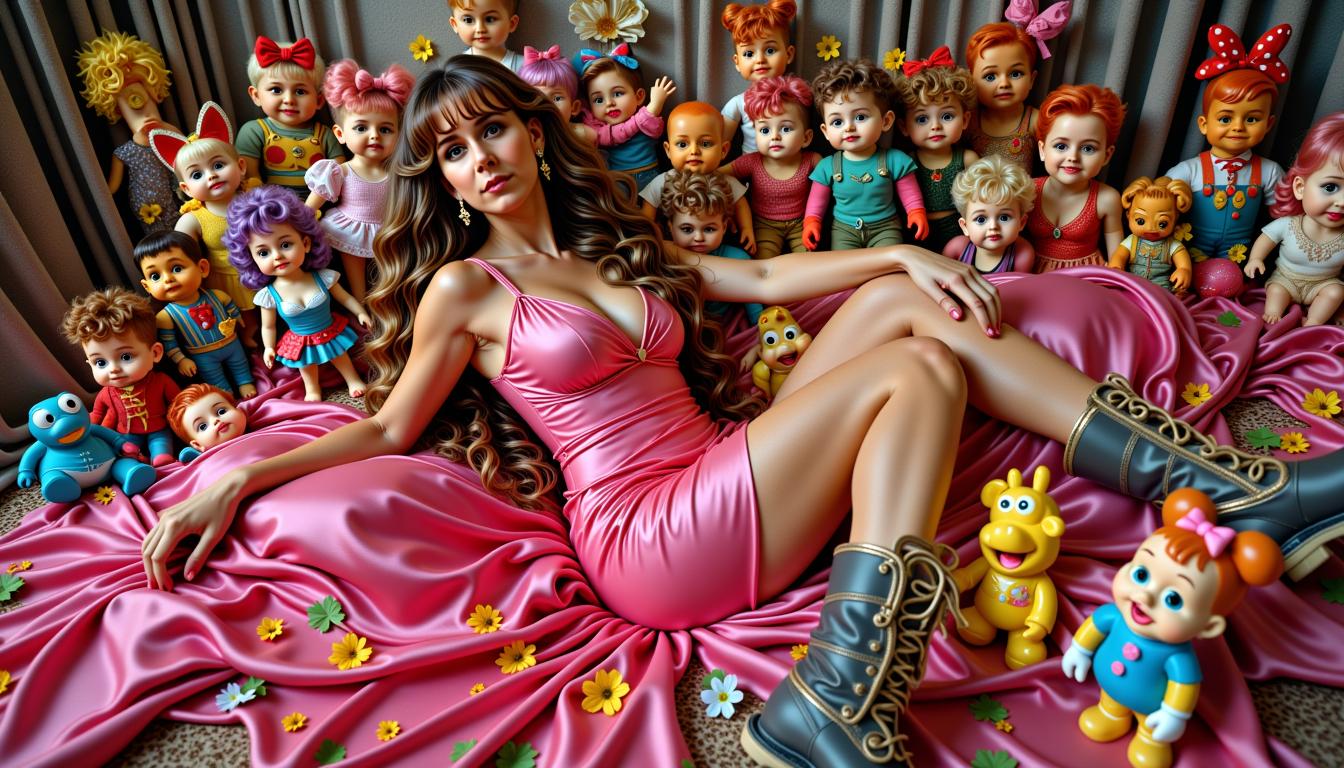
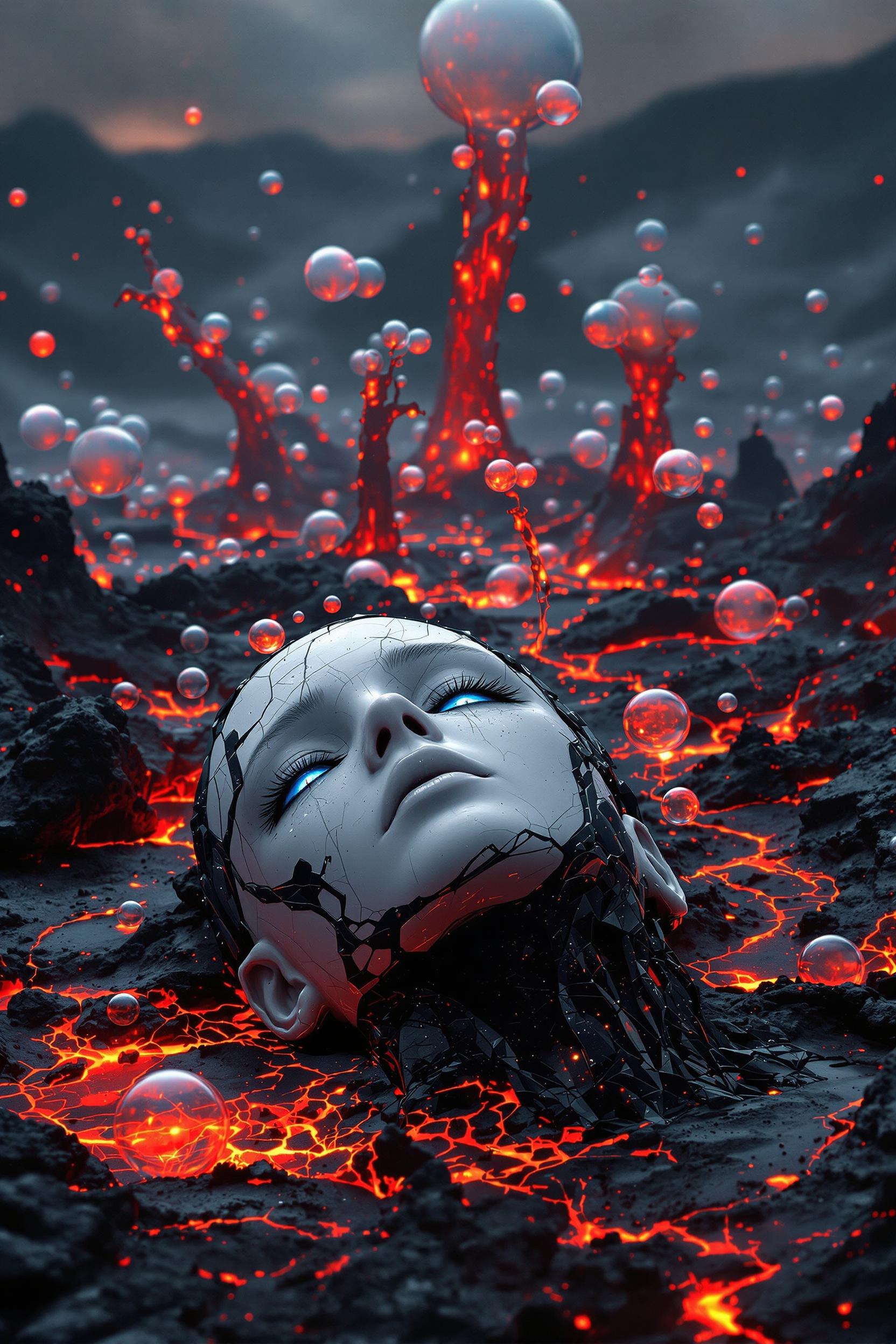
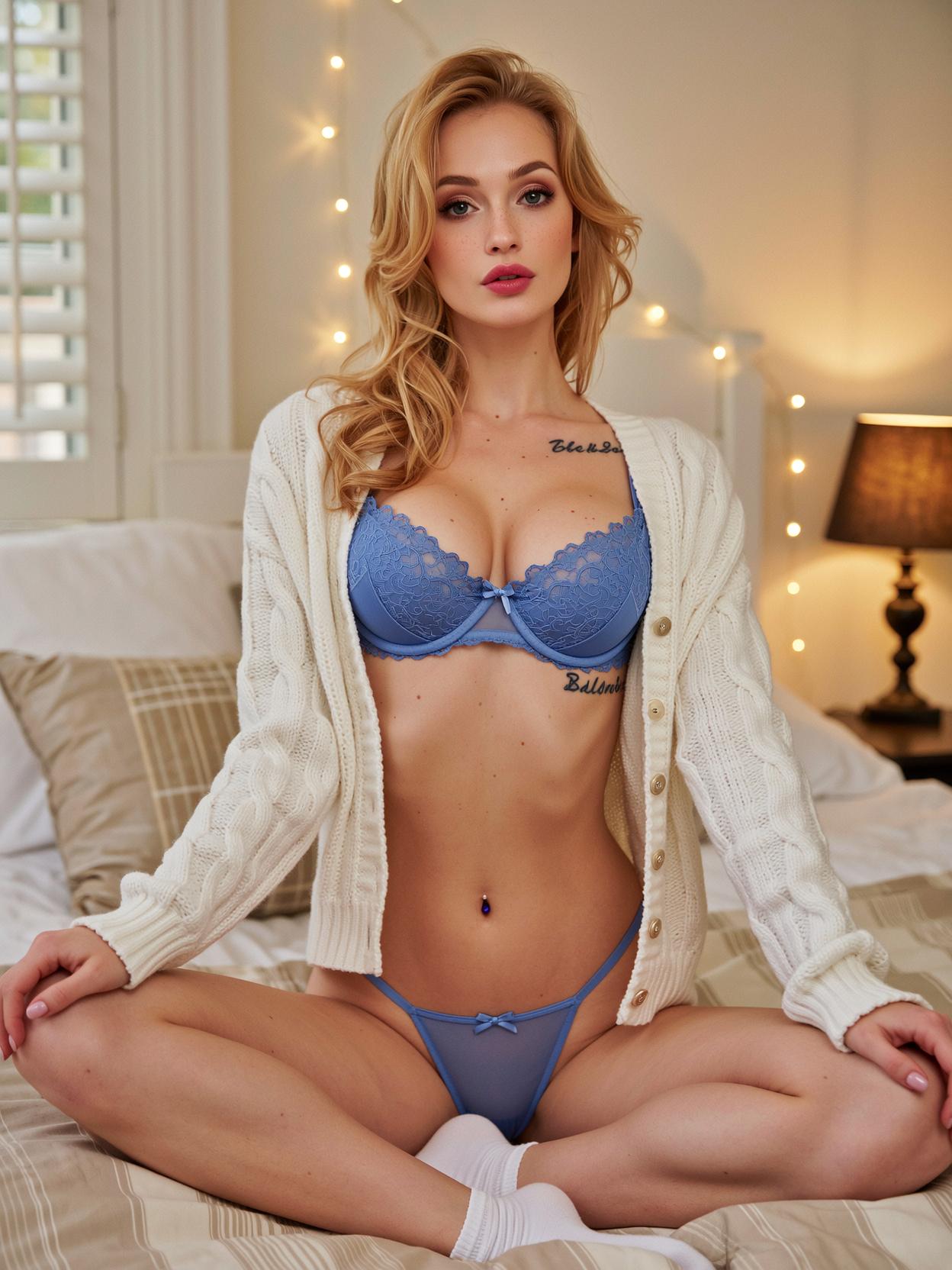
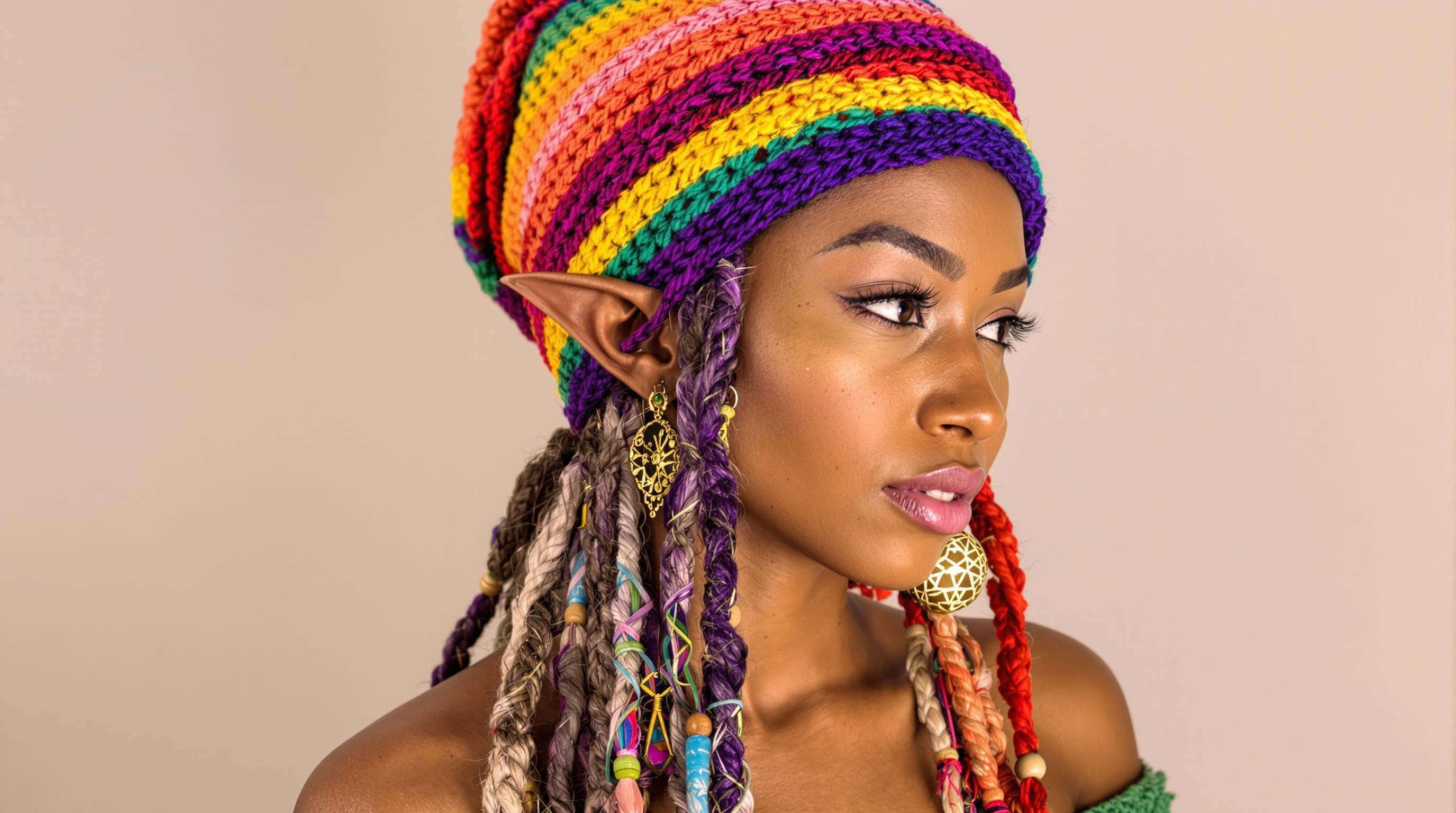
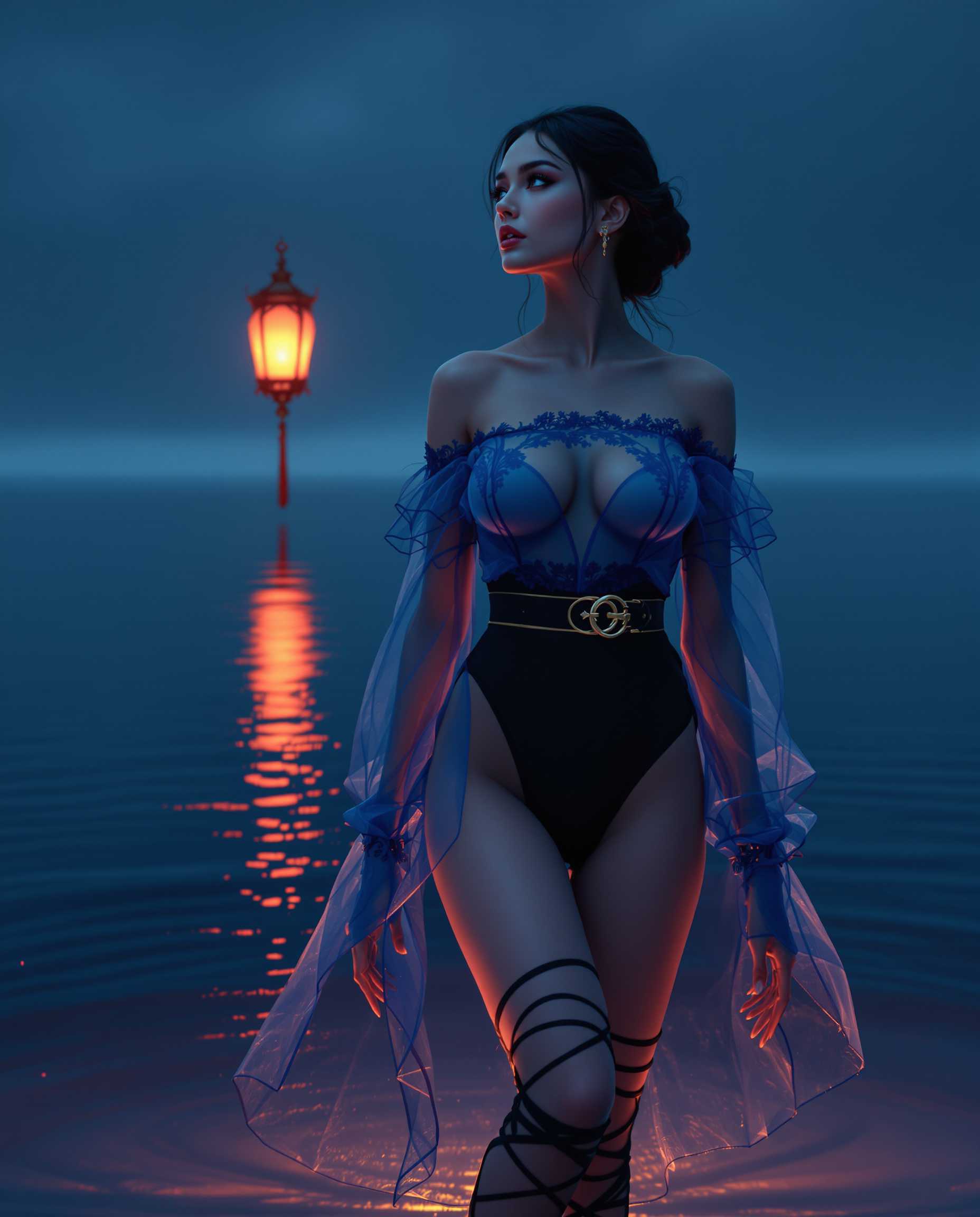
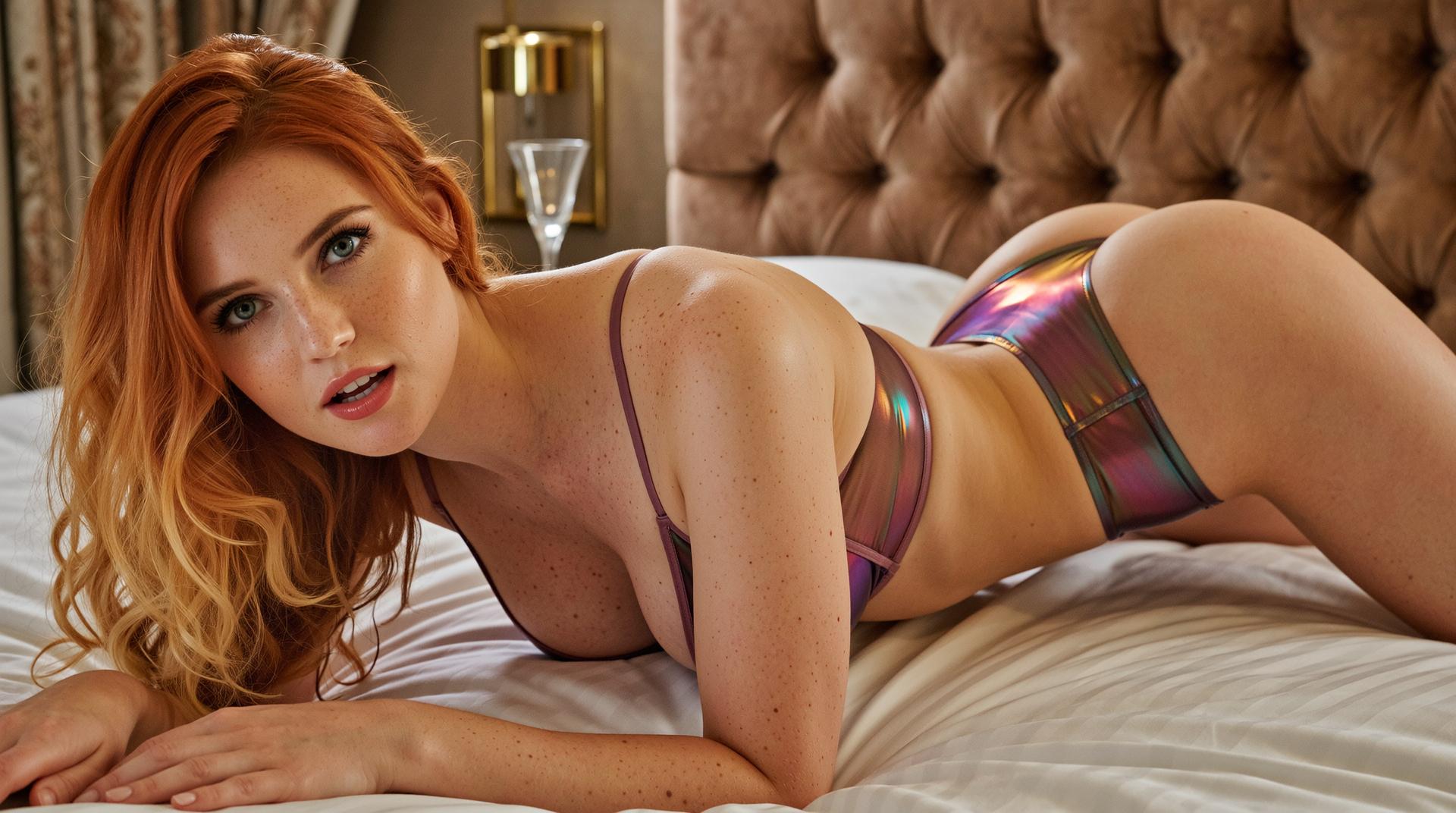
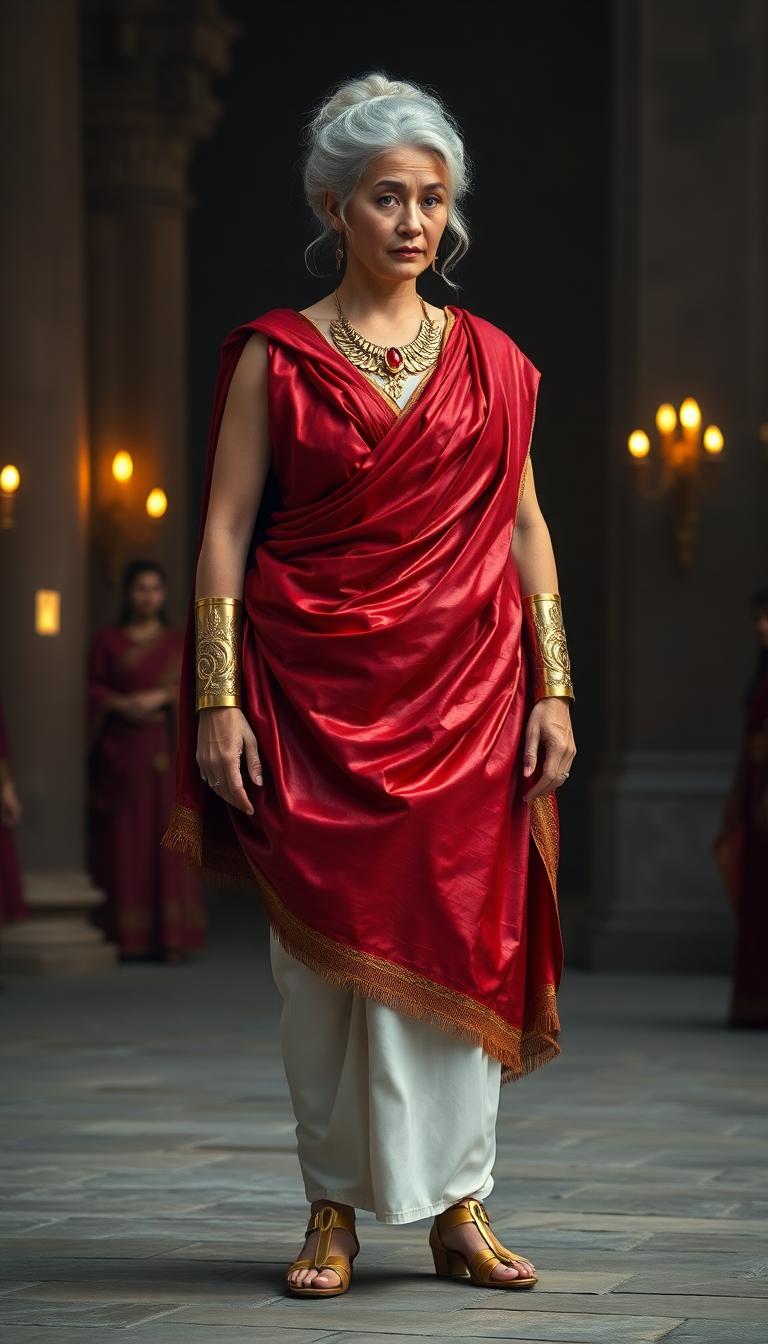
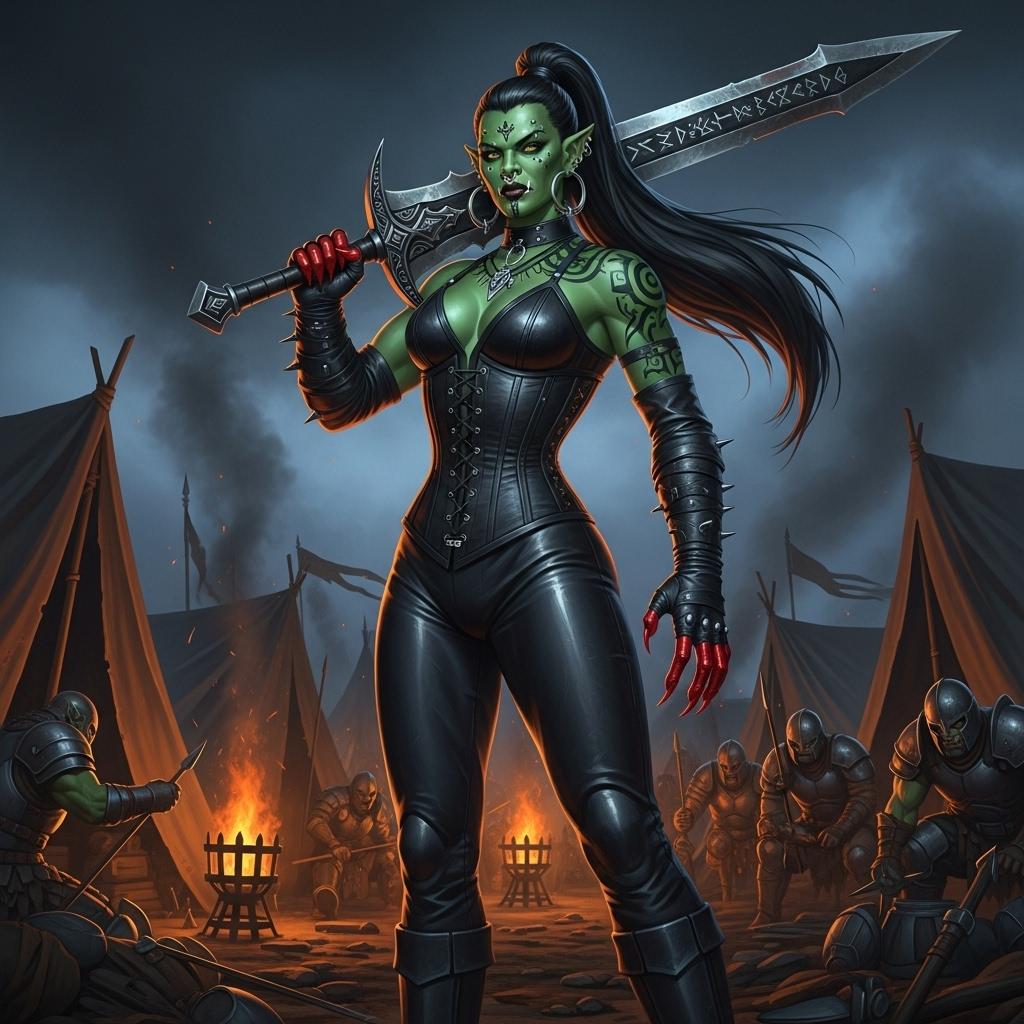
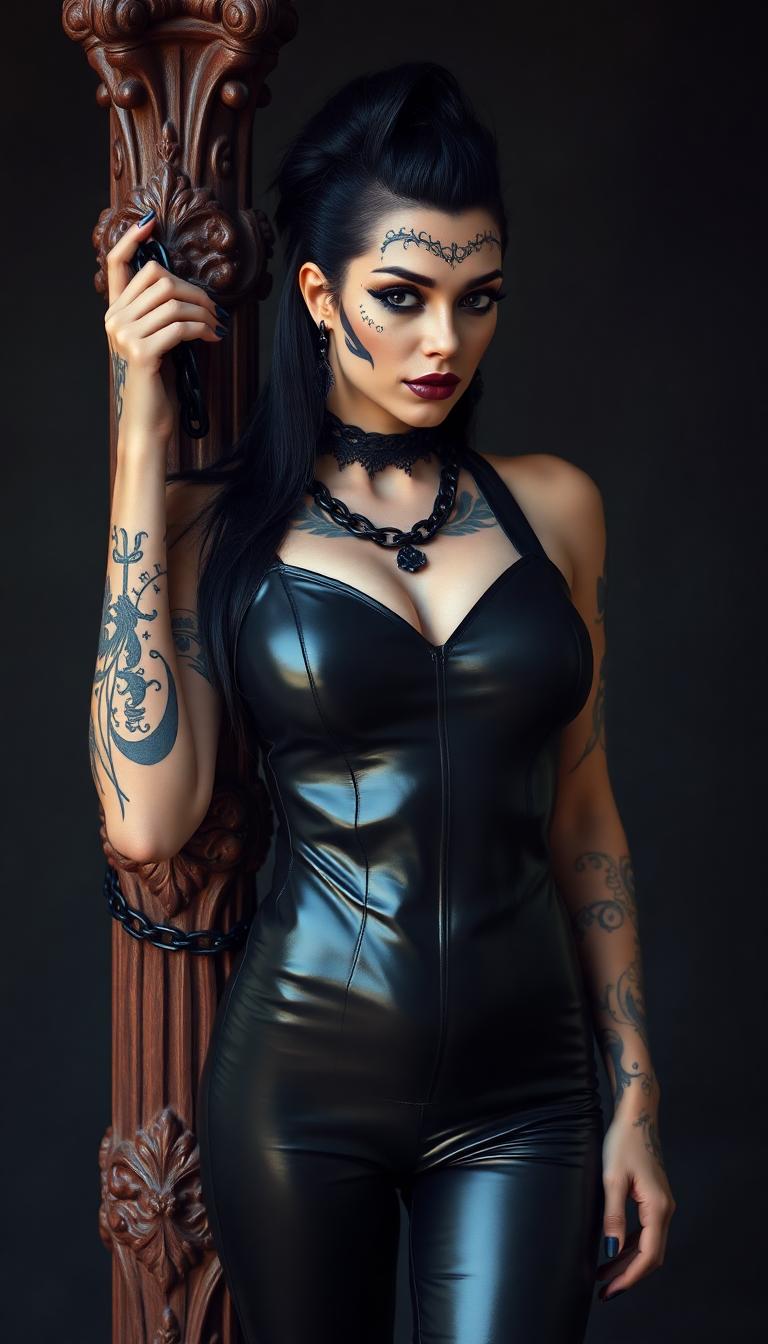
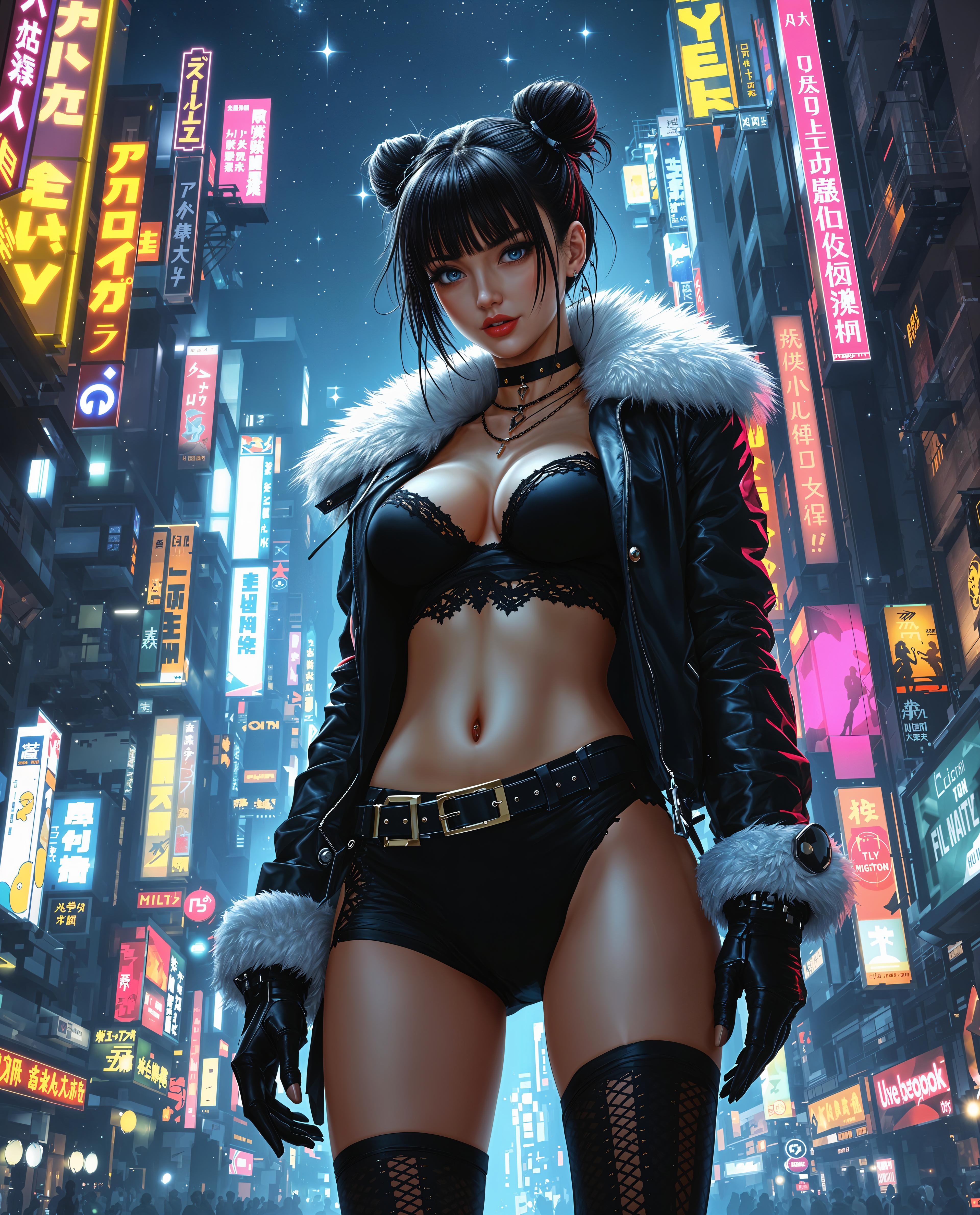
In the realm of AI-generated content, maintaining visual consistency across images and videos is paramount for brand identity and storytelling. With PixelDojo's Kling 2.6, you can achieve seamless look consistency, ensuring that your AI-generated visuals align perfectly with your creative vision.
Join thousands of creators who trust PixelDojo for their AI-generated content needs. With a 4.8-star rating and over 10,000 satisfied users, our tools are designed to deliver exceptional results.
Why Choose Pixel Dojo for Kling 2.6 look consistency
Professional-quality results with cutting-edge AI technology
Seamless Visual Consistency
Ensure that your AI-generated images and videos maintain a uniform look and feel, enhancing brand identity and storytelling.
Efficient Workflow
Streamline your content creation process by utilizing Kling 2.6's advanced tools, reducing the need for manual adjustments.
High-Quality Outputs
Generate professional-grade visuals that meet industry standards, elevating the quality of your content.
How It Works
Creating consistent AI-generated visuals with Kling 2.6 is a straightforward process. Follow these steps to achieve optimal results:
Step 1: Select Your Reference Images
Choose high-quality images that represent the desired look and feel for your project. These will serve as the foundation for maintaining visual consistency.
Step 2: Utilize Kling O1 for Multimodal Input
Input your selected reference images into Kling O1, the multimodal engine that allows for comprehensive control over style, characters, and scene layout.
Step 3: Generate and Refine Your Content
Use Kling 2.6's Image Generation and Video Generation tools to create your visuals. Review the outputs and make necessary adjustments to ensure consistency.





The Pixel Dojo Advantage
Why PixelDojo outperforms other options for consistent AI-generated visuals
| Others | Pixel Dojo |
|---|---|
| Traditional Content Creation | Eliminates the need for manual adjustments, saving time and resources. |
| Generic AI Tools | Offers specialized features like Kling O1 for enhanced control over visual consistency. |
| Manual Photo Editing | Automates the process, reducing the potential for human error and ensuring uniformity. |
Loved by Creators
See what our community says about Kling 2.6 look consistency
"PixelDojo's Kling 2.6 has revolutionized our content creation process. The visual consistency it offers is unparalleled."
Alex Rivera
Film Director
"Maintaining a cohesive brand identity across our visuals has never been easier, thanks to PixelDojo's advanced tools."
Maria Chen
Video Editor
Common Questions
Everything you need to know about Kling 2.6 look consistency AI generation
How does Kling 2.6 ensure visual consistency in AI-generated content?
Kling 2.6 utilizes advanced tools like Kling O1, which allows for comprehensive control over style, characters, and scene layout, ensuring uniformity across all generated visuals.
Can I use my own reference images with Kling 2.6?
Yes, you can upload your own high-quality reference images into Kling O1 to guide the AI in maintaining your desired visual style.
Is Kling 2.6 suitable for both images and videos?
Absolutely. Kling 2.6 offers both Image Generation and Video Generation tools, enabling you to create consistent visuals across different media formats.
Do I need prior experience to use Kling 2.6 effectively?
No, Kling 2.6 is designed with an intuitive interface, making it accessible for both beginners and experienced creators.
How does PixelDojo's Kling 2.6 compare to other AI content creation tools?
PixelDojo's Kling 2.6 stands out due to its specialized features like Kling O1, which offers enhanced control over visual consistency, setting it apart from generic AI tools.
Is there a trial period available for Kling 2.6?
Yes, PixelDojo offers a trial period, allowing you to explore Kling 2.6's features and determine if it meets your content creation needs.