Kling 2.6 multi-reference inputs AI Generator
Imagine transforming your creative concepts into professional-grade videos without the need for extensive resources or technical expertise. With Kling 2.6's multi-reference input feature, you can seamlessly blend multiple images and text prompts to produce high-quality AI-generated videos. This innovative tool empowers you to maintain character consistency, synchronize audio perfectly, and bring your visions to life with unprecedented ease.
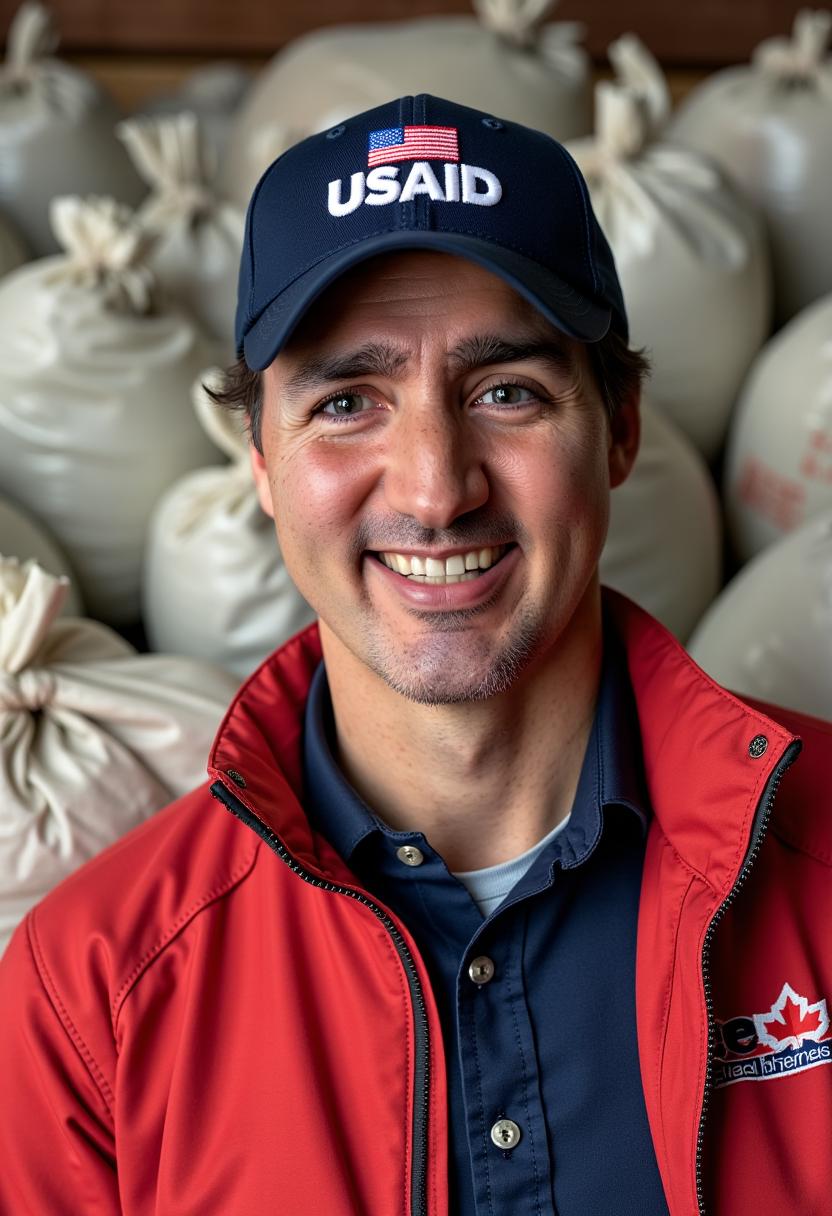
Join over 22 million users who have redefined AI storytelling with Kling 2.6's advanced multi-modal capabilities.
Why Choose Pixel Dojo for Kling 2.6 multi-reference inputs
Professional-quality results with cutting-edge AI technology
Achieve Unmatched Character Consistency
Maintain visual coherence across scenes by utilizing multiple reference images, ensuring your characters appear consistently throughout your video.
Generate Synchronized Audio Effortlessly
Produce videos with native audio support, including dialogue and sound effects, perfectly aligned with the visual elements.
Streamline Your Creative Workflow
Combine text prompts and reference images to create dynamic videos, reducing the need for manual editing and accelerating content production.
How It Works
Creating AI-generated videos with Kling 2.6's multi-reference inputs is a straightforward process that combines your creative inputs into a cohesive output.
Step 1: Upload Your Reference Images
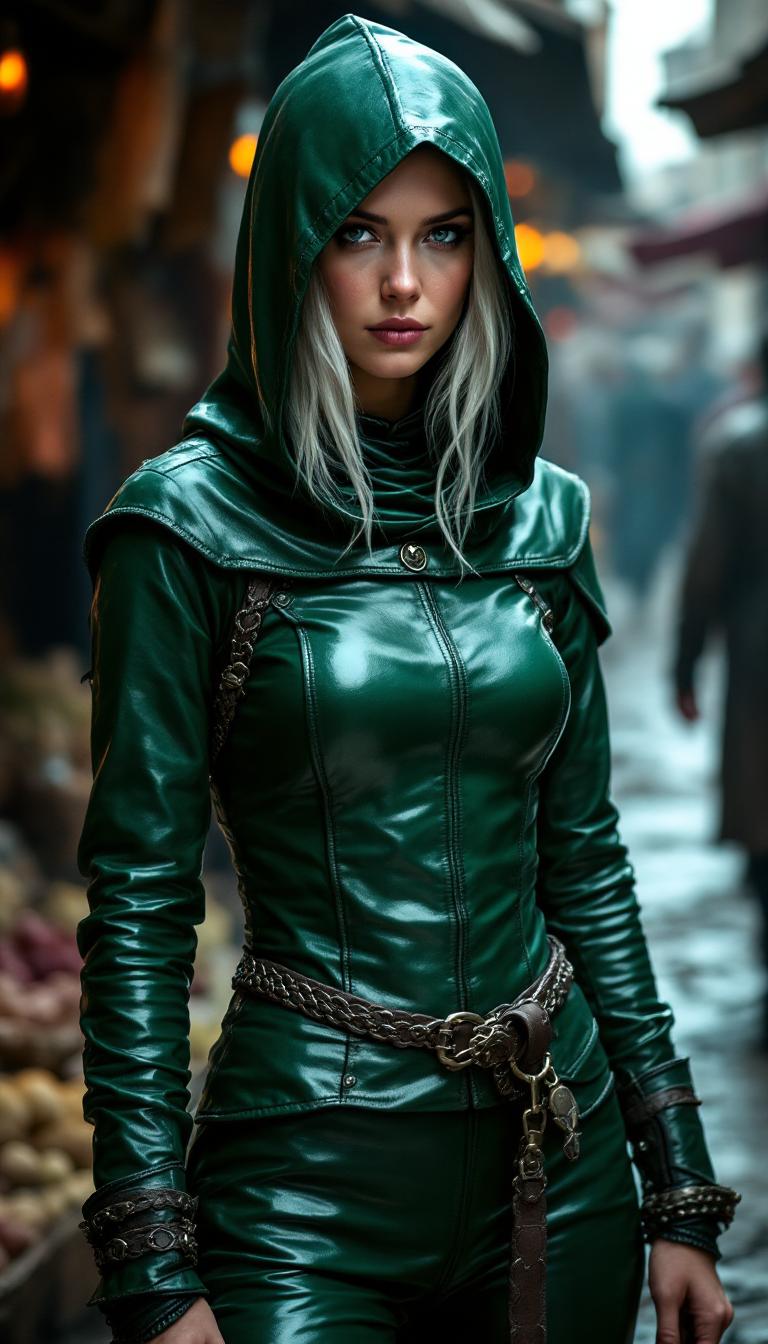
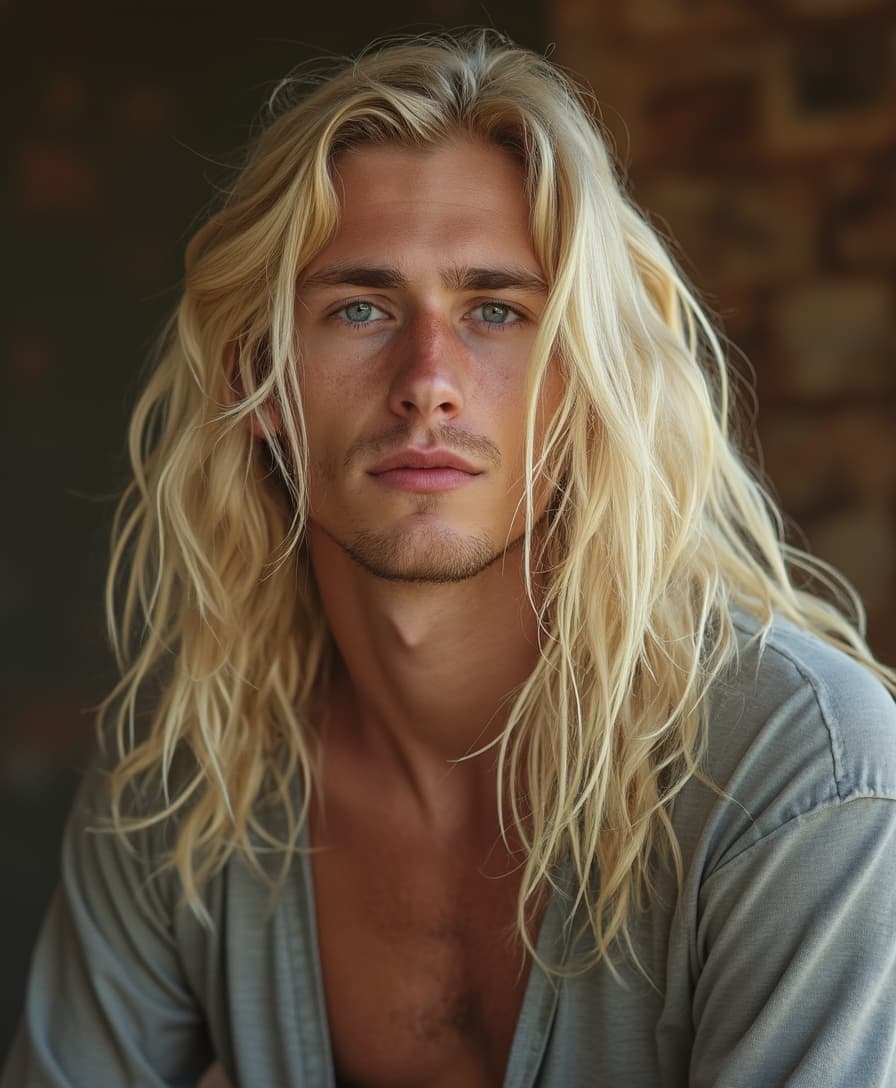
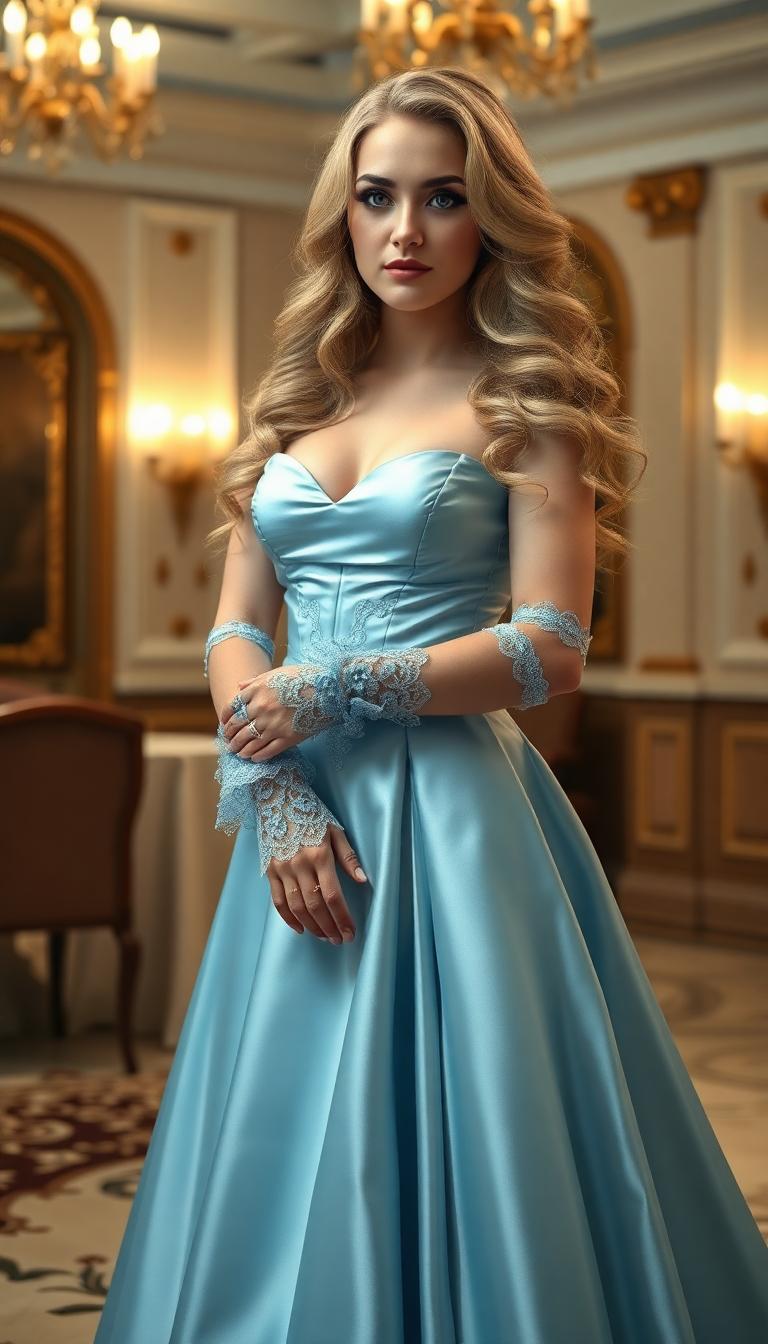
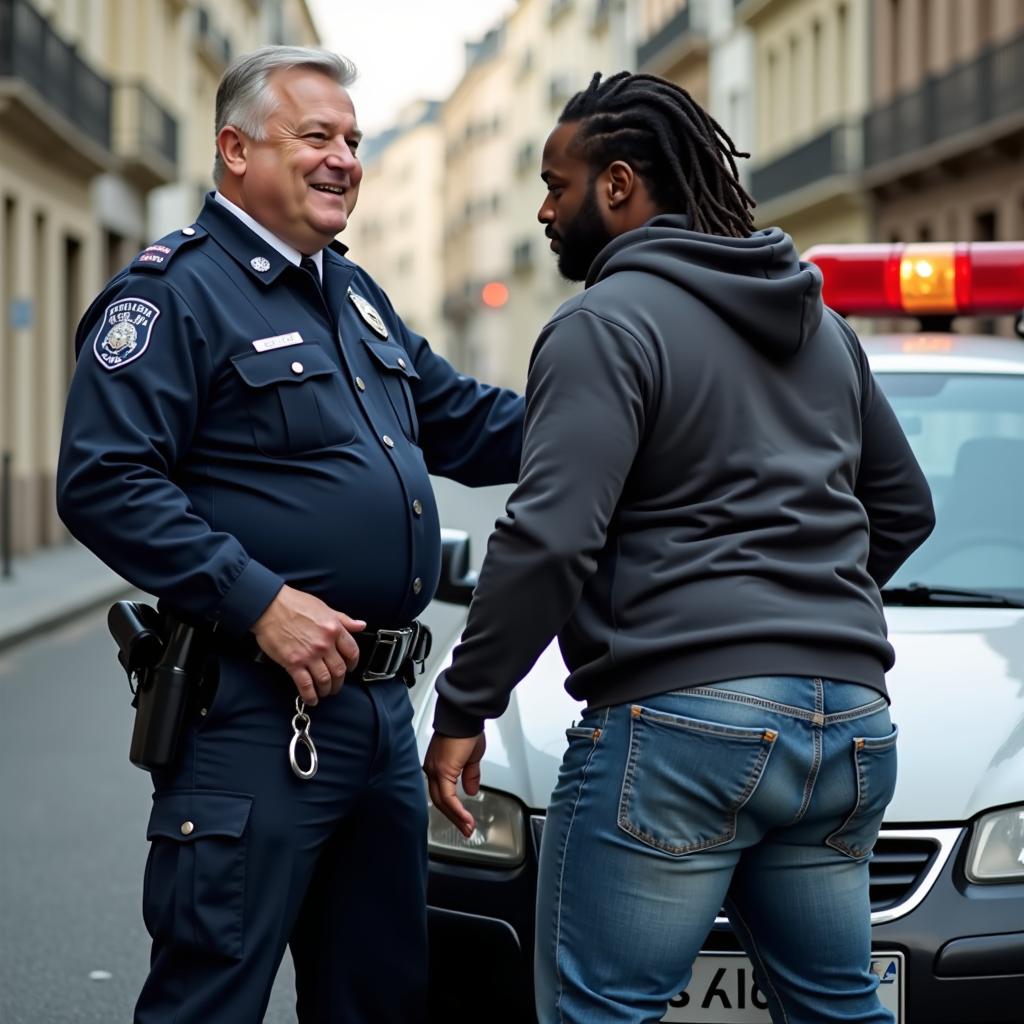
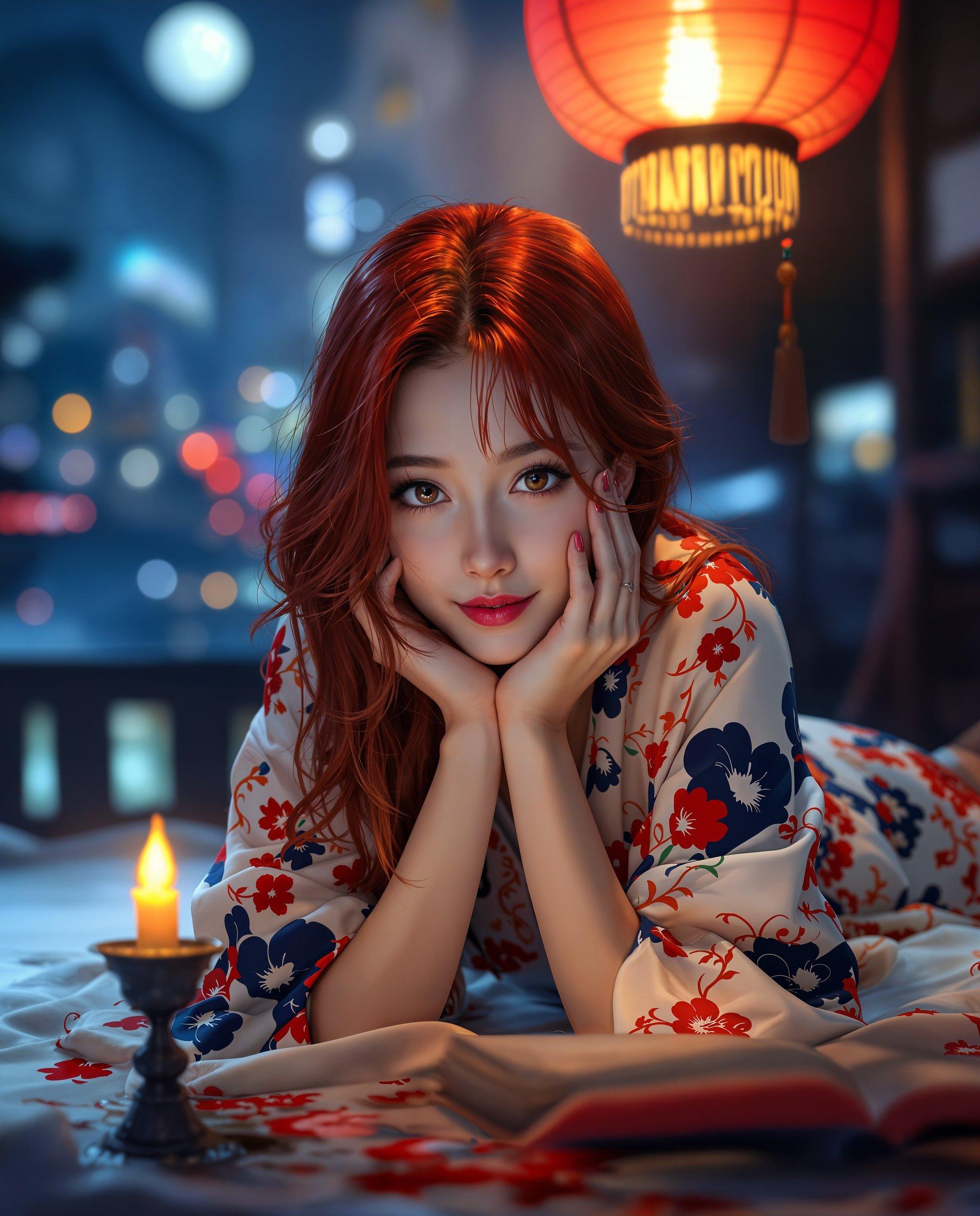
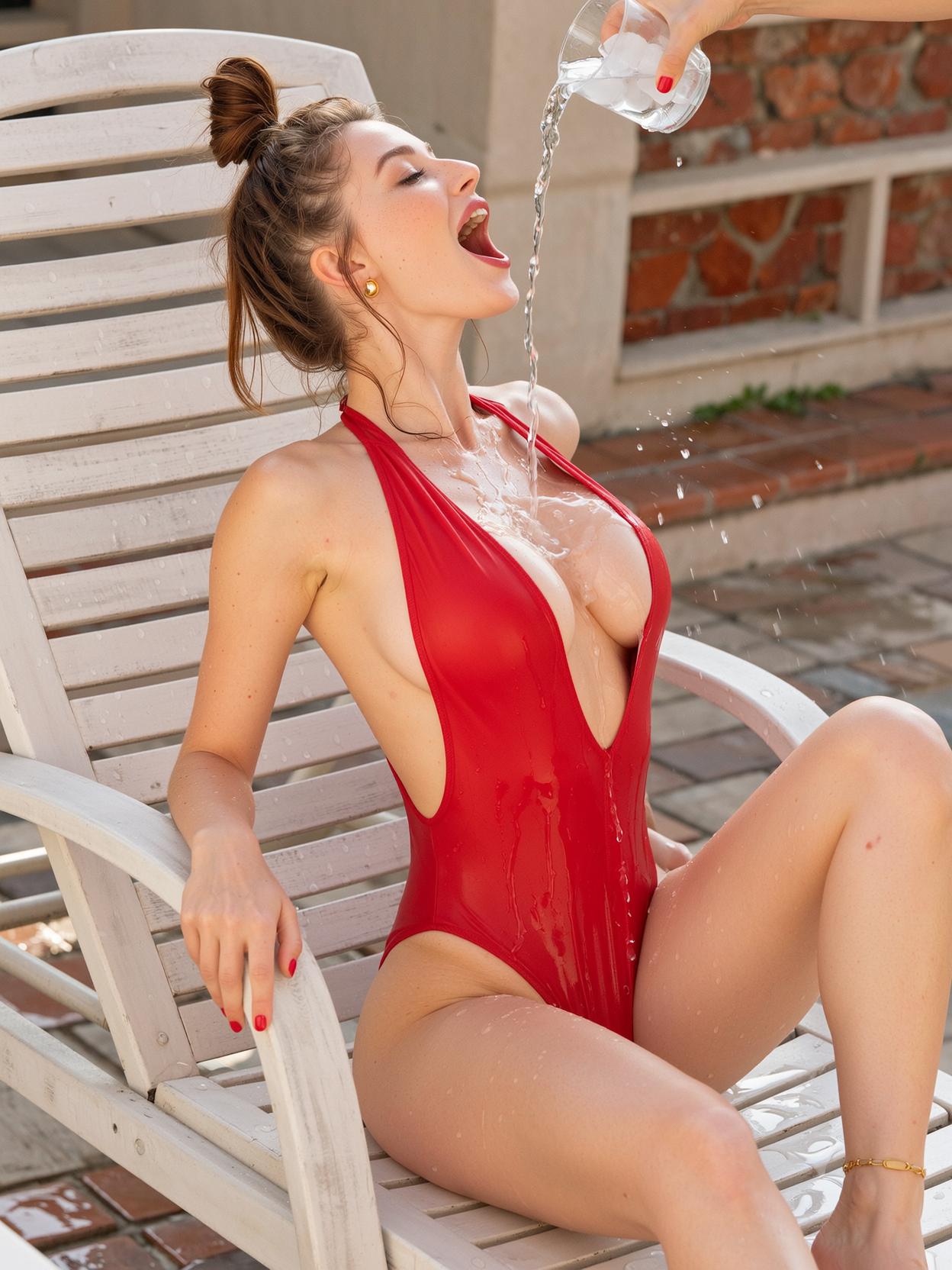
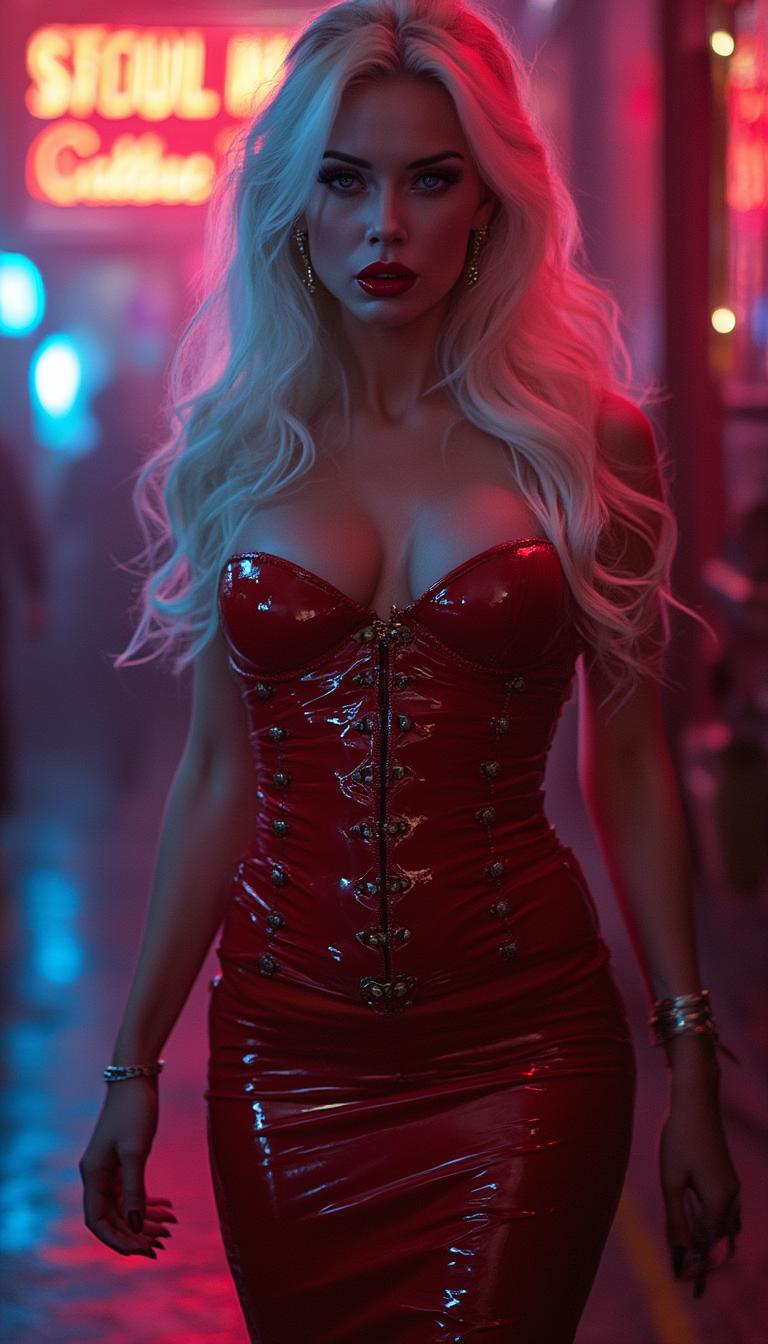
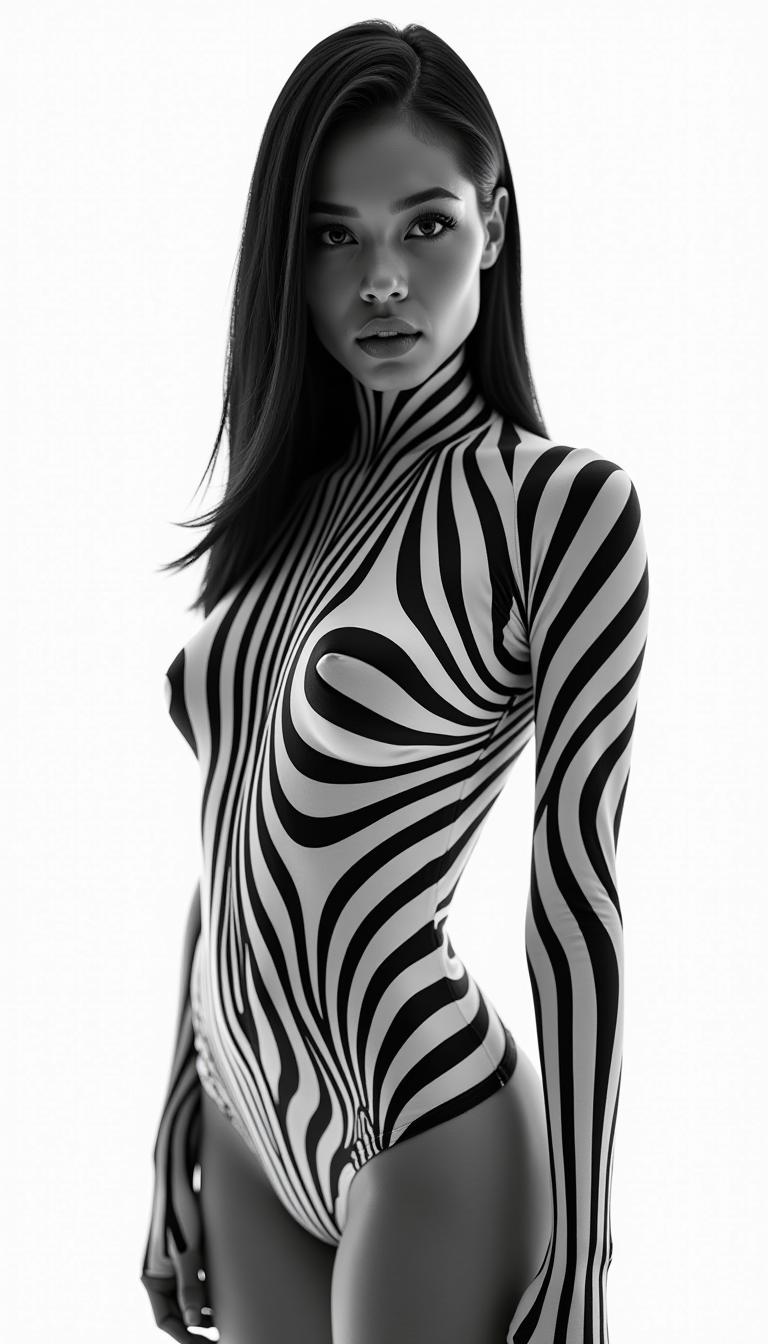
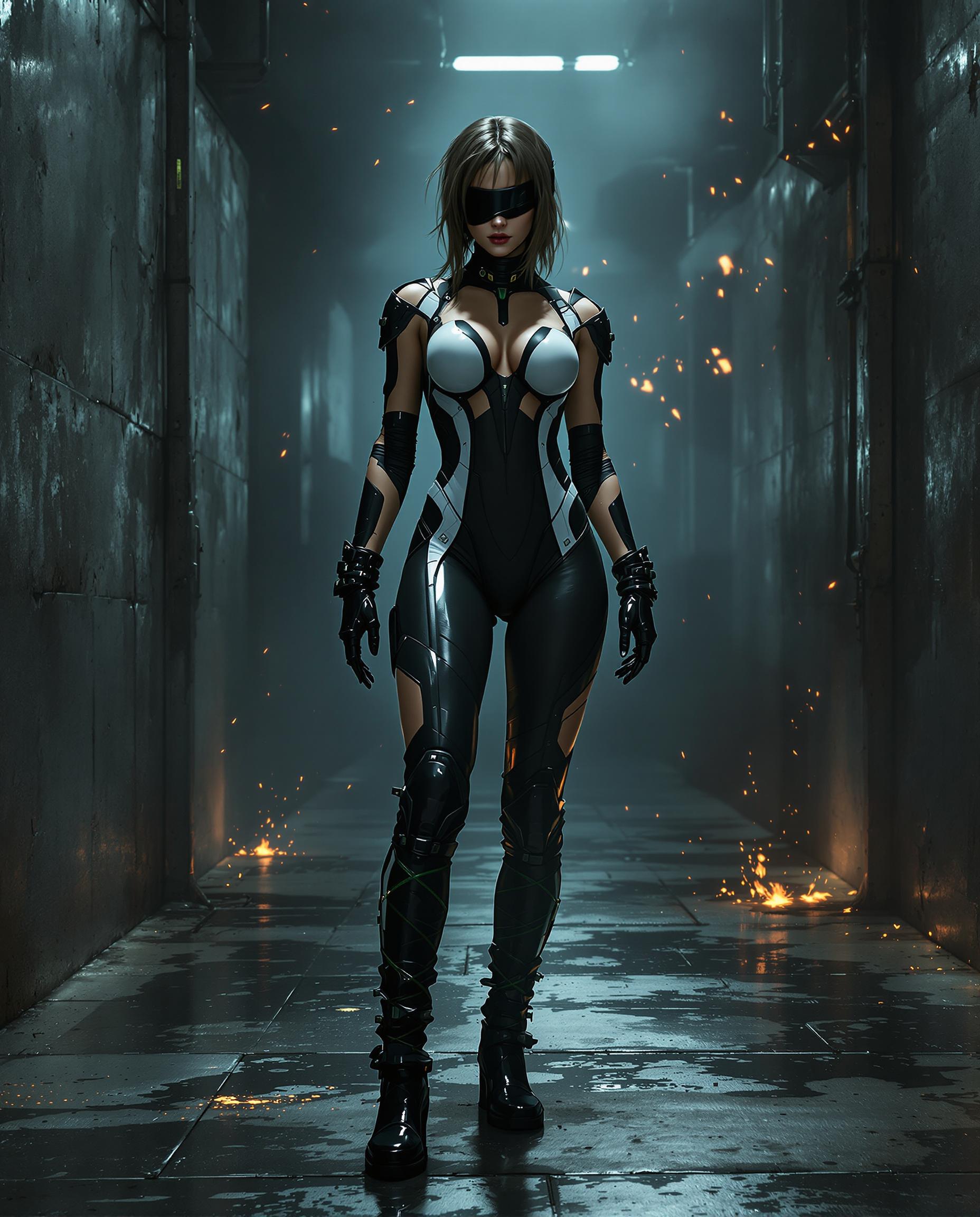
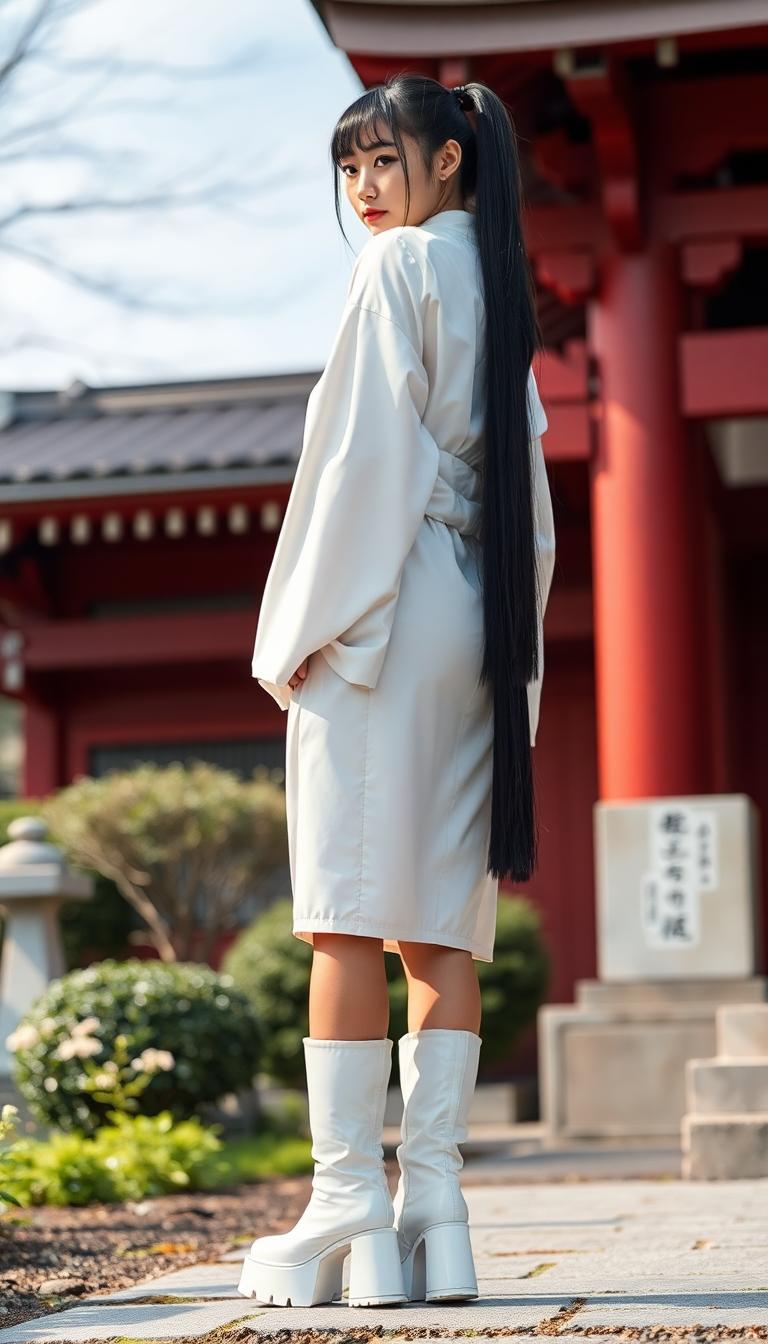
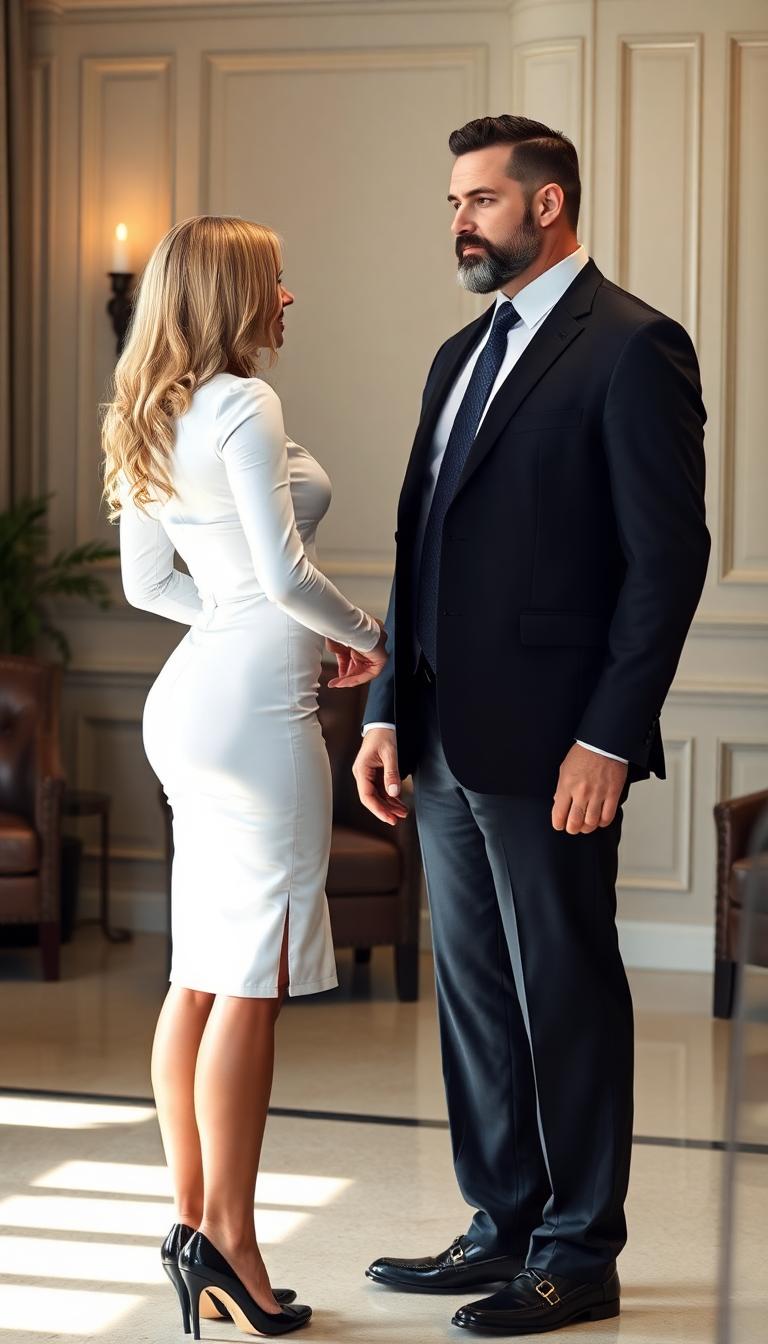
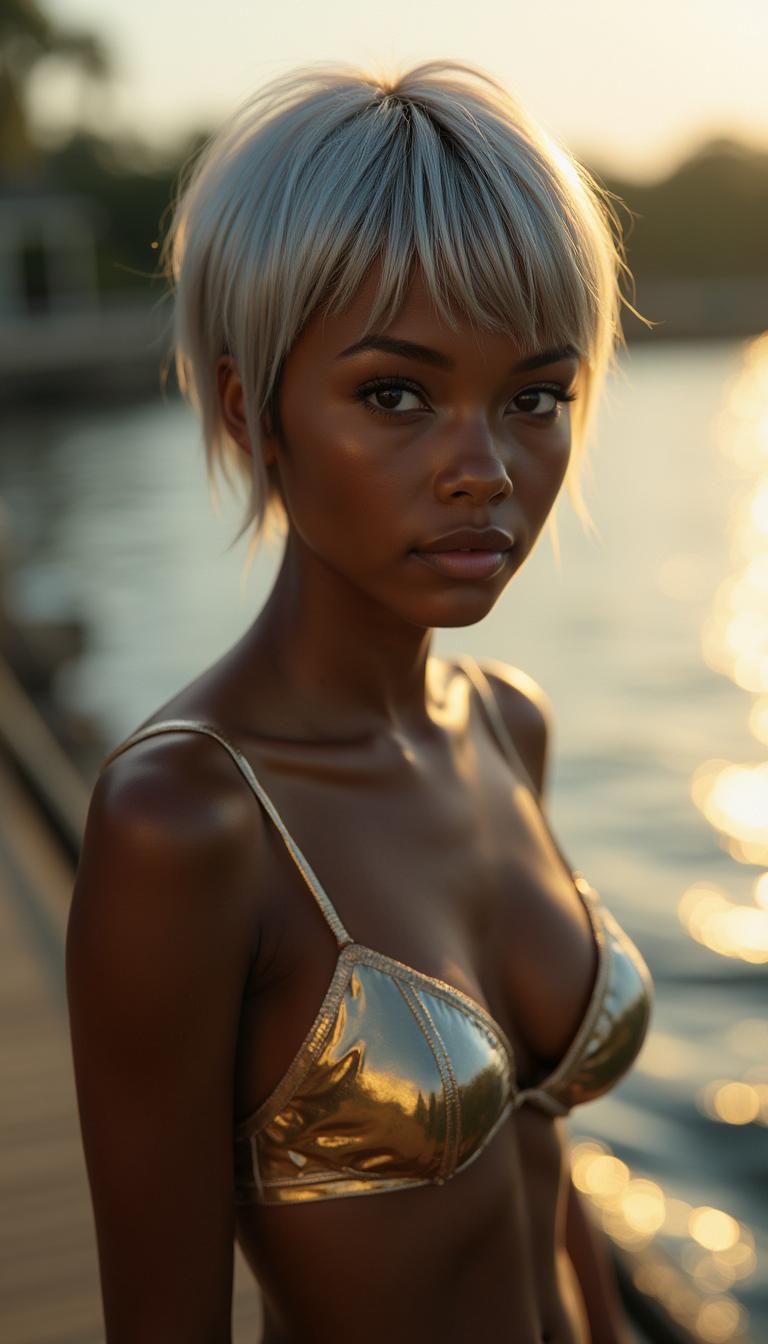
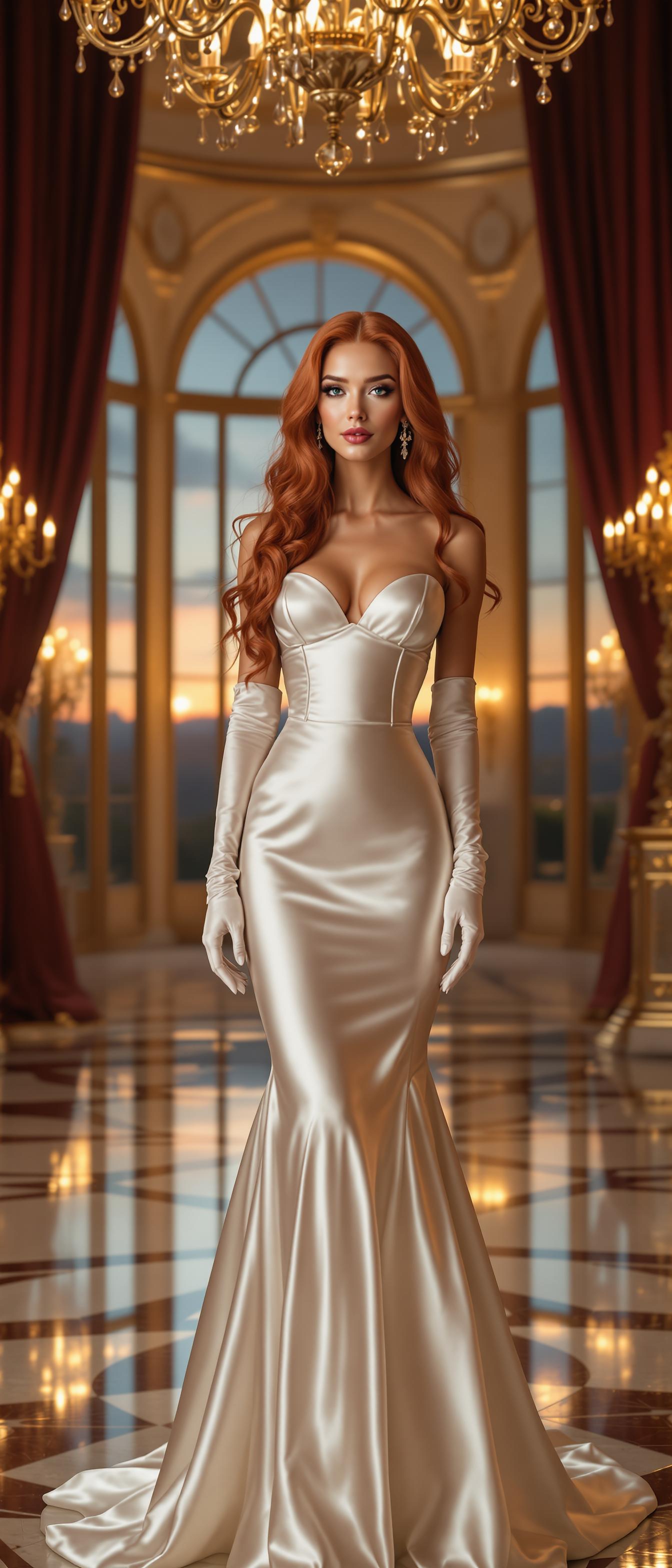
Select and upload multiple high-quality images that represent the characters, objects, or scenes you want to include in your video.
Step 2: Craft Your Text Prompt
Write a detailed description of the scene, including actions, dialogue, and any specific elements you want to feature.
Step 3: Generate and Refine Your Video
Initiate the video generation process and review the output. Make any necessary adjustments to the prompt or reference images to achieve your desired result.




The Pixel Dojo Advantage
Why Kling 2.6 Outperforms Other AI Video Generation Tools
| Others | Pixel Dojo |
|---|---|
| Traditional Video Production | Eliminates the need for expensive equipment and extensive editing, allowing for rapid content creation. |
| Basic AI Video Generators | Offers advanced multi-reference input capabilities for enhanced character consistency and scene accuracy. |
| Manual Audio Synchronization | Automatically generates synchronized audio, reducing post-production time and effort. |
Loved by Creators
See what our community says about Kling 2.6 multi-reference inputs
"Kling 2.6's multi-reference inputs have revolutionized our content creation process, enabling us to produce consistent and engaging videos effortlessly."
Alex Johnson
Content Creator
"The ability to combine multiple images and text prompts has allowed us to maintain brand consistency across all our video content."
Samantha Lee
Marketing Manager
Common Questions
Everything you need to know about Kling 2.6 multi-reference inputs AI generation
How does Kling 2.6 ensure character consistency in videos?
By utilizing multiple reference images, Kling 2.6 maintains visual coherence across scenes, ensuring characters appear consistently throughout the video.
Can I add synchronized audio to my AI-generated videos?
Yes, Kling 2.6 generates native audio, including dialogue and sound effects, perfectly aligned with the visual elements of your video.
Is Kling 2.6 suitable for beginners without video editing experience?
Absolutely. Kling 2.6's intuitive interface allows users of all skill levels to create professional-grade videos without prior editing experience.
What types of reference images can I use with Kling 2.6?
You can use high-quality images representing characters, objects, or scenes you wish to include in your video to guide the AI in generating accurate visuals.
How long does it take to generate a video with Kling 2.6?
The generation time varies depending on the complexity of your inputs, but Kling 2.6 is designed to produce videos efficiently, often within minutes.
Can I edit the generated videos after creation?
Yes, you can review and refine your videos by adjusting prompts or reference images to achieve your desired outcome.