
Join over 1,000 creators who have generated stunning videos using Kling 2.6's pan and zoom features.
Why Choose Pixel Dojo for Kling 2.6 pan and zoom
Professional-quality results with cutting-edge AI technology
Effortless Cinematic Effects
Achieve professional-grade pan and zoom effects without complex equipment or software.
Enhanced Storytelling
Add depth and emotion to your narratives with dynamic camera movements.
Time-Saving Automation
Generate high-quality videos quickly, reducing production time and costs.
How It Works
Creating cinematic pan and zoom videos with Kling 2.6 is simple and intuitive. Follow these steps to bring your ideas to life:
Step 1: Input Your Prompt
Describe your scene, including desired pan and zoom effects, using natural language.
Step 2: Upload Reference Image (Optional)
Enhance accuracy by uploading a reference image to guide the AI's generation process.
Step 3: Generate and Refine
Click 'Generate' to create your video. Review the output and make adjustments as needed.





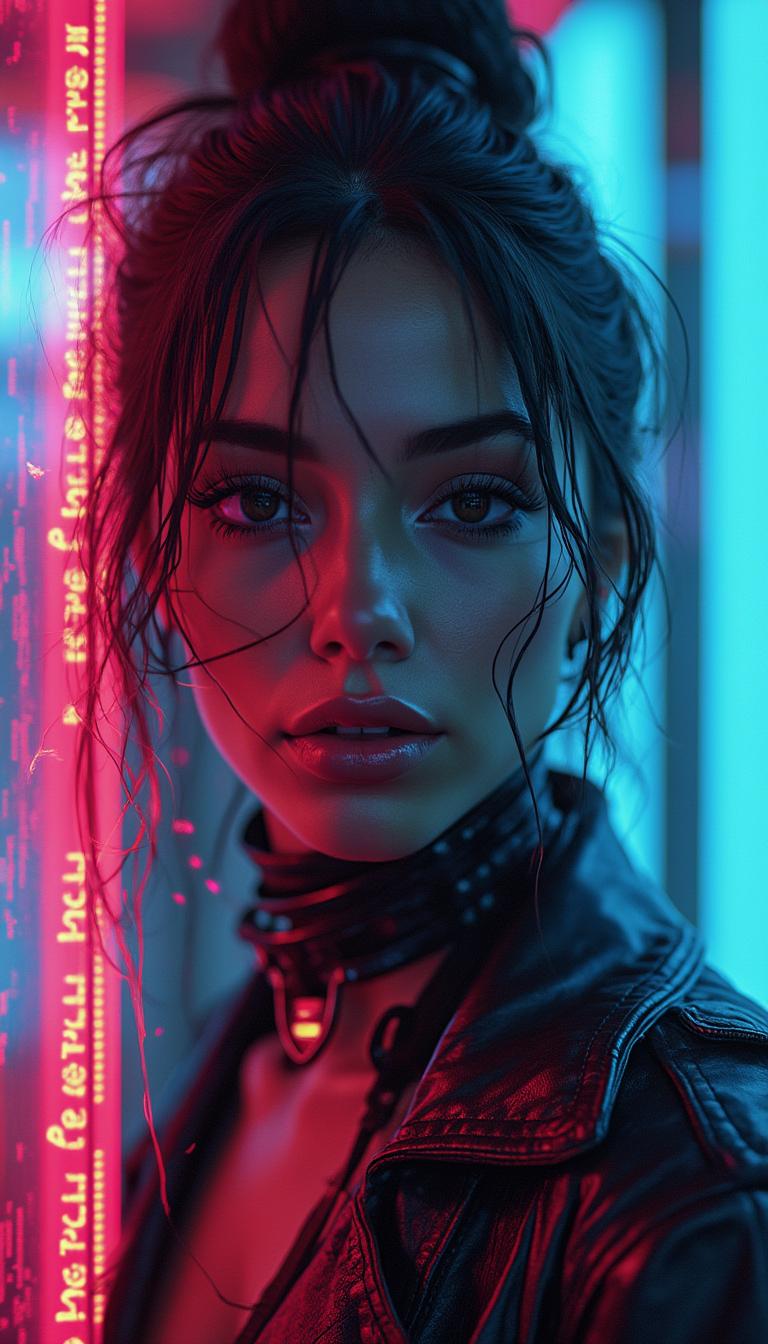








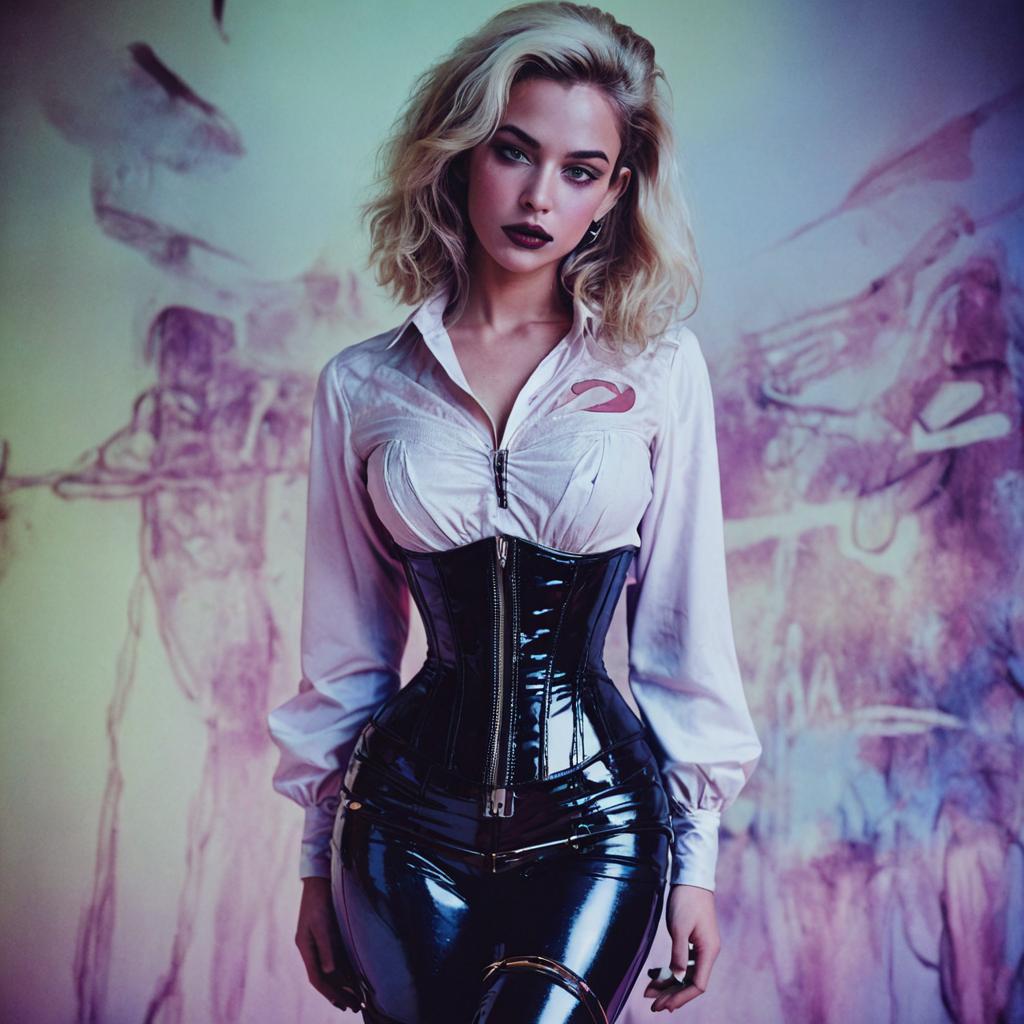
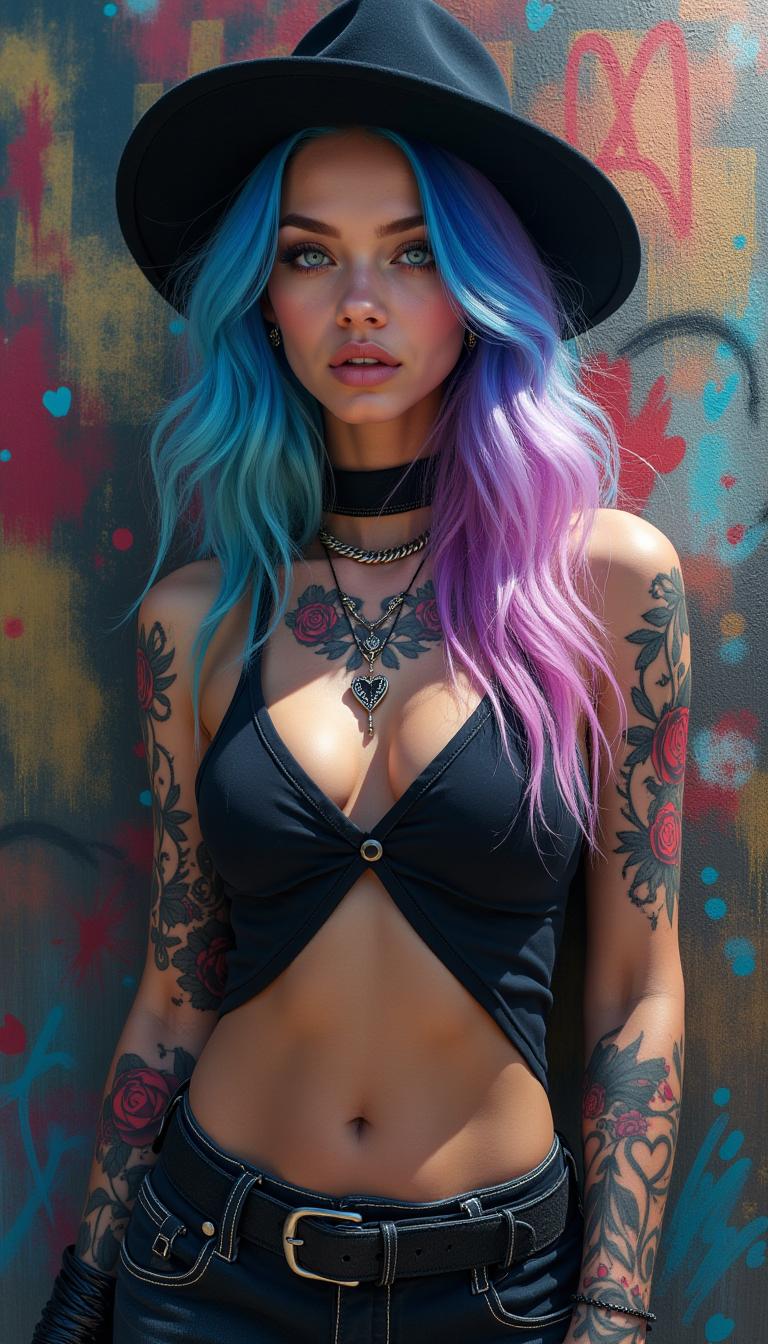
The Pixel Dojo Advantage
Why Kling 2.6 outperforms other options for creating cinematic pan and zoom videos:
| Others | Pixel Dojo |
|---|---|
| Traditional Video Editing | Eliminates the need for manual keyframing and complex software. |
| Generic AI Tools | Offers specialized pan and zoom controls for precise cinematic effects. |
| Manual Camera Work | Achieves professional results without expensive equipment or extensive experience. |
Loved by Creators
See what our community says about Kling 2.6 pan and zoom
"Kling 2.6's pan and zoom features transformed my content creation process. The results are stunning and professional."
Alex Johnson
Content Creator
"I was amazed at how easy it was to create dynamic videos with Kling 2.6. The pan and zoom effects added a new level of depth to my projects."
Maria Lopez
Filmmaker
Common Questions
Everything you need to know about Kling 2.6 pan and zoom AI generation
How does Kling 2.6's pan and zoom feature enhance video creation?
Kling 2.6's pan and zoom capabilities allow you to add dynamic camera movements to your videos, creating a more engaging and cinematic experience without the need for manual editing.
Do I need prior video editing experience to use Kling 2.6?
No, Kling 2.6 is designed for users of all skill levels. Its intuitive interface and AI-driven features make it easy to create professional-quality videos without prior experience.
Can I customize the intensity of pan and zoom effects in Kling 2.6?
Yes, Kling 2.6 allows you to specify the degree of pan and zoom effects, giving you full control over the cinematic quality of your videos.
Is Kling 2.6 suitable for creating videos for commercial use?
Absolutely. Kling 2.6 generates high-quality videos suitable for various applications, including marketing, advertising, and professional presentations.
How long does it take to generate a video with Kling 2.6?
The generation time depends on the complexity of your prompt and the length of the video. However, Kling 2.6 is optimized for quick processing, allowing you to create videos efficiently.
Can I use Kling 2.6 to animate static images with pan and zoom effects?
Yes, Kling 2.6 can animate static images by applying pan and zoom effects, transforming them into dynamic videos.