Kling 2.6 style customization AI Generator
Elevate your content creation with Kling 2.6's advanced style customization features. Whether you're a marketer, educator, or content creator, Kling 2.6 empowers you to produce AI-generated videos that align perfectly with your unique vision and brand identity.

Join thousands of creators who have transformed their content using Kling 2.6's style customization, achieving over 95% satisfaction rates and millions of views across platforms.
Why Choose Pixel Dojo for Kling 2.6 style customization
Professional-quality results with cutting-edge AI technology
Tailored Visual Aesthetics
Achieve a consistent and unique visual style that resonates with your audience and strengthens your brand identity.
Enhanced Audience Engagement
Create captivating videos that stand out, leading to increased viewer retention and interaction.
Streamlined Content Production
Reduce the time and resources spent on video production by leveraging AI-driven customization tools.
How It Works
Creating customized AI videos with Kling 2.6 is a straightforward process that allows you to bring your creative ideas to life.
Step 1: Define Your Concept
Outline the theme, style, and key elements of your video to guide the AI in generating content that matches your vision.
Step 2: Input Your Prompts
Use detailed text prompts to describe the scenes, characters, and actions you want the AI to generate.
Step 3: Customize and Generate
Adjust parameters such as camera angles, lighting, and motion to fine-tune the output, then generate your video.










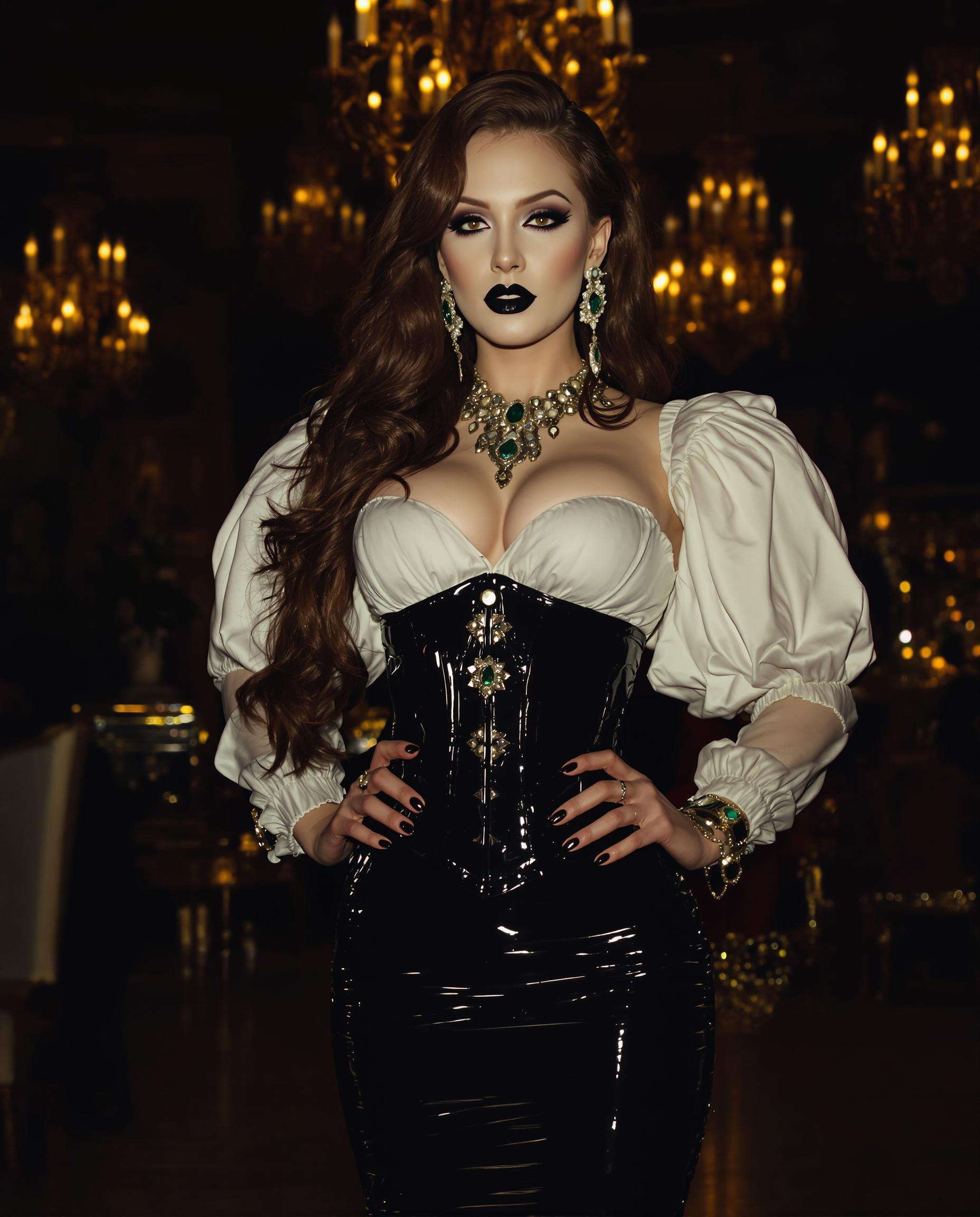
The Pixel Dojo Advantage
Why Kling 2.6 outperforms other options for AI video generation
| Others | Pixel Dojo |
|---|---|
| Traditional Video Production | Significantly reduces production time and costs while offering greater creative flexibility. |
| Generic AI Video Tools | Provides advanced customization options for style, motion, and audio synchronization, ensuring unique and high-quality outputs. |
| Manual Video Editing | Automates complex editing tasks, allowing creators to focus on storytelling and creative direction. |
Loved by Creators
See what our community says about Kling 2.6 style customization
"Kling 2.6's style customization has revolutionized our content strategy, enabling us to produce engaging videos that truly reflect our brand."
Alex Johnson
Marketing Director
"The ability to fine-tune every aspect of our videos with Kling 2.6 has saved us countless hours in production and post-production."
Samantha Lee
Content Creator
Common Questions
Everything you need to know about Kling 2.6 style customization AI generation
How does Kling 2.6's style customization enhance AI video generation?
Kling 2.6 allows users to define specific visual styles, camera movements, and audio elements, resulting in AI-generated videos that align closely with their creative vision.
Can I use Kling 2.6 to create videos in different artistic styles?
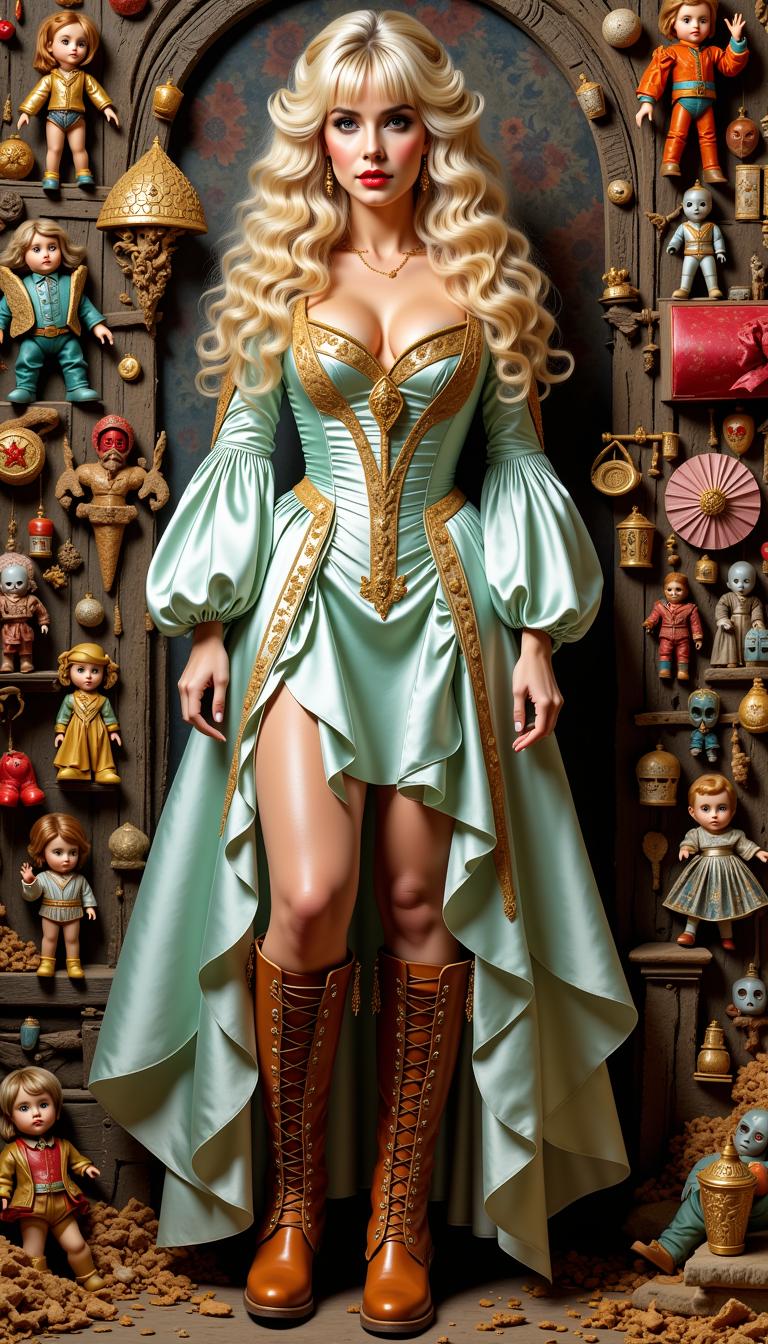
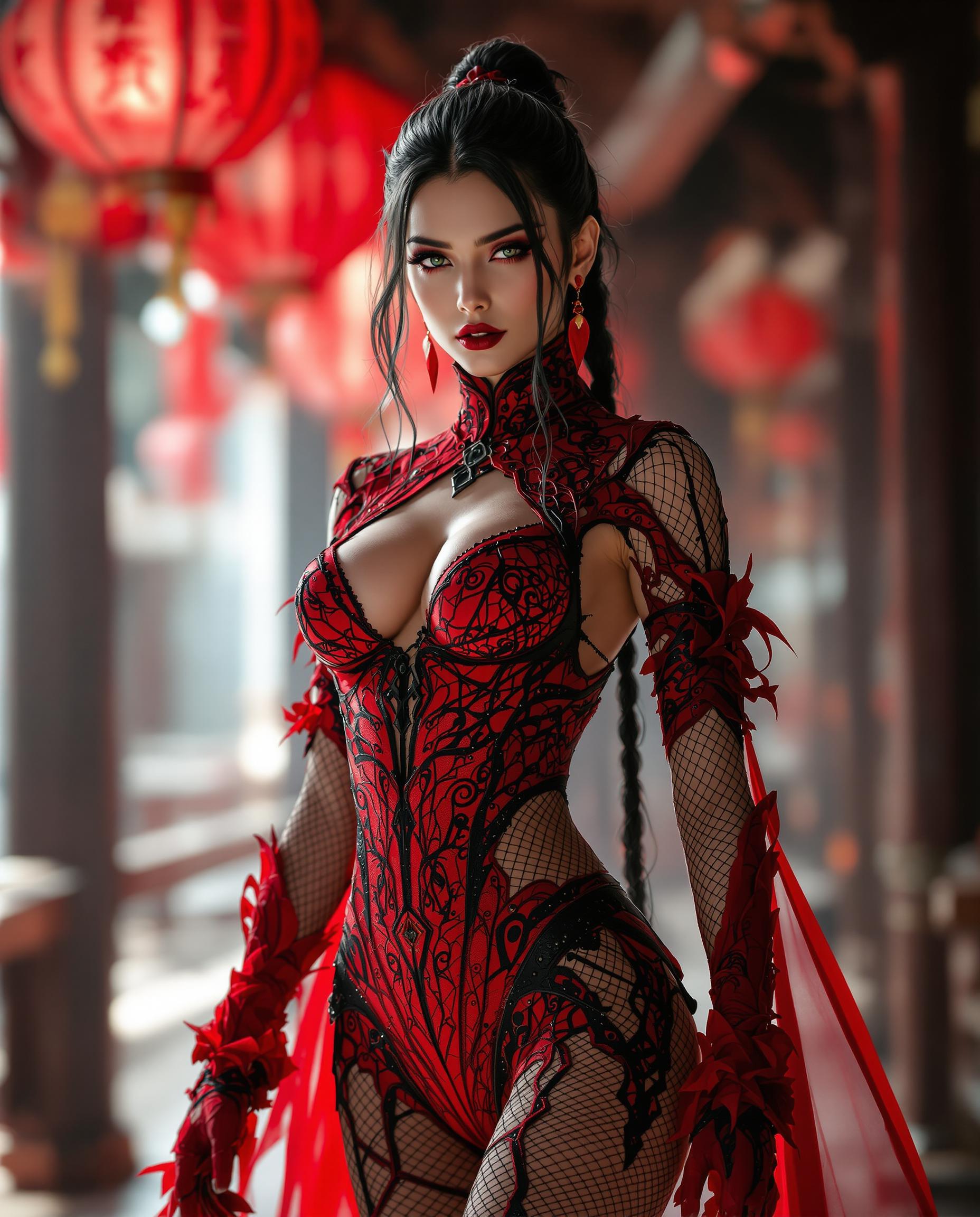
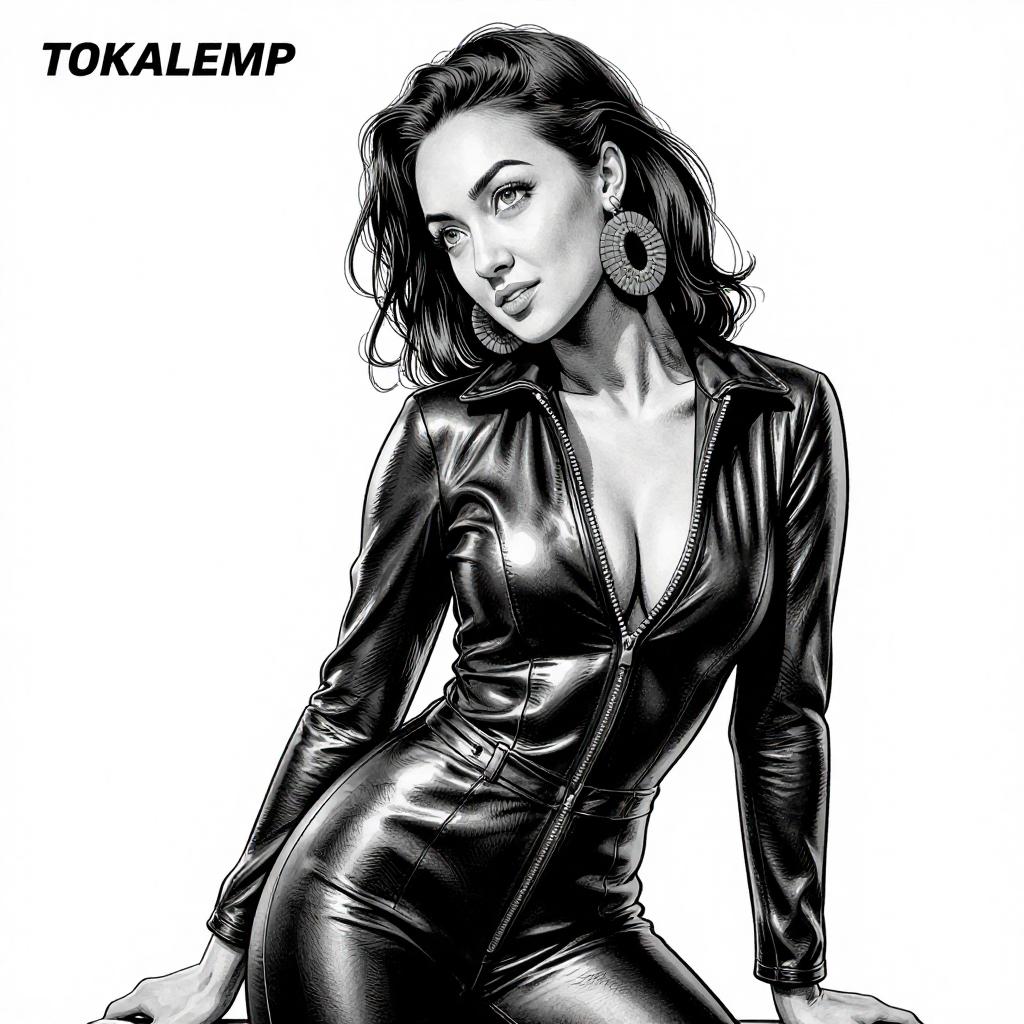
Yes, Kling 2.6 supports a wide range of artistic styles, including realistic, animated, and abstract, enabling you to tailor your videos to your desired aesthetic.
Is Kling 2.6 suitable for beginners in video production?
Absolutely. Kling 2.6's intuitive interface and guided customization options make it accessible for users of all skill levels.
How does Kling 2.6 ensure audio and visual synchronization?
Kling 2.6 generates video and audio simultaneously, ensuring perfect synchronization between visual elements and corresponding sounds.
Can I integrate Kling 2.6 with other video editing tools?
Yes, Kling 2.6 allows for easy export of generated videos, which can then be further edited or enhanced using other video editing software.
What types of projects can benefit from Kling 2.6's style customization?
Kling 2.6 is ideal for a variety of projects, including marketing videos, educational content, social media posts, and creative storytelling.