Kling 2.6 text to video AI Generator
Imagine turning your ideas into captivating videos with synchronized audio in just a few clicks. With Kling 2.6 on PixelDojo, you can effortlessly create professional-quality videos that engage and inspire your audience. Whether you're a content creator, marketer, or educator, Kling 2.6 empowers you to bring your visions to life without the need for complex software or technical expertise.
Join thousands of creators who have generated over 1,000 AI videos using Kling 2.6 on PixelDojo. Experience the future of video creation today.
Why Choose Pixel Dojo for Kling 2.6 text to video
Professional-quality results with cutting-edge AI technology
Effortless Video Creation
Transform text prompts into high-quality videos with synchronized audio, eliminating the need for manual editing.
Time and Cost Efficiency
Reduce production time and costs by generating videos directly from your ideas, streamlining your workflow.
Versatile Applications
Create content for various purposes, including marketing, education, and entertainment, with ease.
How It Works
Creating engaging videos with Kling 2.6 on PixelDojo is simple and intuitive. Follow these steps to bring your ideas to life:
Step 1: Choose Your Tool
Select the Kling 2.6 tool from PixelDojo's suite of AI video generation tools.
Step 2: Enter Your Prompt
Input a descriptive text prompt detailing the scene, characters, actions, and desired audio elements.
Step 3: Customize & Download
Review the generated video, make any necessary adjustments, and download the final product.












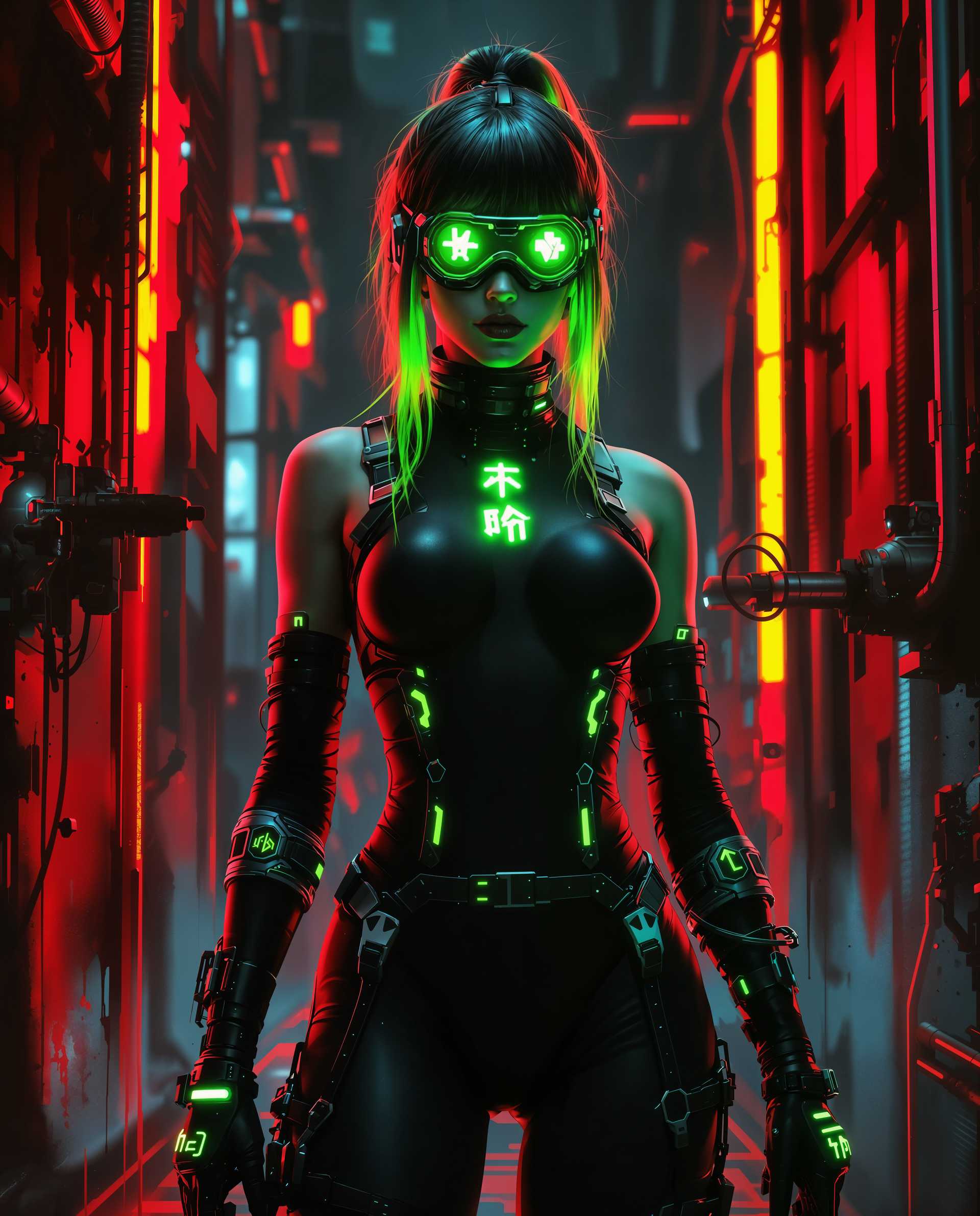

The Pixel Dojo Advantage
Why PixelDojo's Kling 2.6 outperforms other video creation methods:
| Others | Pixel Dojo |
|---|---|
| Traditional Video Production | Eliminates the need for expensive equipment and extensive editing, saving time and resources. |
| Generic AI Tools | Offers synchronized audio and video generation, providing a more cohesive and professional output. |
| Manual Editing | Automates the video creation process, allowing for rapid content generation without technical expertise. |
Loved by Creators
See what our community says about Kling 2.6 text to video
"Kling 2.6 on PixelDojo has revolutionized my content creation process. I can now produce high-quality videos in minutes."
Alex Johnson
Content Creator
"The synchronized audio feature is a game-changer. My videos have never looked or sounded better."
Maria Lopez
Marketing Specialist
Common Questions
Everything you need to know about Kling 2.6 text to video AI generation
How does Kling 2.6 generate synchronized audio and video?
Kling 2.6 utilizes advanced AI algorithms to simultaneously generate video and audio from text prompts, ensuring perfect synchronization between visuals and sound.
Can I use Kling 2.6 for commercial projects?
Yes, videos created with Kling 2.6 on PixelDojo can be used for commercial purposes, including marketing campaigns and advertisements.
What types of audio can Kling 2.6 generate?
Kling 2.6 can generate various audio elements, including character dialogue, ambient sounds, and sound effects, all synchronized with the video.
Is Kling 2.6 suitable for beginners?
Absolutely. Kling 2.6 is designed with a user-friendly interface, making it accessible for users of all skill levels.
How long does it take to generate a video with Kling 2.6?
The generation time depends on the complexity of the prompt, but most videos are produced within a few minutes.
Can I edit the generated videos?
Yes, you can review and make adjustments to the generated videos before finalizing and downloading them.