kling video 3.0 performance animation AI Generator
Imagine transforming your static character images into dynamic, lifelike performance animations effortlessly. With Kling Video 3.0's advanced AI motion transfer technology, you can breathe life into your creations, making them move with precision and realism. Whether you're an animator, marketer, or content creator, Kling Video 3.0 empowers you to produce high-quality animations without the need for complex manual processes.

Join over 100,000 creators worldwide who trust Kling Video 3.0 for their animation needs. Rated 4.9/5 for its intuitive interface and exceptional results.
Why Choose Pixel Dojo for kling video 3.0 performance animation
Professional-quality results with cutting-edge AI technology
Effortless Animation Creation
Transform static images into dynamic videos with minimal effort, saving time and resources.
Precision Motion Control
Achieve accurate and realistic movements by transferring motion from reference videos to your characters.
Versatile Applications
Ideal for marketing, storytelling, social media content, and more, enhancing audience engagement.
How It Works
Creating performance animations with Kling Video 3.0 is a straightforward process. Follow these steps to bring your characters to life:
Step 1: Upload Your Character Image
Select and upload the static image of the character you wish to animate.
Step 2: Choose a Motion Reference Video
Upload a reference video that contains the desired movement or select one from the motion library.
Step 3: Generate and Download Your Animation
Click 'Generate' to apply the motion to your character image, then download the resulting animation.
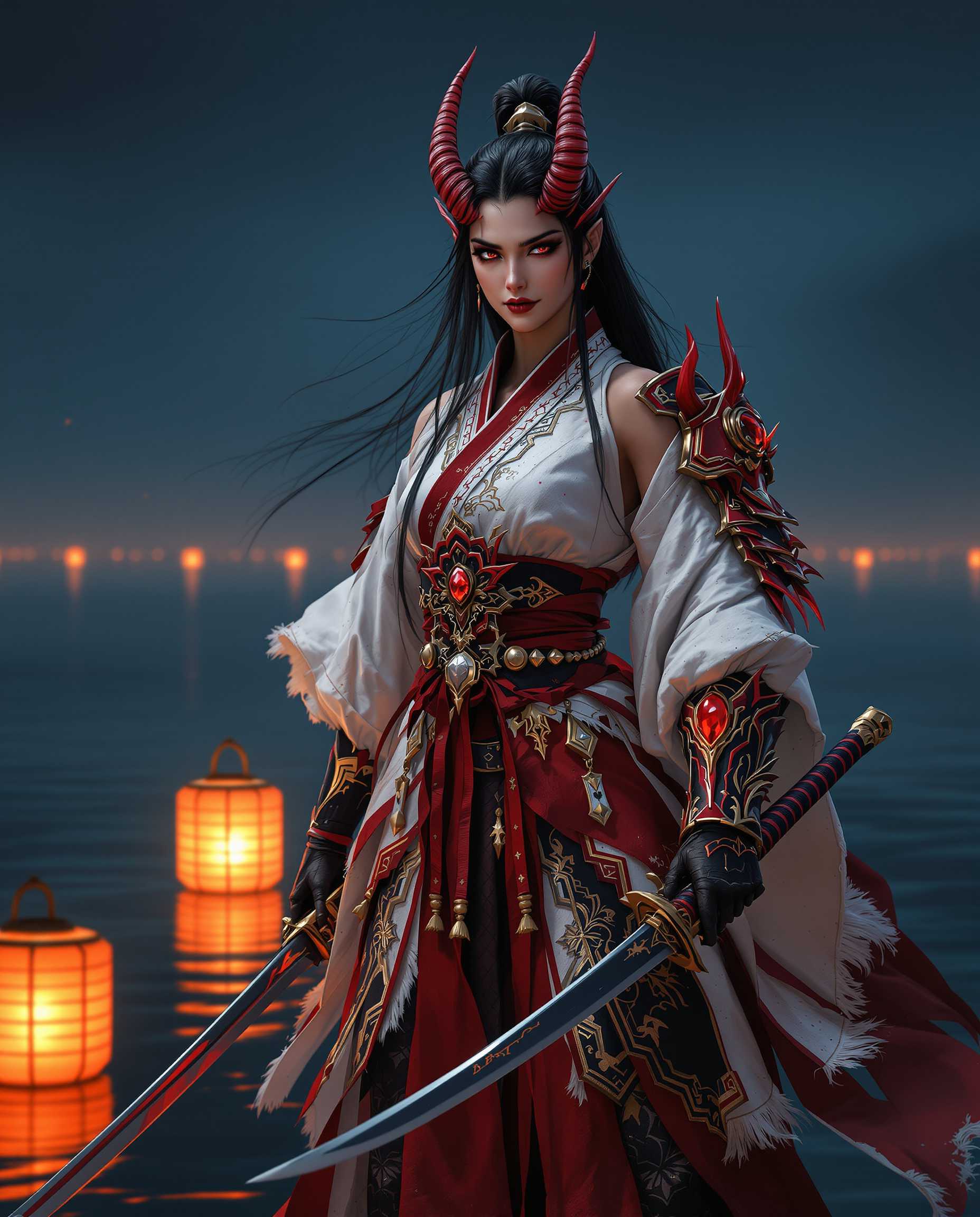
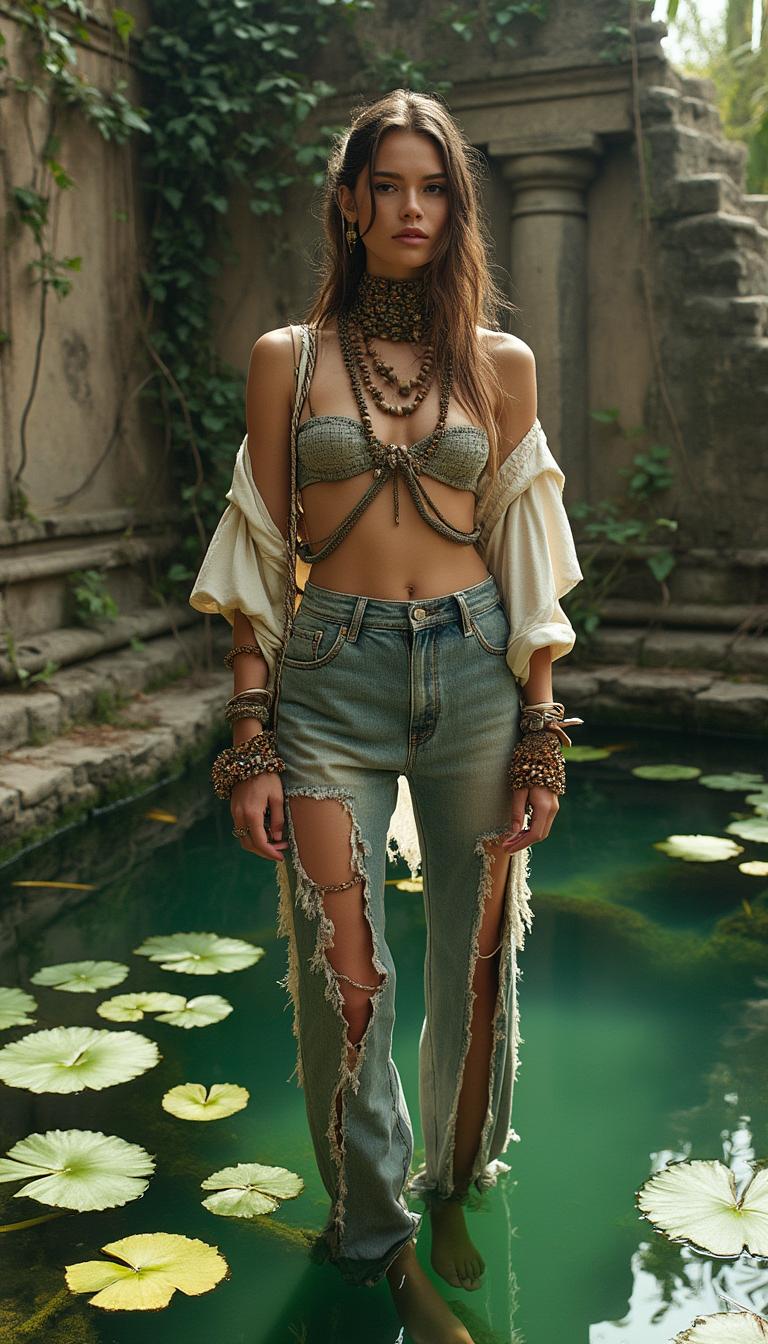

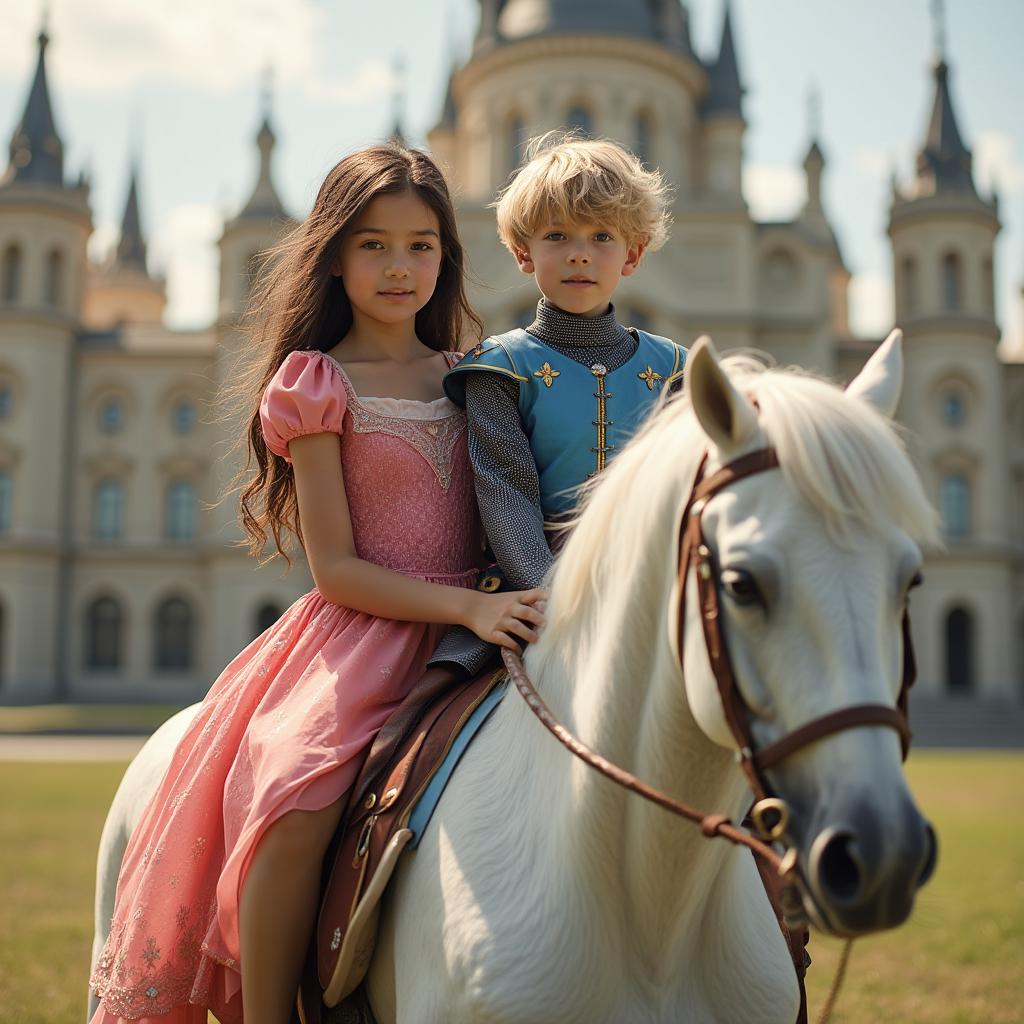
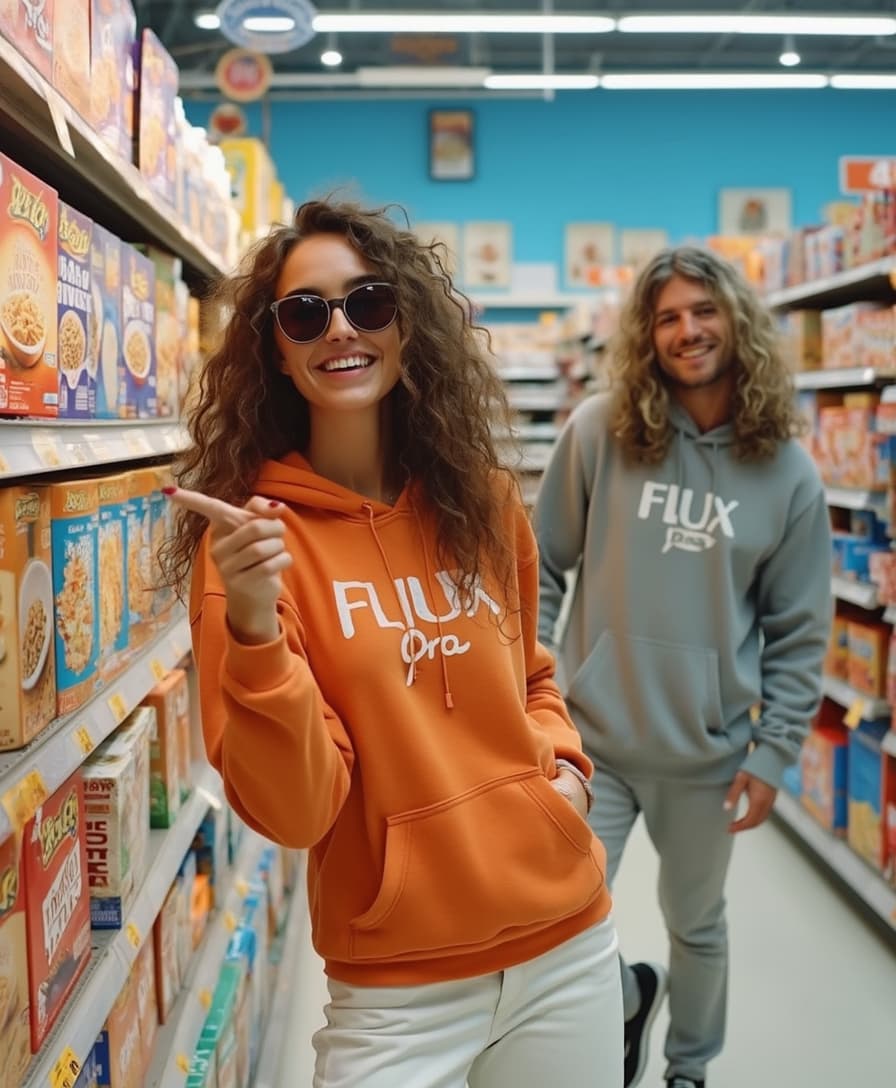
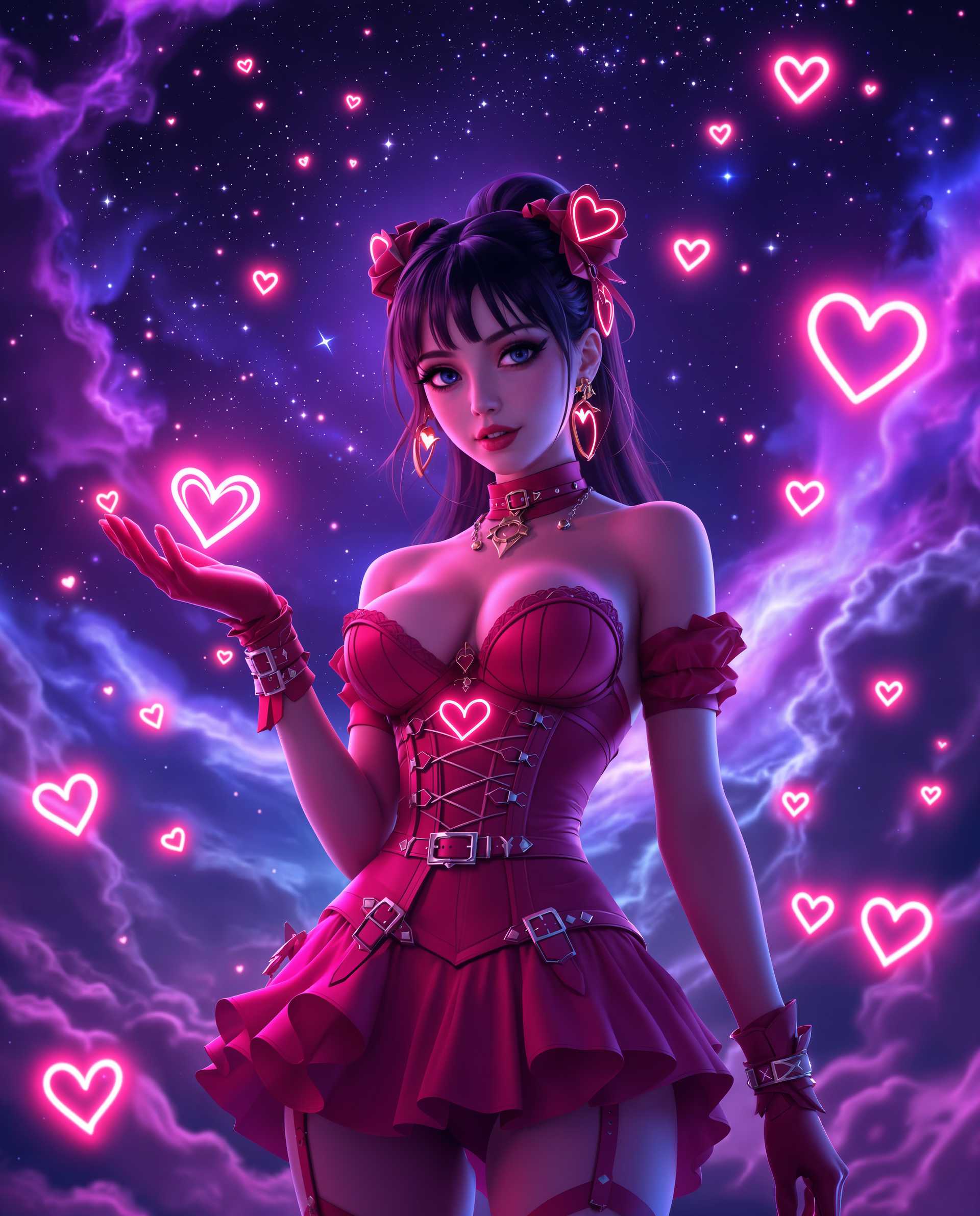
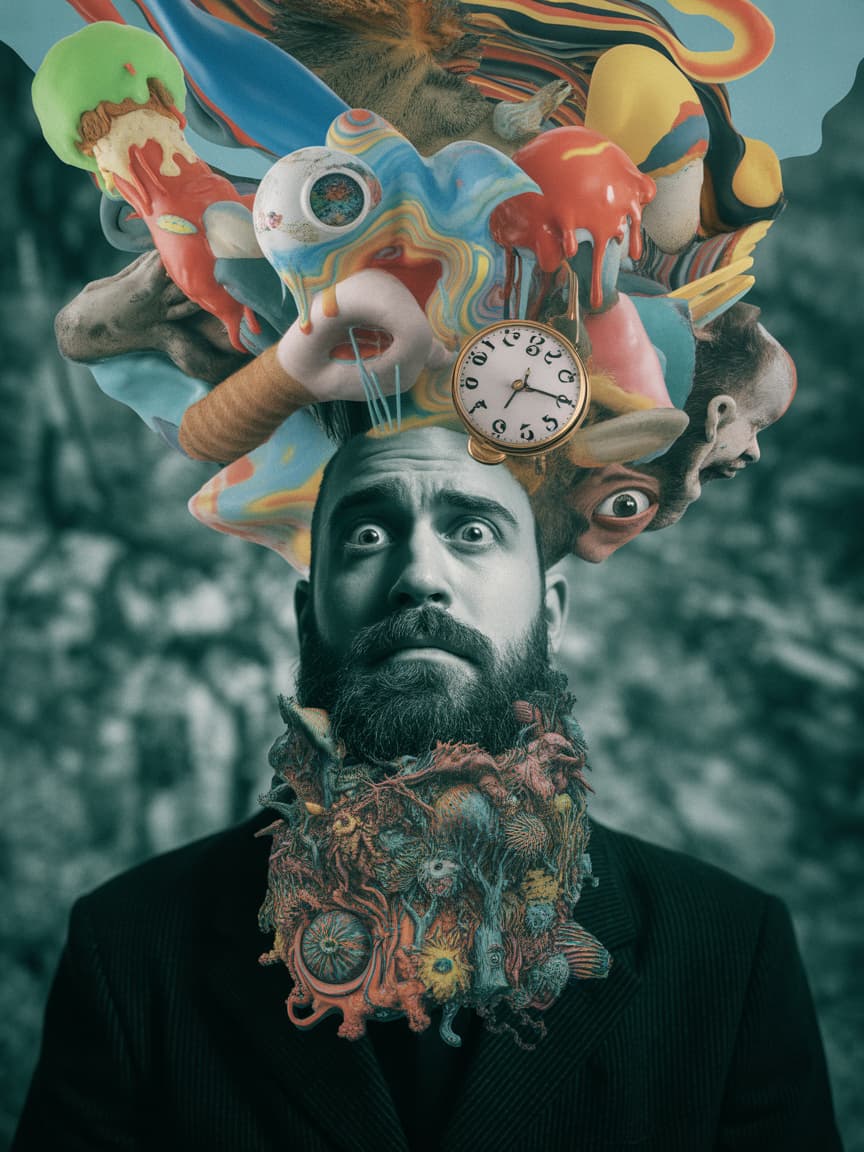

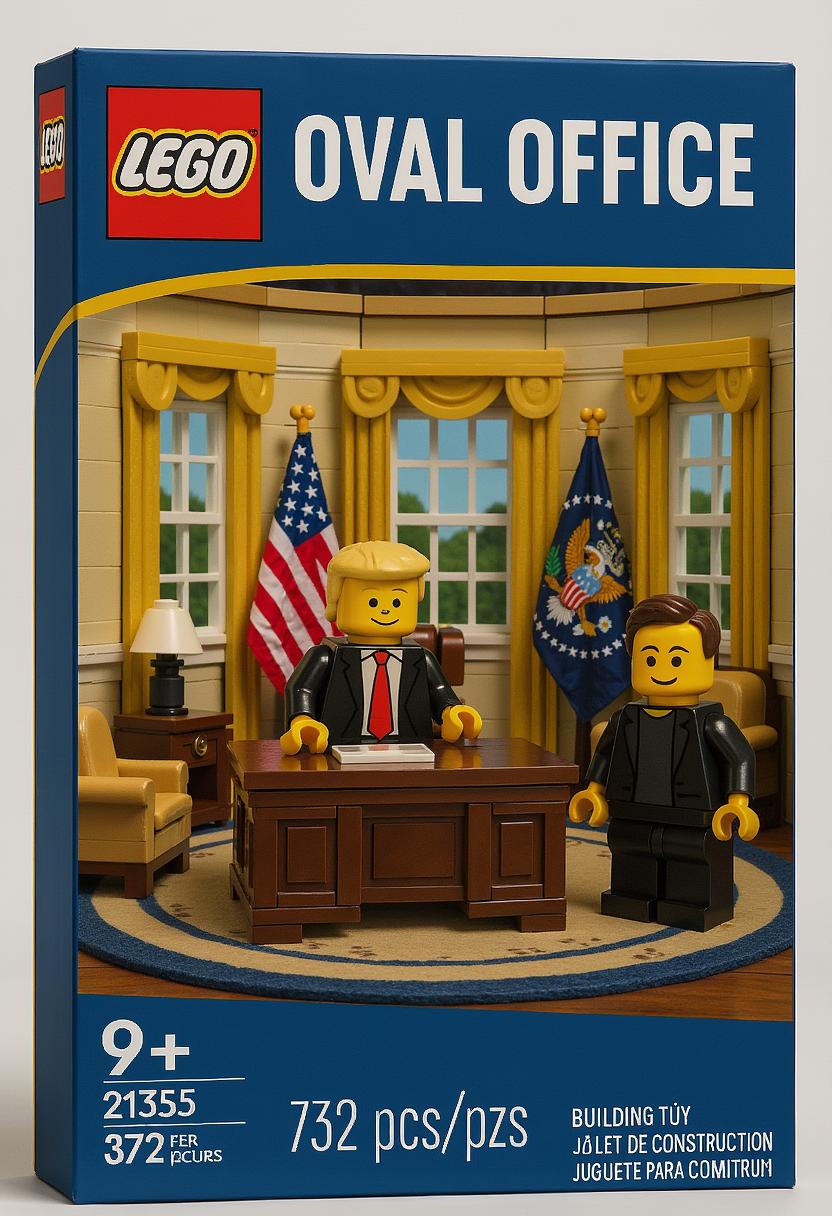
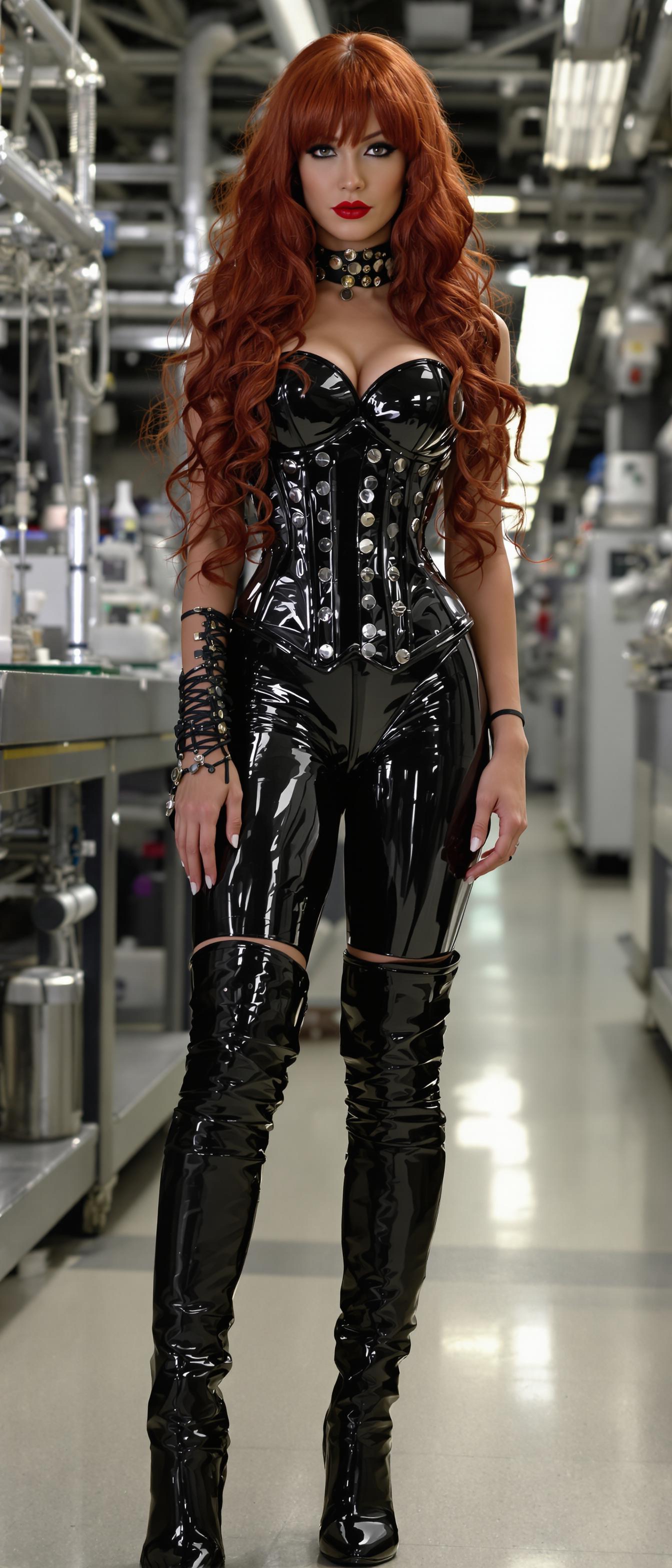
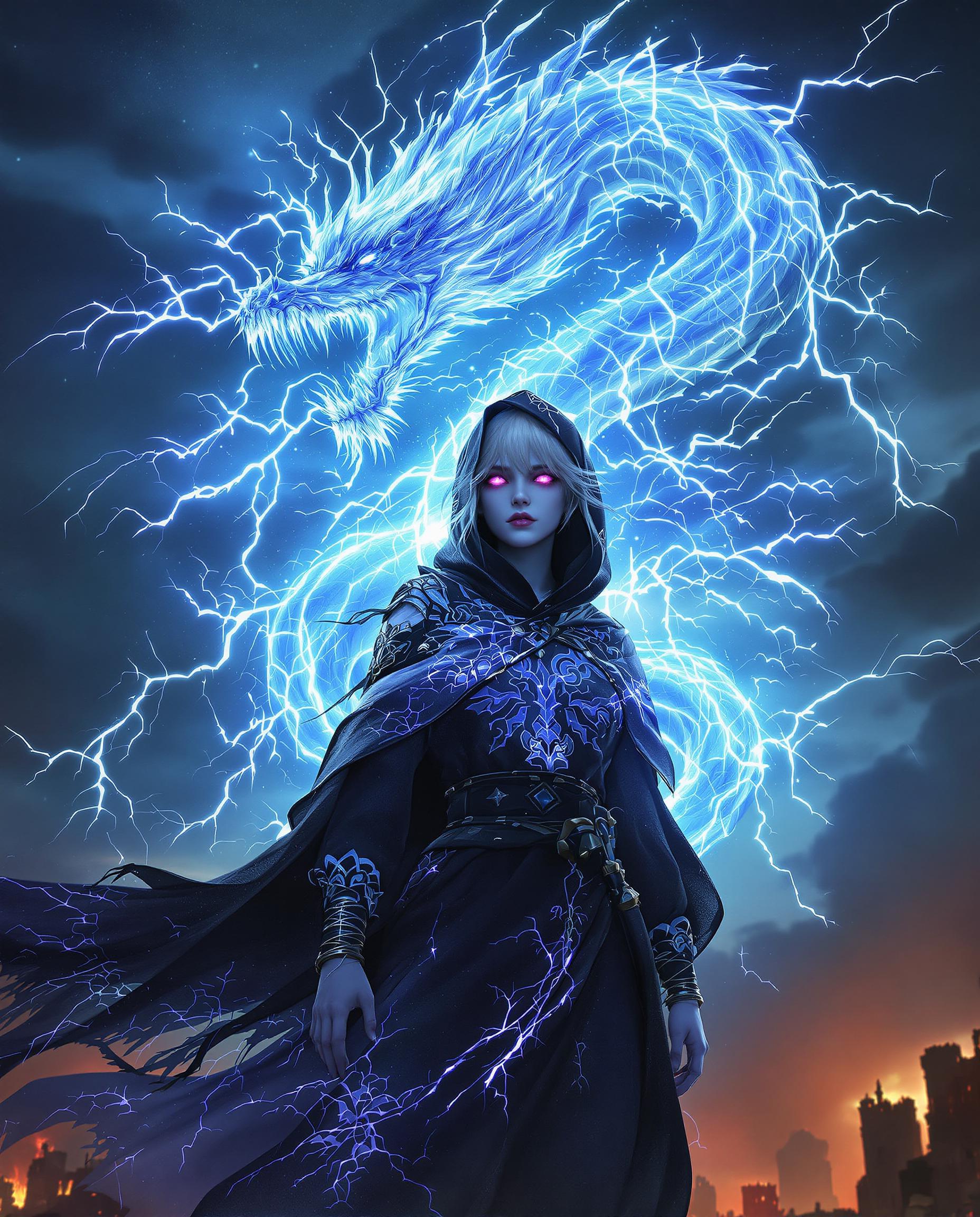

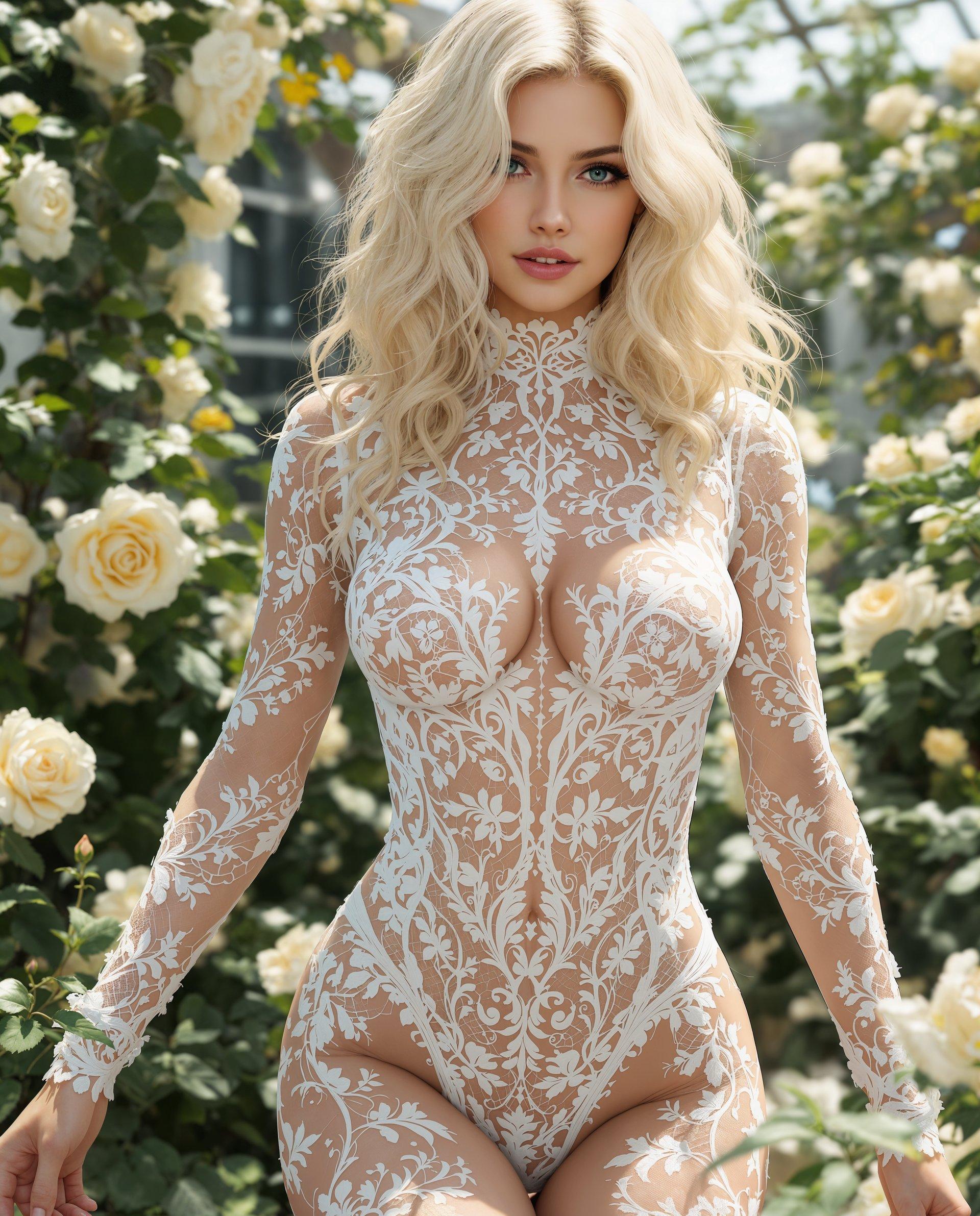
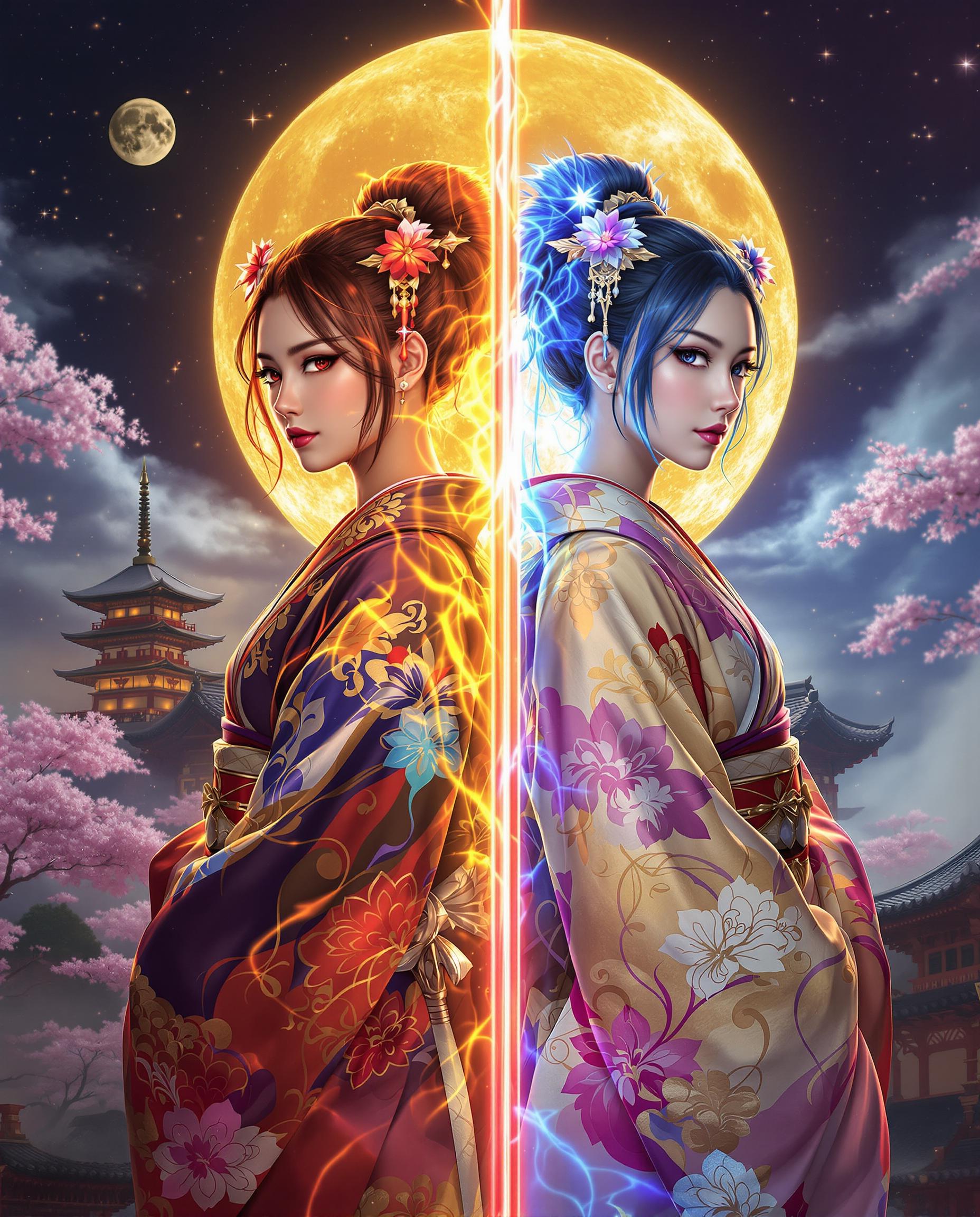
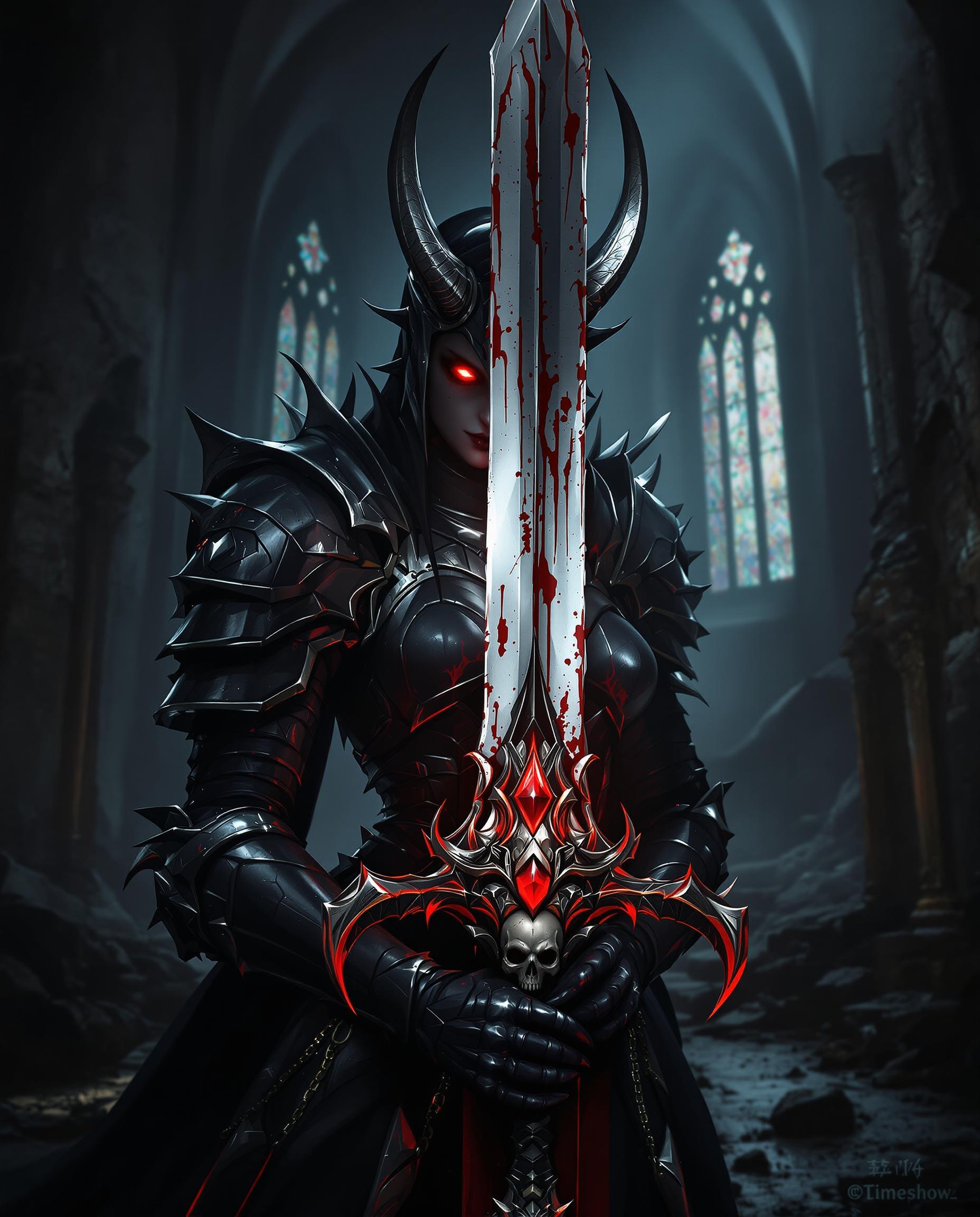
The Pixel Dojo Advantage
Why Kling Video 3.0 is the superior choice for performance animation creation:
| Others | Pixel Dojo |
|---|---|
| Traditional Animation Methods | Eliminates the need for frame-by-frame manual animation, significantly reducing production time. |
| Generic AI Tools | Offers precise motion control and maintains character identity across frames, ensuring high-quality results. |
| Manual Video Editing | Automates the animation process, allowing for quick iterations and creative experimentation without technical barriers. |
Loved by Creators
See what our community says about kling video 3.0 performance animation
"Kling Video 3.0 has revolutionized our content creation process. We can now produce engaging animations in a fraction of the time it used to take."
Alex Johnson
Digital Content Creator
"The precision and ease of use of Kling Video 3.0 are unparalleled. Our marketing campaigns have seen a significant boost in engagement."
Maria Lopez
Marketing Director
Common Questions
Everything you need to know about kling video 3.0 performance animation AI generation
How does Kling Video 3.0 ensure accurate motion transfer?
Kling Video 3.0 utilizes advanced AI algorithms to extract motion paths from reference videos and apply them to static images, ensuring realistic and precise animations.
Can I use Kling Video 3.0 for commercial projects?
Yes, Kling Video 3.0 is designed for both personal and commercial use, allowing you to create professional-grade animations for various applications.
What types of motion can Kling Video 3.0 handle?
Kling Video 3.0 can animate a wide range of motions, including walking, running, dancing, and expressive gestures, making it suitable for diverse animation needs.
Is Kling Video 3.0 suitable for beginners?
Absolutely. Kling Video 3.0 features an intuitive interface that makes it accessible for users of all skill levels, from beginners to professionals.
Does Kling Video 3.0 support high-resolution outputs?
Yes, Kling Video 3.0 supports high-definition outputs, ensuring your animations are crisp and clear for any platform.
Can I customize the background and scene details in my animations?
Yes, Kling Video 3.0 allows you to enter prompts to control background elements, lighting, and atmosphere, giving you creative control over your animations.