magnific ai AI Generator
Imagine taking a simple sketch or low-resolution photo and turning it into a breathtaking, ultra-detailed masterpiece ready for gallery prints, viral social media posts, or professional marketing campaigns. With PixelDojo's Magnific AI Upscaler, you achieve exactly that—effortlessly upscaling your images up to 10x or more while intelligently adding intricate details, textures, and artistic flair. No more blurry enlargements or hours in editing software. You get print-ready 4K, 8K, or even 16K visuals that captivate audiences and elevate your creative projects. Whether you're an artist breathing life into concepts, a photographer enhancing shots, or a marketer crafting eye-catching ads, Magnific AI delivers outcomes that wow, saving you time and unlocking professional results instantly.
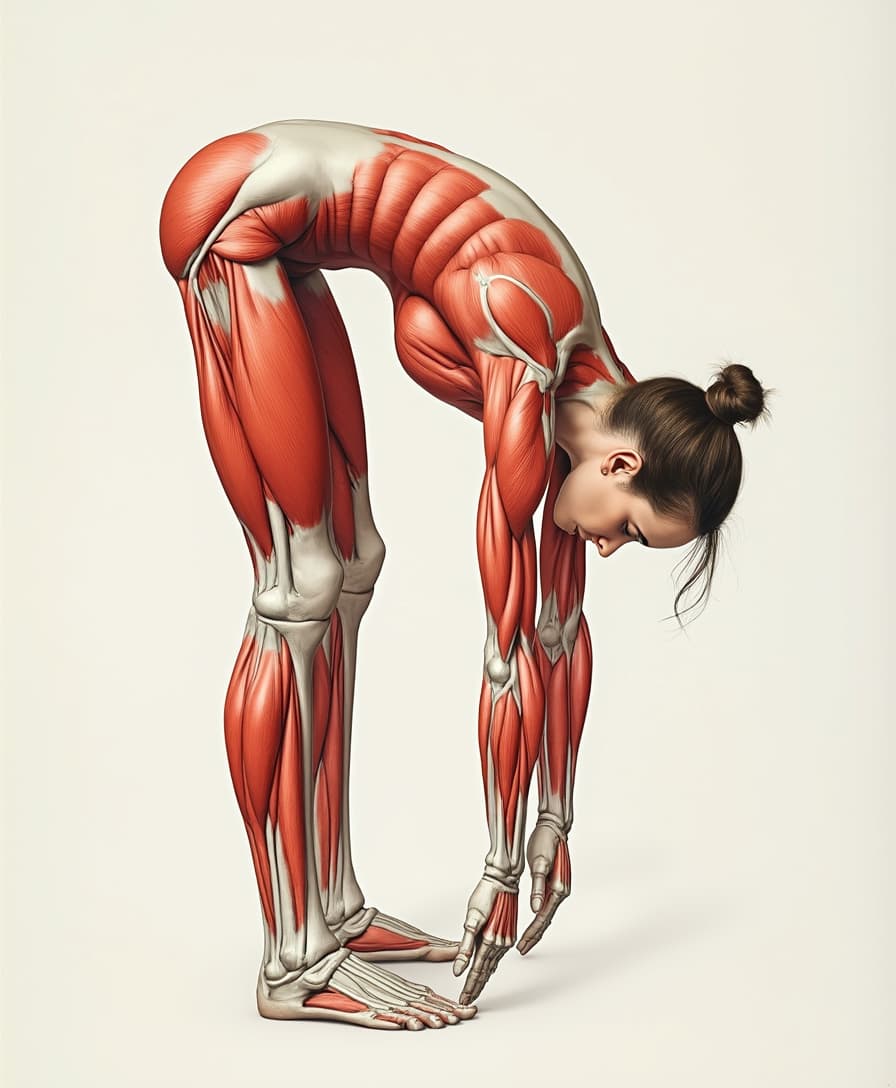
Trusted by 50,000+ creators worldwide | 4.9/5 stars from 12K+ reviews | Powered by cutting-edge tools like Magnific Upscaler, Flux.1 Studio & Kling v2.6 Pro | Featured on Product Hunt & Tech blogs
Why Choose Pixel Dojo for magnific ai
Professional-quality results with cutting-edge AI technology
Create Print-Ready Ultra-HD Masterpieces
You upscale any image to massive resolutions like 8K or 16K without pixelation, perfect for large canvases, billboards, or high-res NFTs—turning everyday visuals into gallery-worthy art that commands attention and sells.
Add Intelligent Creative Details Effortlessly
Guide Magnific AI with simple prompts to infuse hyper-realistic textures, dramatic lighting, or artistic styles, so your upscaled images gain depth and uniqueness, ideal for social media virality or client presentations that impress.
Streamline Your Workflow for Pro Results
Integrate seamlessly with PixelDojo tools like Image to Image, Magic Lighting, or Background Remover—one-click upscaling means you produce polished, high-impact visuals in minutes, freeing you to focus on creativity over tedious edits.
How It Works
Unlock Magnific AI magic on PixelDojo in just three simple steps. Upload, prompt, and download stunning upscales using our Magnific Upscaler alongside tools like Creative Upscaler for endless customization.
Step 1: Choose Magnific Upscaler
Head to PixelDojo's Edit Images section, select Magnific Upscaler (or pair with Flux.1 Studio for initial generation), and upload your low-res image, sketch, or photo—works with any file from your device or PixelDojo archive.
Step 2: Enter Your Enhancement Prompt
Describe the details you want amplified, like 'add intricate fur textures, golden hour lighting, hyper-detailed background'—adjust creativity slider for subtle realism or bold artistry, and preview variations instantly.
Step 3: Customize & Download
Fine-tune upscale factor (2x-16x), strength, and integrate with Inpainting or Style Transfer if needed, then generate and download your HD masterpiece—ready for print, web, or further edits with Video Upscaler.
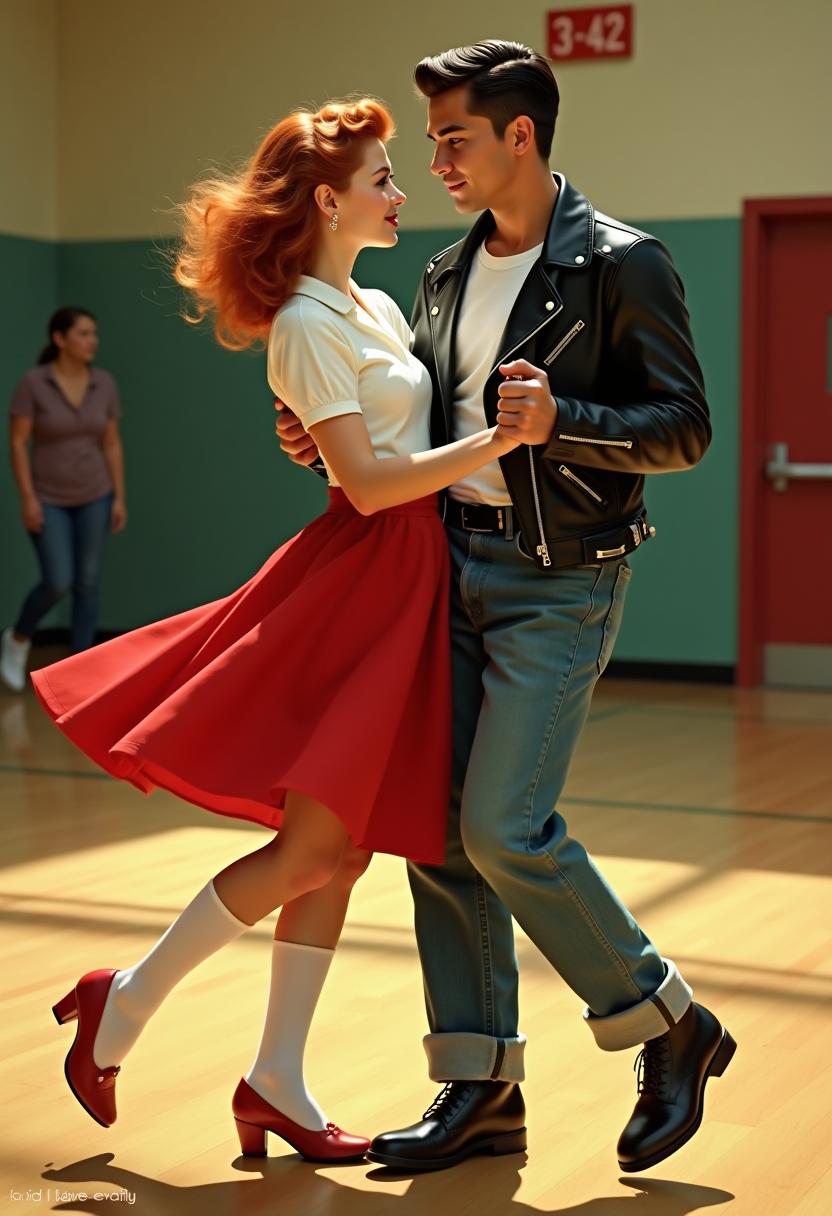
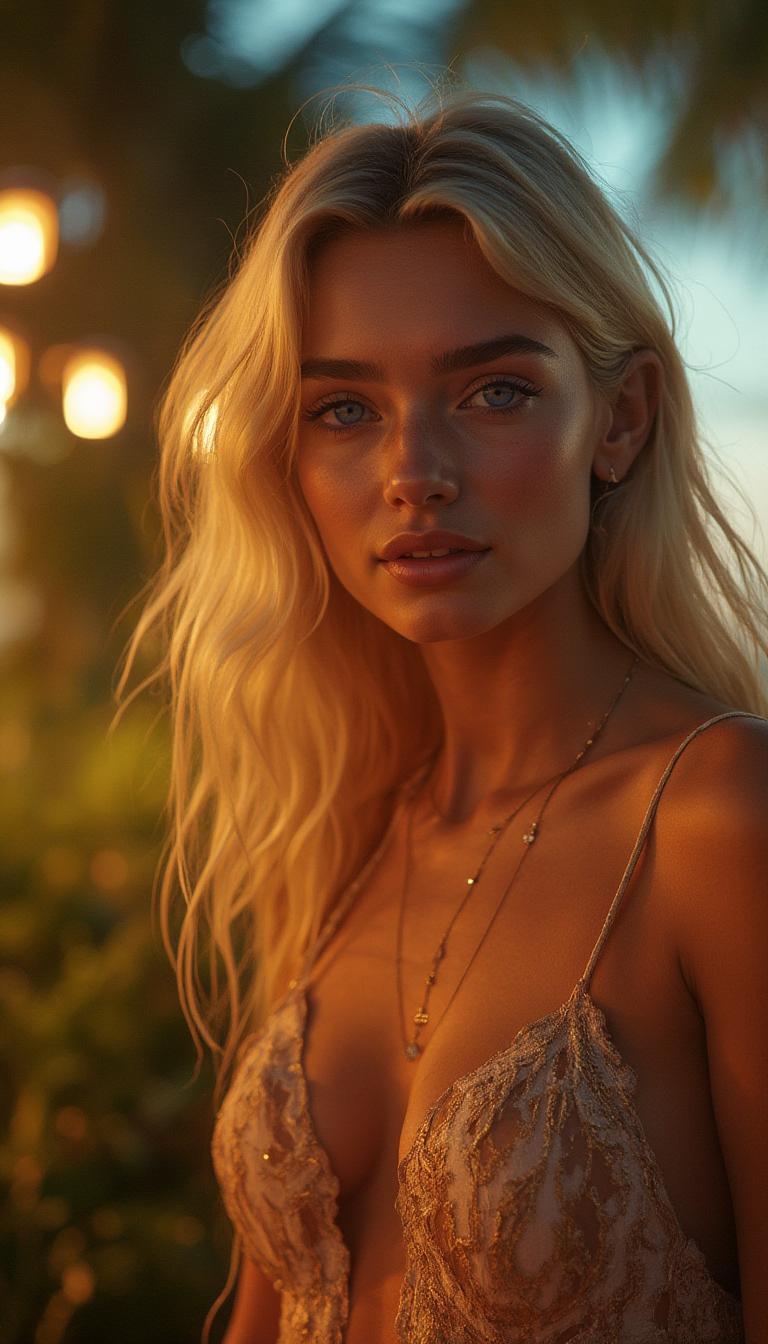
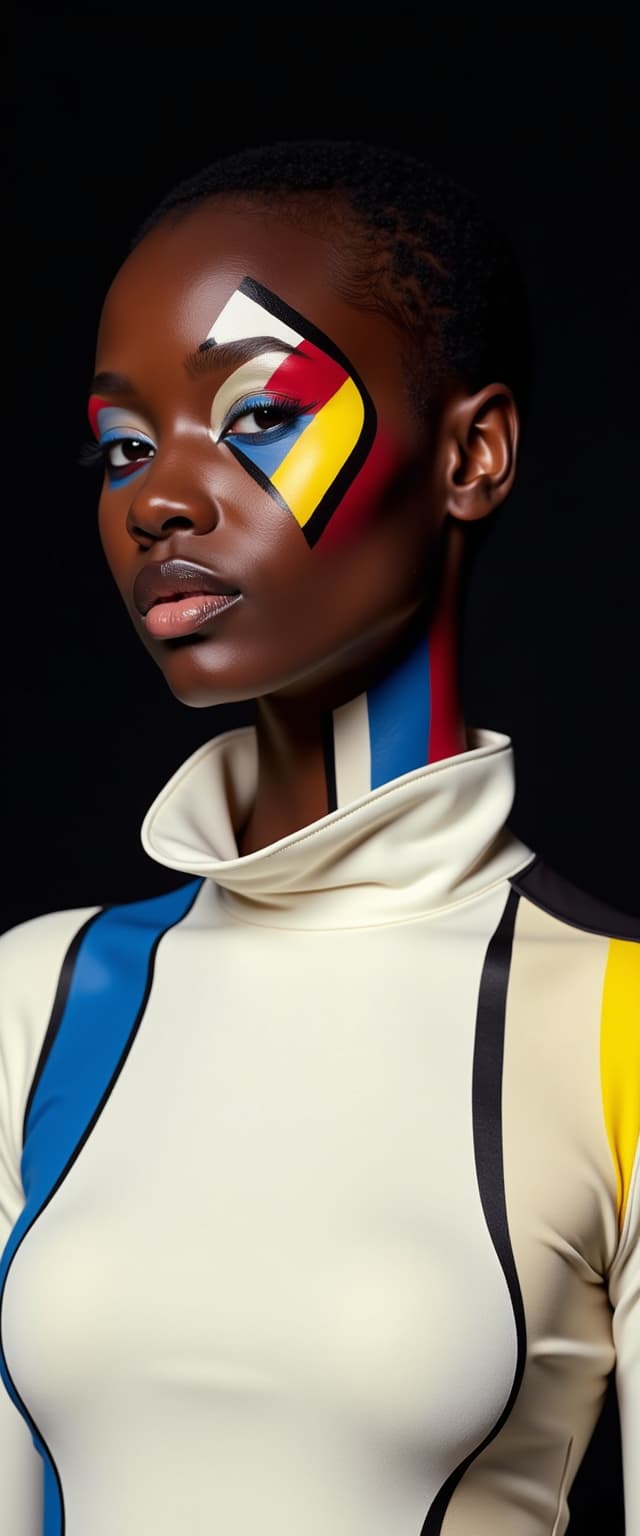

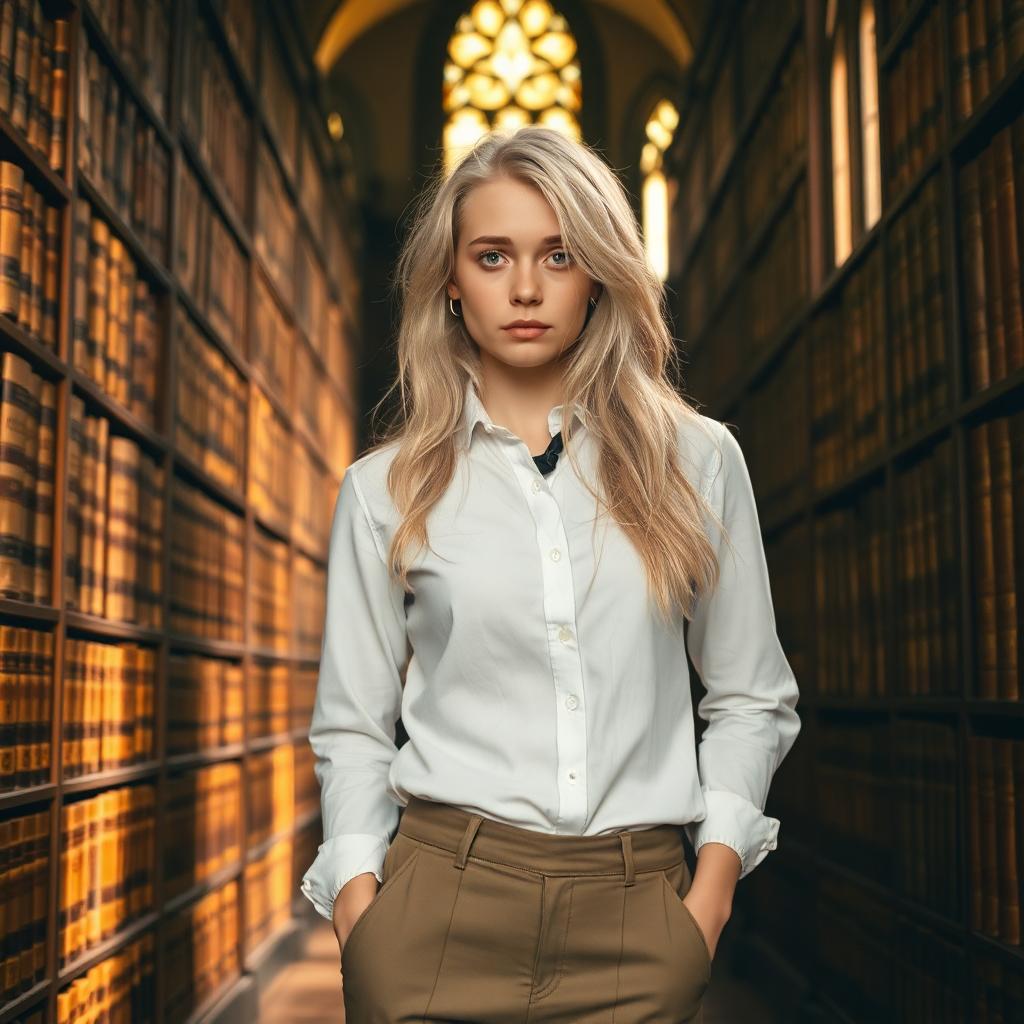

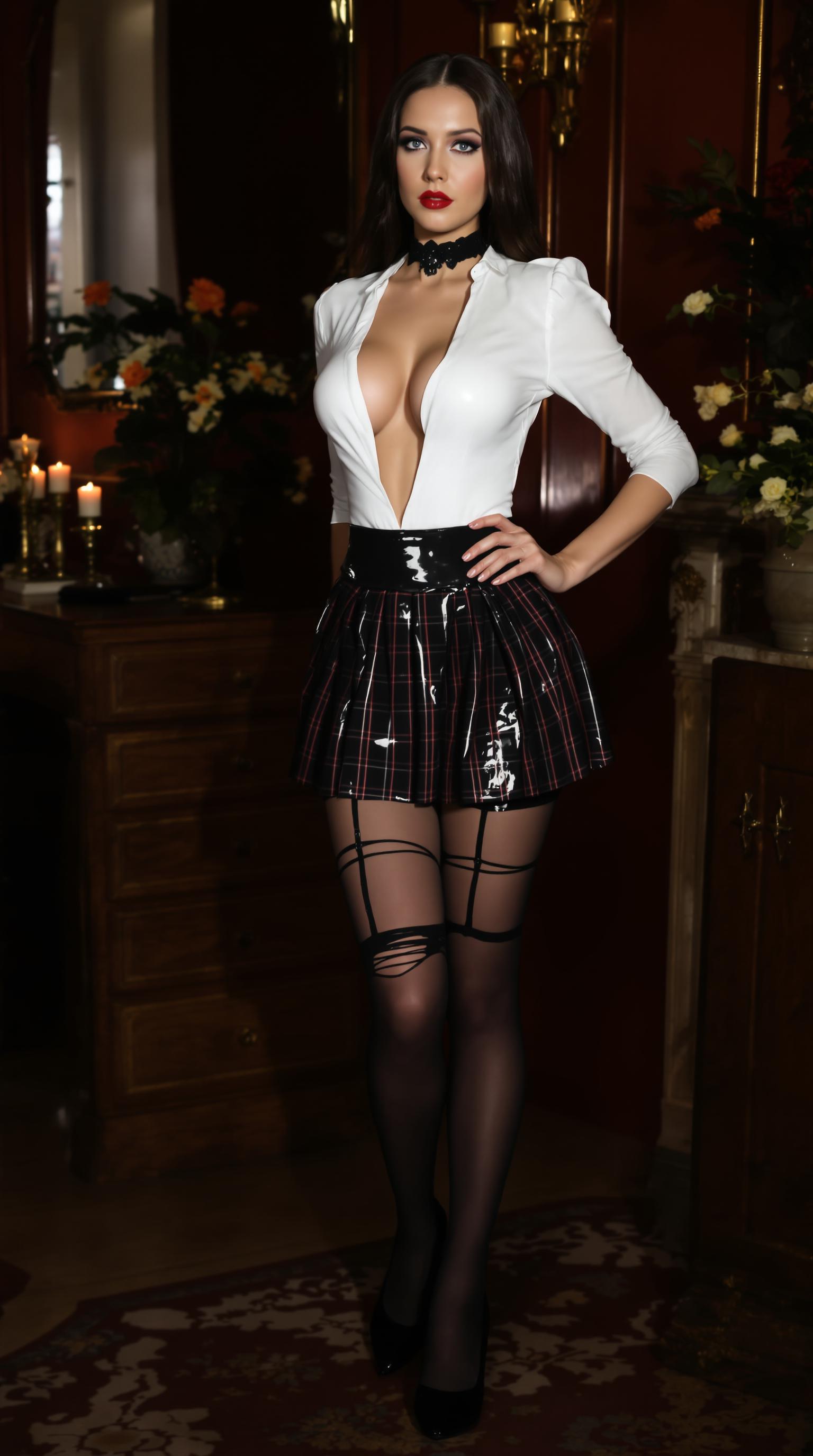
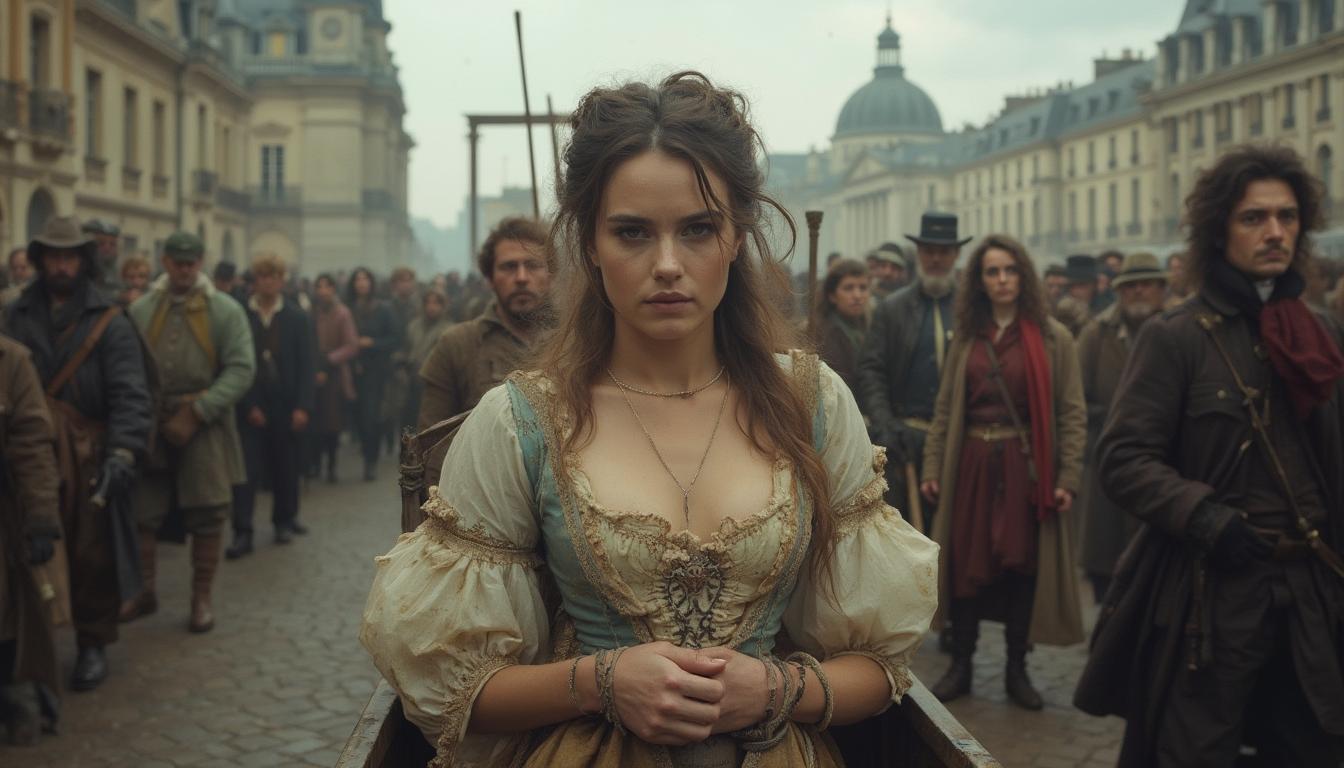
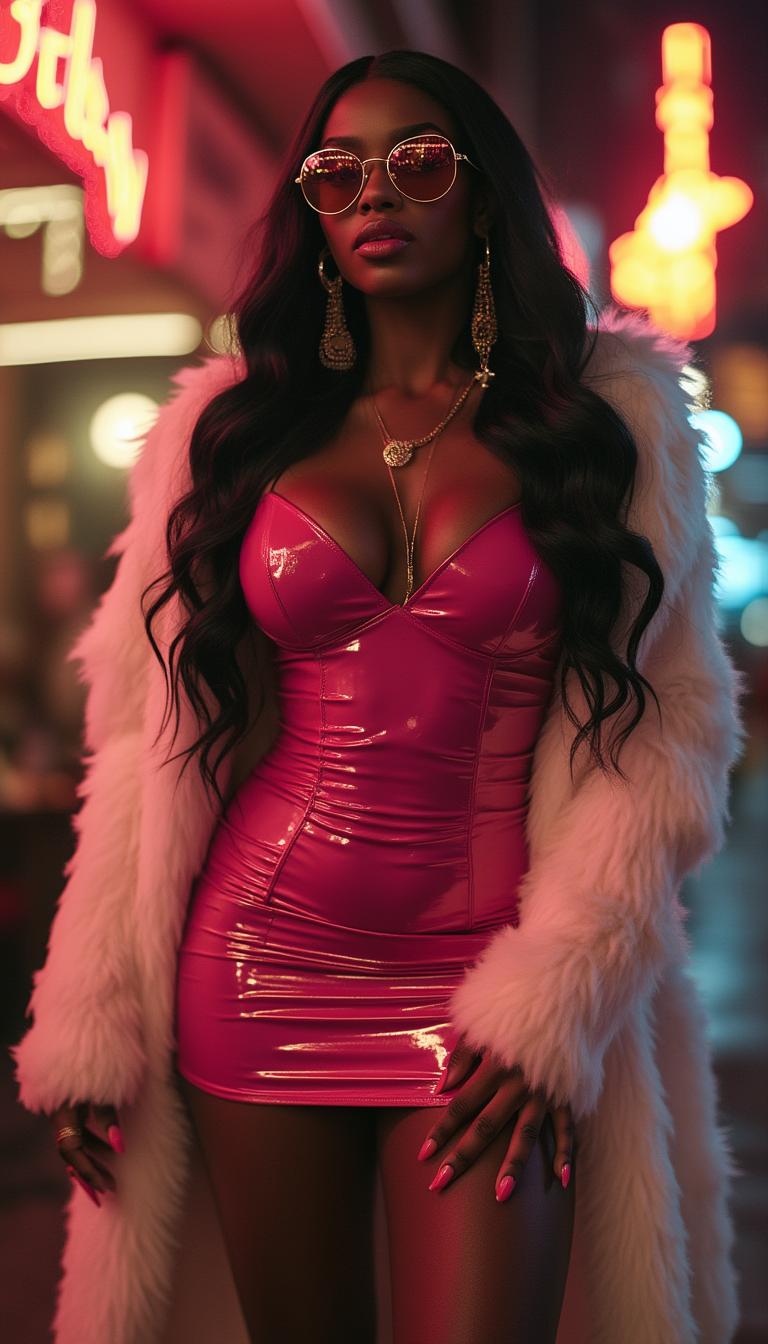
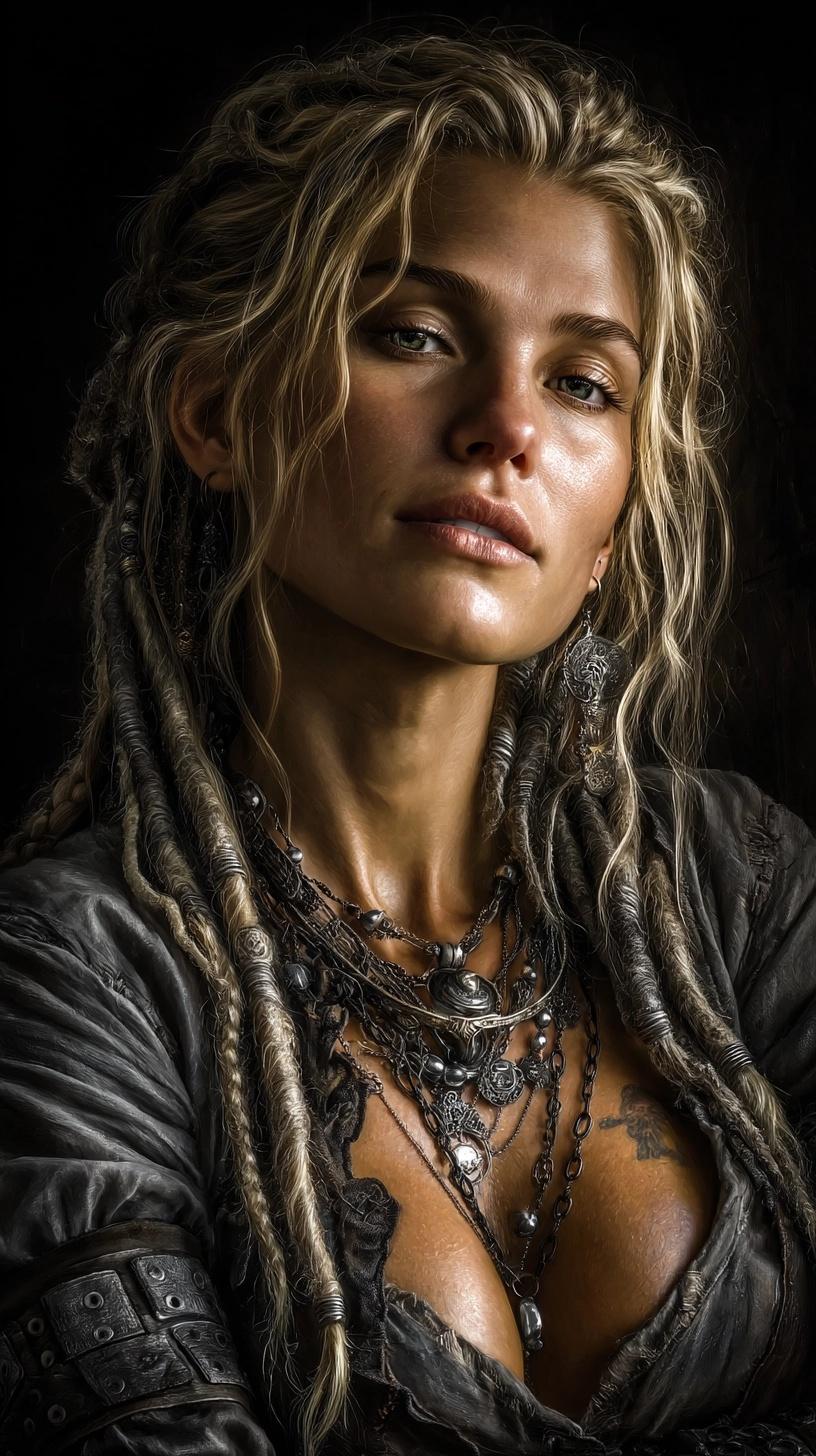
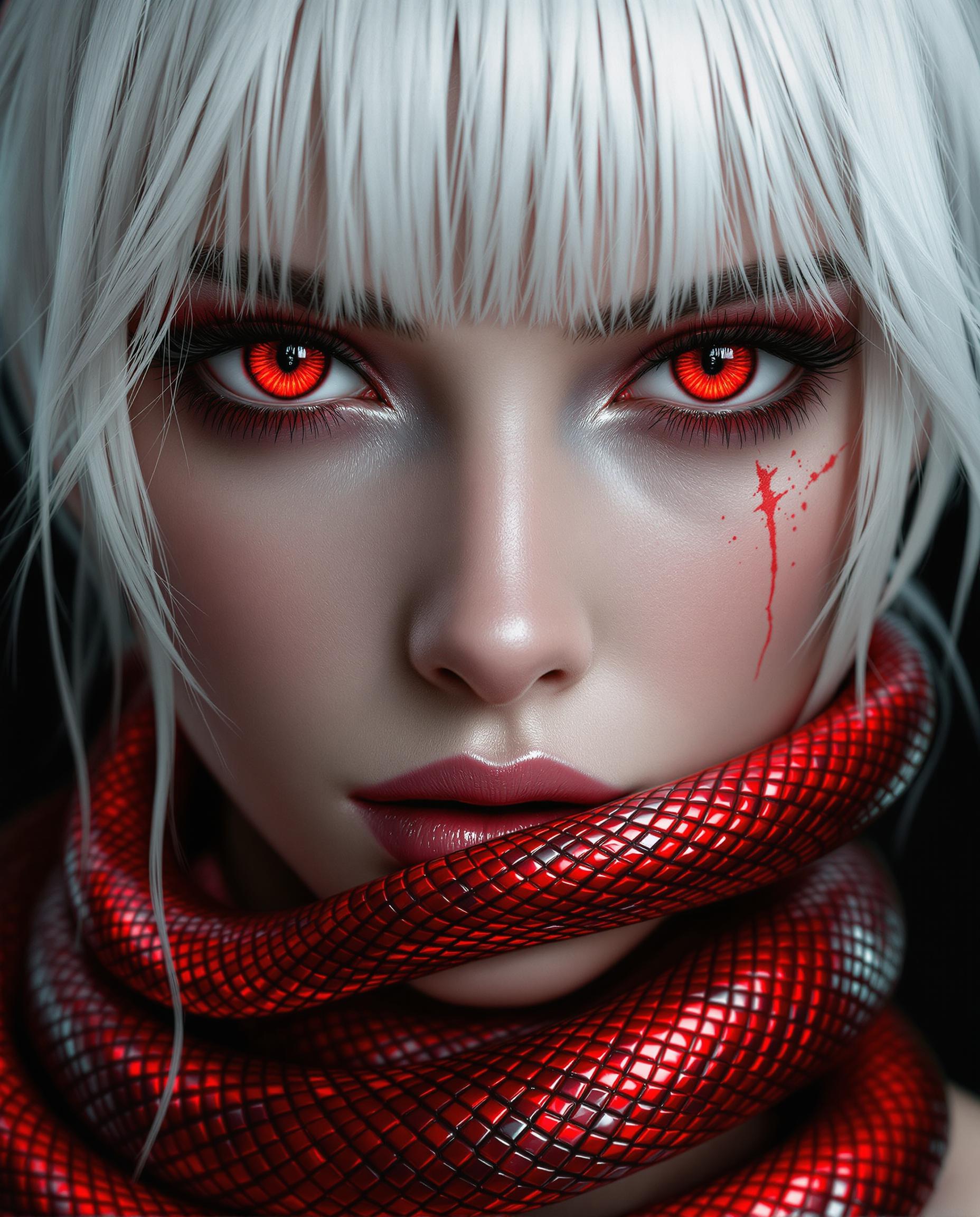

![An intense shot of masked thieves dressed as racers, standing in front of a row of high-performance sports cars at night. One holds a crowbar, another adjusts a drone, while the mastermind plots the next move. Their black racing suits blend with the darkness, only their determined eyes visible under their helmets. A backdrop of Dubai’s glittering skyline and flashing police lights adds tension to the scene. The photo should be shot in a cinematic style and be rendered in a style that mimics the look and feel of kodak portra 400, full environment scene, soft light, [wide angle shot], warm muted colors, [center view], film grain, post processing, shot with leica summicron 35mm lens](https://cdn.pixeldojo.ai/cdn-cgi/image/f=auto,q=75,w=3840/pixeldojo/generated-images/1739284127289-uucech1o9.png)
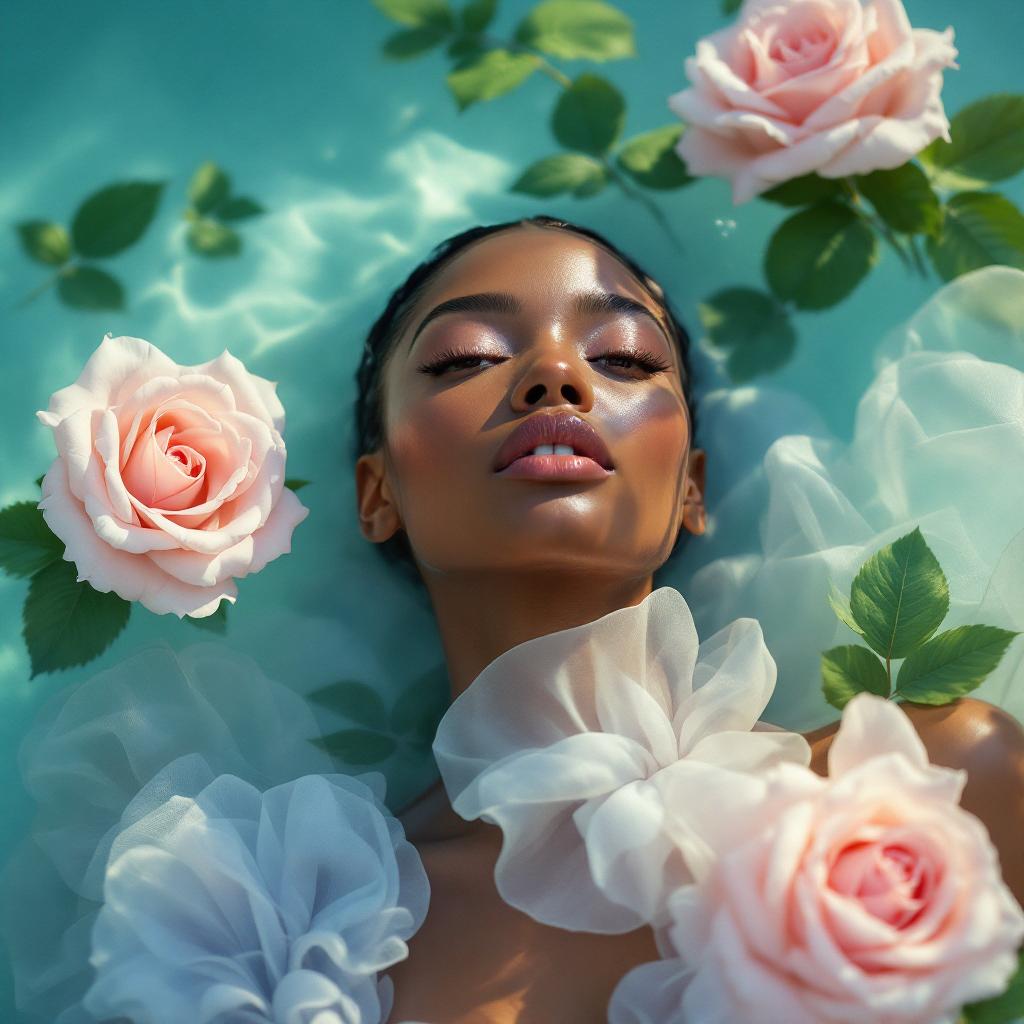
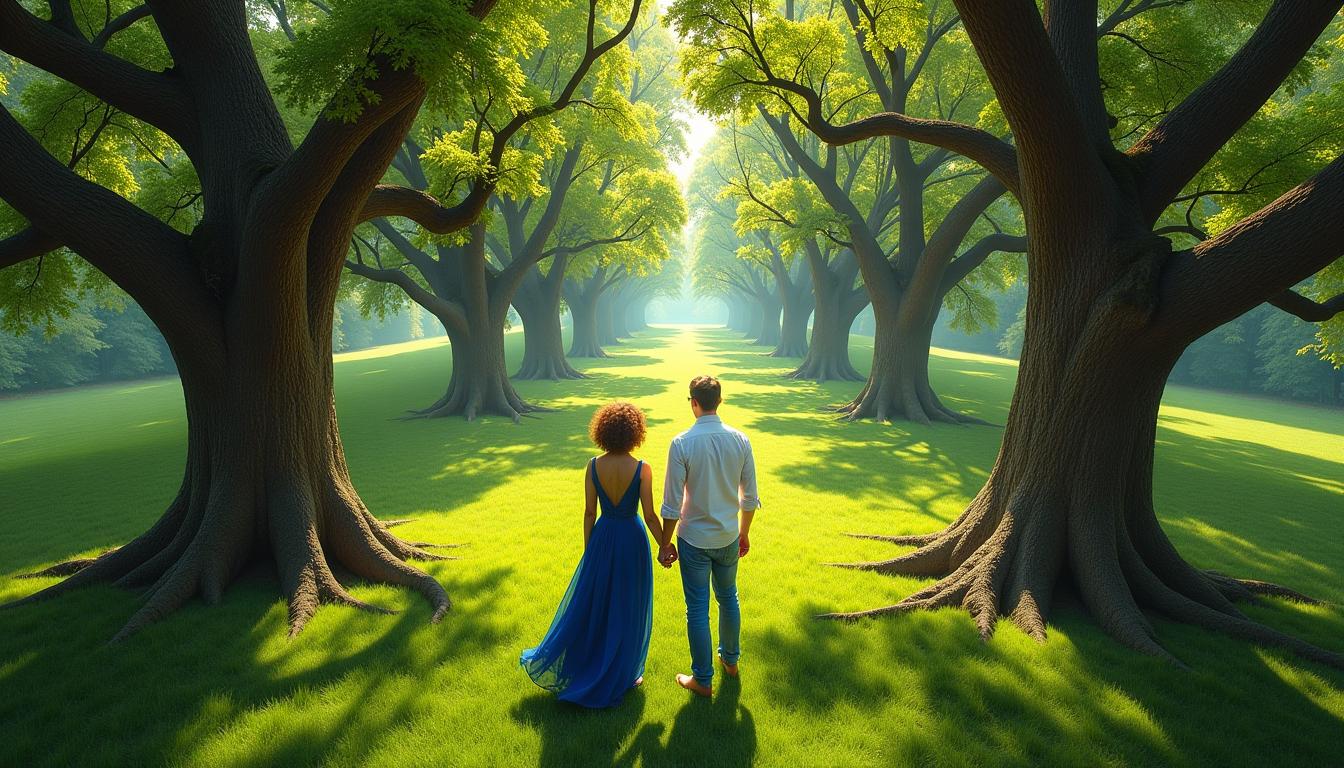
The Pixel Dojo Advantage
Why PixelDojo's Magnific AI outperforms other options for image upscaling
| Others | Pixel Dojo |
|---|---|
| Traditional photo enlargement | You avoid quality loss and blurriness—Magnific AI intelligently reconstructs details for sharp, natural enlargements up to 16x, unlike basic resizing that destroys your originals. |
| Generic AI tools | Get prompt-controlled creativity and seamless integration with 20+ editors like Magic Lighting or PonyXL, delivering tailored, pro-level results far beyond one-size-fits-all upscales. |
| Manual photo editing | Save hours of Photoshop layers—achieve complex enhancements in seconds with Magnific Upscaler, producing outcomes that match or exceed expert manual work without the steep learning curve. |
Loved by Creators
See what our community says about magnific ai
"PixelDojo's Magnific Upscaler turned my rough digital sketches into 8K prints that sold out at my exhibit. Incredibly fast and detailed—game-changer for artists!"
Sarah Linden
Digital Artist & Illustrator
"As a marketer, I upscale product photos with Magnific AI daily. The added textures make them pop on ads, boosting clicks 3x. PixelDojo is my secret weapon."
Mike Rivera
Marketing Director
Common Questions
Everything you need to know about magnific ai AI generation
What is Magnific AI upscaler and how does it work on PixelDojo?
Magnific AI upscaler on PixelDojo is your gateway to transforming low-res images into ultra-detailed HD wonders. You upload an image via the Edit Images tab, select Magnific Upscaler, add a prompt like 'enhance with realistic skin pores and dynamic lighting,' and it intelligently expands resolution up to 16x while adding context-aware details. Paired with tools like HiDream or Imagen 4 for base generation, you create outcomes like professional portraits or landscapes ready for commercial use—no expertise required.
How to use Magnific AI for free image upscaling on PixelDojo?
Start free on PixelDojo by signing up for an account, accessing Usage Report to track credits, and selecting Magnific Upscaler. Upload your image, craft a prompt focusing on desired enhancements (e.g., 'add intricate jewelry details, soft bokeh'), adjust sliders, and generate. Free tier offers ample trials; upgrade subscriptions for unlimited access to Magnific plus Flux.2 Studio and more—cancel anytime for zero risk.
What are the best prompts for Magnific AI image upscaling?
Top prompts emphasize specifics: For photos, 'hyper-detailed skin, volumetric lighting, 16K resolution.' For art, 'add gothic architecture, misty atmosphere, ultra-sharp edges.' On PixelDojo, combine with QWEN Image or Seedream 4.5 for bases, then upscale. Experiment with creativity levels—low for realism, high for surrealism—to achieve viral-ready visuals that stand out in portfolios or e-commerce.
Can you upscale images to 8K or 16K with Magnific AI on PixelDojo?
Absolutely—PixelDojo's Magnific Upscaler handles 2x to 16x effortlessly, producing 8K/16K files perfect for large prints or 4K videos. Upload via Image Analyzer first for insights, upscale, then enhance with Creative Upscaler or Outpainting. You get lossless quality with added details like fabric weaves or foliage, outperforming standard tools for pro photographers and designers.
How does Magnific AI upscaler differ from PixelDojo's Creative Upscaler?
Magnific focuses on prompt-guided, highly detailed reconstructions ideal for artistic or photo-real boosts, while Creative Upscaler emphasizes stylistic flair and speed for quick edits. Use Magnific for intricate textures (e.g., fur, landscapes), Creative for bold stylizations. Chain them with Style Transfer or Inpainting with LoRAs on PixelDojo for hybrid workflows yielding unmatched versatility.
Is PixelDojo's Magnific AI safe for commercial use and private images?
Yes—your images stay private, with no training on uploads. Commercial rights included in subscriptions; generate for ads, merchandise, or stock with confidence. Tools like Portrait Upscaler or Face Swap integrate securely. Thousands of pros rely on PixelDojo's Profile and Subscription features for secure, scalable creation—join them risk-free.