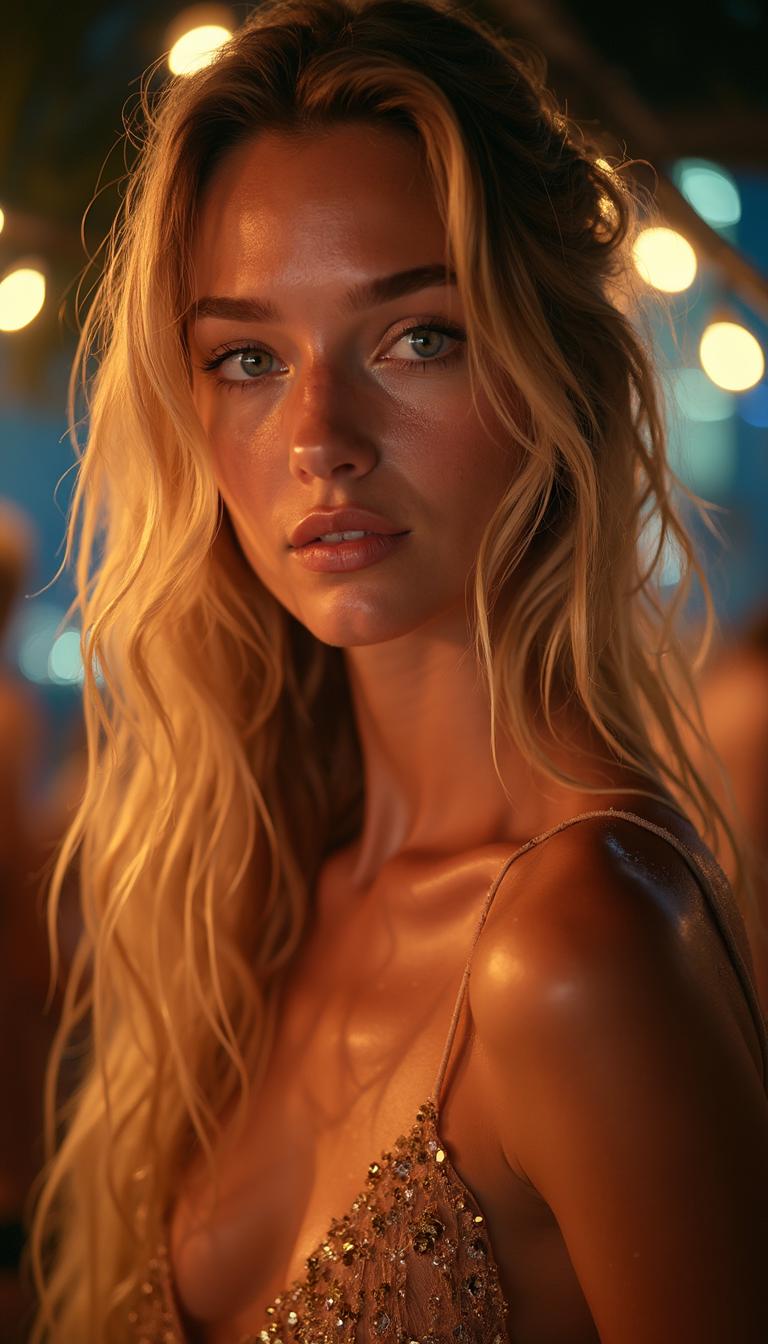
model photo shoot AI Generator
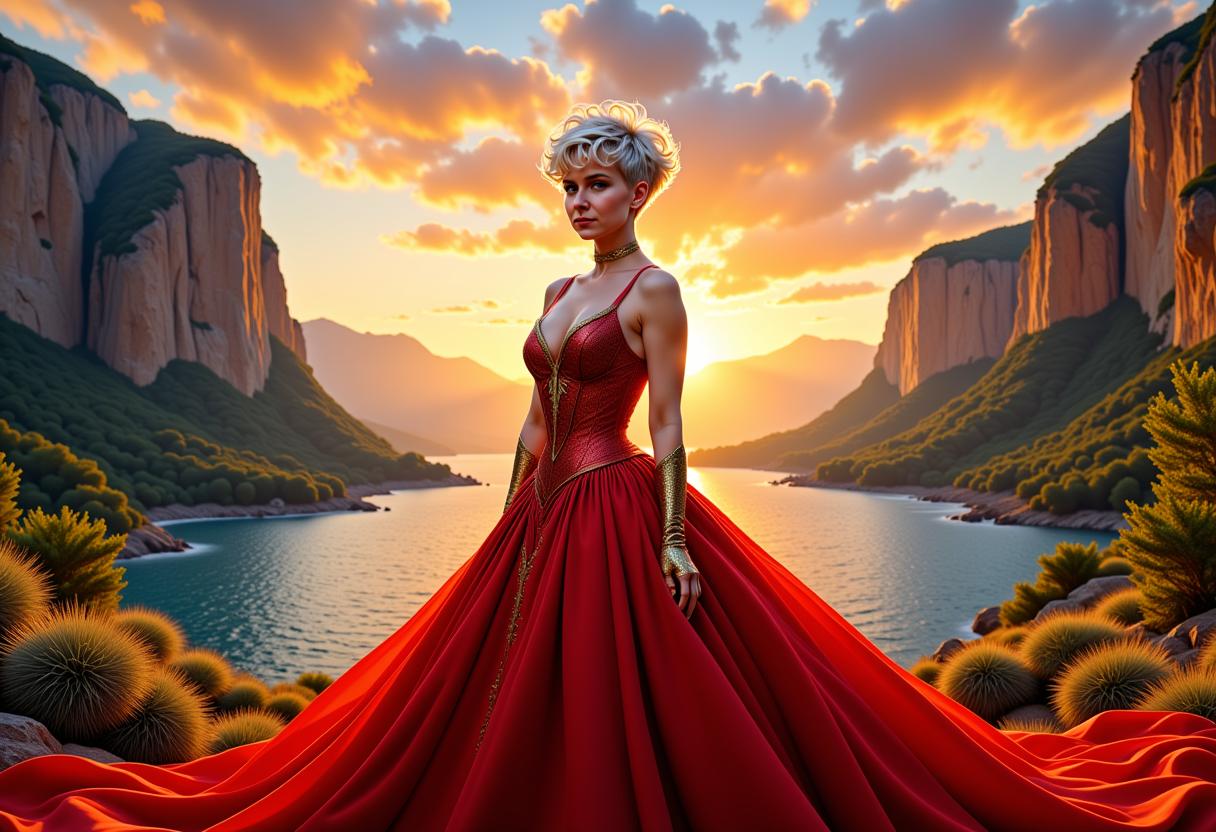
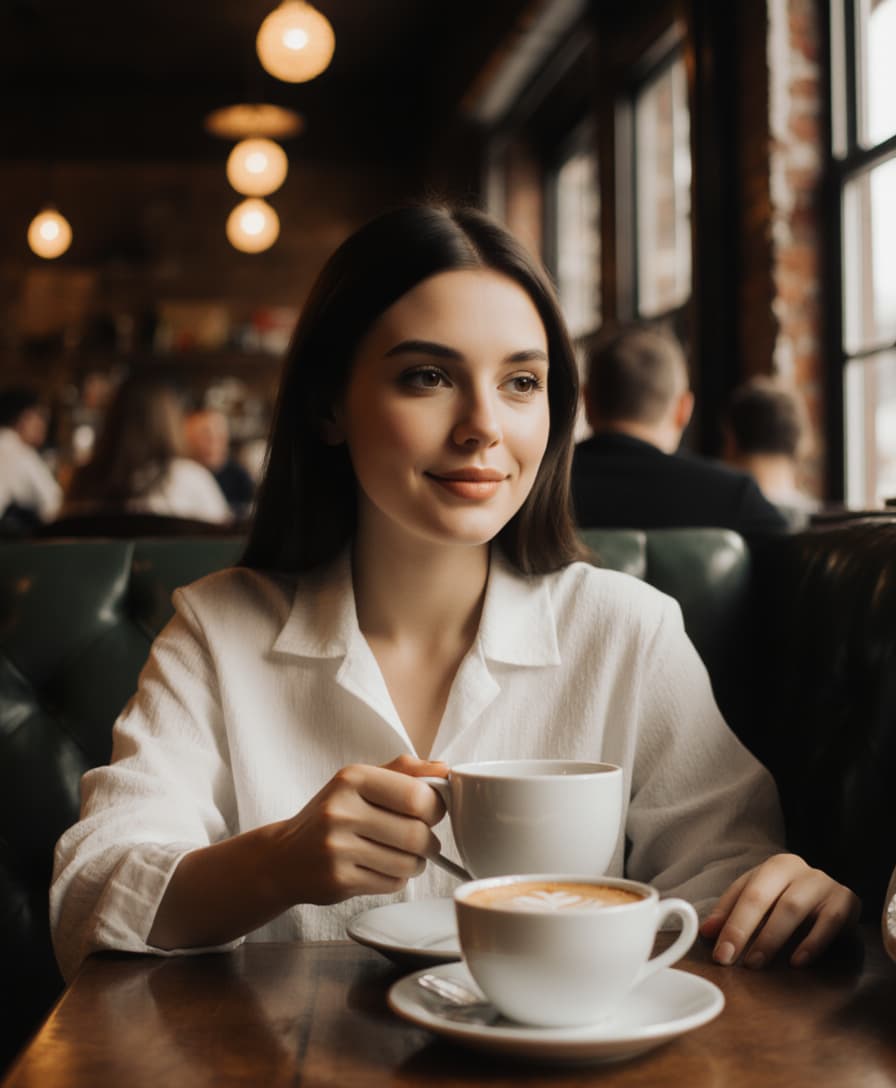
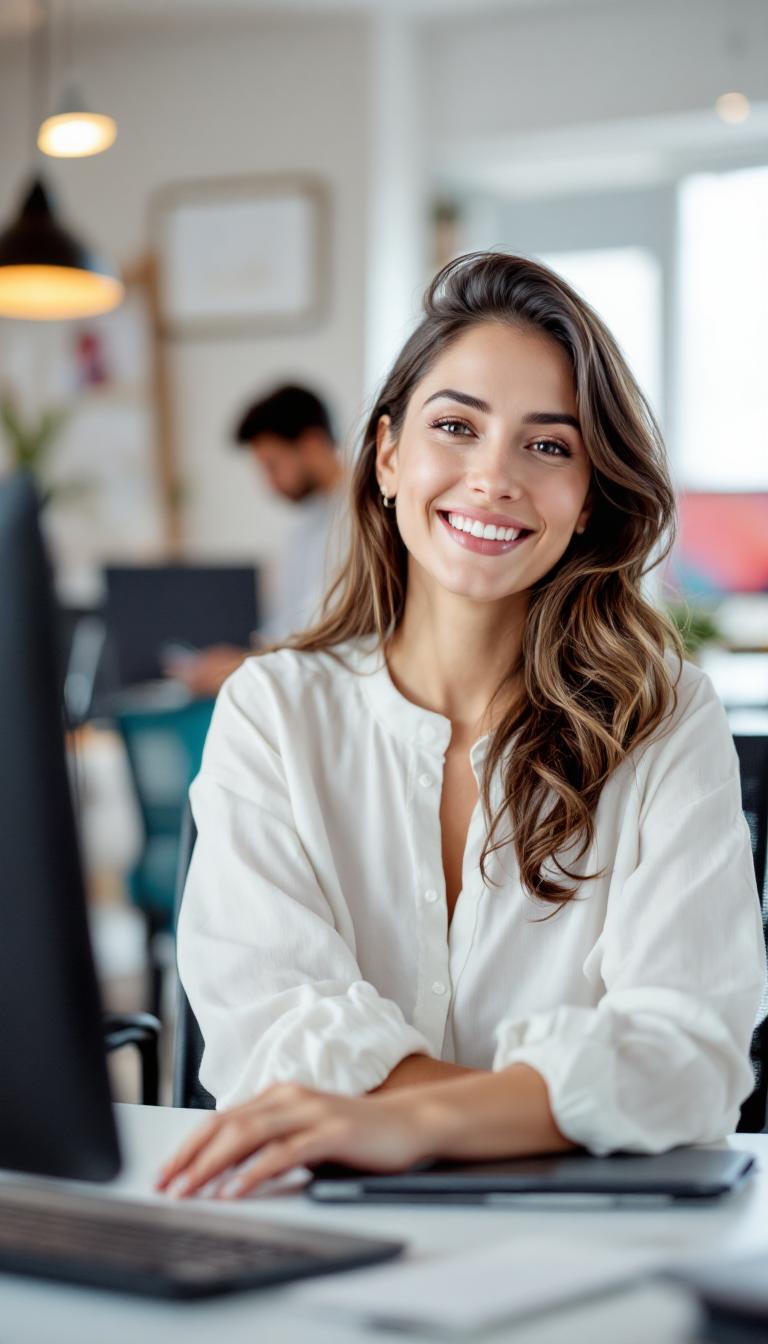
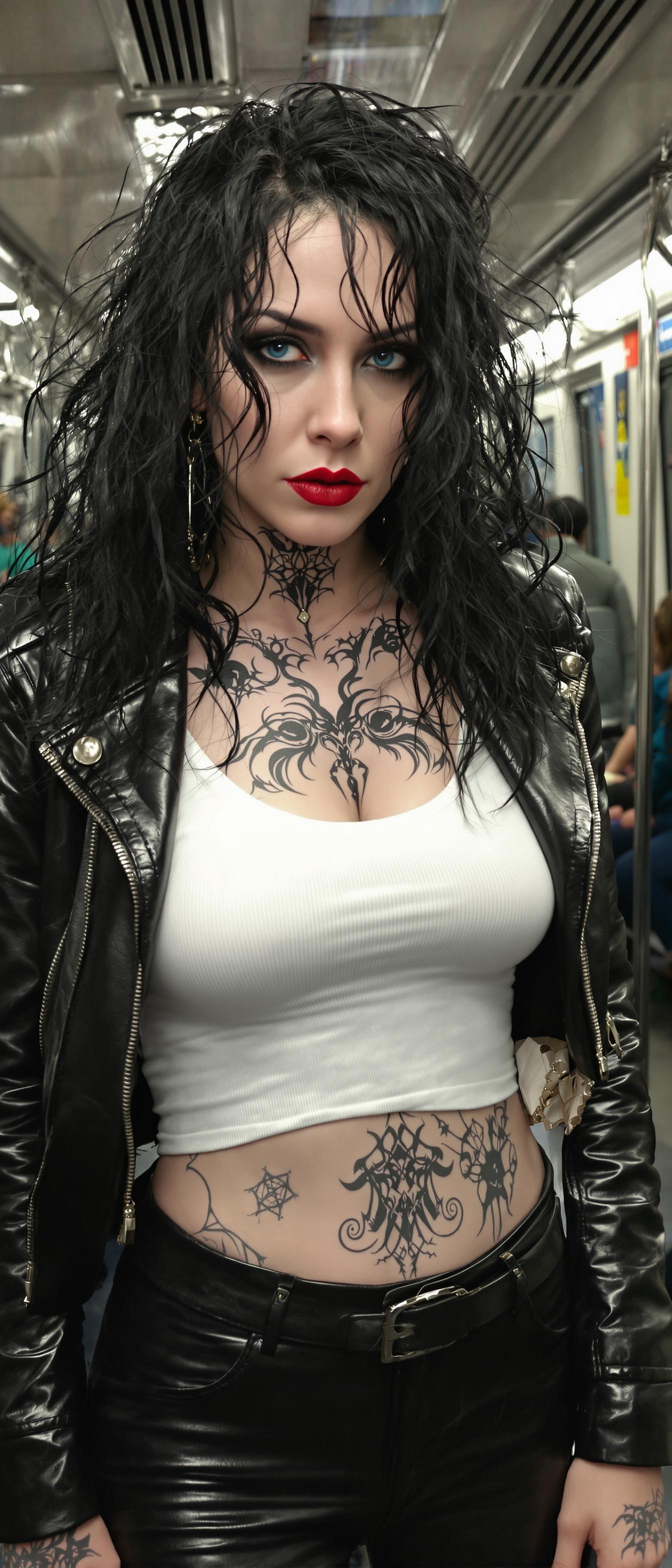
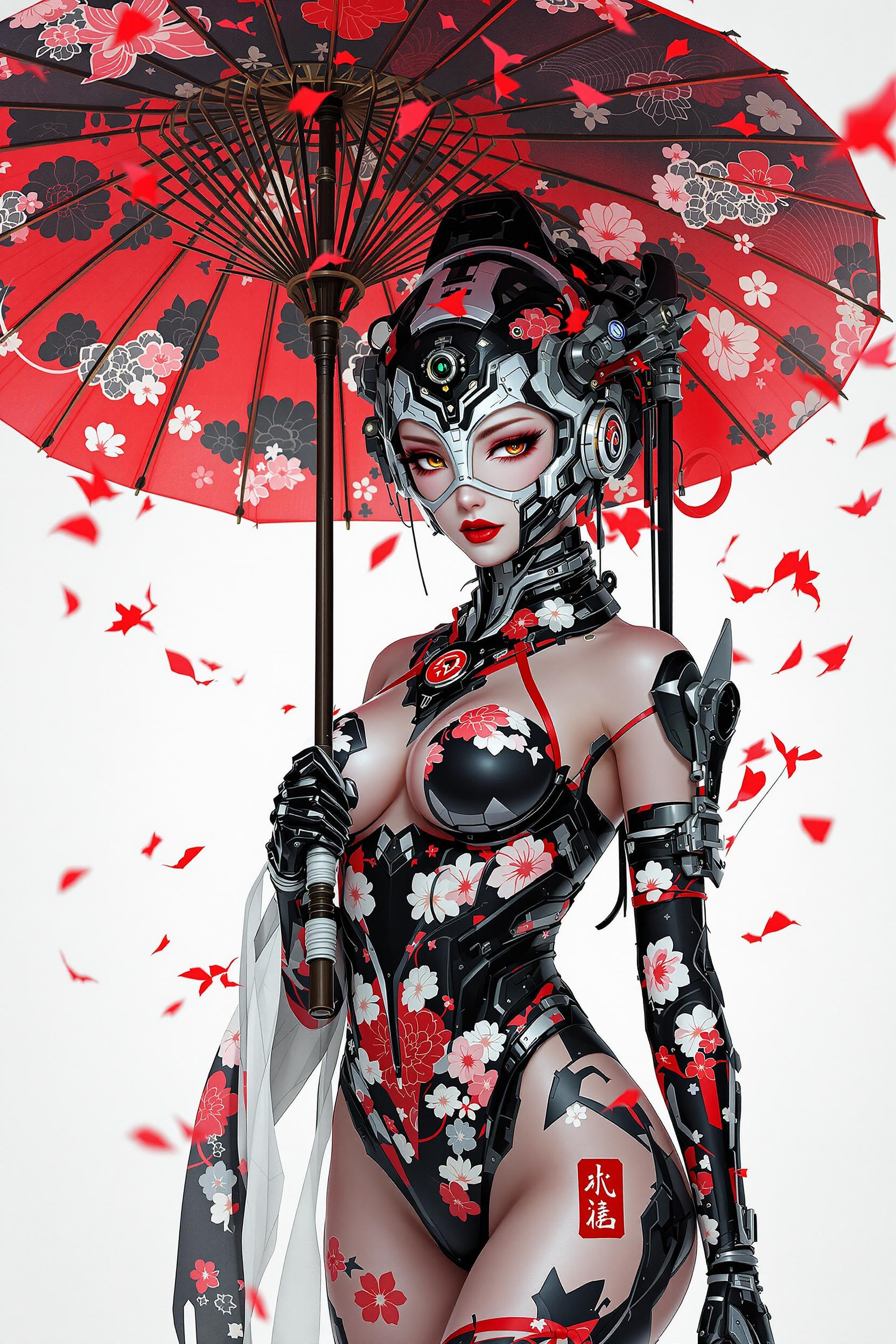
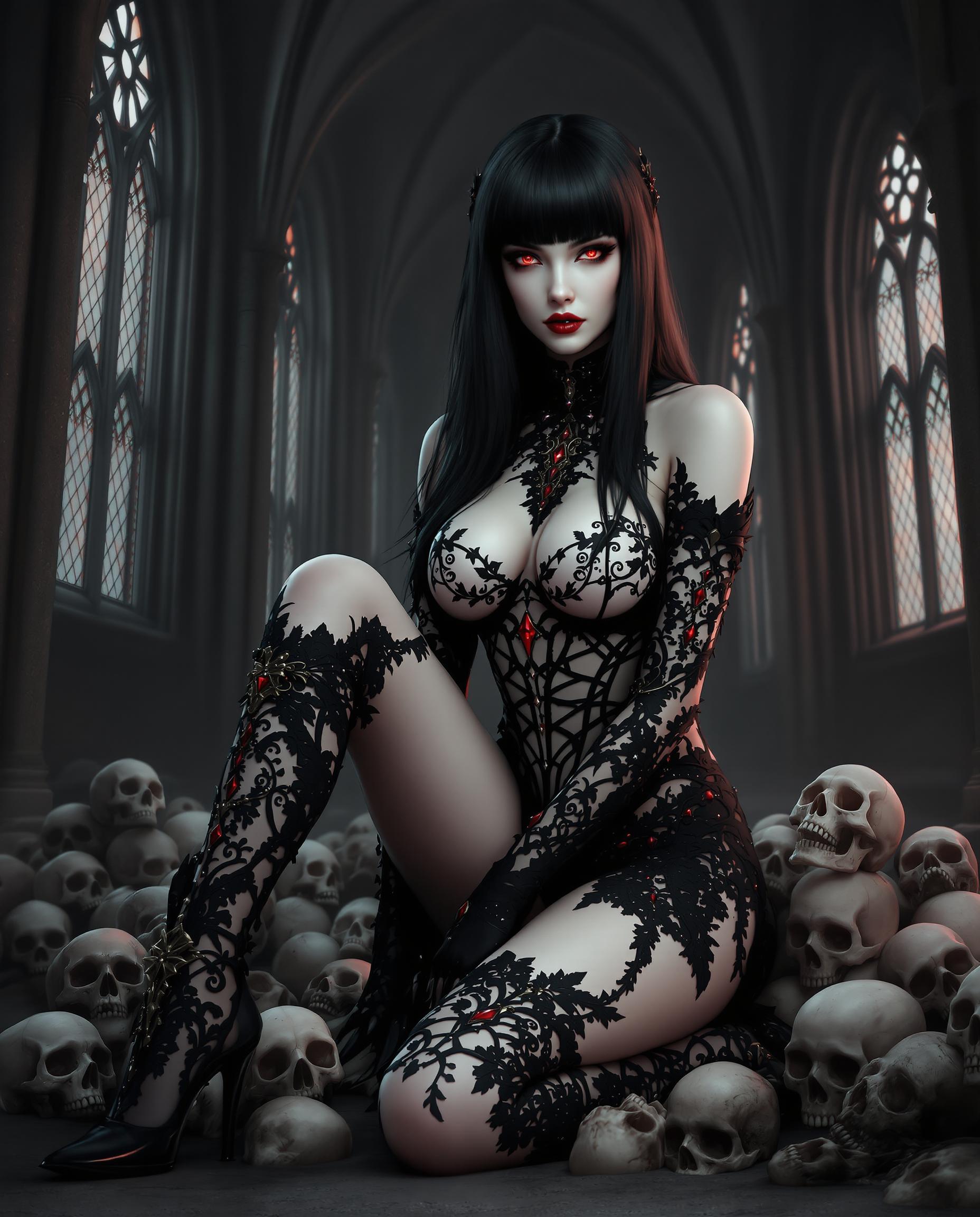
Imagine producing high-quality model photo shoots without the need for expensive equipment, professional models, or extensive editing skills. With PixelDojo's advanced AI tools, you can effortlessly create stunning, professional-grade images that bring your creative visions to life. Whether you're a marketer, content creator, or photography enthusiast, our platform empowers you to generate captivating visuals that stand out.
Join over 100,000 satisfied users who have transformed their photography with PixelDojo's AI tools. Rated 4.8/5 based on 2,000+ reviews.
Why Choose Pixel Dojo for model photo shoot
Professional-quality results with cutting-edge AI technology
Effortless Professional Quality
Achieve studio-quality model photos without the need for expensive equipment or professional skills.
Time and Cost Efficiency
Save time and reduce costs by automating the photo shoot process with AI.
Unlimited Creative Possibilities
Explore endless creative styles and settings to make your photos stand out.
How It Works
Creating stunning AI-generated model photo shoots with PixelDojo is simple and intuitive. Follow these steps to transform your images:
Step 1: Choose Your Tool
Select the appropriate AI tool from PixelDojo's suite, such as Flux Creator or Imagen 4, to begin your photo transformation.
Step 2: Enter Your Prompt
Input a detailed description of the model photo shoot you envision, specifying elements like setting, attire, and mood.
Step 3: Customize & Download
Review the generated image, make any desired adjustments using PixelDojo's editing features, and download your final high-resolution photo.

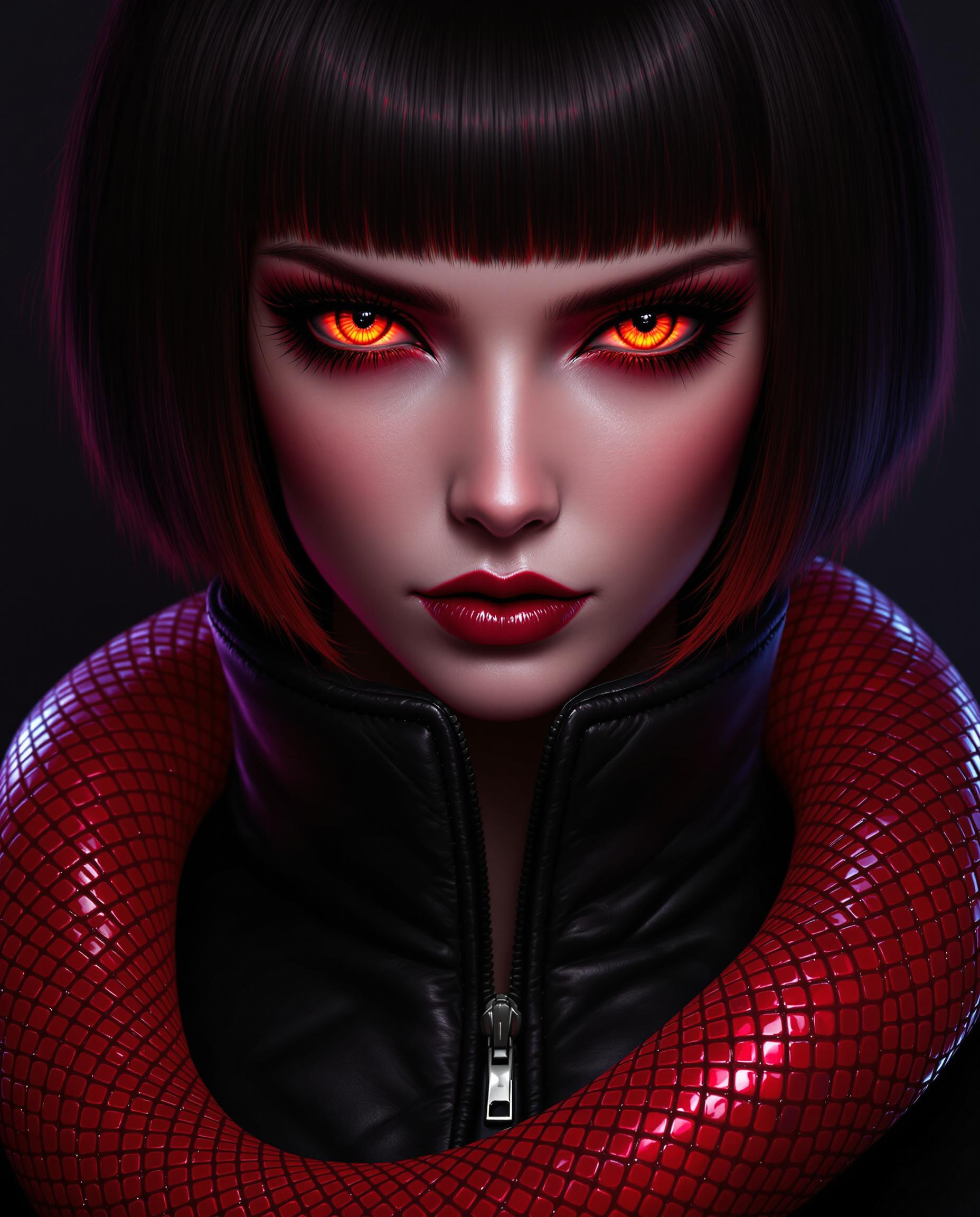

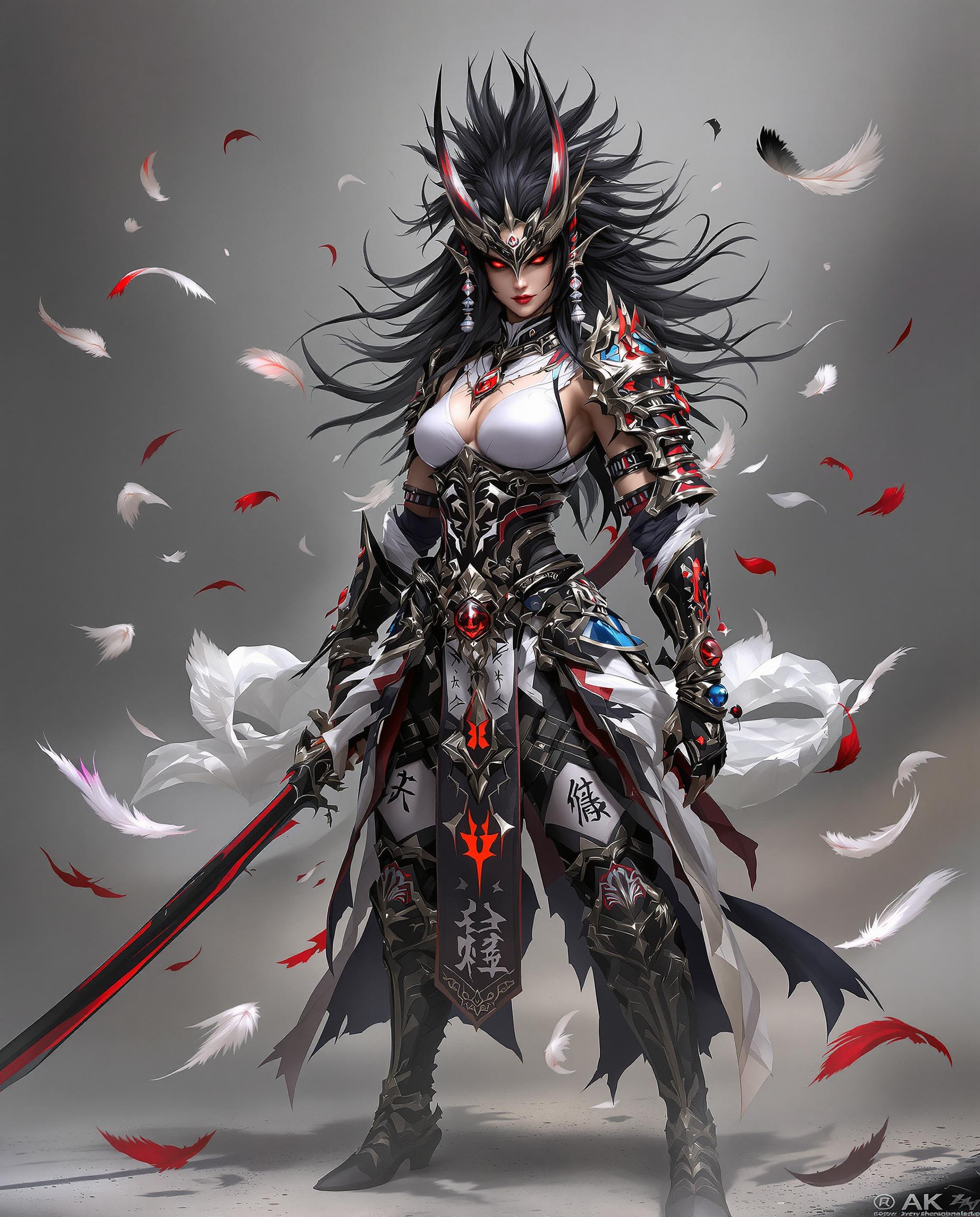
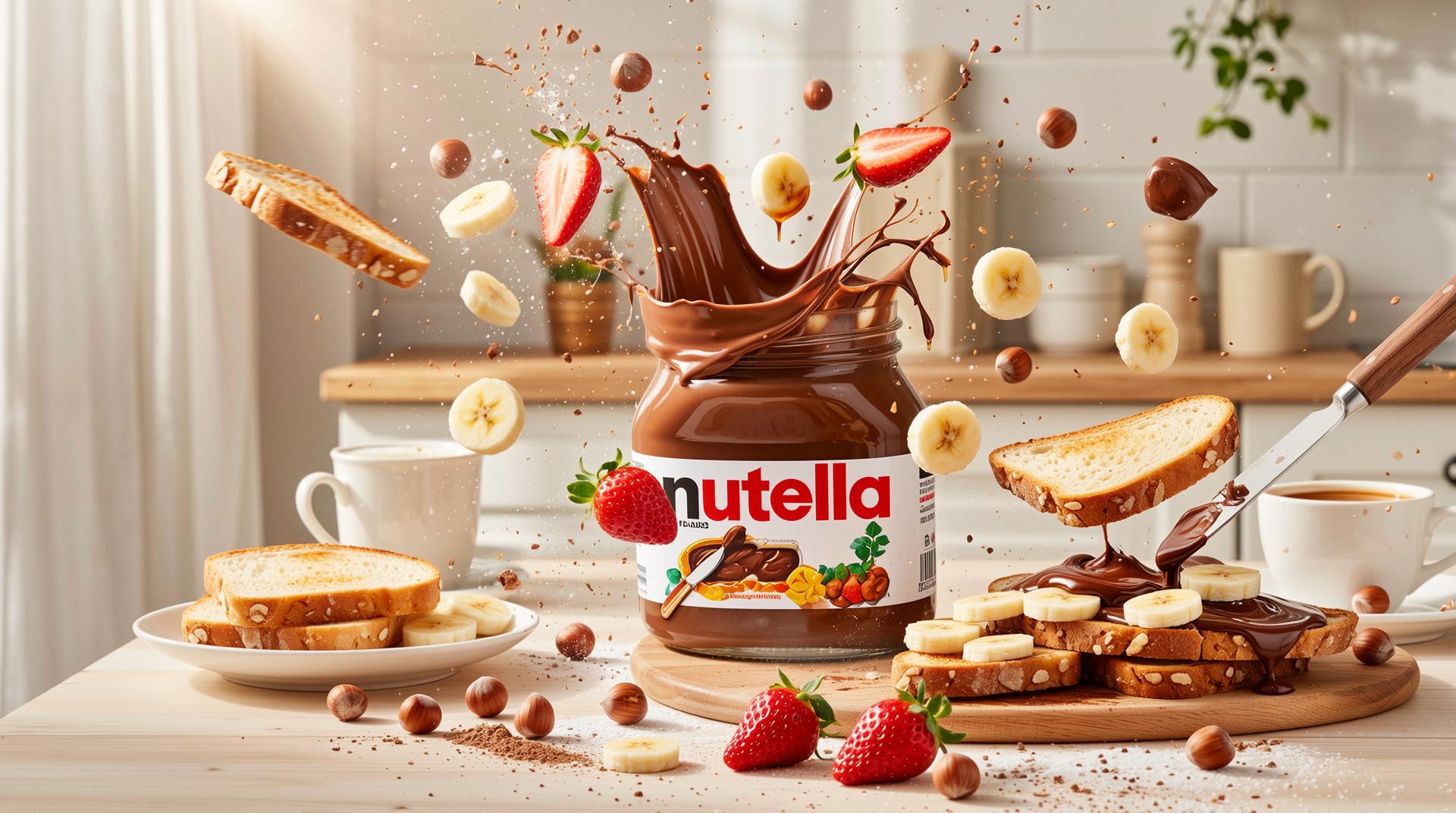


The Pixel Dojo Advantage
Why PixelDojo outperforms other options for model photo shoot image generation:
| Others | Pixel Dojo |
|---|---|
| Traditional Model Photo Shoots | Eliminate the need for expensive equipment and studio time by using AI to create professional-quality images. |
| Generic AI Tools | PixelDojo offers a comprehensive suite of AI tools specifically designed for diverse photo shoot needs, providing more tailored and high-quality results. |
| Manual Photo Editing | Save hours of manual editing by leveraging AI to automate enhancements and transformations, ensuring consistency and efficiency. |
Loved by Creators
See what our community says about model photo shoot
"PixelDojo's AI tools have revolutionized my photography workflow. I can now produce high-quality images in minutes without the need for expensive equipment."
Alex Johnson
Professional Photographer
"As a content creator, PixelDojo has been a game-changer. The AI photo shoot capabilities allow me to create diverse and engaging visuals effortlessly."
Samantha Lee
Content Creator
Common Questions
Everything you need to know about model photo shoot AI generation
How does PixelDojo's AI model photo shoot work?
PixelDojo utilizes advanced AI algorithms to analyze and enhance your photos, applying various transformations such as background changes, style transfers, and lighting adjustments to achieve professional-quality results.
Do I need professional photography skills to use PixelDojo?
No, PixelDojo is designed to be user-friendly and accessible to individuals of all skill levels. Our intuitive interface and AI tools guide you through the process, making it easy to create stunning images.
Can I customize the AI enhancements applied to my photos?
Yes, PixelDojo offers a range of customization options, allowing you to adjust the intensity of enhancements, choose specific styles, and make manual edits to ensure the final image aligns with your vision.
Is there a limit to the number of photos I can process with PixelDojo?
PixelDojo offers various subscription plans to suit different needs. Depending on your plan, you can process a specific number of photos per month. Please refer to our pricing page for more details.
What file formats are supported for uploading and downloading photos?
PixelDojo supports a wide range of file formats for both uploading and downloading, including JPEG, PNG, and TIFF, ensuring compatibility with your existing workflow.
Is my data secure when using PixelDojo?
Yes, we prioritize user privacy and data security. All uploaded photos are processed securely, and we do not share your data with third parties without your consent.