Multi-shot control Wan AI Generator
Transform your creative vision into dynamic, multi-shot sequences with PixelDojo's advanced WAN tools. Whether you're crafting engaging narratives or showcasing products from multiple angles, our AI-powered solutions make it simple to produce professional-quality images and videos that captivate your audience.
Join over 10,000 creators who have enhanced their visual storytelling with PixelDojo's cutting-edge AI tools. Rated 4.8/5 based on 2,500+ reviews.
Why Choose Pixel Dojo for Multi-shot control Wan
Professional-quality results with cutting-edge AI technology
Effortless Multi-Shot Creation
Generate cohesive multi-shot sequences without the need for complex setups or extensive editing.
Consistent Visual Narratives
Maintain character and scene consistency across shots, ensuring a seamless storytelling experience.
Flexible Customization
Tailor each shot's composition, angle, and style to match your creative vision precisely.
How It Works
Creating multi-shot images and videos with PixelDojo is straightforward. Follow these steps to bring your ideas to life:
Step 1: Select Your WAN Tool
Choose from PixelDojo's suite of WAN tools, such as WAN 2.6 Image for images or WAN 2.6 Video for videos, to begin your project.
Step 2: Input Your Prompt
Describe the scenes you envision, specifying details like camera angles, lighting, and subject actions to guide the AI in generating each shot.
Step 3: Customize and Download
Review the generated shots, make any necessary adjustments to align with your vision, and download the final high-quality images or videos.

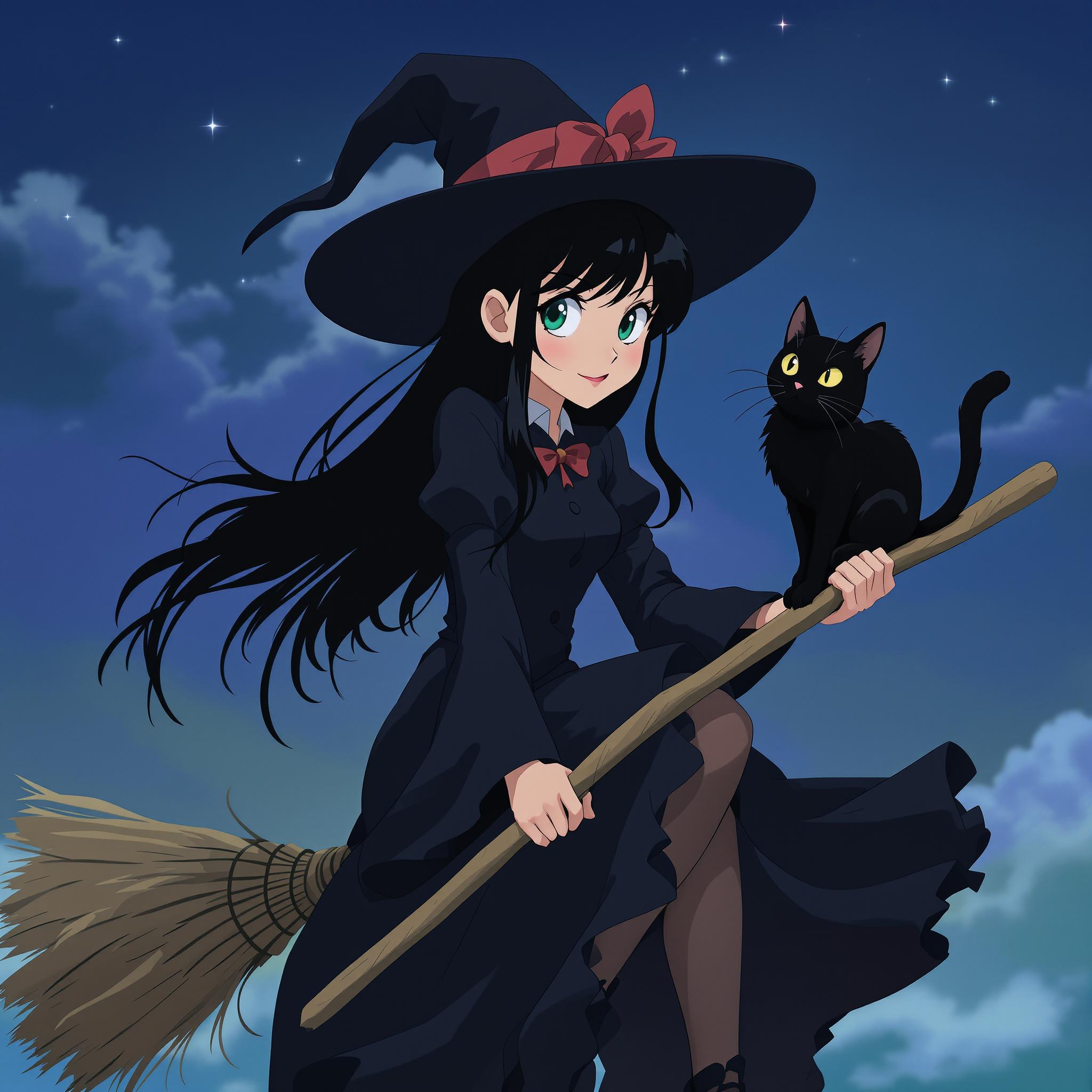
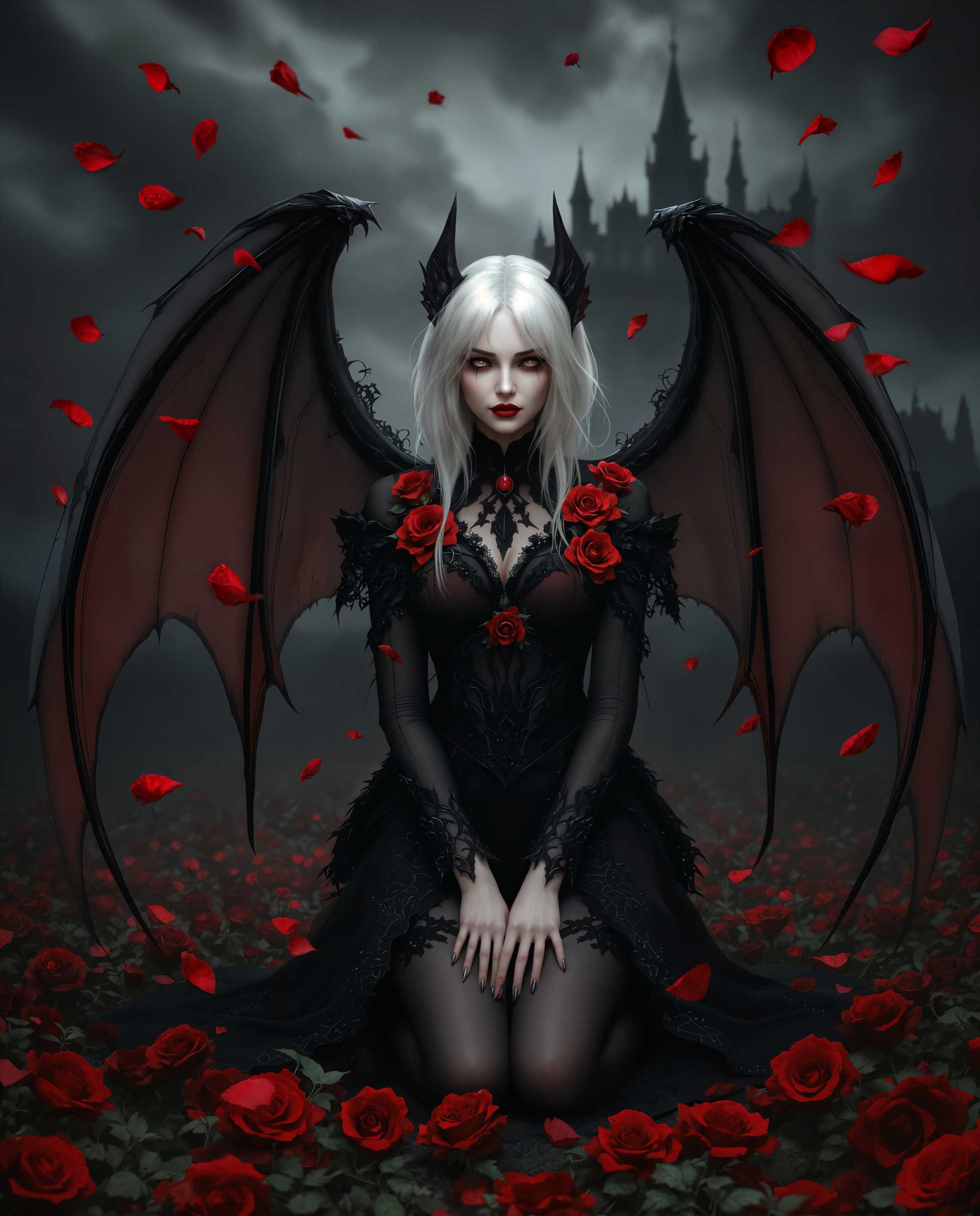


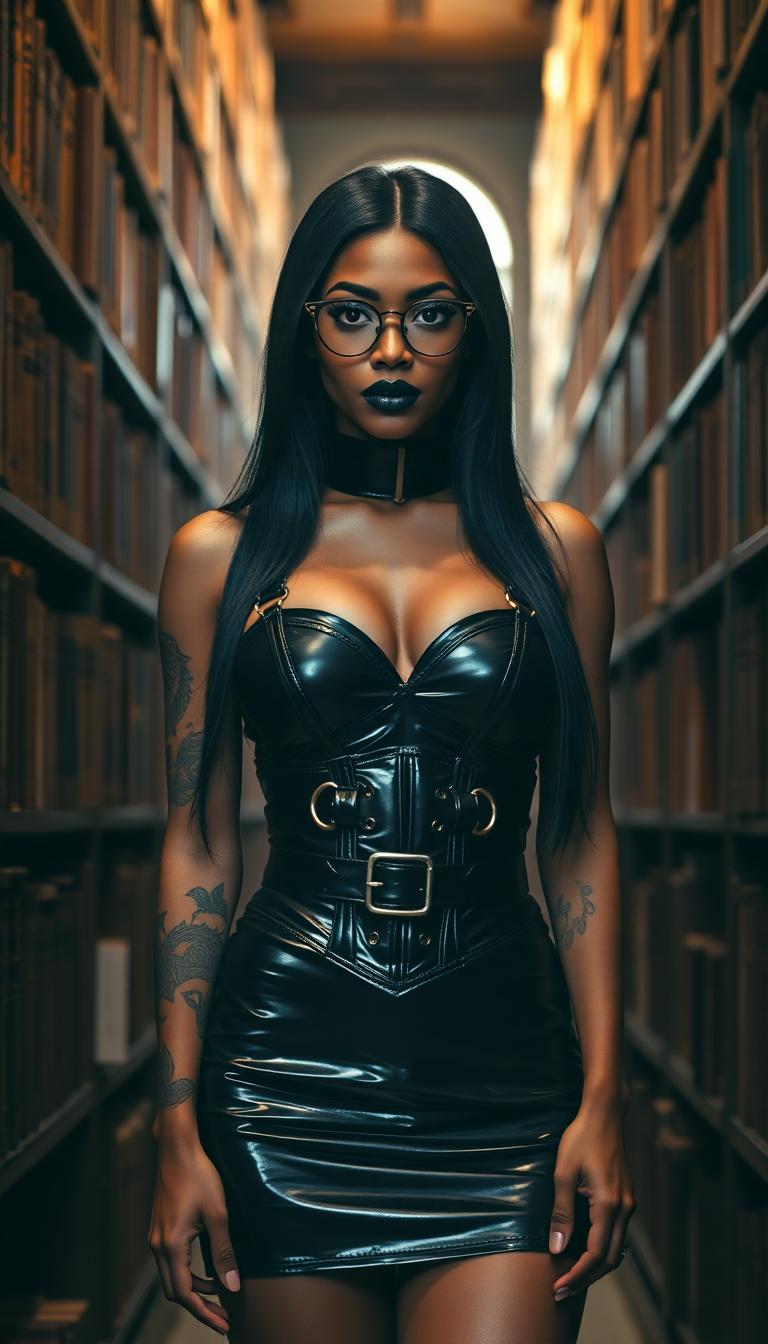
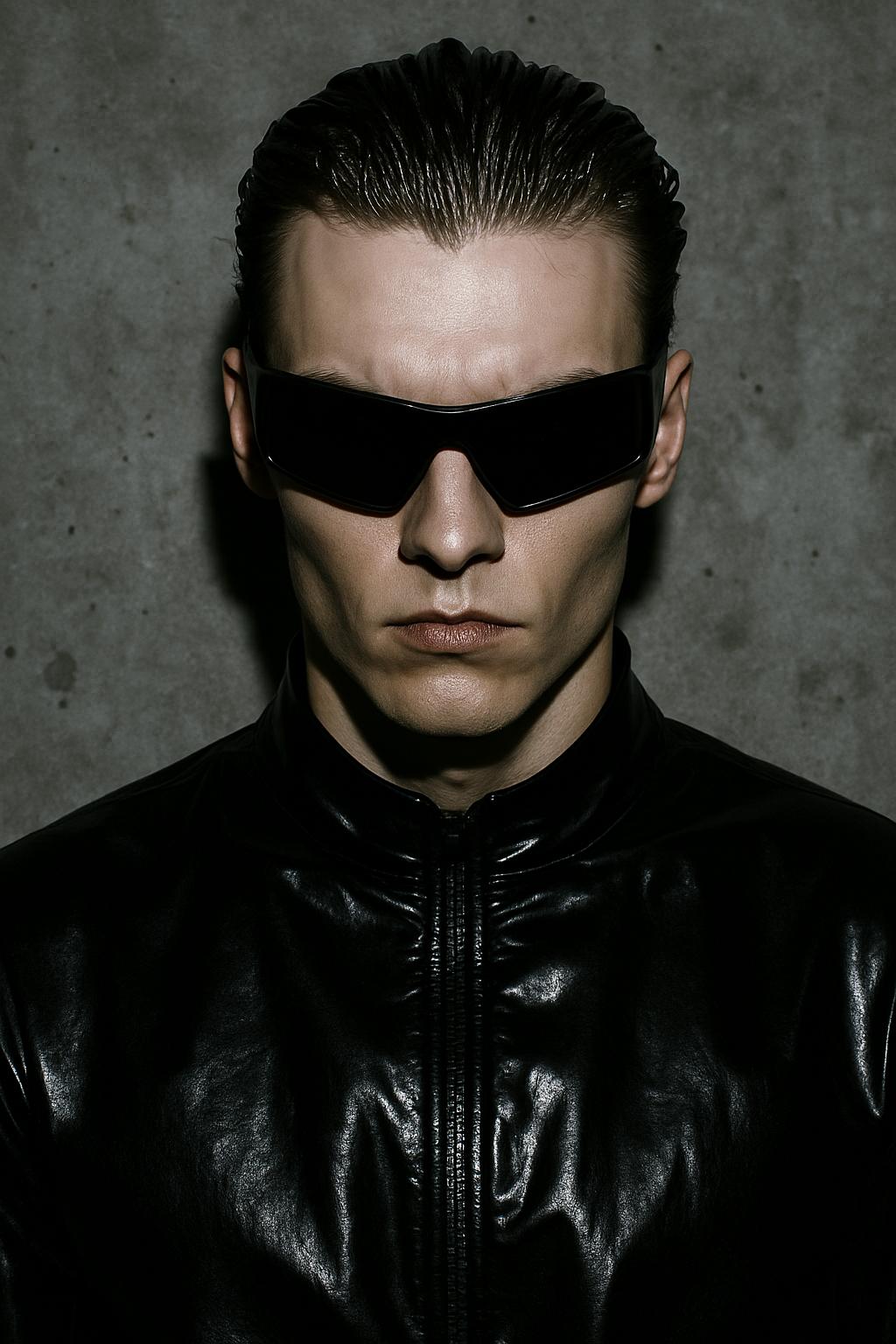

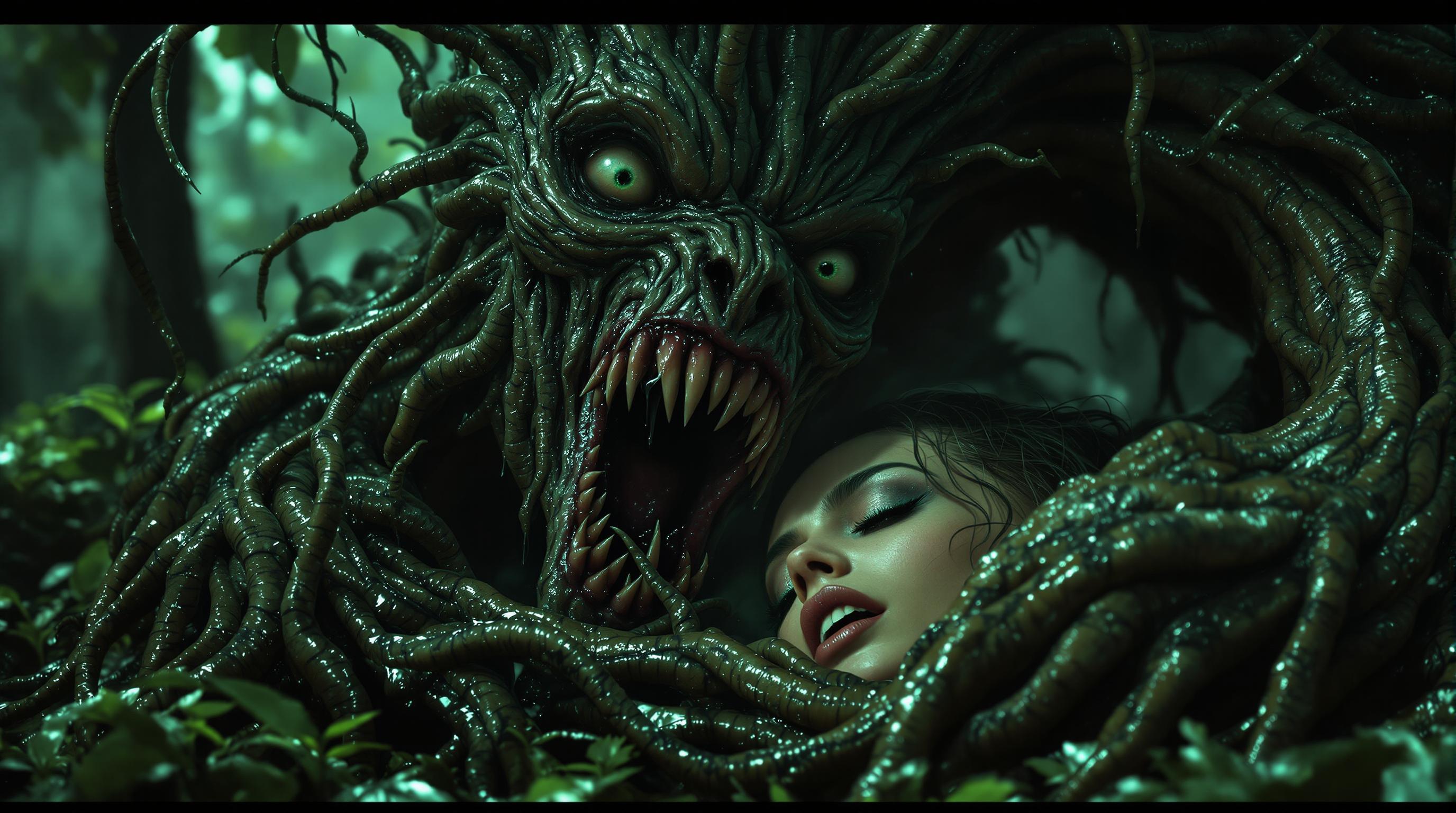
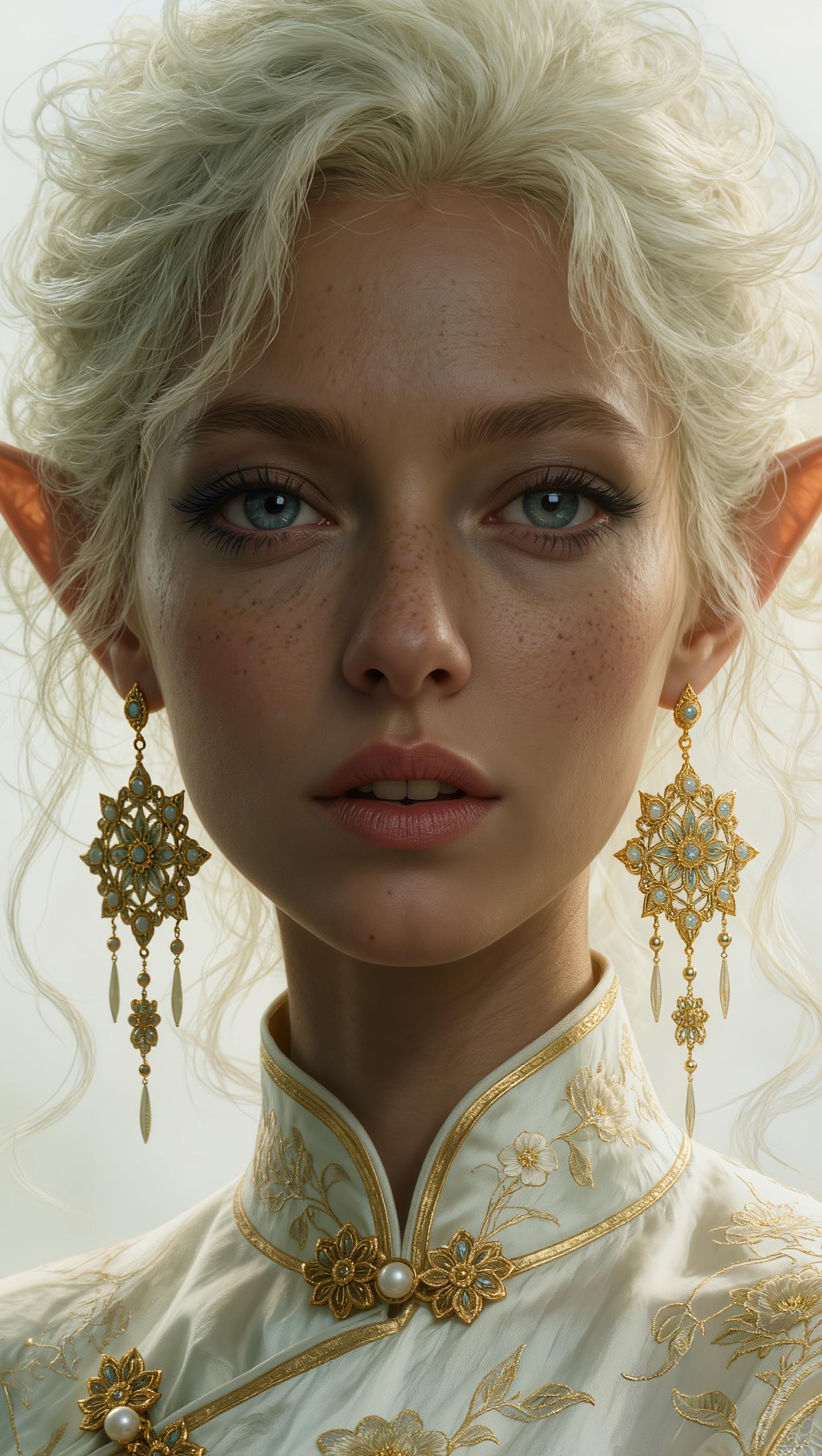
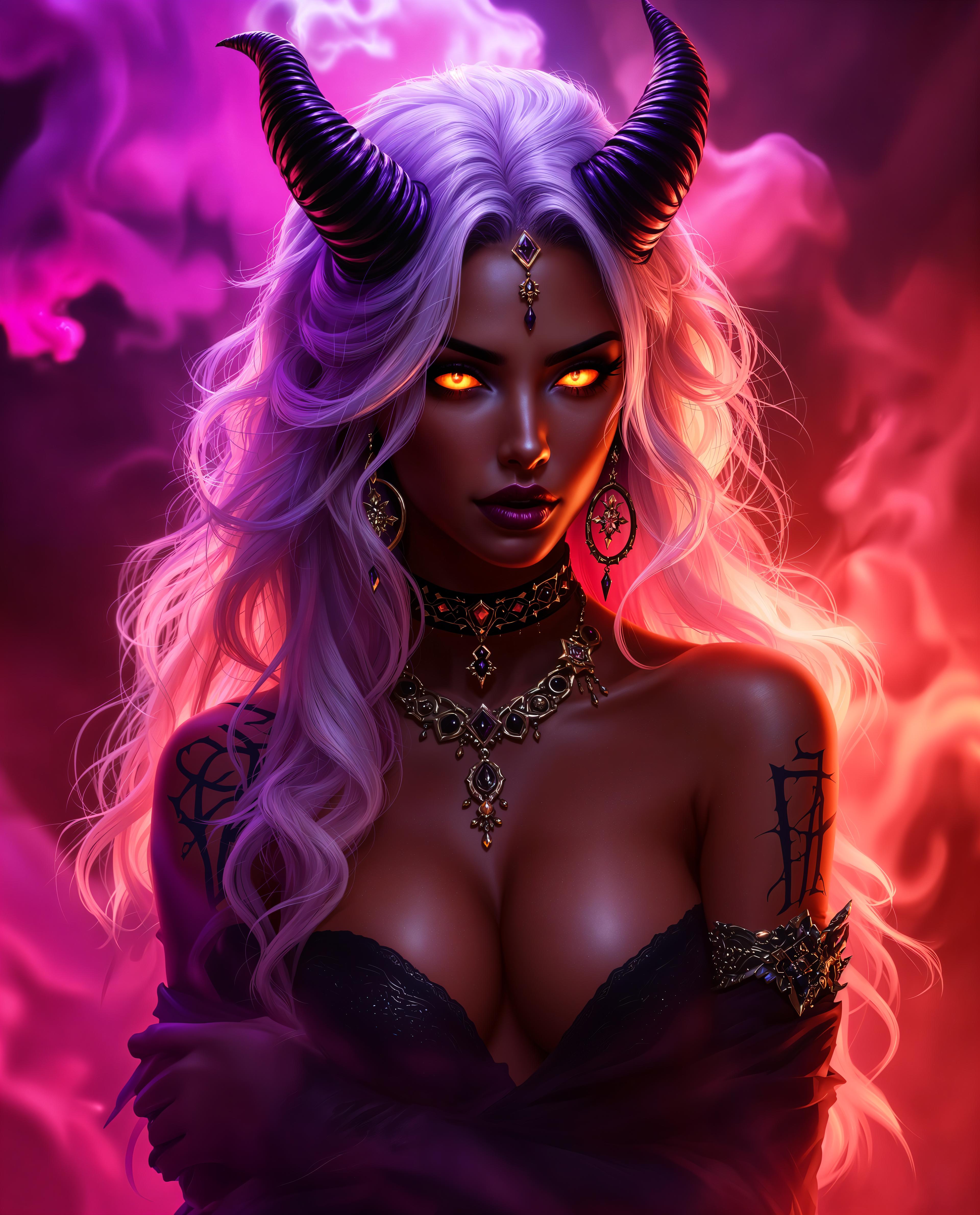

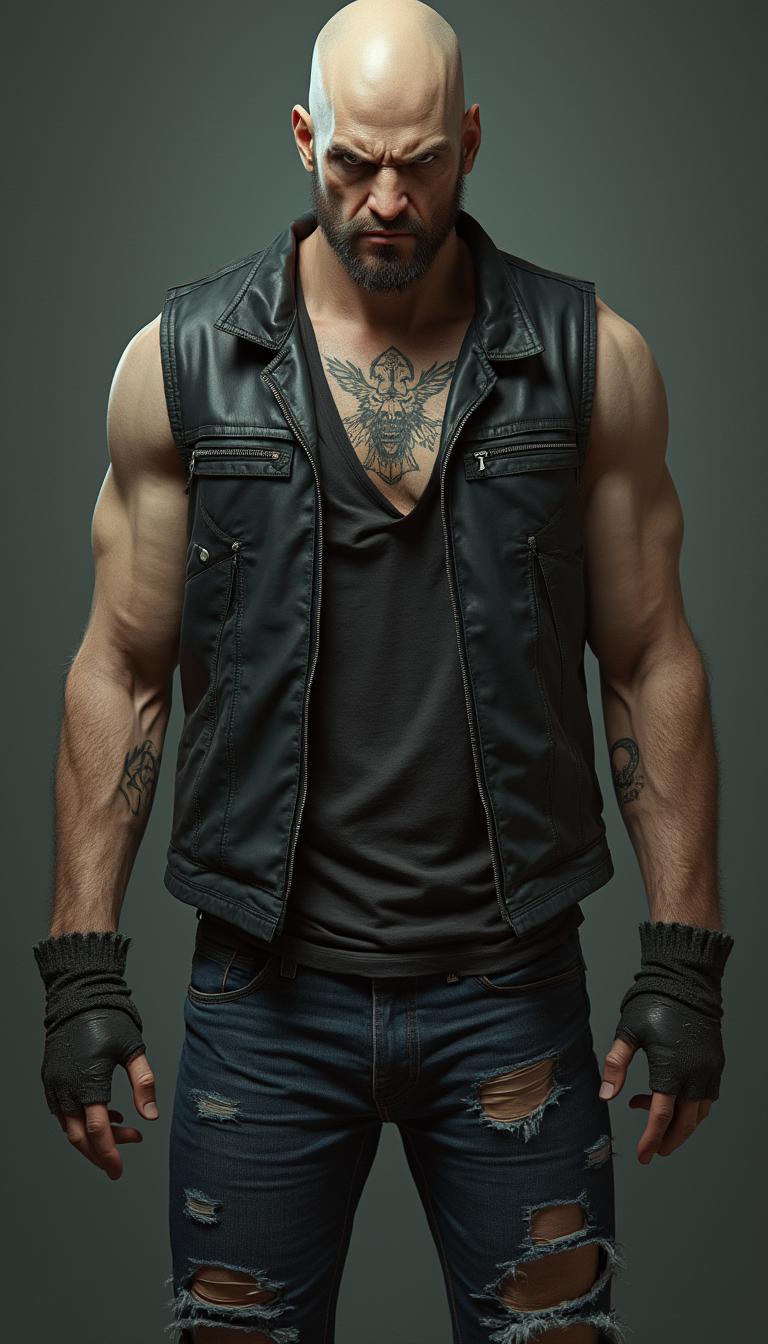



The Pixel Dojo Advantage
Why PixelDojo outperforms other options for multi-shot image and video generation:
| Others | Pixel Dojo |
|---|---|
| Traditional Multi-Shot Creation | Eliminates the need for complex setups and extensive post-production, saving time and resources. |
| Generic AI Tools | Offers specialized WAN tools designed specifically for multi-shot control, ensuring higher quality and consistency. |
| Manual Photo Editing | Automates the process of creating multi-shot sequences, reducing manual effort and increasing efficiency. |
Loved by Creators
See what our community says about Multi-shot control Wan
"PixelDojo's WAN tools have revolutionized how I create multi-shot sequences. The ease of use and quality are unparalleled."
Alex Johnson
Filmmaker
"As a content creator, maintaining visual consistency across shots is crucial. PixelDojo delivers exactly that with its multi-shot capabilities."
Samantha Lee
Content Creator
Common Questions
Everything you need to know about Multi-shot control Wan AI generation
How does PixelDojo's WAN tool facilitate multi-shot control?
PixelDojo's WAN tools allow you to generate and control multiple shots within a single project by interpreting detailed prompts that specify scene elements, camera angles, and actions. This ensures each shot aligns with your creative vision, providing a cohesive multi-shot sequence.
Can I customize each shot individually using PixelDojo's WAN tools?
Yes, after the initial generation, you can review each shot and make specific adjustments to elements like composition, lighting, and style to ensure they meet your exact requirements.
What types of projects are best suited for multi-shot control with PixelDojo?
PixelDojo's multi-shot control is ideal for projects requiring dynamic visual storytelling, such as film storyboards, product showcases, educational content, and marketing campaigns that benefit from varied perspectives and angles.
Is there a learning curve to using PixelDojo's WAN tools for multi-shot sequences?
PixelDojo is designed with user-friendliness in mind. While there may be a brief learning period to familiarize yourself with prompt crafting and tool functionalities, comprehensive guides and support are available to assist you.
How does PixelDojo ensure consistency across multiple shots?
By processing your detailed prompts, PixelDojo's AI maintains character appearances, scene settings, and narrative flow across all shots, ensuring a seamless and consistent multi-shot sequence.
Can I use PixelDojo's WAN tools for both images and videos?
Absolutely. PixelDojo offers WAN tools tailored for both image and video generation, allowing you to create multi-shot sequences in your preferred medium with the same level of control and quality.