my ai picture AI Generator
Imagine having an endless collection of perfect photos of yourself - professional headshots that land you dream jobs, fun viral versions that light up your social feeds, and a consistent character you can place in any scene or story. That's exactly what you achieve with My AI Picture on PixelDojo. No more expensive photoshoots, hours in makeup chairs, or frustrating editing sessions. Simply upload a few selfies and unlock studio-quality, photorealistic images that look authentically you. Our tools create natural skin textures, perfect lighting, genuine expressions, and emotional depth that resonate with viewers in 2026's authenticity-focused world. Whether you want LinkedIn-ready corporate portraits, trending AI action figures, historical reinterpretations, fantasy adventures, or cohesive branding visuals, PixelDojo delivers outcomes that matter: more profile views, higher engagement, stronger personal brands, and countless creative possibilities. With advanced features like Consistent Characters, Face Swap, and Reality Polisher, your My AI Picture maintains perfect facial consistency across dozens of styles, outfits, and environments. Join thousands of creators who have generated over half a million personalized AI images, boosting their careers and online presence without ever stepping in front of a camera again. The result? You show up as the best, most versatile version of yourself - instantly, affordably, and with complete creative control.
Loved by 28,000+ creators worldwide • 4.9/5 average rating from 4,200+ reviews • 650,000+ My AI Pictures generated • 'Completely transformed my LinkedIn profile and booking rate' - Sarah K., Entrepreneur • Trusted by marketers, influencers, job seekers, and personal brands
Why Choose Pixel Dojo for my ai picture
Professional-quality results with cutting-edge AI technology
Land Better Opportunities with Pro Headshots
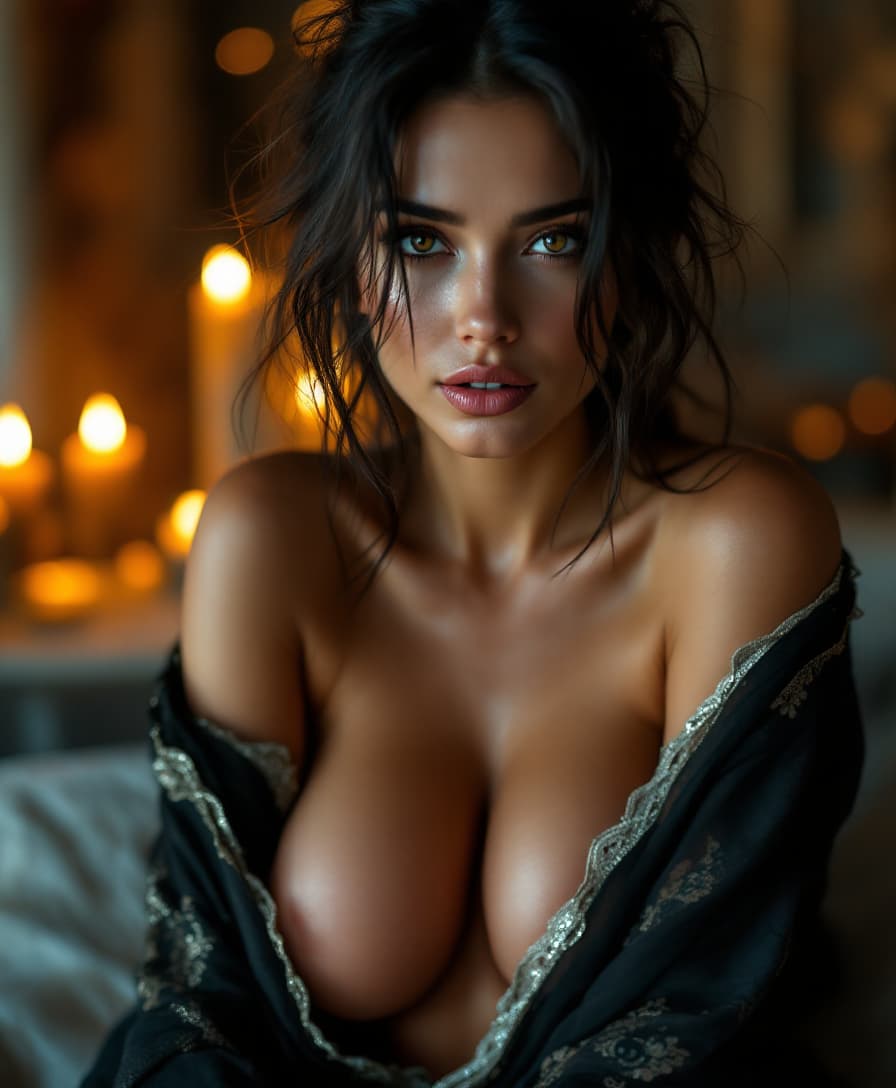
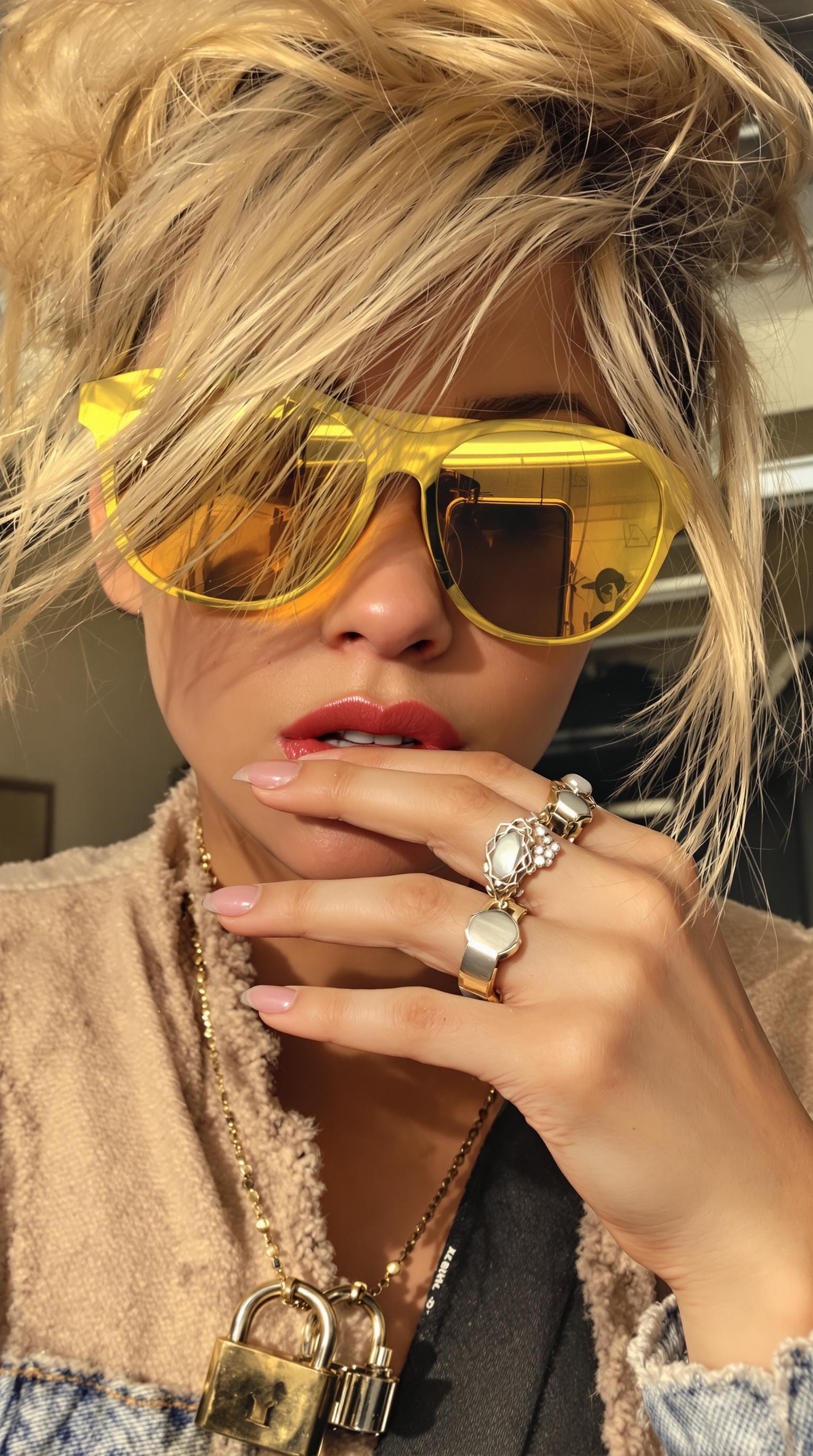
Upload your selfie once and generate studio-quality professional portraits with flawless lighting, natural expressions, and premium backgrounds. You’ll boost LinkedIn profile views by up to 300%, stand out in job applications, and project confidence that opens doors. PixelDojo’s Portrait Upscaler and Reality Polisher ensure your My AI Picture looks authentic and trustworthy - never plastic or artificial - so you make powerful first impressions that convert into real-world success.
Create Viral Social Content Instantly
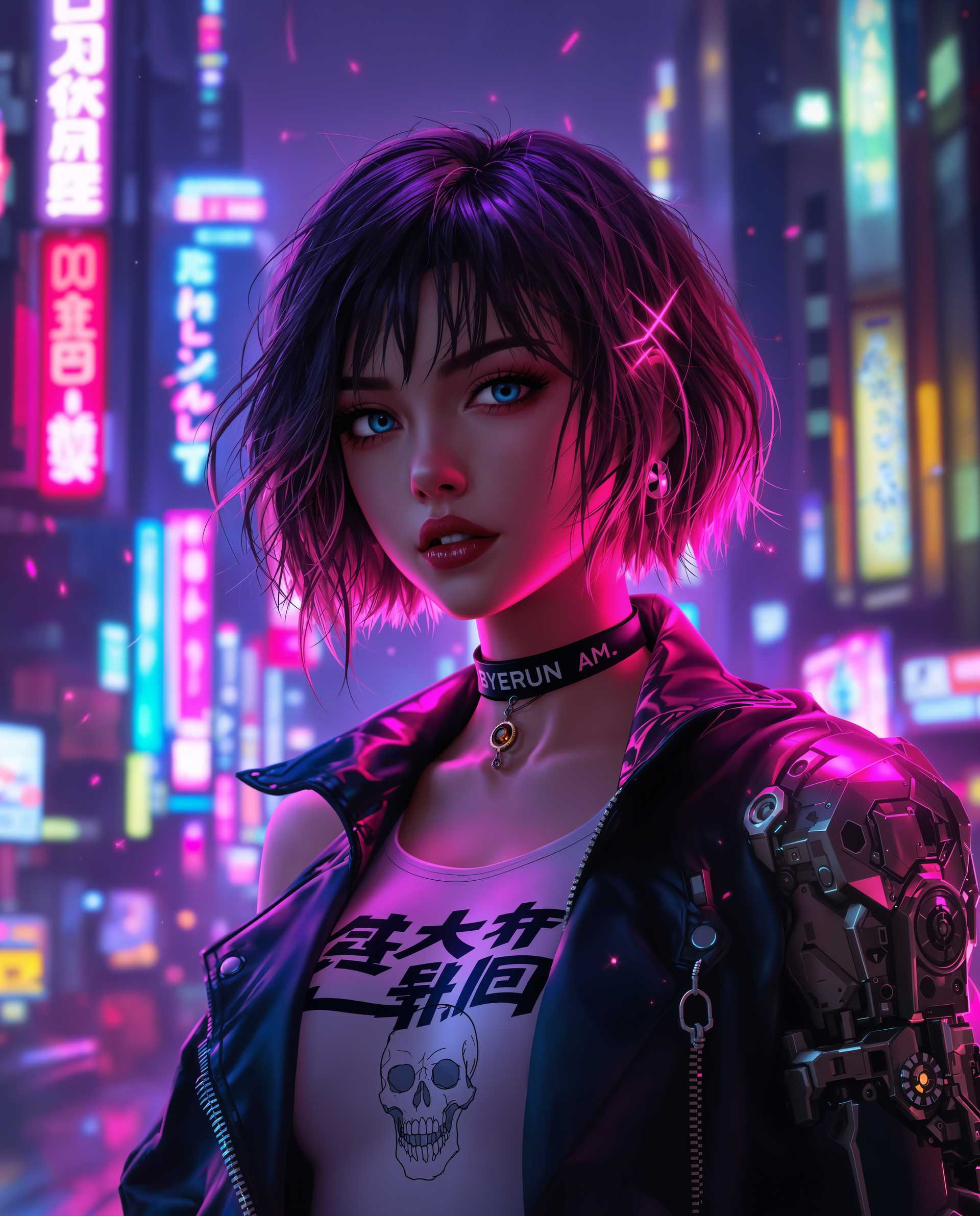
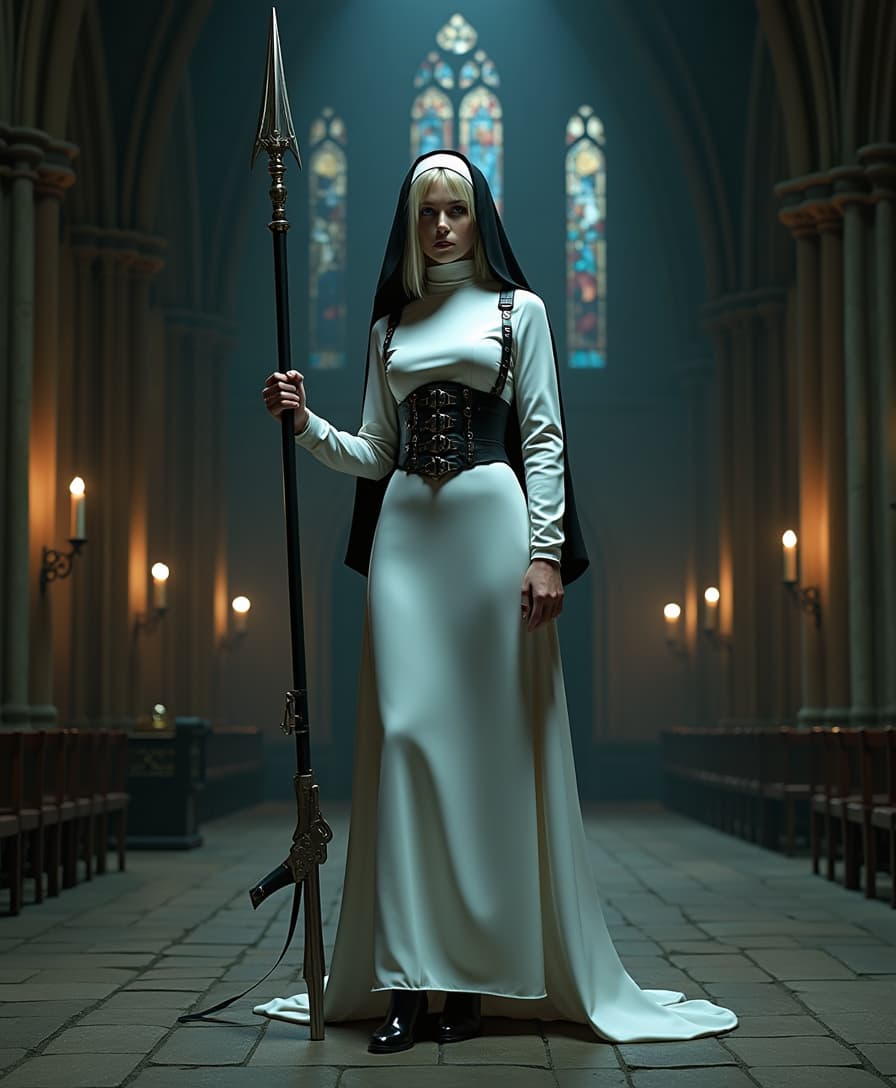
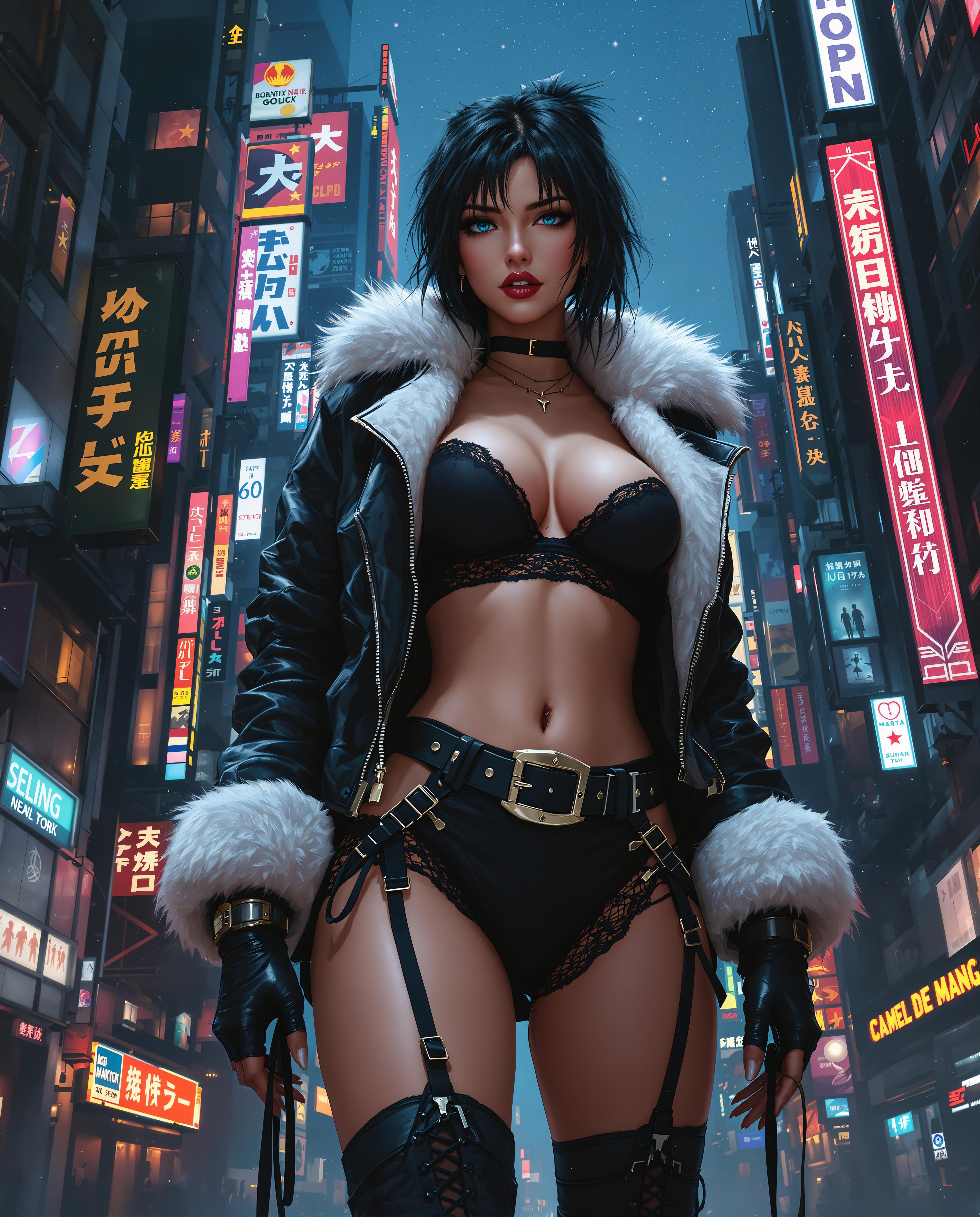
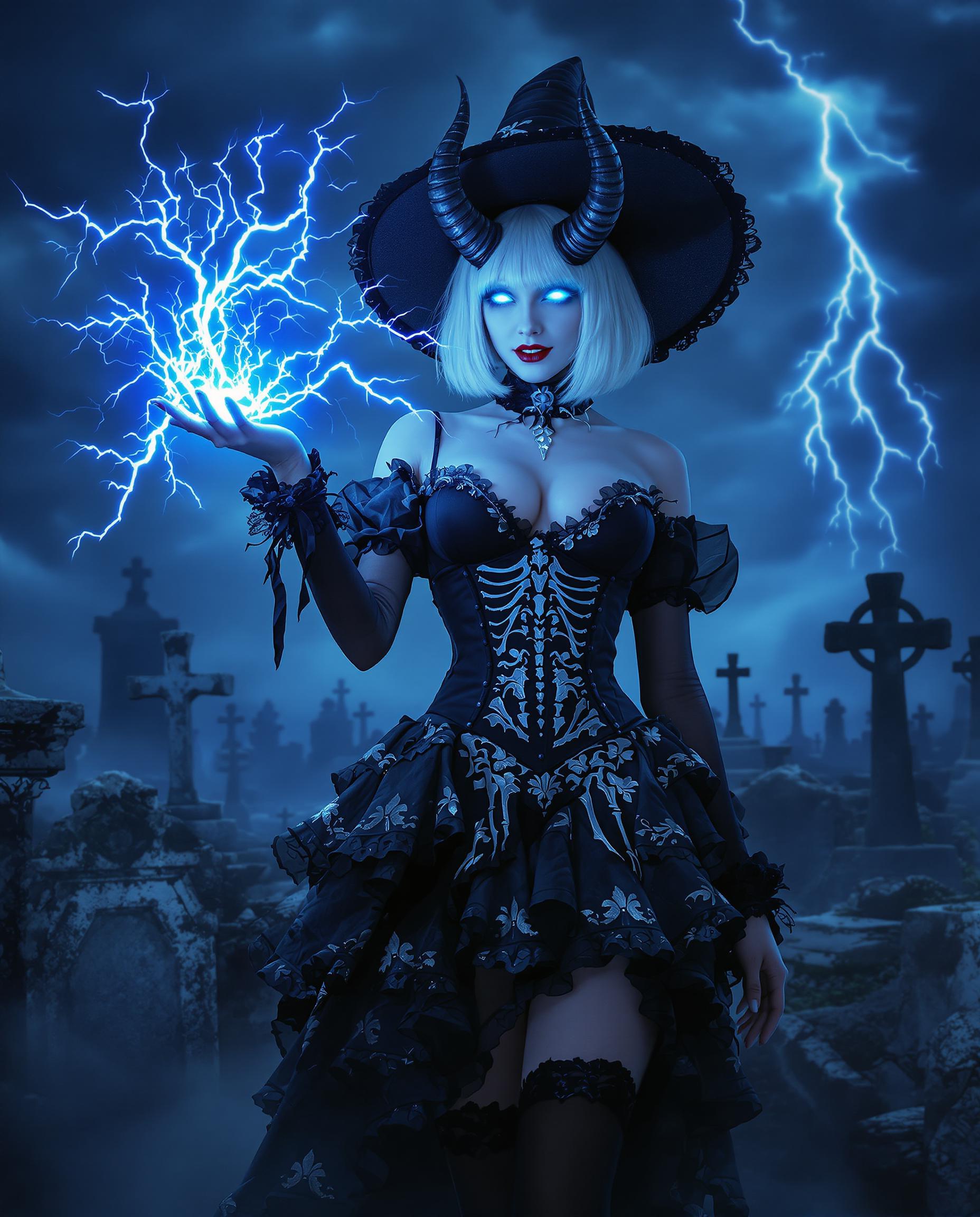
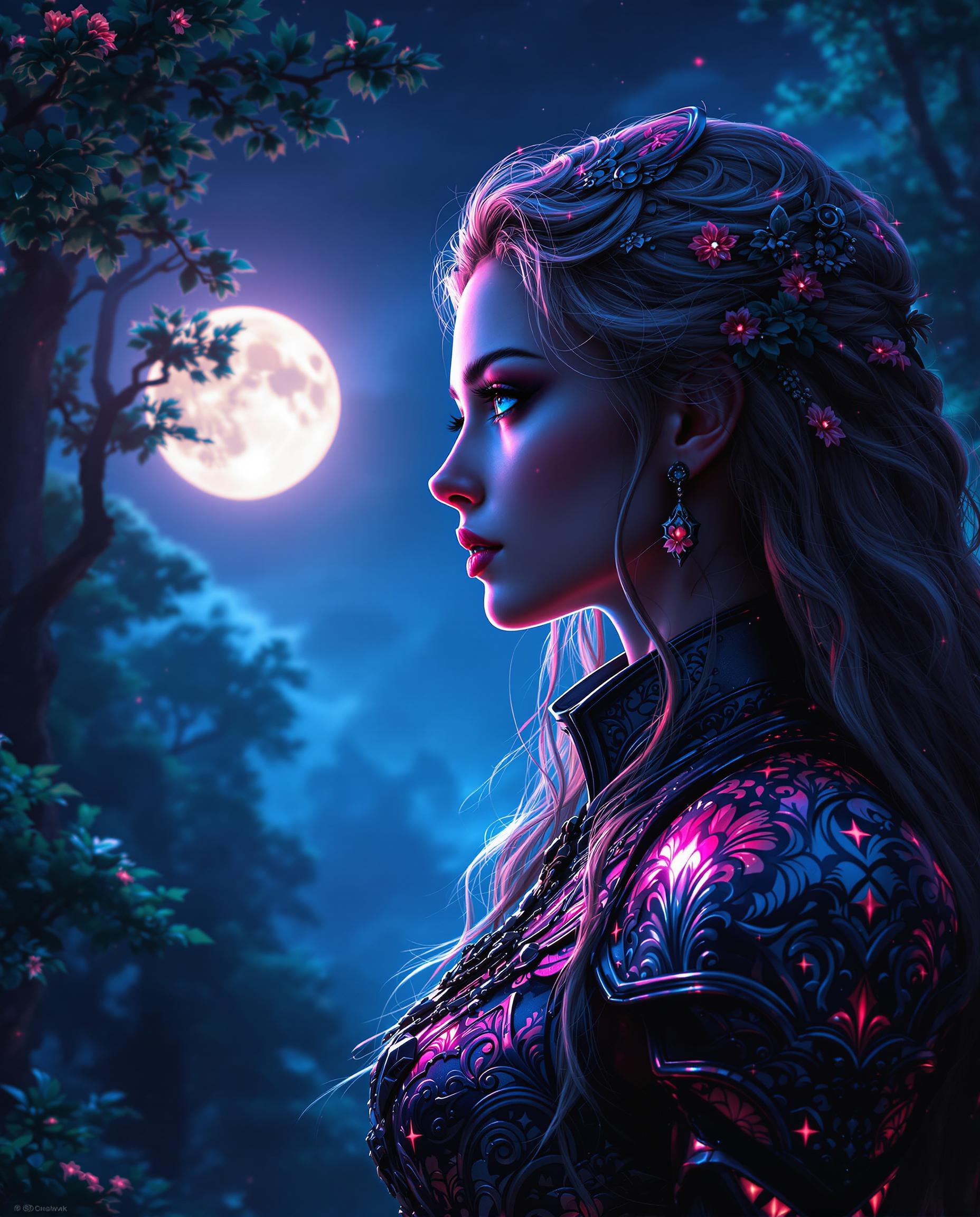
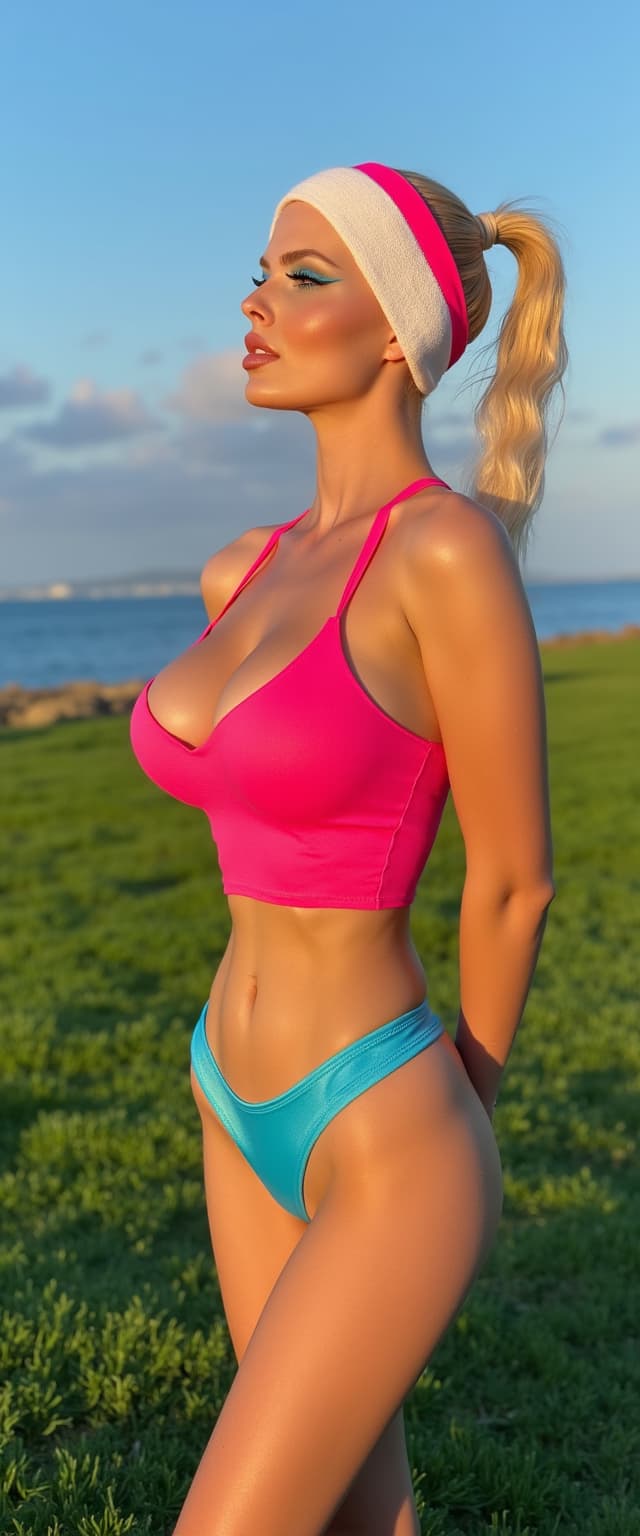
Transform yourself into trending styles like AI action figures, historical portraits, cyberpunk warriors, or New Year celebration scenes that get shared thousands of times. With Grok Image, Flux.2 Studio, and Image to Image tools, you generate scroll-stopping My AI Pictures that express your personality, grow your following, and increase engagement. Stay ahead of 2026 trends with authentic, imperfect-perfection visuals that feel human and emotionally resonant rather than overly polished.
Build a Recognizable Personal Brand
Use Consistent Characters, Ideogram Character, and LoRA Face Swap to create the same authentic version of yourself across hundreds of scenes, outfits, and aesthetics. Whether selling products, telling stories, or posting daily content, your audience instantly recognizes you. This consistency builds trust, strengthens your brand identity, and saves countless hours compared to traditional photoshoots while giving you unlimited flexibility to evolve your look without losing core identity.
How It Works
Creating your My AI Picture takes just minutes with PixelDojo’s specialized tools. Our combination of reference-based features like Consistent Characters and high-performance generators like Flux.2 Studio and Grok Image lets you achieve photorealistic, consistent, and trend-forward results that reflect the latest 2026 focus on authenticity and personalization. No technical expertise required - just your ideas and a starting photo.
Step 1: Upload Your Reference Photo
Begin with the Consistent Characters, Face Swap, or LoRA Face Swap tool. Upload 3-5 clear, well-lit selfies from different angles. These tools analyze your unique facial features, skin tone, eye color, and expression to create a reliable reference. This ensures every My AI Picture generated maintains perfect consistency no matter which style or scene you choose next. This step eliminates the frustration of generic AI tools that change your face in every output.
Step 2: Describe Your Vision with Powerful Prompts
Select your generator - try Flux.2 Studio or Grok Image for hyper-realistic results, or Flux.1 Studio, QWEN Image 2, and Recraft V4 for artistic flair. Write a detailed prompt describing the outcome you want: 'professional LinkedIn headshot of me in navy blazer, soft natural window light, genuine confident smile, modern office background with subtle bokeh, authentic skin texture, shot on Sony A7R IV'. Incorporate 2026 trends like natural imperfections, golden hour lighting, or action figure packaging. The AI delivers multiple variations in seconds.
Step 3: Refine, Enhance & Download
Use Reality Polisher to achieve natural skin textures and authentic lighting that matches 2026 authenticity trends. Apply Portrait Upscaler or Magnific Upscaler for crisp 4K detail. Make small adjustments with Inpainting or Change Camera Angle. Generate unlimited variations until perfect. Download high-resolution files ready for LinkedIn, Instagram, websites, or print. Your My AI Picture is now ready to elevate your personal brand, with the option to train custom models for even more precise future results.

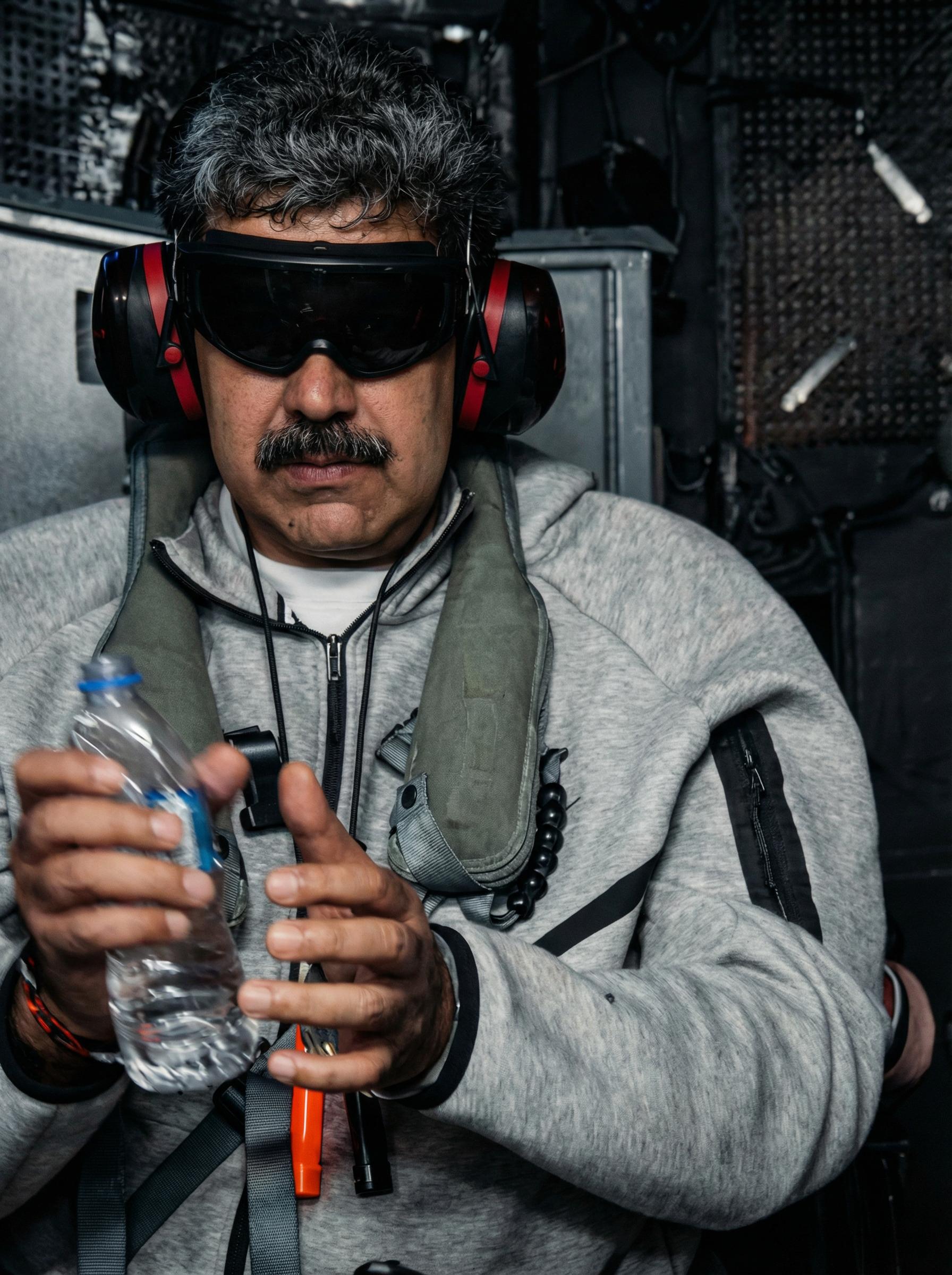
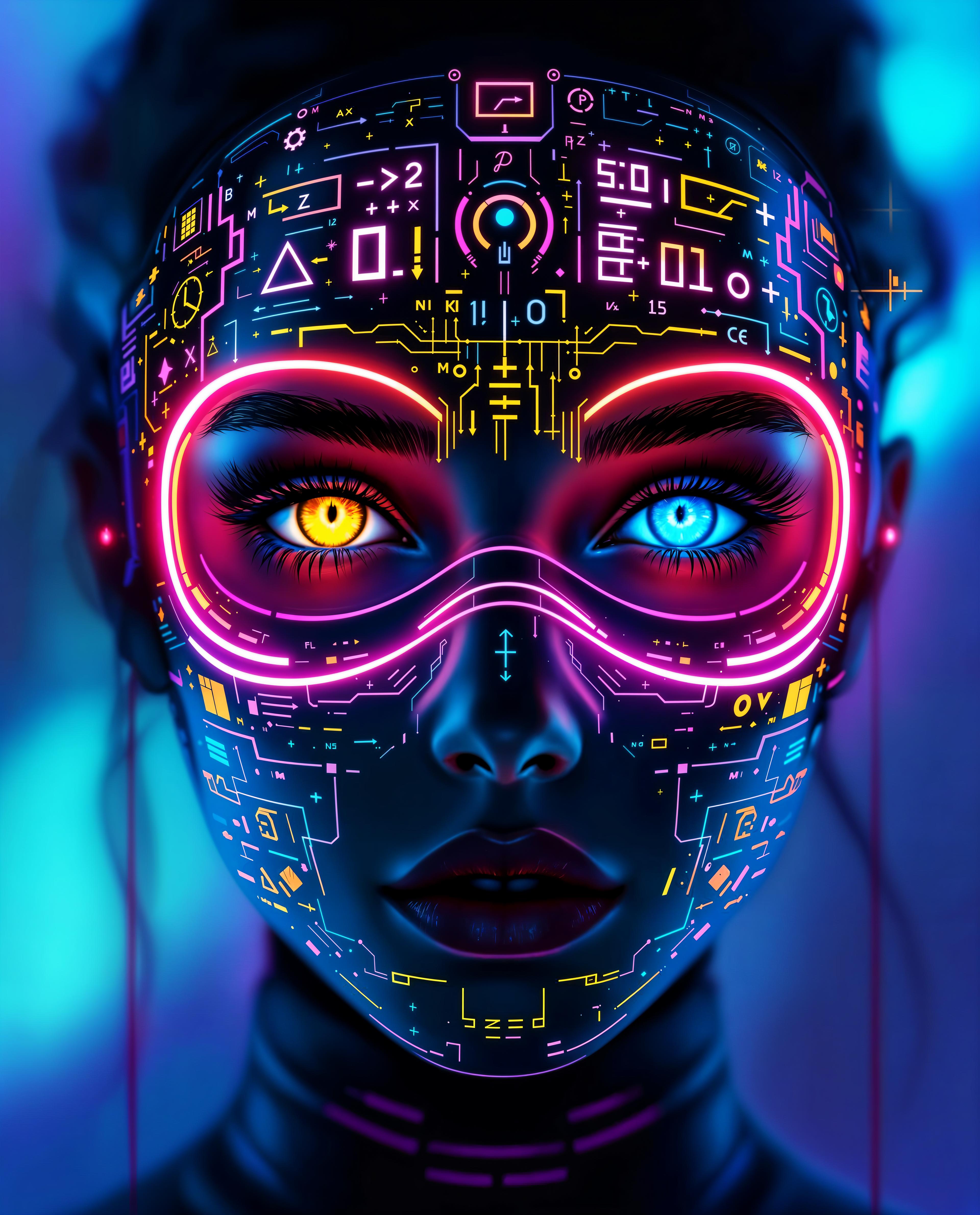

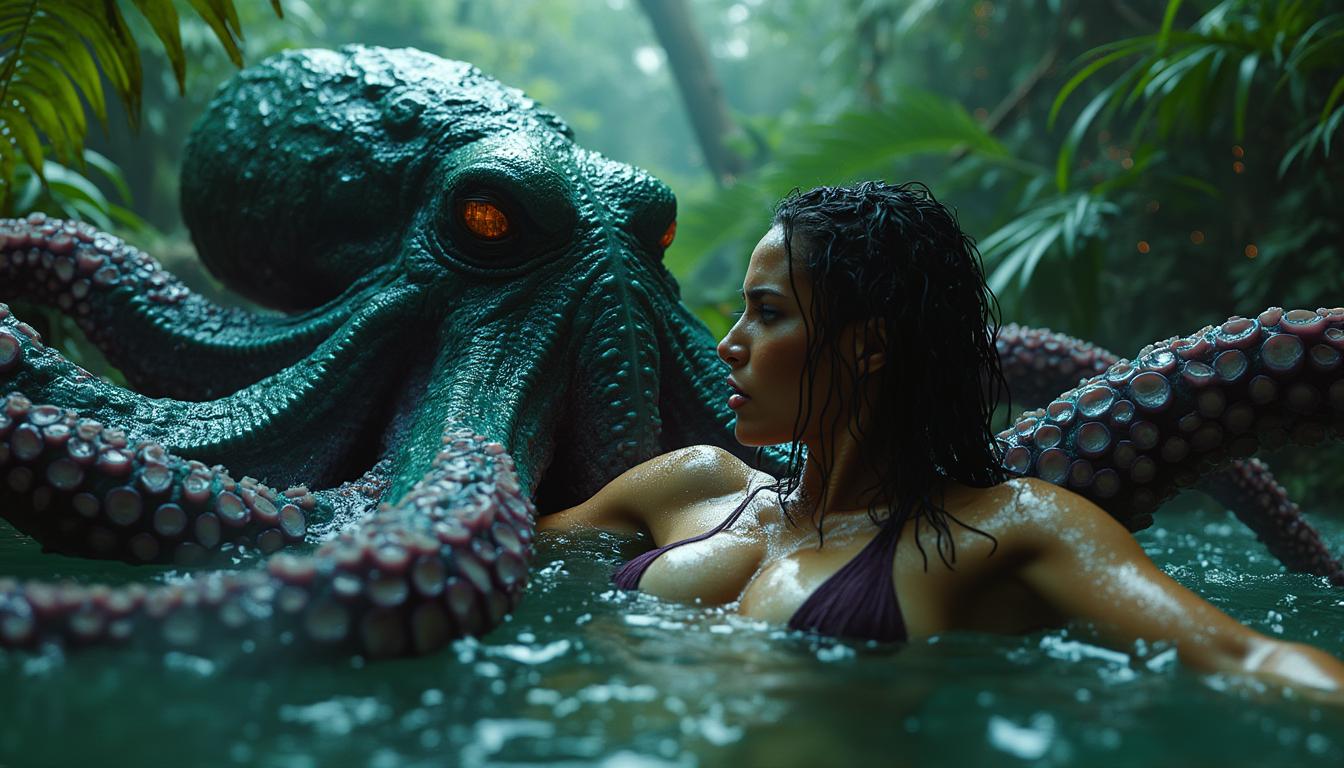
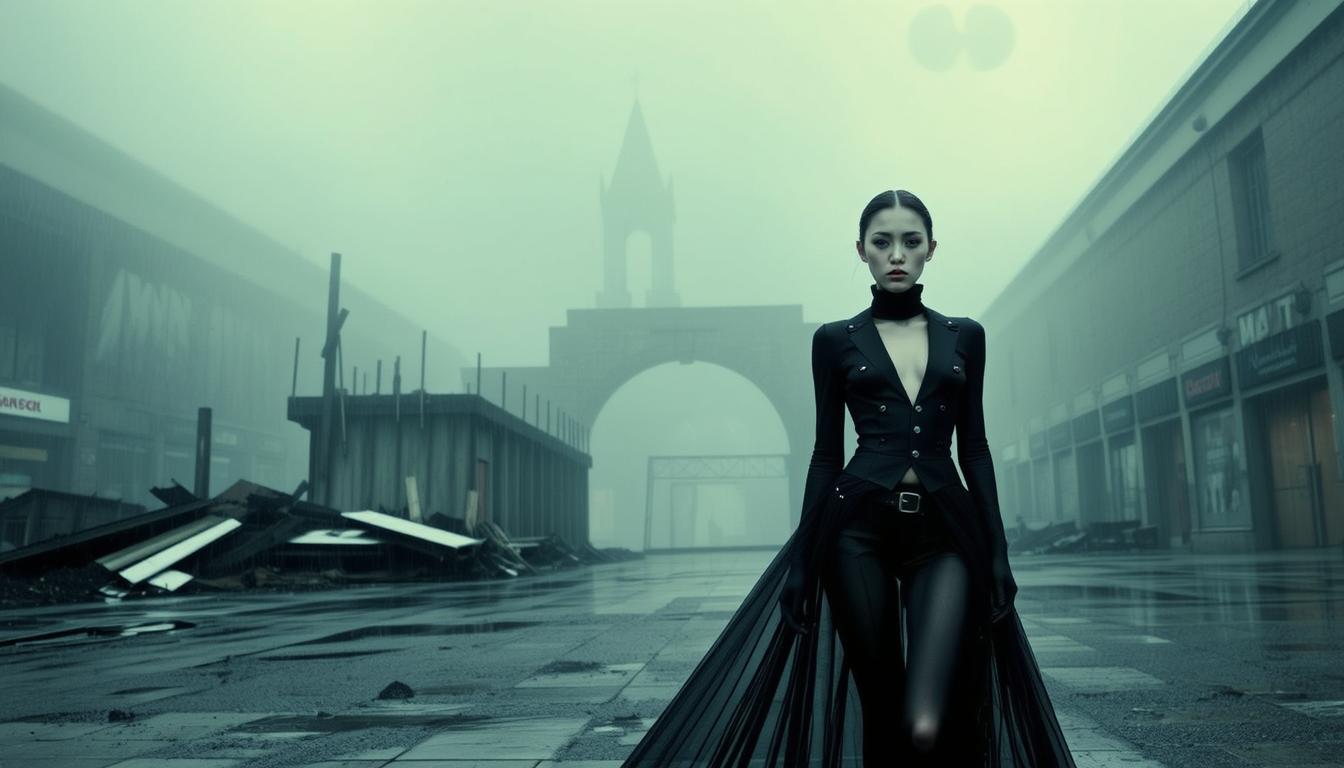
The Pixel Dojo Advantage
Why PixelDojo outperforms other options for creating your My AI Picture
| Others | Pixel Dojo |
|---|---|
| Traditional professional photoshoots | Get unlimited variations in any style, location, or era for a fraction of the cost and time. No scheduling, travel, makeup artists, or studio fees required. Update your look instantly whenever trends change or your brand evolves. |
| Generic AI image generators | Our Consistent Characters, Ideogram Character, and LoRA Face Swap tools maintain perfect facial consistency across every image. Combined with Reality Polisher for authentic 2026 aesthetics, you avoid the uncanny valley and distorted features common in basic tools. |
| Manual photo editing software | Create complex stylistic changes, background replacements, and professional lighting in seconds instead of hours. Generate entirely new scenes and outfits without advanced Photoshop skills while achieving better, more natural results through AI trained on your specific features. |
Loved by Creators
See what our community says about my ai picture
"My AI Picture completely transformed my online presence. The Consistent Characters tool kept my face perfectly consistent across 40 different professional and lifestyle shots. My LinkedIn profile views tripled in two weeks and I landed three new clients. The Reality Polisher makes everything look so natural - nobody can tell it's AI."
Michael Torres
Freelance Consultant
"I turned one selfie into an entire action figure series, historical portraits, and fantasy versions for my social channels. The engagement exploded. Flux.2 Studio and Face Swap delivered incredible quality. It's now my go-to for all content creation. The consistency across styles is unmatched and saved me thousands in photography costs."
Elena Vargas
Content Creator & Influencer
Common Questions
Everything you need to know about my ai picture AI generation
How do I create my first My AI Picture using PixelDojo tools?
Getting started is incredibly simple. Upload 3-5 clear photos using our Consistent Characters or Face Swap tool. These establish your unique facial reference. Then choose a generator like Flux.2 Studio, Grok Image, or Flux.1 Studio. Enter a descriptive prompt focusing on the outcome you want - whether a professional headshot with soft lighting and confident expression or a fun viral style like an action figure in collector packaging. Use the Reality Polisher to ensure natural skin and authentic details that match current 2026 trends. Finally, enhance with Portrait Upscaler for maximum quality and download. The entire process takes under five minutes and you can generate unlimited variations. Our platform offers 40+ specialized tools so you always have the perfect option for any style or use case.
What makes PixelDojo the best tool for consistent My AI Picture results across different styles?
Consistency is our biggest strength. Unlike basic generators that change your appearance slightly in every image, PixelDojo’s Consistent Characters, Ideogram Character, LoRA Face Swap, and WAN Video Character Swap (for motion) are specifically engineered to lock in your exact facial features, bone structure, eye color, and skin tone. You train once on your photos and then generate in any environment, outfit, lighting condition, or artistic style while looking recognizably yourself. This is perfect for building a personal brand, creating character-driven content, or maintaining visual identity across marketing materials. Combined with our Reality Polisher that adds authentic imperfections and natural textures popular in 2026, your My AI Pictures feel genuine rather than artificial. Thousands of creators rely on this feature to produce cohesive visual libraries without hiring models or photographers.
Can I generate professional AI headshots as my AI picture for LinkedIn and career use?
Absolutely. Professional headshots are one of the most popular uses for My AI Picture on PixelDojo. Upload your reference photos, then prompt models like Flux.2 Studio or Grok Image with specifics: business attire, soft window lighting, slight smile, modern minimalist background, and editorial photography style. Our tools excel at creating natural skin textures, accurate anatomy, and flattering yet authentic lighting that builds trust. Use Portrait Upscaler to achieve print-ready 4K resolution. Many users report significant increases in profile views, interview requests, and client inquiries after updating their professional images. You can generate dozens of variations - different outfits, backgrounds, and expressions - in minutes rather than spending hundreds on a photographer. The results look so real that colleagues often ask where you took the photos.
How can I create trending styles like AI action figures or New Year photos with my AI picture?
PixelDojo makes trending My AI Picture styles easy and effective. For action figures, upload your reference then prompt 'me as collectible action figure in retro packaging, heroic pose, dramatic studio lighting, highly detailed accessories, 2026 viral style'. For seasonal trends like Welcome 2026 photos, describe yourself celebrating with large foil balloons, fireworks, and party elements while maintaining your exact likeness through Consistent Characters. Our Image to Image and Style Transfer tools let you adapt trending aesthetics quickly. The combination of powerful models like Kling Image, Seedream, and HiDream with precise face locking creates shareable, high-engagement content. Many creators see thousands of likes and new followers after posting these personalized interpretations of viral trends. You stay ahead of the curve with fresh, authentic versions of yourself rather than generic templates.
Is My AI Picture generation free to try and what are the usage options?
Yes, you can start creating My AI Pictures completely free. PixelDojo offers generous complimentary credits when you sign up so you can test Consistent Characters, Flux models, Face Swap, and Reality Polisher without any commitment. Once you see the quality, upgrade to a flexible subscription for higher volume. There are no long-term contracts - cancel anytime. For power users, we offer API access, custom model training with Flux Trainer or SDXL Trainer, and usage reports to track your creation history. Our platform emphasizes value with 40+ specialized tools including video options if you want to bring your AI picture to life with Seedance or Kling Video. The focus is always on outcomes: better personal branding, more engagement, and professional results that would otherwise cost thousands in traditional photography and design work.
How does PixelDojo ensure my My AI Picture looks natural and authentic in 2026?
Authenticity is central to our approach in 2026. We’ve optimized our pipeline with the Reality Polisher tool that specifically counters common AI artifacts by adding natural skin texture variations, subtle imperfections, genuine micro-expressions, and realistic lighting interactions. Models like Flux.2 Studio and Grok Image excel at hyper-realistic output with proper anatomy and environmental interaction. When you use reference photos through Consistent Characters or LoRA Face Swap, the system prioritizes your real features rather than idealizing them unnaturally. You can prompt for 'film grain, natural lighting, candid moment' to further enhance realism. The result is My AI Pictures that pass the 'is this real?' test and build genuine connection with your audience. This focus on emotional resonance and human-centric imagery aligns perfectly with current trends moving away from sterile perfection toward tactile, relatable visuals that perform better across social platforms and professional contexts.