nightmare/real-esrgan AI Generator
Unlock the full potential of your images with PixelDojo's Real-ESRGAN AI upscaling tools. Whether you're a photographer aiming to restore old photos, a designer enhancing digital artwork, or a business improving product visuals, our advanced AI technology transforms low-resolution images into stunning, high-quality visuals effortlessly.
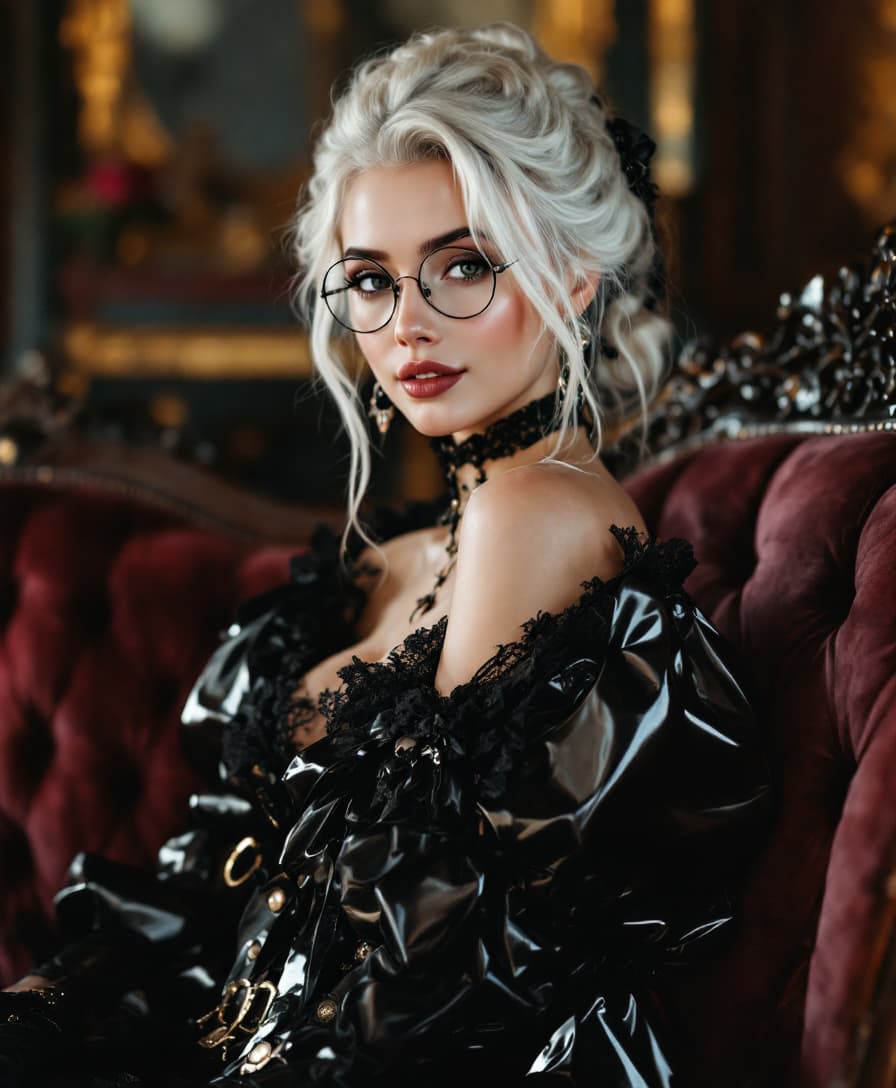
Join over 10,000 satisfied users who have enhanced their images with PixelDojo's cutting-edge AI tools, achieving an average satisfaction rating of 4.8 out of 5.
Why Choose Pixel Dojo for nightmare/real-esrgan
Professional-quality results with cutting-edge AI technology
Restore Old Photographs
Bring your cherished memories back to life by enhancing faded and low-resolution photos with remarkable clarity.
Enhance Digital Artwork
Upscale your digital creations to higher resolutions, preserving intricate details and textures for professional presentations.
Improve Product Images
Boost your e-commerce visuals by enhancing product images, leading to increased customer engagement and sales.
How It Works
Transforming your images with PixelDojo's Real-ESRGAN tools is simple and efficient. Follow these steps to achieve high-quality results:
Step 1: Select the Creative Upscaler Tool
Navigate to PixelDojo's 'Enhance' category and choose the 'Creative Upscaler' tool designed for high-quality image upscaling.
Step 2: Upload Your Image
Click on the upload button to select the low-resolution image you wish to enhance. Ensure the image is in a supported format such as PNG or JPG.
Step 3: Customize Upscaling Settings
Adjust the upscaling parameters to your preference. You can choose the upscaling factor (e.g., 2x, 4x) and enable features like face enhancement for portraits.

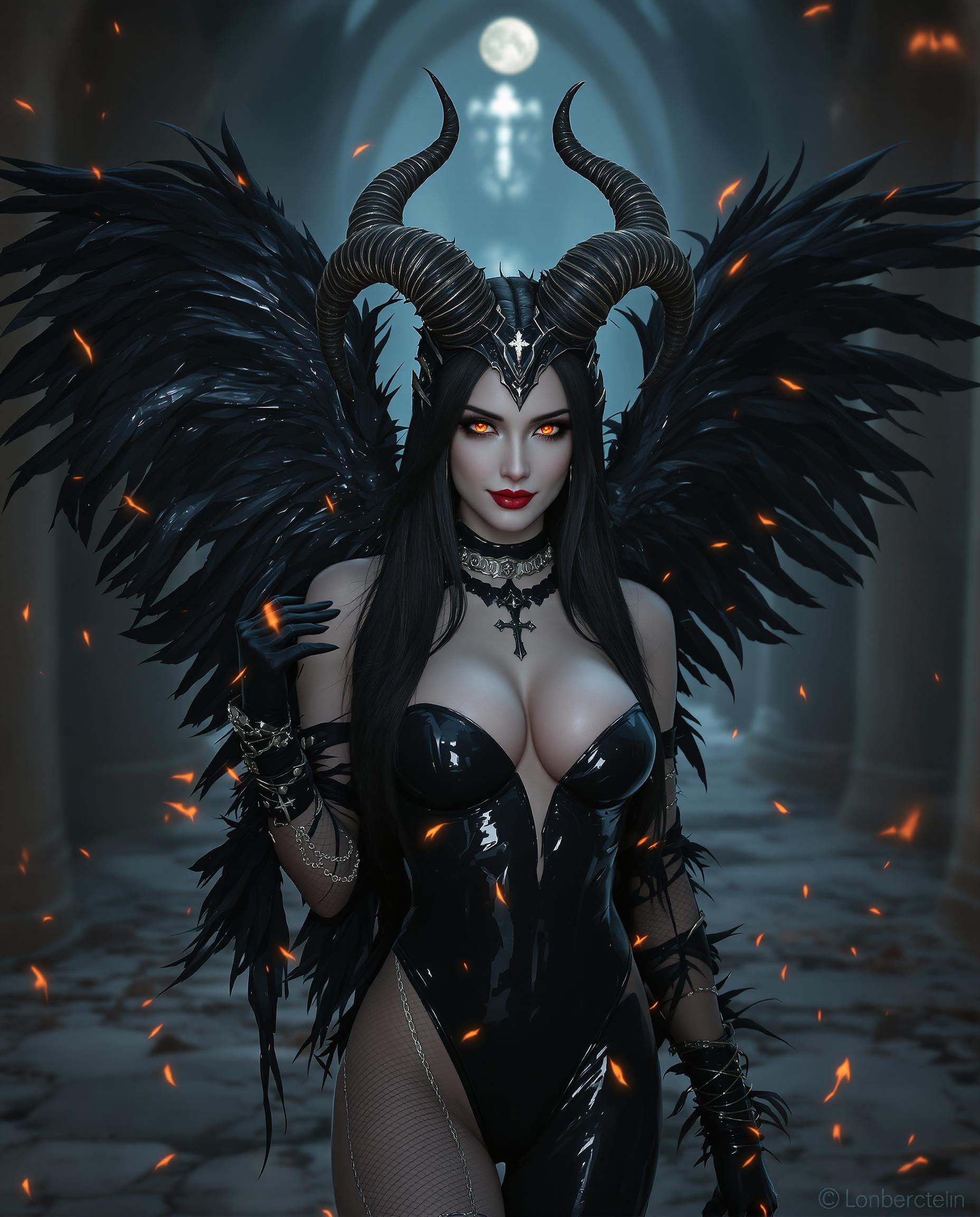
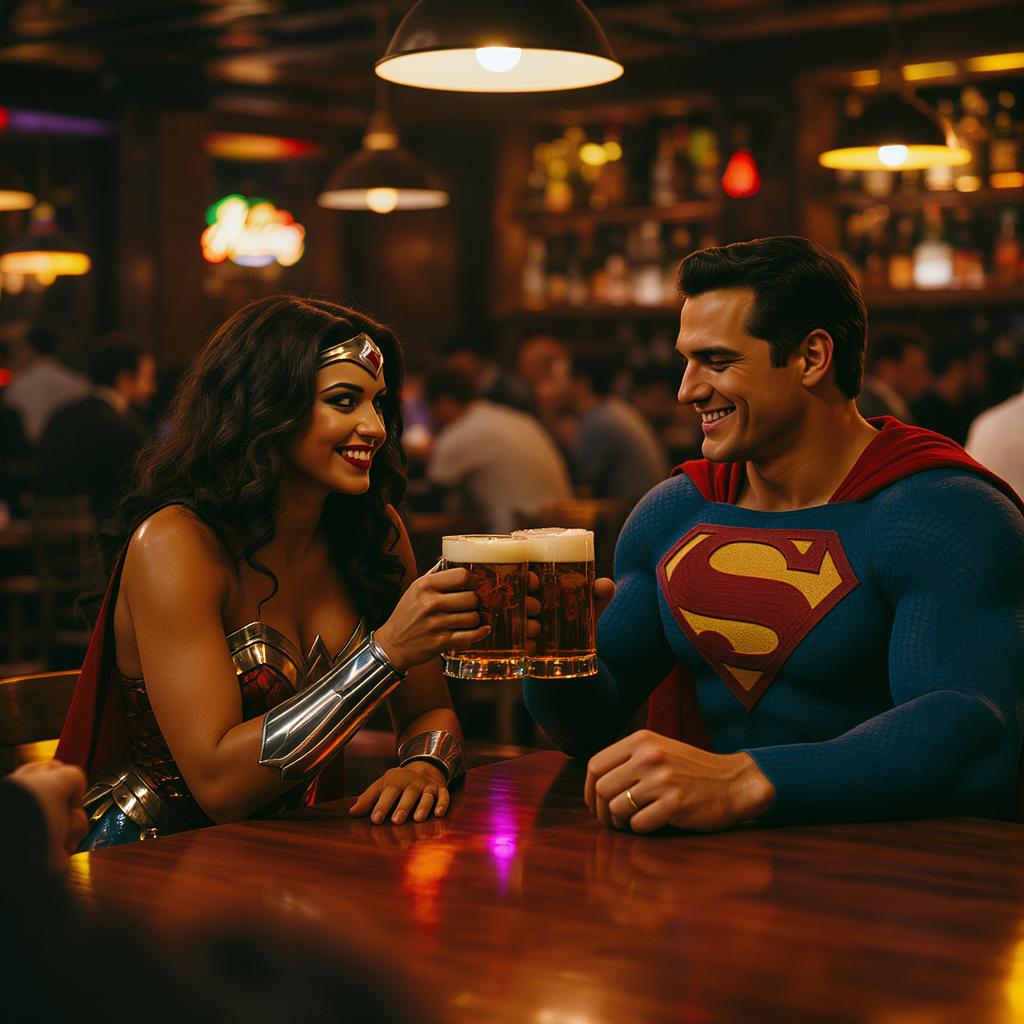
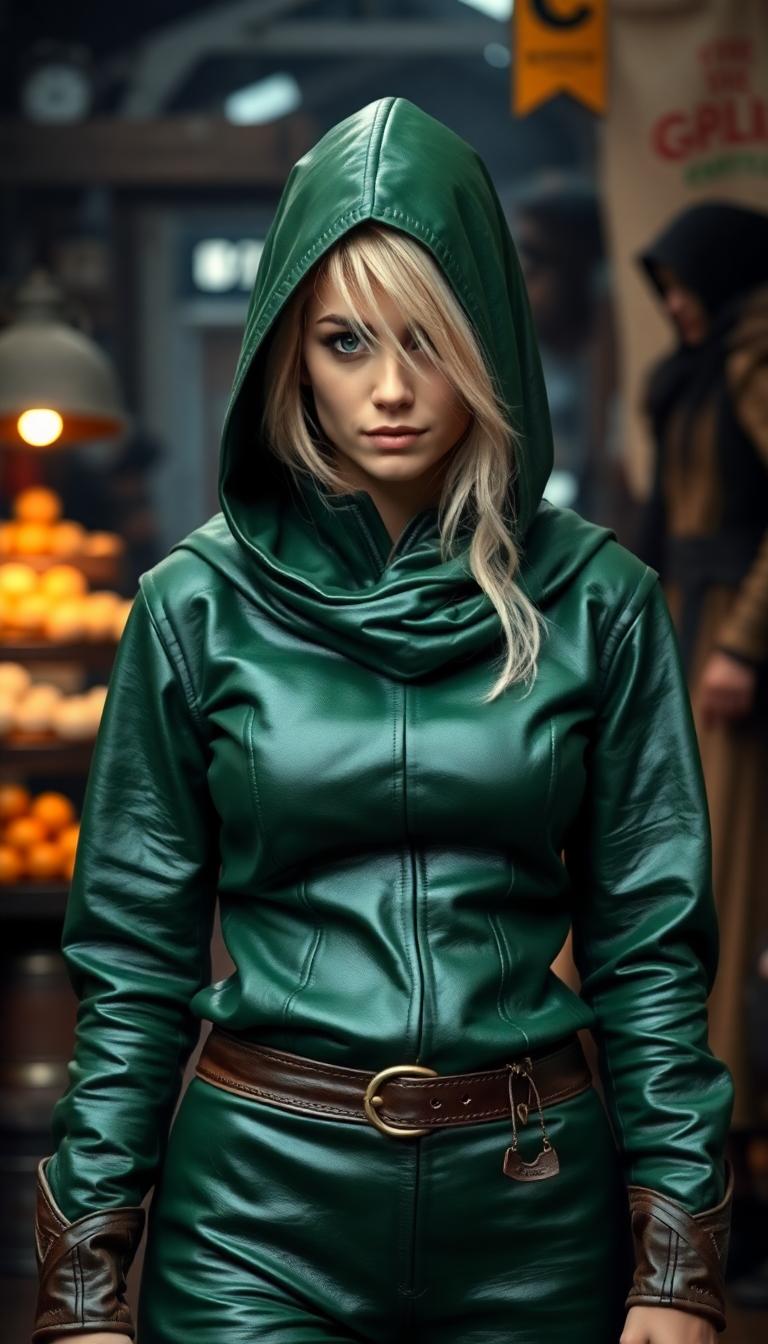
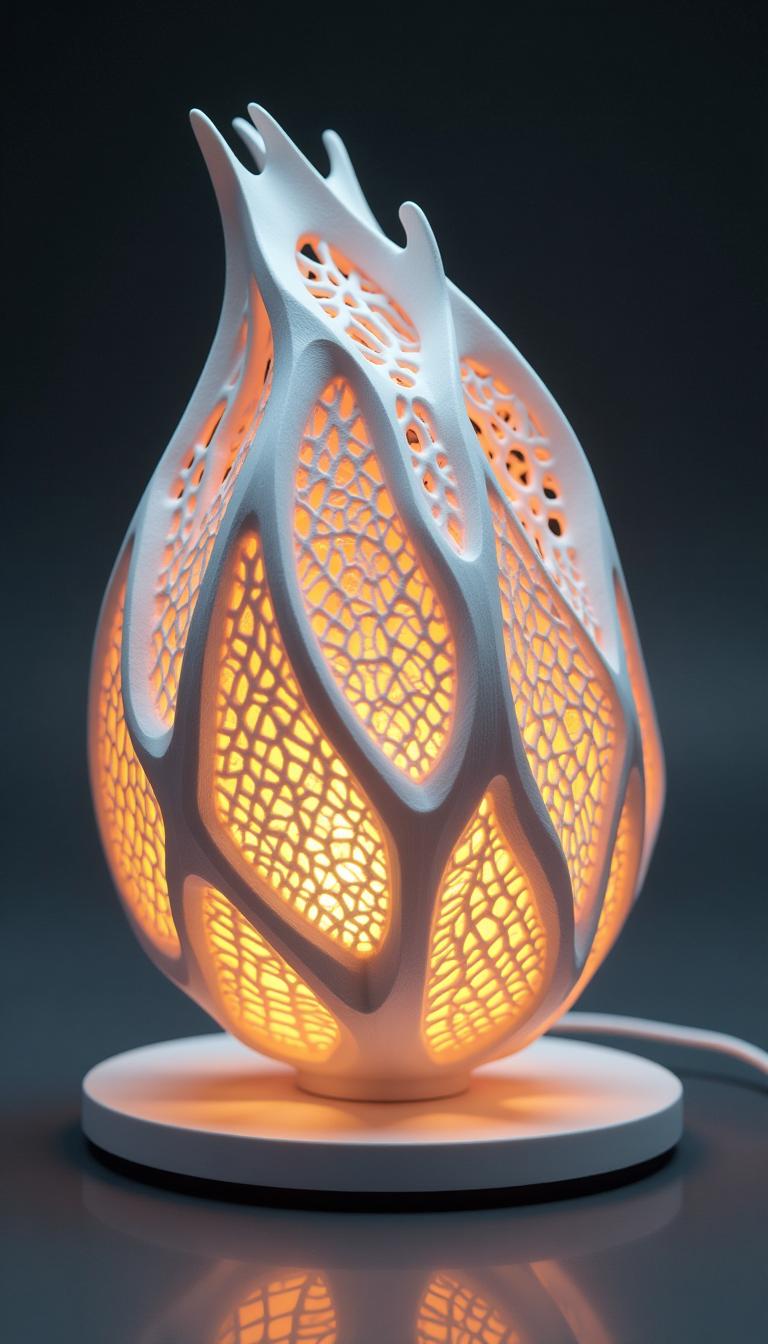
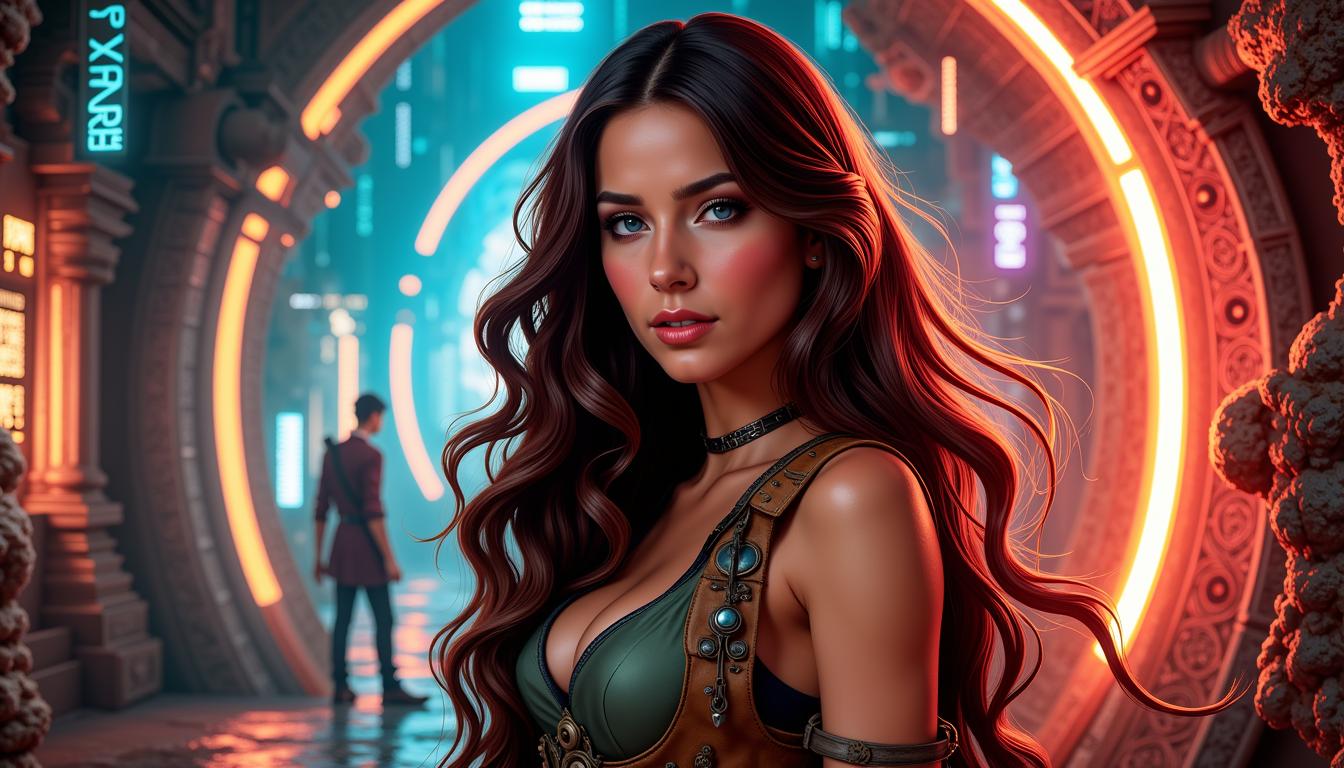
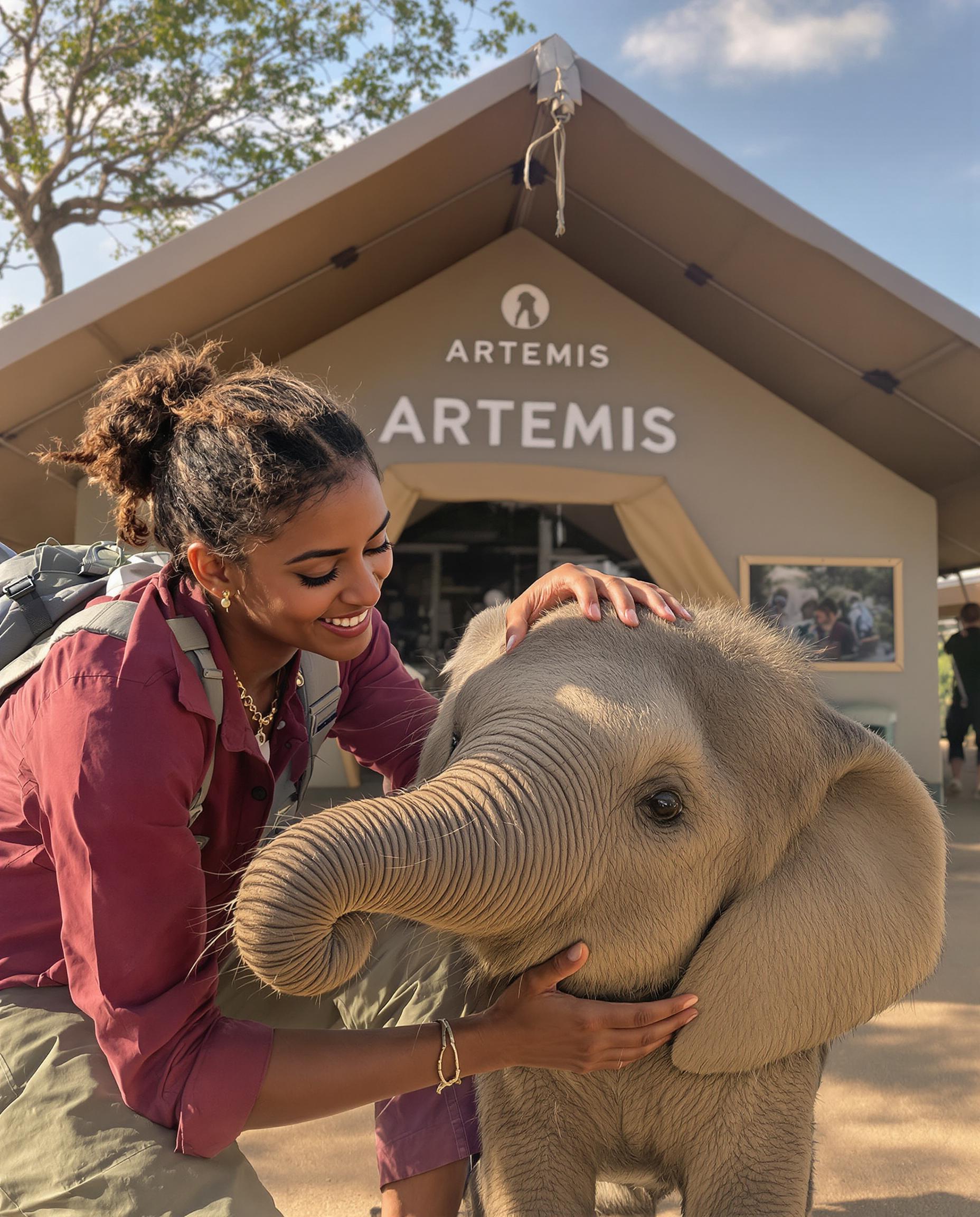
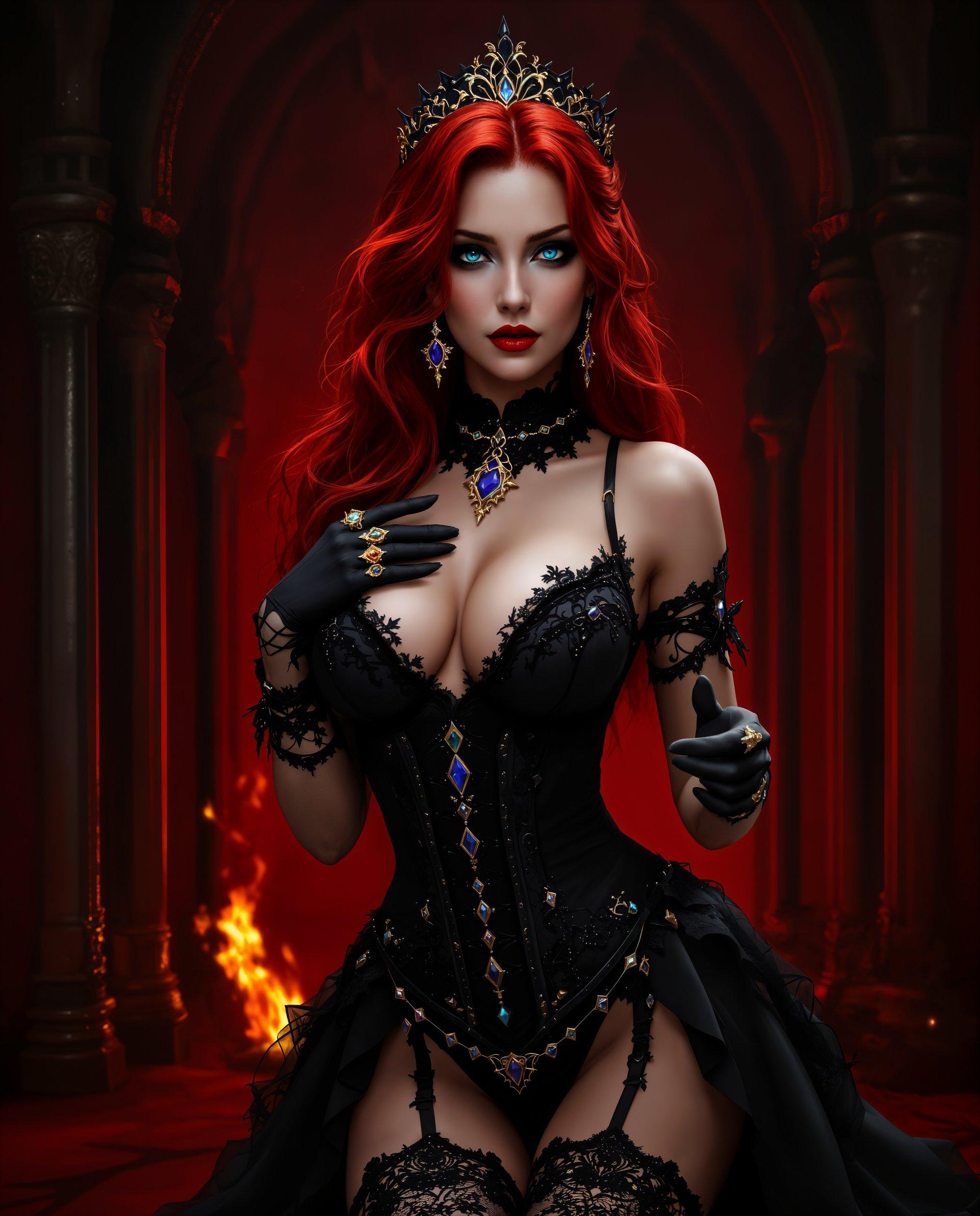
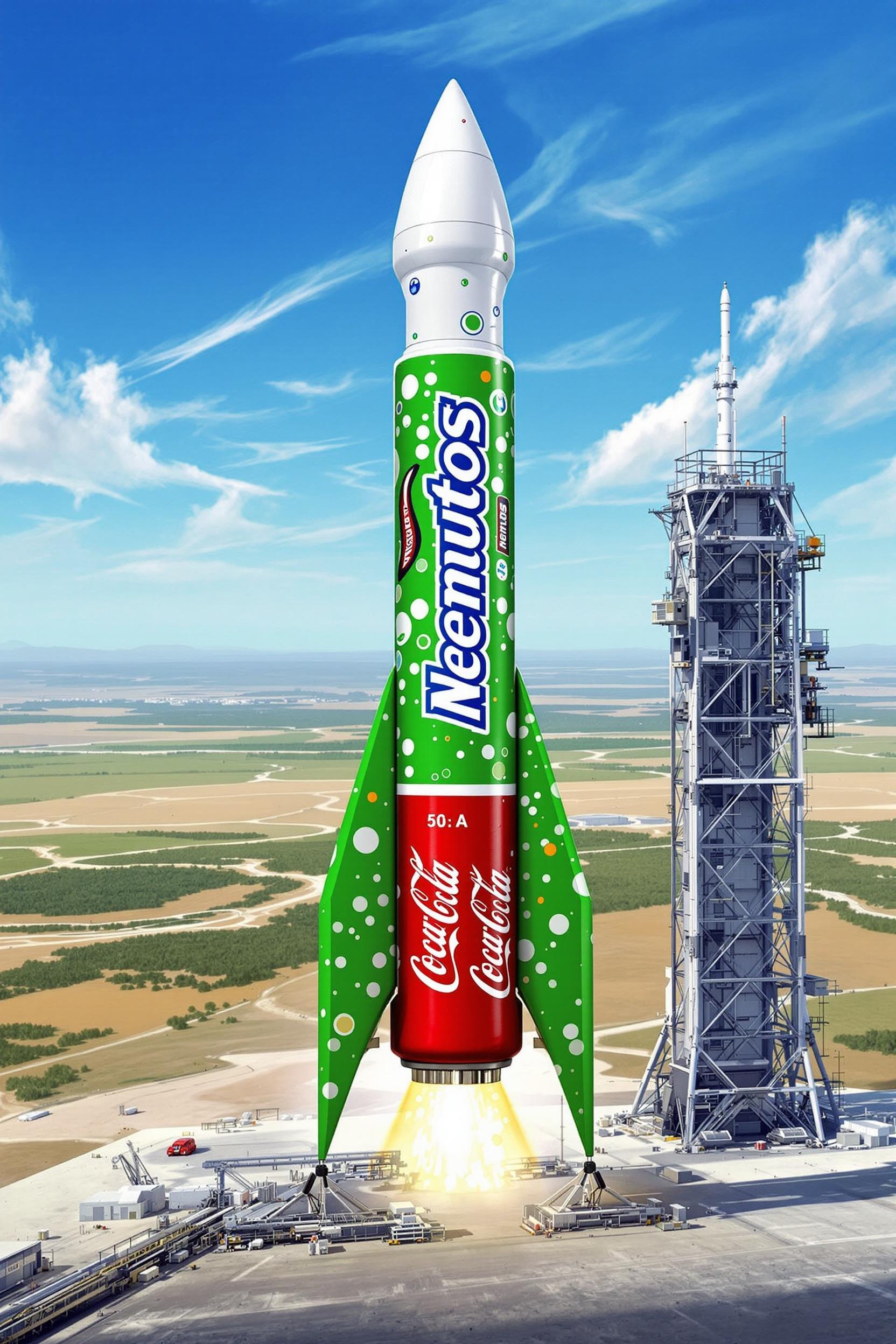
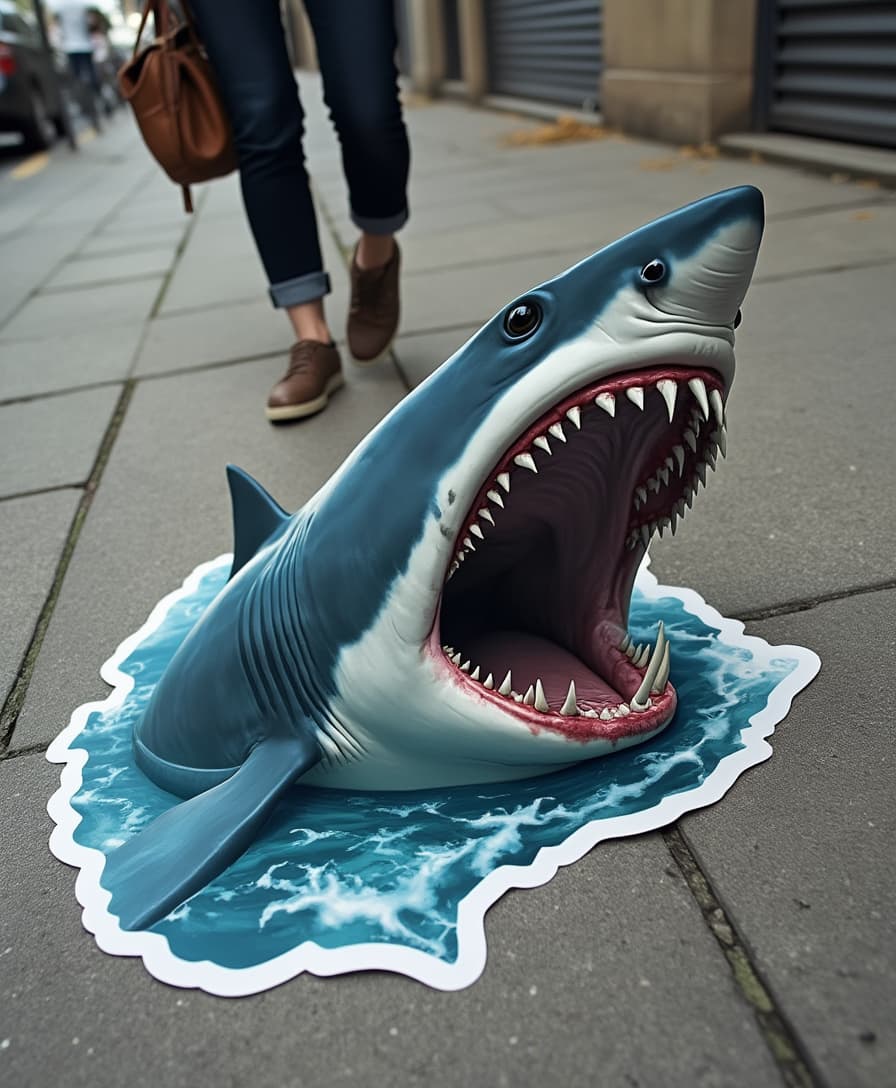
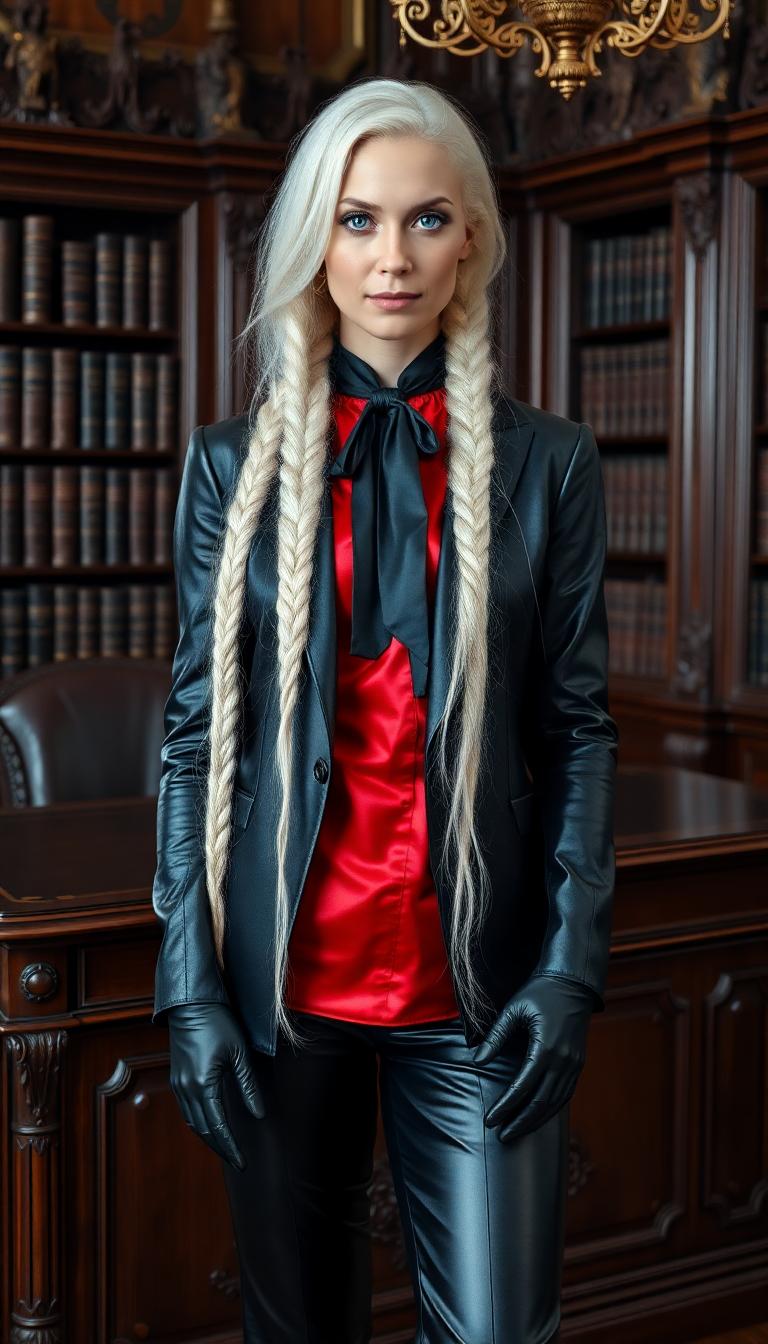

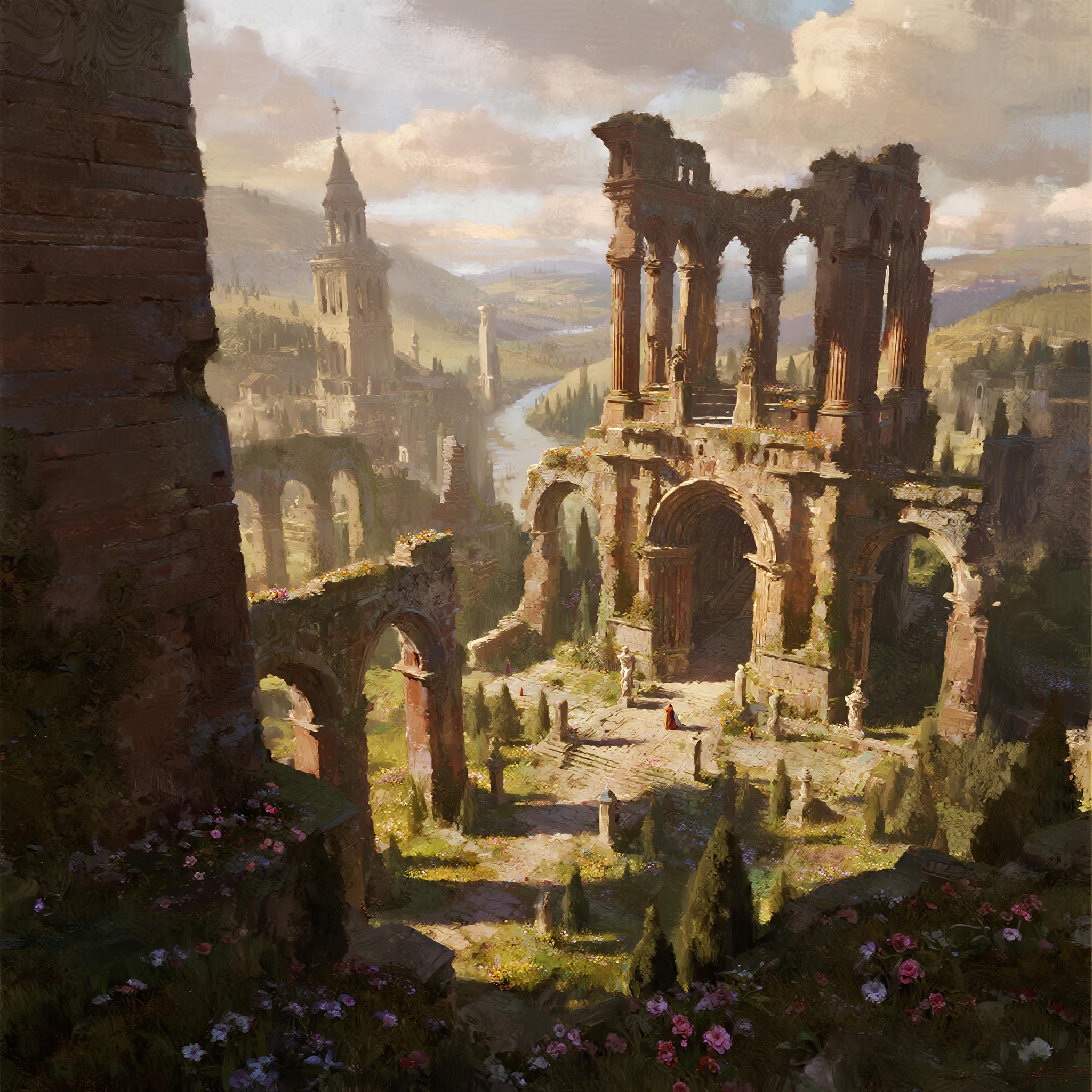

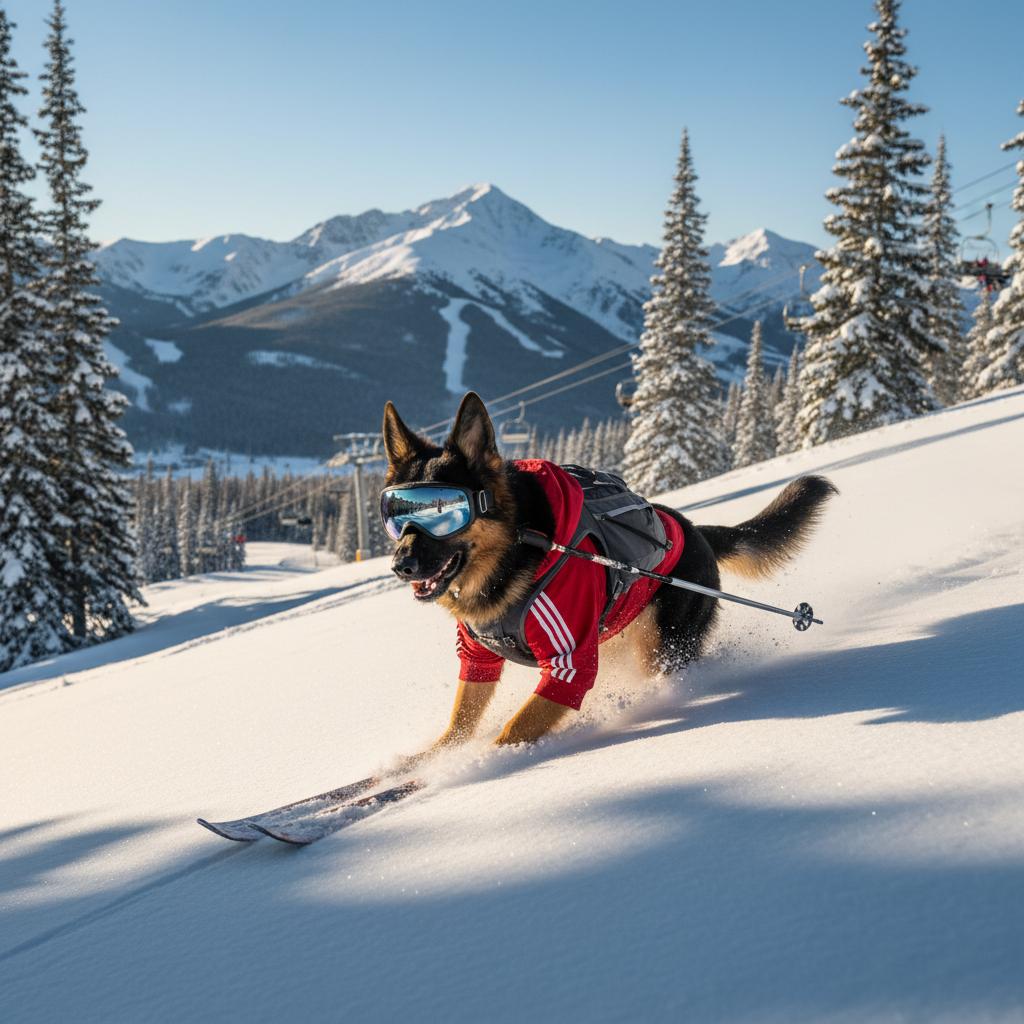
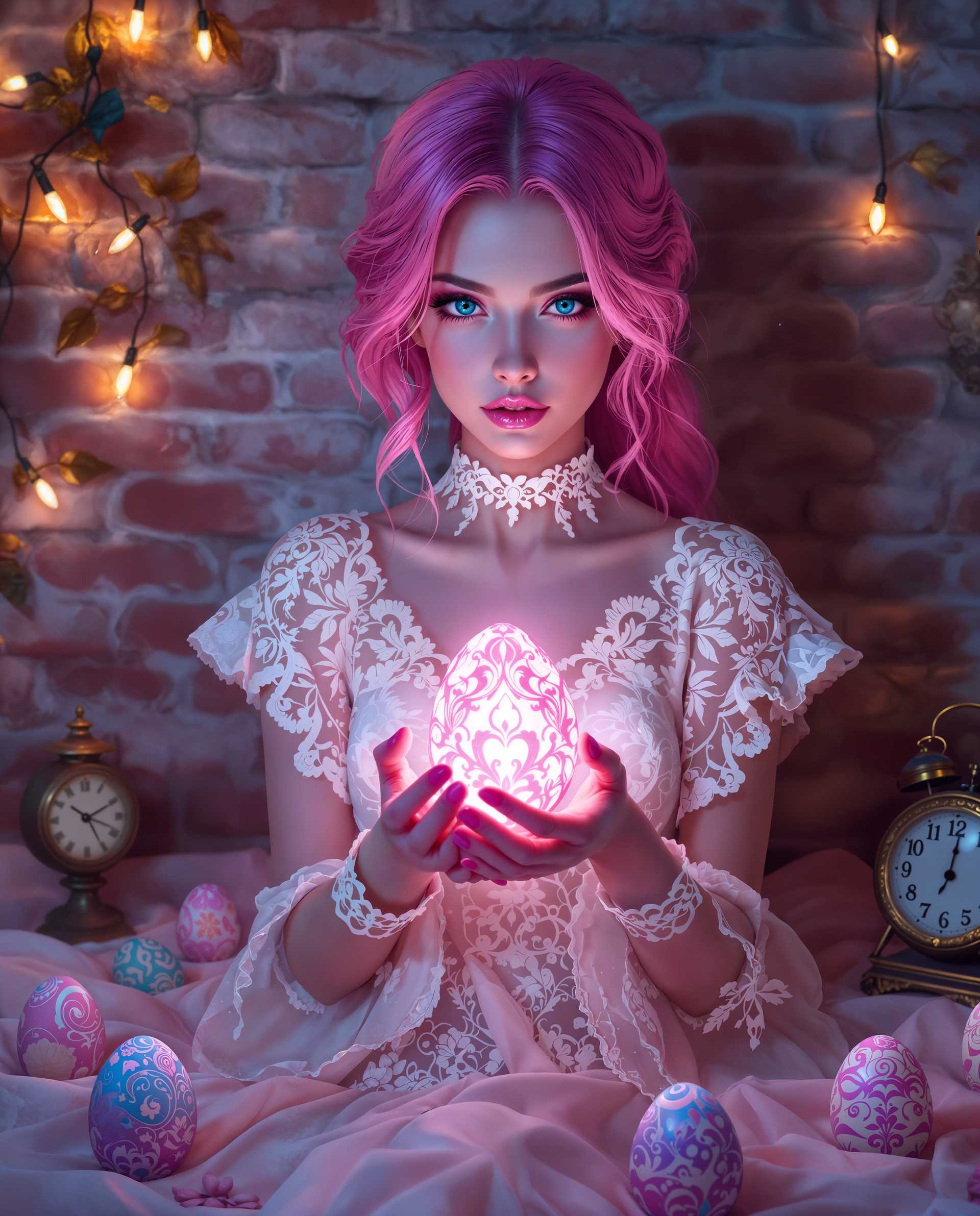
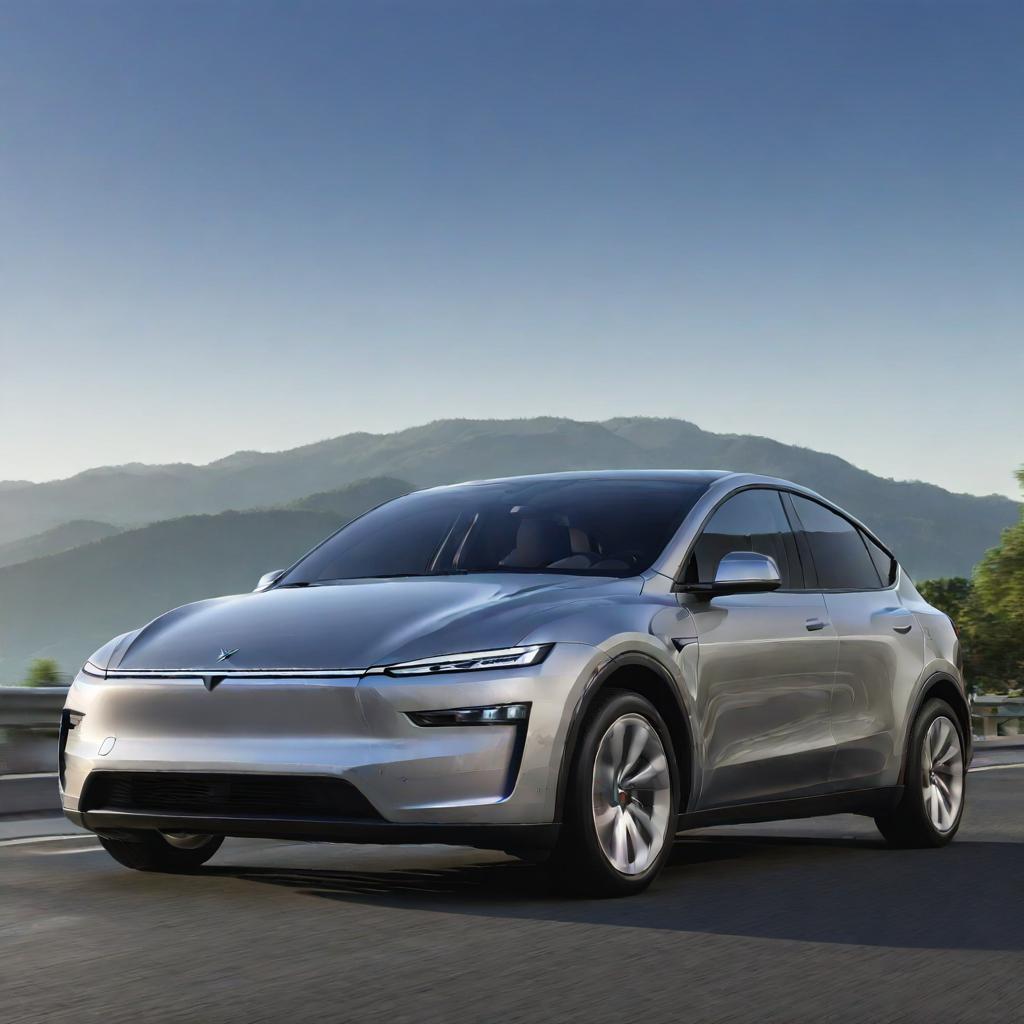
The Pixel Dojo Advantage
Discover why PixelDojo's Real-ESRGAN tools are the superior choice for AI image upscaling:
| Others | Pixel Dojo |
|---|---|
| Traditional Upscaling Methods | Real-ESRGAN uses AI to intelligently add details, resulting in sharper images without artifacts. |
| Manual Photo Editing | Automated AI processing saves time and effort compared to labor-intensive manual editing. |
| Generic AI Tools | Specifically trained on real-world images, Real-ESRGAN handles complex degradations more effectively. |
Loved by Creators
See what our community says about nightmare/real-esrgan
"Real-ESRGAN transformed my old family photos into stunning high-resolution images. I'm amazed at the clarity and detail!"
Jane Doe
Photographer
"As a digital artist, Real-ESRGAN has been a game-changer. It upscales my artwork beautifully without losing any detail."
John Smith
Digital Artist
Common Questions
Everything you need to know about nightmare/real-esrgan AI generation
What file formats are supported by Real-ESRGAN?
Real-ESRGAN supports all common image formats, including JPEG, PNG, WebP, and TIFF. This ensures compatibility with a wide range of images.
How does Real-ESRGAN's AI upscaling technology work?
Real-ESRGAN utilizes Enhanced Super-Resolution Generative Adversarial Networks to analyze and upscale images, intelligently adding details and textures for high-quality results.
Is there a limit to how much I can upscale an image with Real-ESRGAN?
Real-ESRGAN can upscale images up to 4x their original resolution, providing significant enhancement while maintaining image quality.
Can Real-ESRGAN be used for commercial purposes?
Yes, Real-ESRGAN is open-source and can be used for both personal and commercial projects without licensing fees.
Are my images kept private when using Real-ESRGAN?
Yes, your images are processed securely and are not stored permanently on the servers, ensuring your privacy.
Can I batch process multiple images at once with Real-ESRGAN?
Yes, Real-ESRGAN supports batch processing, allowing you to upscale multiple images simultaneously, saving time and effort.