nightmareai AI Generator
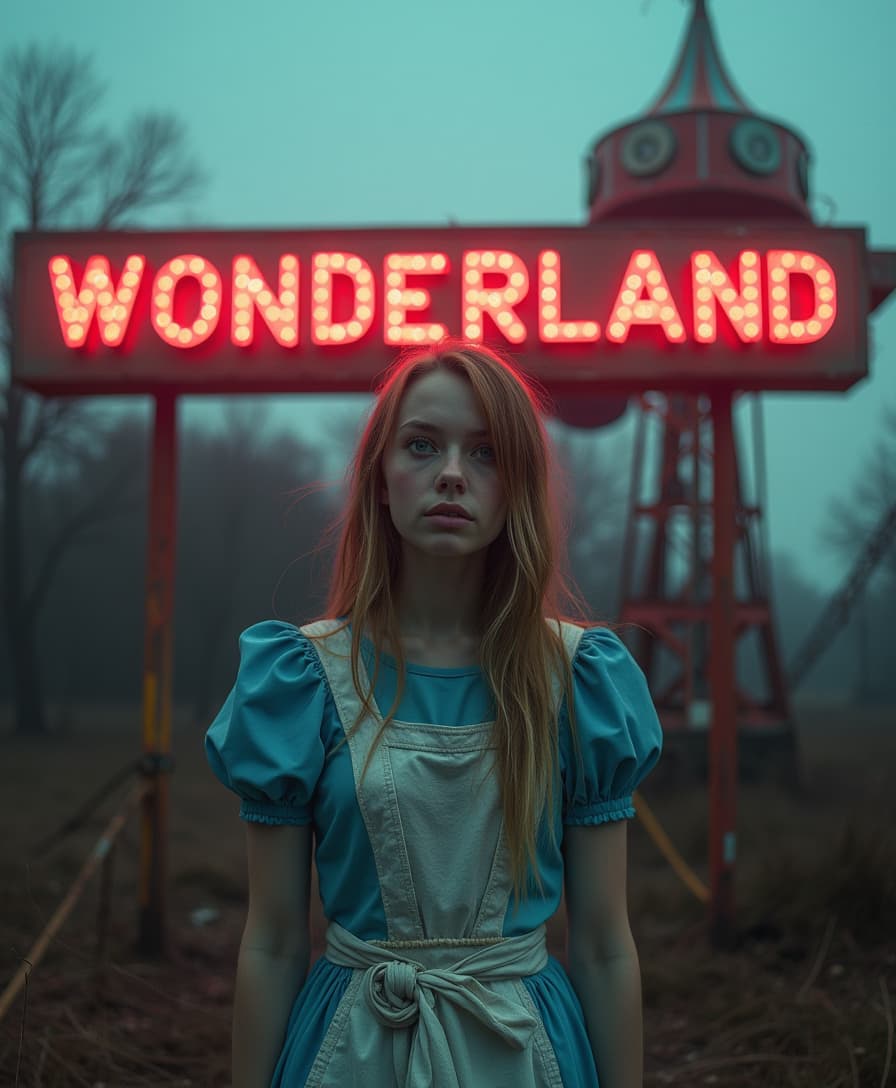
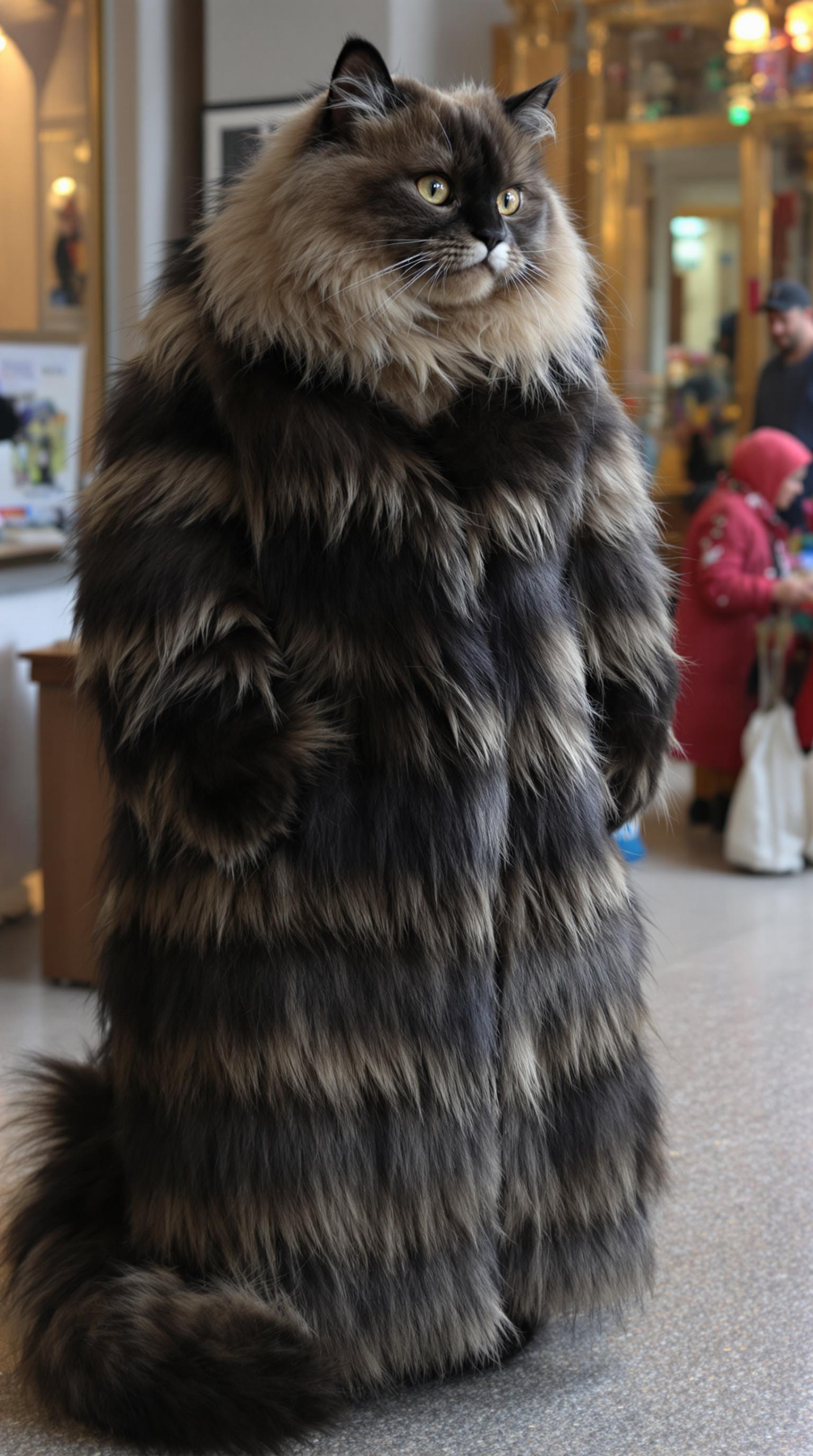
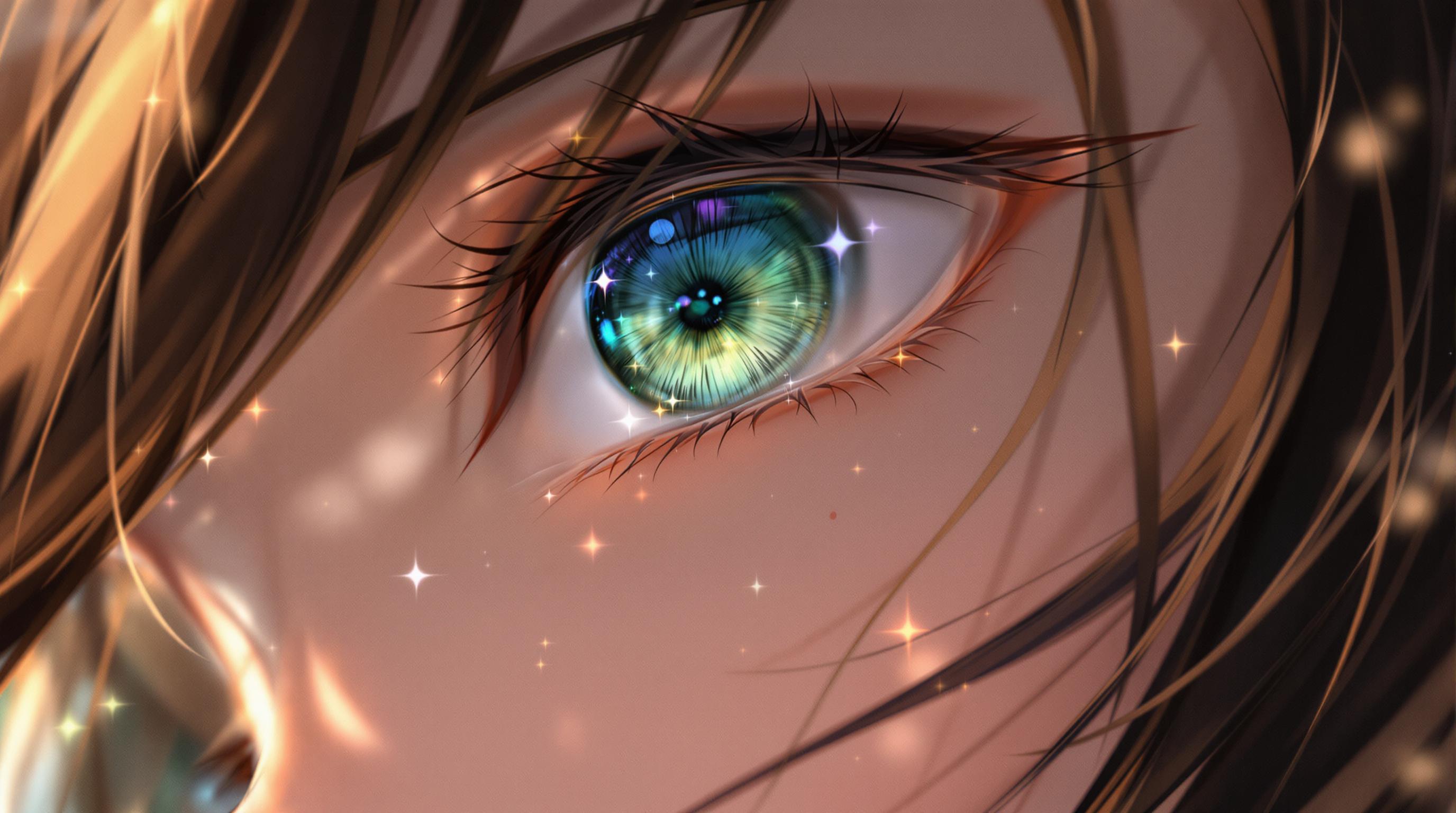
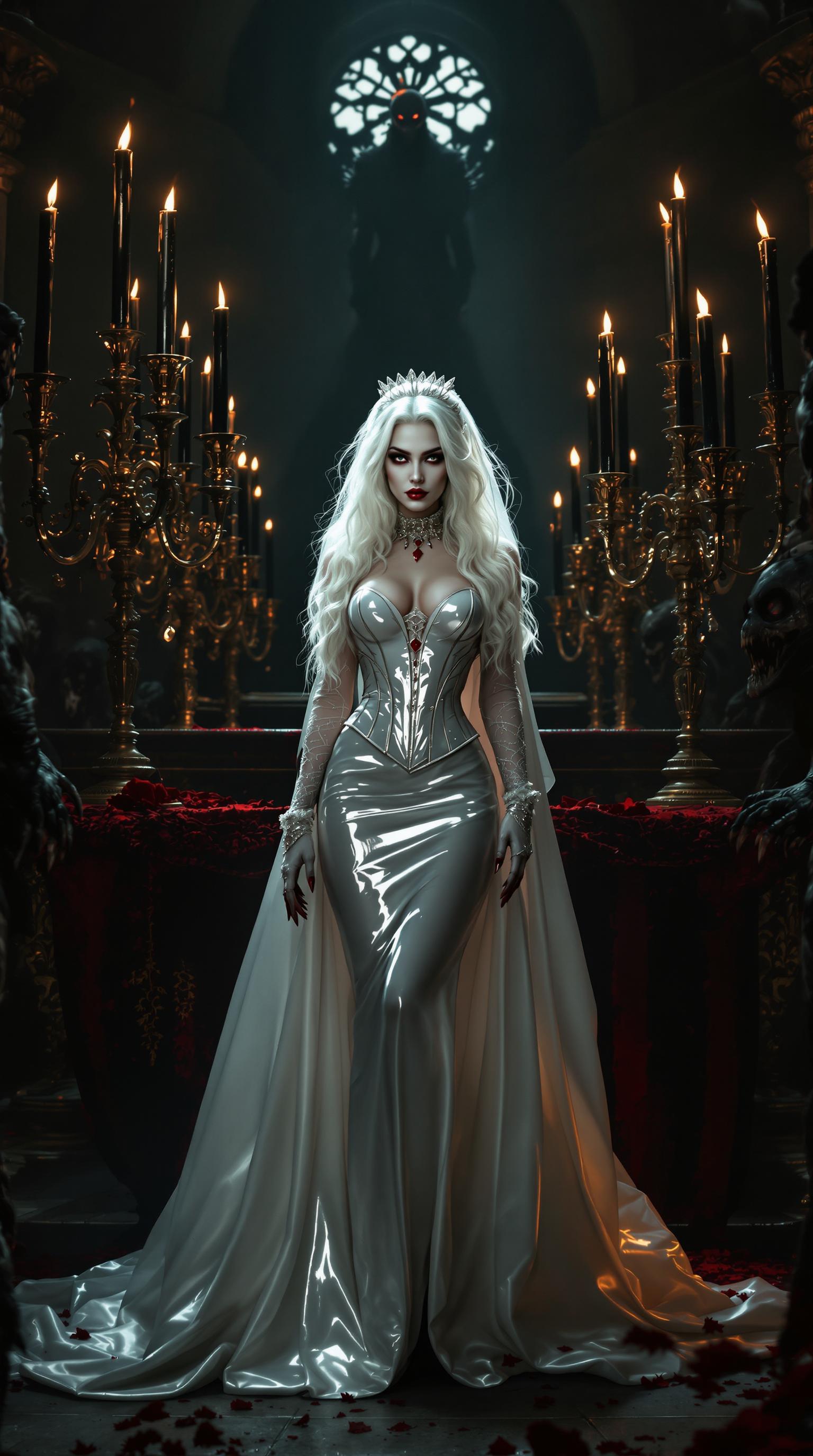
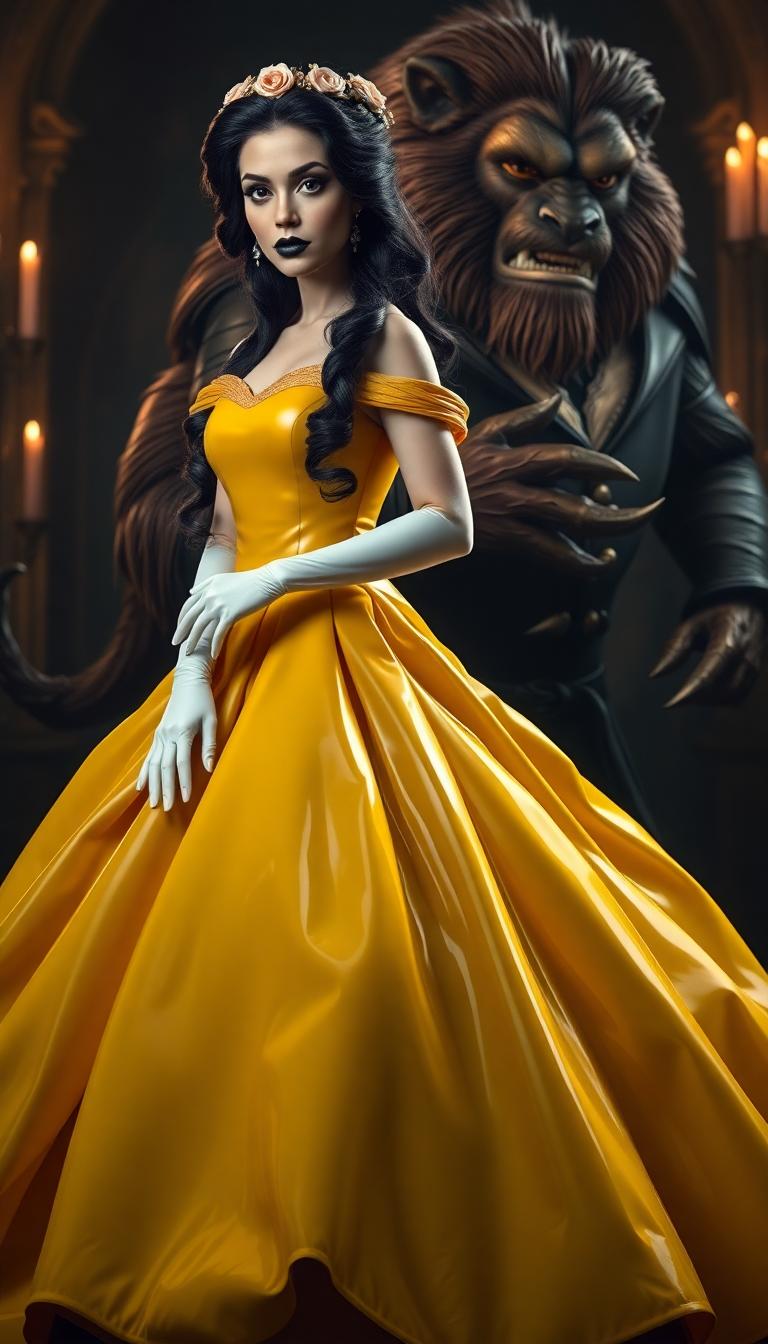
Imagine transforming your wildest, most unsettling dreams into stunning visual masterpieces that captivate and chill your audience. With PixelDojo's Nightmare AI image generation, you can effortlessly create surreal horror art that stands out in portfolios, social media, or storytelling projects. Whether you're a horror enthusiast, game designer, or content creator, our AI tools empower you to produce eerie landscapes, twisted creatures, and nightmarish scenes without needing artistic skills or expensive software. Unlock endless creativity and watch your ideas evolve into professional-grade visuals that evoke fear, intrigue, and admiration—all in just a few clicks.
Join over 50,000 creators who have generated millions of AI images with PixelDojo. Rated 4.9/5 stars on Trustpilot from 2,500+ reviews. Featured in top design blogs for revolutionary AI art tools. Trusted by horror filmmakers and digital artists worldwide.
Why Choose Pixel Dojo for nightmareai
Professional-quality results with cutting-edge AI technology
Craft Immersive Horror Worlds Instantly
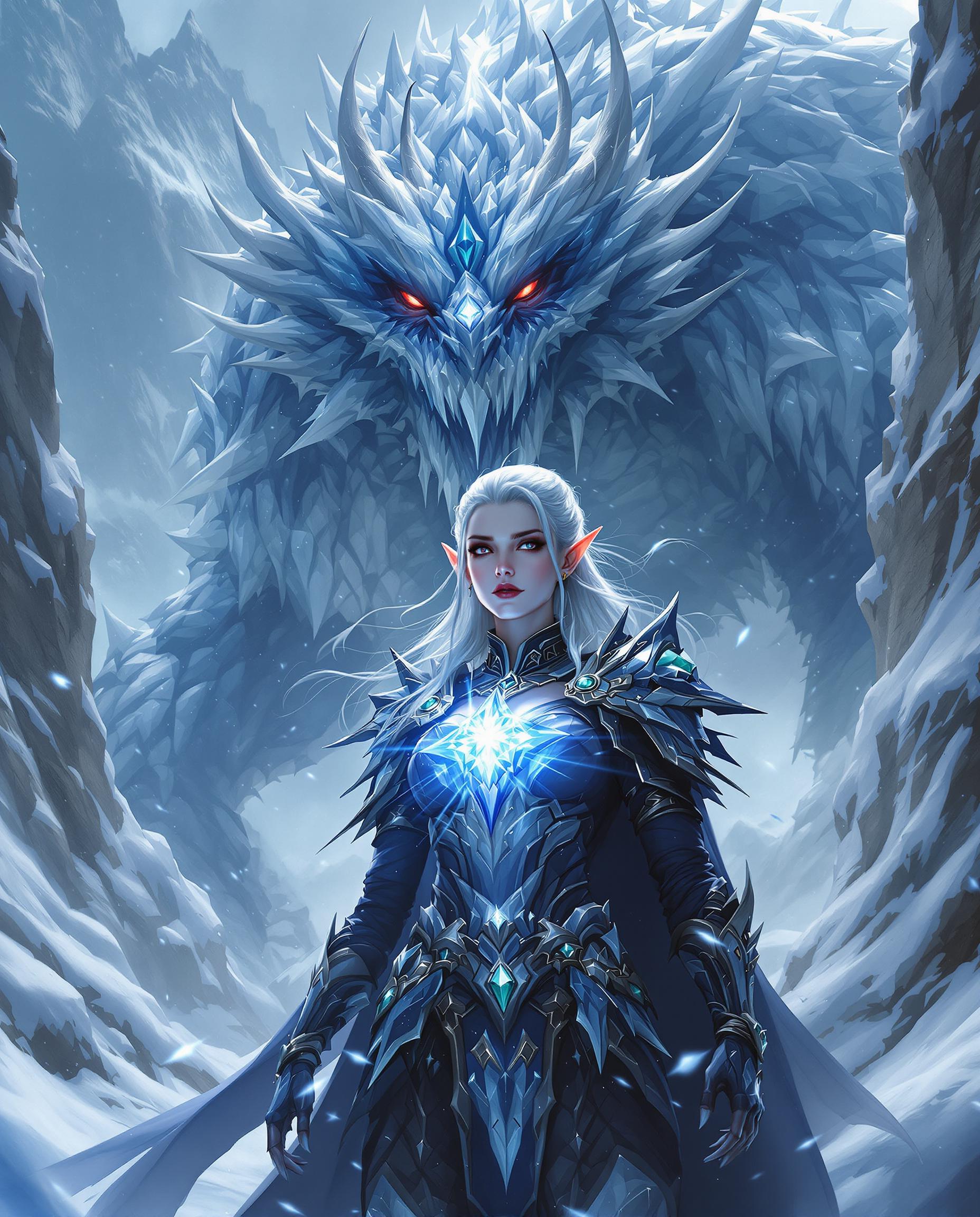
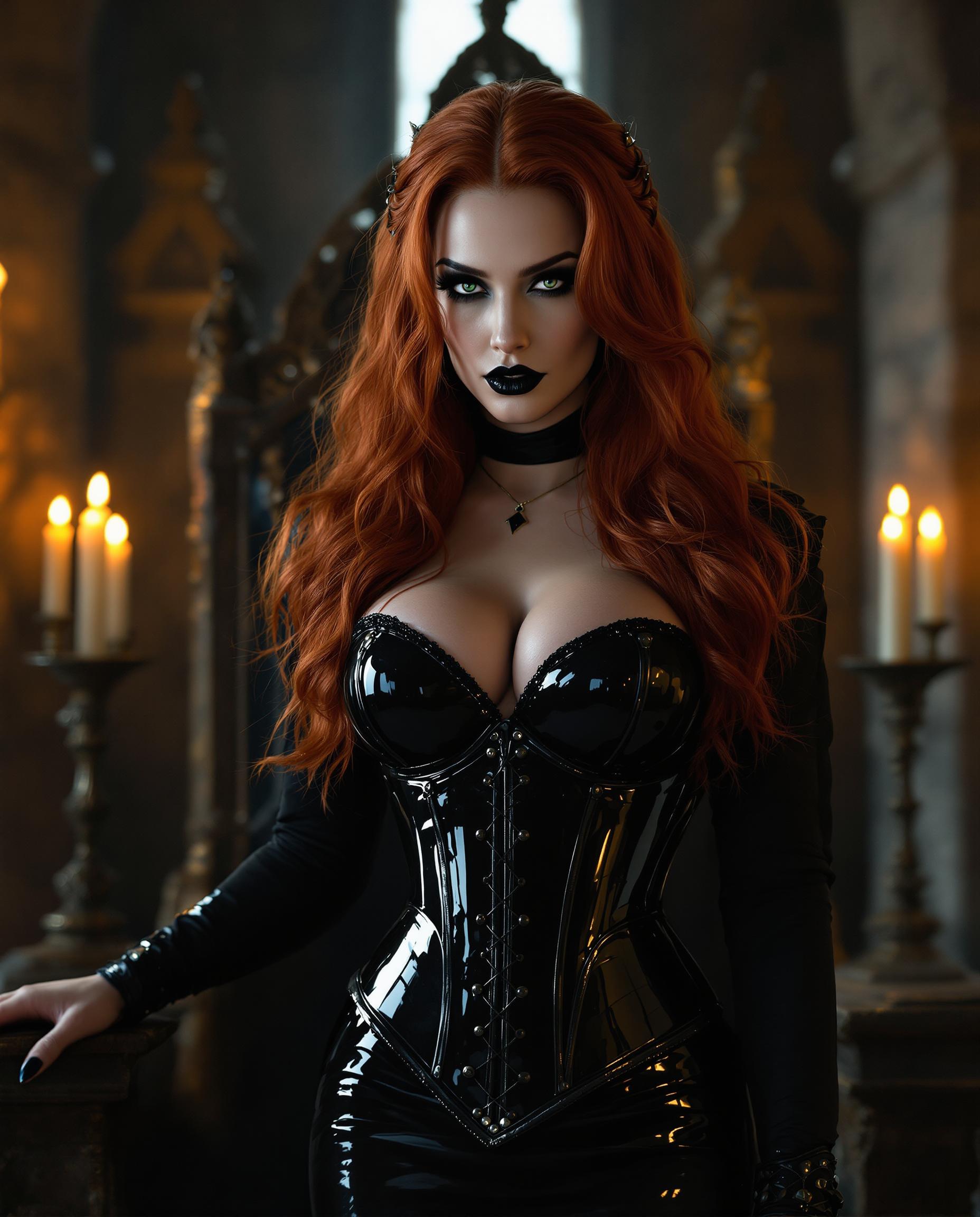
Bring your nightmarish visions to life with hyper-detailed, surreal scenes that immerse viewers in terrifying atmospheres, perfect for book covers, game assets, or social media posts that grab attention and spark conversations.
Save Hours on Creative Production
Skip the tedious manual drawing or editing—generate and refine nightmare AI art in minutes, allowing you to focus on storytelling or marketing while producing high-quality results that rival professional illustrators.
Endless Customization for Unique Nightmares
Tailor every element of your horror creations to fit your style, ensuring your artwork is one-of-a-kind and helps you stand out in competitive fields like indie horror games or viral content creation.
How It Works
Creating nightmare AI images with PixelDojo is simple and intuitive. Our platform guides you through selecting tools, crafting prompts, and refining outputs to achieve spine-chilling results that match your vision.
Step 1: Choose Your Tool
Start by selecting from our specialized AI models like Flux or PonyXL, which excel at generating surreal horror elements. These tools are optimized for nightmarish aesthetics, ensuring your base image captures the eerie essence right from the start.
Step 2: Enter Your Prompt
Input a detailed description of your nightmare scene, incorporating trends like hyper-realistic distortions or abstract terror. Use tools like SDXL to refine prompts for maximum eeriness, drawing from latest techniques such as prompt engineering for atmospheric horror.
Step 3: Customize & Download
Enhance your image with editing features like Inpainting for adding terrifying details or Style Transfer to apply dark, surreal filters. Once perfected, download in high resolution—ready to use in your projects and impress your audience.

The Pixel Dojo Advantage
Why PixelDojo outperforms other options for nightmare AI image generation
| Others | Pixel Dojo |
|---|---|
| Traditional horror art creation | Eliminate the need for manual sketching or costly artists—generate complex nightmare scenes instantly, saving you time and money while achieving professional quality without years of practice. |
| Generic AI tools | Access specialized models like Flux and SDXL tailored for surreal horror, delivering more accurate and customizable results than basic generators, with seamless editing tools for refined, unique outputs. |
| Manual photo editing | Bypass hours of layering effects in software—our AI handles intricate distortions and atmospheres automatically, allowing you to iterate quickly and produce polished nightmare art ready for immediate use. |
Loved by Creators
See what our community says about nightmareai
"PixelDojo's nightmare AI tools turned my horror story ideas into visuals that scared even me! The Flux model nailed the surreal dread perfectly for my indie game."
Alex Rivera
Indie Game Developer
"As a horror writer, I use PixelDojo to create book covers that capture nightmarish essence. It's fast, intuitive, and the results are always spine-tingling."
Jordan Lee
Horror Author
Common Questions
Everything you need to know about nightmareai AI generation
What is nightmare AI image generation and how can I use it?
Nightmare AI image generation involves creating surreal, horror-inspired visuals using AI to evoke fear and intrigue. With PixelDojo, you can generate these using tools like Flux and PonyXL, ideal for horror enthusiasts crafting eerie art for stories, games, or social media. Latest trends include blending hyper-realism with abstract distortions for immersive results.
How to create surreal horror art with nightmare AI techniques?
PixelDojo makes it easy: Select SDXL or Flux, input prompts with elements like twisted figures or foggy abysses, and customize with Inpainting. Recent techniques emphasize prompt layering for depth, helping you achieve trending styles like Lovecraftian nightmares quickly.
What are the best nightmare AI trends for 2023?
Current trends in nightmare AI include AI-generated cosmic horror and psychological terror scenes. PixelDojo's tools like Dreamina 3.1 support these by allowing detailed prompt refinements, enabling you to create trending visuals that captivate audiences in horror communities.
Can I edit nightmare AI images for more customization?
Absolutely—use PixelDojo's editing suite, including Style Transfer for dark filters and Outpainting to expand scenes. This lets you refine AI-generated nightmares into personalized masterpieces, incorporating latest editing trends for enhanced eeriness.
How does PixelDojo's nightmare AI compare to other generators?
PixelDojo stands out with 40+ tools like REVE Image and HiDream, optimized for horror outputs. You get faster generations, higher quality, and easy integration, helping you produce professional nightmare art without the limitations of basic platforms.
Is nightmare AI suitable for beginners in horror art creation?
Yes, PixelDojo is beginner-friendly with intuitive interfaces and prompt suggestions. Start with simple inputs on tools like ImagineArt 1.0, and build up to complex nightmares, leveraging trends like automated surrealism to create stunning results effortlessly.