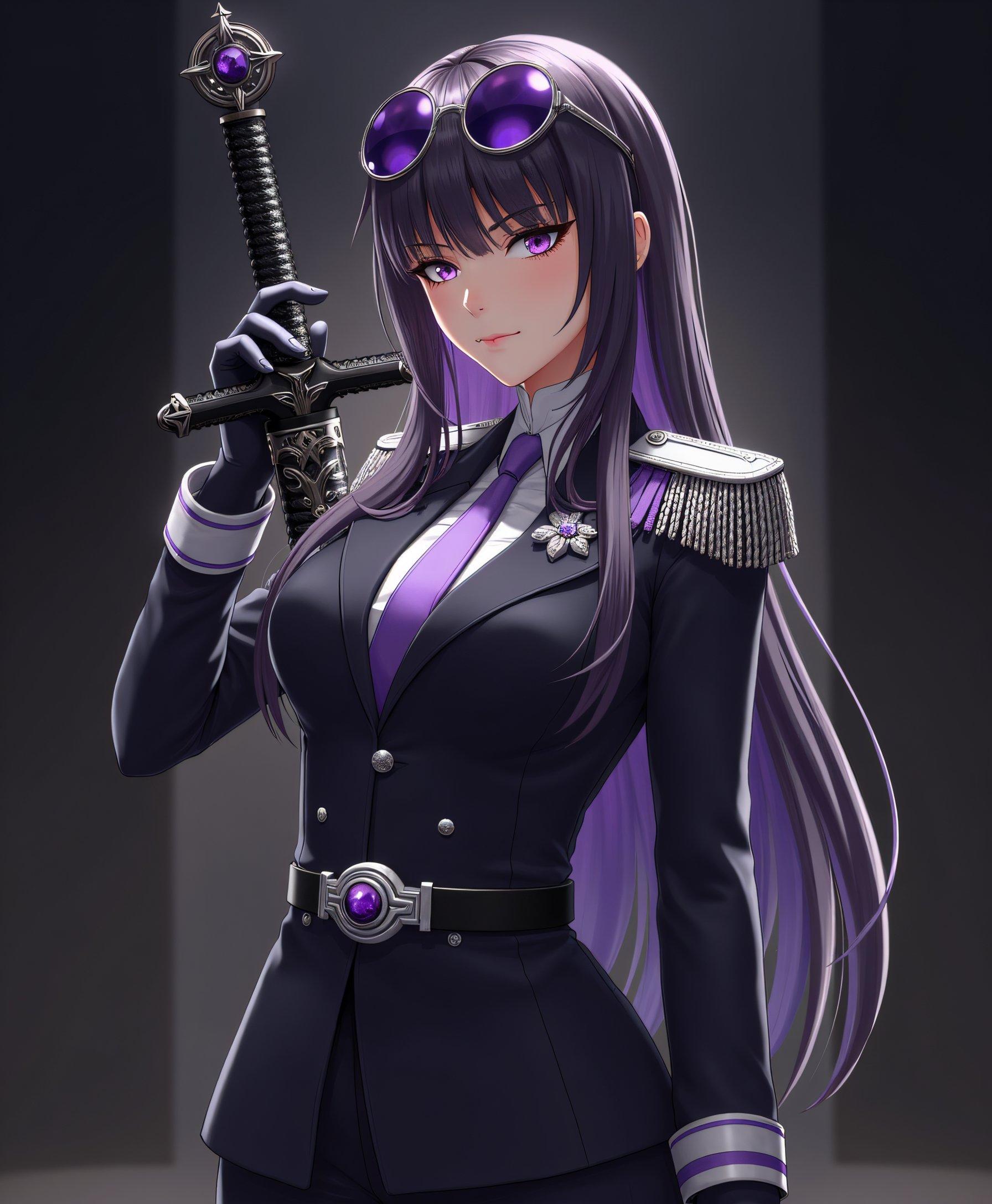
Join over 100,000 creators who trust PixelDojo for their AI-powered image editing needs.
Why Choose Pixel Dojo for One-step image edit Qwen
Professional-quality results with cutting-edge AI technology
Instant Professional Edits
Achieve high-quality image edits in seconds, streamlining your creative process.
User-Friendly Interface
No prior experience required; simply upload your image and describe the desired edit.
Versatile Editing Capabilities
From background removal to style transfers, QWEN handles a wide range of editing tasks.
How It Works
Editing your images with QWEN is a straightforward process:
Step 1: Upload Your Image
Select the image you wish to edit and upload it to the PixelDojo platform.
Step 2: Describe Your Edit
Use natural language to specify the changes you want, such as 'remove background' or 'enhance brightness'.
Step 3: Generate and Download
Click 'Edit Image' to process your request. Once satisfied with the result, download your edited image.














The Pixel Dojo Advantage
Why PixelDojo's QWEN tool stands out in AI image editing:
| Others | Pixel Dojo |
|---|---|
| Traditional Photo Editing Software | Eliminates the learning curve and time-consuming processes associated with traditional software. |
| Generic AI Editing Tools | Offers more precise edits with natural language processing, understanding complex instructions effortlessly. |
| Manual Editing | Reduces the need for manual adjustments, providing consistent and high-quality results quickly. |
Loved by Creators
See what our community says about One-step image edit Qwen
"PixelDojo's QWEN tool transformed my workflow. I can now edit images in seconds without any prior experience."
Alex Johnson
Content Creator
"The ease of use and quality of edits with QWEN are unparalleled. It's a game-changer for my business."
Maria Lopez
E-commerce Entrepreneur
Common Questions
Everything you need to know about One-step image edit Qwen AI generation
Can I use QWEN for commercial projects?
Yes, images edited with QWEN on PixelDojo can be used for commercial purposes without restrictions.
Do I need design experience to use QWEN?
No, QWEN is designed for users of all skill levels, allowing anyone to create professional-quality edits easily.
What file formats are available for downloaded images?
Edited images can be downloaded in standard formats such as JPEG and PNG, suitable for various applications.
Is there a limit to the number of images I can edit?
PixelDojo offers flexible subscription plans to accommodate different usage needs, including options for unlimited image editing.
How long does it take to edit an image with QWEN?
QWEN processes high-quality edits within seconds, providing a swift and efficient creative process.
Is my data secure when using QWEN?
Yes, PixelDojo prioritizes user privacy and data security, ensuring your images are processed securely.