Ovi audio guidance scale AI Generator
In today's digital landscape, captivating your audience requires more than just static images or text. With PixelDojo's Ovi tool, you can effortlessly create synchronized audio-video content that resonates with viewers. Whether you're a marketer aiming to boost engagement, an educator seeking dynamic teaching materials, or a creator exploring new mediums, Ovi empowers you to produce professional-quality audio-visual content without the need for extensive technical skills.

Join thousands of satisfied users who have enhanced their content with PixelDojo's cutting-edge AI tools. Our platform boasts a 4.8/5 average rating from creators worldwide.
Why Choose Pixel Dojo for Ovi audio guidance scale
Professional-quality results with cutting-edge AI technology
Effortless Audio-Visual Creation
Generate synchronized audio and video content seamlessly, saving time and resources.
Enhanced Audience Engagement
Create dynamic content that captures attention and keeps viewers engaged longer.
Versatile Applications
Ideal for marketing, education, and creative projects, offering flexibility across industries.
How It Works
Creating synchronized audio-video content with Ovi is straightforward. Follow these steps to bring your ideas to life:
Step 1: Choose Your Tool
Navigate to PixelDojo's Ovi tool to begin your audio-video creation journey.
Step 2: Enter Your Prompt
Input a detailed description of your desired scene, including dialogue and audio cues using specific tags. For example: 'A serene beach at sunset. <S>[calm voice] Welcome to our paradise.<E> <AUDCAP>Gentle waves crashing; distant seagulls<ENDAUDCAP>'
Step 3: Generate & Download
Click 'Generate' to produce your audio-video content. Once satisfied, download the final product for use.

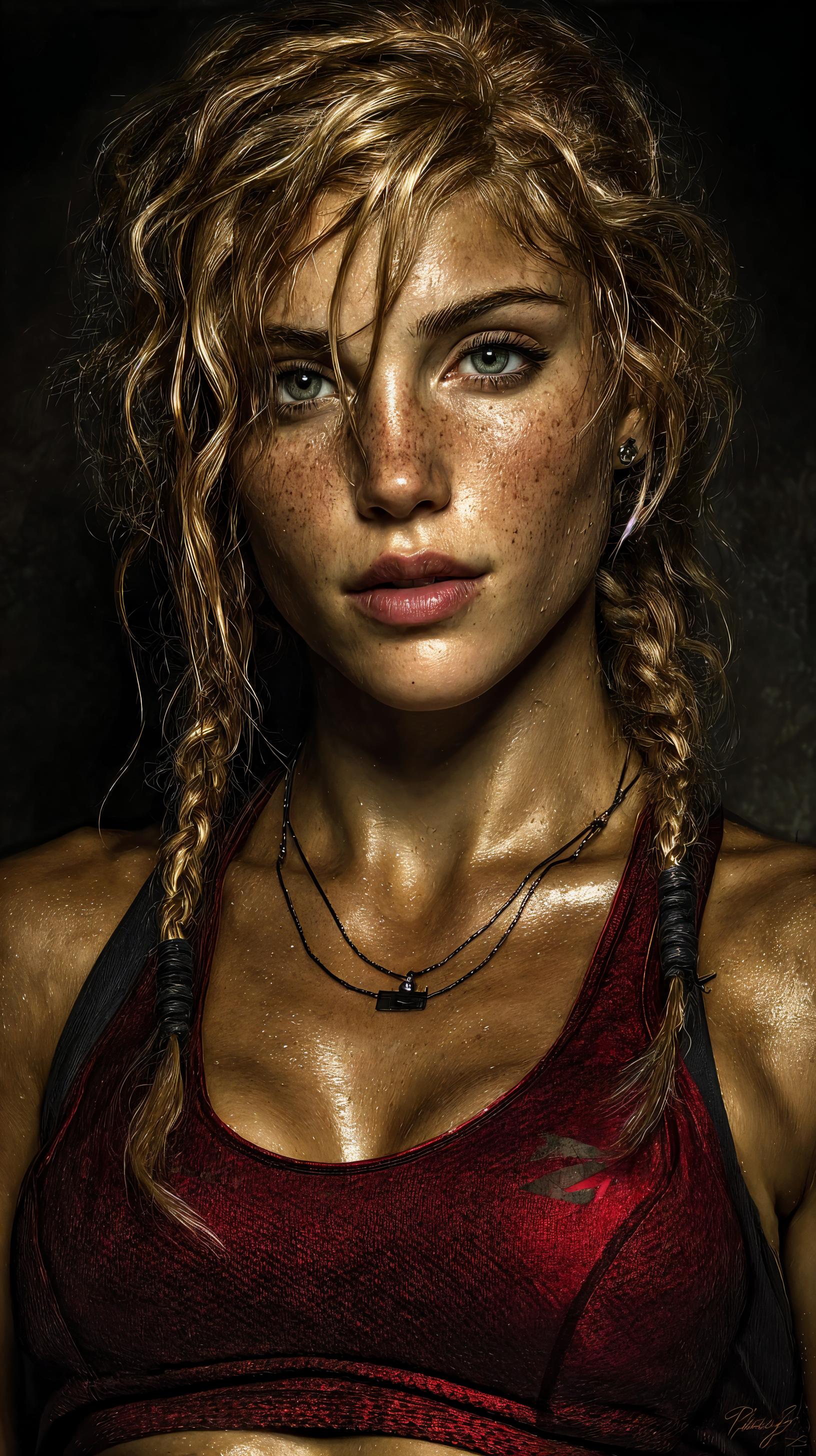













The Pixel Dojo Advantage
Why PixelDojo's Ovi tool stands out in audio-video content creation:
| Others | Pixel Dojo |
|---|---|
| Traditional Video Production | Eliminates the need for expensive equipment and extensive editing, streamlining the creation process. |
| Generic AI Tools | Offers specialized features like synchronized audio-video generation with precise control over speech and ambient sounds. |
| Manual Audio Synchronization | Automates synchronization, ensuring perfect alignment between audio and visuals without manual effort. |
Loved by Creators
See what our community says about Ovi audio guidance scale
"PixelDojo's Ovi tool transformed our marketing campaigns by enabling us to produce engaging audio-visual content effortlessly."
Alex Johnson
Marketing Director
"As an educator, Ovi has allowed me to create dynamic teaching materials that captivate my students' attention."
Dr. Emily Carter
Professor of Media Studies
Common Questions
Everything you need to know about Ovi audio guidance scale AI generation
How does Ovi ensure synchronized audio and video?
Ovi utilizes advanced AI algorithms to generate audio and video simultaneously, ensuring perfect synchronization without manual adjustments.
Can I customize the audio elements in my videos?
Yes, by using specific tags like <S> for speech and <AUDCAP> for audio descriptions, you can precisely control the audio components in your content.
Is Ovi suitable for beginners?
Absolutely. Ovi is designed with a user-friendly interface, making it accessible for users of all skill levels to create professional-quality audio-visual content.
What types of projects can I create with Ovi?
Ovi is versatile and can be used for various projects, including marketing videos, educational materials, social media content, and creative storytelling.
How long does it take to generate a video with Ovi?
Ovi can generate 5-second videos at 24 FPS, typically within a minute, depending on the complexity of your prompt.
Is there a cost associated with using Ovi?
PixelDojo offers flexible subscription plans, including a free trial, allowing you to explore Ovi's capabilities before committing.