Ovi gradio UI AI Generator
Imagine turning your ideas into captivating videos without any technical expertise. With PixelDojo's OVI Gradio UI, you can effortlessly generate high-quality videos from text descriptions or images. Whether you're a marketer, educator, or content creator, our intuitive interface empowers you to bring your visions to life in just a few clicks.
Join over 10,000 creators who have generated more than 50,000 videos using PixelDojo's AI tools. Rated 4.8/5 based on 2,000+ reviews.
Why Choose Pixel Dojo for Ovi gradio UI
Professional-quality results with cutting-edge AI technology
Effortless Video Creation
Generate professional-quality videos from text or images without any coding skills.
Time-Saving Automation
Quickly produce videos, reducing the time and effort compared to traditional methods.
Versatile Applications
Create videos for marketing, education, social media, and more, tailored to your needs.
How It Works
Creating AI-generated videos with OVI Gradio UI is simple and straightforward. Follow these steps to bring your ideas to life:
Step 1: Choose Your Input
Select whether you want to generate a video from a text description or an image.
Step 2: Enter Your Content
Input your text description or upload your image to serve as the basis for the video.
Step 3: Generate and Download
Click 'Generate' to create your video. Once ready, preview and download your AI-generated video.







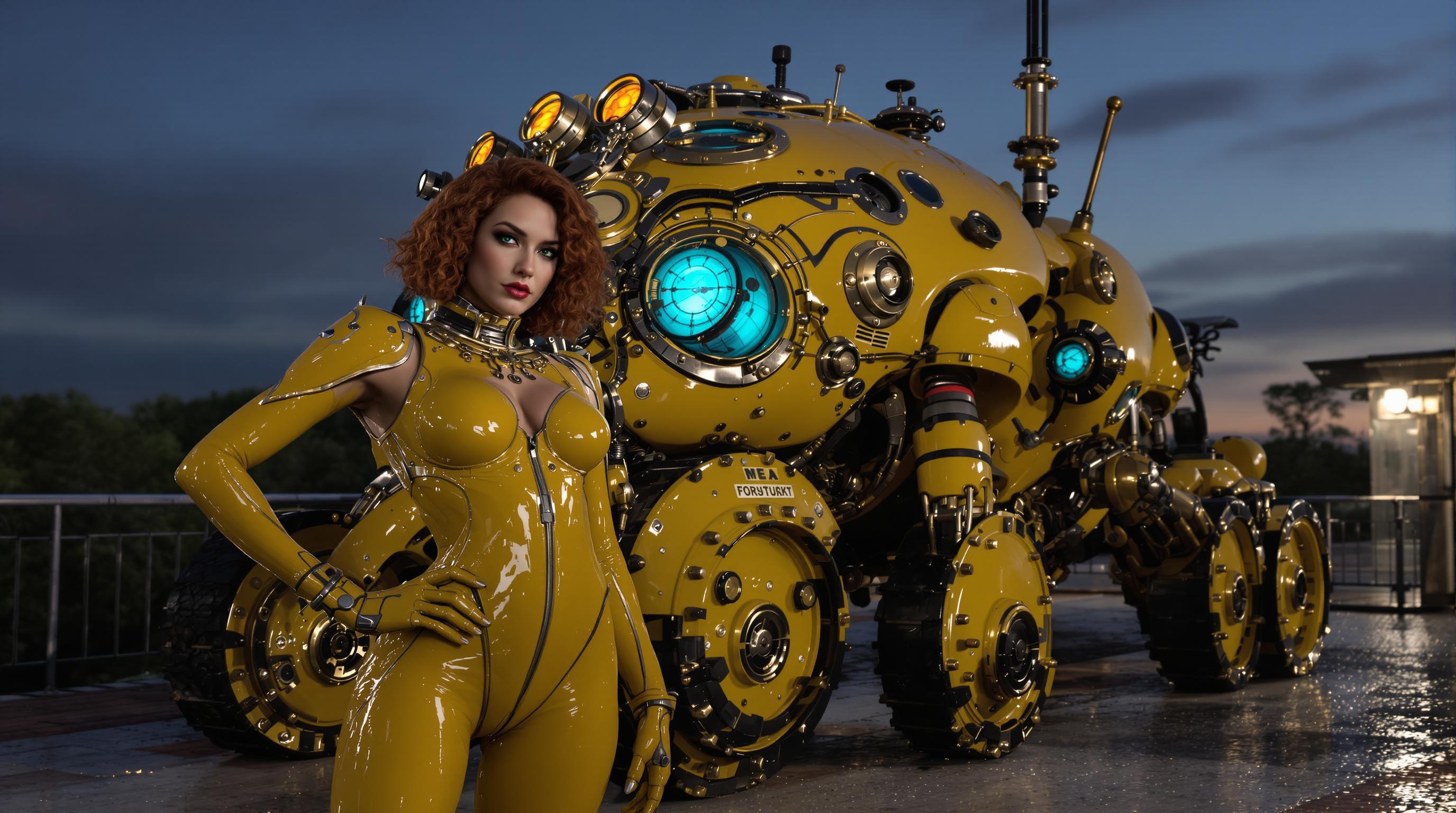
The Pixel Dojo Advantage
Why PixelDojo's OVI Gradio UI is the superior choice for AI video generation:
| Others | Pixel Dojo |
|---|---|
| Traditional Video Production | Eliminates the need for expensive equipment and extensive editing, saving time and resources. |
| Generic AI Tools | Offers a user-friendly interface specifically designed for seamless video generation from text or images. |
| Manual Animation Creation | Automates the animation process, allowing for quick iterations and creative experimentation. |
Loved by Creators
See what our community says about Ovi gradio UI
"PixelDojo's OVI Gradio UI transformed how we create marketing videos. It's intuitive and produces stunning results."
Alex Johnson
Marketing Director
"As an educator, creating engaging content is crucial. This tool allows me to generate educational videos effortlessly."
Maria Lopez
Online Instructor
Common Questions
Everything you need to know about Ovi gradio UI AI generation
How does OVI Gradio UI generate videos from text?
OVI Gradio UI utilizes advanced AI models to interpret your text descriptions and generate corresponding video content, streamlining the video creation process.
Can I customize the generated videos?
Yes, you can adjust various parameters such as video length, style, and more to tailor the output to your specific needs.
Is any technical expertise required to use OVI Gradio UI?
No, the interface is designed to be user-friendly, allowing anyone to create videos without prior technical knowledge.
What formats are the generated videos available in?
The videos are available in standard formats like MP4, ensuring compatibility with various platforms and devices.
Is there a limit to the number of videos I can create?
Depending on your subscription plan, you can create multiple videos. Check our pricing page for more details.
Can I use the generated videos for commercial purposes?
Yes, the videos you create can be used for both personal and commercial projects, adhering to our terms of service.