Ovi speech prompts AI Generator
Unlock the power of AI to transform your static images into dynamic, engaging videos with synchronized audio using OVI speech prompts on PixelDojo. Whether you're a content creator, marketer, or educator, our tools enable you to produce professional-quality audio-visual content effortlessly.
Join thousands of creators who have enhanced their storytelling with PixelDojo's AI-powered video generation tools.
Why Choose Pixel Dojo for Ovi speech prompts
Professional-quality results with cutting-edge AI technology
Effortless Video Creation
Convert your images into 5-second videos with synchronized audio, eliminating the need for complex editing software.
Enhanced Audience Engagement
Create immersive content that captivates your audience by combining visuals with synchronized speech and sound effects.
Time and Cost Efficiency
Save valuable time and resources by automating the video creation process with AI-driven tools.
How It Works
Creating compelling audio-visual content with OVI speech prompts on PixelDojo is simple and straightforward. Follow these steps to bring your images to life:
Step 1: Choose Your Image
Select the image you want to transform into a video. Ensure it's high-quality to achieve the best results.
Step 2: Craft Your Prompt
Write a descriptive prompt that outlines the scene and includes speech tags for the desired audio. Use `<S>` and `<E>` to enclose speech text, and `<AUDCAP>` and `<ENDAUDCAP>` for audio descriptions.
Step 3: Generate and Download
Input your image and prompt into PixelDojo's OVI tool. The AI will generate a 5-second video with synchronized audio. Once complete, download your video and share it with your audience.

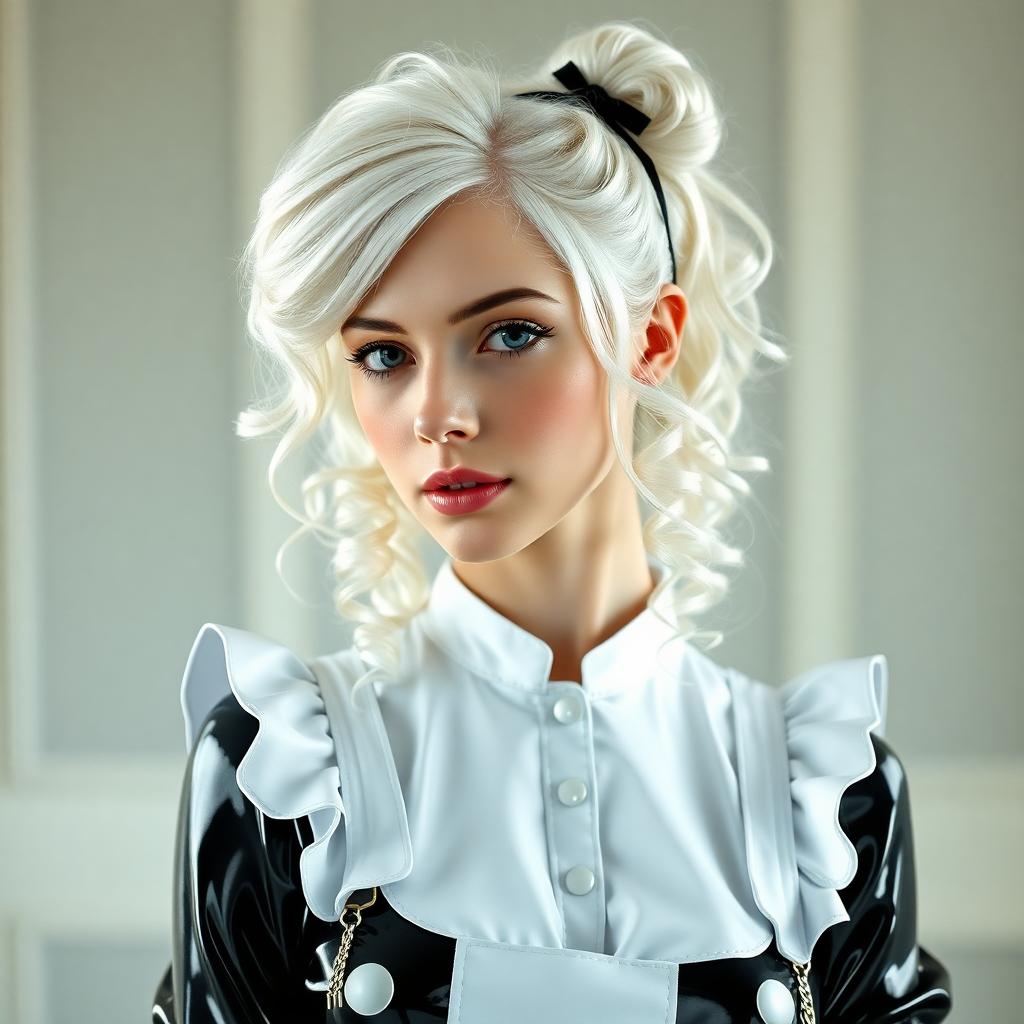

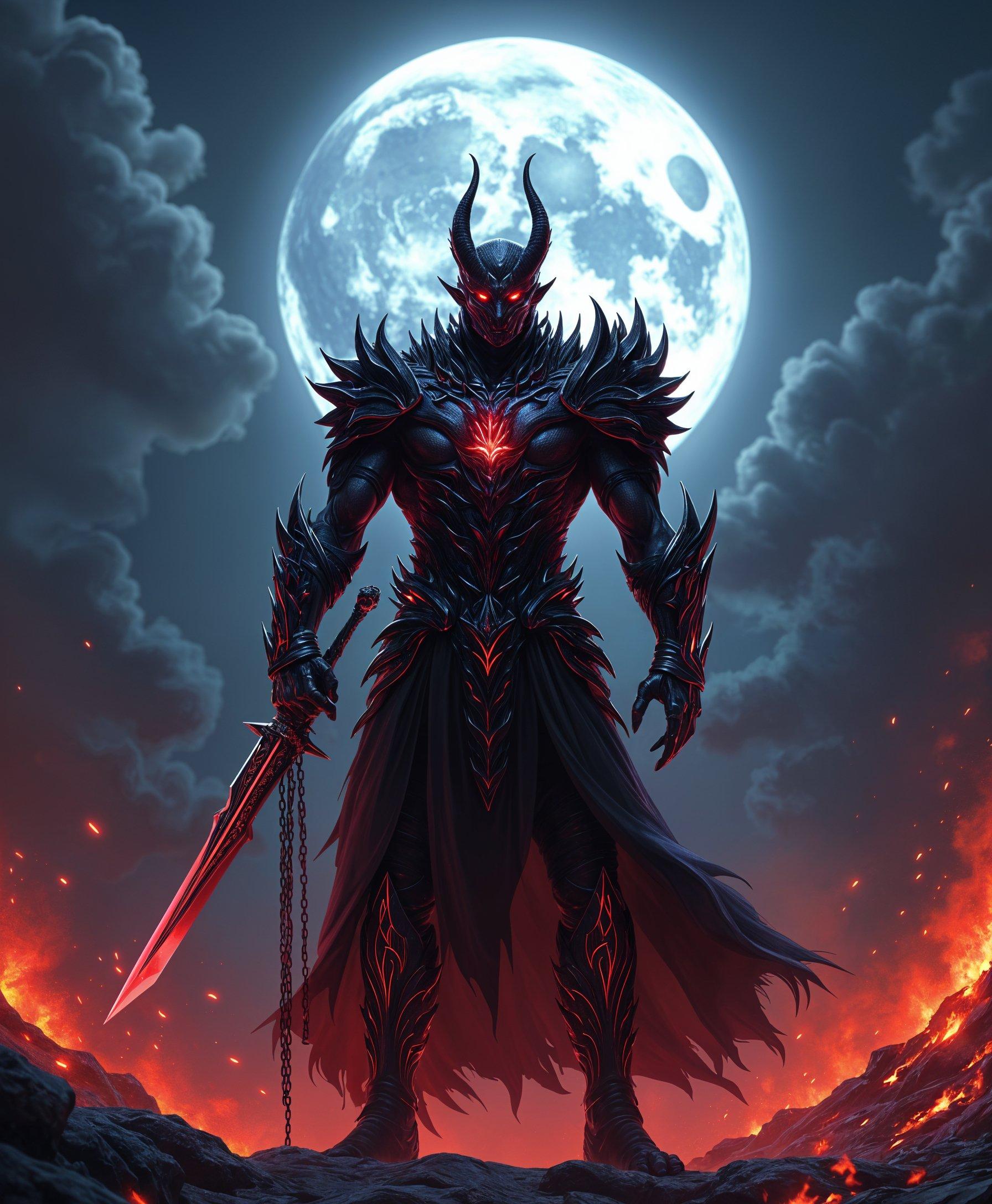


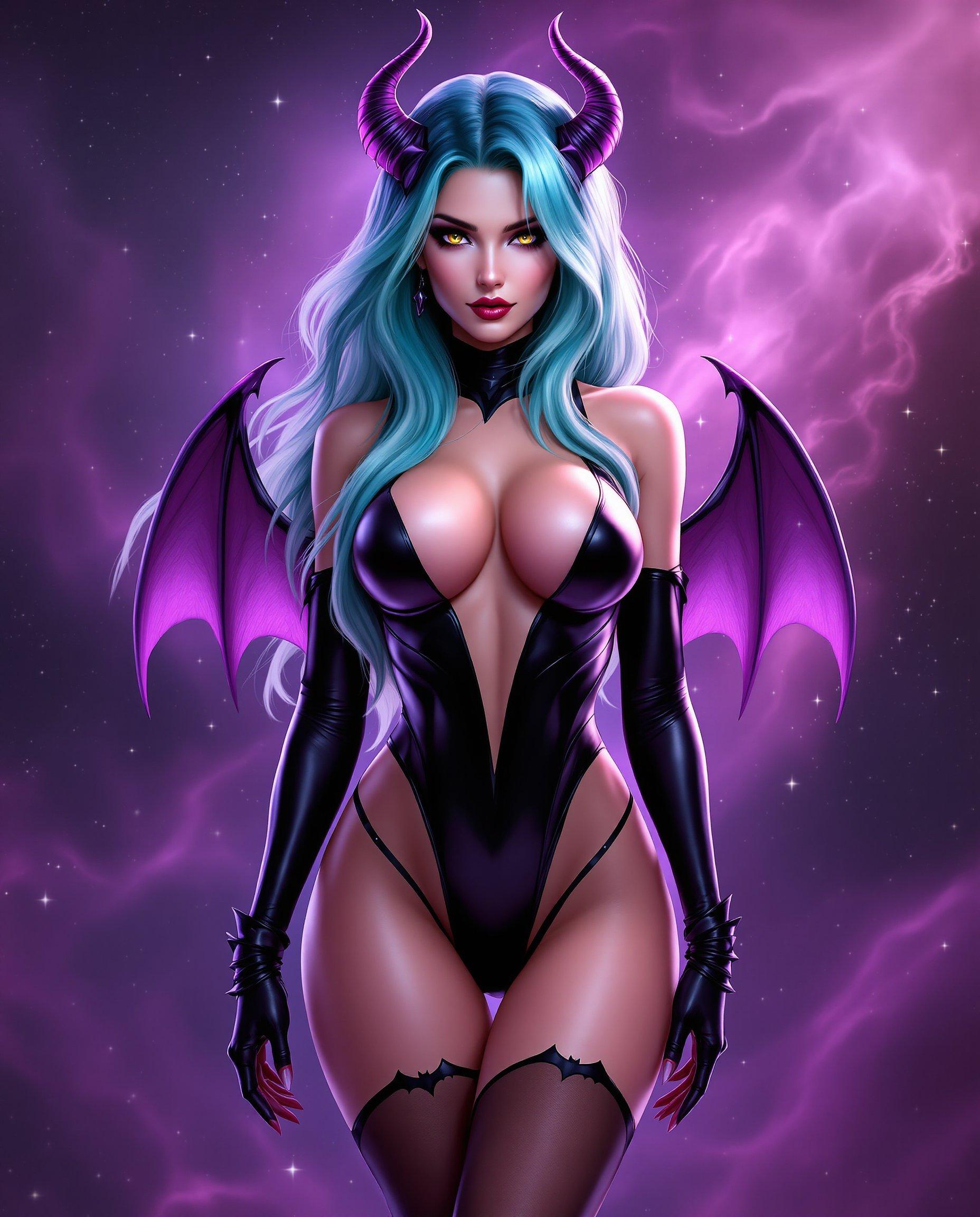
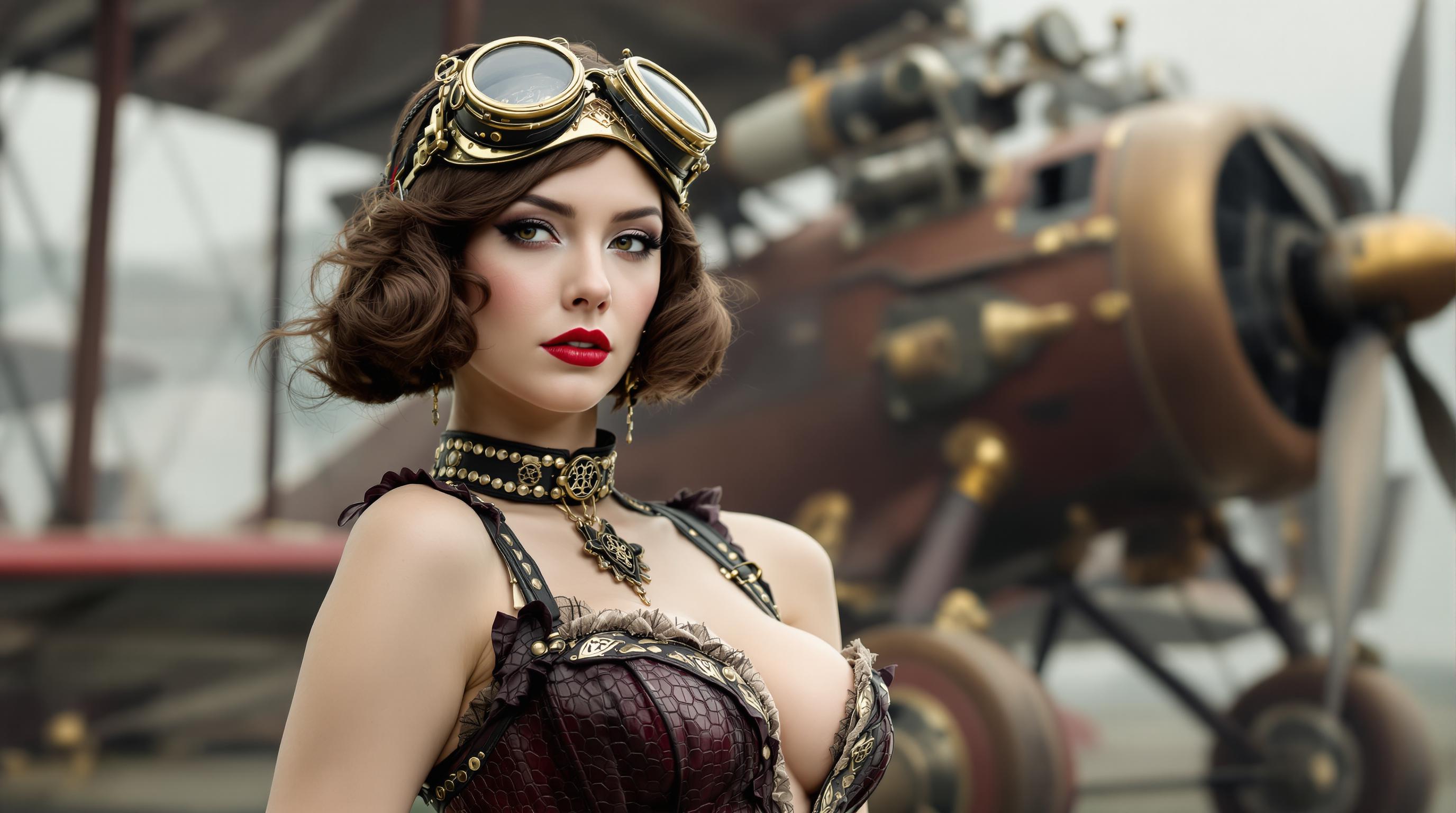

The Pixel Dojo Advantage
Why PixelDojo outperforms other options for audio-visual content creation:
| Others | Pixel Dojo |
|---|---|
| Traditional Video Editing | Eliminates the need for complex software and extensive editing skills, streamlining the creation process. |
| Generic AI Tools | Offers specialized features like synchronized speech prompts and audio descriptions for more immersive content. |
| Manual Audio Synchronization | Automates the synchronization of audio and visuals, ensuring perfect alignment without manual effort. |
Loved by Creators
See what our community says about Ovi speech prompts
"PixelDojo's OVI tool has revolutionized how I create content. The ability to add synchronized speech to my images has significantly increased audience engagement."
Alex Johnson
Content Creator
"As a marketer, creating compelling videos quickly is crucial. PixelDojo's AI tools have saved me countless hours while delivering high-quality results."
Samantha Lee
Digital Marketer
Common Questions
Everything you need to know about Ovi speech prompts AI generation
How do I use OVI speech prompts to create videos?
To create videos using OVI speech prompts, select a high-quality image, craft a descriptive prompt with speech and audio tags, and input them into PixelDojo's OVI tool. The AI will generate a 5-second video with synchronized audio for you to download and share.
What are the benefits of using OVI speech prompts for video creation?
Using OVI speech prompts allows you to effortlessly convert images into engaging videos with synchronized audio, enhancing audience engagement and saving time compared to traditional video editing methods.
Can I customize the speech and audio in the generated videos?
Yes, you can customize the speech and audio by specifying the desired text within `<S>` and `<E>` tags for speech, and `<AUDCAP>` and `<ENDAUDCAP>` tags for audio descriptions in your prompt.
Is there a limit to the length of the videos I can create?
Currently, the OVI tool generates videos that are 5 seconds long, which is ideal for creating concise and impactful content.
Do I need any prior experience in video editing to use this tool?
No prior experience is necessary. PixelDojo's OVI tool is designed to be user-friendly, allowing anyone to create professional-quality videos with ease.
How can I ensure the best quality for my generated videos?
To achieve the best quality, use high-resolution images and craft detailed prompts with clear speech and audio descriptions. This helps the AI generate more accurate and engaging videos.