Ovi video with audio AI Generator
In today's digital landscape, engaging multimedia content is key to capturing your audience's attention. With PixelDojo's OVI tool, you can effortlessly create synchronized audio-video clips that bring your ideas to life. Whether you're a marketer, educator, or content creator, OVI empowers you to produce high-quality, immersive videos that resonate with viewers.
Join thousands of creators who have enhanced their content with PixelDojo's cutting-edge AI tools. Our platform boasts a 4.8/5 satisfaction rating, reflecting our commitment to quality and innovation.
Why Choose Pixel Dojo for Ovi video with audio
Professional-quality results with cutting-edge AI technology
Effortless Audio-Video Synchronization
Generate videos where audio and visuals are perfectly aligned, enhancing viewer engagement and comprehension.
Time-Saving Content Creation
Produce professional-quality videos in minutes, reducing the need for complex editing and post-production processes.
Versatile Applications
Create content suitable for marketing, education, entertainment, and more, tailored to your specific needs.
How It Works
Creating synchronized audio-video content with OVI is straightforward. Follow these steps to bring your vision to life:
Step 1: Upload Your Image
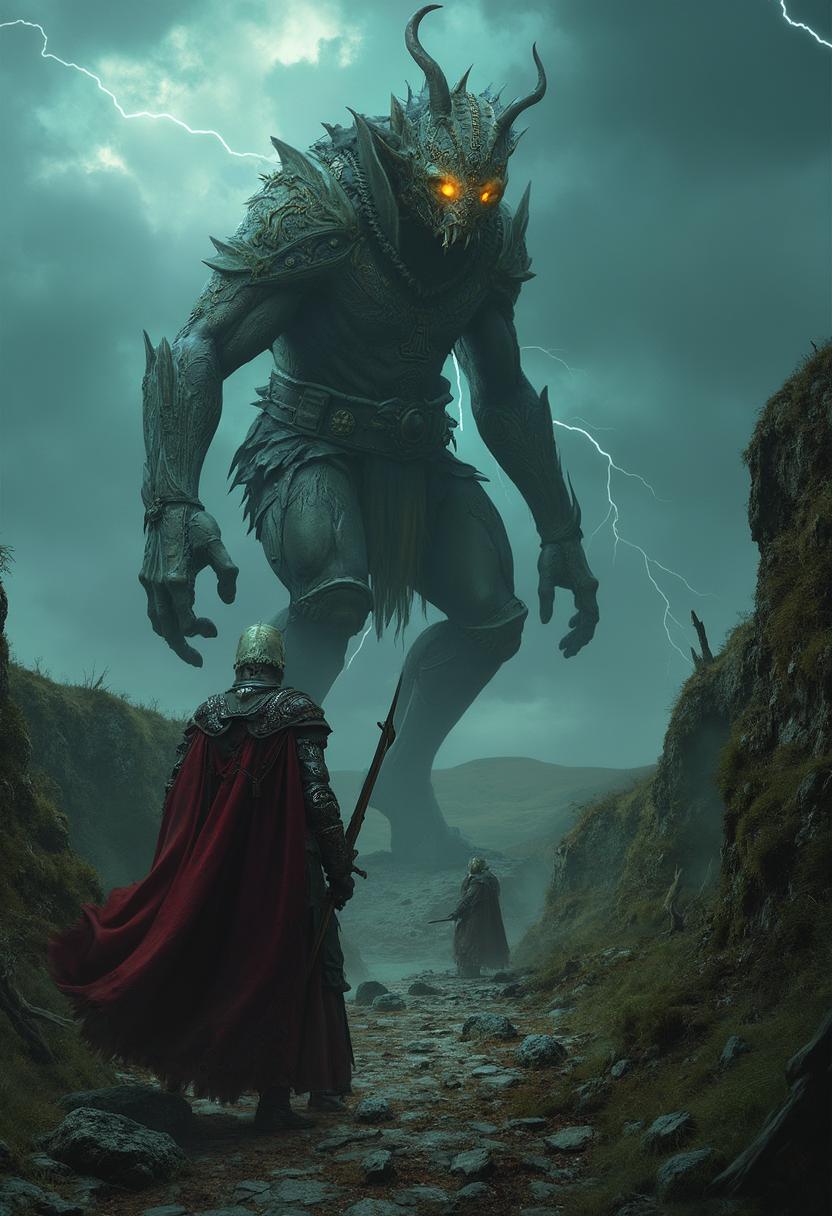
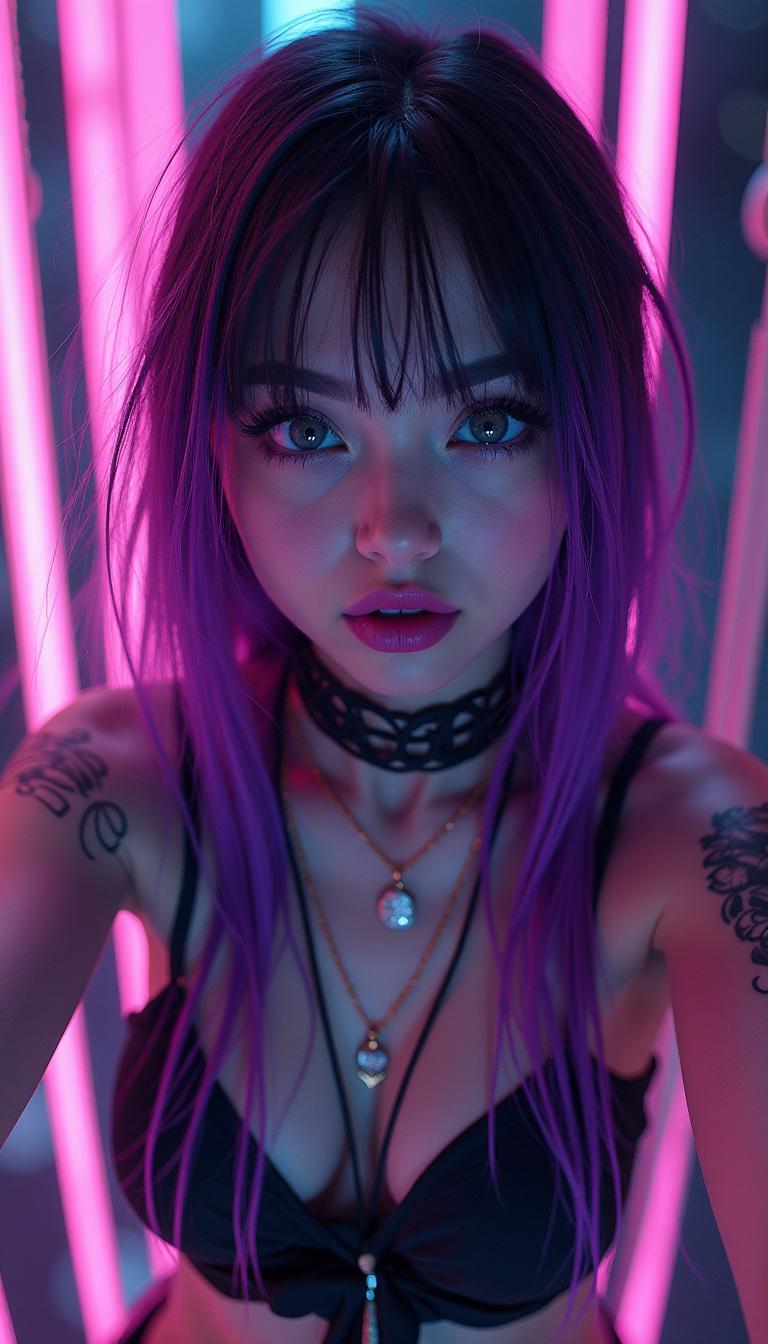
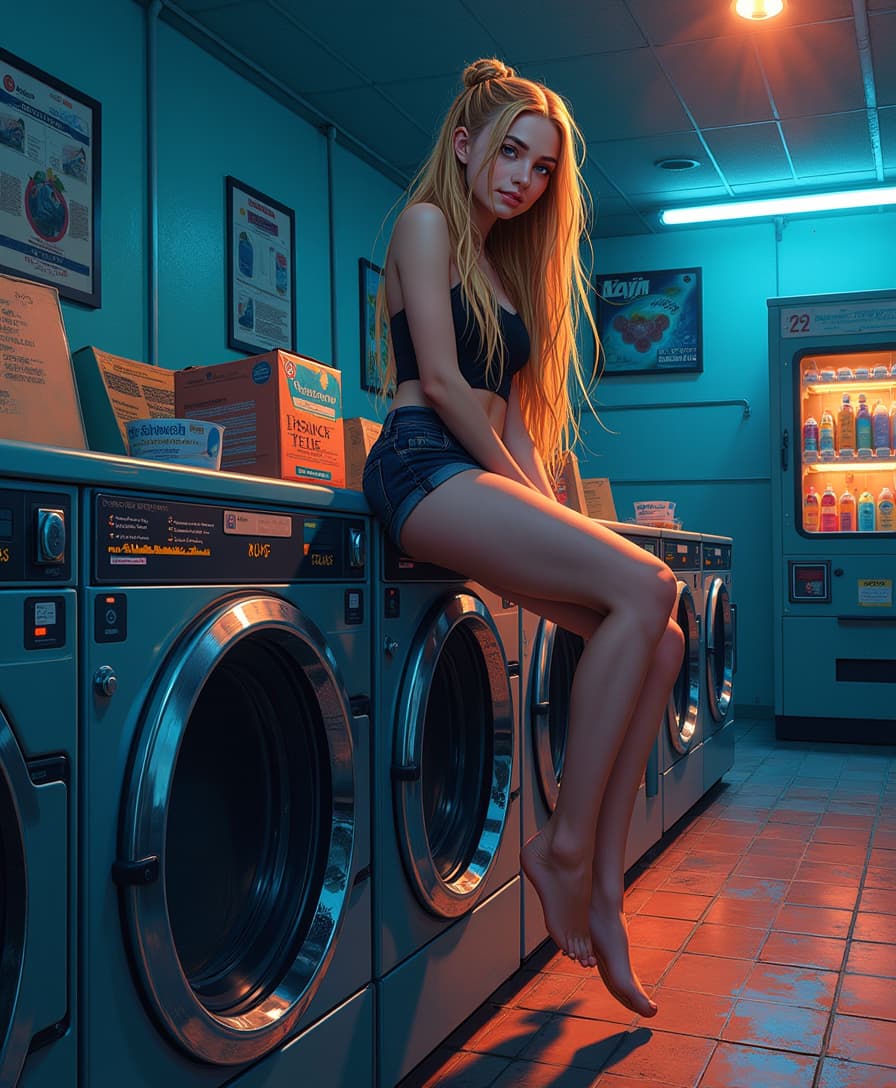
Select a starting image that sets the scene for your video. This image will serve as the visual foundation for the generated clip.
Step 2: Craft Your Prompt
Write a descriptive prompt detailing the desired scene and audio elements. Use tags like `<S>` and `<E>` to denote speech, and `<AUDCAP>` and `<ENDAUDCAP>` for audio descriptions.
Step 3: Generate and Download
Click 'Generate' to create your 5-second audio-video clip. Once processed, download the high-quality output ready for use.












The Pixel Dojo Advantage
Why PixelDojo's OVI tool stands out in audio-video content creation:
| Others | Pixel Dojo |
|---|---|
| Traditional Video Production | Eliminates the need for expensive equipment and extensive editing, making high-quality video creation accessible to all. |
| Generic AI Tools | Offers specialized synchronization of audio and video, ensuring a cohesive and immersive viewer experience. |
| Manual Editing Software | Simplifies the creation process with intuitive prompts and automated generation, saving time and effort. |
Loved by Creators
See what our community says about Ovi video with audio
"PixelDojo's OVI tool has revolutionized our content strategy. We can now produce engaging videos quickly and efficiently."
Alex Johnson
Marketing Director
"As an educator, OVI has enabled me to create dynamic learning materials that captivate my students' attention."
Dr. Emily Carter
Professor of Media Studies
Common Questions
Everything you need to know about Ovi video with audio AI generation
How does OVI ensure audio and video synchronization?
OVI utilizes advanced AI algorithms to generate audio and video simultaneously, ensuring perfect alignment and a seamless viewing experience.
Can I use OVI for commercial projects?
Yes, videos created with OVI are yours to use commercially, with no licensing restrictions.
What is the maximum length of videos I can create with OVI?
Currently, OVI generates videos up to 5 seconds in length, ideal for short-form content and social media posts.
Do I need any prior experience to use OVI?
No, OVI is designed to be user-friendly and accessible, requiring no prior experience in video production or editing.
Is there a cost associated with using OVI?
PixelDojo offers a range of subscription plans, including options that provide access to OVI and other AI tools. Visit our pricing page for more details.
Can I customize the audio elements in my videos?
Yes, by using specific tags in your prompt, you can control speech content and audio descriptions to tailor the audio to your needs.