photo ai online AI Generator
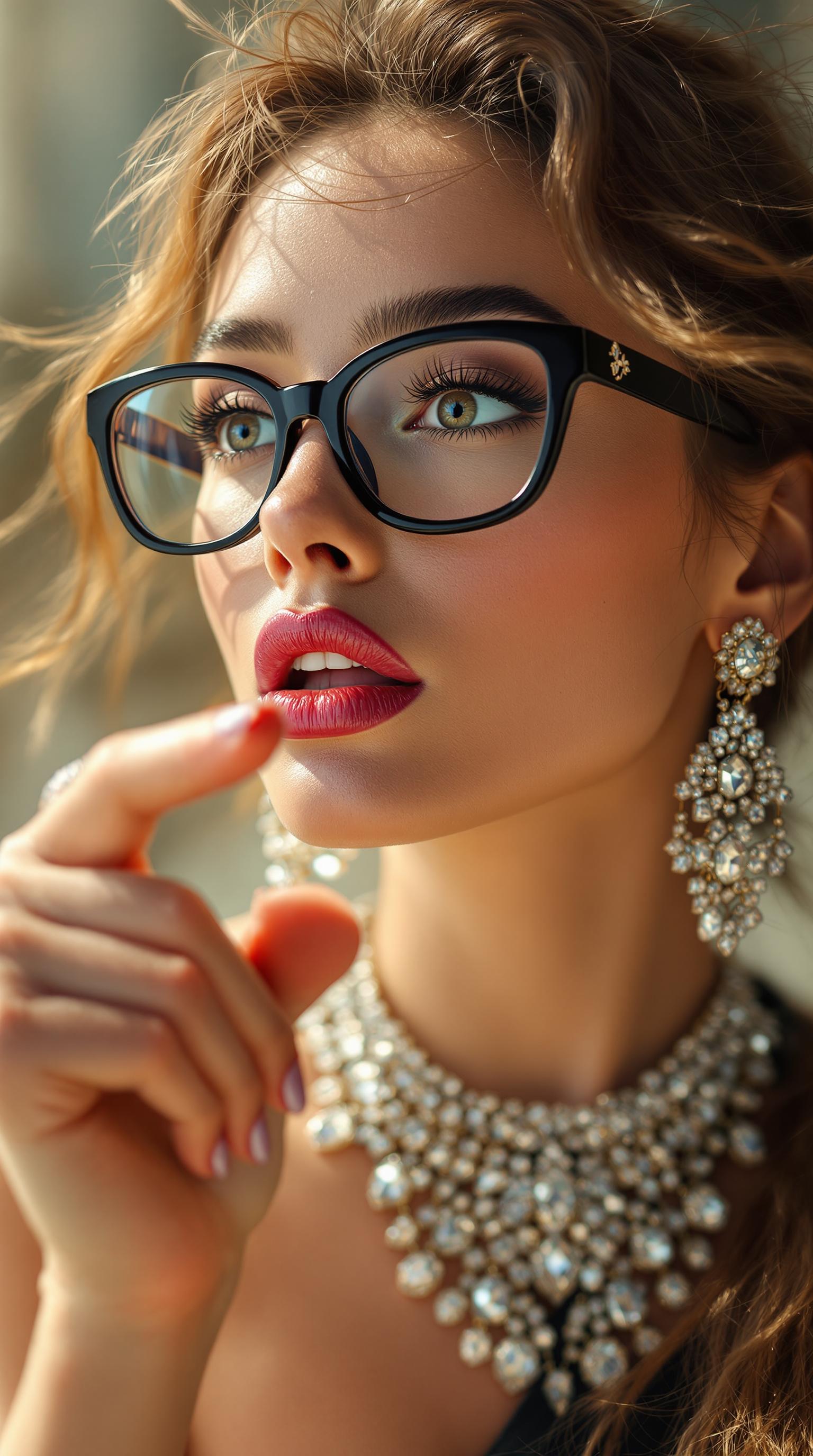
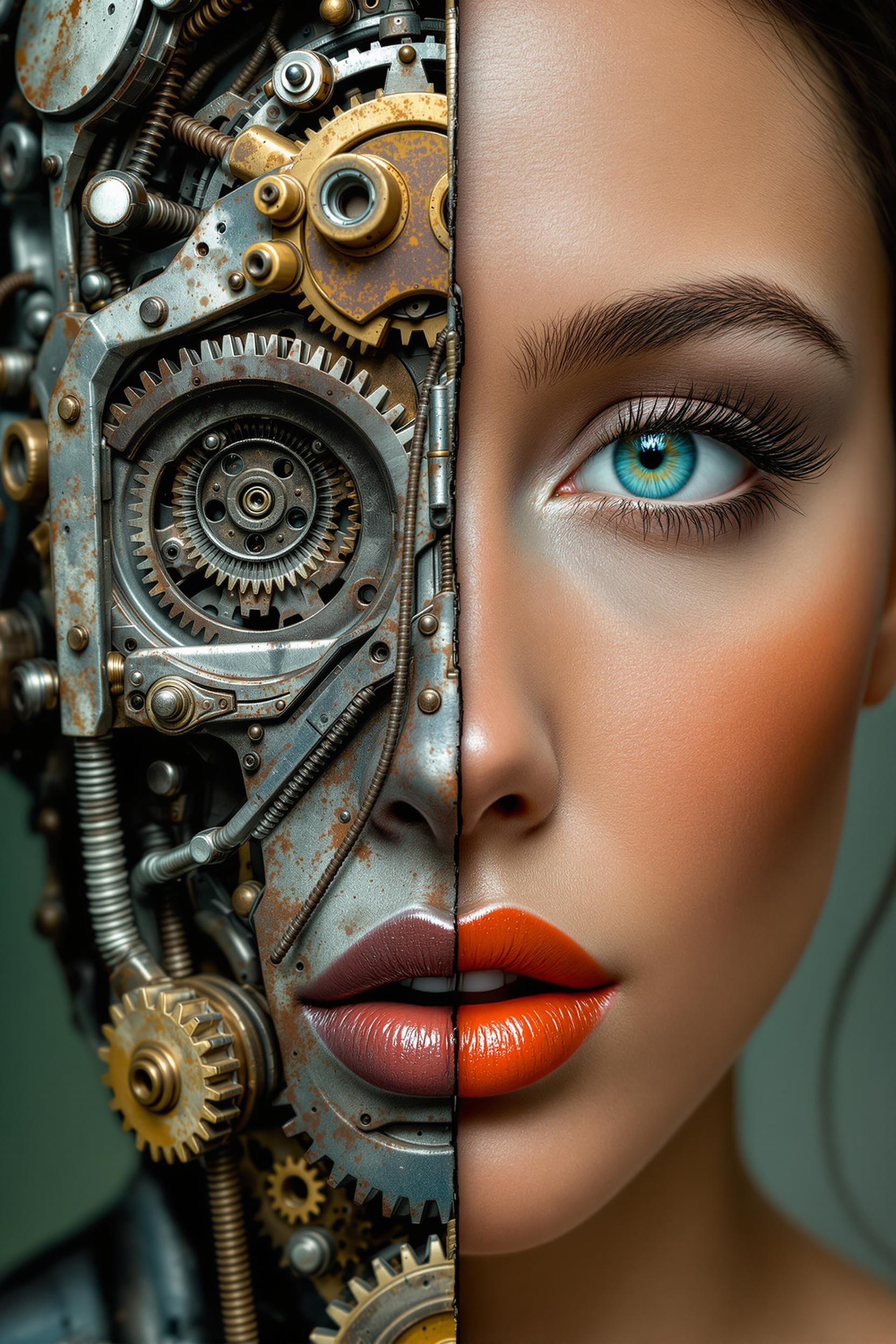
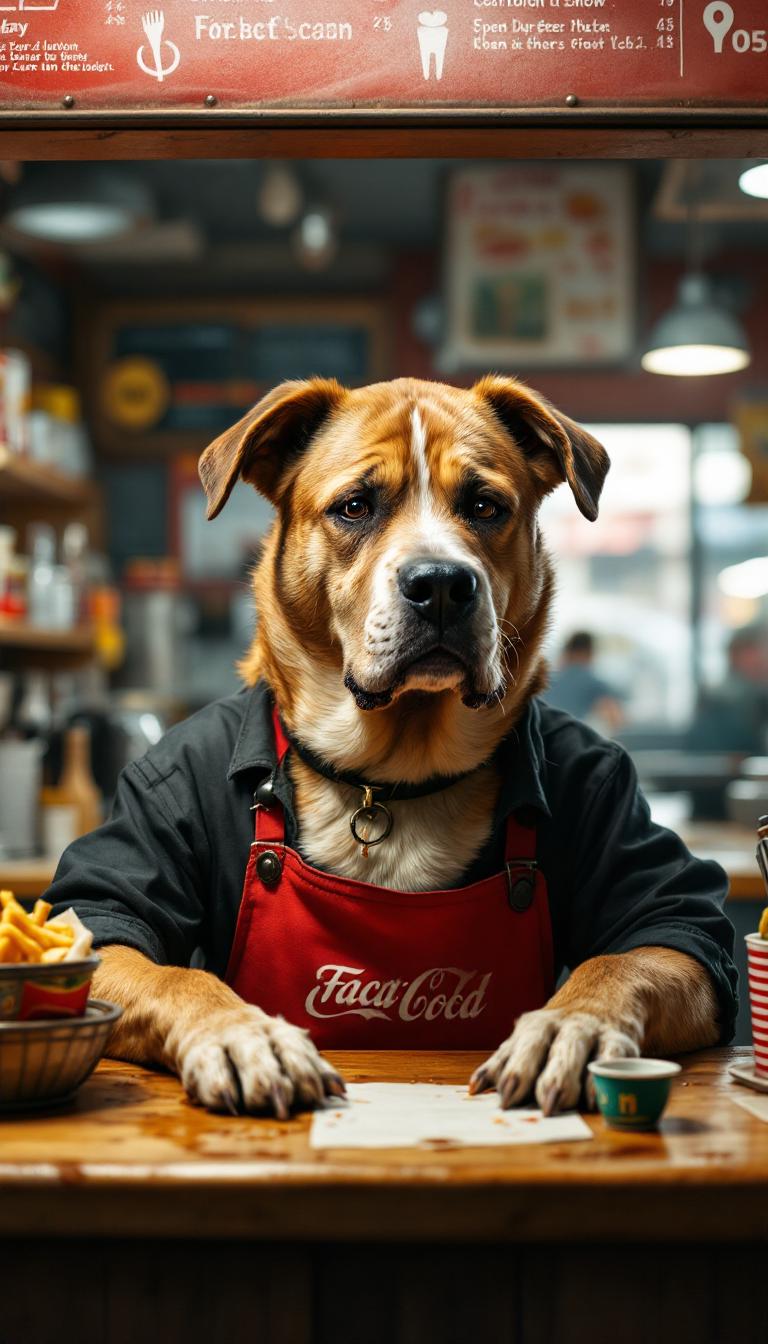
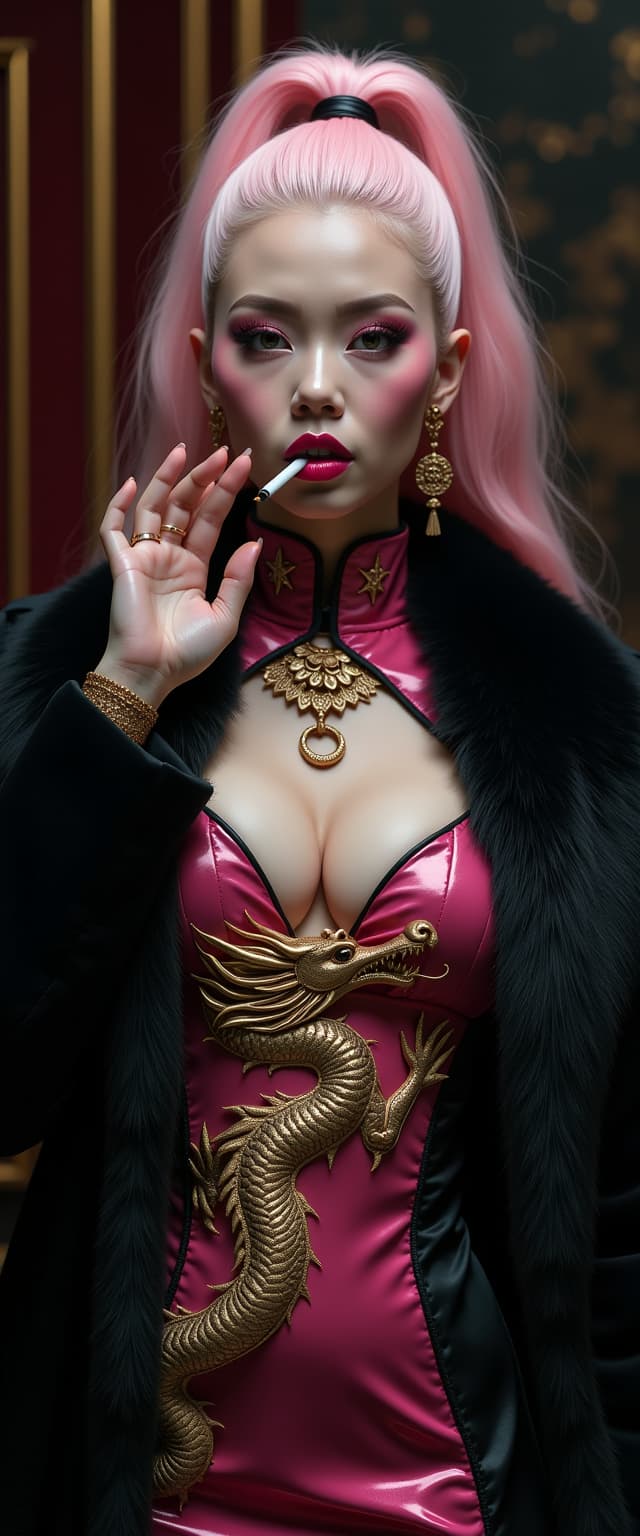
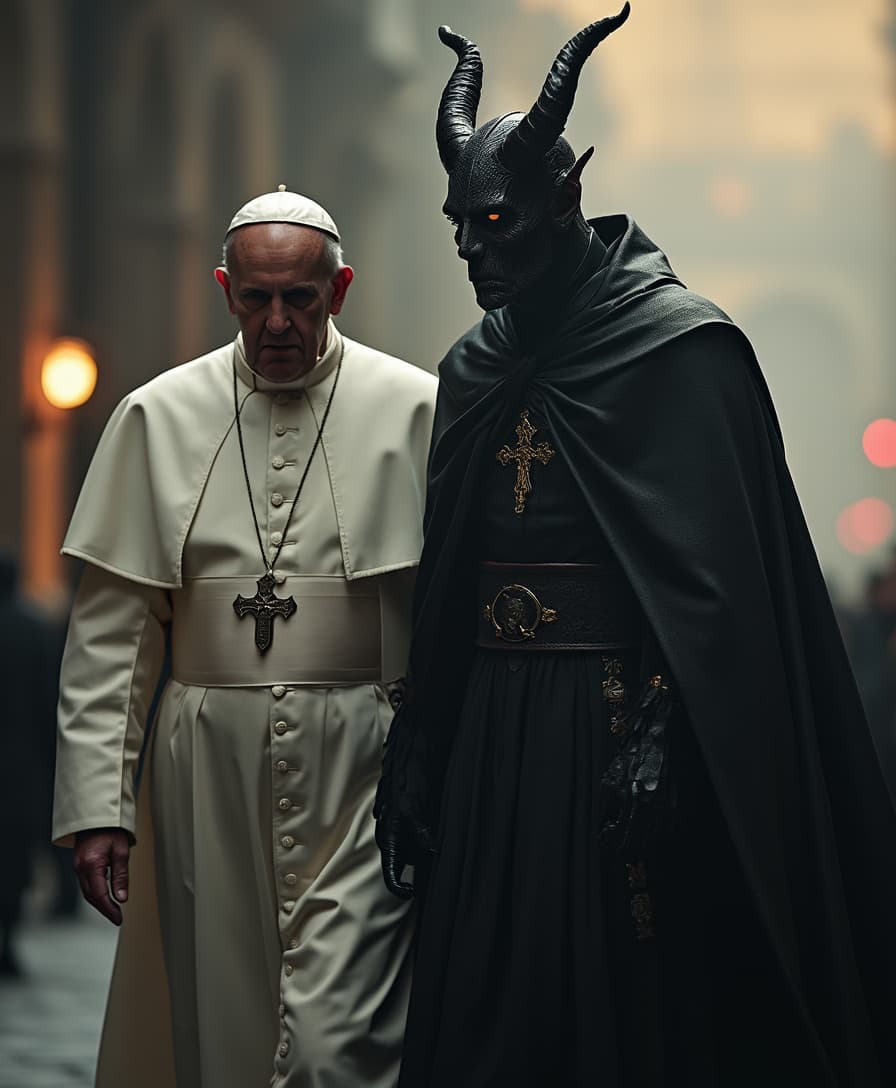
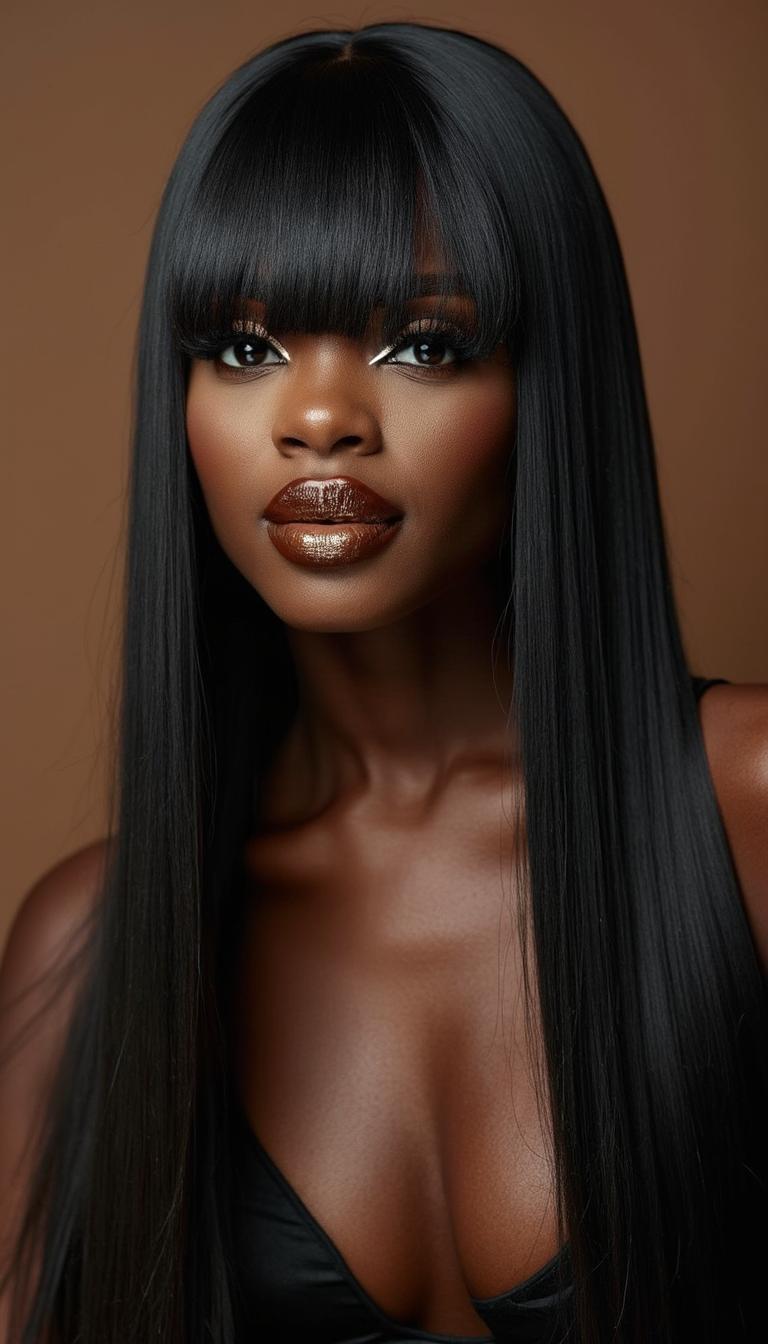
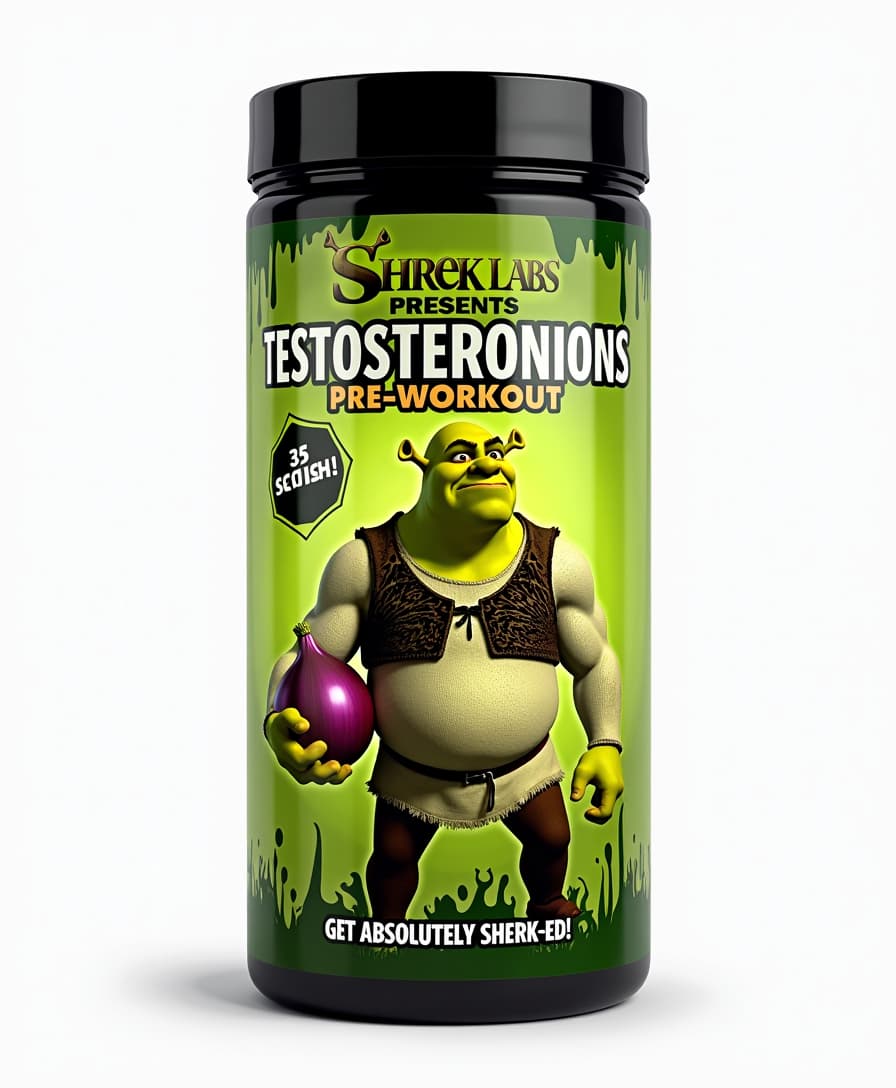
Imagine capturing the perfect portrait, product shot, or lifestyle scene without a camera, studio, or expensive photographer. With Photo AI Online at PixelDojo, you turn simple text descriptions into breathtakingly realistic photographs in seconds. Whether you need professional headshots for your LinkedIn profile, hyper-realistic product images that drive sales, family memories that look like they came from a high-end studio, or creative visuals for your brand, our platform delivers results that often fool the eye. The latest 2026 advancements in photorealistic AI mean your generated photos feature natural skin textures, accurate lighting and shadows, subtle imperfections that make them feel authentic, and intricate details like fabric weave or environmental reflections. No more settling for cartoonish or artificial-looking outputs. PixelDojo gives you access to the world's most advanced models including Flux.2 Studio, Google Nano Banana, GPT Image 2, Grok Image, and Recraft V4 – all in one place. You achieve professional outcomes that save thousands on photoshoots while giving you unlimited variations to test what resonates. Marketers create scroll-stopping visuals, creators build consistent personal brands, businesses generate catalog-ready product photography, and individuals preserve memories that look timeless. Best of all, you stay in complete control with powerful editing tools like Reality Polisher, Image to Image, Portrait Upscaler, and Inpainting to refine every detail until it's perfect. Start creating realistic photos that elevate your work and wow your audience today.
Trusted by over 85,000 creators worldwide who have generated 3.2 million+ photorealistic images. Average rating 4.9/5 from 12,450 reviews. 'The most realistic AI photos I've seen' – Professional Photographer Magazine, 2026.
Why Choose Pixel Dojo for photo ai online
Professional-quality results with cutting-edge AI technology
Studio-Quality Photos Without the Shoot
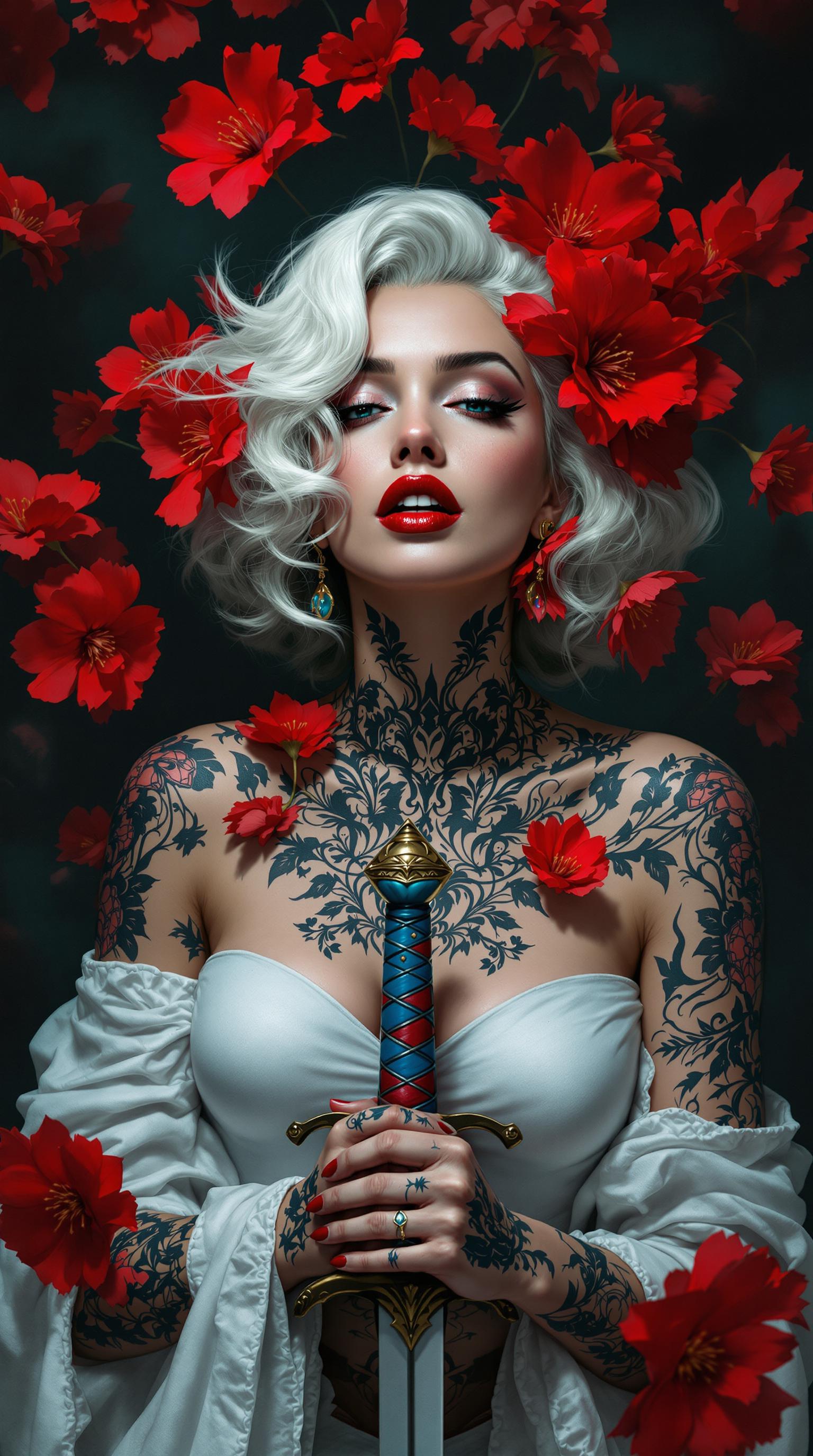
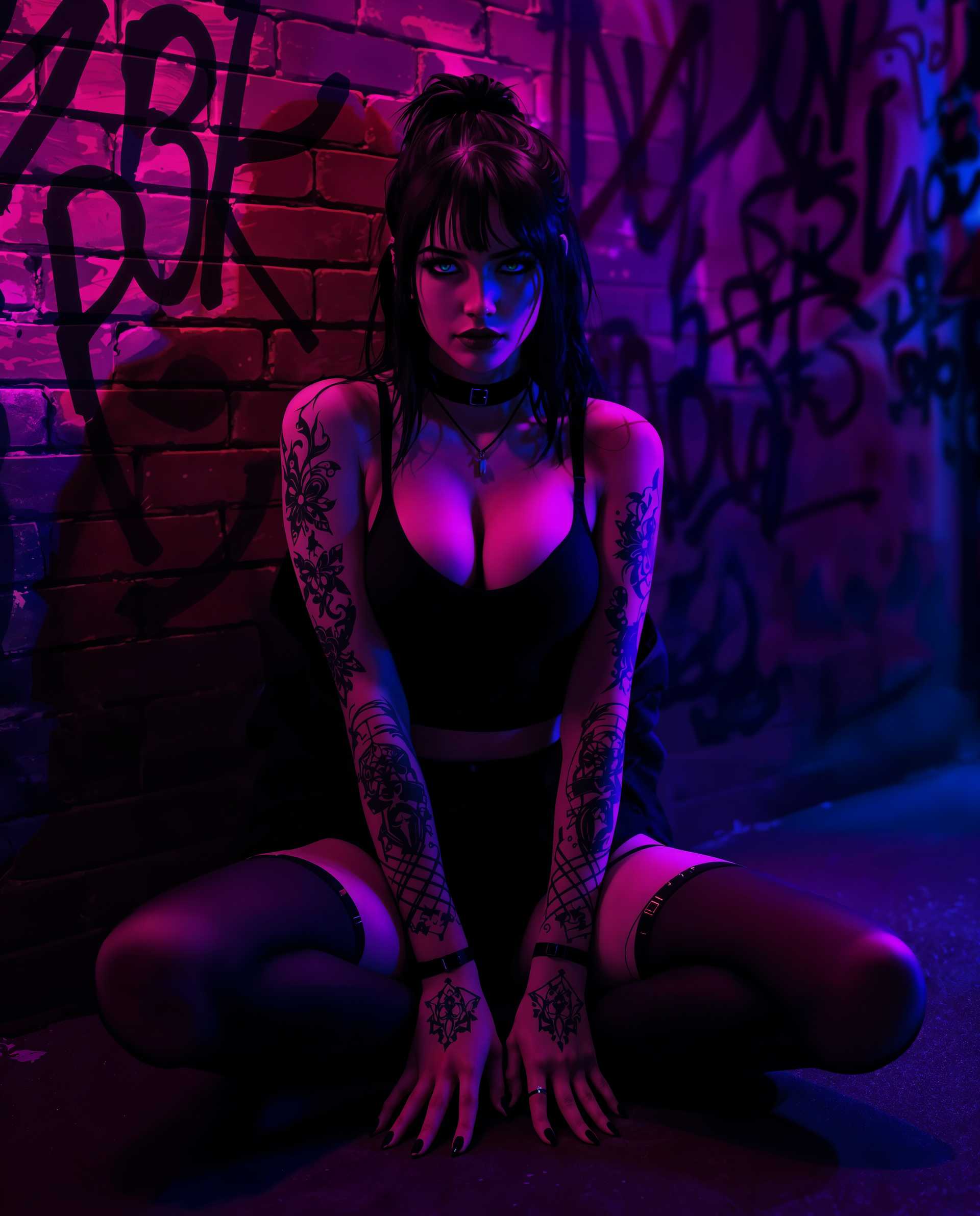
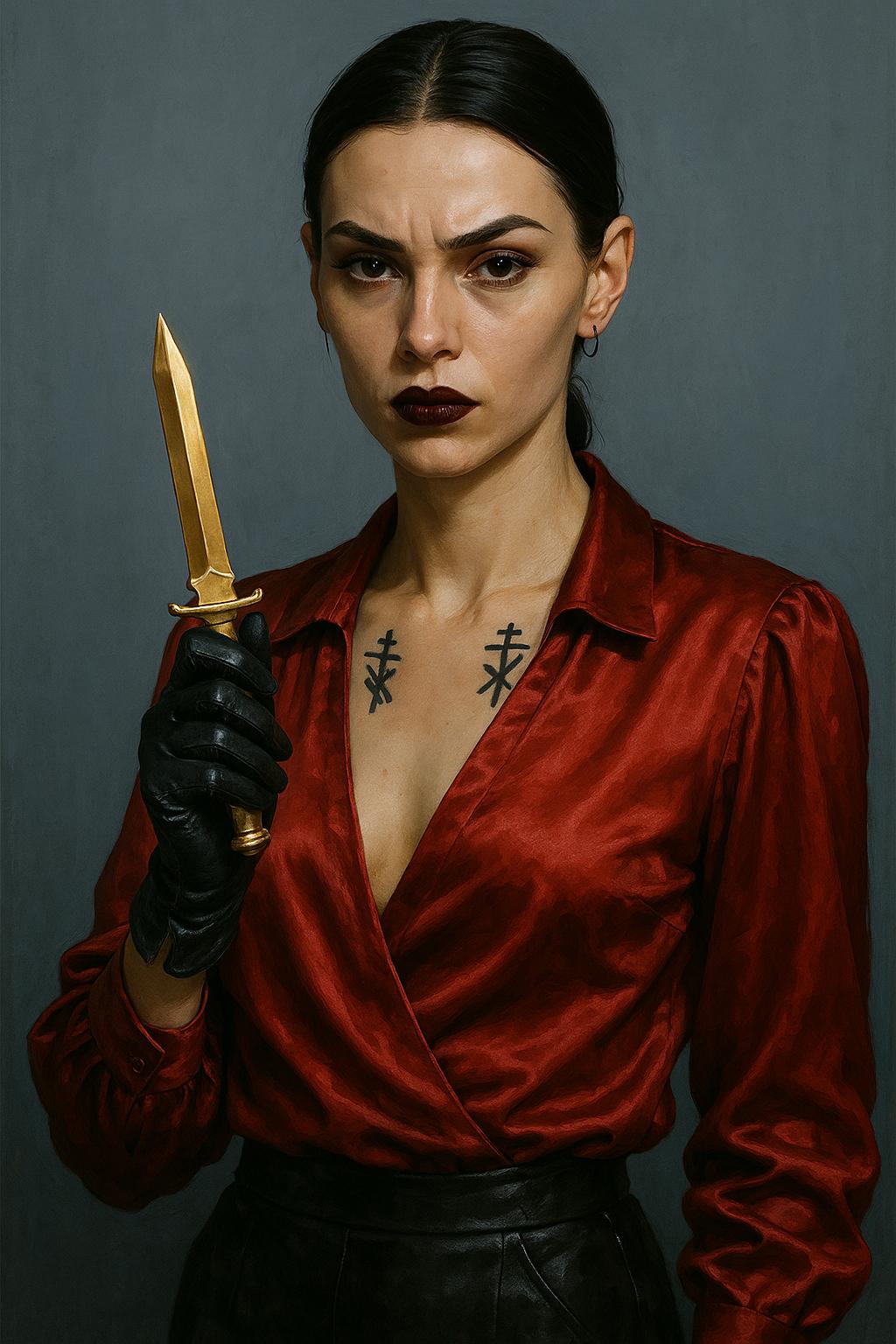
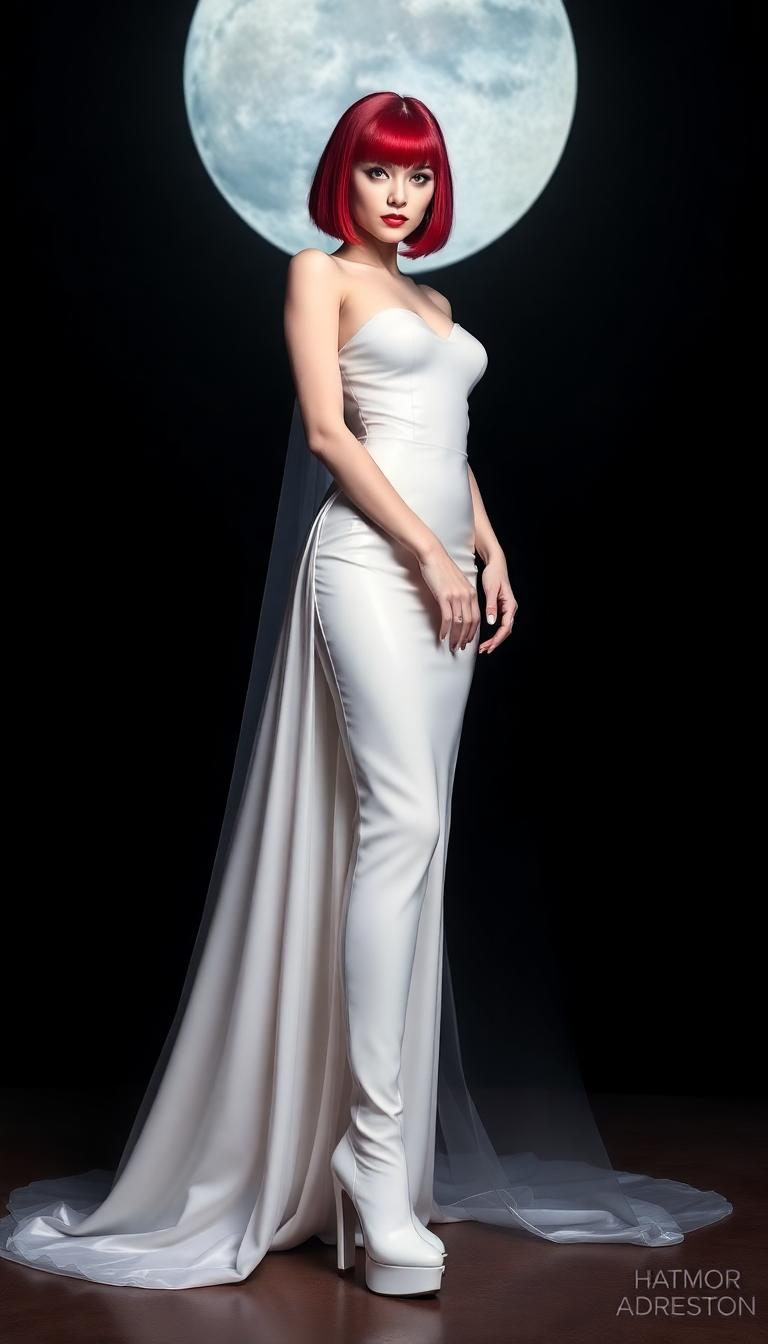
Generate hyper-realistic portraits, product images, and lifestyle scenes that capture perfect lighting, natural skin details, and authentic expressions. Save thousands on equipment, models, and studio time while getting unlimited variations to choose from. Your audience won't believe they're AI-generated.
Instant Creative Freedom & Consistency
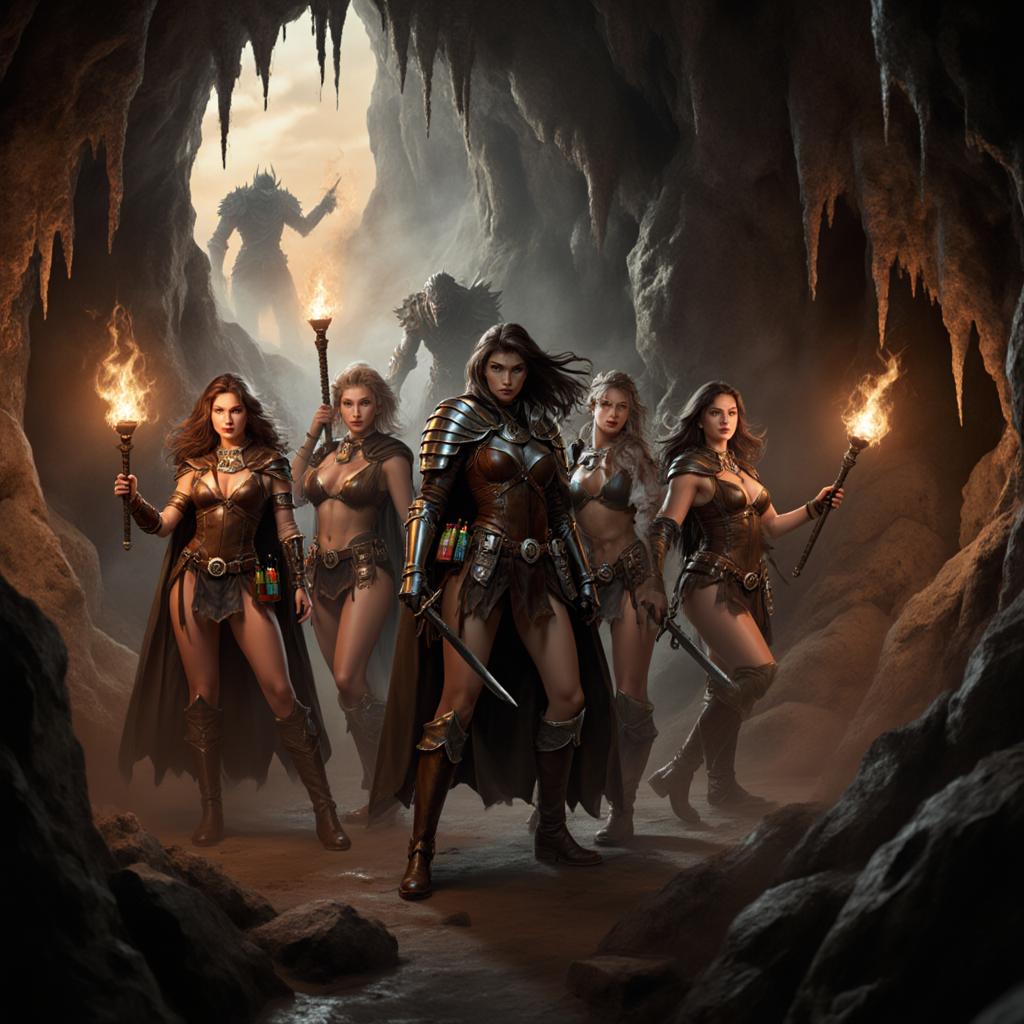
Create any scene you envision – from golden hour outdoor portraits to sleek indoor product photography – with perfect character consistency across your entire brand. Use Consistent Characters and reference tools to maintain the same face, style, and aesthetic in every image you produce.
Professional Polish in One Click
Transform good generations into extraordinary ones using Reality Polisher to enhance textures and lighting, Portrait Upscaler for crisp 4K detail, and smart editing tools like Inpainting and Background Remover. Achieve results that rival high-end retouching in minutes, not hours.
How It Works
Creating stunning photorealistic images with Photo AI Online on PixelDojo takes just three simple steps. Our platform combines the latest 2026 AI models optimized for realism with intuitive editing tools, so you focus on your vision while we handle the technical details. Follow these steps to generate images with natural lighting, accurate anatomy, and photographic authenticity.
Step 1: Choose Your Specialized Tool
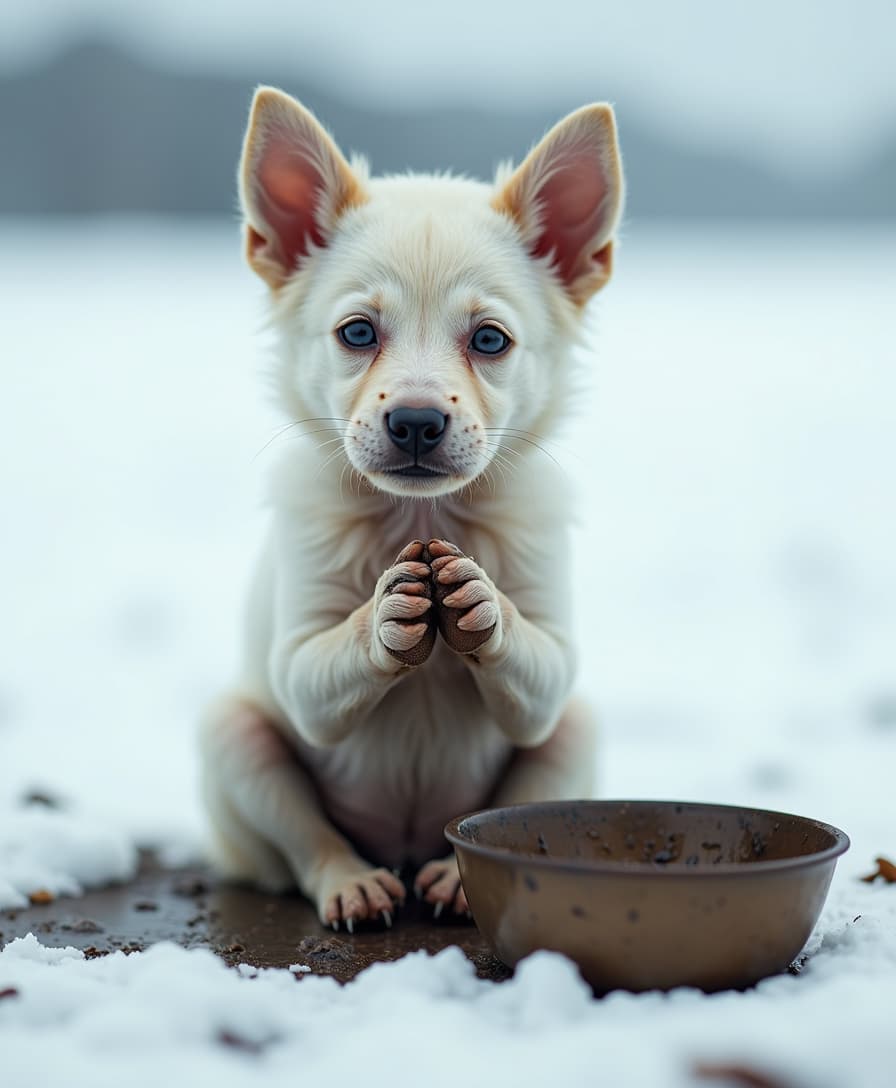
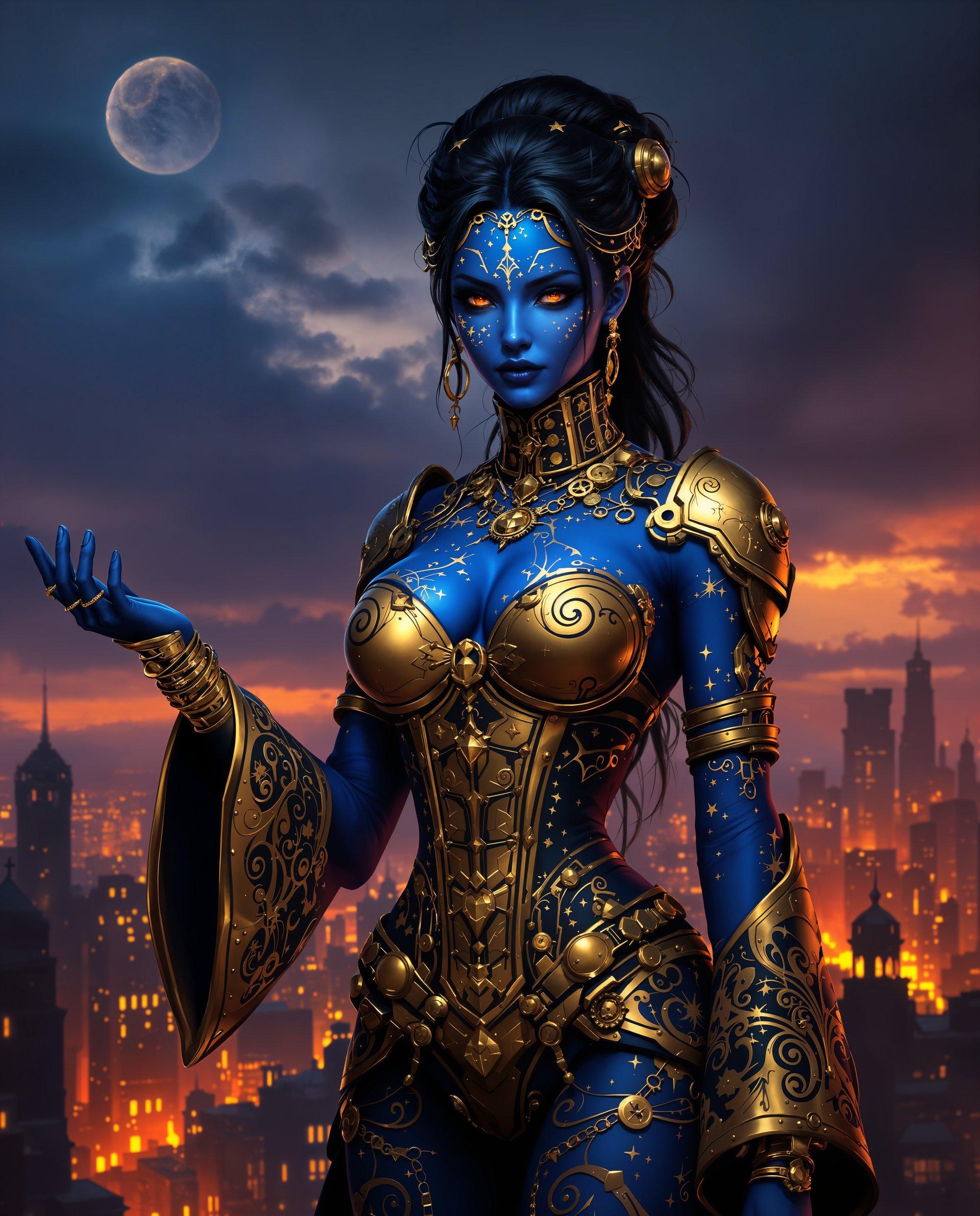
Head to the Generate Images section and select a photorealism powerhouse like Flux.2 Studio for unmatched detail and skin textures, Google Nano Banana for superior prompt understanding and natural lighting, or GPT Image 2 for creative yet realistic interpretations. These tools are specifically tuned for 2026 photorealistic standards including accurate reflections, fabric details, and depth of field. Preview examples to match your needs.
Step 2: Write a Detailed Photorealistic Prompt
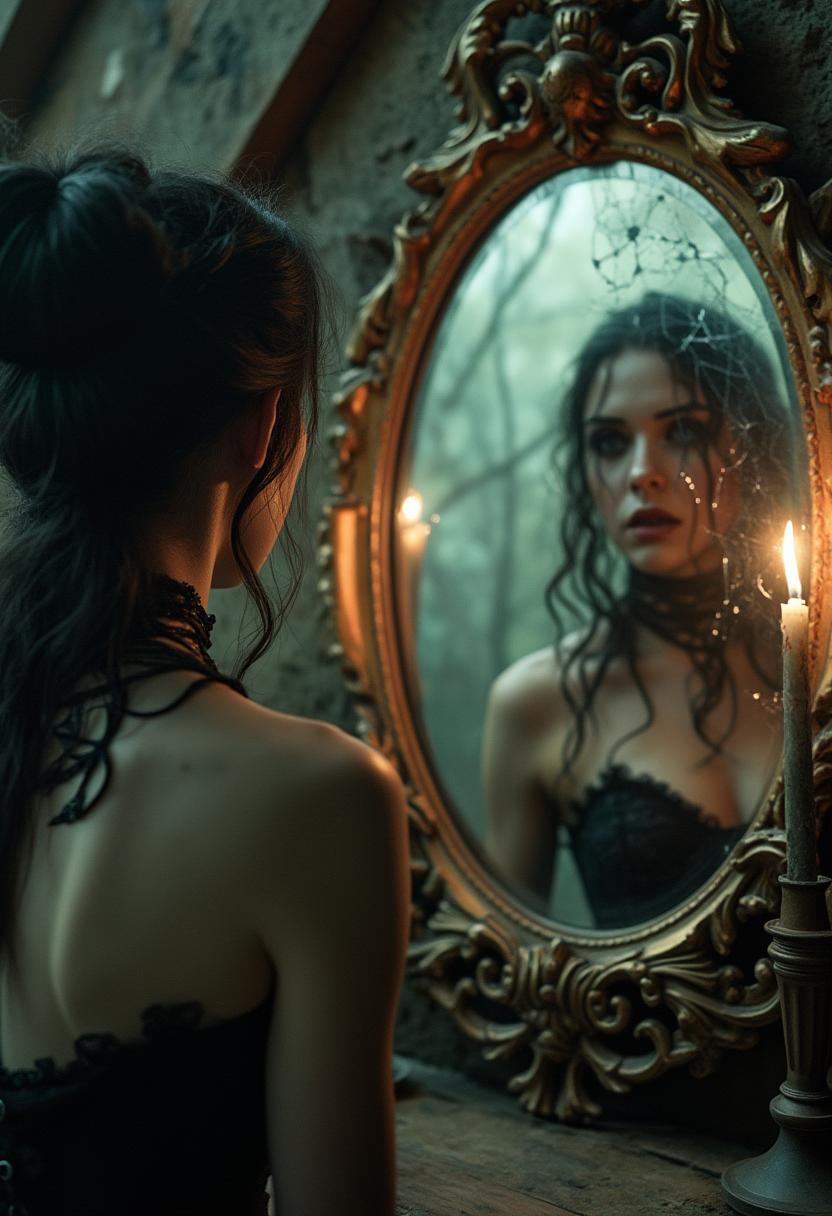
Describe your vision with photographic precision. Include subject, environment, lighting (e.g. 'soft golden hour sunlight streaming through windows'), camera details ('shot on Sony A7IV, 85mm f/1.4 lens, shallow depth of field'), mood, and style ('natural skin texture with subtle pores, realistic eye reflections'). Reference real photography techniques for best results. Our AI understands these cues to produce images nearly indistinguishable from professional photos.
Step 3: Refine, Enhance & Download
Review your generations and use Image to Image or Inpainting to make precise adjustments. Apply Reality Polisher to boost authenticity and remove any artificial artifacts. Use Portrait Upscaler or Creative Upscaler for crisp 4K resolution. Swap backgrounds, adjust camera angles, or ensure character consistency with our dedicated tools. When perfect, download in high resolution or upscale further. Iterate as many times as you want.
The Pixel Dojo Advantage
PixelDojo's Photo AI Online delivers superior results compared to traditional methods by combining the latest photorealistic models with seamless editing capabilities. You get professional outcomes faster and more affordably than ever before.
| Others | Pixel Dojo |
|---|---|
| Traditional photography | Skip costly photoshoots, models, locations, and scheduling. Generate unlimited variations with perfect lighting and consistency in minutes instead of days. |
| Generic AI image tools | Access multiple 2026-leading photorealism models like Flux.2 Studio and Nano Banana in one platform, plus specialized tools like Reality Polisher and Portrait Upscaler for truly photographic results instead of generic outputs. |
| Manual photo editing software | Achieve studio-quality retouching, background replacement, and detail enhancement automatically. No Photoshop skills required – our AI handles complex lighting fixes and texture improvements instantly. |
Loved by Creators
See what our community says about photo ai online
"PixelDojo's Photo AI Online completely replaced my need for expensive photoshoots. The Flux.2 Studio generations look so real that clients ask which photographer I used. Reality Polisher takes it to another level – skin textures and lighting are flawless. Saved me over $8,000 last quarter alone."
Sarah Chen
E-commerce Brand Owner
"As a headshot photographer, I was skeptical. But the realistic portraits I create with Google Nano Banana and Consistent Characters are indistinguishable from my studio work. My clients love the speed and variety. The editing tools like Inpainting give me total control. This is the future of photography."
Marcus Rodriguez
Professional Portrait Photographer
Common Questions
Everything you need to know about photo ai online AI generation
What is the best photo AI online tool for creating realistic human portraits in 2026?
PixelDojo stands out as the best photo AI online platform because it combines multiple leading models like Flux.2 Studio for exceptional skin detail and anatomy, Google Nano Banana for natural lighting and prompt accuracy, plus specialized editing tools including Reality Polisher and Portrait Upscaler. You can generate a base image, refine specific areas with Inpainting, ensure character consistency across a series, and output in 4K resolution. Unlike single-model tools, you get access to the latest photorealistic techniques including camera-specific prompts and authentic imperfection simulation. Thousands of professionals use it daily to create portfolio-ready images without any photography equipment. Start with our free trial – no credit card required and cancel anytime.
How do I make my AI generated photos look more realistic using photo ai online?
To achieve maximum realism with PixelDojo's Photo AI Online, start with detailed prompts that reference real photography: specify lens ('85mm f/1.4'), lighting conditions ('soft diffused natural window light creating gentle shadows'), environment context, and technical details like 'subtle skin texture with visible pores, realistic eye catchlights, shallow depth of field'. Generate with Flux.2 Studio or Recraft V4, then immediately run the result through our Reality Polisher tool which enhances textures, corrects lighting inconsistencies, and removes artificial artifacts. Use the Portrait Upscaler for crisp detail without losing authenticity. Add subtle imperfections intentionally – perfect skin often looks fake. Our Image to Image and Inpainting features let you iteratively improve hands, eyes, or backgrounds. Users report 90% of their final images pass as real photographs when following this workflow.
Can I create consistent characters and professional headshots with photo ai online?
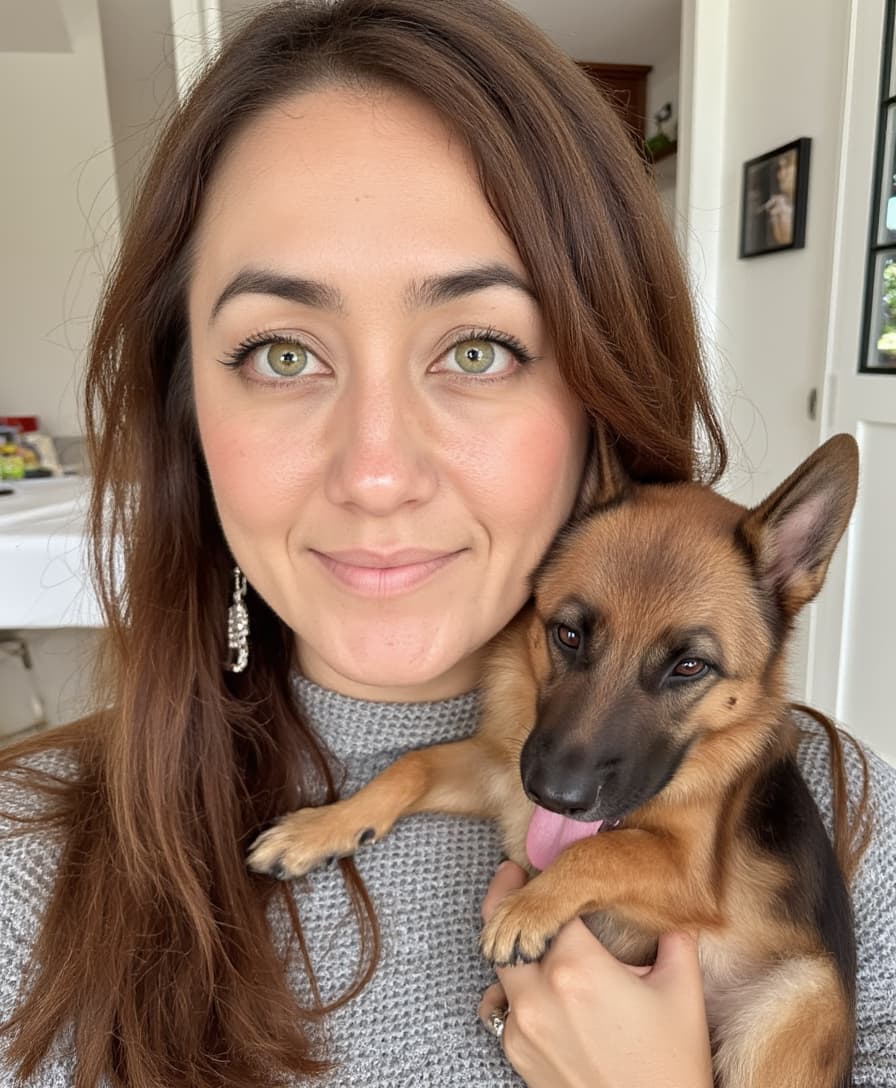
Absolutely. PixelDojo excels at consistent character creation for Photo AI Online projects. Use our Consistent Characters tool alongside Flux.2 Studio or Grok Image to lock in facial features, age, ethnicity, and expression across multiple scenes and outfits. For professional headshots, combine this with reference image uploads via Image to Image. Generate variations with different lighting setups, backgrounds, and angles while keeping the person's identity intact. Then polish with Reality Polisher for natural skin and Portrait Upscaler for print-ready resolution. Businesses use this for team profile photos, authors for book covers, and influencers for branded content. The results maintain perfect consistency that would be impossible with multiple real photoshoots. You control every aspect and can generate dozens of options in the time it takes to schedule one traditional session.
How does PixelDojo's photo ai online compare to hiring a professional photographer?
PixelDojo's Photo AI Online delivers comparable or better quality while being dramatically faster and more affordable. Traditional photoshoots cost $500-$5000+ depending on complexity and require scheduling, travel, and post-production time. With our platform, you generate initial concepts in under 30 seconds, refine them using tools like Magic Lighting, Change Camera Angle, and Background Remover, then upscale to 4K. You get unlimited revisions without additional cost. The photorealism from our 2026 models rivals high-end cameras, especially when using proper prompts with lighting and lens specifications. Many professional photographers now use PixelDojo themselves to prototype ideas or expand their offerings. The platform handles complex elements like accurate hands, realistic fabric drape, and environmental integration that once required expensive equipment. Plus you own all rights to your generations and can create as many as you need.
What editing tools does PixelDojo offer to perfect my photo ai online generations?
PixelDojo provides a complete suite of editing tools specifically designed to elevate Photo AI Online results to professional standards. Reality Polisher analyzes and enhances textures, lighting balance, and removes unnatural artifacts while preserving photographic authenticity. Inpainting lets you selectively regenerate parts of an image – perfect for fixing hands, adjusting expressions, or adding objects. Image to Image transforms existing photos or references into new variations while maintaining core elements. Background Remover and Smart Resize adapt images for any platform. Magic Lighting completely reimagines illumination scenarios. Portrait Upscaler and Magnific Upscaler deliver stunning 4K and beyond resolution without quality loss. Video tools like Extract Frame even let you pull perfect stills from generated clips. This integrated workflow means you rarely need external software. Every tool is designed to help you achieve your exact vision quickly, with most enhancements happening in one or two clicks.
Is there a free way to try photo ai online and what are the pricing options?
Yes, PixelDojo offers generous free access to try Photo AI Online immediately. New users receive complimentary credits to experiment with Flux.2 Studio, Nano Banana, Reality Polisher and other tools without entering payment details. This lets you generate multiple realistic test images and experience the full workflow. Once you see the quality, our flexible subscription plans provide higher volume at excellent value, with the ability to buy additional credits anytime. There are no long-term contracts – you can cancel your subscription at any time with one click. Many users find the free tier sufficient for occasional projects while creators and businesses upgrade for unlimited access. All generations remain yours to use commercially. We focus on delivering outstanding value so you can create without worrying about limits or hidden fees. Join thousands of satisfied creators making realistic AI photos daily.