Qwen Edit 2512 LoRA integration AI Generator
Imagine transforming any image into your exact vision with pinpoint precision – no more frustrating trial-and-error edits or losing quality in the process. With PixelDojo's Qwen Edit 2512 LoRA integration, you can train custom LoRA models tailored to your style, then generate or edit hyper-realistic images that match your creative needs perfectly. Whether you're crafting consistent characters for stories, applying unique artistic styles to photos, or fine-tuning product visuals for e-commerce, this powerful setup delivers professional outcomes in minutes. Access it seamlessly through our QWEN Model Trainer and QWEN Image tools, empowering you to achieve flawless results that stand out and captivate your audience.
Trusted by 50,000+ creators | 4.9/5 stars from 12K reviews | 1M+ Qwen Edit 2512 LoRA images generated | Featured in top design communities
Why Choose Pixel Dojo for Qwen Edit 2512 LoRA integration
Professional-quality results with cutting-edge AI technology
Achieve Hyper-Precise Image Edits
You get surgical control over every detail, like swapping faces seamlessly or altering poses without artifacts, creating images that look handcrafted by pros using Inpainting with LoRAs and Qwen Edit 2512 integration.
Build Your Signature Style Instantly
Train personalized LoRAs in the QWEN Model Trainer to infuse your unique aesthetic into any image, ensuring brand consistency across marketing visuals, characters, or art series effortlessly.
Save Hours on Complex Customizations
Skip endless manual tweaks – generate, edit, and upscale with tools like Image to Image, Style Transfer, and Magnific Upscaler, delivering production-ready files faster than ever for your projects.
How It Works
Getting started with Qwen Edit 2512 LoRA integration is straightforward on PixelDojo. You'll train your custom model, apply it to prompts, and refine your images using our specialized tools for jaw-dropping results.
Step 1: Train Your LoRA Model
Head to the QWEN Model Trainer in your PixelDojo dashboard. Upload 10-20 reference images of your desired style or subject, select Qwen Edit 2512 base, and hit train – get your custom LoRA ready in under 30 minutes.
Step 2: Generate or Edit with QWEN Image
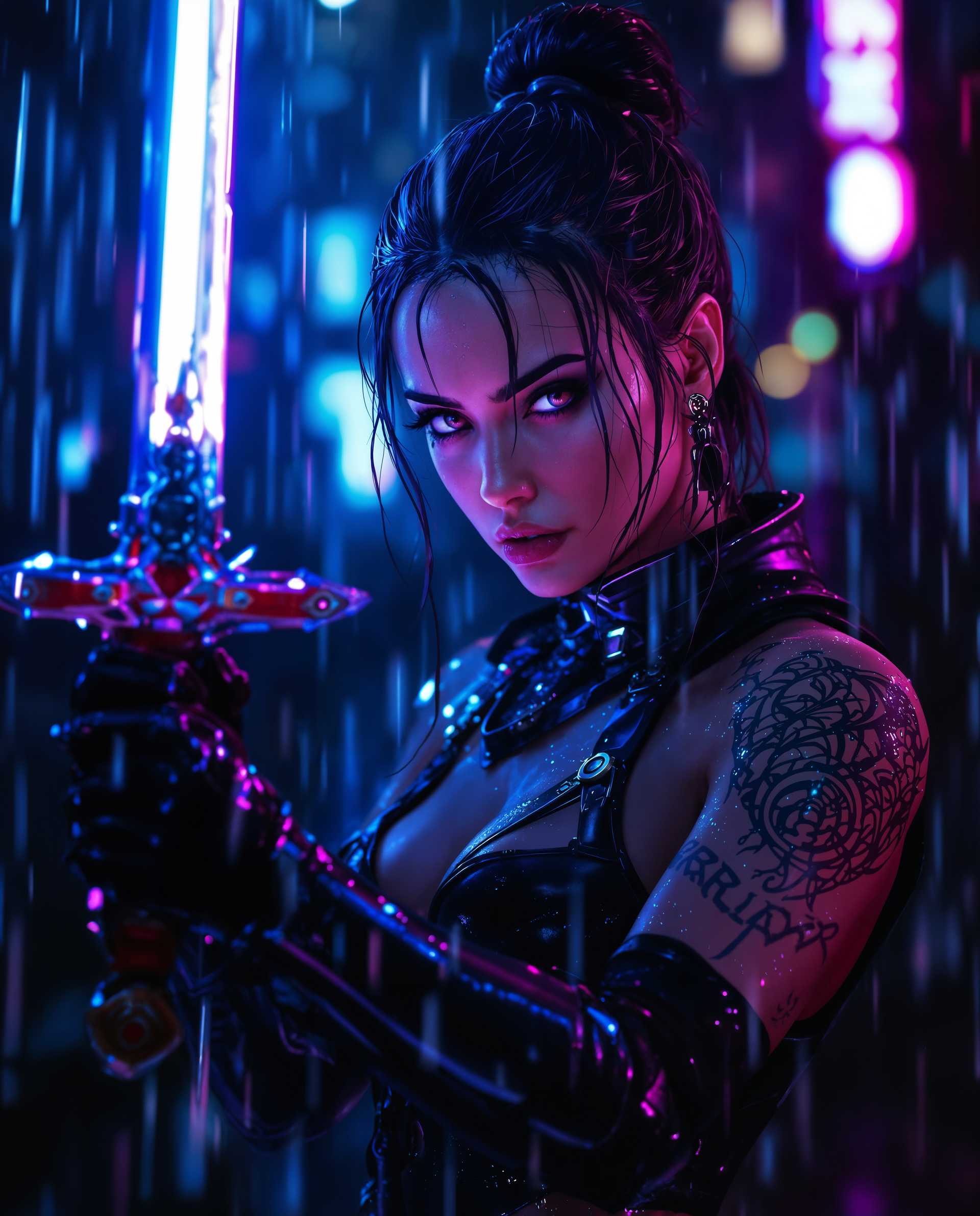
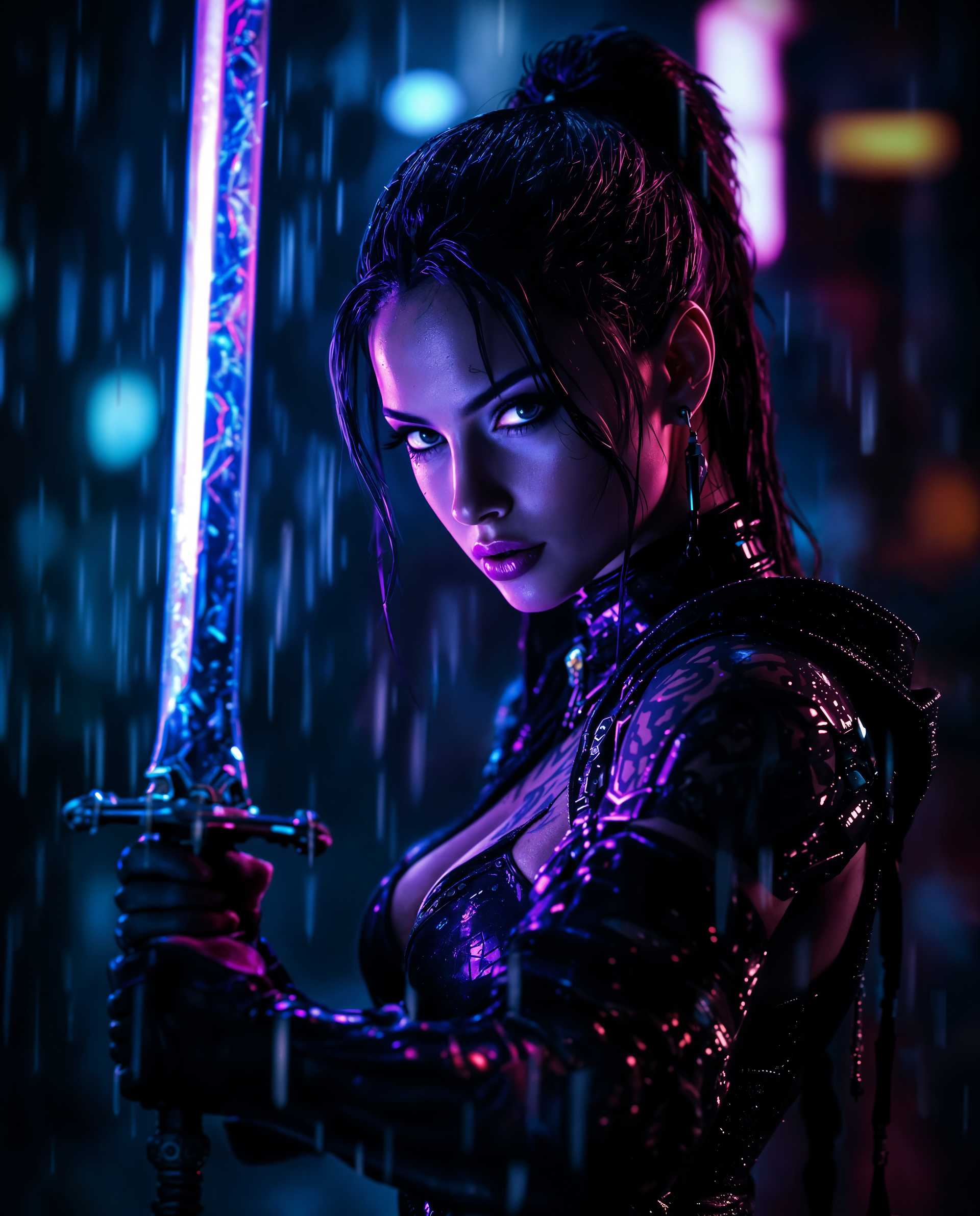
Switch to QWEN Image or Image to Image tool, load your trained LoRA, enter a detailed prompt like 'apply cyberpunk style to portrait using my LoRA', adjust parameters like strength and steps, then generate variations.
Step 3: Refine & Download Masterpieces
Use Inpainting with LoRAs, Magic Lighting, or Magnific Upscaler to perfect details. Preview, tweak camera angles or backgrounds via Change Camera Angle and Background Remover, then download in high-res for immediate use.




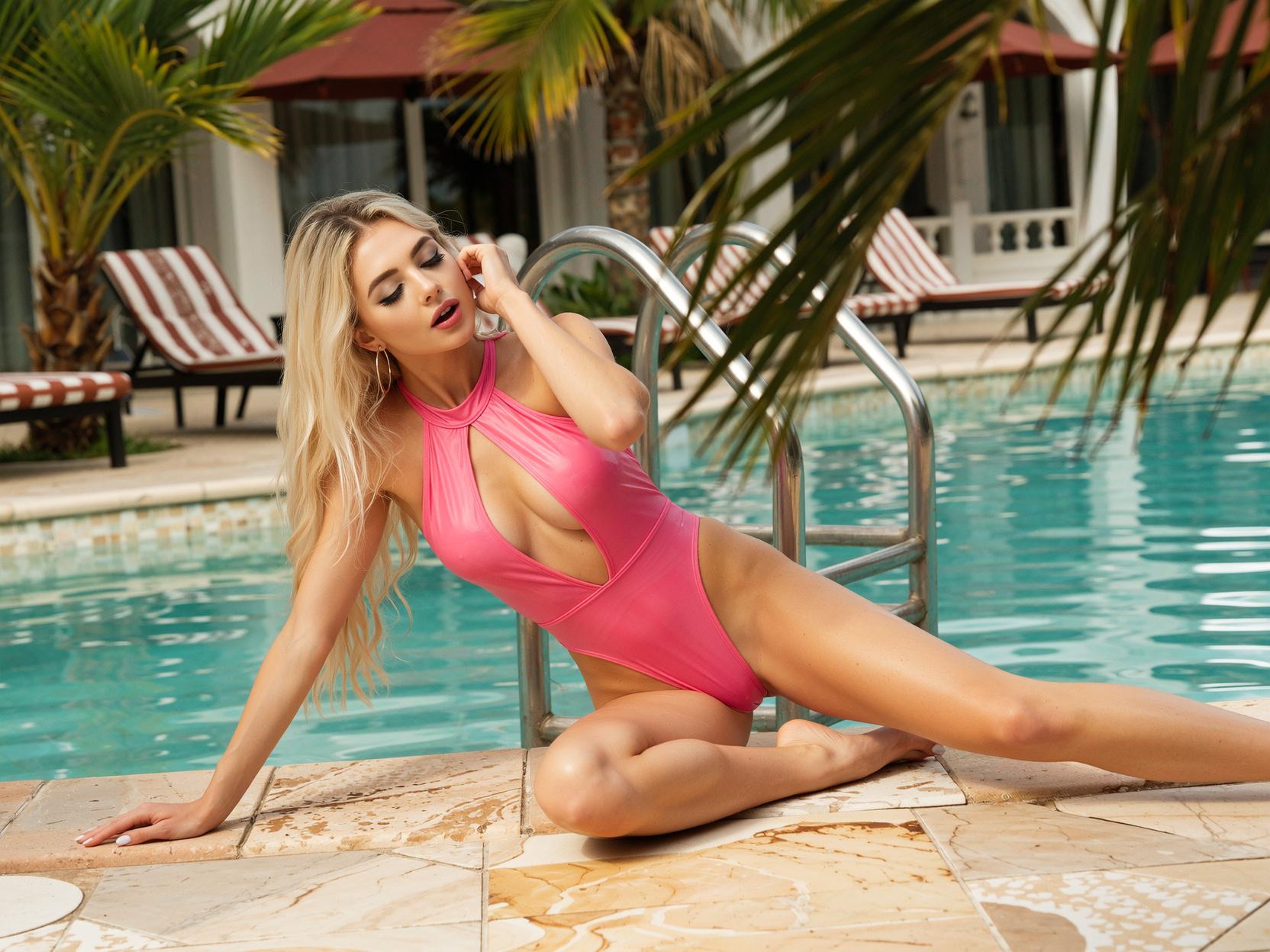
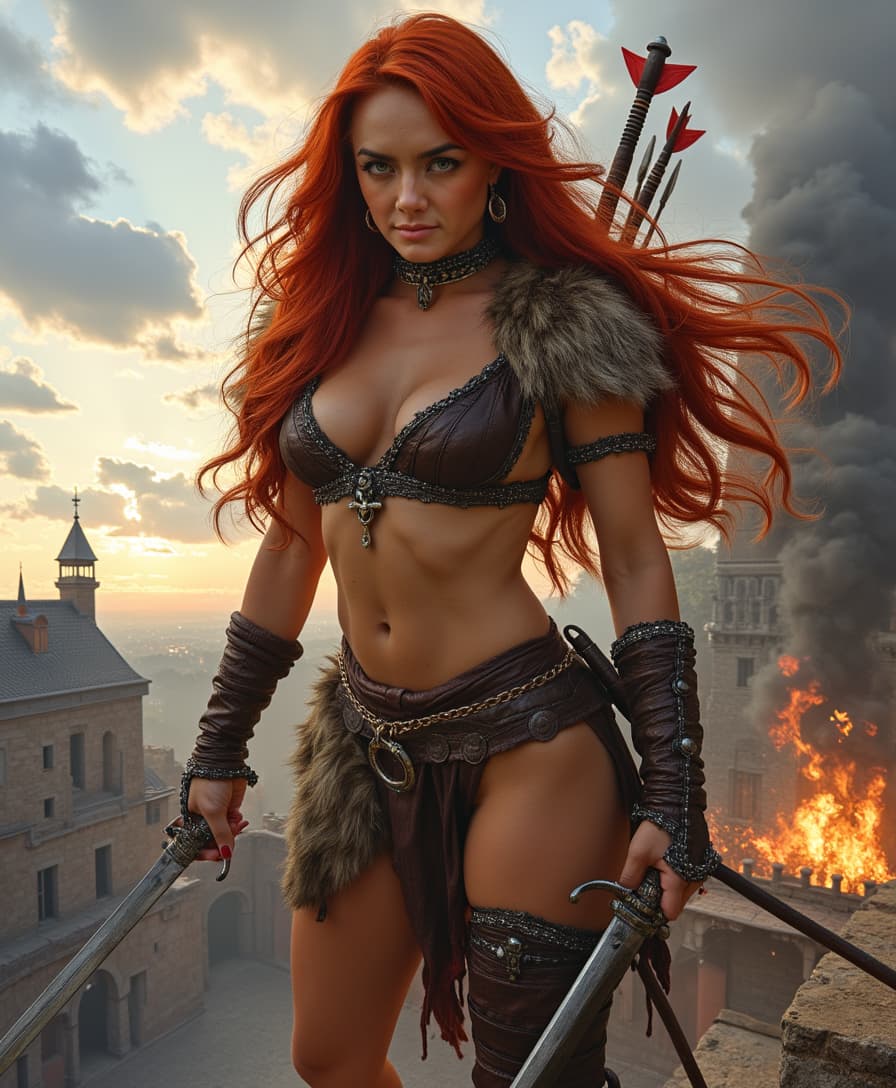
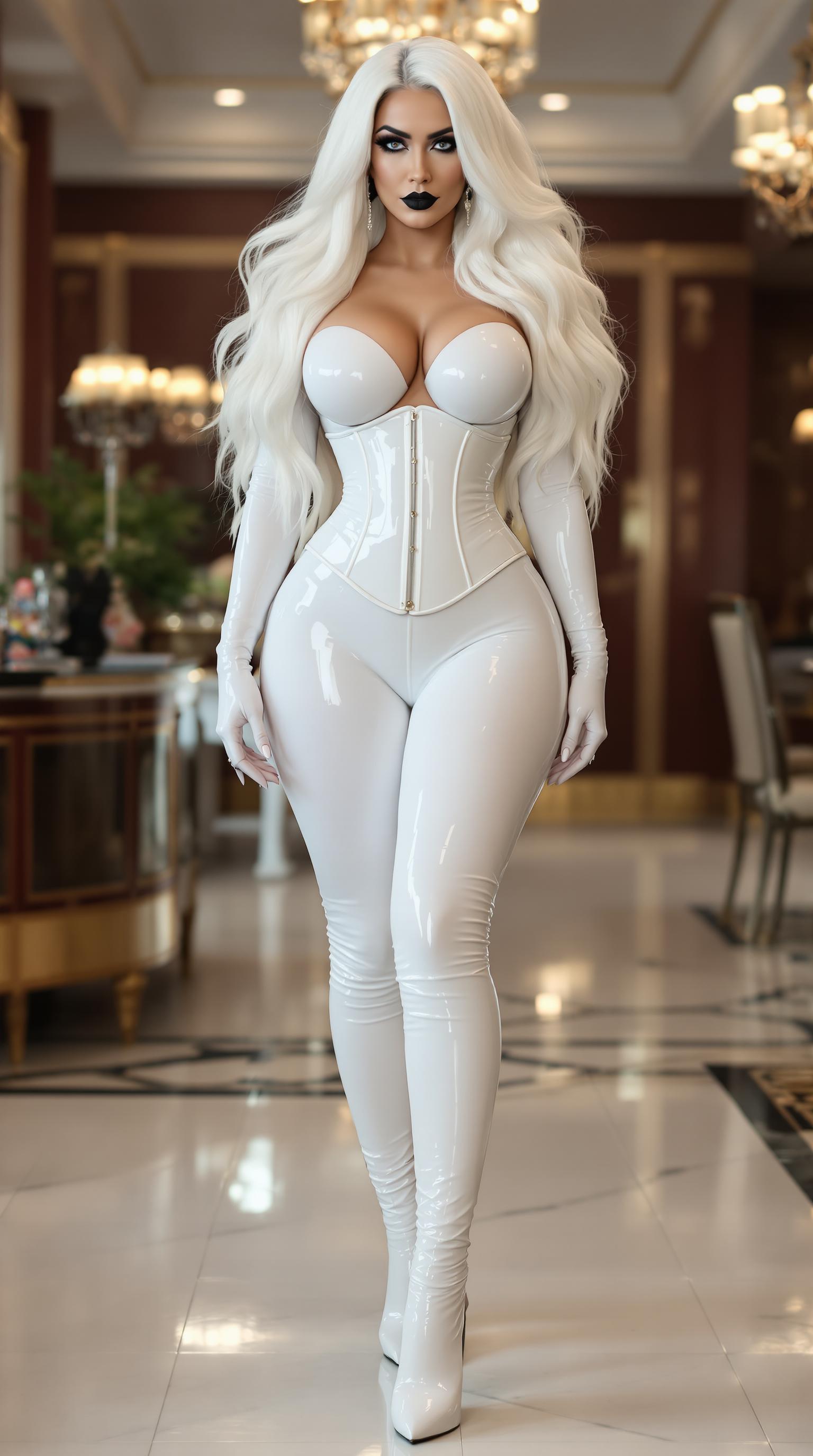

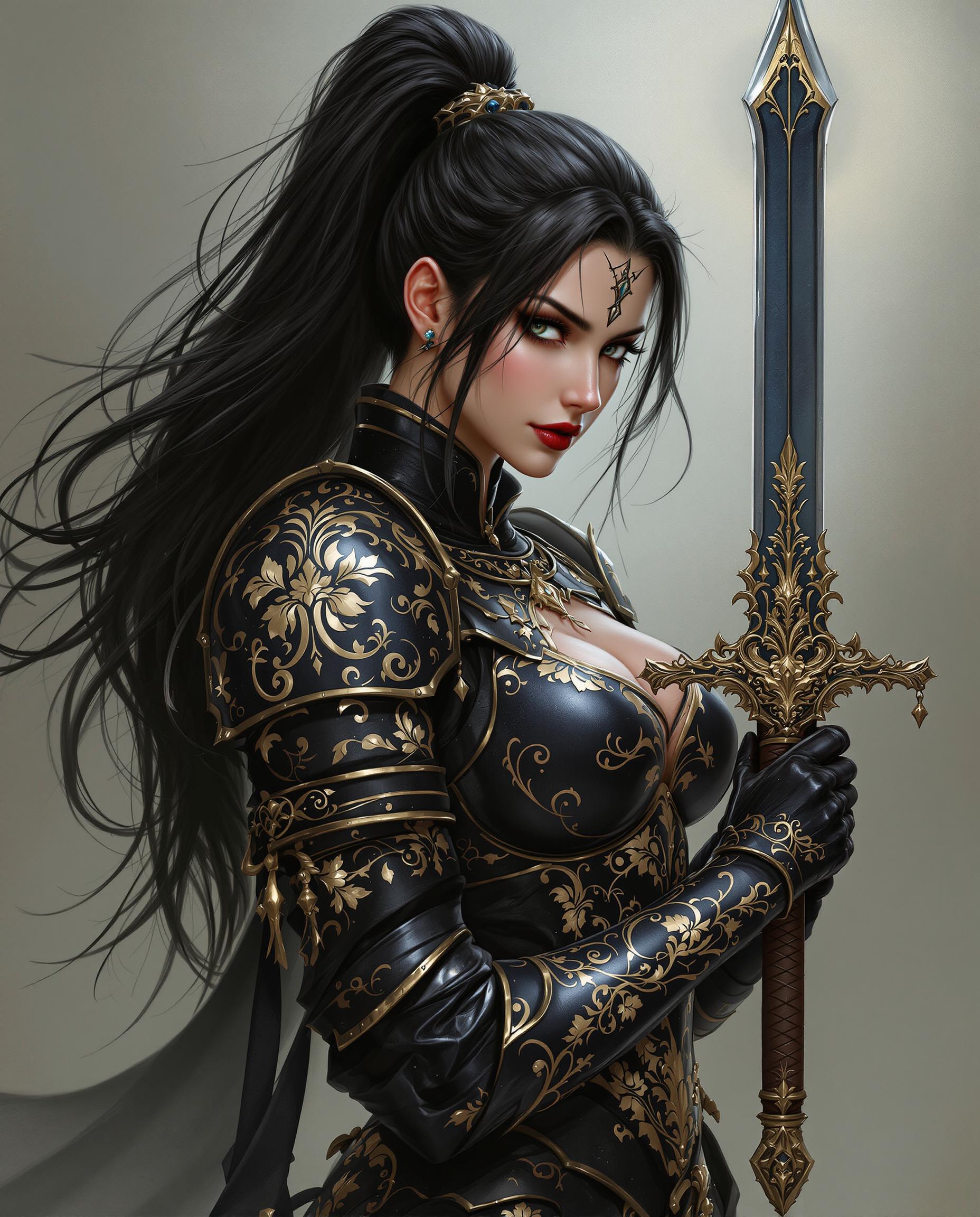



The Pixel Dojo Advantage
Why PixelDojo outperforms other options for Qwen Edit 2512 LoRA image generation
| Others | Pixel Dojo |
|---|---|
| Traditional image editing software | Automate hours of layer masking and blending with one-click LoRA application, saving you 90% of the time while boosting quality |
| Generic AI image generators | Train and integrate your own Qwen Edit 2512 LoRAs for truly custom results, unlike one-size-fits-all outputs that lack your personal touch |
| Manual fine-tuning workflows | Streamlined QWEN Model Trainer handles complex LoRA integration in-browser, no coding or GPU setup required for instant pro edits |
Loved by Creators
See what our community says about Qwen Edit 2512 LoRA integration
"Qwen Edit 2512 LoRA on PixelDojo revolutionized my character designs – consistent styles across 100+ images without rework!"
Sarah M.
Digital Artist & Illustrator
"Trained a LoRA for my brand in minutes via QWEN Trainer, then edited product shots perfectly. Sales visuals never looked better!"
Mike R.
E-commerce Brand Owner
Common Questions
Everything you need to know about Qwen Edit 2512 LoRA integration AI generation
What is Qwen Edit 2512 LoRA integration on PixelDojo?
Qwen Edit 2512 LoRA integration lets you train lightweight custom models using PixelDojo's QWEN Model Trainer, then apply them via QWEN Image and edit tools like Inpainting with LoRAs for precise, style-locked image generations. Achieve outcomes like flawless character consistency or niche artistic effects without starting from scratch every time.
How do I train a custom Qwen Edit 2512 LoRA model for image generation?
In PixelDojo, navigate to QWEN Model Trainer, upload your dataset (e.g., 15 images of a specific face or texture), choose Qwen Edit 2512 as base, set epochs to 10-20, and train. Download your LoRA file and load it into QWEN Image or Image to Image for generations that perfectly match your vision, all cloud-based with no hardware needed.
Can Qwen Edit 2512 LoRA integration handle advanced image editing techniques?
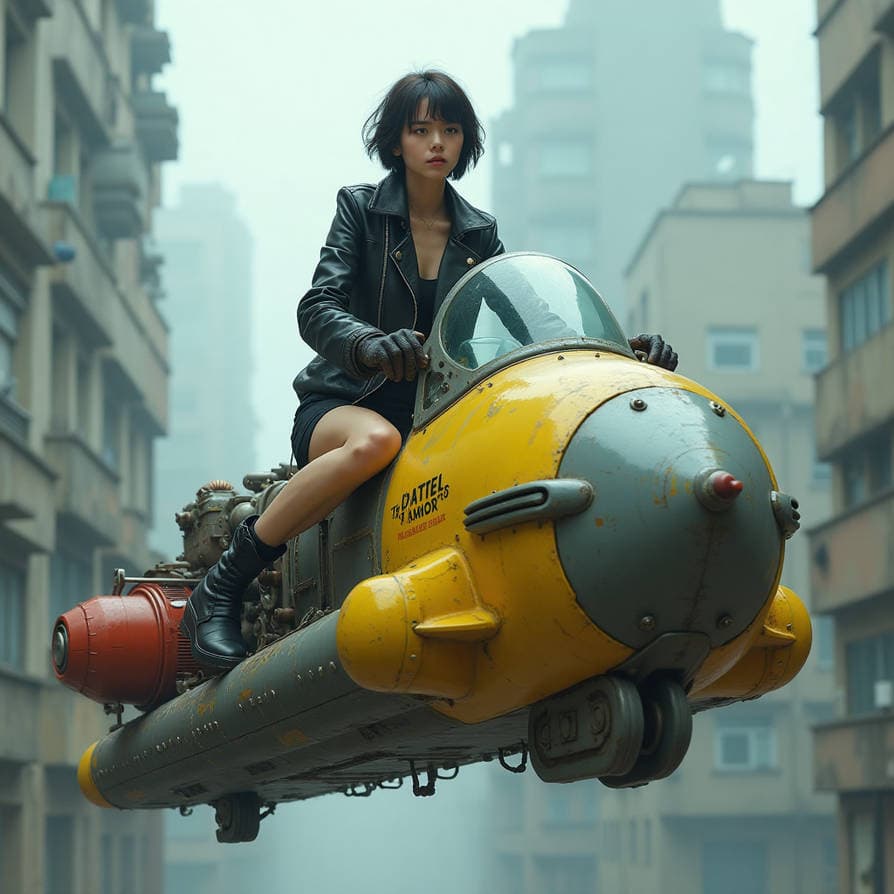
Absolutely – combine with PixelDojo's Image to Image, Style Transfer, Magic Lighting, and Inpainting with LoRAs to edit poses, lighting, backgrounds, or upscale via Magnific Upscaler. Users create photorealistic swaps, anime conversions, or product mockups with zero quality loss, far surpassing basic edits.
What are the best prompts for Qwen Edit 2512 LoRA image generation on PixelDojo?
Start with descriptive prompts like 'highly detailed portrait of [subject], cyberpunk style, (my_custom_lora:1.2), sharp focus, 8k'. Boost with PixelDojo specifics: use negative prompts for artifacts, set CFG 7-12, and steps 30-50 in QWEN Image. Experiment in real-time for trends like LoRA-fused realism or fantasy hybrids.
Is Qwen Edit 2512 LoRA integration suitable for consistent character creation?
Yes, it's ideal – train a LoRA on your character's references in QWEN Model Trainer, then generate variations using Consistent Characters, Pose Control, and Face Swap tools. Maintain exact likeness across scenes, outfits, and angles, perfect for comics, games, or animations with PixelDojo's full character suite.
How much does Qwen Edit 2512 LoRA training and image generation cost on PixelDojo?
Free tier for testing, then affordable subscriptions unlock unlimited QWEN Model Trainer sessions and generations. With 40+ tools including Flux trainers and video editors, it's a steal – cancel anytime, track usage in your Profile, and scale as your projects grow without surprise fees.