QWEN Edit with LoRA Support AI Generator
Achieve polished, brand-ready images in minutes with QWEN Edit + LoRA at PixelDojo. You’ll get perfect text localization in English & Chinese, clean character consistency, and aesthetic style preservation—whether you’re prepping social media graphics, e-commerce product shots, or concept art.

Trusted by 5,000+ creators, 99% satisfaction rate, trusted by design & marketing teams globally—see stunning portfolios powered by QWEN Edit + LoRA every day.
Why Choose Pixel Dojo for QWEN Edit with LoRA Support
Professional-quality results with cutting-edge AI technology
Flawless Bilingual Text Labels
Add, remove or modify text in English or Chinese and keep the exact font, size, spacing and style—even on complex backgrounds—without rebuilding the whole image.
Style & Character Consistency
Use your custom LoRA models to lock in specific visual styles, characters, or clothing so every edit matches your brand or concept perfectly.
Faster & More Flexible Editing
Edit multiple images in one go, switch between appearance-level fixes or full scene changes, and preview in seconds—not hours.
How It Works
Here's how easy it is to transform any image with QWEN Edit + LoRA—getting high-quality, custom style results at every step:
Step 1: Choose QWEN Image Edit Tool
From PixelDojo’s Create Images section, select **QWEN Image** or use **QWEN Image Edit / Edit-Plus / 2509** under Edit Images when you need detailed control with LoRA support.
Step 2: Upload or Select Your Image + Add LoRA
Upload your source image (1-3 images supported). Then load your custom LoRA(s) (up to 3) and adjust blending scales from subtle to strong to define style influence.
Step 3: Enter Prompt & Output Settings
Write a prompt describing what to change (e.g. ‘replace the background, add Chinese text “欢迎”, keep hoodie style’). Pick resolution (up to ~1536×1536), format (PNG/JPG/WebP), seed for reproducibility.

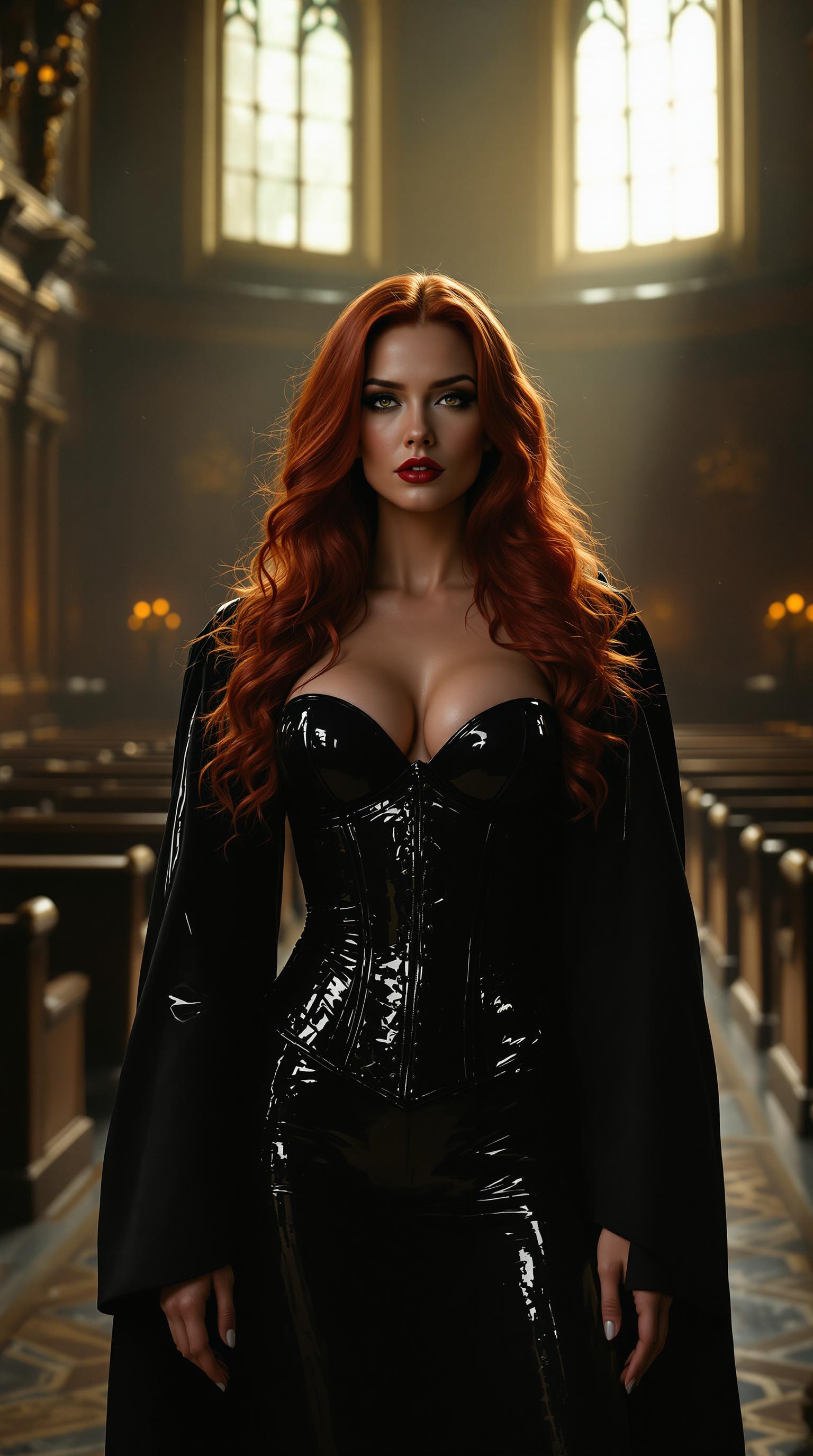
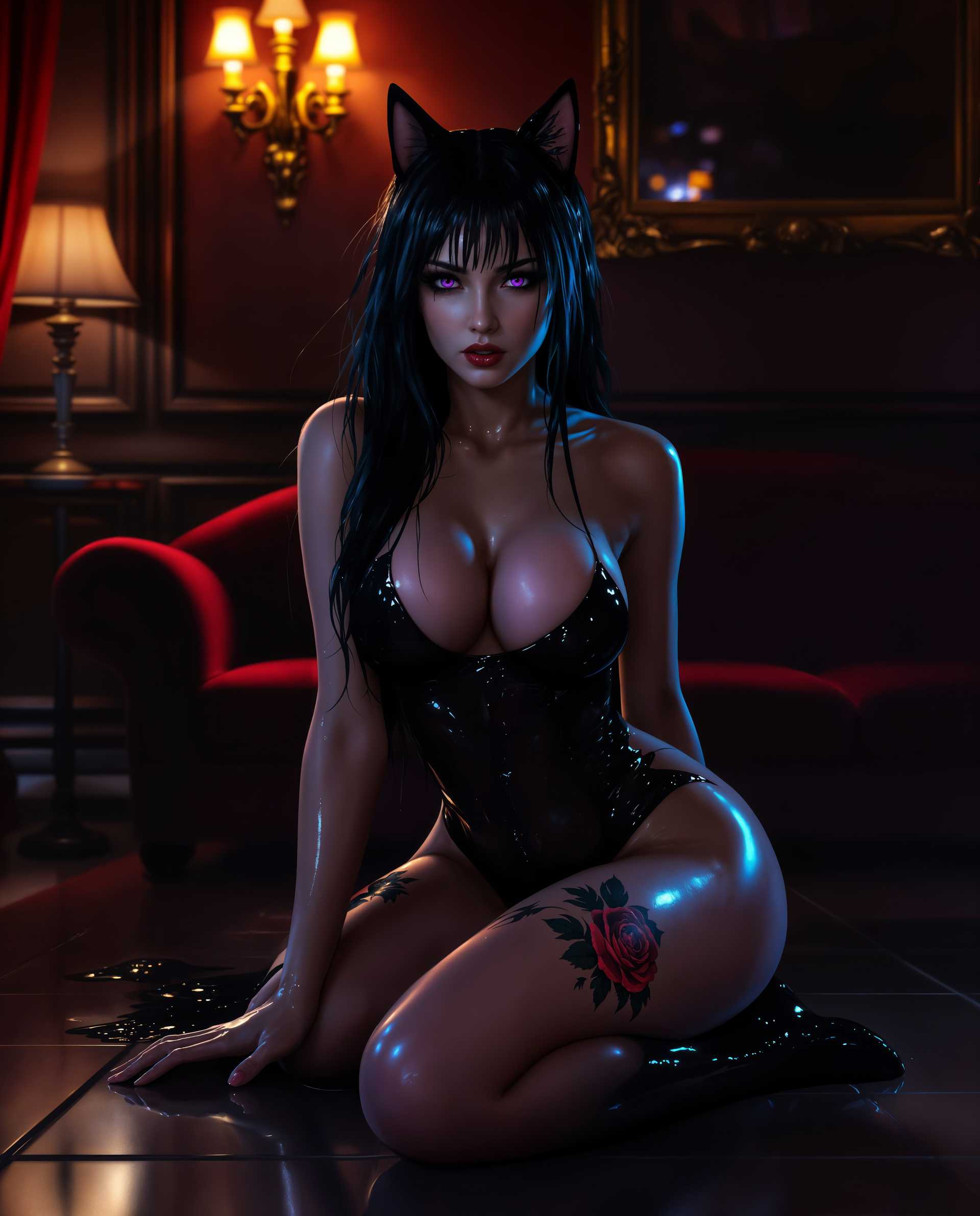
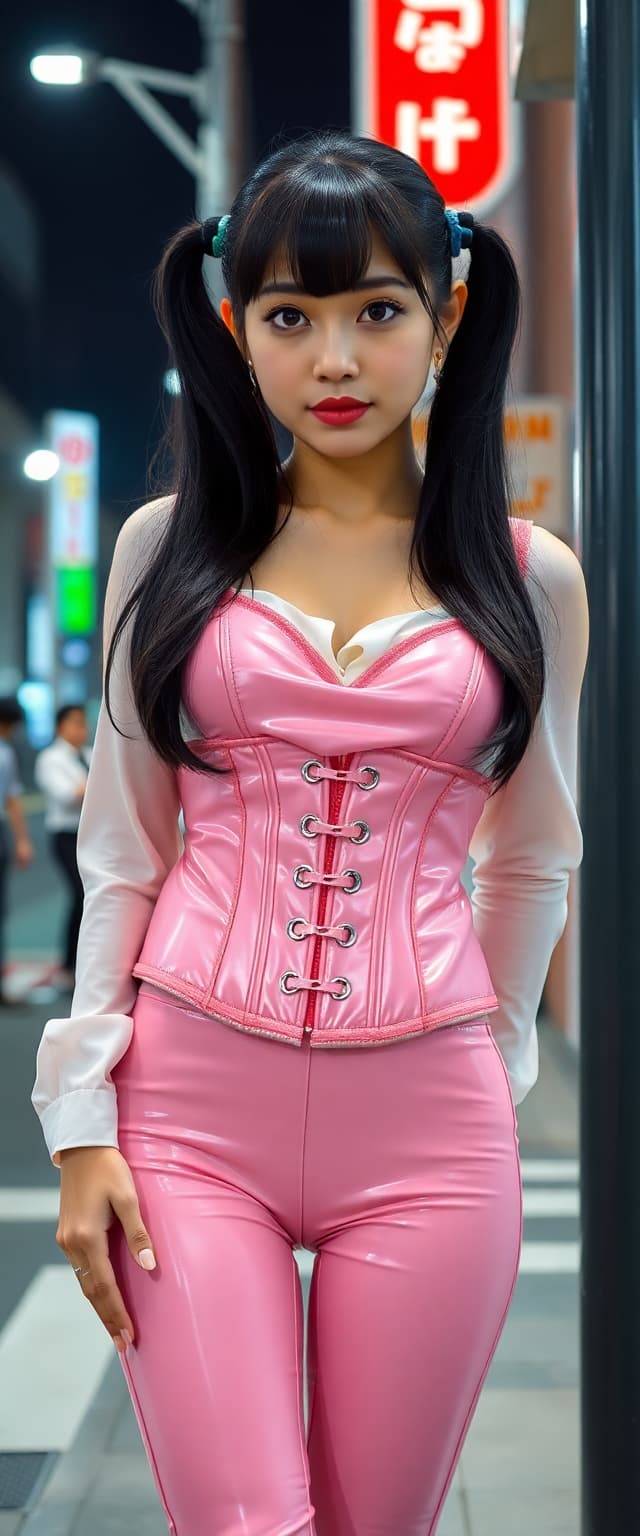
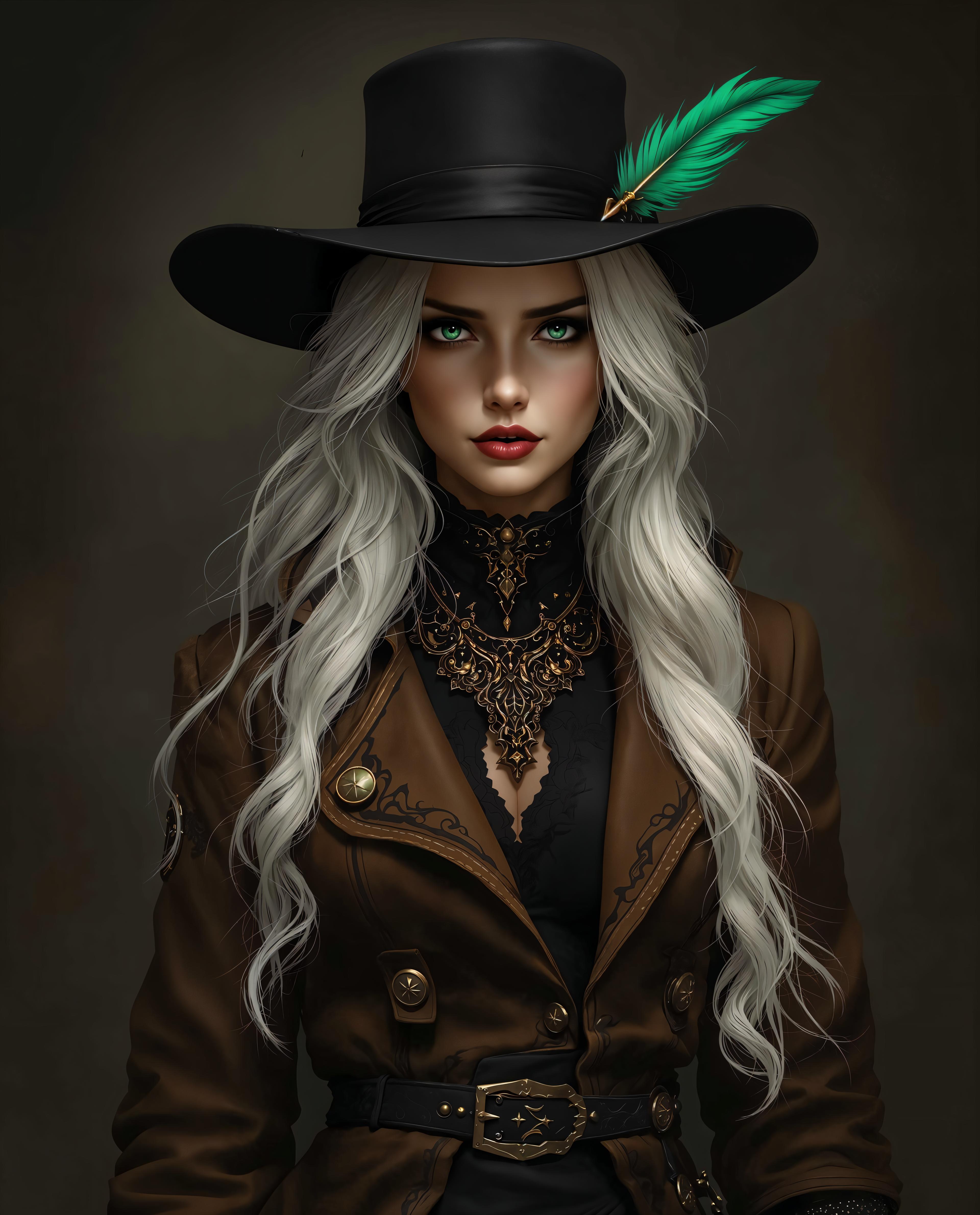
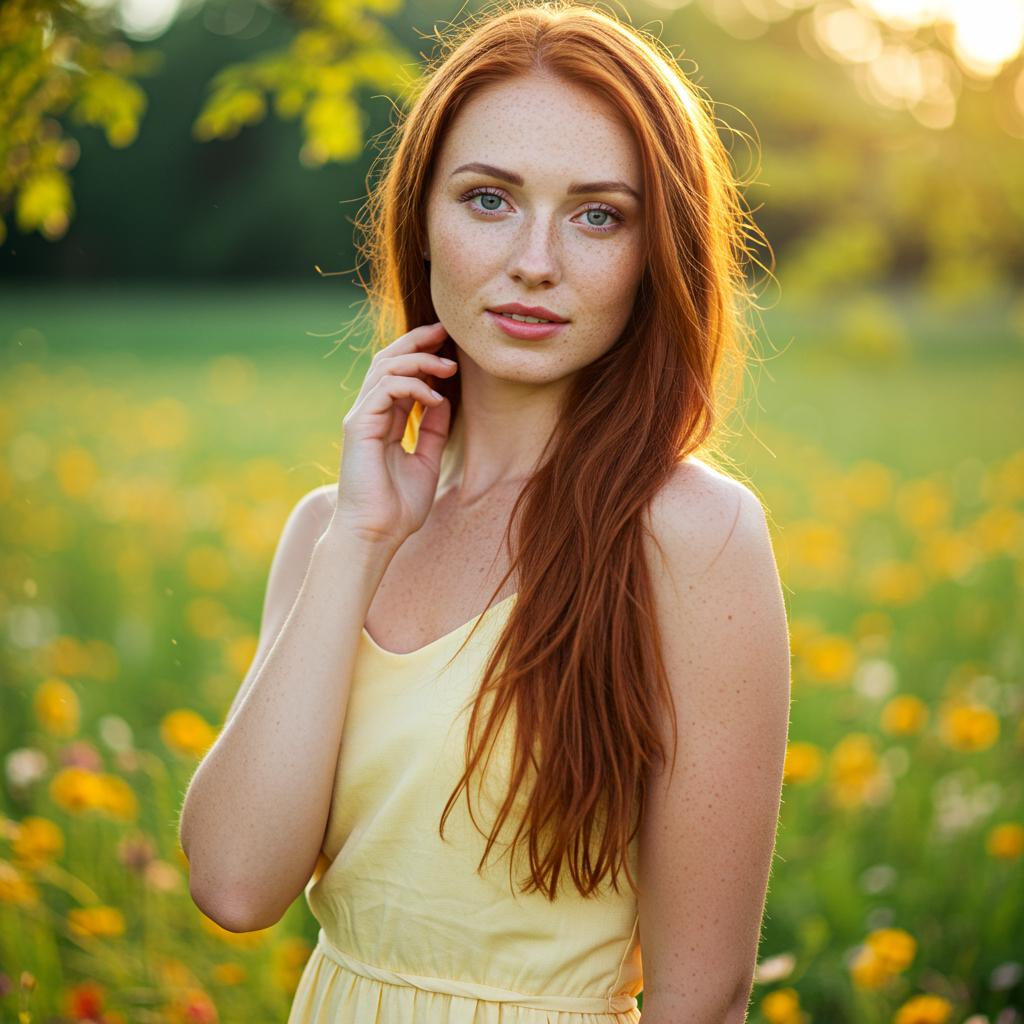

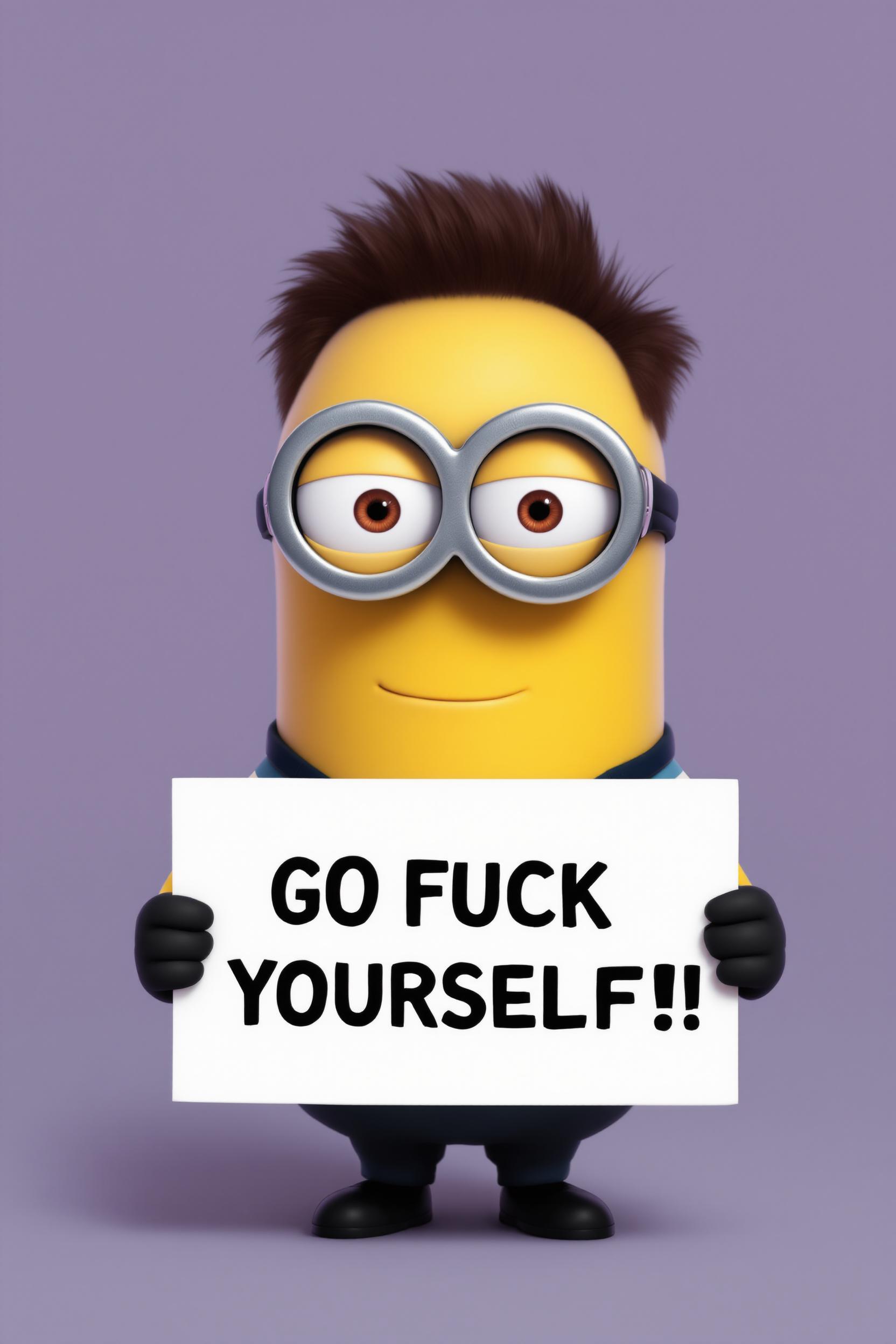
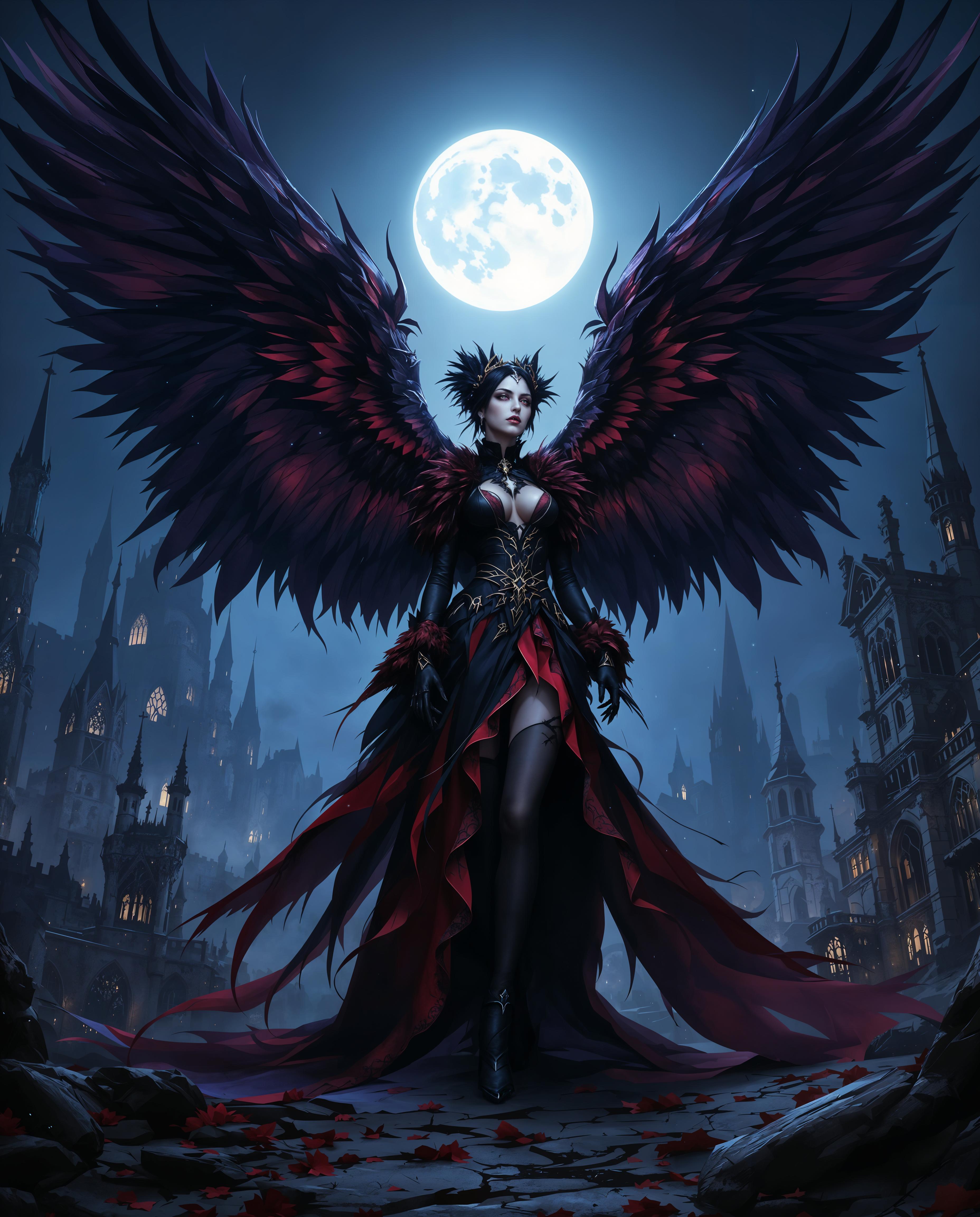
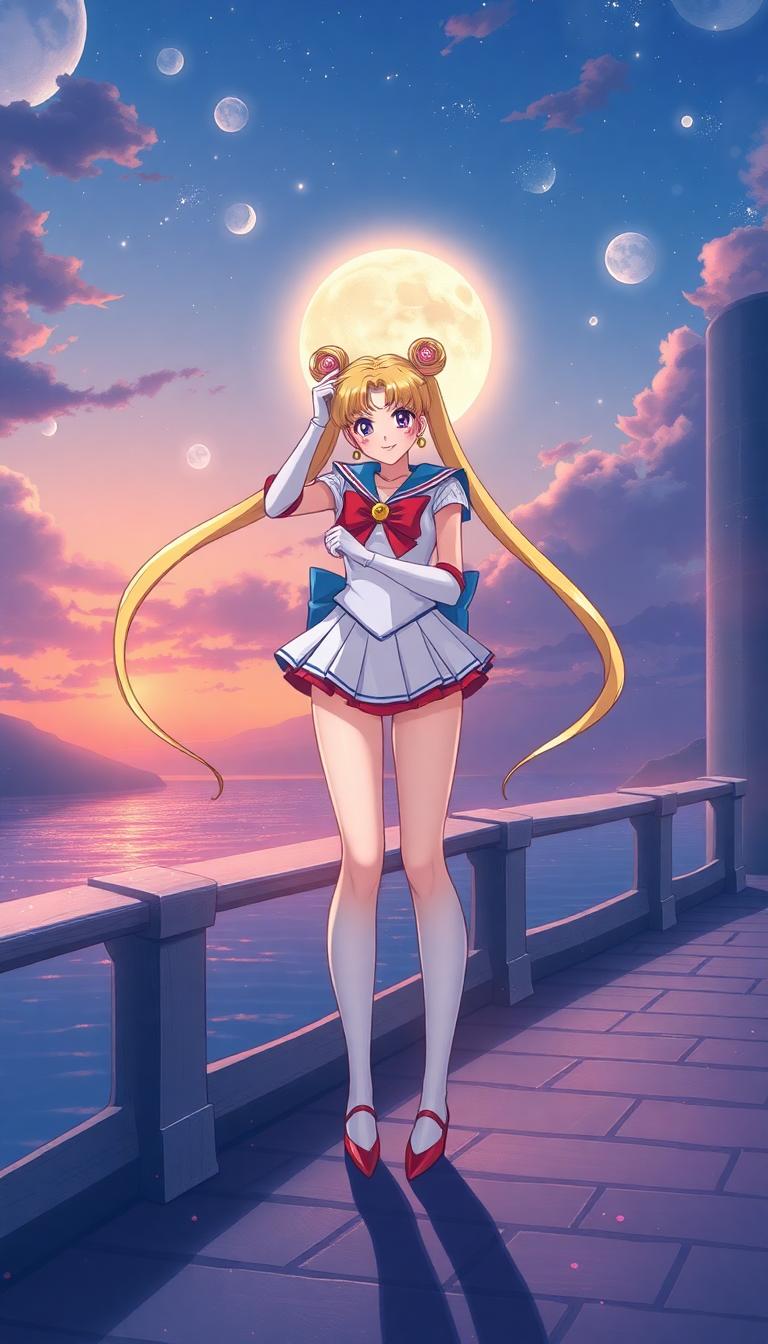
The Pixel Dojo Advantage
Why PixelDojo makes QWEN + LoRA editing smoother, better, and faster than other alternatives:
| Others | Pixel Dojo |
|---|---|
| Traditional manual retouch & design | No layers, complex path tools or weather-tight logistics—just prompt + LoRA = instant edits, saving hours of manual work. |
| Other AI editors without LoRA control | You choose which styles or characters to encode & apply; you aren’t limited to fixed presets—custom LoRA support gives you control most others don’t. |
| Generic model generation | You don’t generate from scratch—you edit & preserve what’s important (text, style, characters), so you only change what you want, keeping consistency across every output. |
Loved by Creators
See what our community says about QWEN Edit with LoRA Support
"With QWEN Edit + LoRA, I localized my product cards in Chinese and English within minutes, and each image kept my brand color palette perfectly."
Sarah Chen
Marketing Director
"I trained a character LoRA once and now every design I edit in that character feels seamless and true to my original sketch. No more patchy edits."
Alex Rivera
Illustrator
Common Questions
Everything you need to know about QWEN Edit with LoRA Support AI generation
What makes QWEN Edit with LoRA support better than regular image editing?
QWEN Edit with LoRA support lets you bring in style or character adapters (.safetensors) that overlay on the base model. You get the same base fidelity, but with added control over style—so edits stay coherent across designs. For example, you can change outfit color or pose while keeping your custom character look intact.
How do I preserve fonts and text style when using QWEN Edit LoRA?
When you use QWEN Image Edit or Edit-Plus with LoRA, you simply write your text instructions (English or Chinese) in the prompt. The tools are optimized to retain typeface, size, kerning and layout even when replacing or adding text. This is a unique strength compared to many other editors which redraw text from scratch. ([wavespeed.ai](https://wavespeed.ai/models/wavespeed-ai/qwen-image/edit-lora?utm_source=openai))
Can I use multiple custom LoRAs at once and control their strength?
Yes. PixelDojo’s QWEN editing tools support up to 3 custom LoRAs per image. You can adjust the blending or scale of each LoRA—from subtle (≈ 0.1-0.5) to strong (≈ 1.0-4.0)—so you get just the effect strength you want. ([wavespeed.ai](https://wavespeed.ai/models/wavespeed-ai/qwen-image/edit-lora?utm_source=openai))
What kinds of edits can I make with QWEN + LoRA support?
You can do both appearance edits (local changes like color, texture, lighting, background swaps) and semantic edits (pose shifts, style transfer, object addition/removal). You can even perform bilingual text editing without losing the original font aesthetic. ([wavespeed.ai](https://wavespeed.ai/models/wavespeed-ai/qwen-image/edit-lora?utm_source=openai))
What resolution and formats are supported with QWEN Edit with LoRA?
Typical output goes up to 1536 × 1536 pixels. Supported input/output formats include PNG, JPEG, and WEBP. You can also set seed and output size manually. ([wavespeed.ai](https://wavespeed.ai/models/wavespeed-ai/qwen-image/edit-lora?utm_source=openai))
How fast will my edits generate and can I reproduce the same result later?
Edit runs usually take around 6-12 seconds depending on image size. Using PixelDojo’s seed control and fixed LoRA scales means you can reproduce results exactly—or iterate safely. Failed or low-quality outputs often get automatically flagged or refunded credits, making experimentation risk-free. ([wavespeed.ai](https://wavespeed.ai/models/wavespeed-ai/qwen-image/edit-lora?utm_source=openai))