qwen image 2.0 pro face swap AI Generator
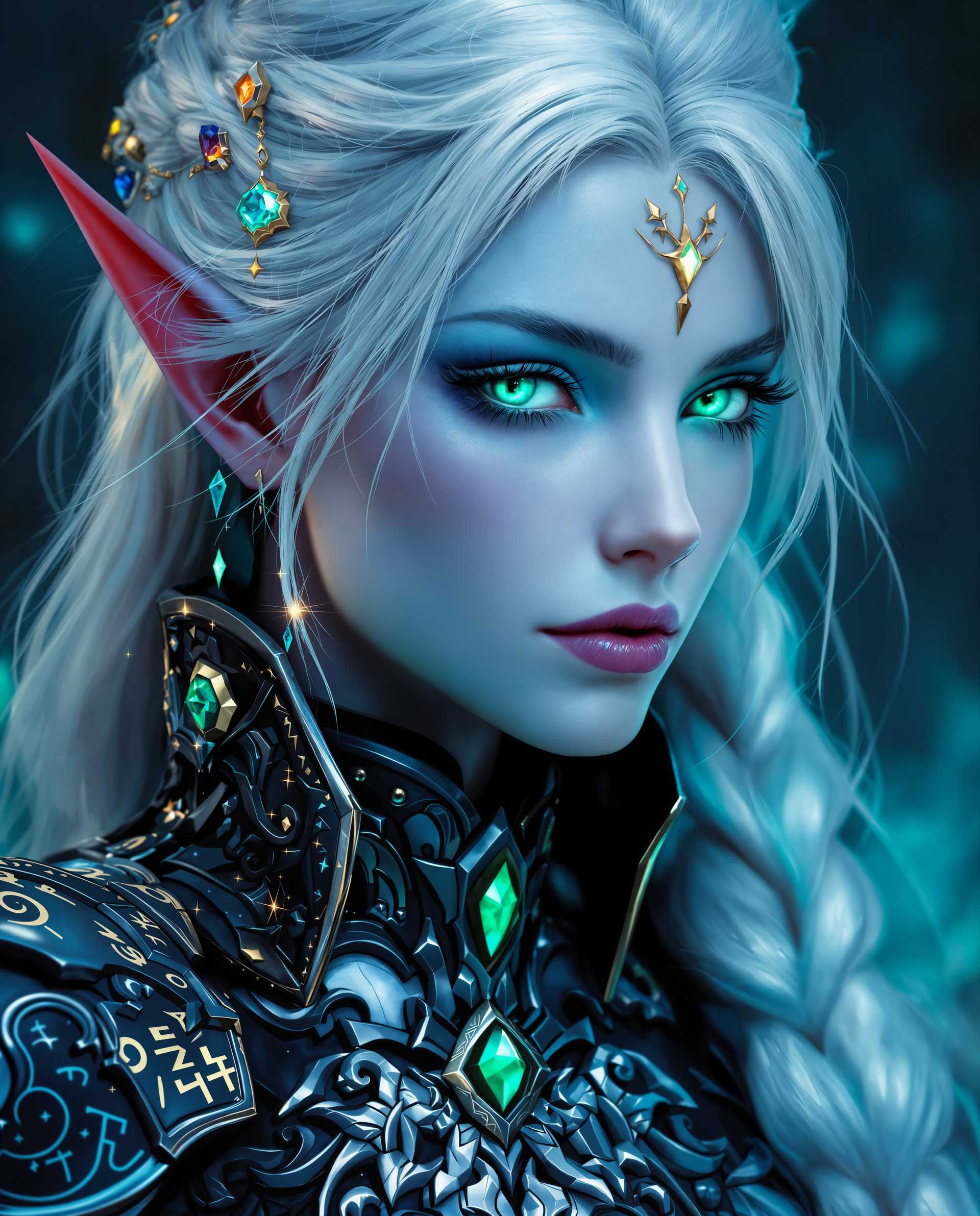
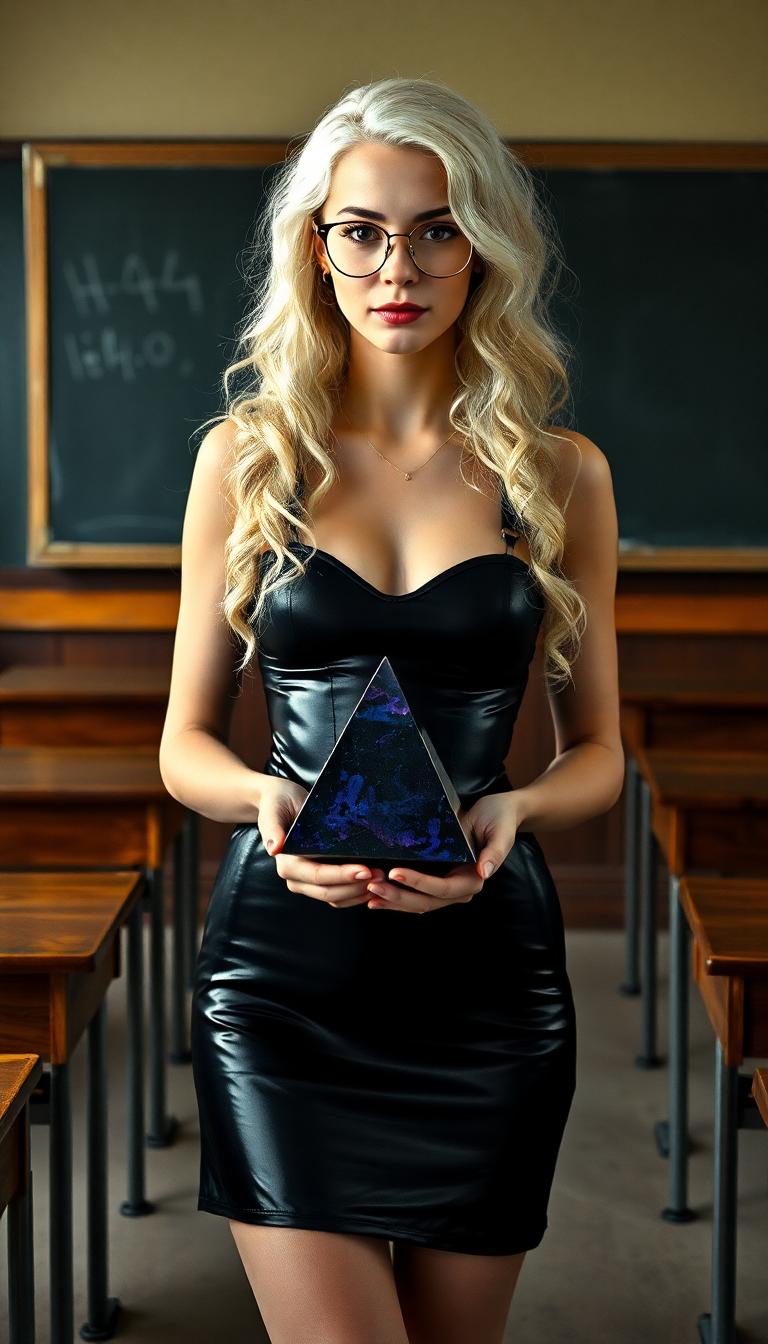
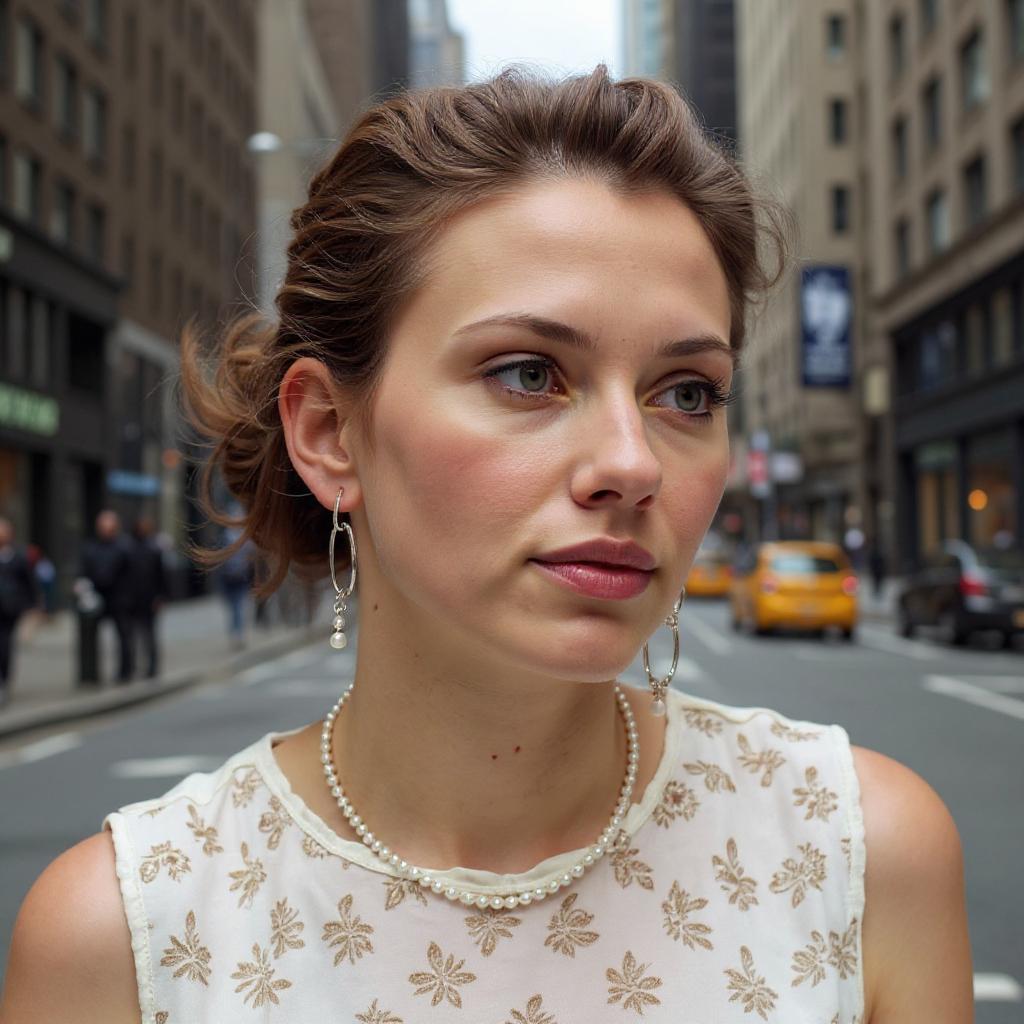
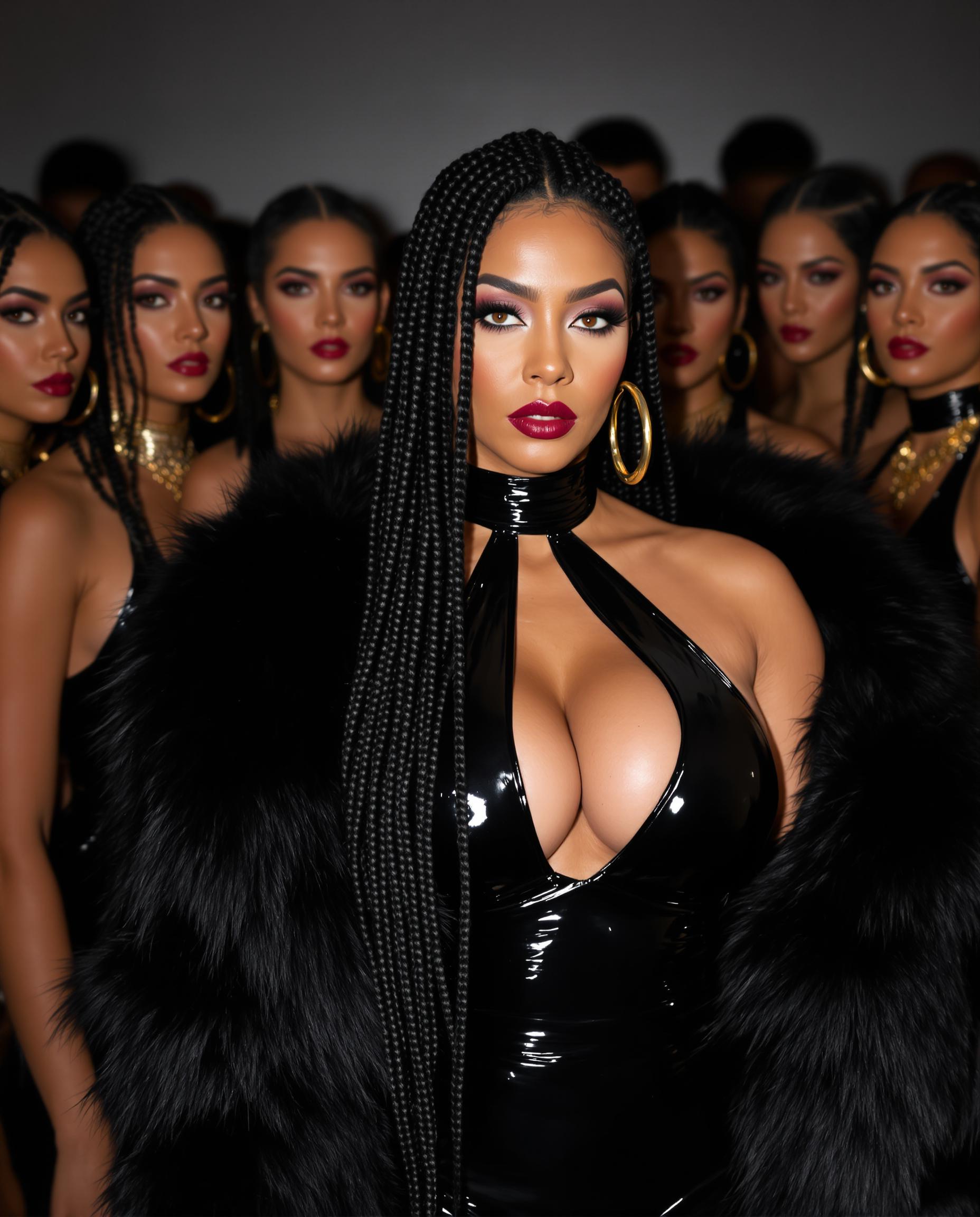
Imagine effortlessly swapping faces in your photos to create fun, creative, or professional images. With PixelDojo's Qwen Image 2.0 Pro Face Swap tool, you can achieve seamless and realistic face swaps in just a few clicks. Whether you're enhancing personal photos, creating engaging content, or exploring artistic possibilities, our AI-powered tool makes it simple and accessible.

Join over 10,000 satisfied users who have transformed their photos with PixelDojo's AI tools. Rated 4.8/5 based on 2,000+ reviews.
Why Choose Pixel Dojo for qwen image 2.0 pro face swap
Professional-quality results with cutting-edge AI technology
Achieve Realistic Face Swaps Instantly
Our advanced AI ensures natural tone blending and consistent lighting, delivering lifelike results every time.
User-Friendly Interface
No technical skills required. Simply upload your images, and our intuitive platform guides you through the process.
Versatile Applications
Perfect for personal projects, social media content, marketing materials, and more. Unleash your creativity without limits.
How It Works
Creating stunning face swaps is as easy as 1-2-3 with PixelDojo's Qwen Image 2.0 Pro Face Swap tool.
Step 1: Upload Your Images
Select the base image and the face image you want to swap. Ensure both images are clear and well-lit for optimal results.
Step 2: Adjust and Preview
Use our intuitive tools to align the face, adjust size, and preview the swap. Our AI handles the blending seamlessly.
Step 3: Download Your Edited Image
Once satisfied with the preview, click 'Download' to save your high-quality, edited image.





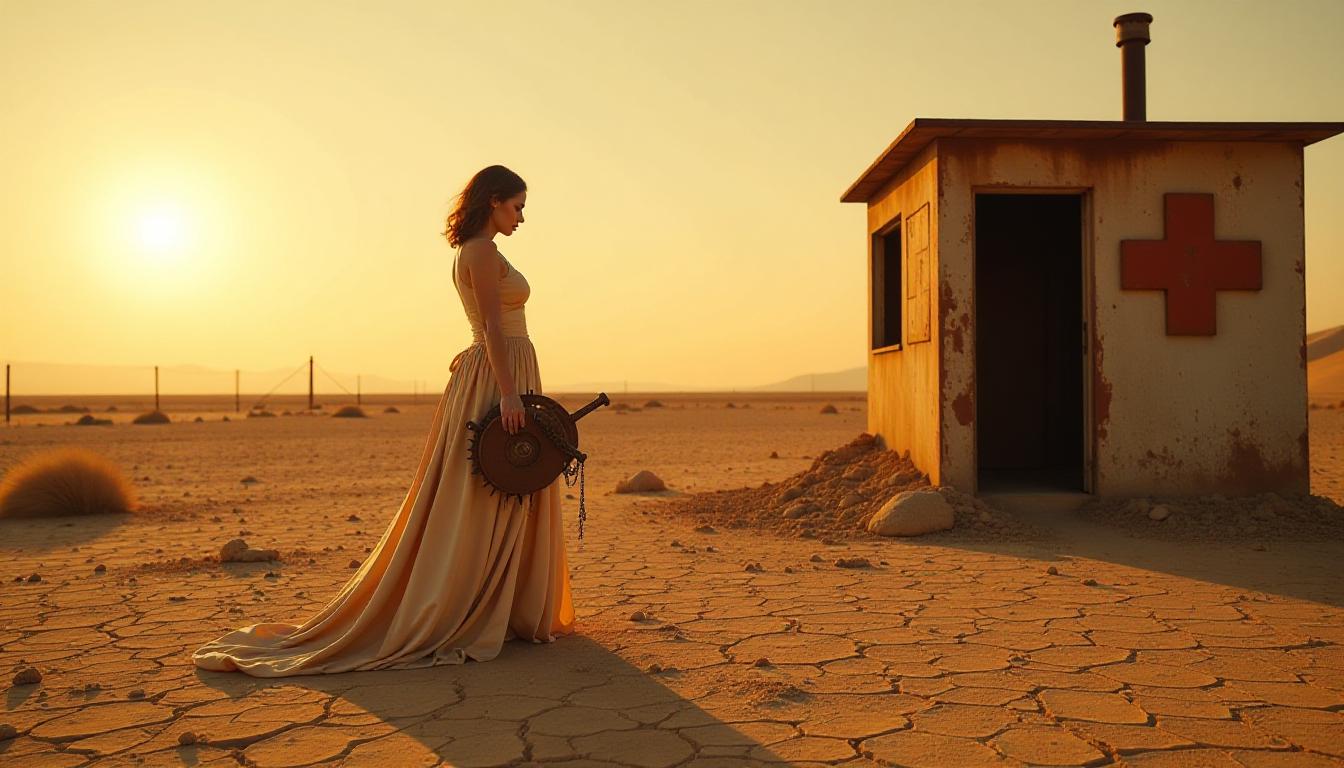
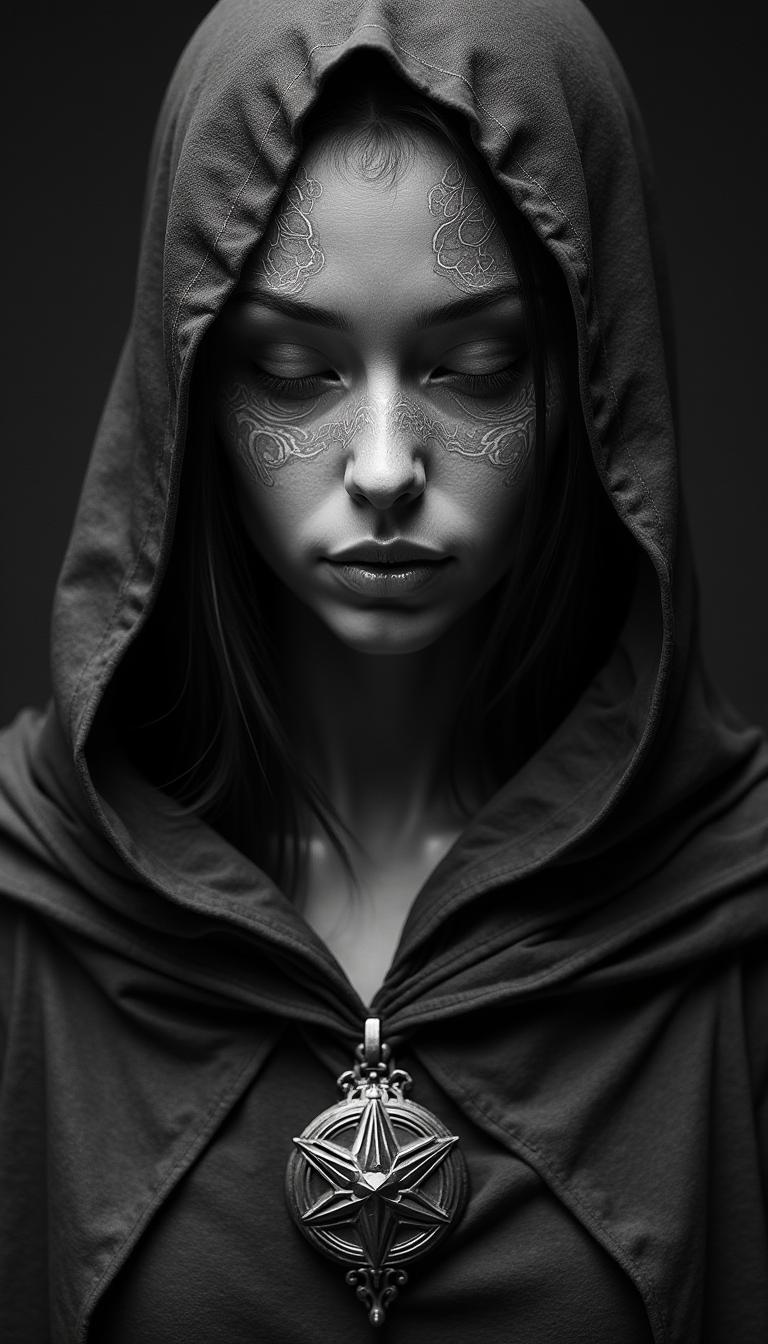

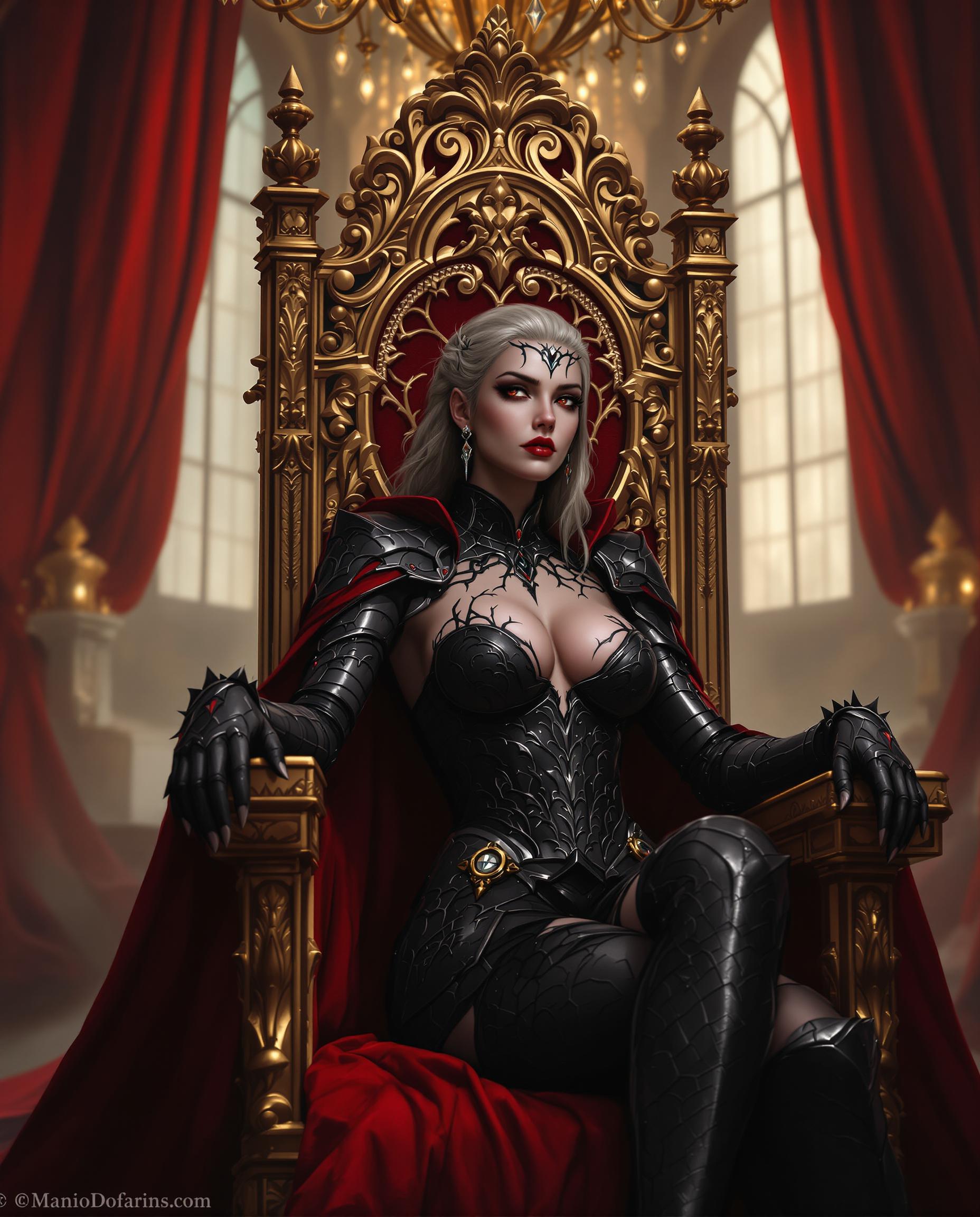
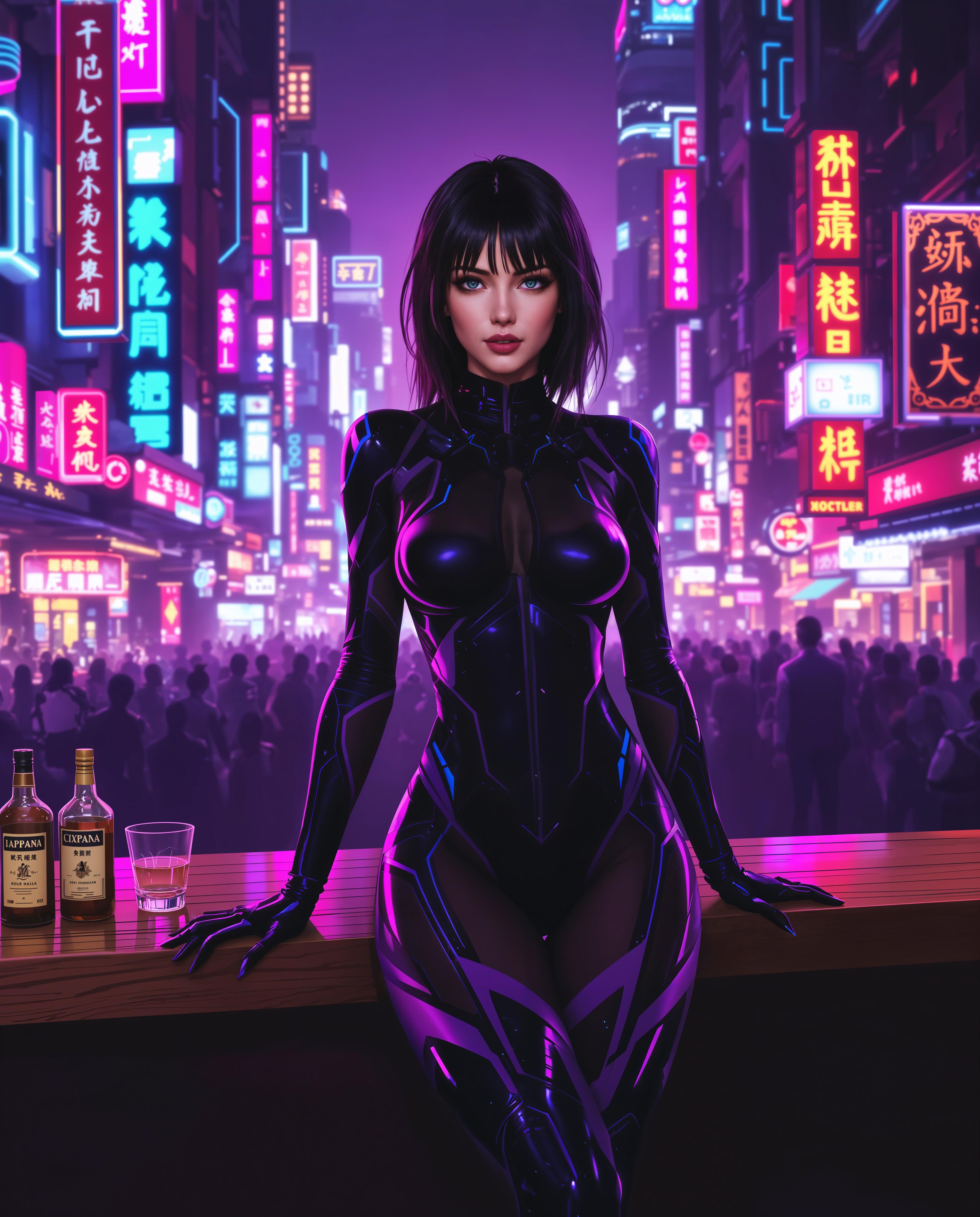

The Pixel Dojo Advantage
Why PixelDojo outperforms other options for face swapping
| Others | Pixel Dojo |
|---|---|
| Traditional Photo Editing Software | No manual editing required; our AI automates the process for faster, more accurate results. |
| Generic AI Tools | Specifically designed for face swapping, ensuring higher quality and more realistic outcomes. |
| Manual Face Swapping Techniques | Eliminates the need for complex skills or expensive software; achieve professional results effortlessly. |
Loved by Creators
See what our community says about qwen image 2.0 pro face swap
"PixelDojo's face swap tool is a game-changer! I created hilarious and realistic images in minutes."
Alex Johnson
Content Creator
"As a marketer, I use PixelDojo to create engaging visuals for campaigns. The results are always impressive."
Samantha Lee
Marketing Manager
Common Questions
Everything you need to know about qwen image 2.0 pro face swap AI generation
How does PixelDojo's Qwen Image 2.0 Pro Face Swap ensure realistic results?
Our AI analyzes both images to match skin tones, lighting, and facial expressions, ensuring seamless and natural-looking face swaps.
Do I need any photo editing experience to use this tool?
Not at all! PixelDojo is designed for users of all skill levels. Our intuitive interface guides you through each step.
Can I use the face swap tool for commercial projects?
Yes, you can use the images created with our tool for both personal and commercial purposes.
Is there a limit to the number of face swaps I can perform?
With a PixelDojo subscription, you have unlimited access to all our tools, including the face swap feature.
What image formats are supported?
PixelDojo supports common image formats such as JPEG and PNG for both input and output.
How secure are my uploaded images?
We prioritize your privacy. Uploaded images are processed securely and are not stored or shared.