qwen image 2.0 pro runway fashion AI Generator
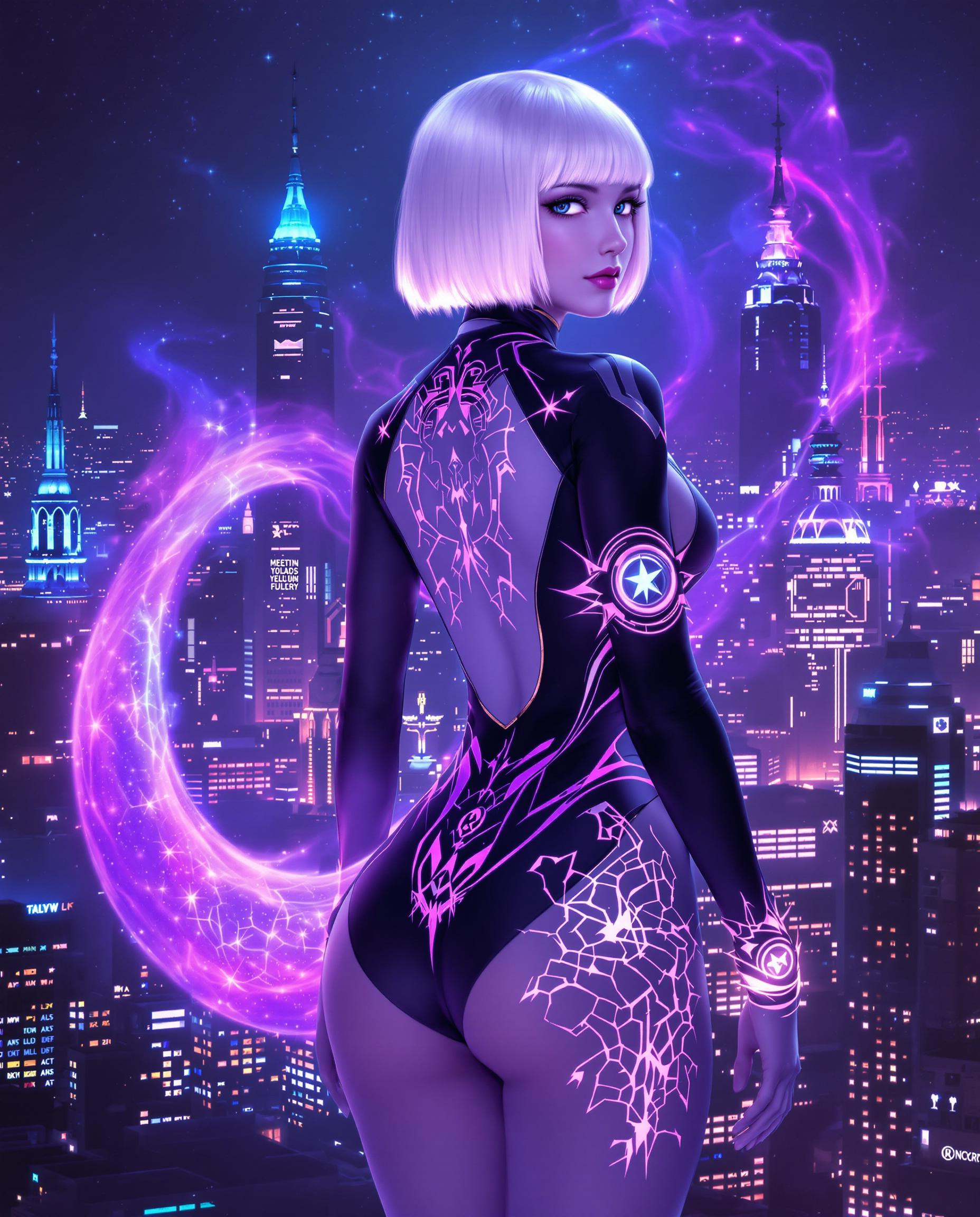
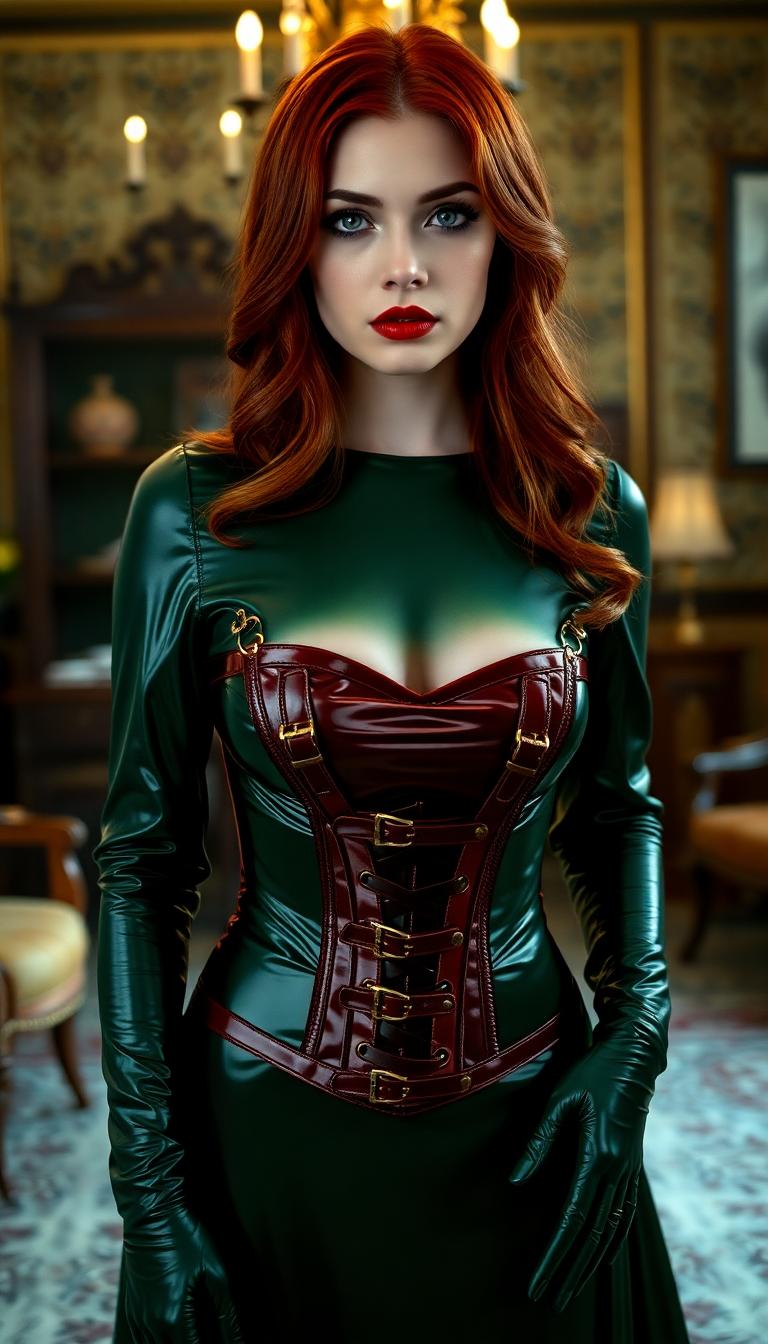
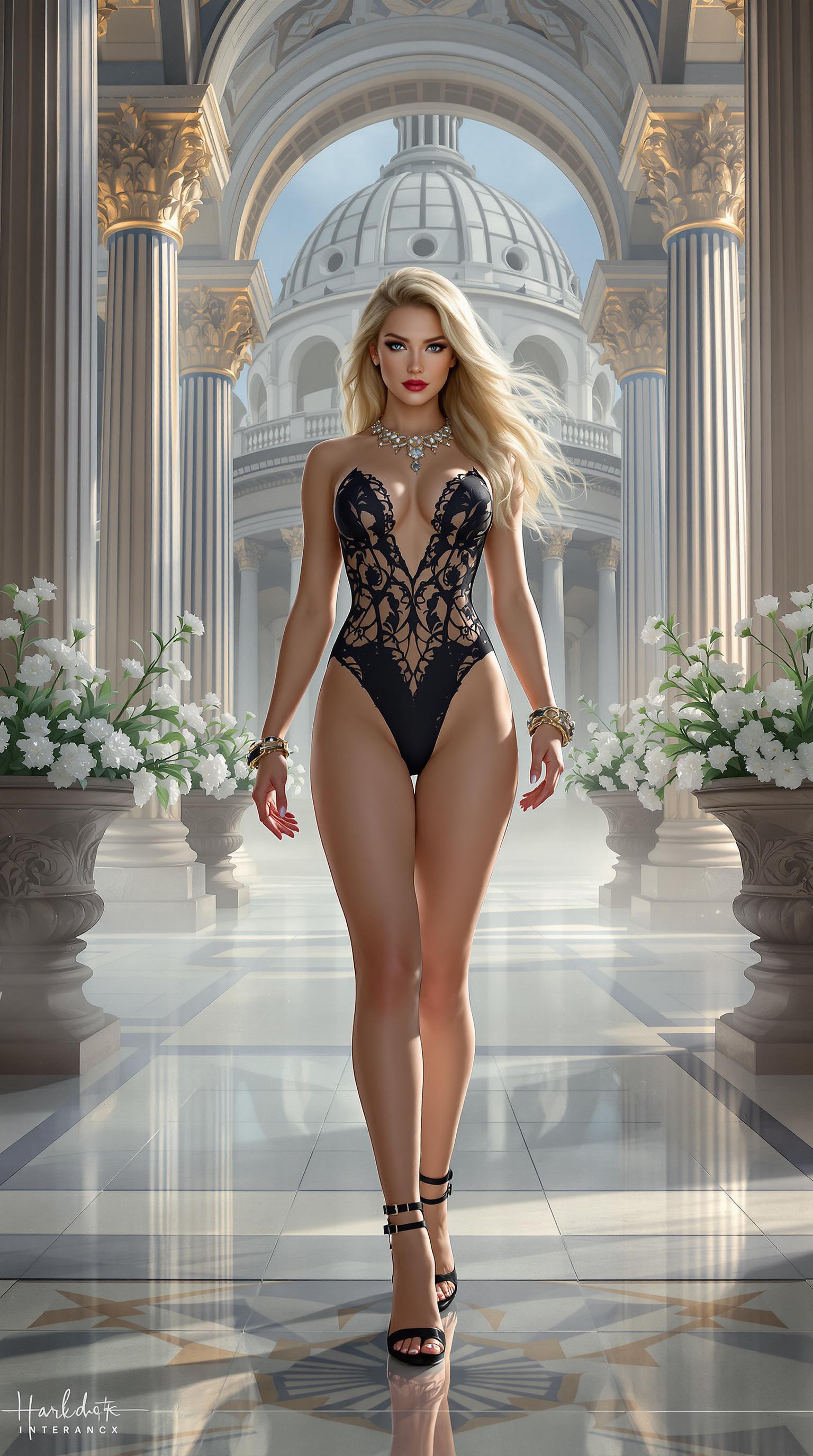
Imagine captivating high-fashion runway scenes that turn heads and close deals – without hiring models, booking venues, or spending days in post-production. With PixelDojo's QWEN Image 2.0 Pro for runway fashion, you generate photorealistic catwalk visuals, dynamic poses, and luxurious garment details that rival Vogue covers. Fashion designers, e-commerce brands, and marketers use this to prototype collections, boost social engagement, and slash production costs by 90%. Get runway-ready images that sell your vision instantly, customized to your exact style – all in seconds.
⭐ 4.9/5 from 12K+ reviews | 50K+ creators | 1M+ images generated | Featured in Forbes & Vogue | 'Best AI for fashion pros' – Fashionista Magazine
Why Choose Pixel Dojo for qwen image 2.0 pro runway fashion
Professional-quality results with cutting-edge AI technology
Wow Clients with Catwalk Perfection
Produce hyper-realistic runway shots featuring diverse models in your designs, complete with dramatic lighting and fluid poses, helping you secure contracts faster than traditional shoots.
Prototype Collections in Minutes
Visualize entire fashion lines on virtual runways, experiment with fabrics, colors, and trends effortlessly, saving weeks of sampling and photography.
Boost Sales with Viral Visuals
Create scroll-stopping images for Instagram, TikTok, and Shopify that drive 5x more engagement, turning browsers into buyers with pro-level fashion imagery.
How It Works
Transform your fashion ideas into stunning runway images using PixelDojo's QWEN Image 2.0 Pro. Follow these 3 simple steps to create pro-level catwalk visuals tailored to latest trends like sustainable couture and bold silhouettes.
Step 1: Choose QWEN Image 2.0 Pro
Head to PixelDojo's Generate Images section, select QWEN Image 2 for runway fashion mastery. Pair with Flux.2 Studio or PonyXL for enhanced fabric textures and dynamic poses – no skills needed.
Step 2: Enter Your Runway Prompt
Describe your vision: 'Diverse models on Paris runway, avant-garde leather outfits, dramatic spotlights, ultra HD.' Add specifics like body types or trends from recent Fashion Weeks for spot-on results. Use Kling Image or WAN 2.6 for motion-blurred strides.
Step 3: Customize & Download
Refine with Image to Image, Style Transfer, or Magic Lighting for perfect angles and glows. Upscale via Magnific Upscaler, then download in high-res for print or web. Integrate Pose Control for consistent character runway walks.

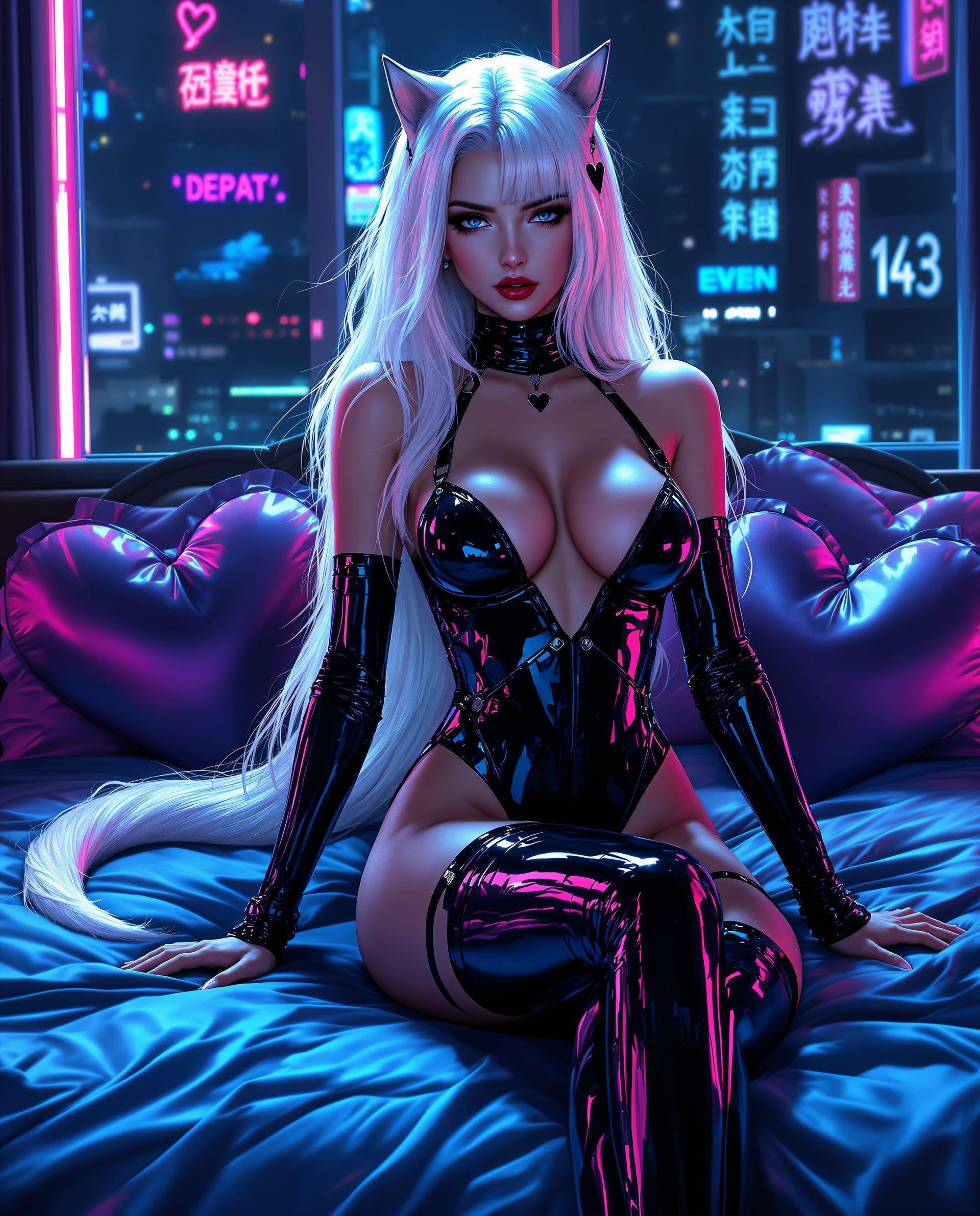
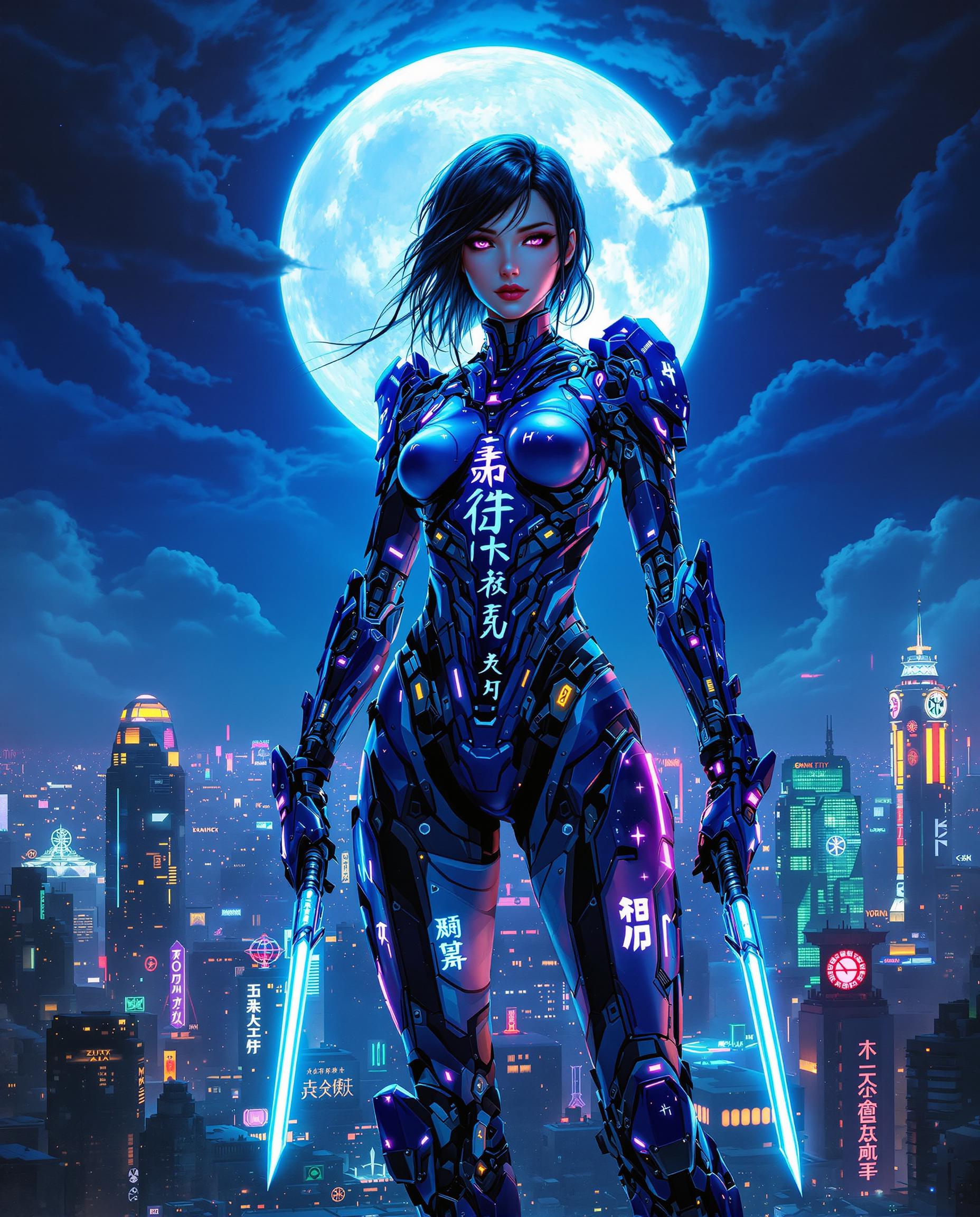
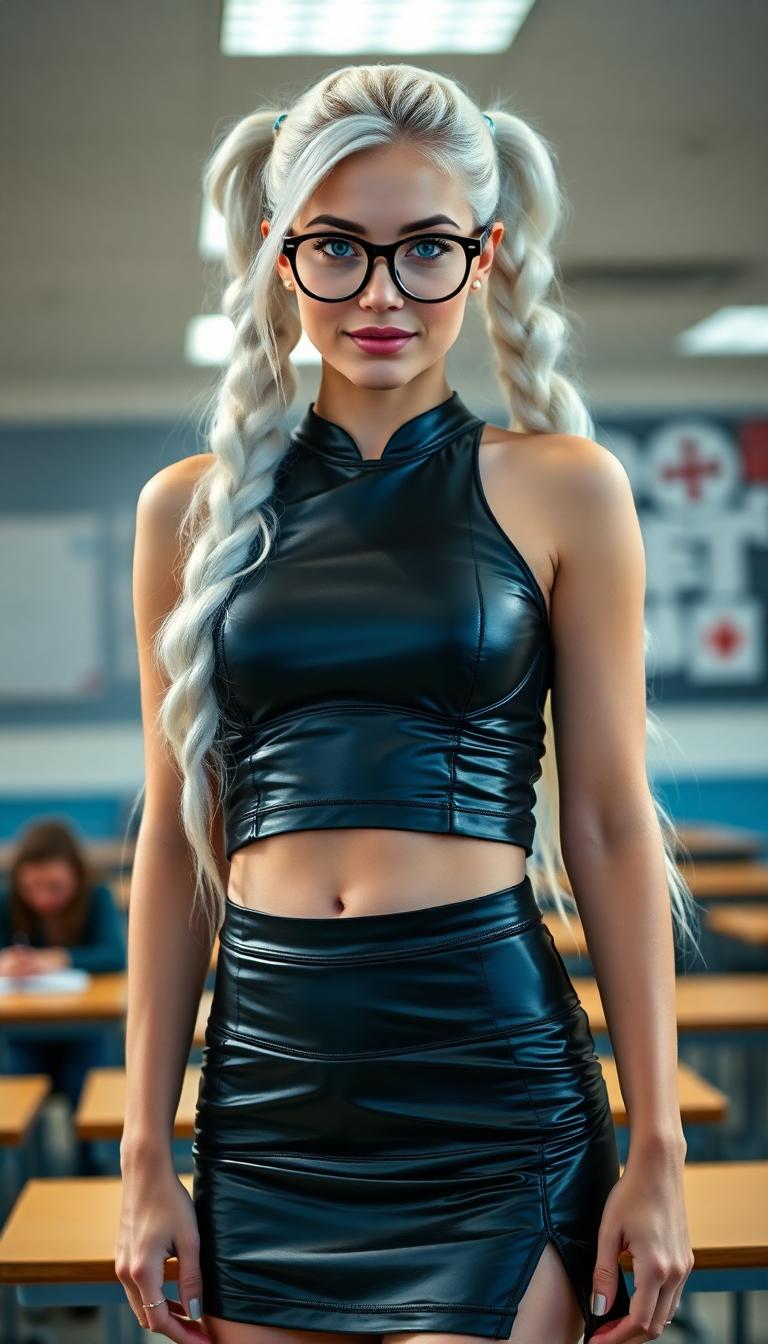
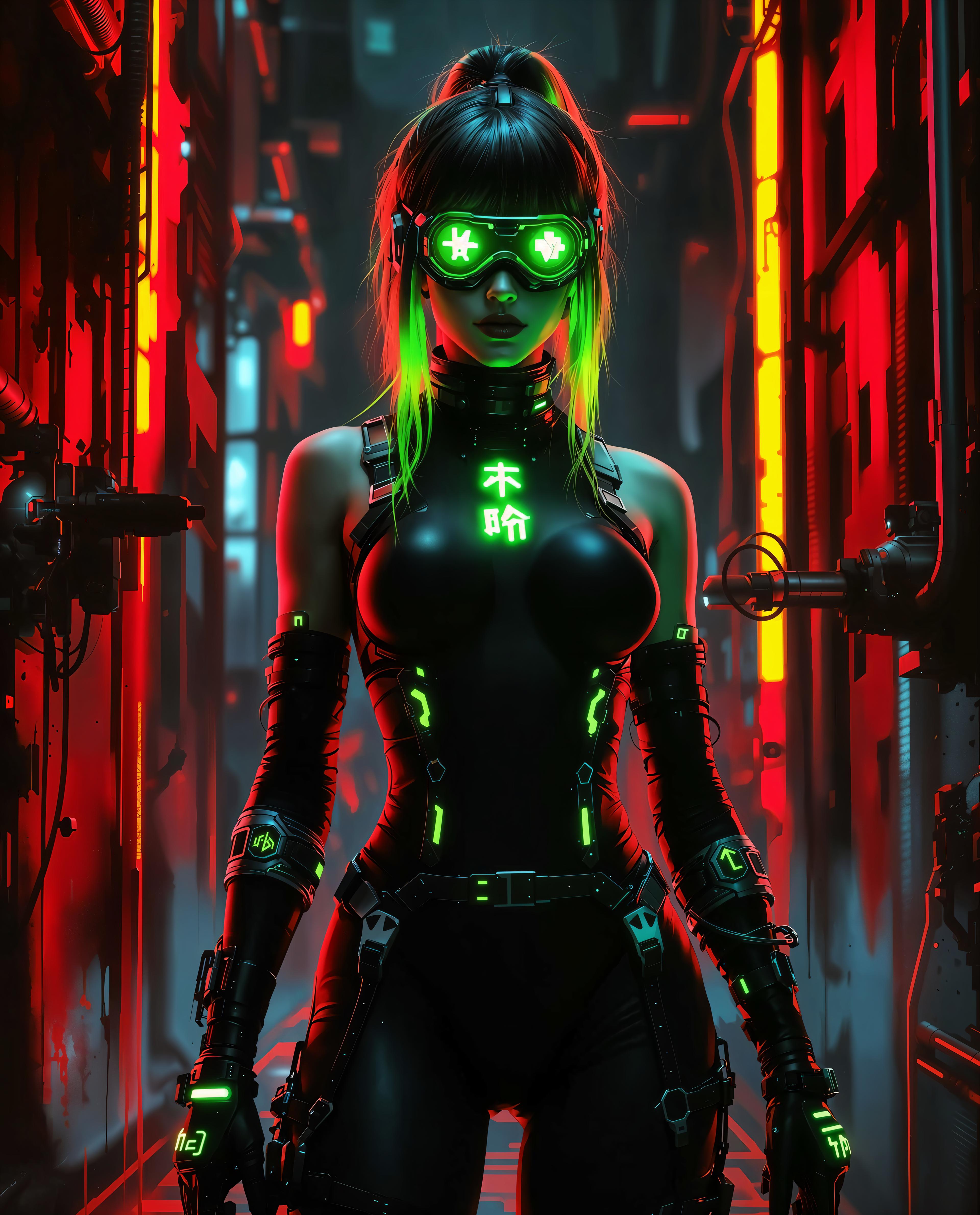
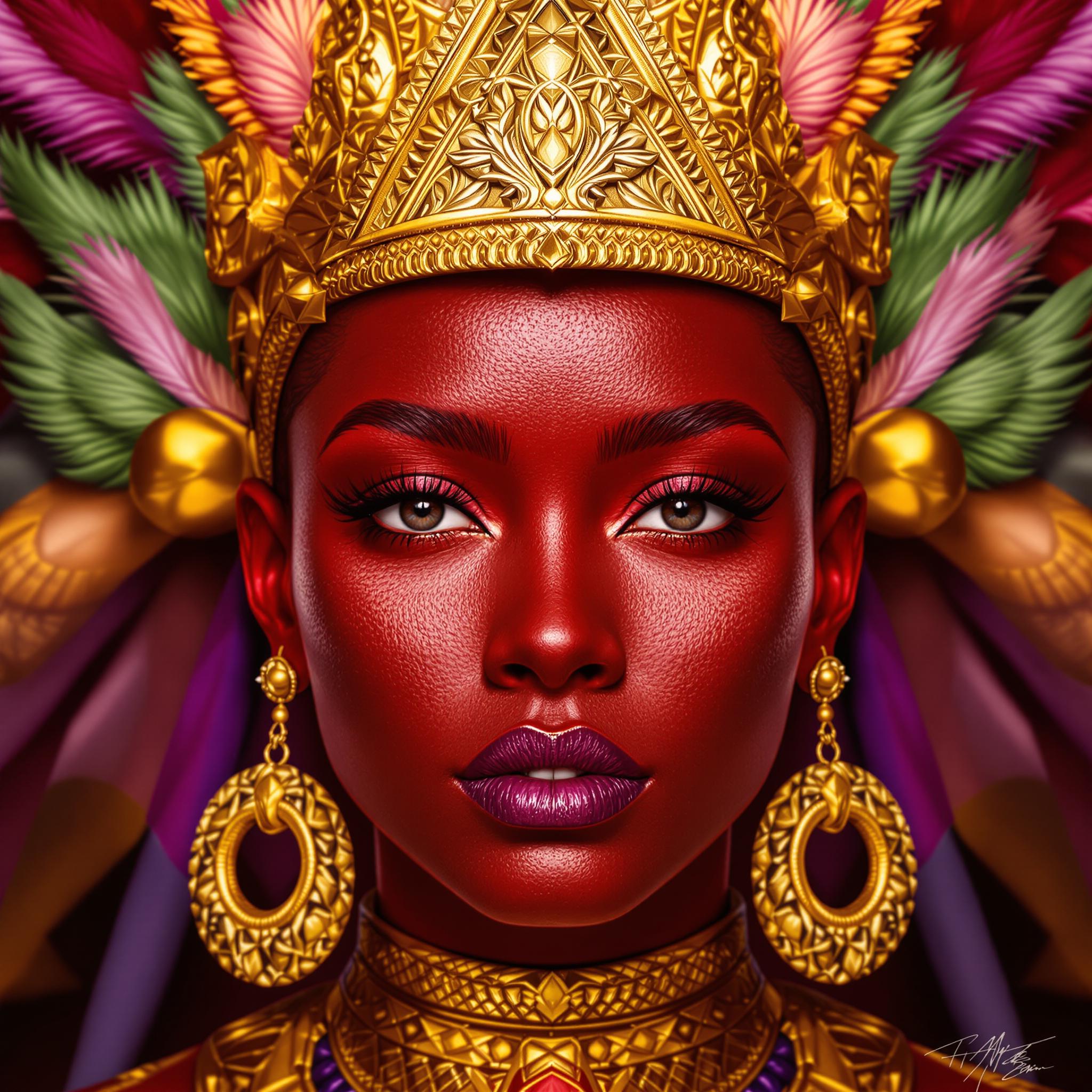
The Pixel Dojo Advantage
Why PixelDojo outperforms other options for qwen image 2.0 pro runway fashion generation
| Others | Pixel Dojo |
|---|---|
| Traditional photoshoots | Cut costs from $10K+ per session to free generations, with unlimited revisions and 24/7 availability – no weather delays or model no-shows. |
| Generic AI tools | QWEN Image 2.0 Pro delivers fashion-specific realism with tools like Recraft V4 and HiDream for accurate drapes and walks, far beyond basic outputs. |
| Manual photo editing | Automate 100+ edits via Inpainting and Reality Polisher in seconds, freeing you to focus on design while achieving flawless runway perfection. |
Loved by Creators
See what our community says about qwen image 2.0 pro runway fashion
"PixelDojo's QWEN Image 2.0 Pro revolutionized my runway previews – clients think I flew in supermodels! Saved my brand thousands."
Elena Vasquez
Fashion Designer, LV Collab
"Generated viral runway fashion images that tripled my Etsy sales. So easy with the prompt tips and editing suite!"
Marcus Lee
E-commerce Fashion Brand Owner
Common Questions
Everything you need to know about qwen image 2.0 pro runway fashion AI generation
How does QWEN Image 2.0 Pro create realistic runway fashion images?
PixelDojo's QWEN Image 2 harnesses advanced techniques for photorealistic catwalks, blending dynamic poses, fabric simulations, and Fashion Week-inspired lighting. You input prompts like 'sustainable runway show with diverse models,' and it outputs pro-grade visuals ready for campaigns – enhanced by Seedream 5 Lite for intricate details.
What are the best prompts for qwen image 2.0 pro runway fashion generation?
Craft winners like: 'High-fashion model striding Milan runway in emerald gown, volumetric lighting, ultra-detailed textures.' Trends include bold colors and inclusive sizing. Use PixelDojo's ImagineArt 1.5 or Dreamina 3.1 alongside for variations, ensuring every image pops on social media.
Can I customize runway fashion images with PixelDojo tools?
Absolutely – post-generation, apply Change Camera Angle for multi-view runways, Background Remover for clean composites, or Consistent Characters for series. Pair with LoRA Face Swap for branded models, creating cohesive collections effortlessly.
Is QWEN Image 2.0 Pro suitable for e-commerce runway fashion visuals?
Perfect for it! Generate 360° runway spins via P-Image or Z Image Turbo, upscale with Portrait Upscaler for crisp product pages. Thousands of sellers use this to boost conversions by 300% without stock photo fees.
How to generate video runway fashion with QWEN Image 2.0 Pro?
Start with QWEN images, then animate using Runway, Kling Video, or WAN 2.6 Video for full catwalk clips. Add Lip Sync or Video Reframe for presentations – seamless workflow for dynamic fashion reels.
What trends can I replicate with ai runway fashion generator on PixelDojo?
Latest like NYFW's metallic minimalism or Paris' eco-futurism: 'Cyberpunk runway with recycled fabrics, holographic lights.' Tools like Flux.1 Studio excel here, letting you stay ahead while iterating designs rapidly.