qwen image 2.0 realistic text surfaces AI Generator
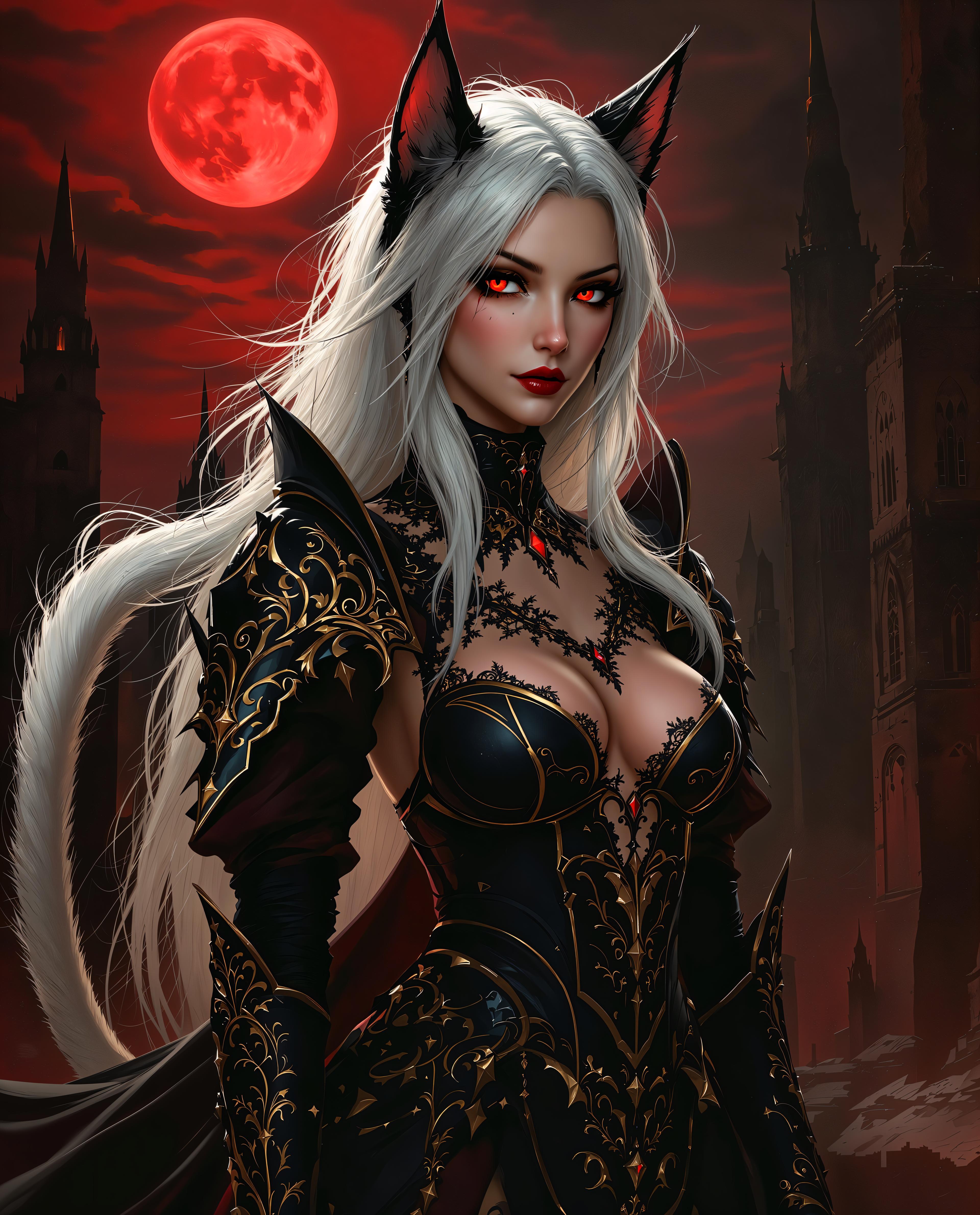
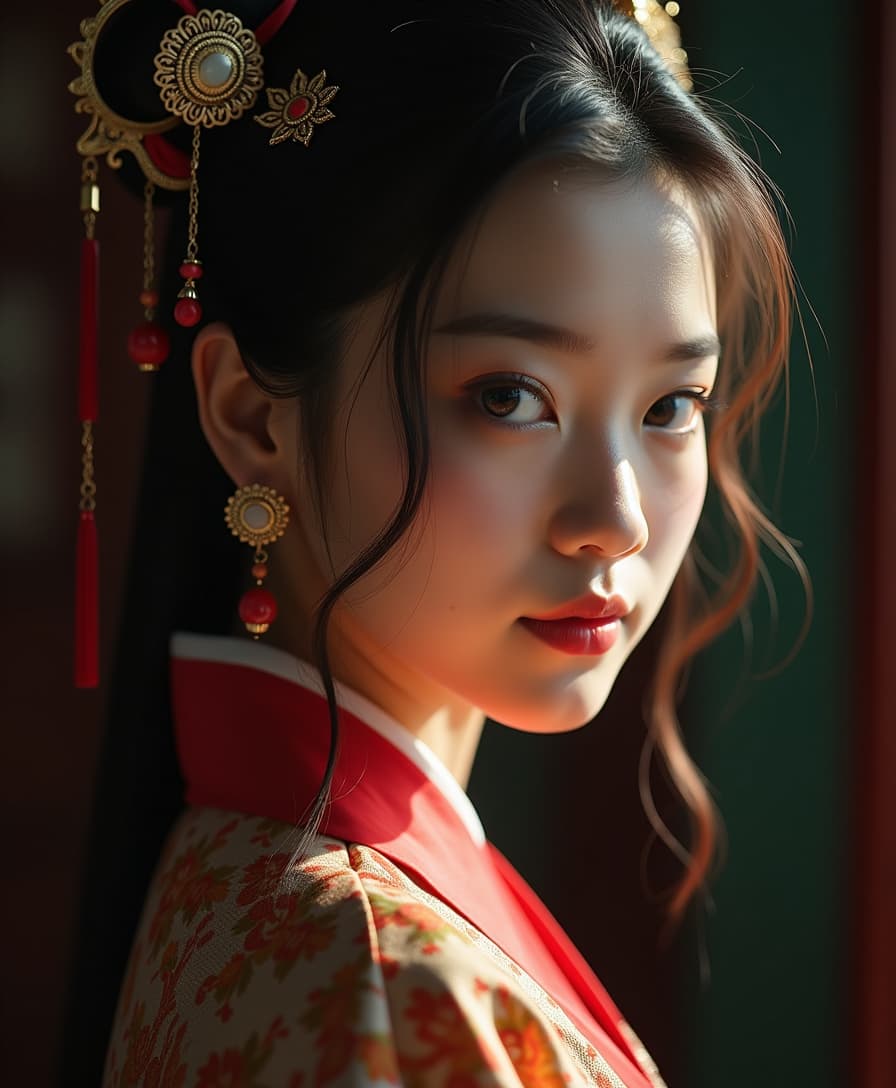
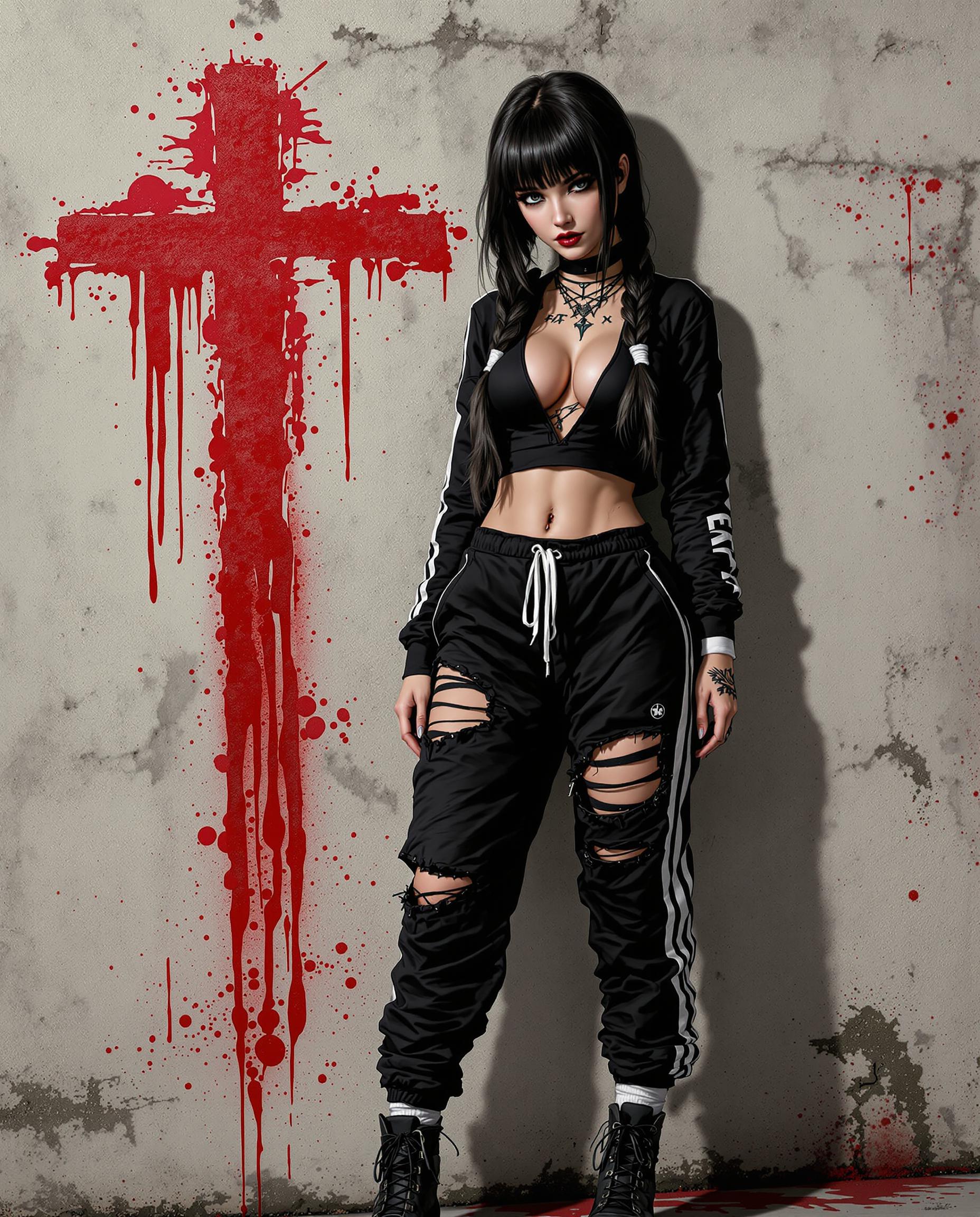
In today's visual-centric world, creating images that seamlessly blend text and graphics is essential for impactful communication. With QWEN Image 2.0 on PixelDojo, you can effortlessly generate photorealistic images featuring realistic text surfaces, perfect for marketing materials, presentations, and more. Experience the power of AI-driven design and bring your creative visions to life.

Join over 10,000 creators who trust PixelDojo for their AI image generation needs. Rated 4.8/5 based on 2,000+ reviews.
Why Choose Pixel Dojo for qwen image 2.0 realistic text surfaces
Professional-quality results with cutting-edge AI technology
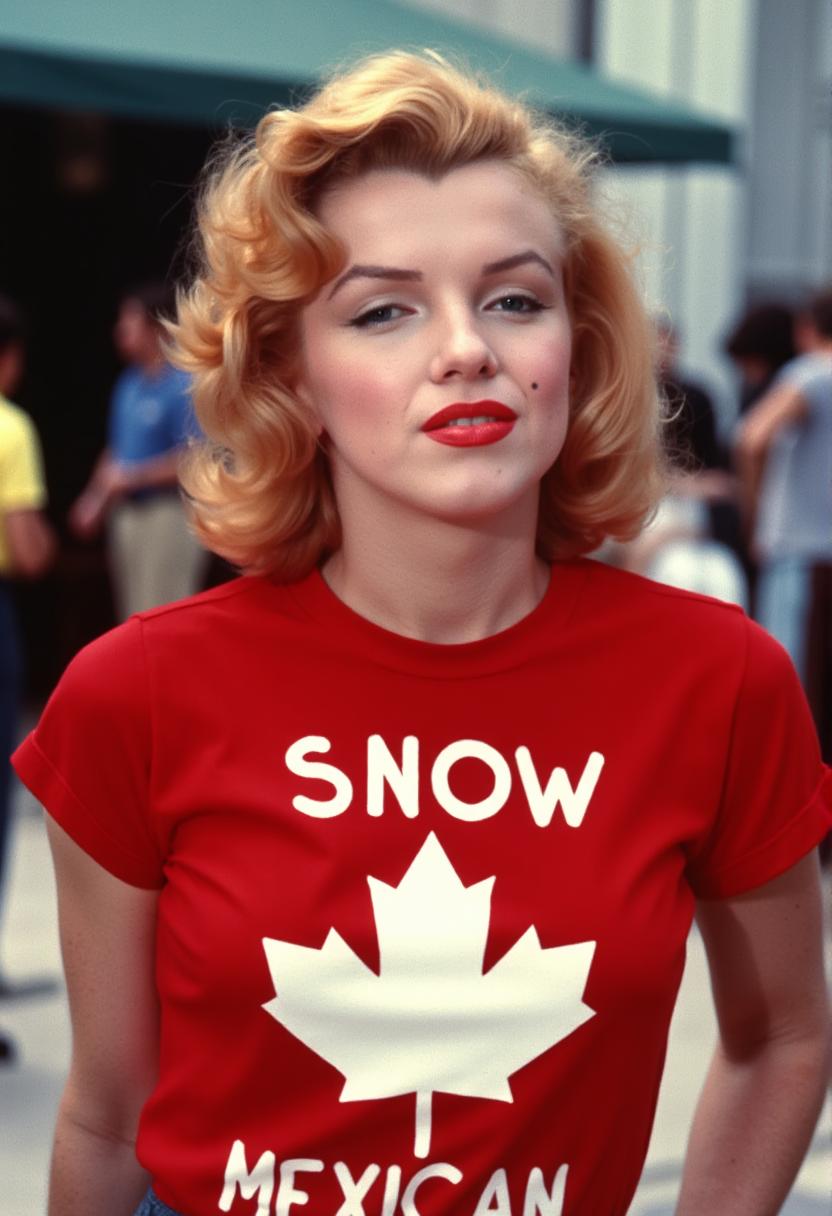
Seamless Text Integration
Achieve flawless incorporation of text into images, ensuring readability and aesthetic harmony.
High-Resolution Outputs
Generate images in native 2K resolution, capturing intricate details and vibrant colors.
Versatile Design Applications
Create diverse visuals, from infographics to posters, with precise text rendering and layout control.
How It Works
Creating realistic text surfaces with QWEN Image 2.0 is a straightforward process on PixelDojo. Follow these steps to bring your ideas to life:
Step 1: Select QWEN Image 2.0 Tool
Navigate to the 'Generate Images' section and choose 'QWEN Image 2.0' from the list of available tools.
Step 2: Input Your Creative Prompt
Describe your desired image, specifying elements like scene, style, and text. For example: 'A vintage travel poster for Paris with the text "Visit Paris" in elegant cursive font.'
Step 3: Customize and Generate
Adjust parameters such as aspect ratio and resolution to fit your needs. Once satisfied, click 'Generate' to create your image.



The Pixel Dojo Advantage
Why PixelDojo's QWEN Image 2.0 stands out for realistic text surface generation:
| Others | Pixel Dojo |
|---|---|
| Traditional Graphic Design Software | Eliminates the need for manual text placement and design adjustments, saving time and effort. |
| Generic AI Image Generators | Offers superior text rendering capabilities, ensuring accurate and aesthetically pleasing results. |
| Manual Photo Editing | Automates the integration of text and images, reducing the complexity and skill required for high-quality outputs. |
Loved by Creators
See what our community says about qwen image 2.0 realistic text surfaces
"PixelDojo's QWEN Image 2.0 transformed our marketing visuals. The realistic text integration is unparalleled."
Alex Johnson
Marketing Director
"As a designer, the ability to generate high-resolution images with precise text rendering has been a game-changer."
Samantha Lee
Graphic Designer
Common Questions
Everything you need to know about qwen image 2.0 realistic text surfaces AI generation
How does QWEN Image 2.0 ensure realistic text rendering?
QWEN Image 2.0 utilizes advanced AI algorithms to accurately render text within images, maintaining proper alignment, font styles, and readability, even in complex layouts.
Can I customize the text style and placement in my images?
Absolutely. You can specify text styles, fonts, and placements in your prompts, and QWEN Image 2.0 will generate images that adhere to your specifications.
Is there a limit to the resolution of images I can generate?
QWEN Image 2.0 supports native 2K resolution, allowing you to create high-quality images suitable for various professional applications.
Do I need prior design experience to use QWEN Image 2.0?
No prior design experience is necessary. The intuitive interface and prompt-based system make it accessible for users of all skill levels.
Can I edit images after generating them with QWEN Image 2.0?
Yes, PixelDojo offers a suite of editing tools that allow you to refine and adjust your images post-generation to meet your exact needs.
Is there a trial period available for PixelDojo's services?
Yes, PixelDojo offers a trial period, allowing you to explore QWEN Image 2.0 and other tools before committing to a subscription.