qwen image edit style transfer AI Generator
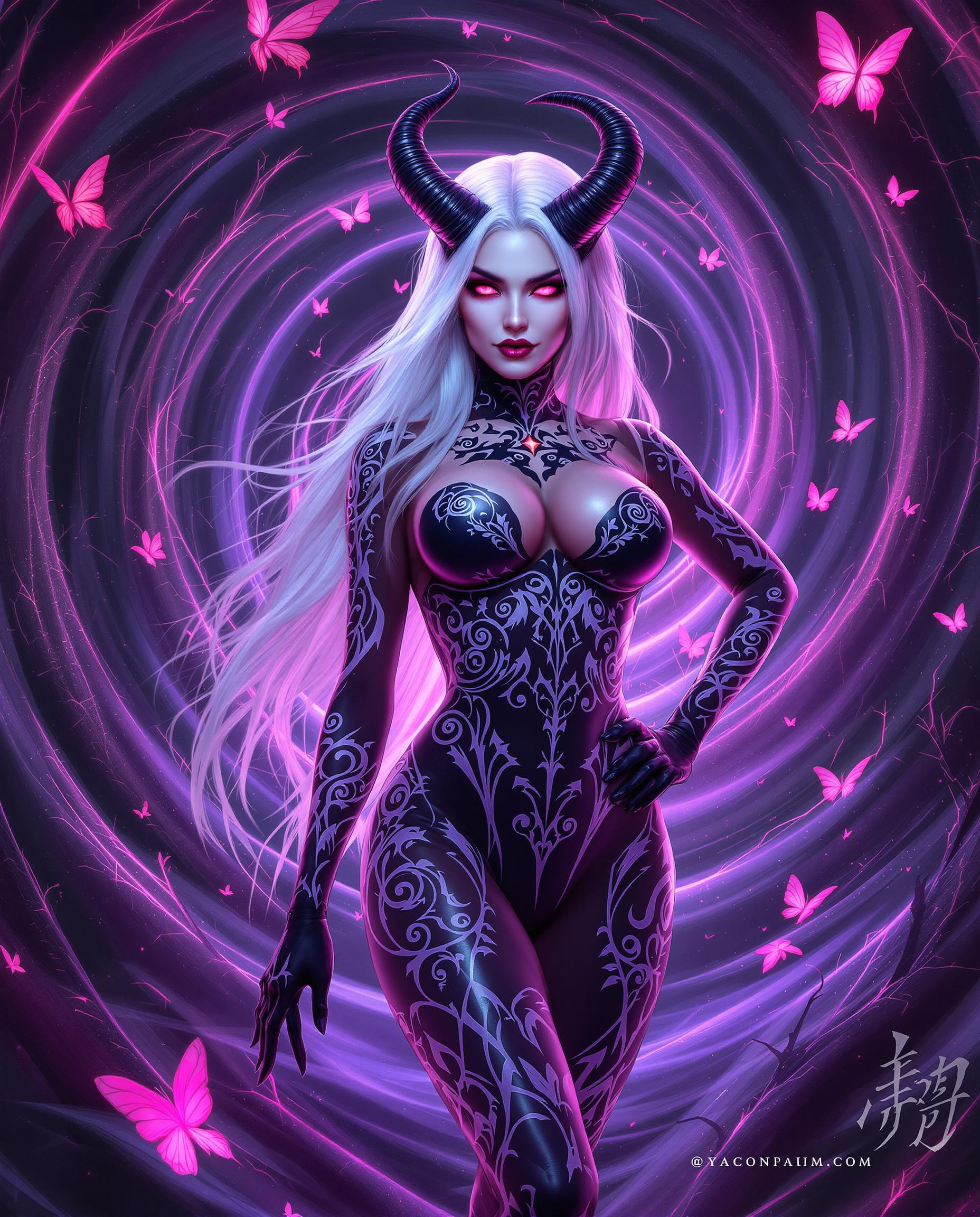
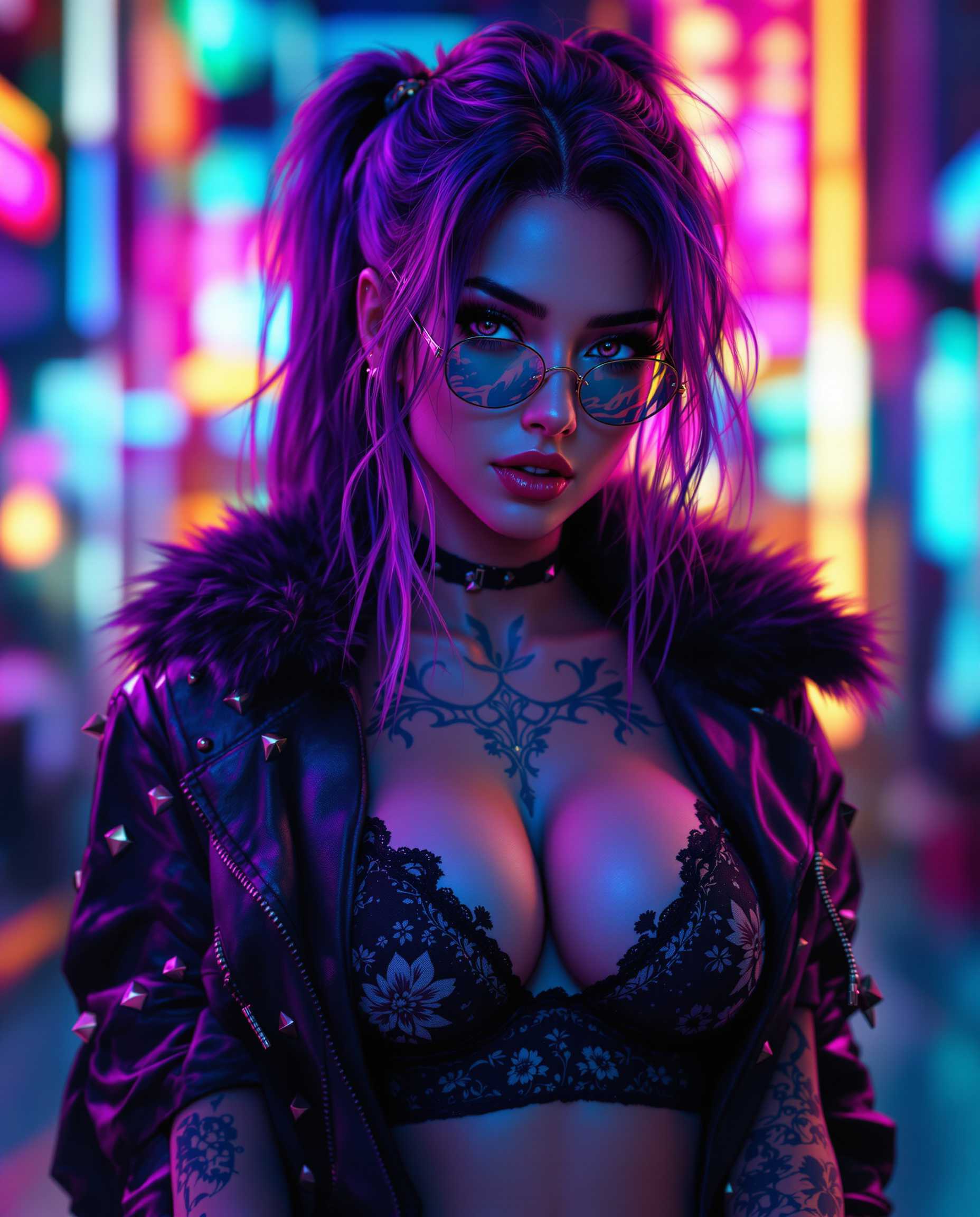
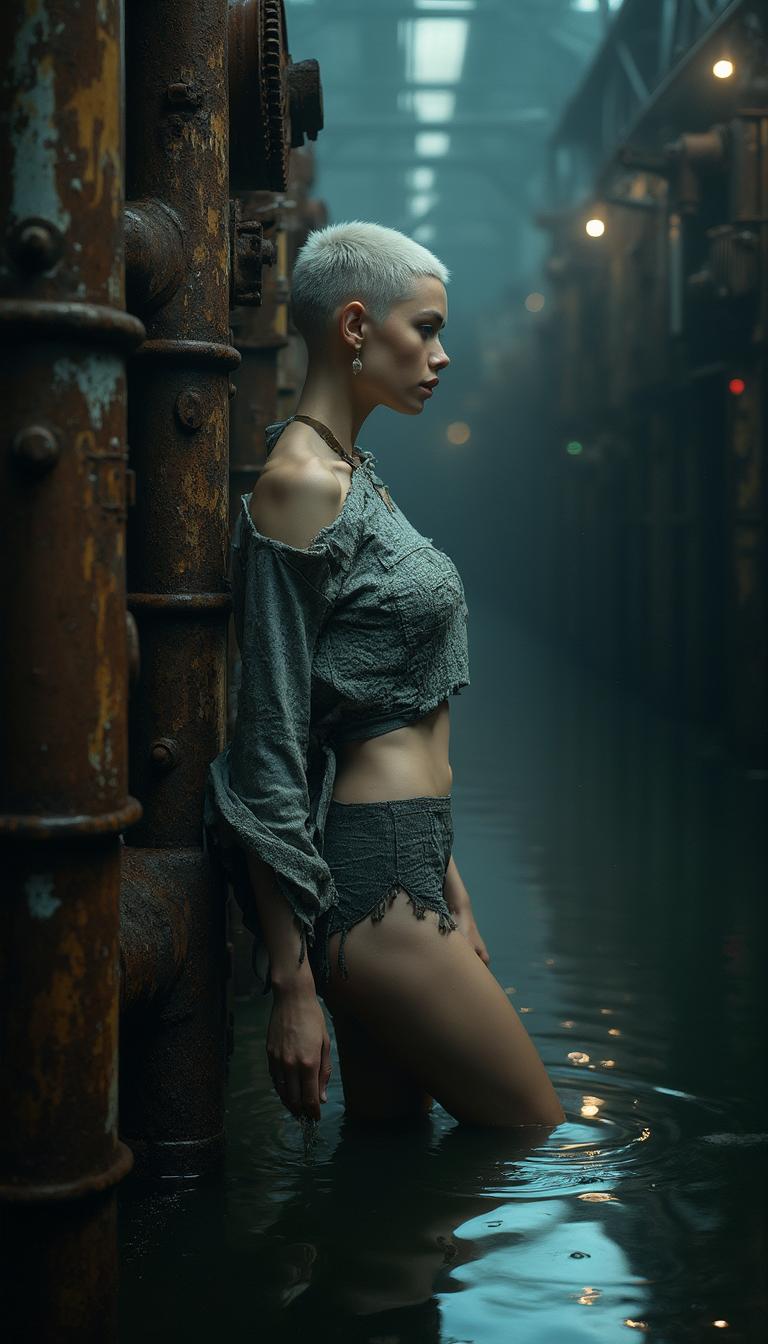
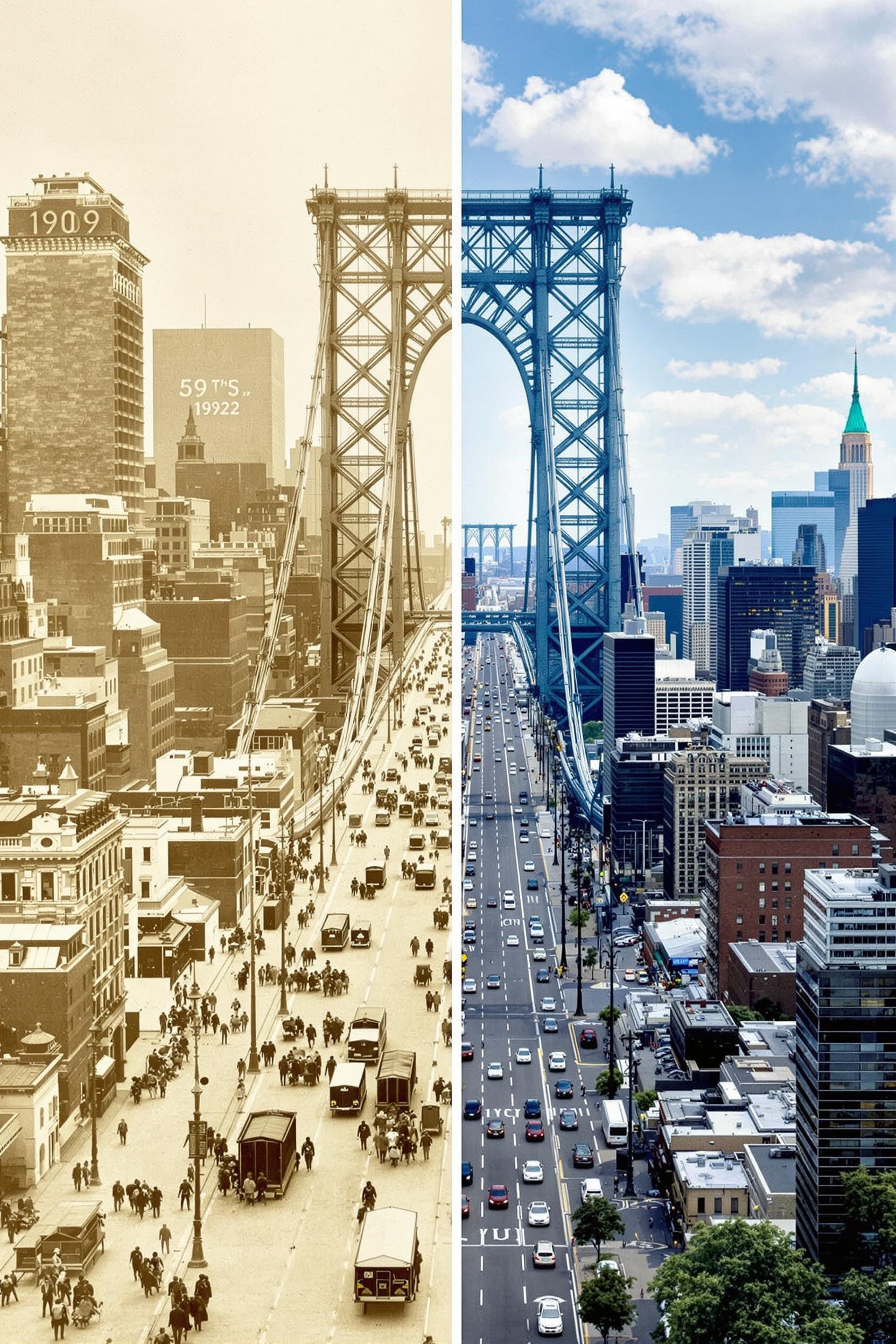
Elevate your visual content by transforming ordinary photos into captivating artworks with PixelDojo's Qwen Image Edit Style Transfer. Our AI-powered tool allows you to seamlessly apply a variety of artistic styles to your images, enhancing their aesthetic appeal and making them stand out.

Join over 10,000 creators who have enhanced their visuals using PixelDojo's AI-powered tools, achieving a 95% satisfaction rate.
Why Choose Pixel Dojo for qwen image edit style transfer
Professional-quality results with cutting-edge AI technology
Effortless Artistic Transformations
Apply diverse artistic styles to your images, from classic paintings to modern digital art, with just a few clicks.
Preserve Image Integrity
Maintain the original content and structure of your images while enhancing their aesthetic appeal.
User-Friendly Interface
No technical skills required—our intuitive platform makes style transfer accessible to everyone.
How It Works
Transforming your images with Qwen Image Edit Style Transfer is simple and straightforward.
Step 1: Upload Your Image
Select and upload the image you wish to transform from your device.
Step 2: Choose a Style
Browse and select from a variety of artistic styles available on PixelDojo.
Step 3: Apply and Download
Apply the chosen style to your image and download the transformed result.













The Pixel Dojo Advantage
Why PixelDojo outperforms other options for AI-driven style transfer
| Others | Pixel Dojo |
|---|---|
| Traditional Image Editing Software | No need for manual adjustments or technical expertise; achieve professional results effortlessly. |
| Generic AI Tools | Specifically designed for style transfer with a wide range of artistic styles and precise control. |
| Manual Artistic Rendering | Save time and resources by automating the style transfer process without compromising quality. |
Loved by Creators
See what our community says about qwen image edit style transfer
"PixelDojo's Qwen Image Edit Style Transfer has revolutionized our marketing visuals, making them more engaging and professional."
Alex Johnson
Marketing Director
"As an artist, I love how PixelDojo allows me to experiment with different styles effortlessly. It's a game-changer!"
Maria Lopez
Digital Artist
Common Questions
Everything you need to know about qwen image edit style transfer AI generation
What is Qwen Image Edit Style Transfer?
Qwen Image Edit Style Transfer is an AI-powered tool on PixelDojo that allows you to apply various artistic styles to your images, transforming them into unique artworks.
Do I need any technical skills to use this tool?
No, PixelDojo's platform is designed to be user-friendly and accessible to everyone, regardless of technical expertise.
Can I use the transformed images for commercial purposes?
Yes, images created using PixelDojo's tools can be used for both personal and commercial projects.
How long does it take to apply a style to an image?
The process is quick and typically takes just a few seconds to apply the chosen style to your image.
Are there any limitations on the number of images I can transform?
PixelDojo offers various subscription plans to suit different needs, allowing you to transform multiple images based on your chosen plan.
Is there a free trial available?
Yes, PixelDojo offers a free trial so you can experience the features and capabilities before committing to a subscription.