Qwen Plus AI image fusion AI Generator
Unlock the power of seamless image blending with PixelDojo's Qwen Plus AI Image Fusion tools. Whether you're a marketer aiming to create compelling product visuals, a designer crafting intricate compositions, or a content creator seeking unique imagery, our advanced AI technology empowers you to merge multiple images effortlessly, resulting in cohesive and captivating visuals.
Join over 10,000 creators who have enhanced their visual content using PixelDojo's AI tools, achieving a 95% satisfaction rate.
Why Choose Pixel Dojo for Qwen Plus AI image fusion
Professional-quality results with cutting-edge AI technology
Effortless Image Merging
Combine multiple images into a single, harmonious composition without the need for complex editing skills.
Consistent Lighting and Perspective
Ensure that merged images maintain uniform lighting and perspective, enhancing the realism of your compositions.
Time-Saving Automation
Automate the image fusion process, significantly reducing the time spent on manual editing tasks.
How It Works
Creating stunning image fusions with PixelDojo is a straightforward process. Follow these steps to transform your visuals:
Step 1: Select Your Images
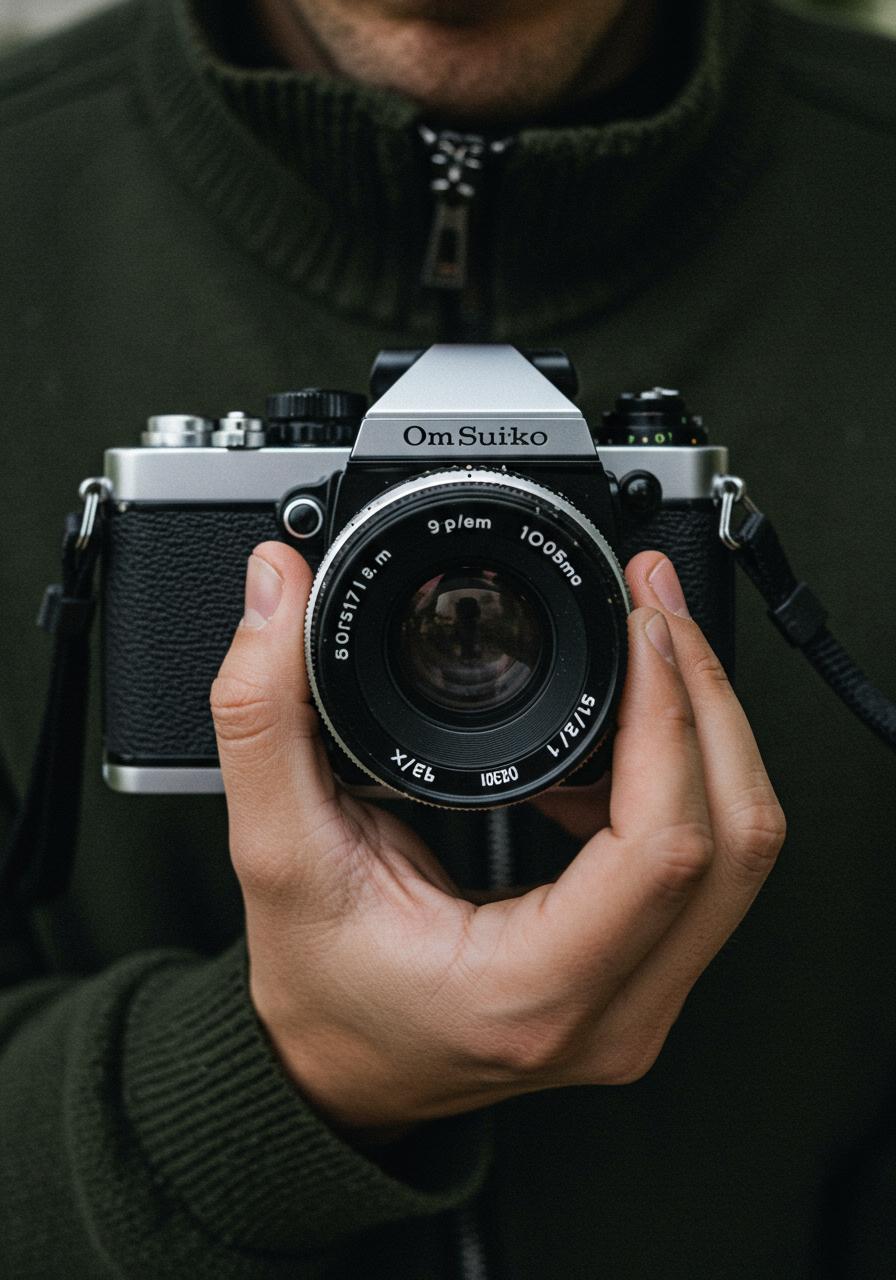
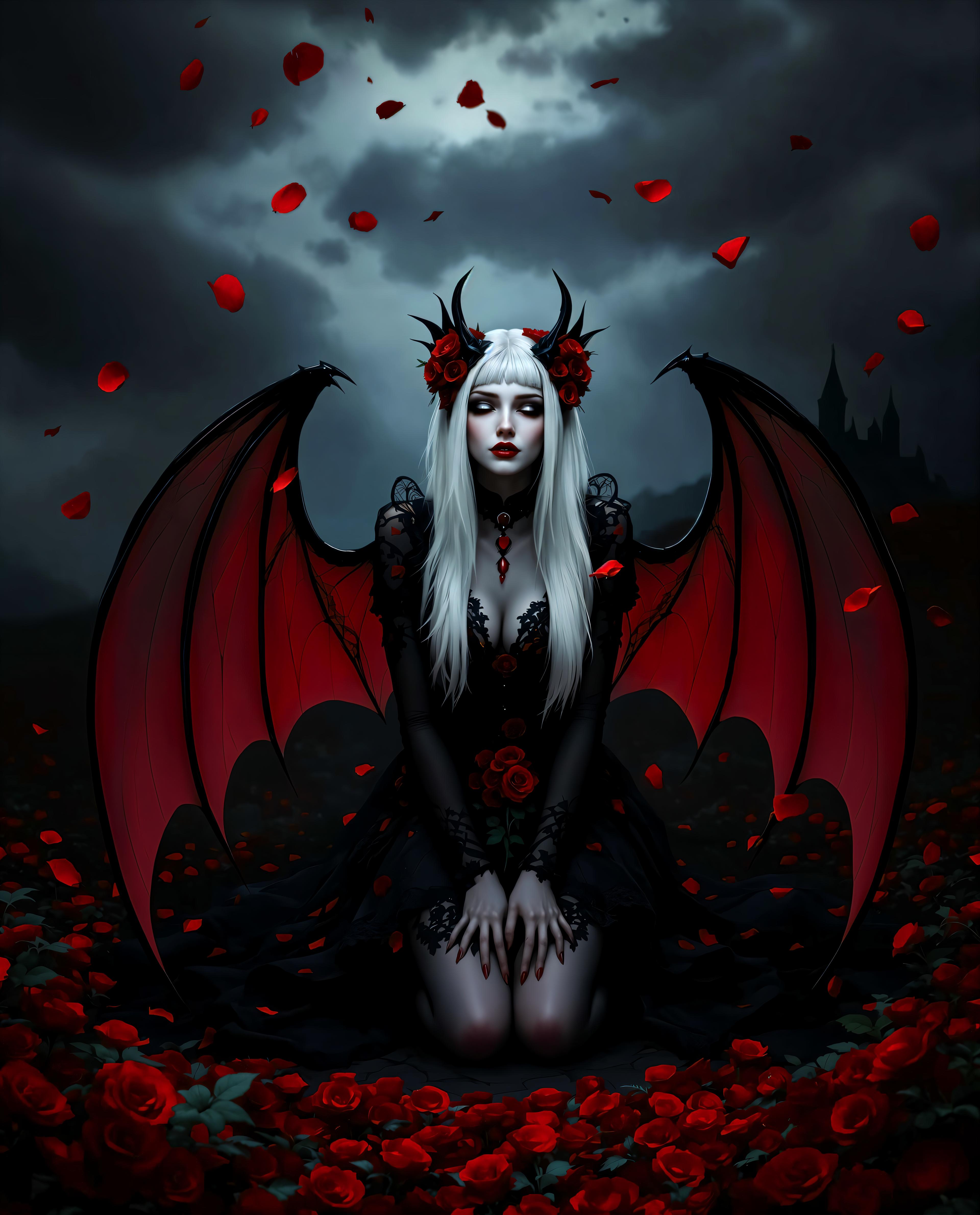
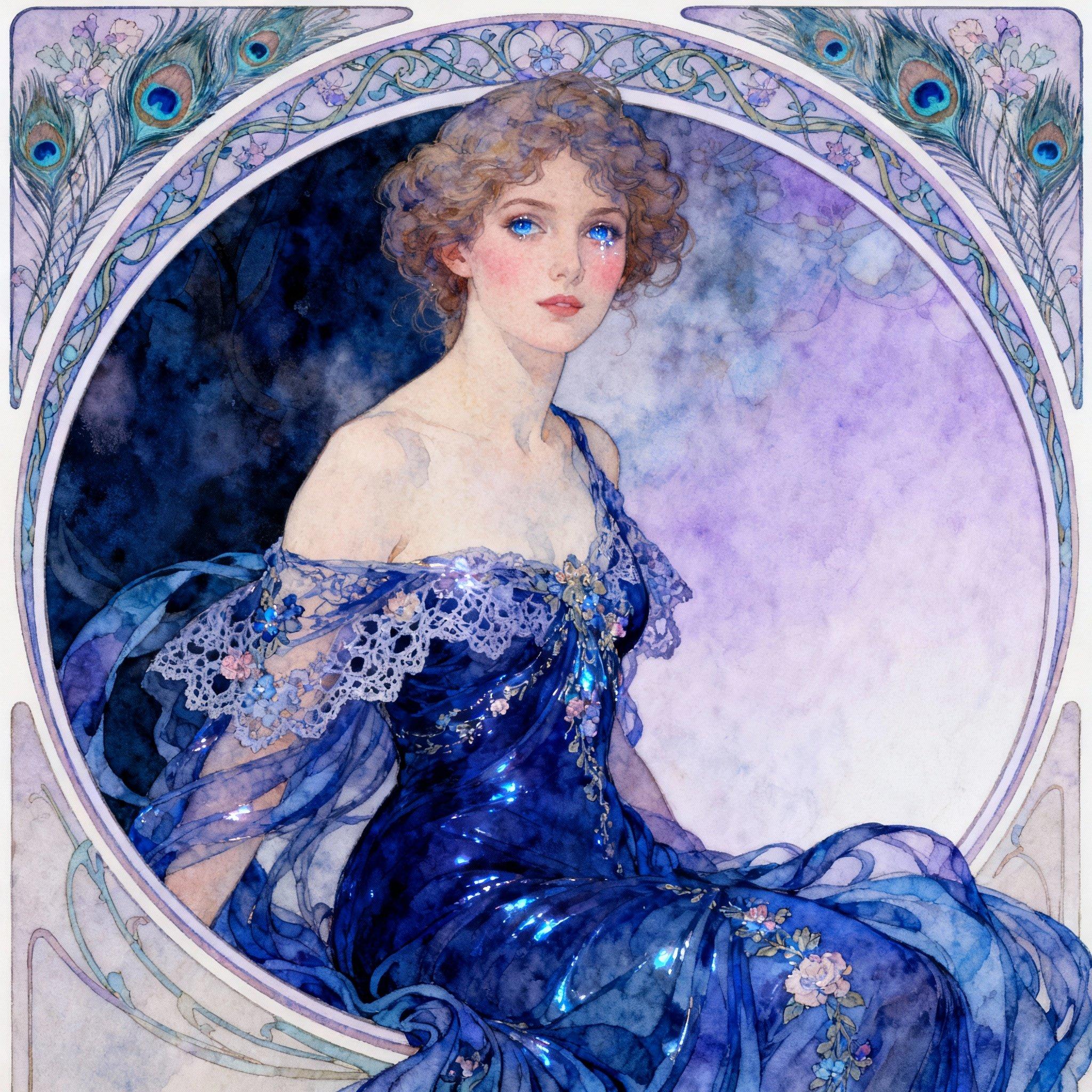
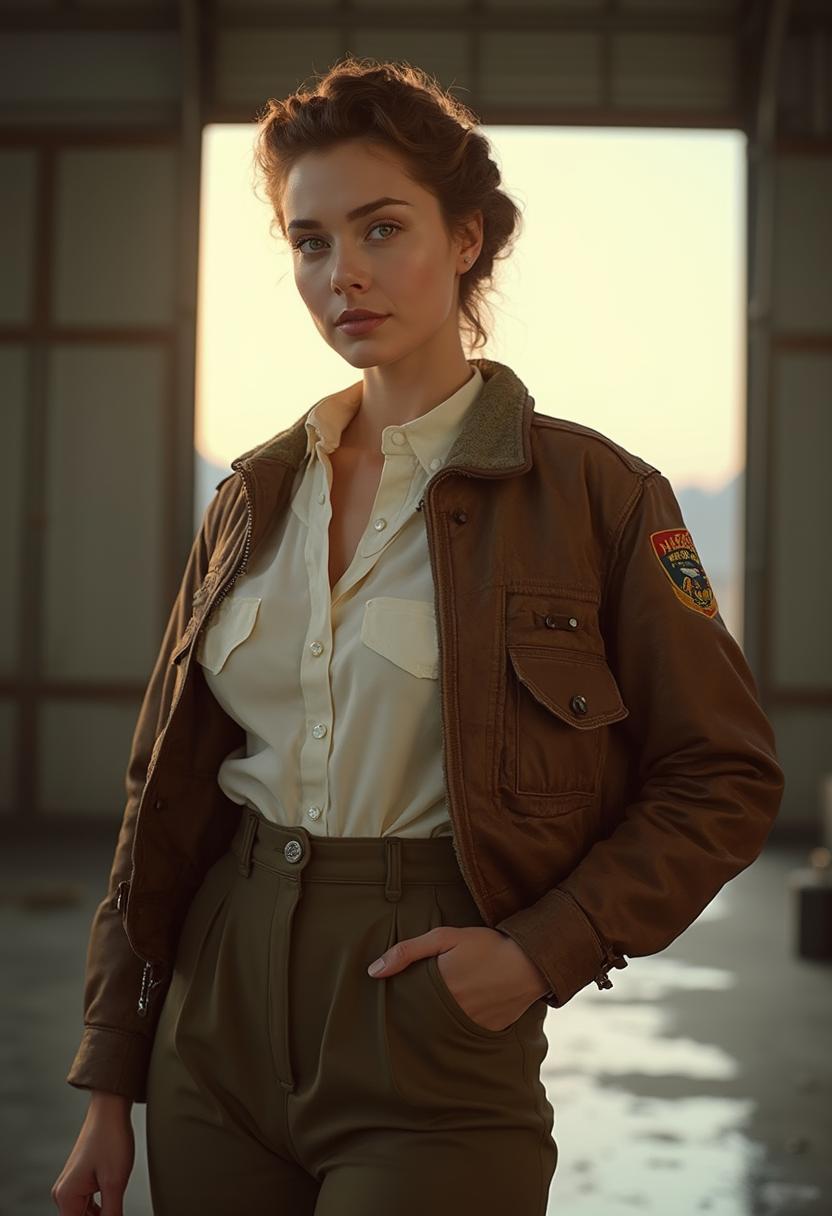
Choose the images you wish to merge. PixelDojo supports uploading multiple images simultaneously for fusion.
Step 2: Define Fusion Parameters
Specify how you want the images to be combined. Options include blending, face fusion, style transfer, and more.
Step 3: Generate and Download
Click 'Process' to let the AI merge your images. Once complete, download your high-quality fused image.
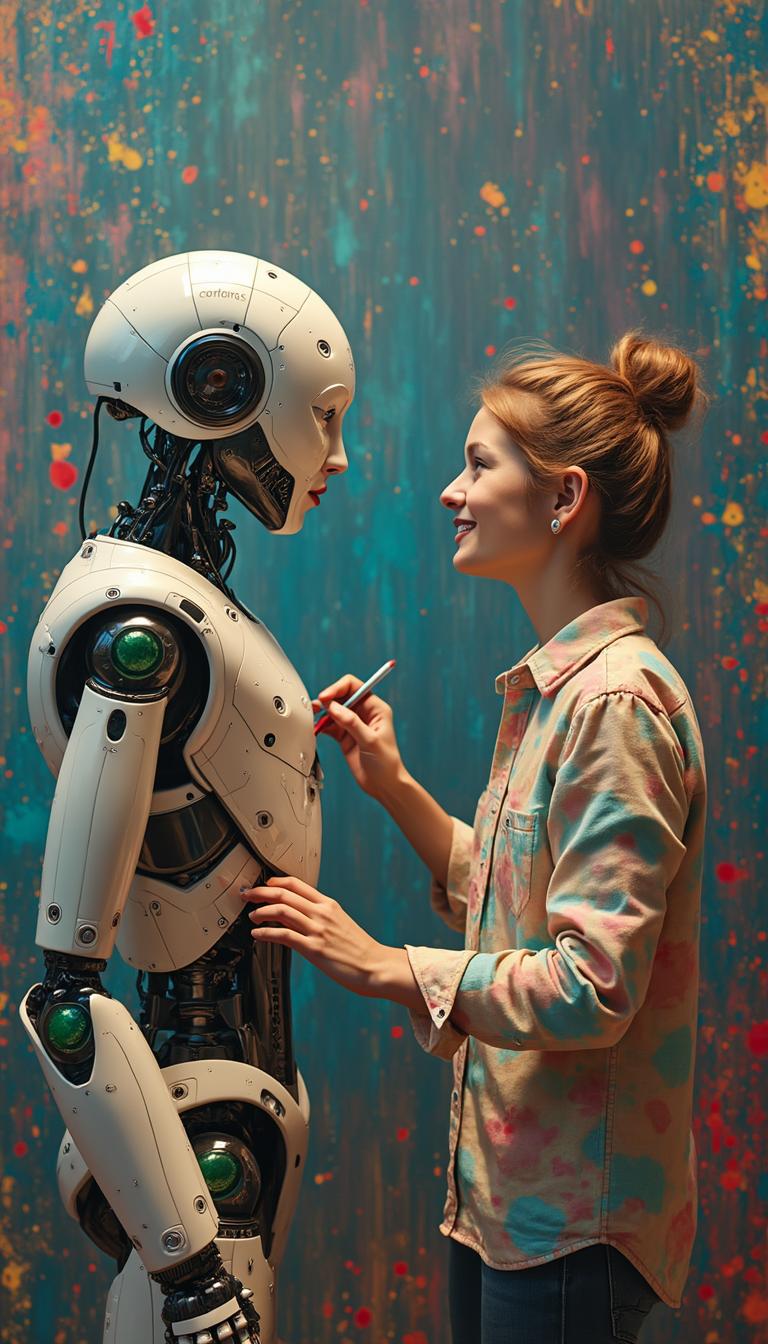

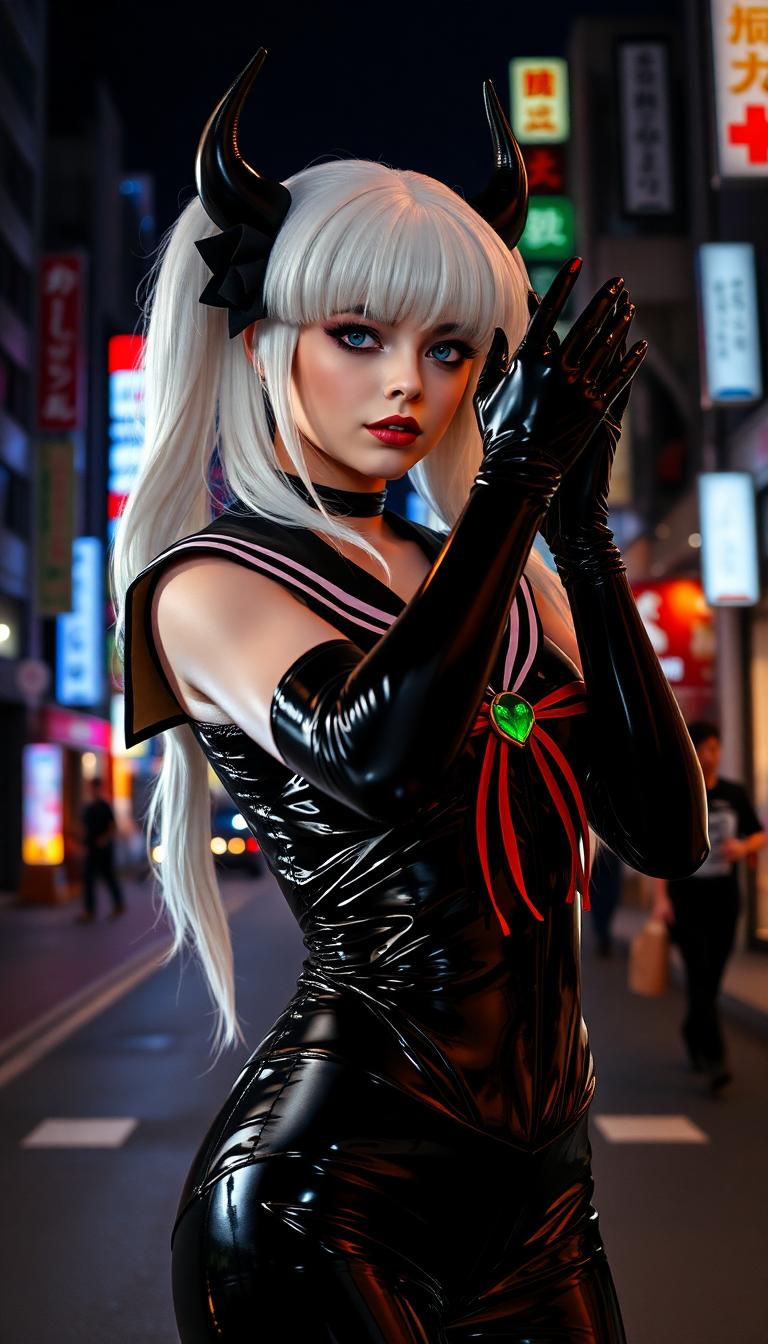
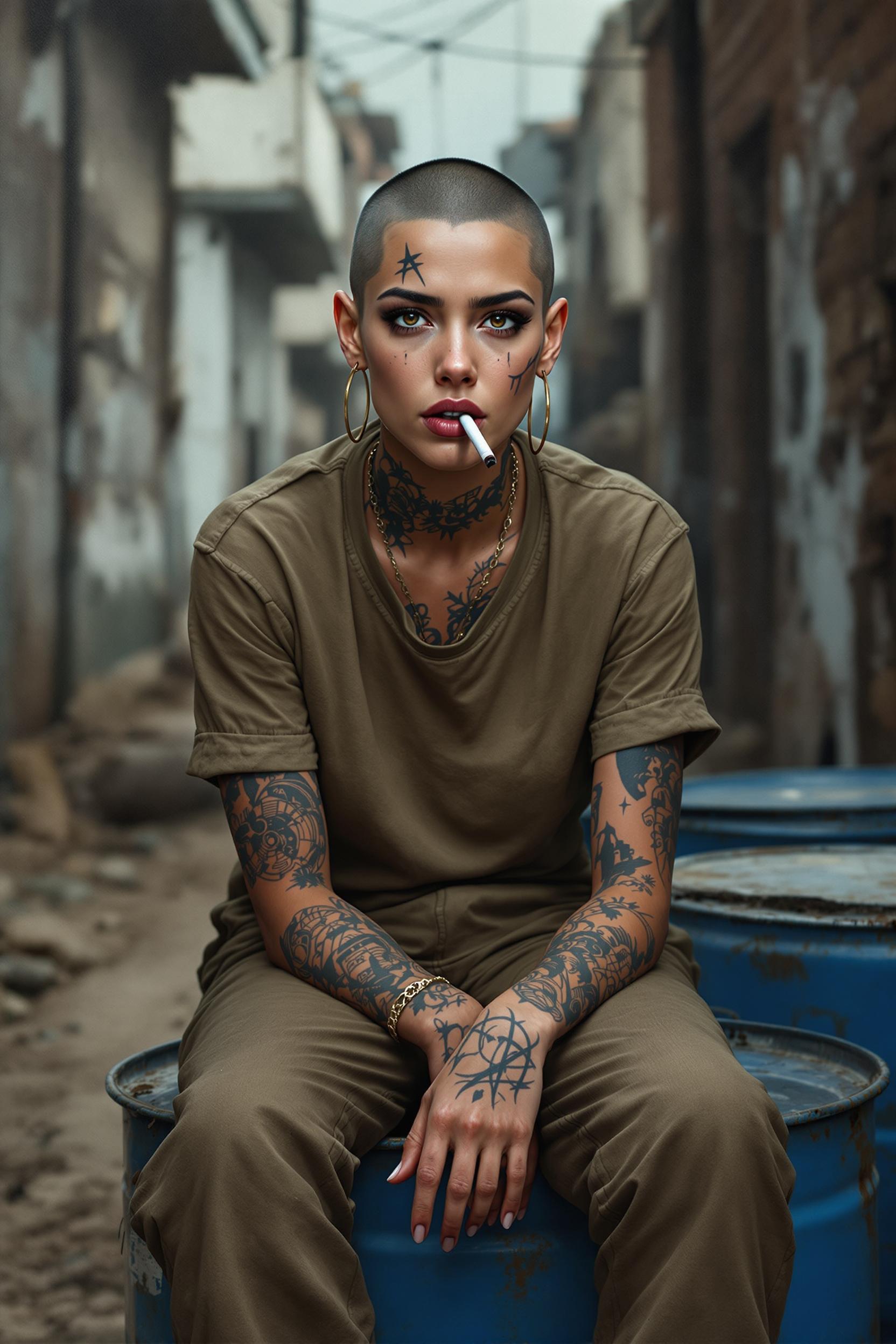
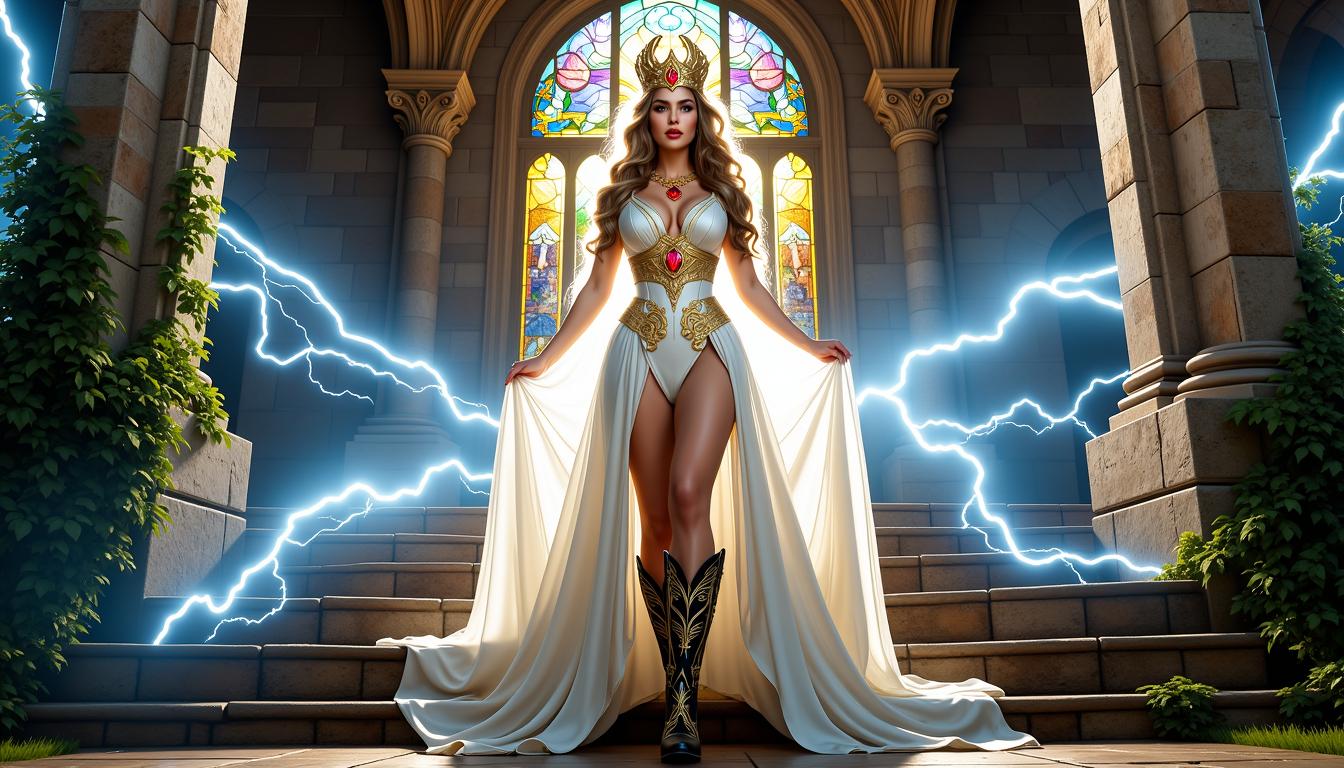
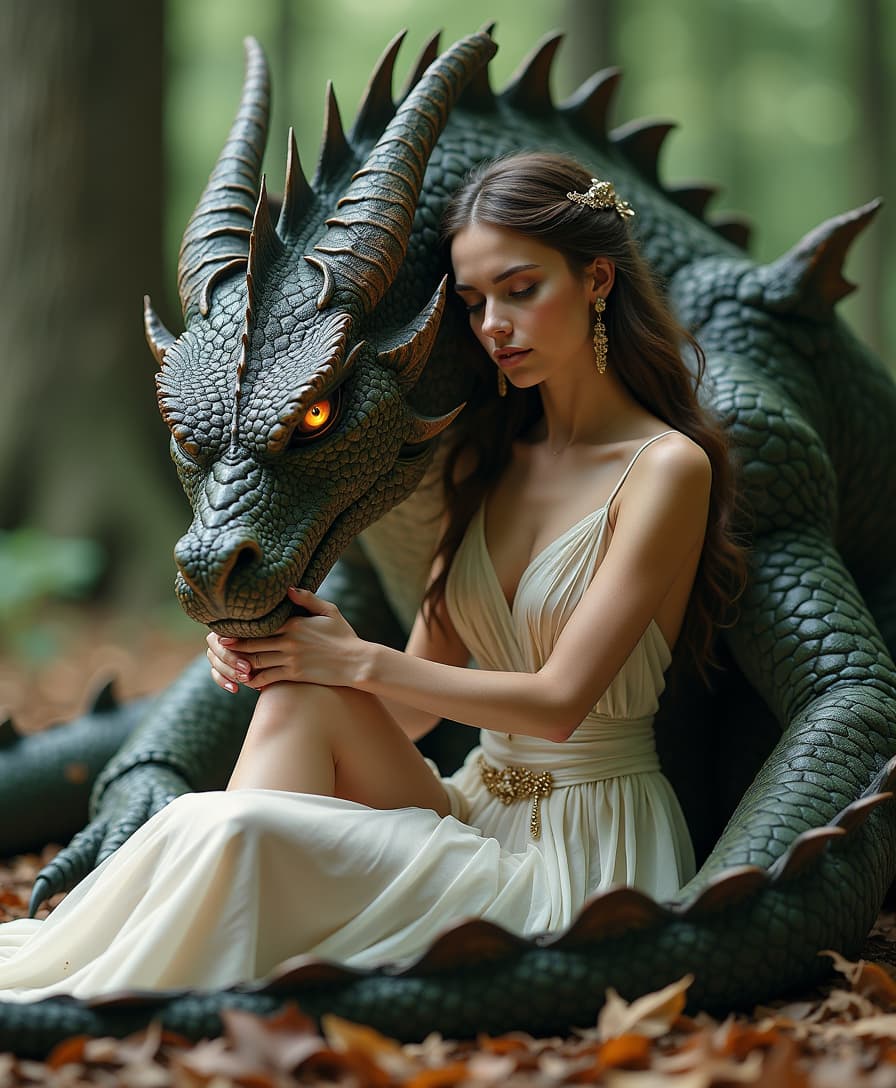
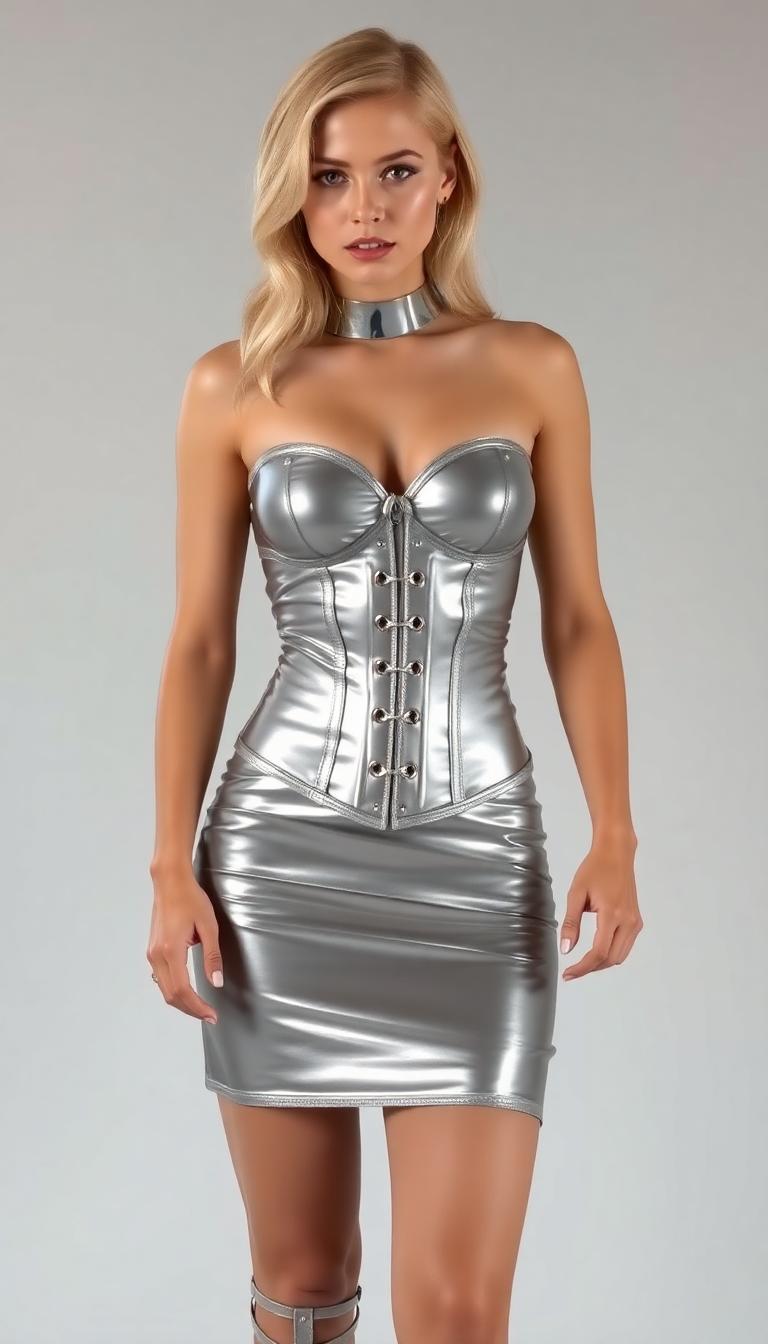
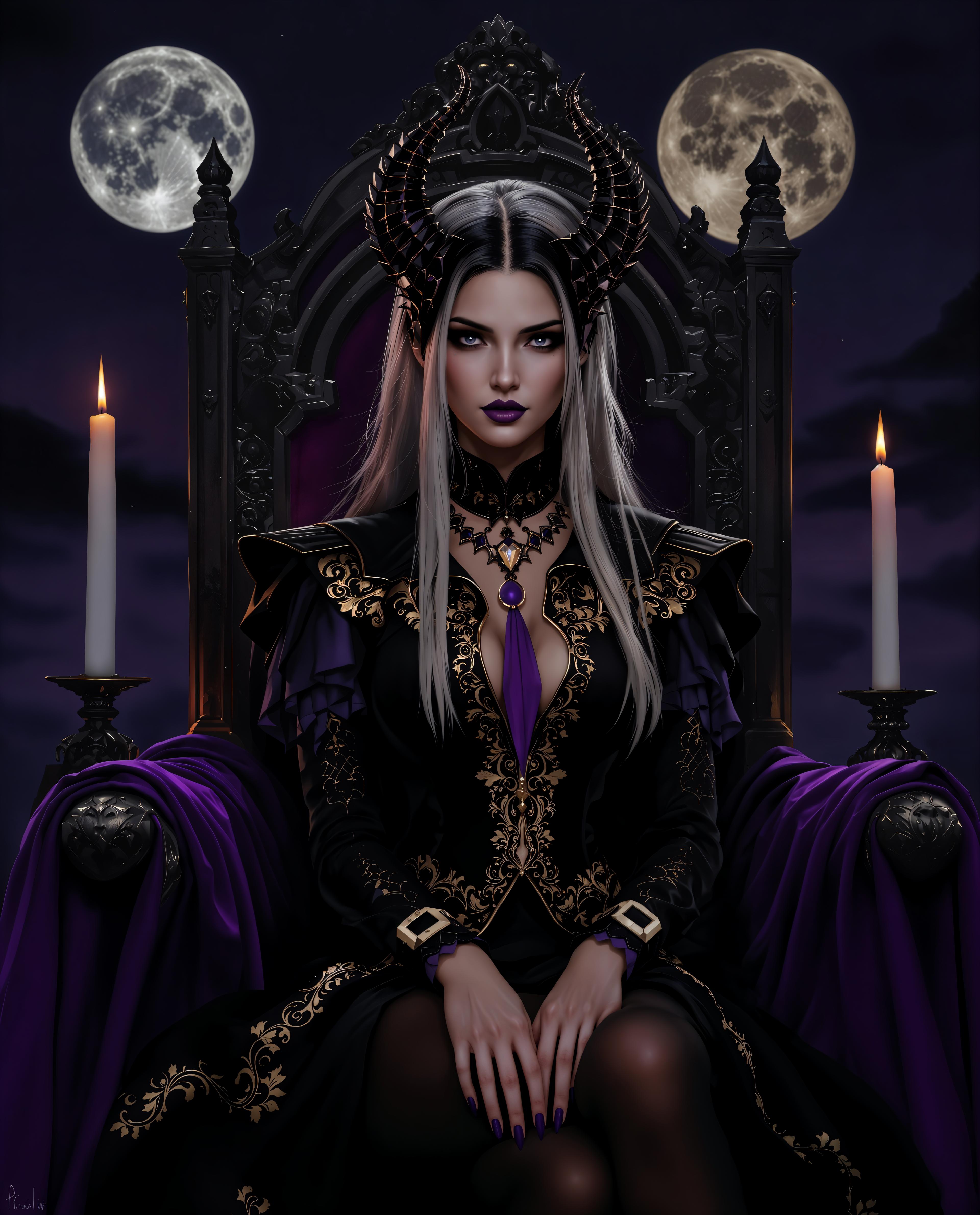

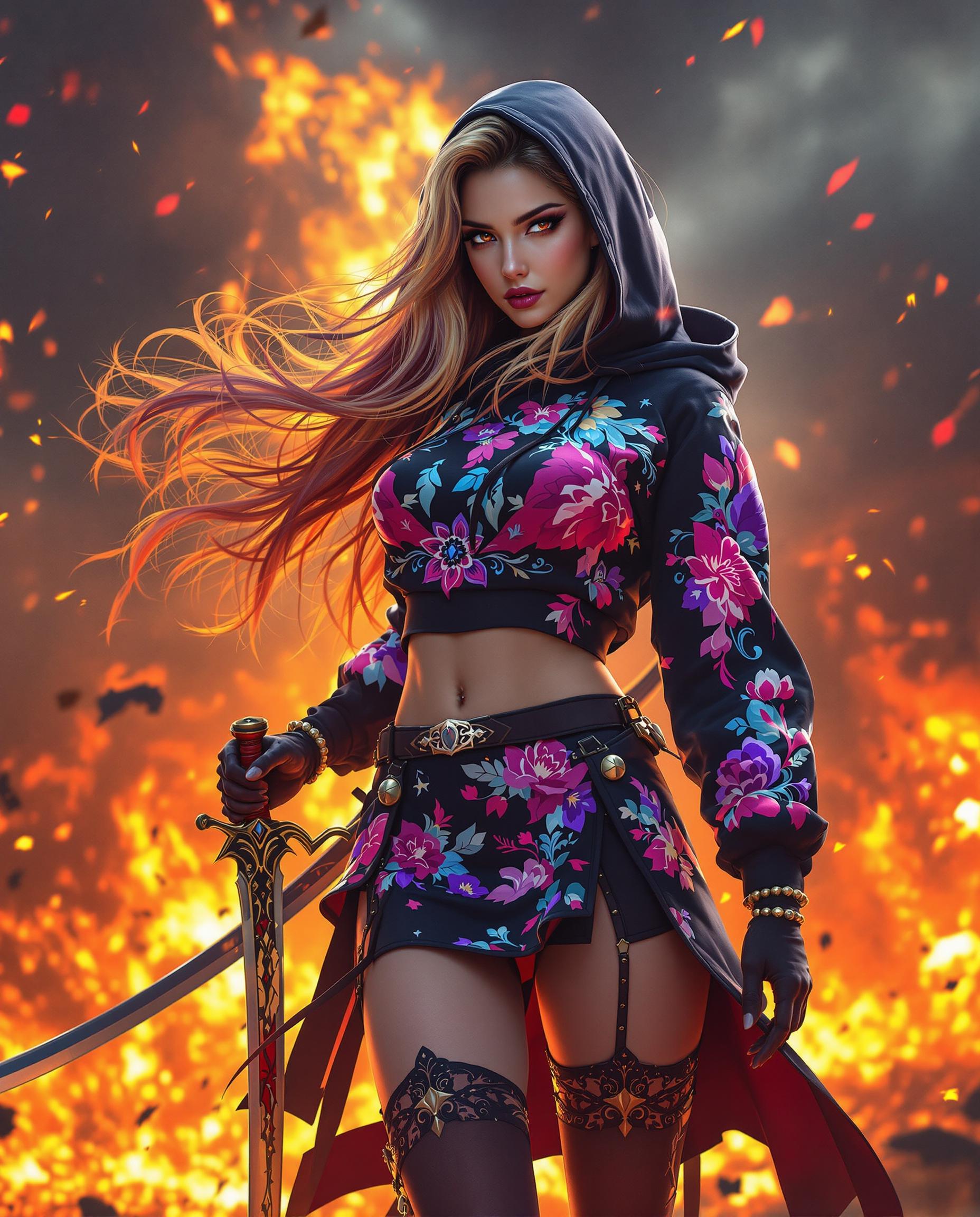

The Pixel Dojo Advantage
Why PixelDojo outperforms other options for AI image fusion:
| Others | Pixel Dojo |
|---|---|
| Traditional Image Editing Software | Eliminates the steep learning curve and time-consuming manual processes associated with traditional editing tools. |
| Generic AI Tools | Offers specialized fusion capabilities tailored for seamless image blending, unlike generic AI tools with limited functionality. |
| Manual Photo Compositing | Automates the complex process of photo compositing, ensuring professional results without extensive effort. |
Loved by Creators
See what our community says about Qwen Plus AI image fusion
"PixelDojo's Qwen Plus AI Image Fusion transformed my workflow. I can now create complex image composites in minutes, saving hours of manual editing."
Alex Johnson
Graphic Designer
"As a marketer, creating engaging visuals is crucial. PixelDojo's AI tools have enabled me to produce high-quality images that resonate with our audience."
Maria Lopez
Marketing Manager
Common Questions
Everything you need to know about Qwen Plus AI image fusion AI generation
How does PixelDojo's Qwen Plus AI Image Fusion work?
PixelDojo utilizes advanced AI algorithms to analyze and merge multiple images, ensuring consistent lighting, perspective, and seamless blending for professional-quality results.
Can I customize the fusion process?
Yes, PixelDojo offers various fusion options, including blending, face fusion, style transfer, and more, allowing you to tailor the process to your specific needs.
What image formats are supported?
PixelDojo supports JPEG, PNG, and WebP formats, accommodating a wide range of image types for your fusion projects.
Is there a limit to the number of images I can merge?
You can upload and merge between 2 to 10 images per fusion process, providing flexibility for various project sizes.
How long does the fusion process take?
The processing time typically ranges from 1 to 2 minutes, depending on the number of images and the complexity of the fusion.
Is PixelDojo suitable for beginners?
Absolutely. PixelDojo's intuitive interface and automated processes make it accessible for users of all skill levels, from beginners to professionals.