stable diffusion lora model AI Generator
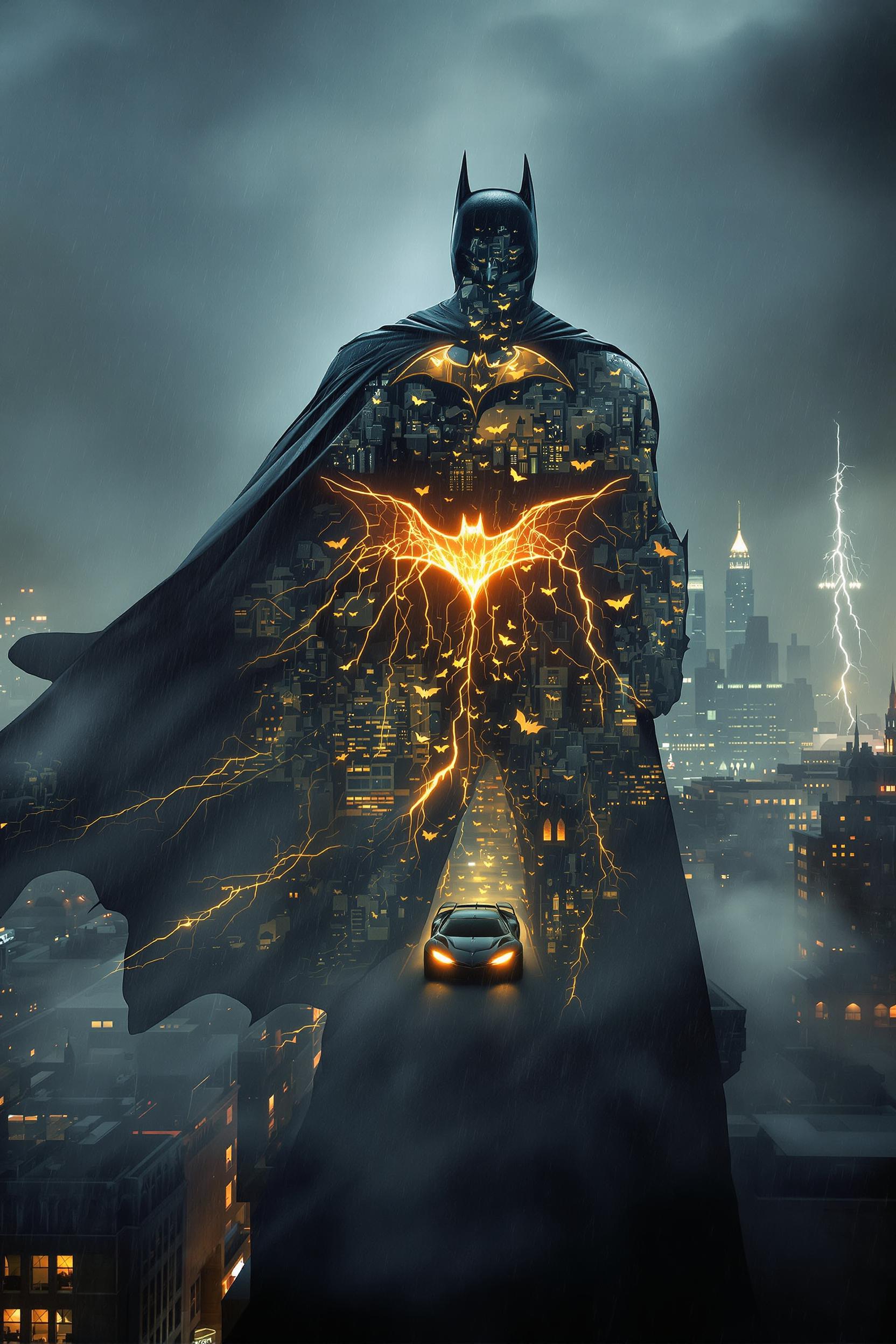
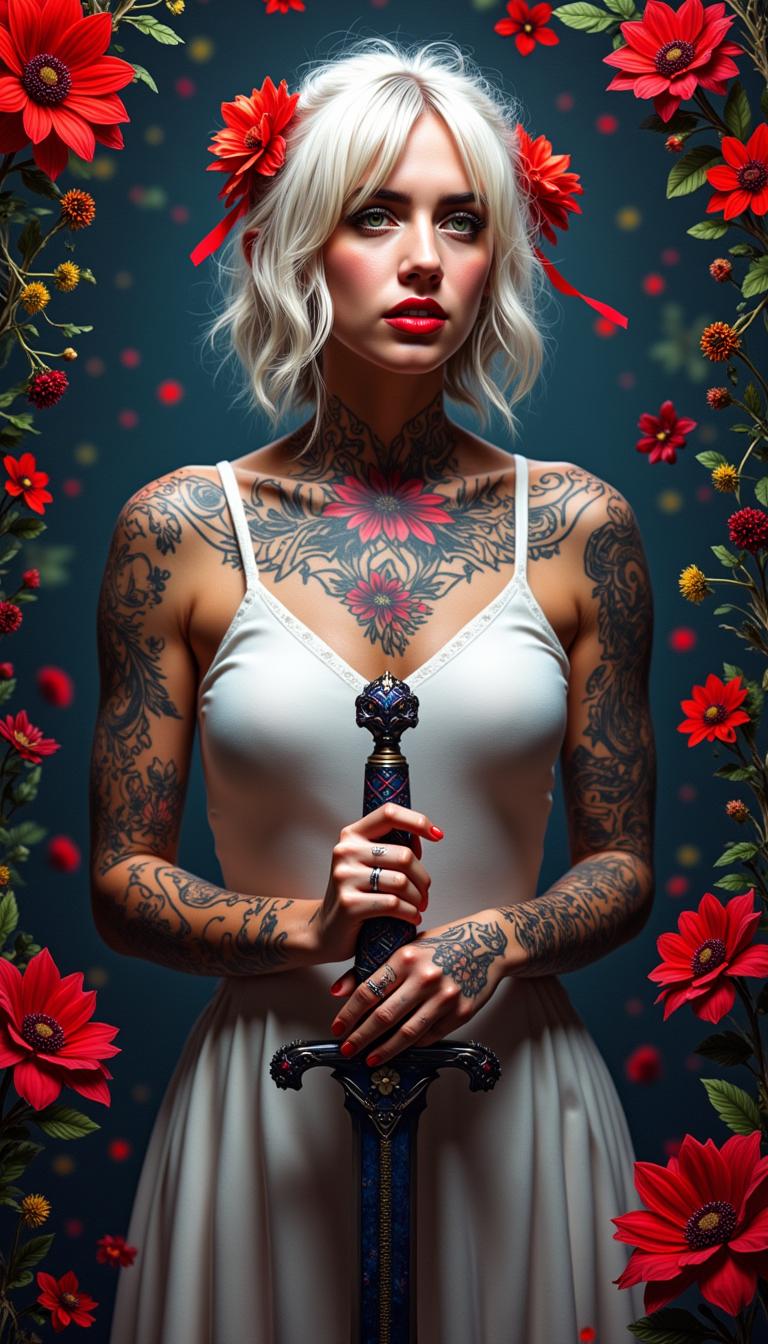
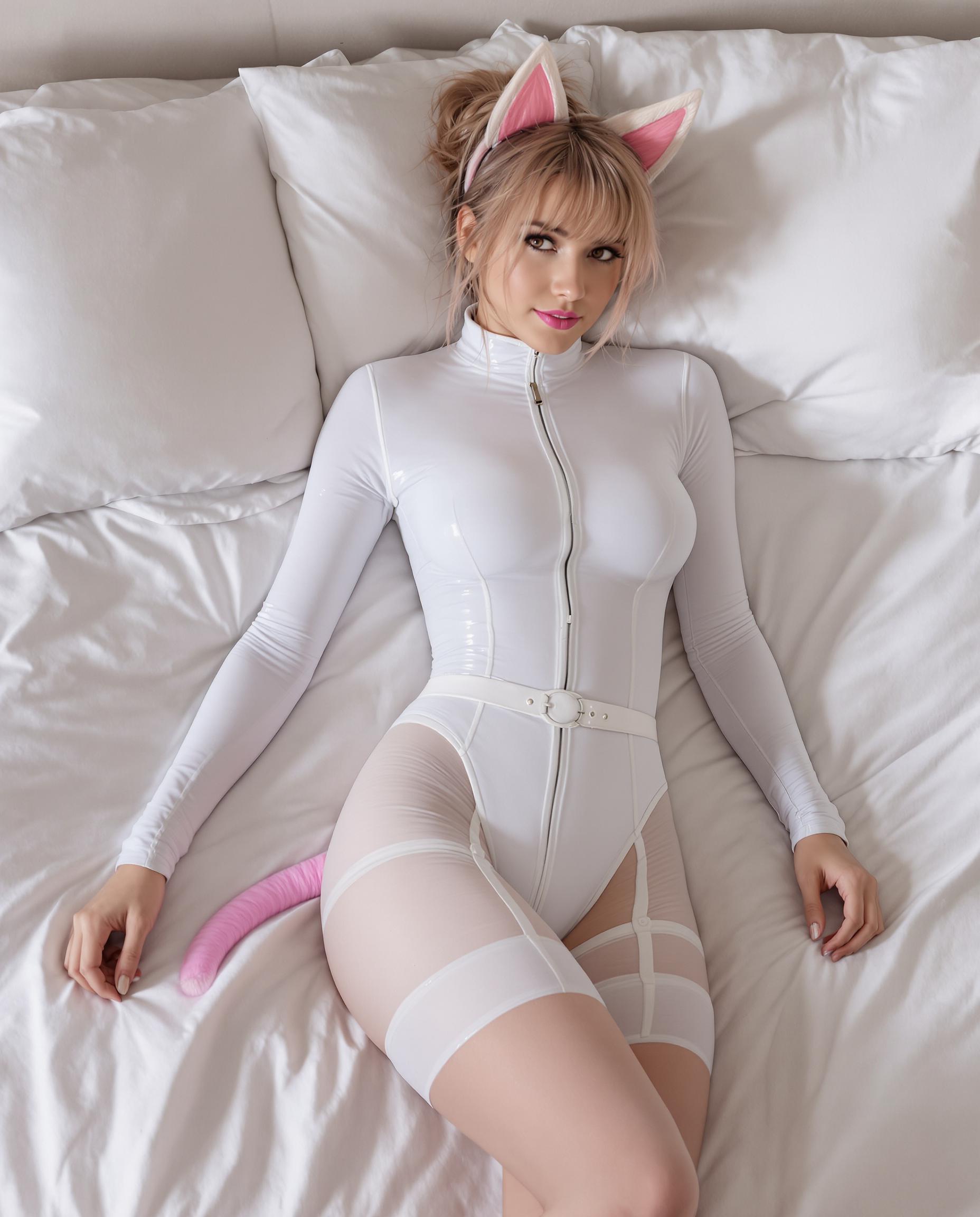
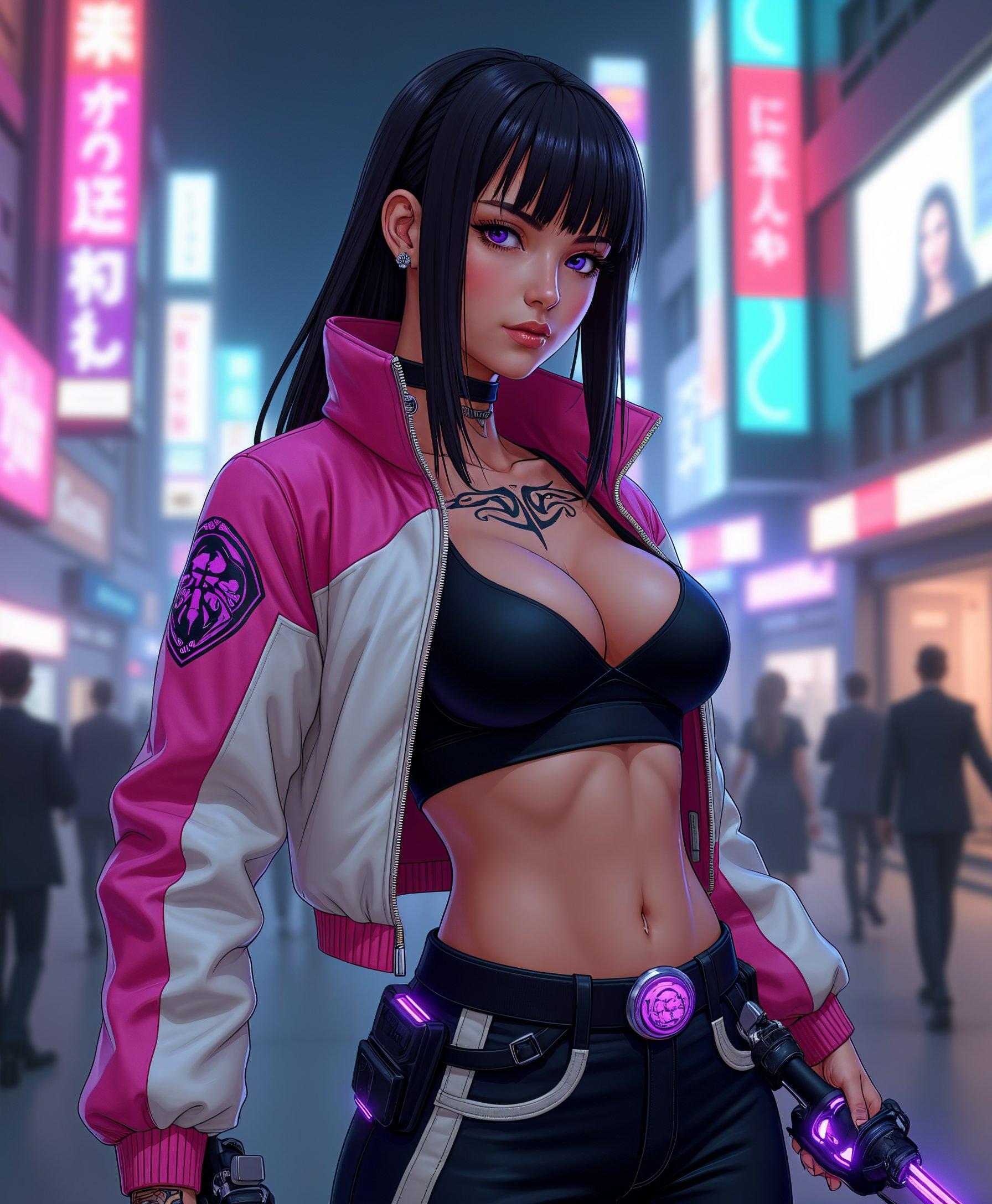
Imagine effortlessly creating AI-generated images that perfectly align with your unique vision. With PixelDojo's Stable Diffusion LoRA models, you can achieve personalized art styles, consistent character designs, and intricate details without the need for extensive technical expertise. Our platform empowers you to bring your creative ideas to life with precision and ease.
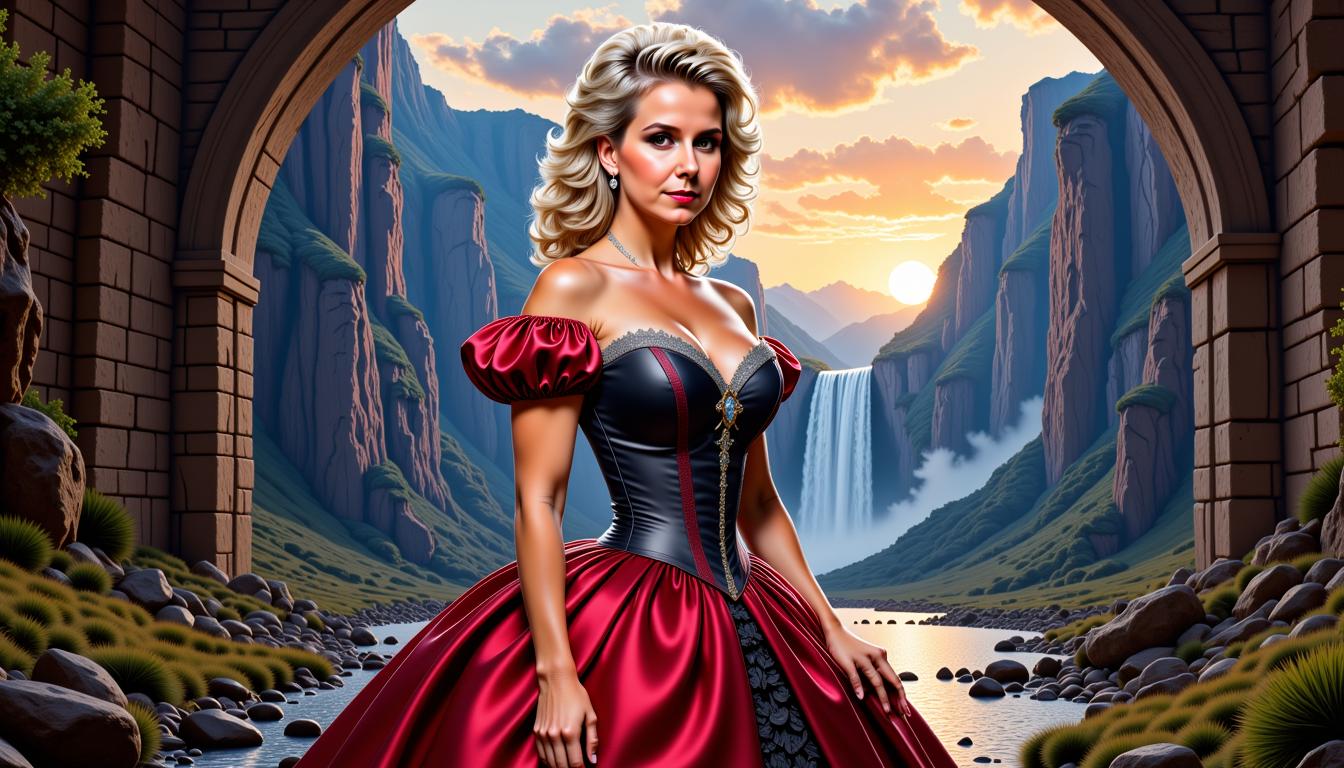
Join over 10,000 creators who have enhanced their projects using PixelDojo's AI tools, achieving a 95% satisfaction rate and generating over 1 million custom images.
Why Choose Pixel Dojo for stable diffusion lora model
Professional-quality results with cutting-edge AI technology
Personalized Artistic Styles
Tailor your AI-generated images to match specific artistic styles, from classic paintings to modern digital art, ensuring your creations stand out.
Consistent Character Design
Maintain character consistency across various images, perfect for storytelling, branding, or game development projects.
Efficient and Cost-Effective
Reduce the time and resources needed for image generation, allowing you to focus more on creativity and less on technical details.
How It Works
Creating customized images with PixelDojo's Stable Diffusion LoRA models is a straightforward process. Follow these steps to bring your ideas to life:
Step 1: Select Your LoRA Model
Choose from a variety of LoRA models tailored to different styles and subjects. For instance, use the 'Character Stylist' tool to apply specific character designs.
Step 2: Input Your Creative Prompt
Enter a descriptive prompt that outlines your desired image. The more detailed your prompt, the more accurate the generated image will be.
Step 3: Generate and Refine
Click 'Generate' to produce your image. Utilize tools like 'Inpainting' or 'Outpainting' to make any necessary adjustments or enhancements.
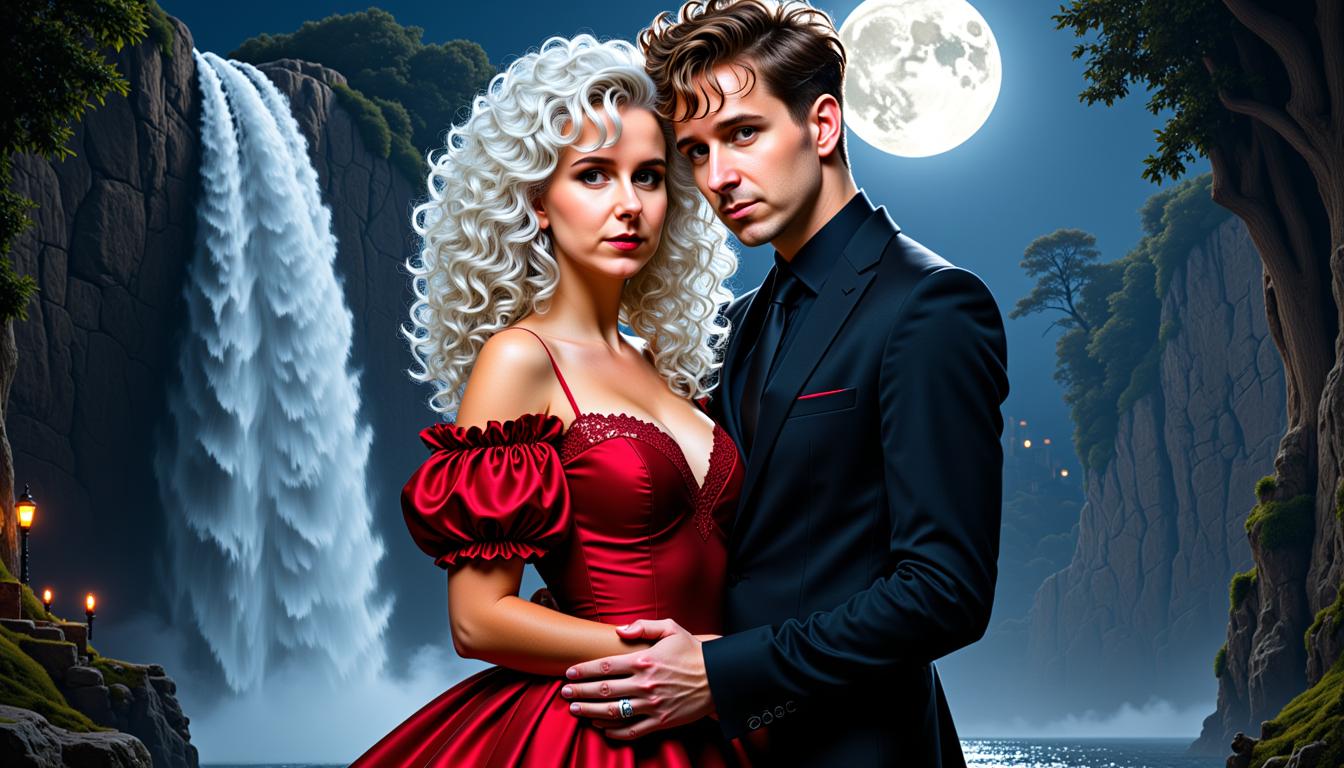
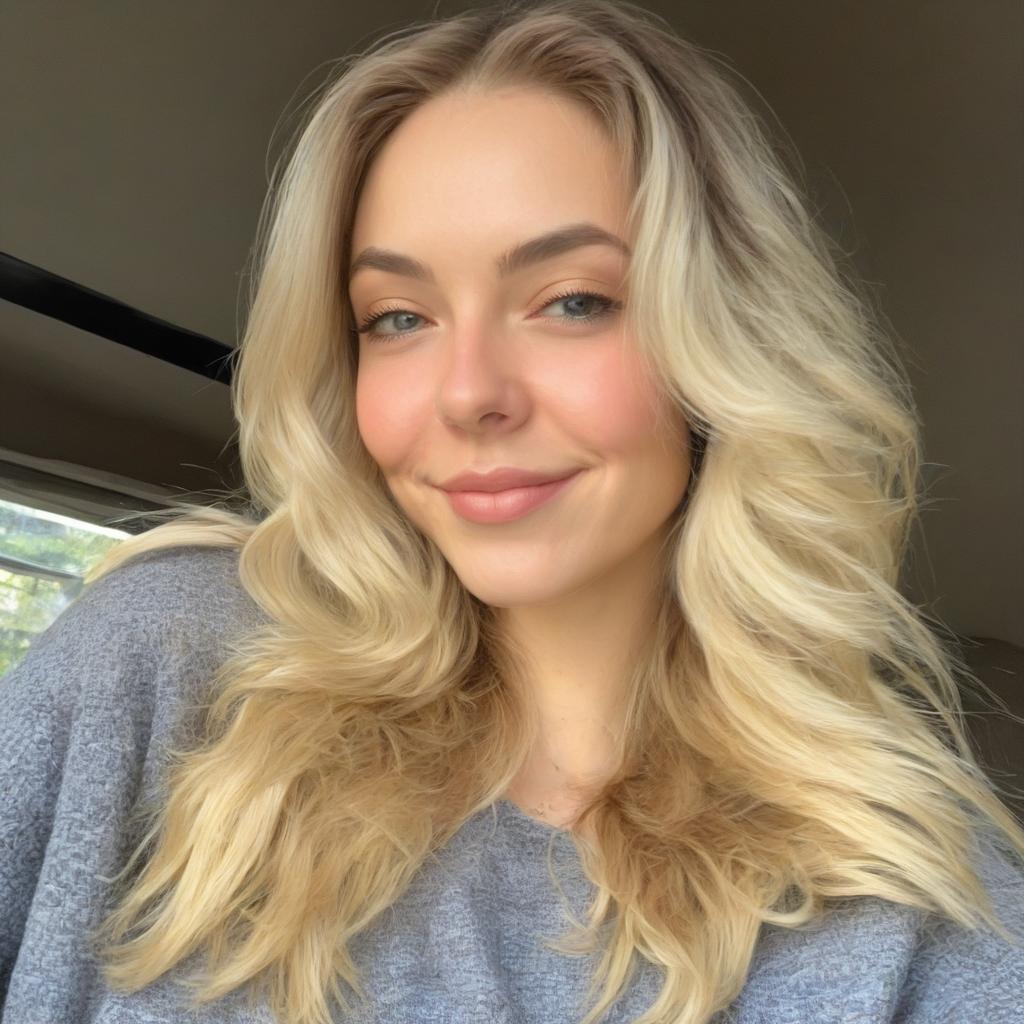
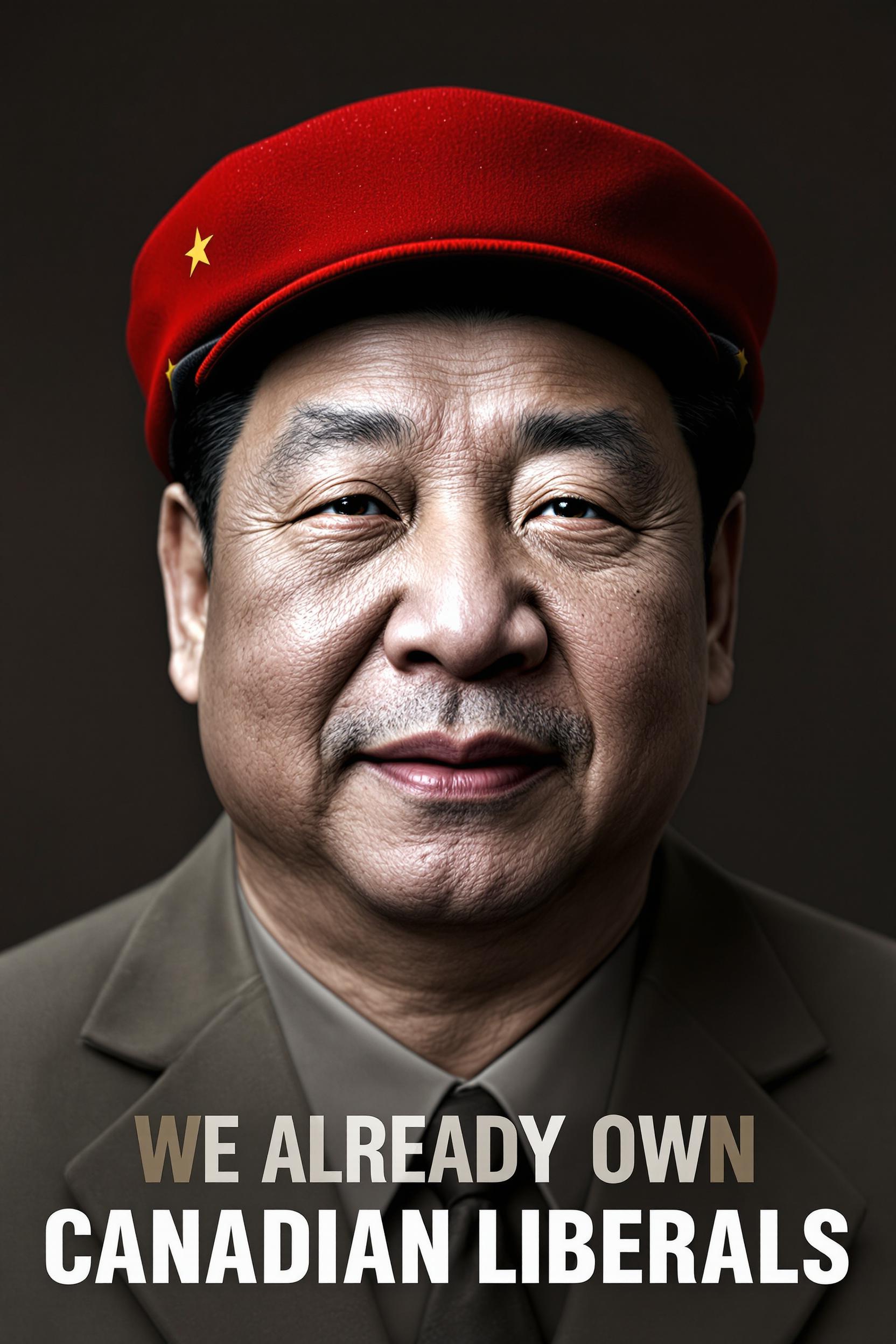
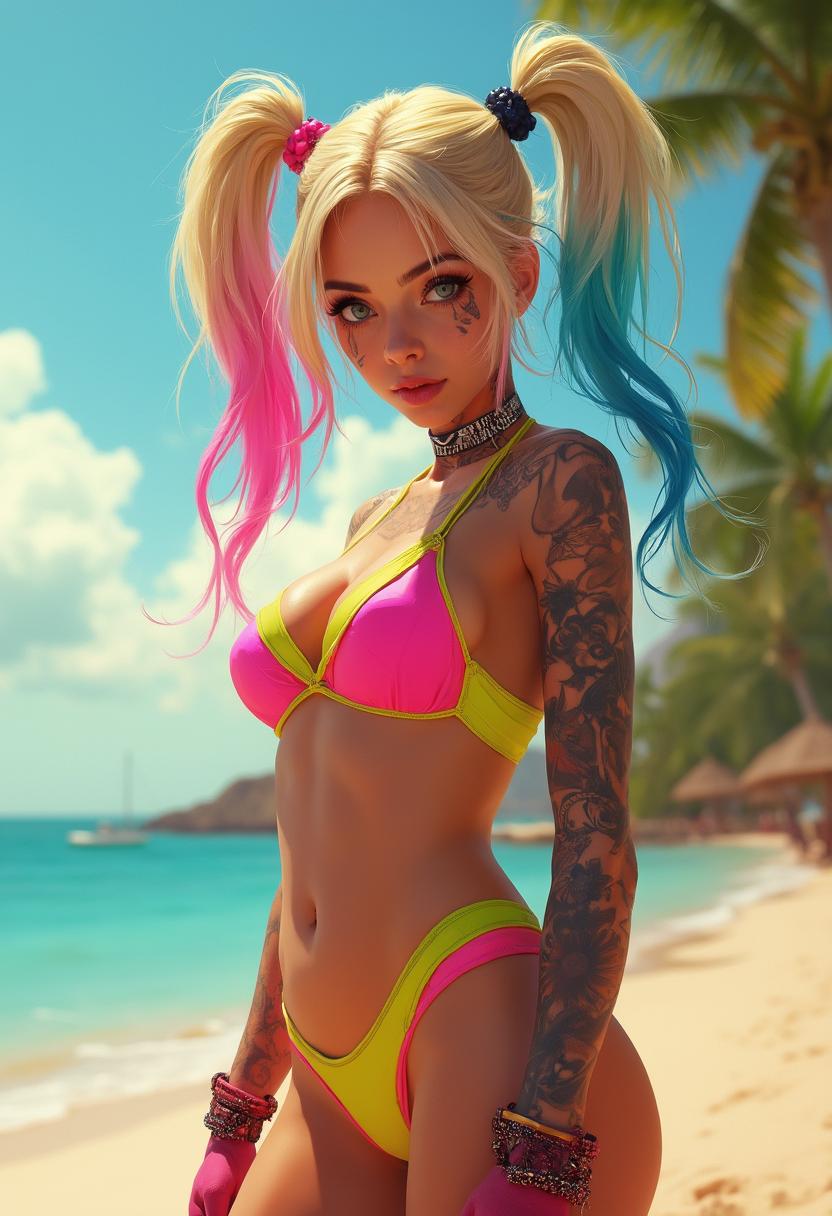
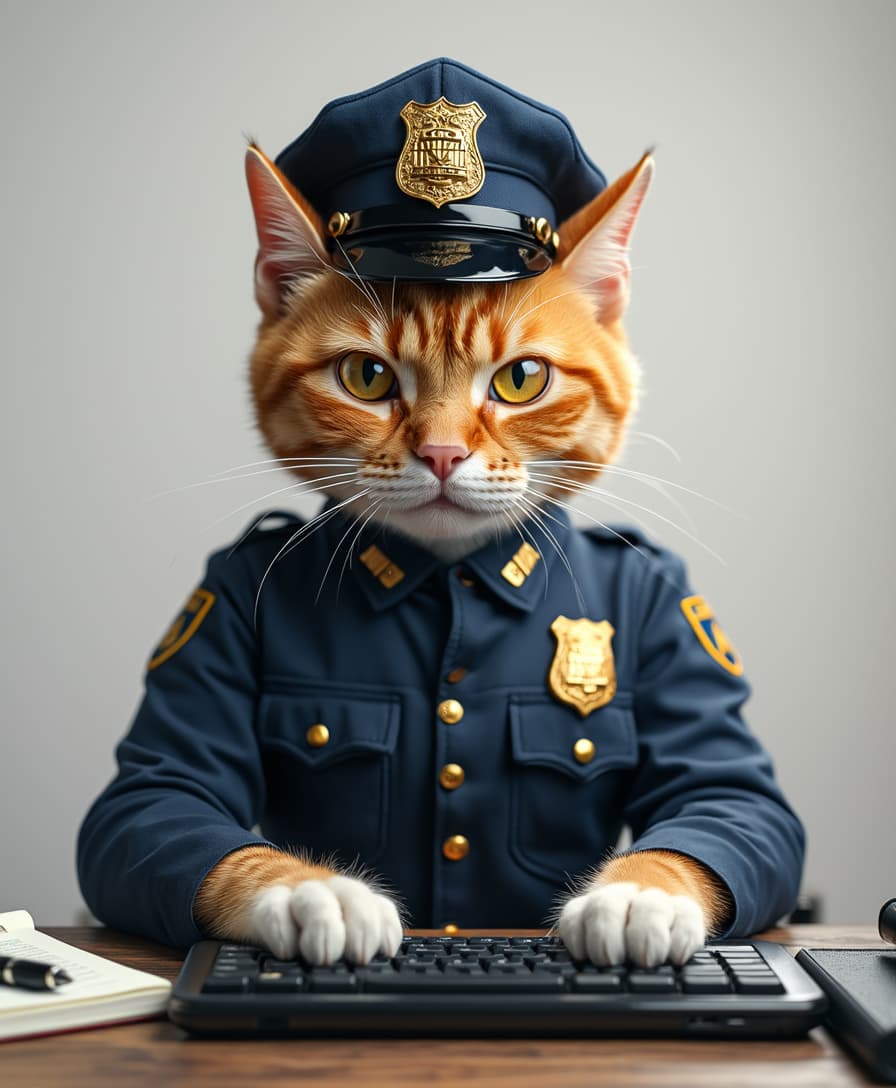
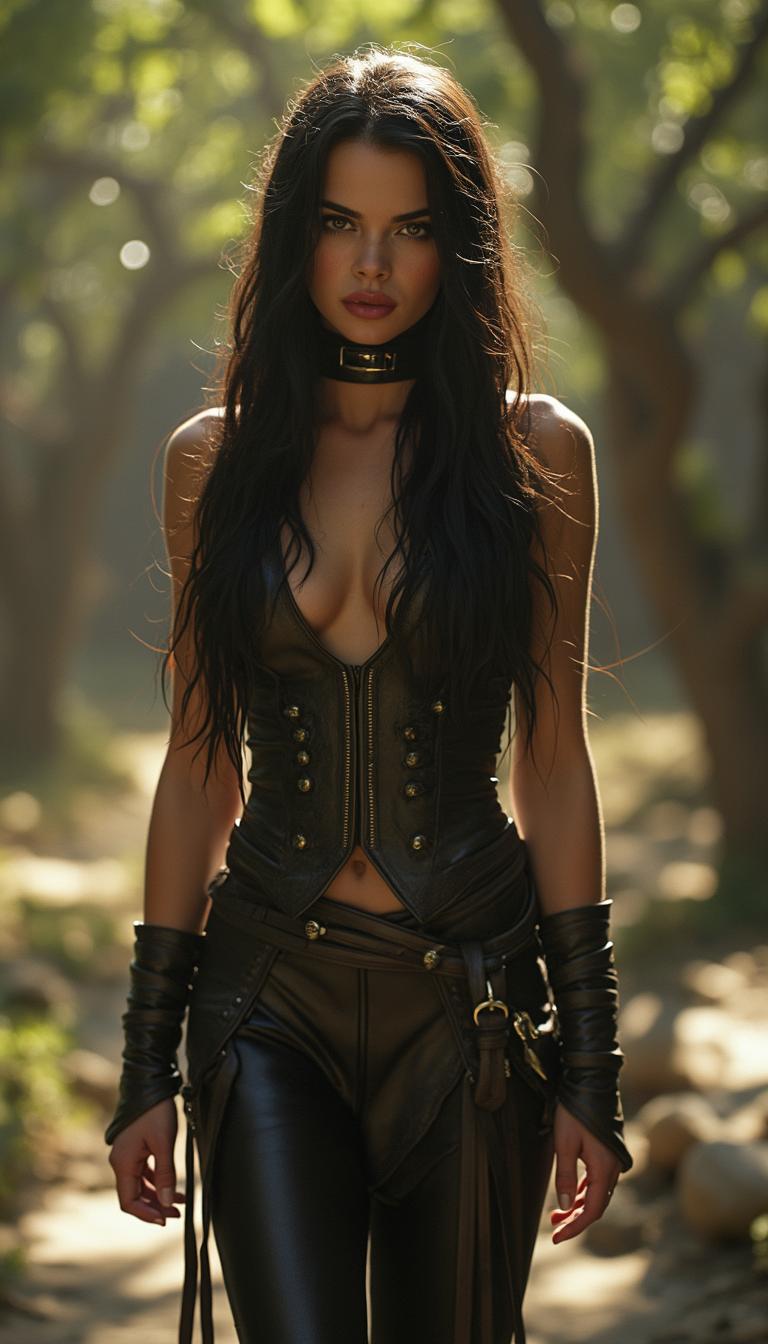
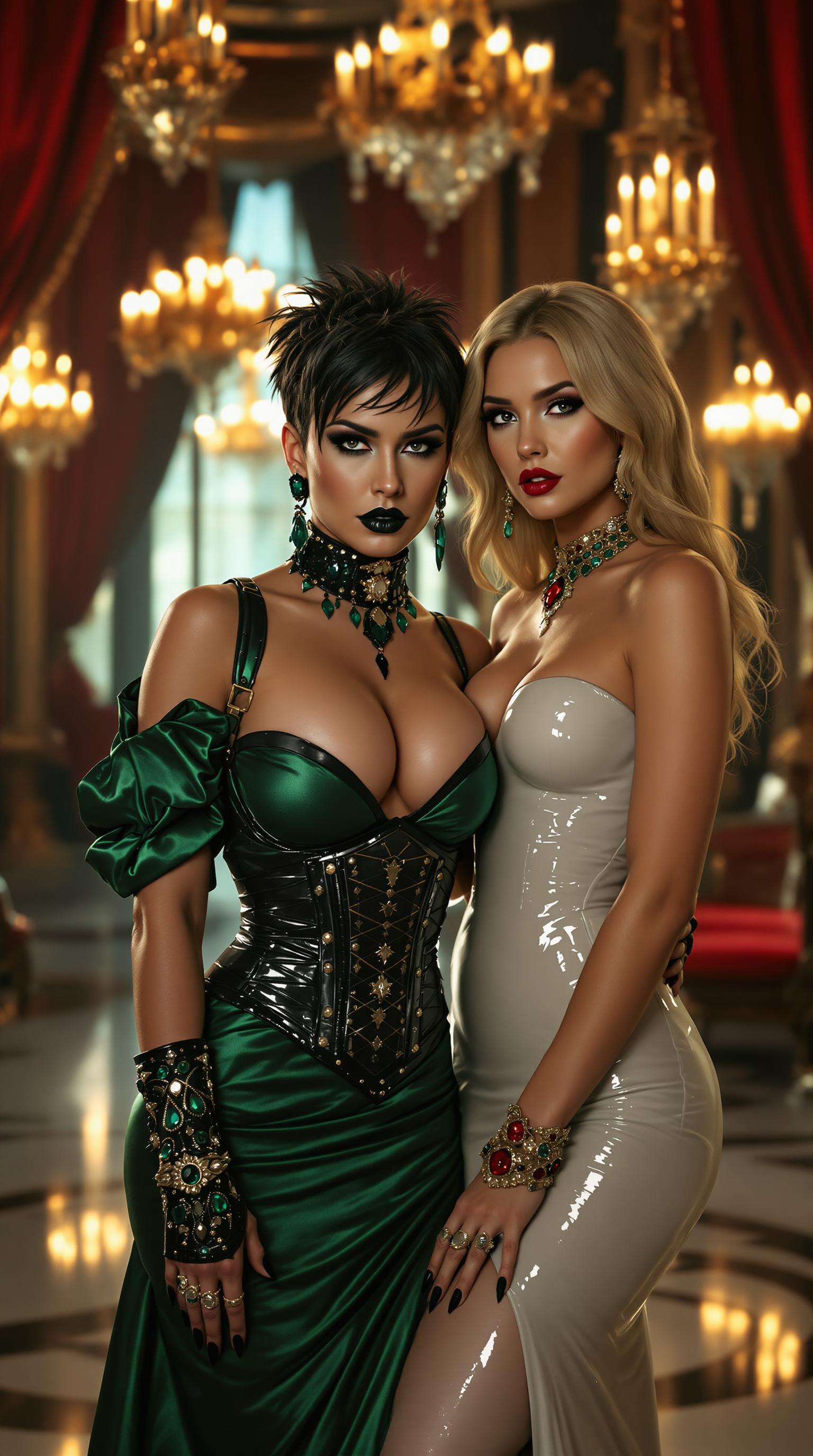
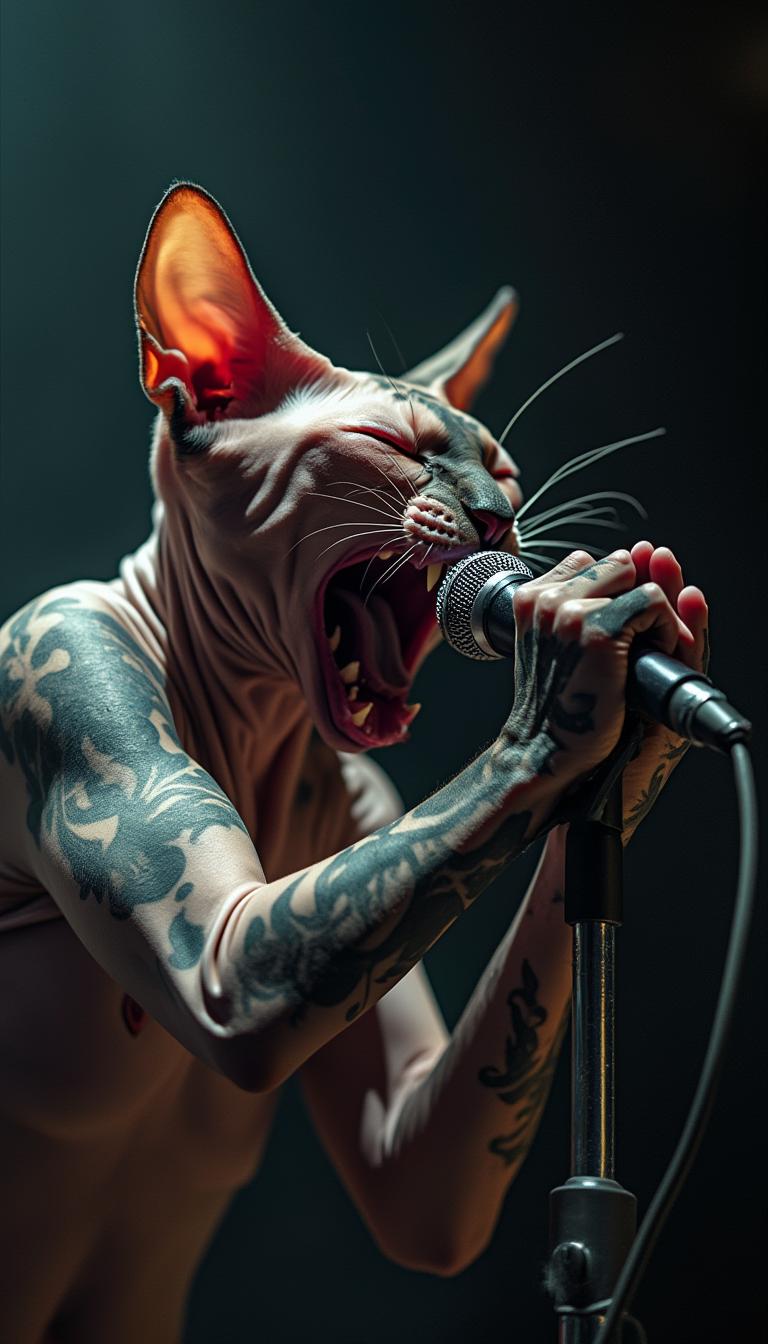
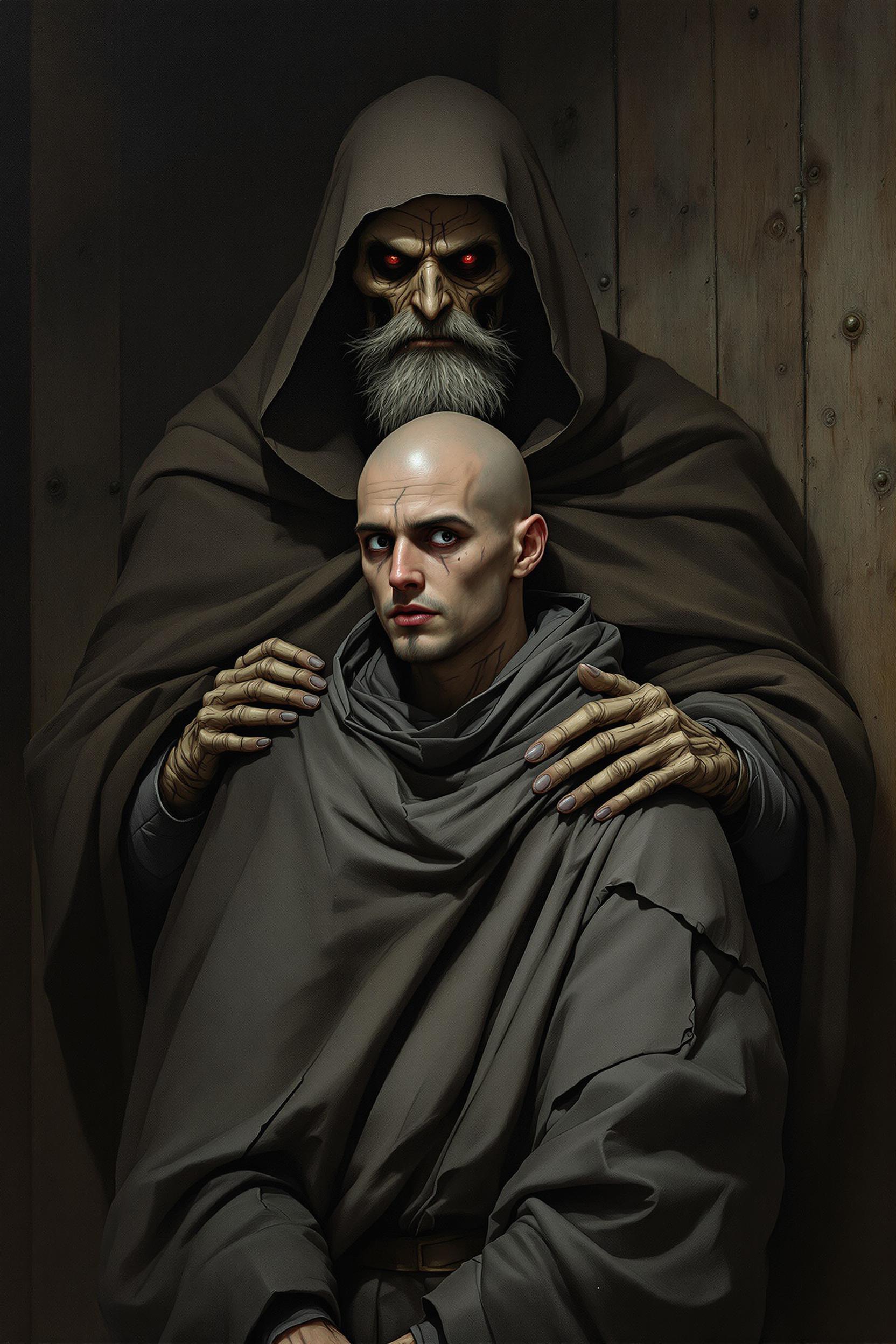
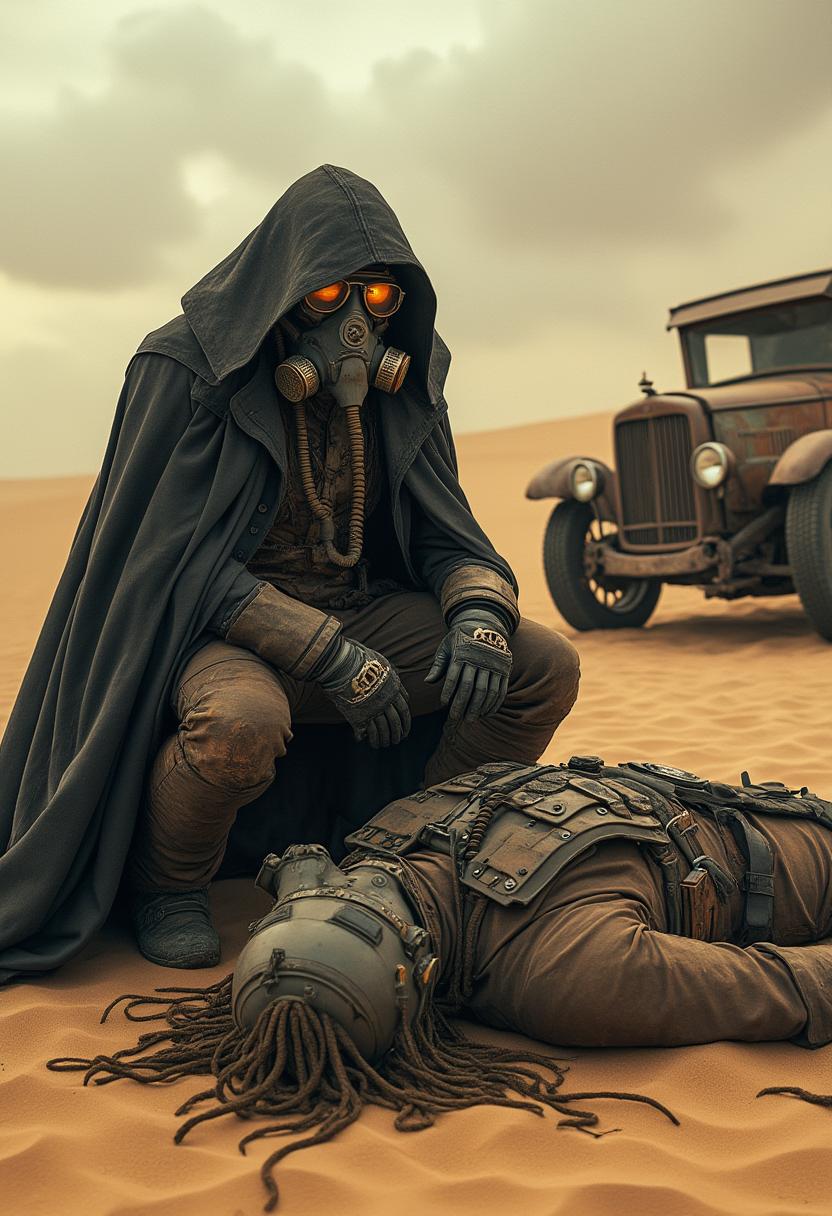
The Pixel Dojo Advantage
Why PixelDojo's Stable Diffusion LoRA models are the superior choice for custom AI image generation:
| Others | Pixel Dojo |
|---|---|
| Traditional Image Editing | Eliminate the need for manual editing by generating images that align with your vision from the start. |
| Generic AI Image Generators | Achieve higher customization and consistency with LoRA models tailored to specific styles and subjects. |
| Manual Illustration | Save time and resources by generating high-quality images without the need for extensive artistic skills. |
Loved by Creators
See what our community says about stable diffusion lora model
"PixelDojo's LoRA models have revolutionized my design process, allowing me to create unique visuals effortlessly."
Alex Johnson
Graphic Designer
"The ability to maintain character consistency across my illustrations has been a game-changer for my storytelling projects."
Maria Lopez
Illustrator
Common Questions
Everything you need to know about stable diffusion lora model AI generation
What are Stable Diffusion LoRA models?
LoRA (Low-Rank Adaptation) models are specialized tools that fine-tune Stable Diffusion to generate images with specific styles or subjects, enhancing customization and efficiency.
How do I choose the right LoRA model for my project?
PixelDojo offers a variety of LoRA models categorized by style and subject. Explore our library to find the model that best fits your creative needs.
Can I combine multiple LoRA models in one image?
Yes, you can combine different LoRA models to achieve complex and unique results. Experiment with various combinations to find your desired outcome.
Do I need advanced technical skills to use LoRA models?
No, PixelDojo's user-friendly interface allows creators of all skill levels to utilize LoRA models effectively without prior technical experience.
Are there any limitations to using LoRA models?
While LoRA models offer extensive customization, the quality of the output depends on the clarity of your prompts and the compatibility of combined models.
How can I share my creations made with LoRA models?
PixelDojo provides options to download your images in various formats, making it easy to share your creations across different platforms.