Stylized AI effects AI Generator
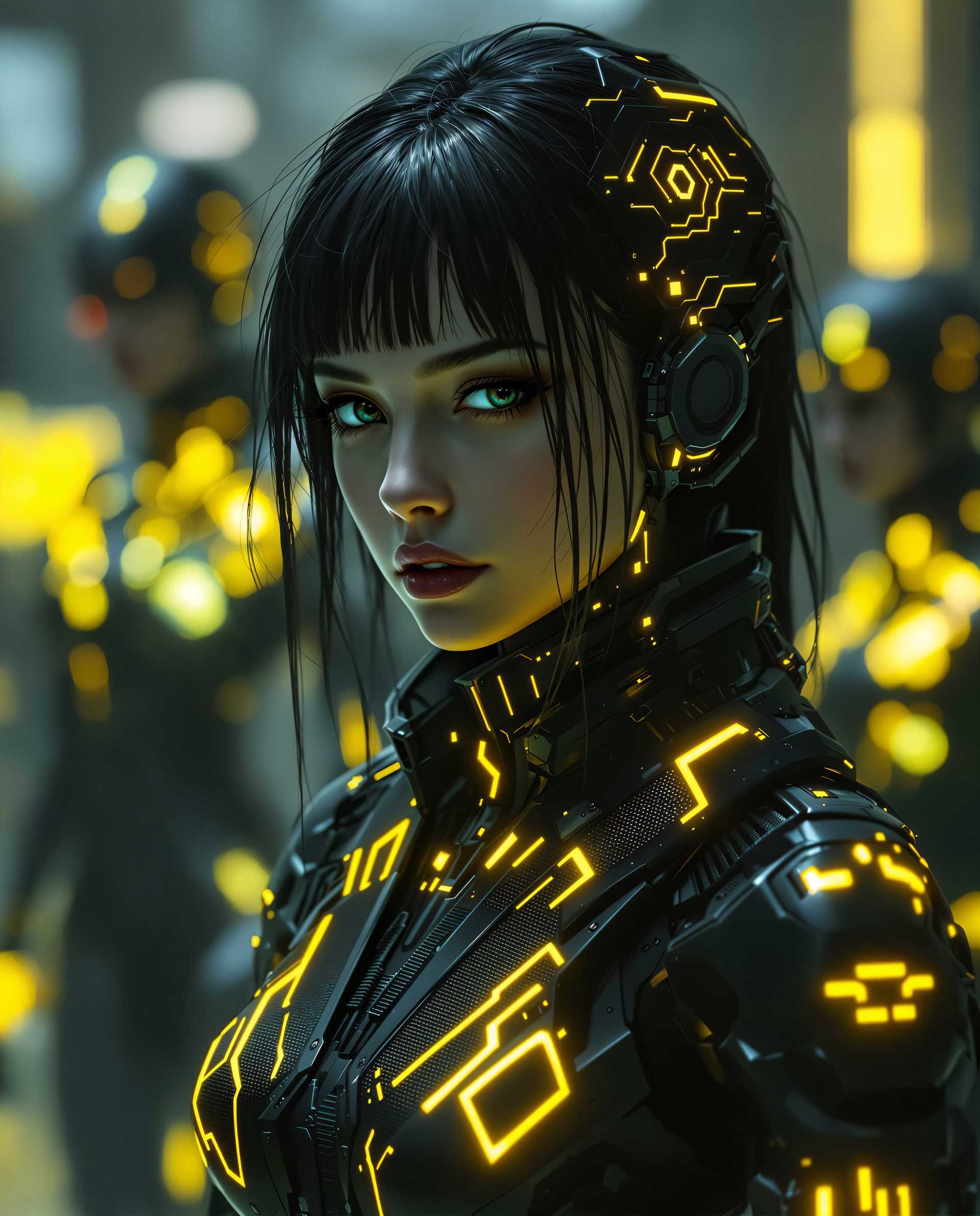
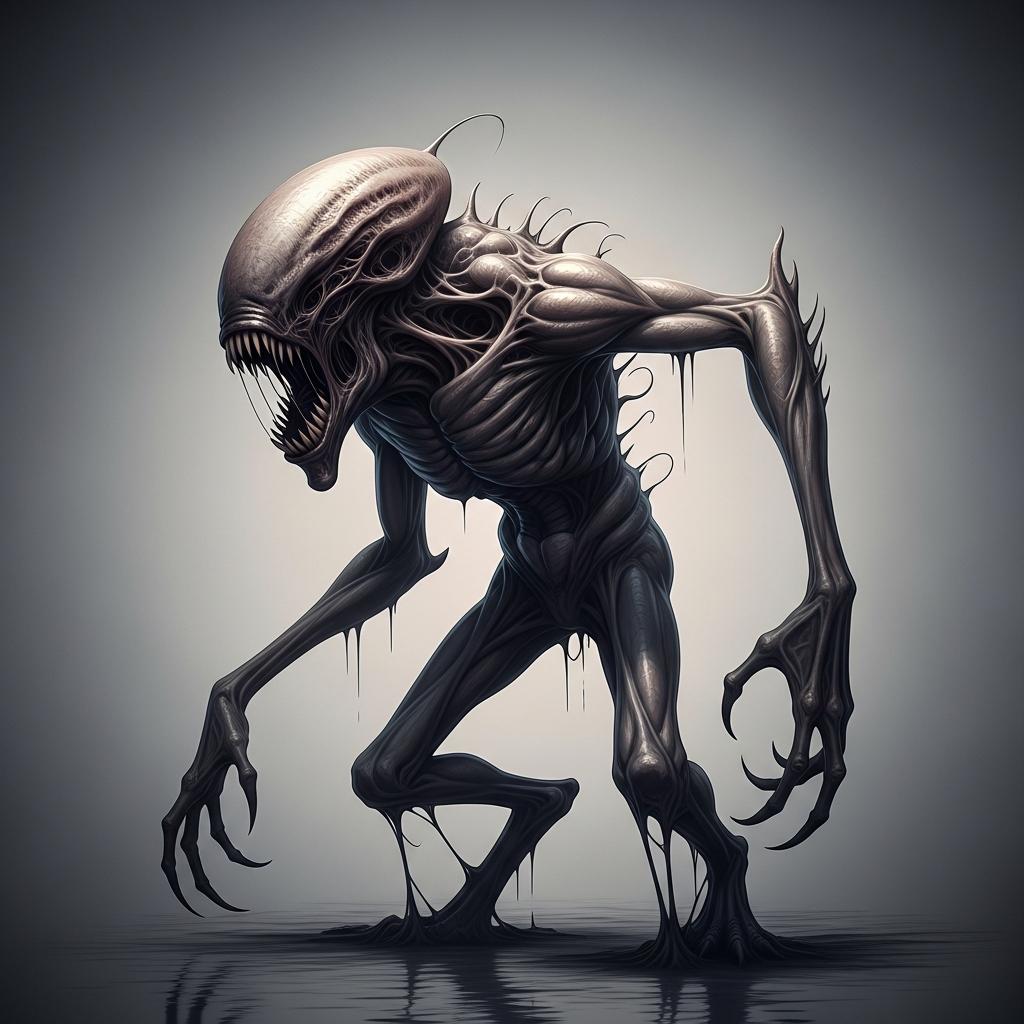
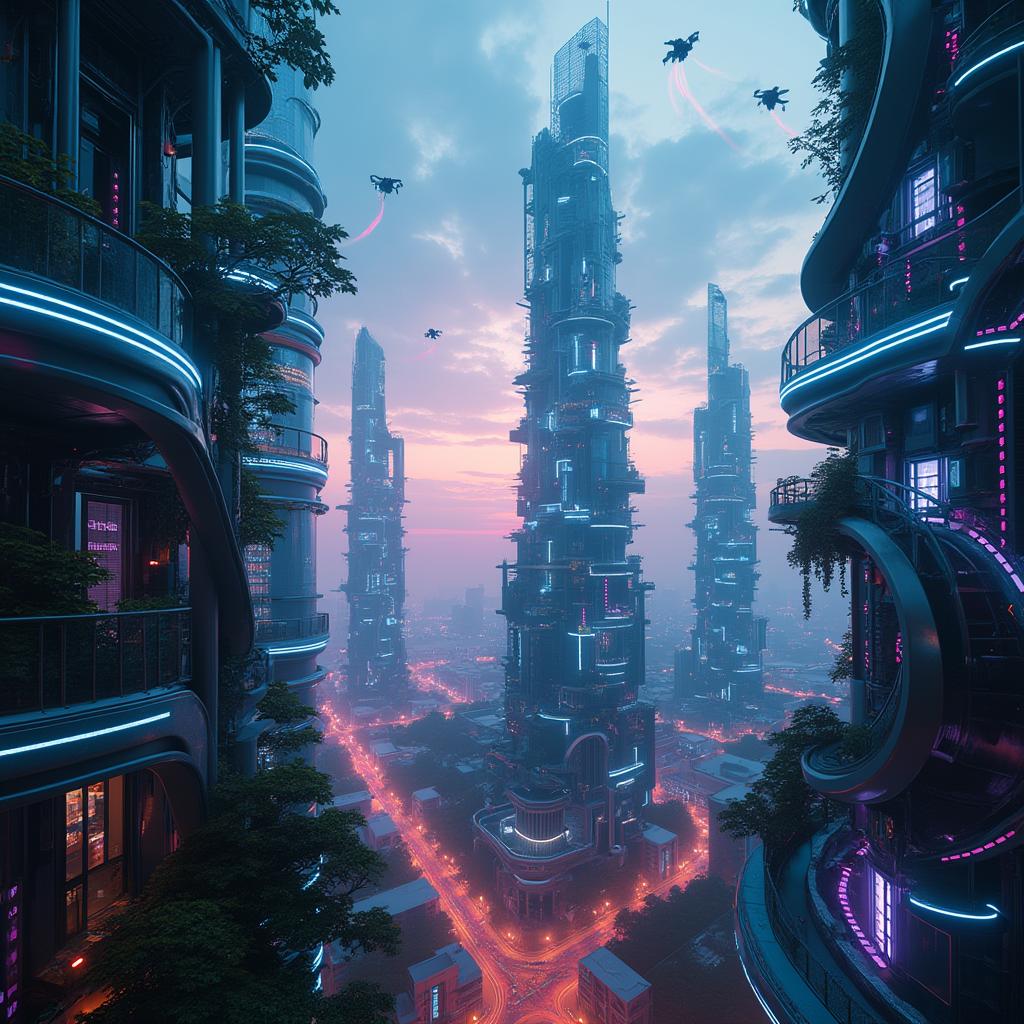
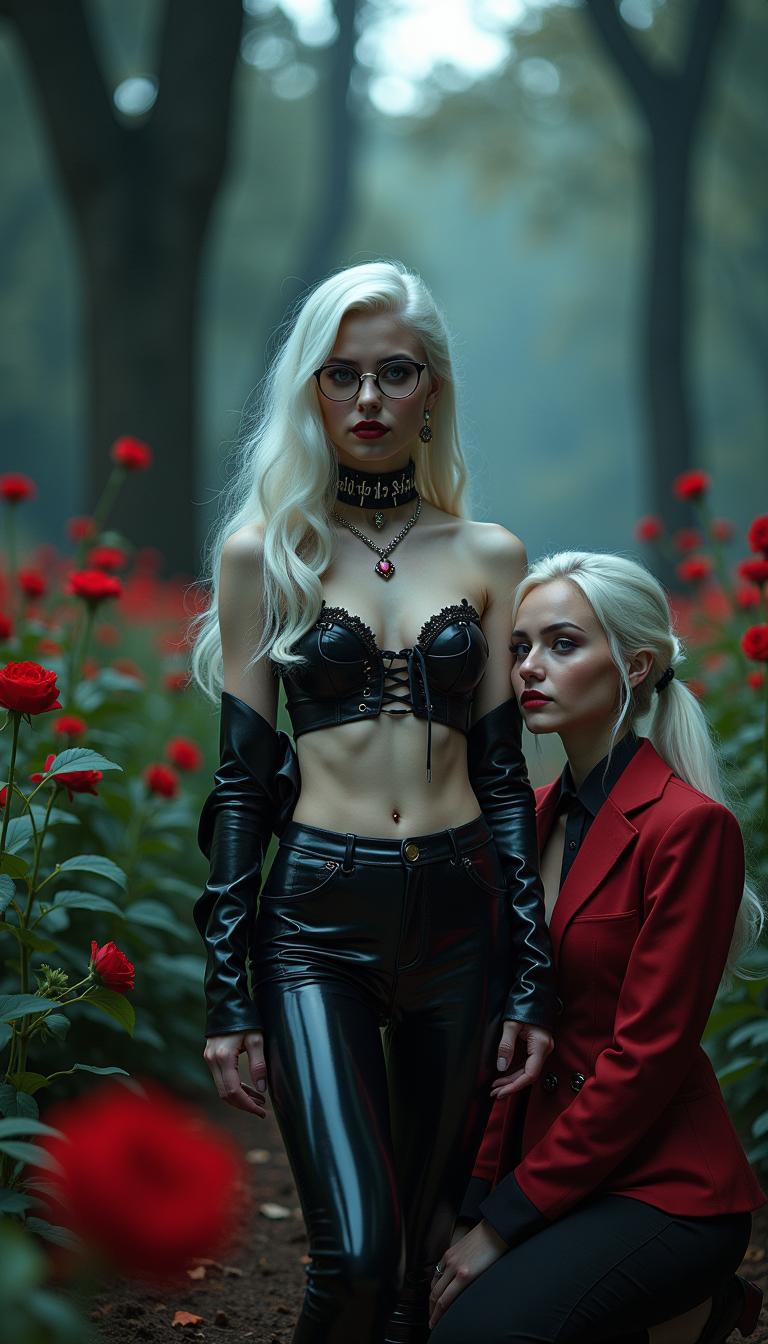
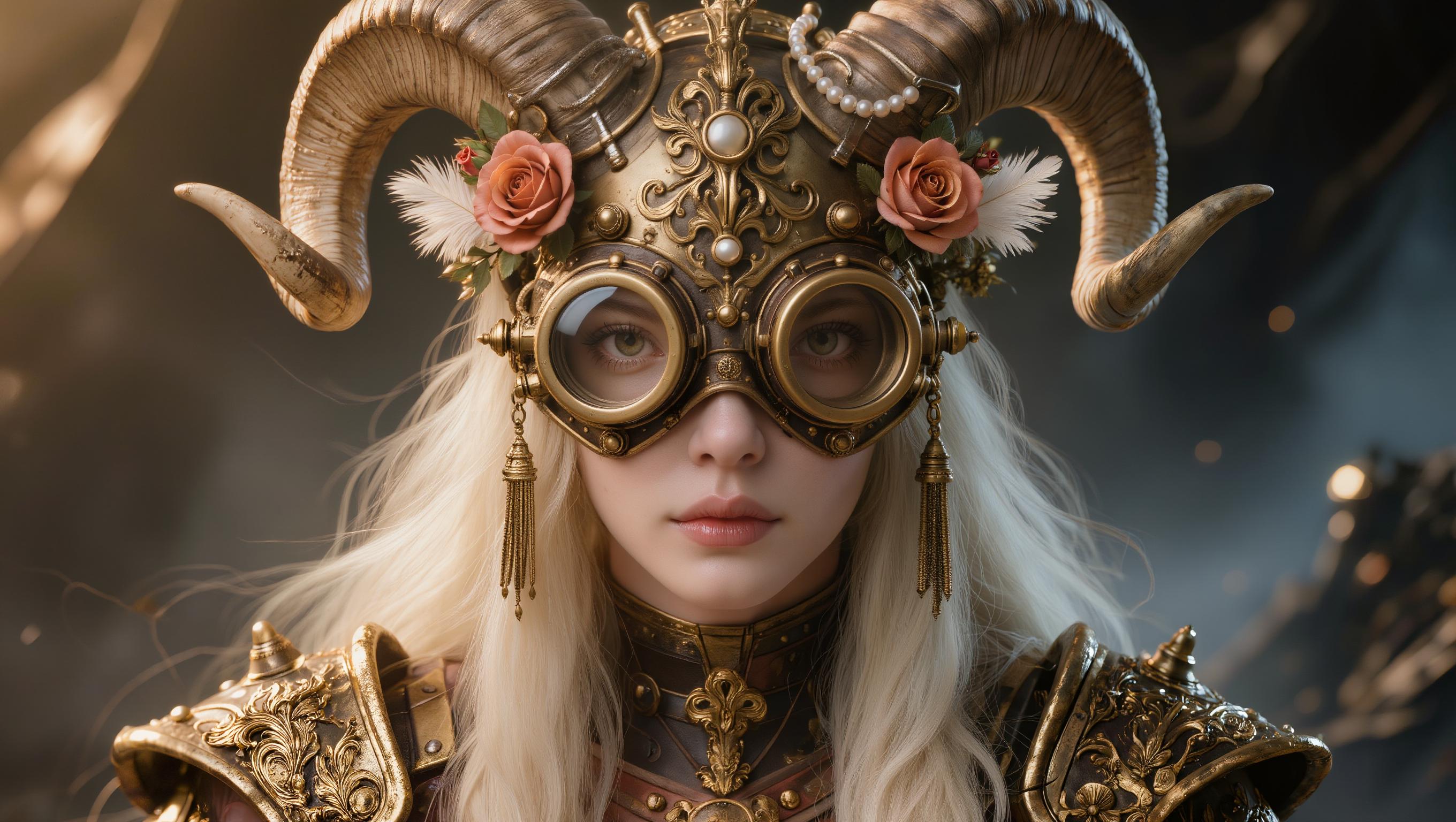
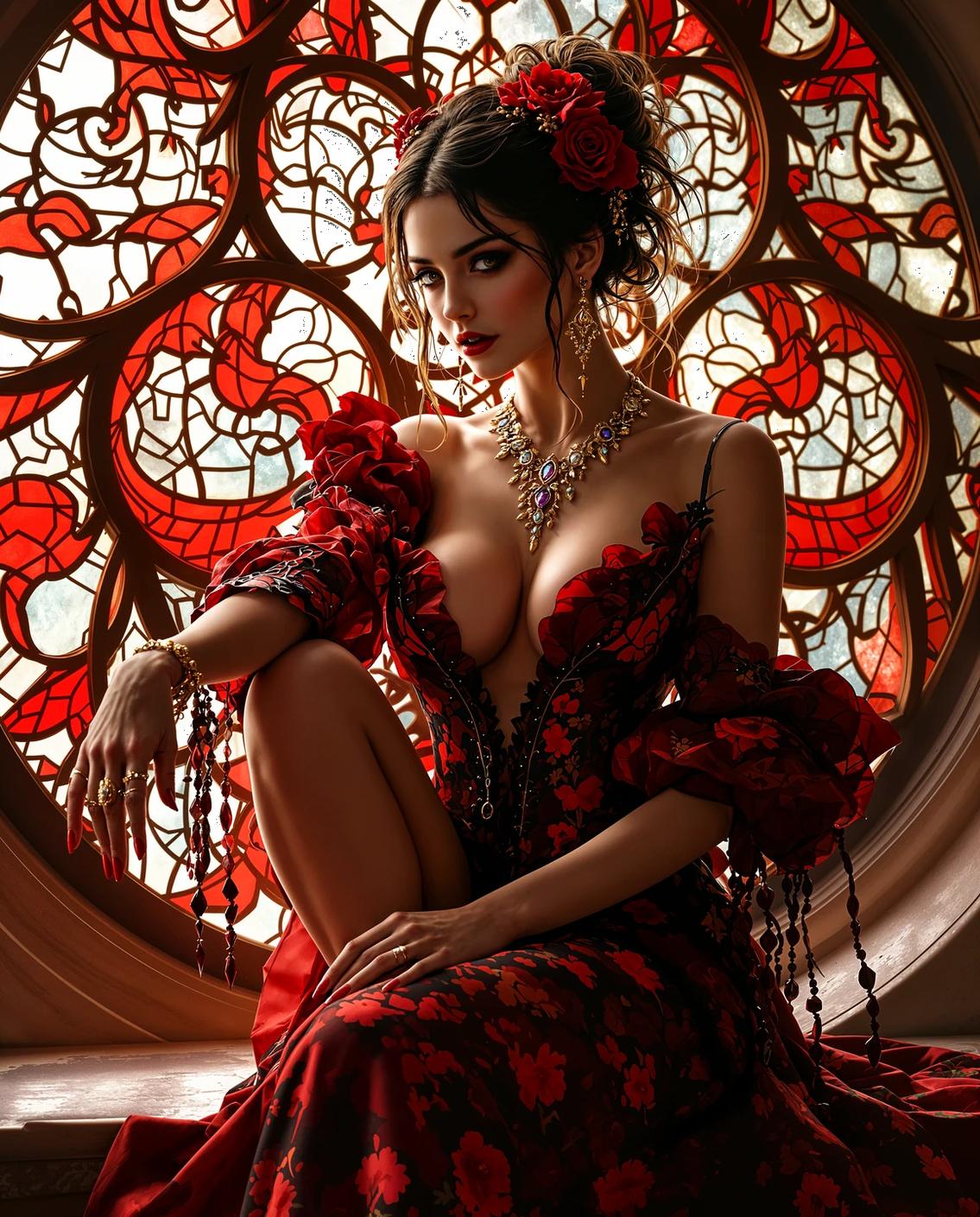
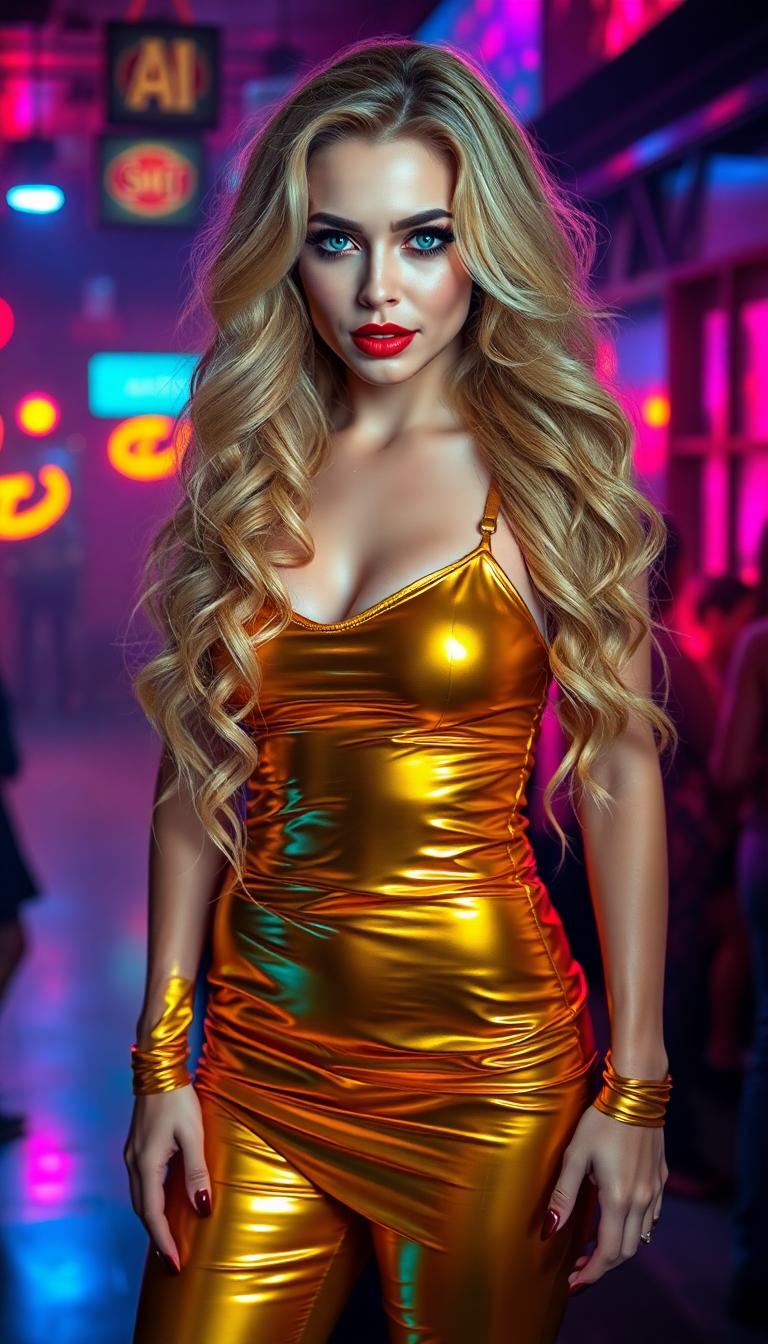
Elevate your visual content by transforming ordinary images into extraordinary works of art with PixelDojo's stylized AI effects. Whether you're aiming for a classic oil painting look, a vibrant comic book style, or a futuristic cyberpunk aesthetic, our advanced AI tools empower you to achieve these effects effortlessly. Unleash your creativity and make your visuals stand out in any context.
Join over 10,000 creators who have enhanced their visuals using PixelDojo's AI tools, achieving a 95% satisfaction rate.
Why Choose Pixel Dojo for Stylized AI effects
Professional-quality results with cutting-edge AI technology
Effortless Artistic Transformation
Convert your photos into various artistic styles without any prior design experience.
Time-Saving Creativity
Generate unique stylized images in seconds, streamlining your creative process.
Versatile Applications
Apply stylized effects to a wide range of projects, from marketing materials to personal art pieces.
How It Works
Creating stylized images with PixelDojo is simple and intuitive. Follow these steps to transform your visuals:
Step 1: Choose Your Tool
Select the 'Style Transfer' tool from PixelDojo's suite of AI image editing options.
Step 2: Upload Your Image
Upload the image you wish to stylize by clicking the 'Upload' button and selecting your file.
Step 3: Select a Style
Choose from a variety of artistic styles available in the tool, such as 'Oil Painting,' 'Watercolor,' or 'Comic Book.'


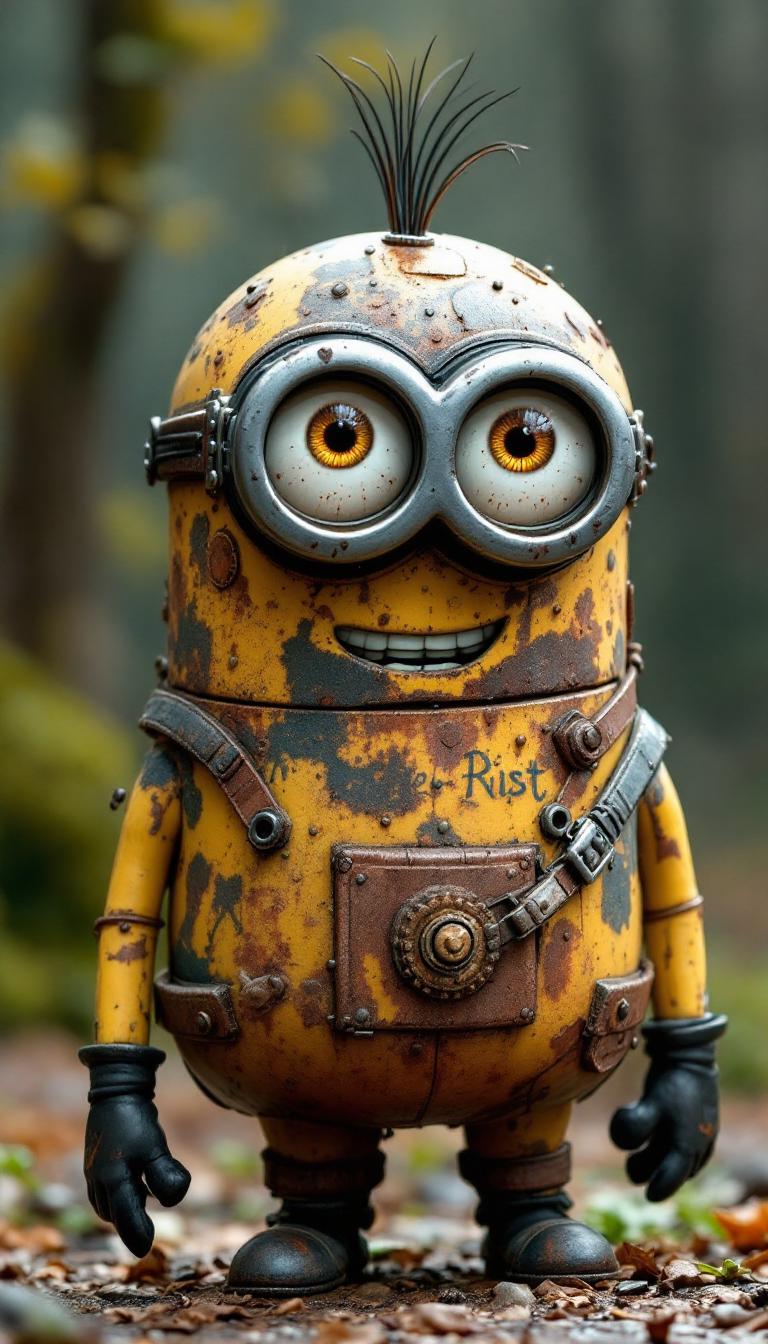
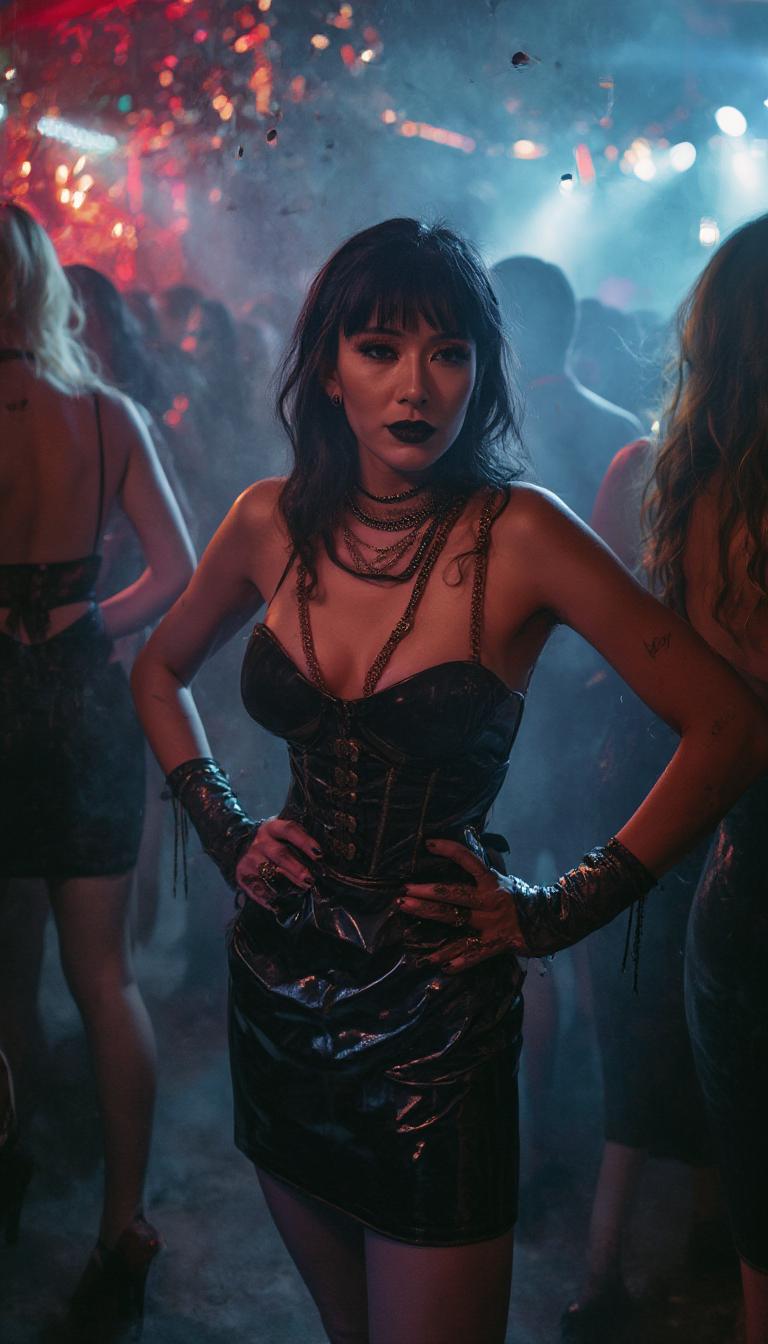
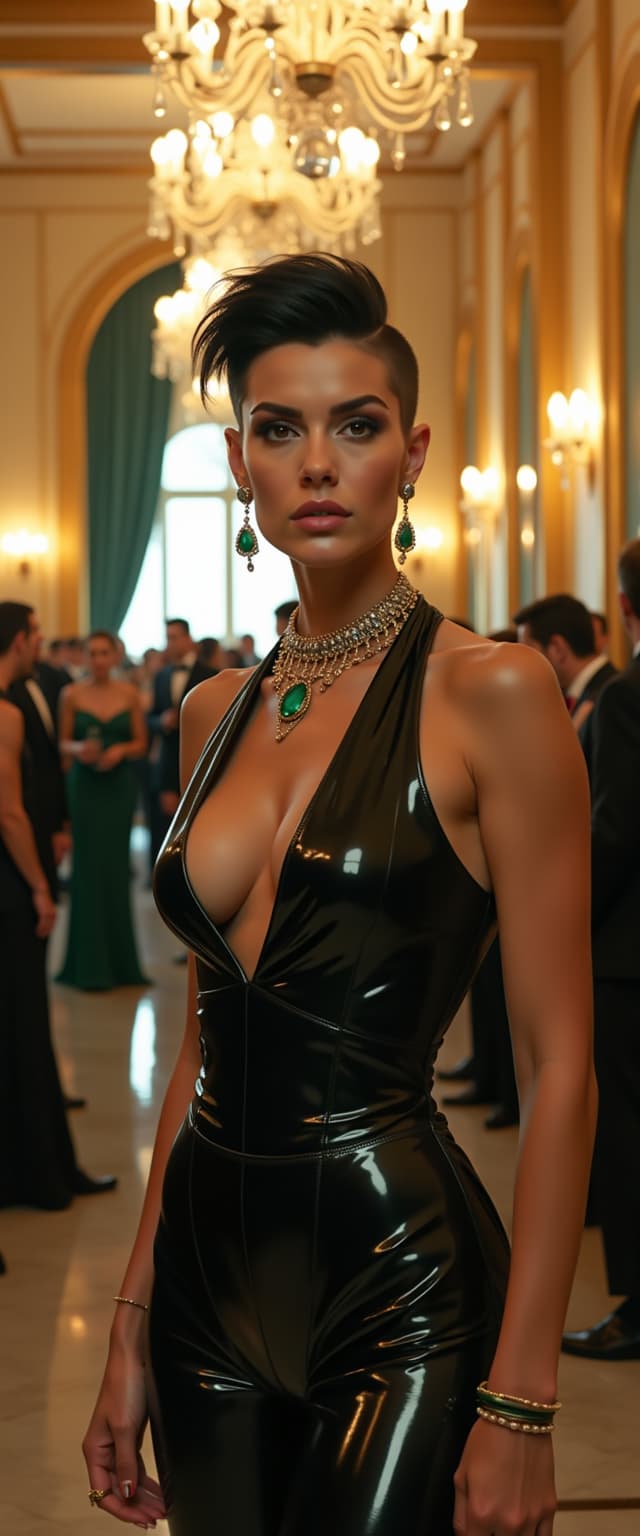

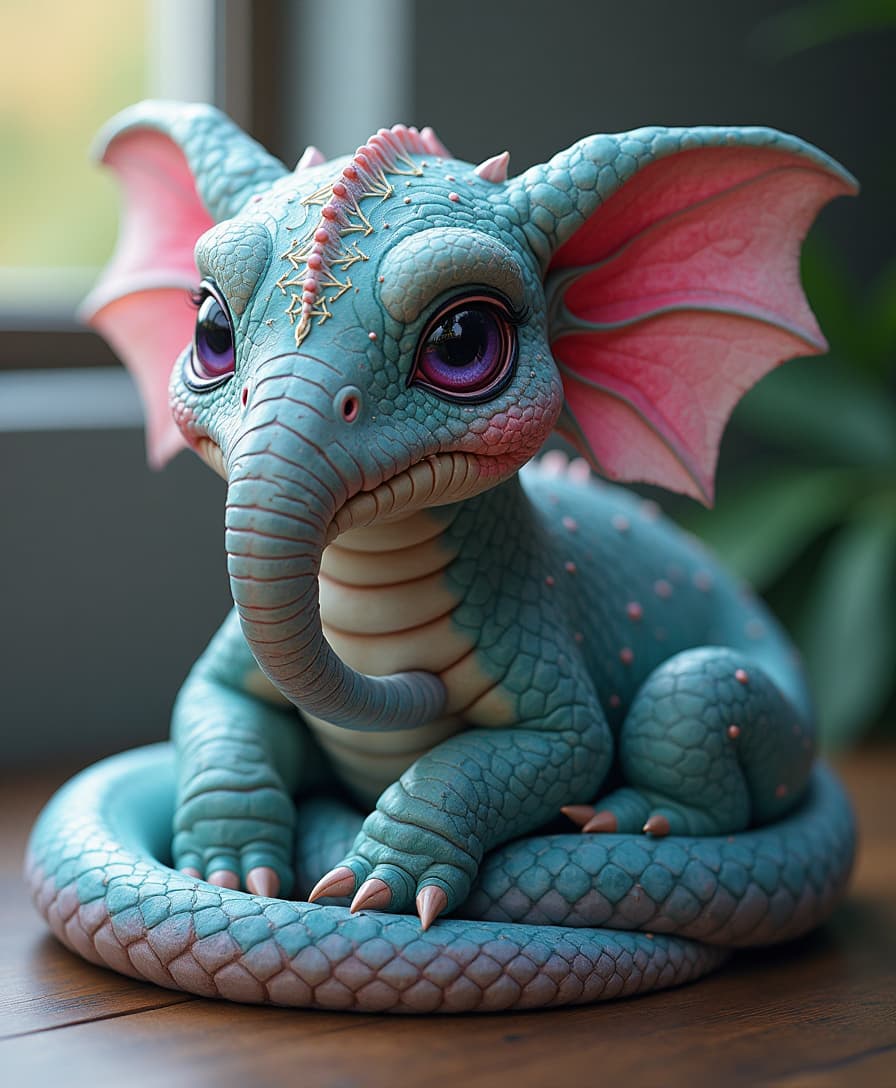

The Pixel Dojo Advantage
Why PixelDojo outperforms other options for stylized image generation
| Others | Pixel Dojo |
|---|---|
| Traditional Manual Editing | Achieve professional stylized effects without the need for complex software or advanced skills. |
| Generic AI Tools | Access a diverse range of unique styles and customization options tailored to your creative needs. |
| Stock Filters | Move beyond generic filters with AI-driven transformations that offer depth and authenticity. |
Loved by Creators
See what our community says about Stylized AI effects
"PixelDojo's stylized effects have revolutionized my design workflow, allowing me to create unique visuals in minutes."
Alex Johnson
Graphic Designer
"The variety of styles and ease of use make PixelDojo an indispensable tool for my creative projects."
Maria Lopez
Digital Artist
Common Questions
Everything you need to know about Stylized AI effects AI generation
How can I create stylized AI effects using PixelDojo?
Simply select the 'Style Transfer' tool, upload your image, choose a desired artistic style, apply the effect, adjust as needed, and download your transformed image.
Do I need prior design experience to use PixelDojo's stylized effects?
No, PixelDojo is designed for users of all skill levels, enabling anyone to create professional-quality stylized images effortlessly.
Can I customize the intensity of the stylized effects?
Yes, after applying a style, you can use adjustment sliders to fine-tune the intensity and details to your preference.
Are there multiple artistic styles available in PixelDojo?
Absolutely, PixelDojo offers a wide range of styles, including 'Oil Painting,' 'Watercolor,' 'Comic Book,' and more.
Is there a limit to the number of images I can stylize?
PixelDojo provides flexible subscription plans to suit your needs, allowing you to stylize as many images as your plan permits.
Can I use the stylized images for commercial purposes?
Yes, images created with PixelDojo can be used for both personal and commercial projects, adhering to our terms of service.