Text to cinematic image Wan AI Generator
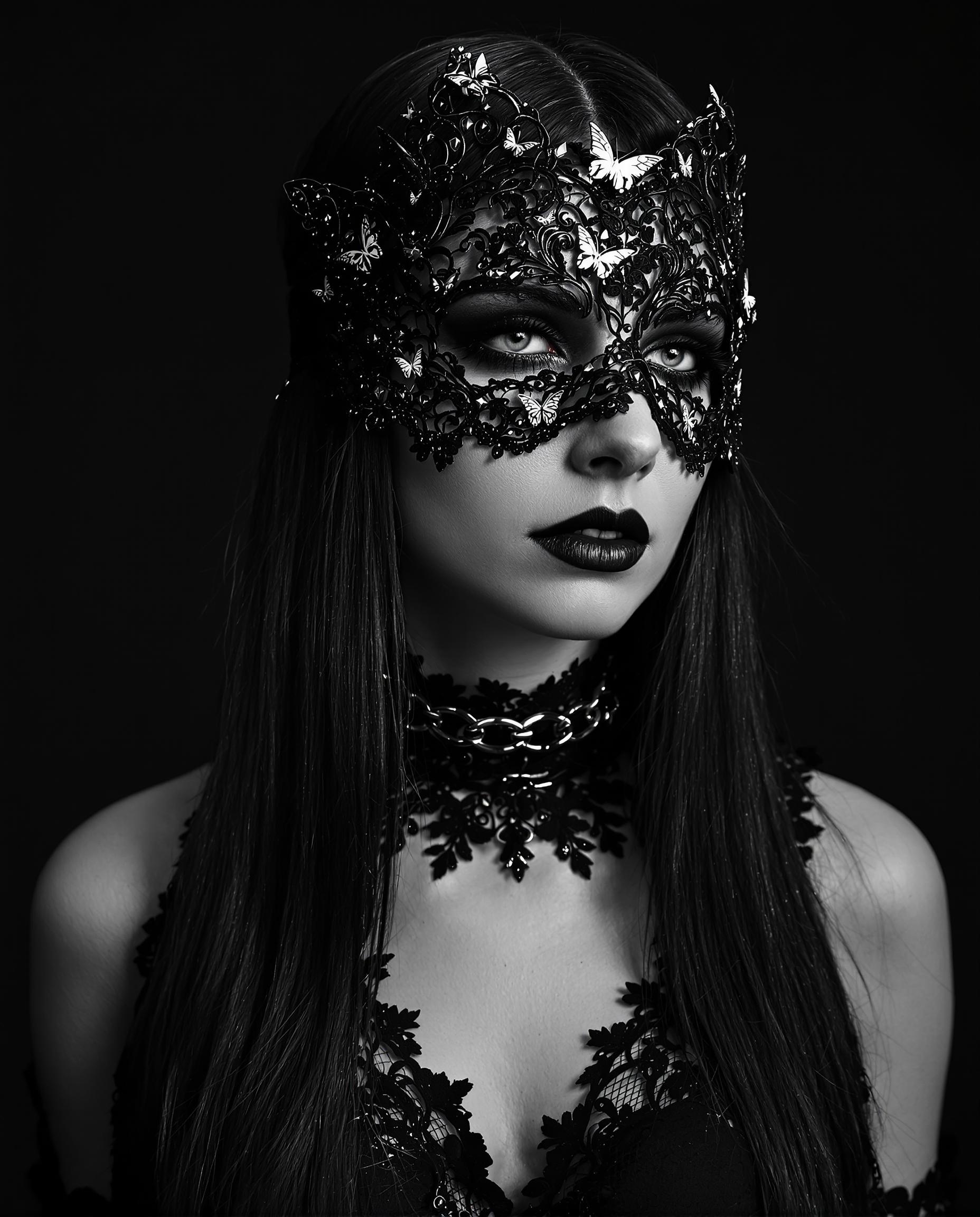
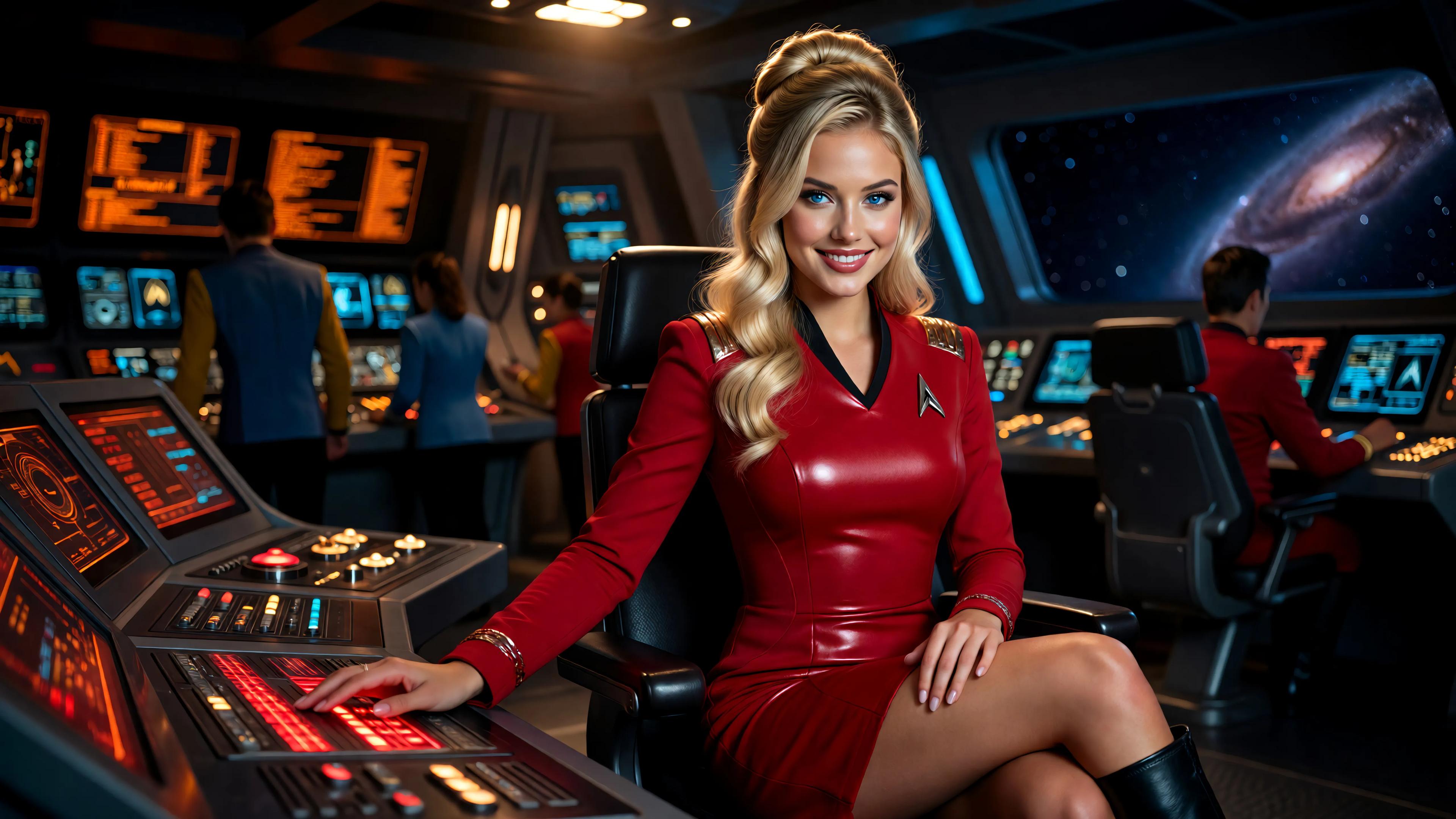
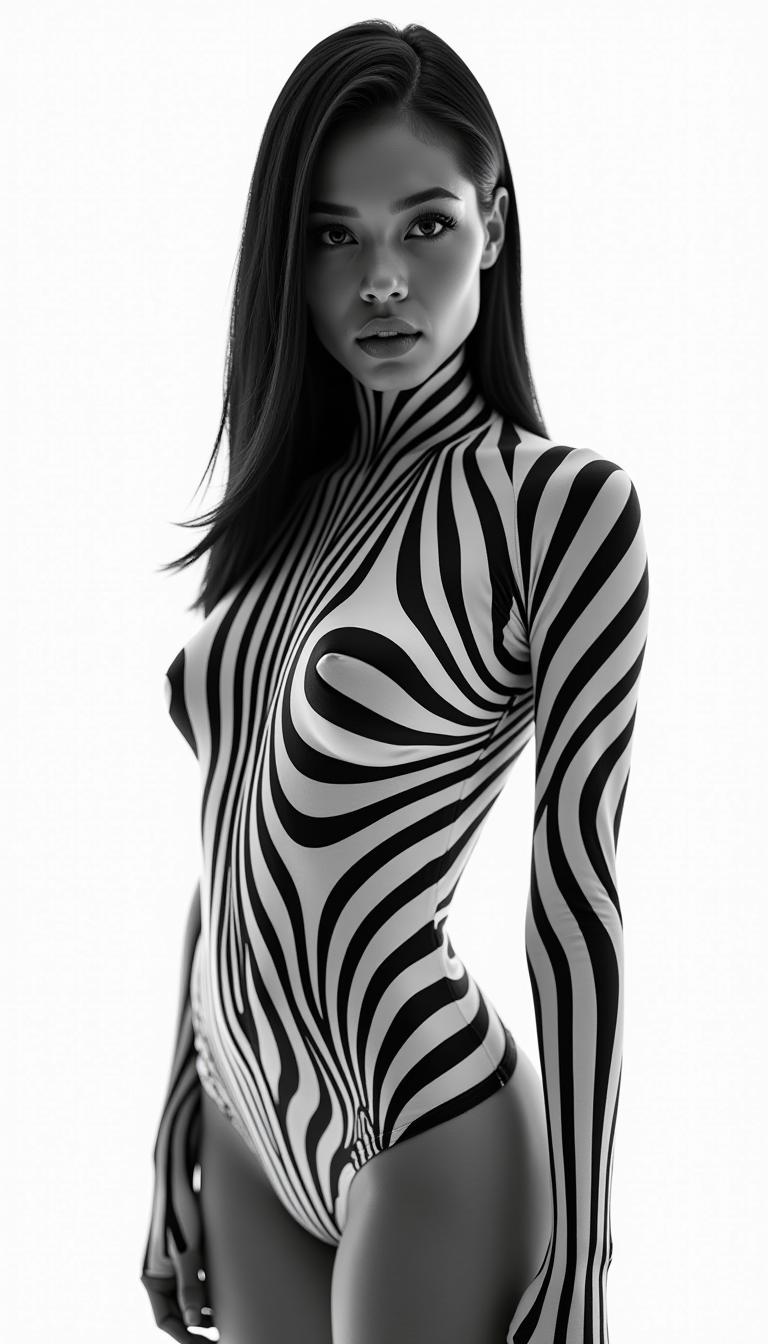
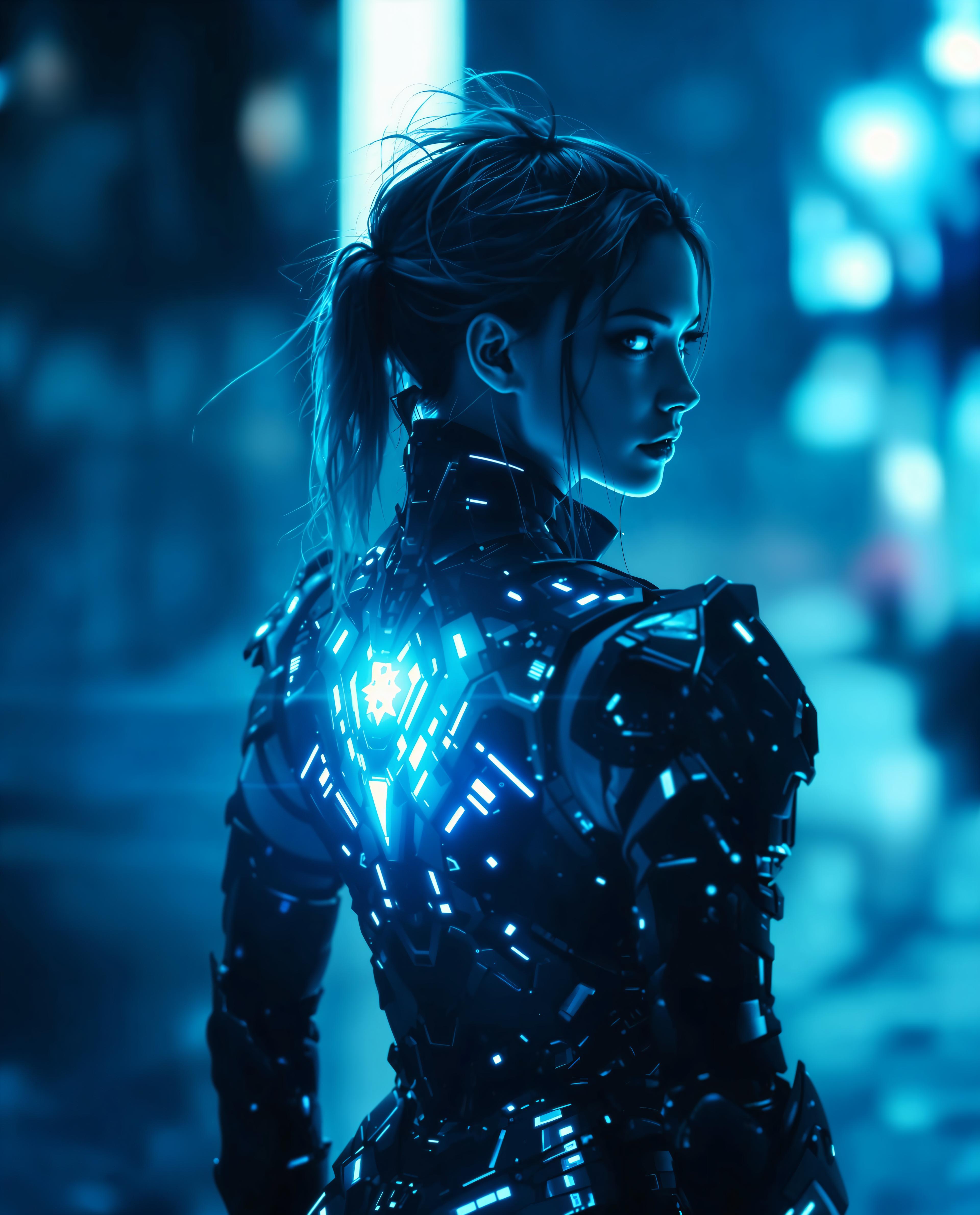
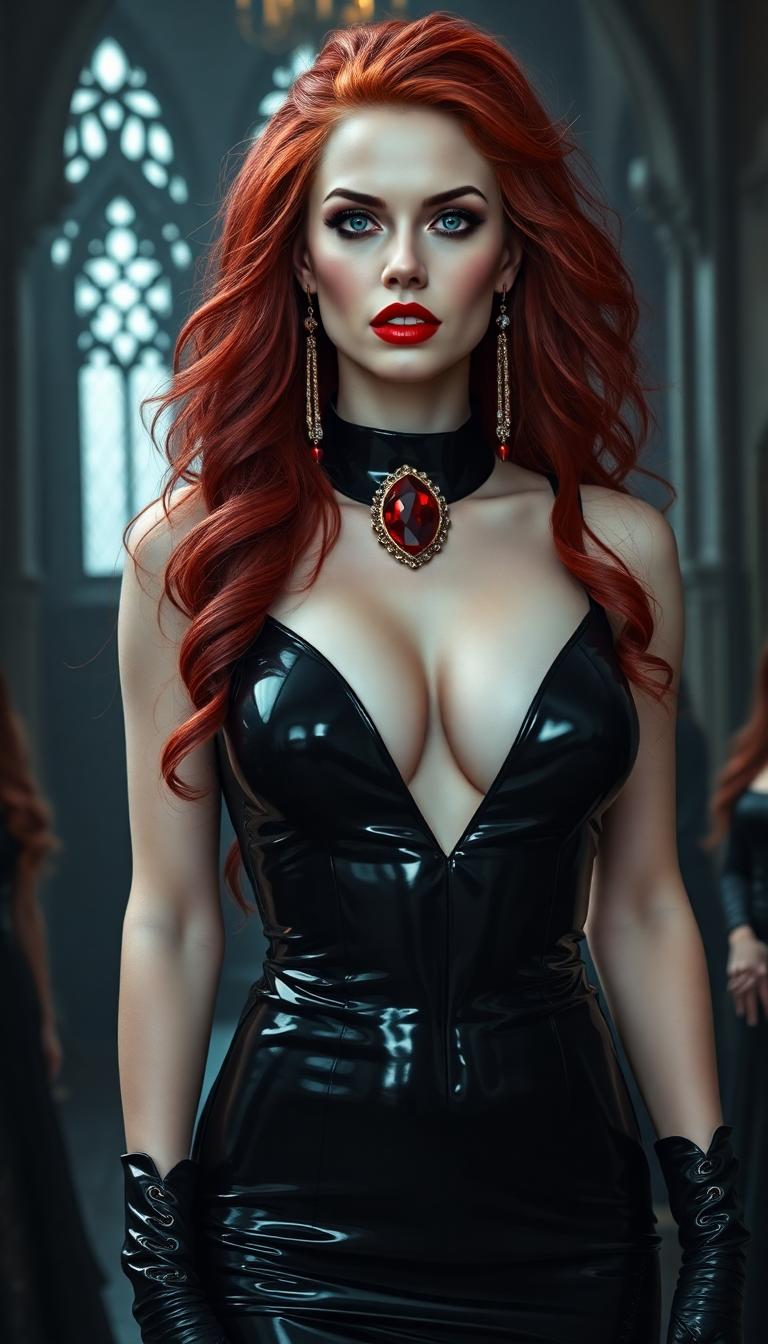
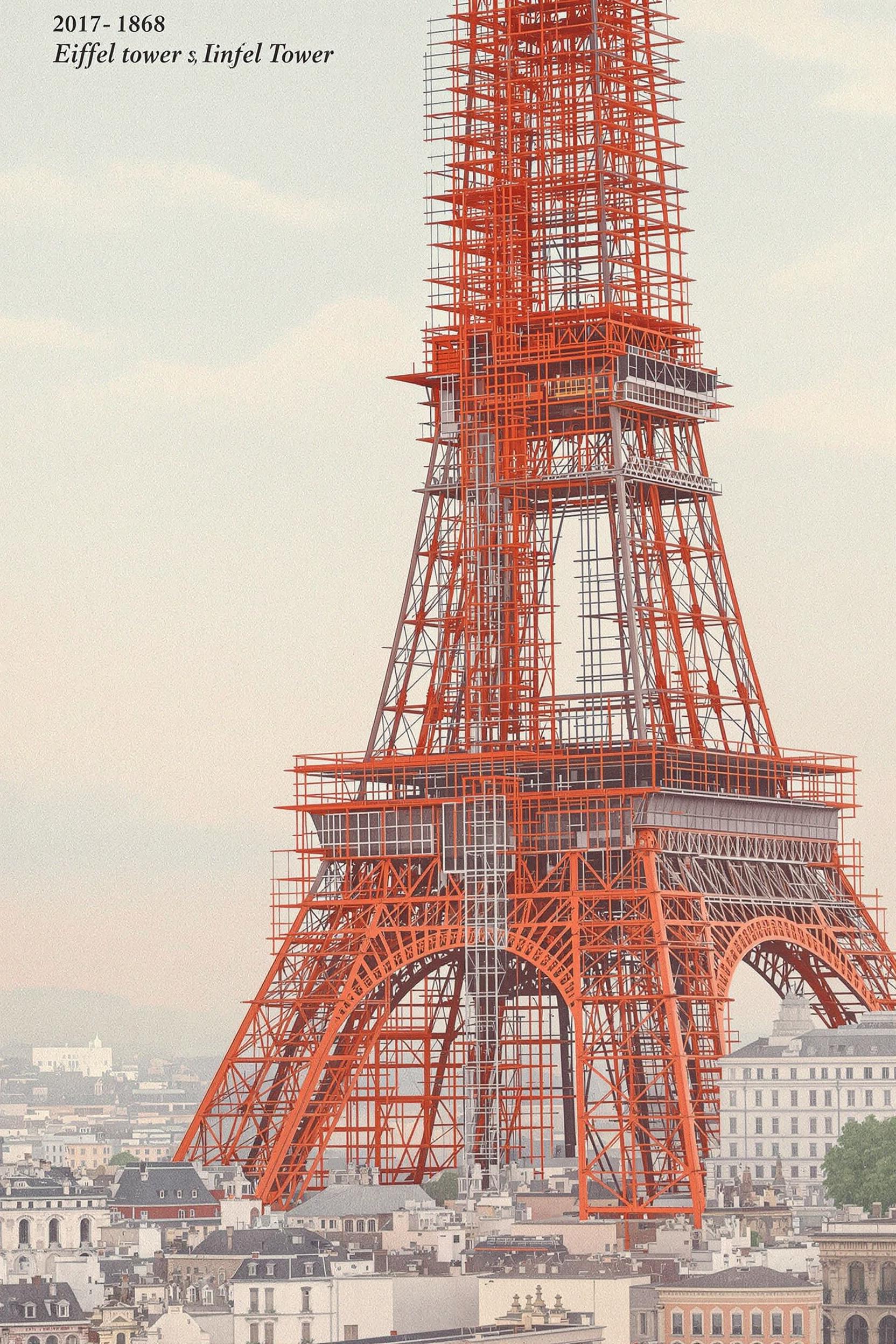
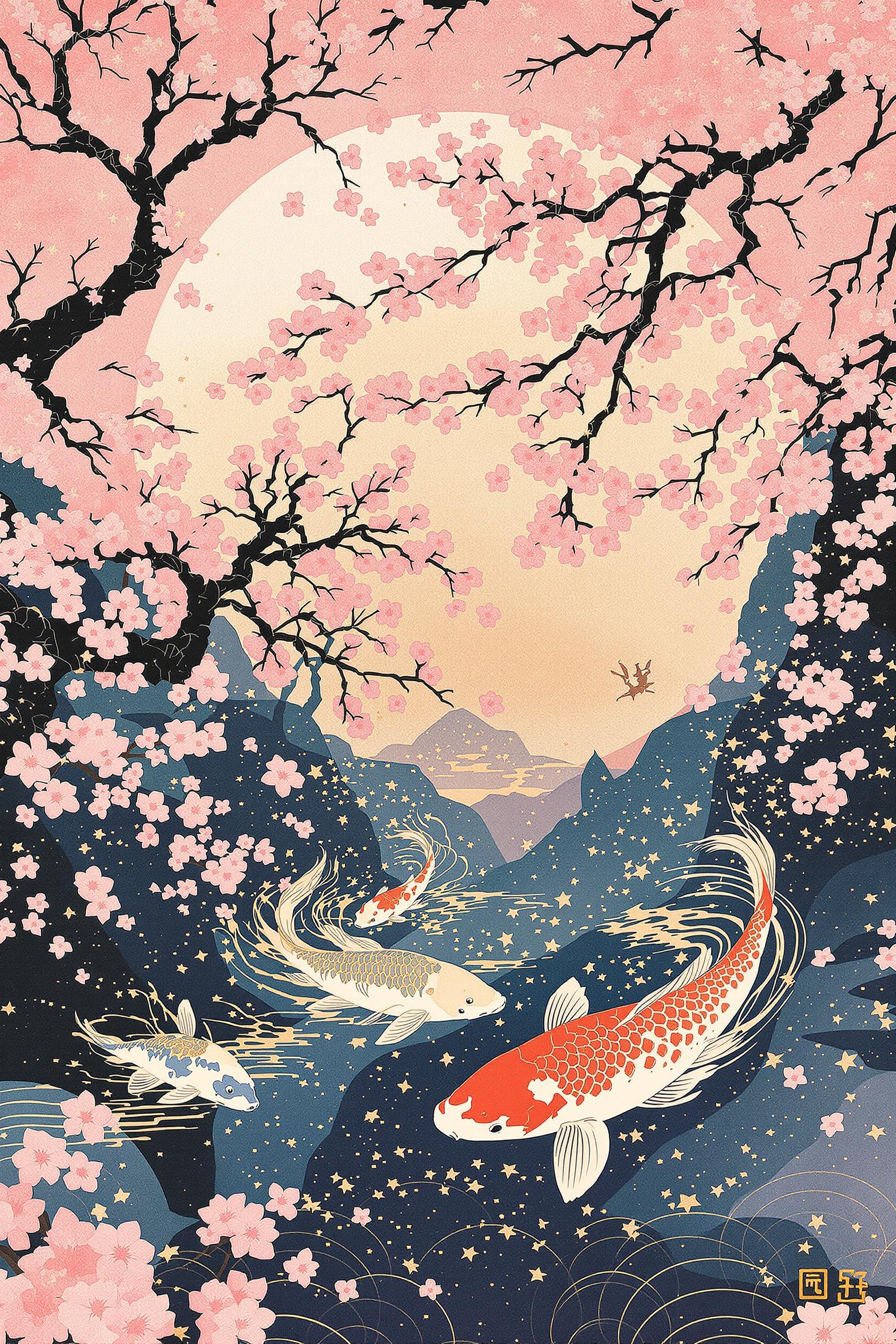
Imagine transforming your textual ideas into breathtaking cinematic images without any prior design experience. With PixelDojo's advanced AI tools, you can effortlessly create professional-quality visuals that captivate and inspire. Whether you're a filmmaker, marketer, or content creator, our platform empowers you to bring your visions to life with unparalleled ease.
Join over 10,000 creators who have generated more than 1 million images using PixelDojo's AI tools. Rated 4.8/5 by our satisfied users.
Why Choose Pixel Dojo for Text to cinematic image Wan
Professional-quality results with cutting-edge AI technology
Effortless Creativity
Generate high-quality cinematic images from simple text prompts, eliminating the need for complex design skills.
Time and Cost Efficiency
Quickly produce visuals for marketing, social media, or personal projects, reducing the time and expense of traditional design methods.
Versatile Applications
Create diverse content ranging from digital art to product mockups, catering to various creative needs.
How It Works
Creating stunning cinematic images with PixelDojo is simple and straightforward. Follow these steps to bring your ideas to life:
Step 1: Choose Your Tool
Select from our range of AI image generation tools like Flux.1 Studio, Seedream 4.5, or SDXL to start your project.
Step 2: Enter Your Prompt
Input a descriptive prompt detailing the cinematic image you envision. For example, 'a dramatic sunset over a mountain range, shot in 35mm film style.'
Step 3: Customize & Download
Review the generated image, make any desired adjustments using our customization options, and download the final high-resolution image for your use.

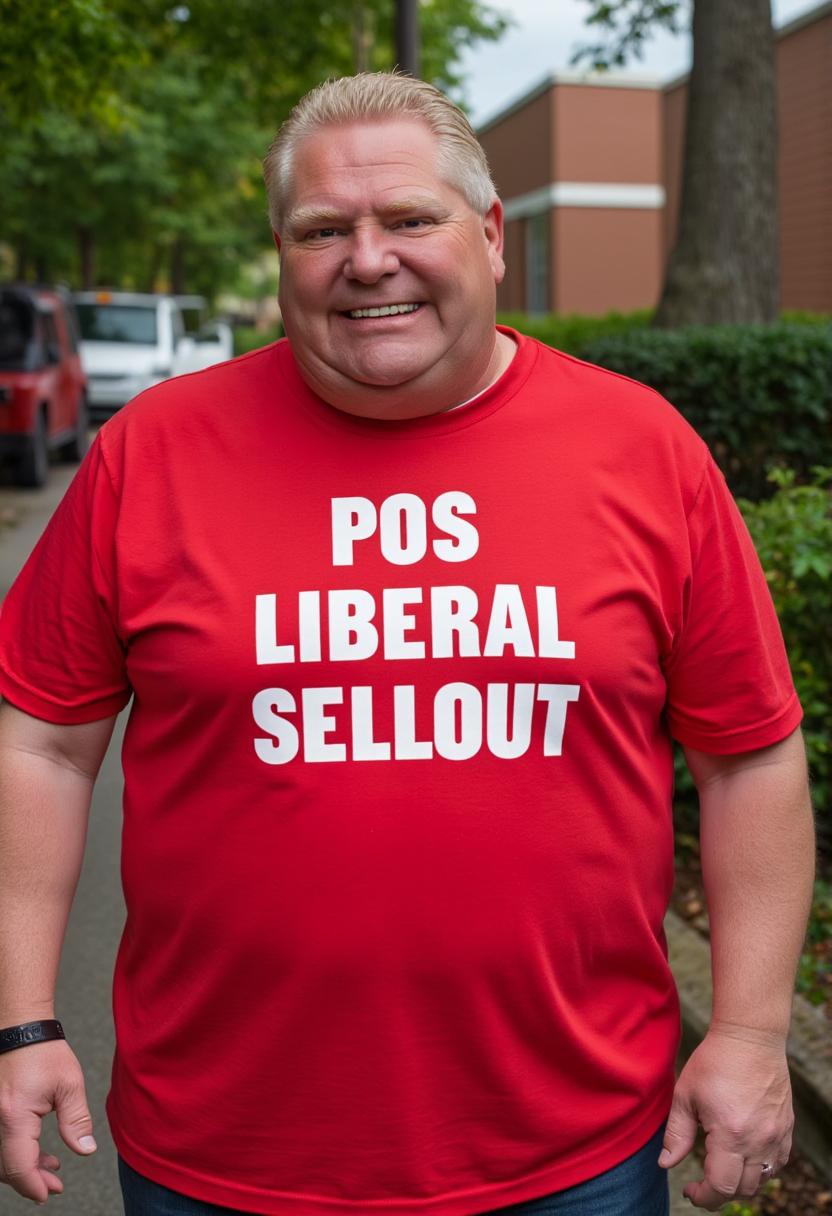
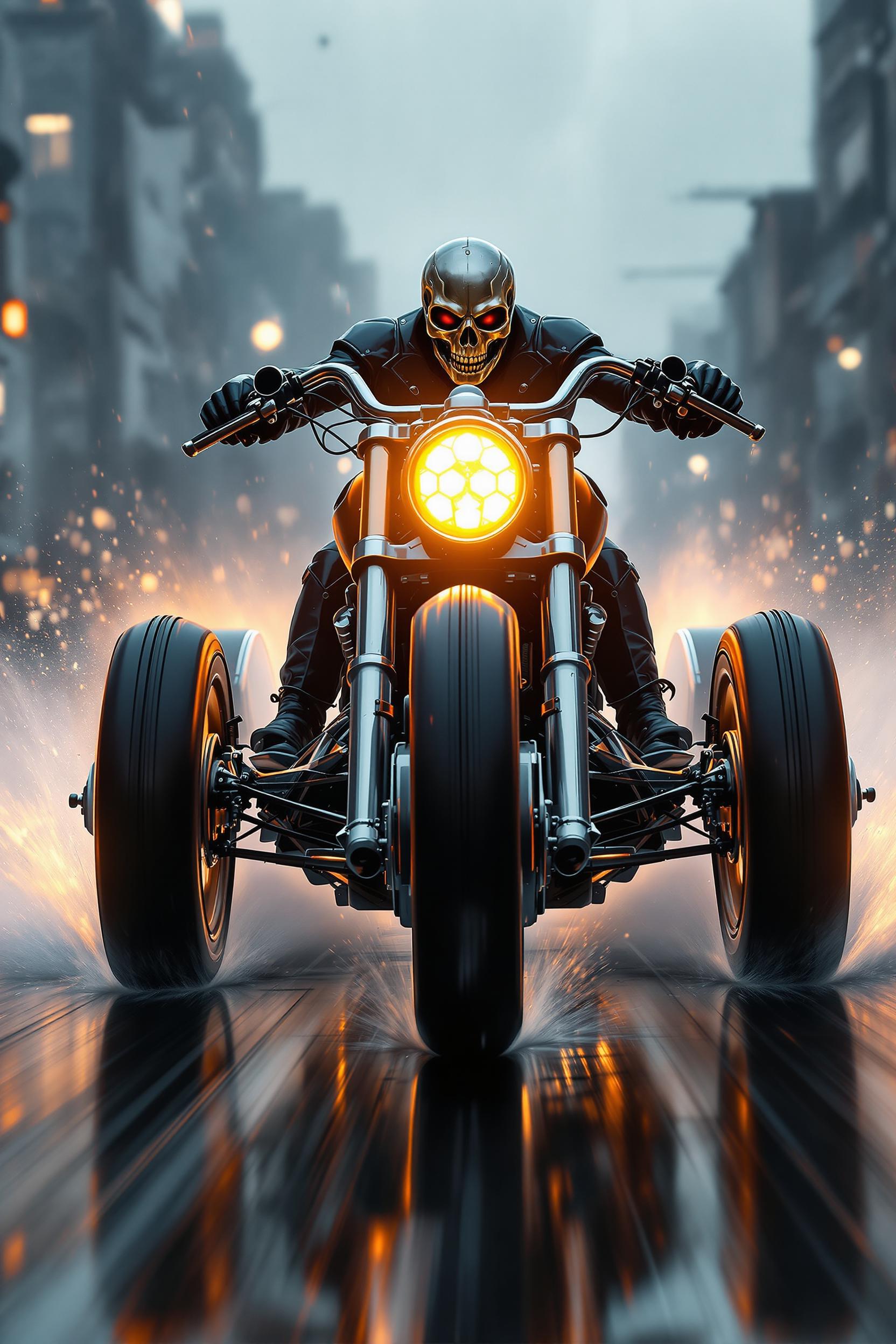
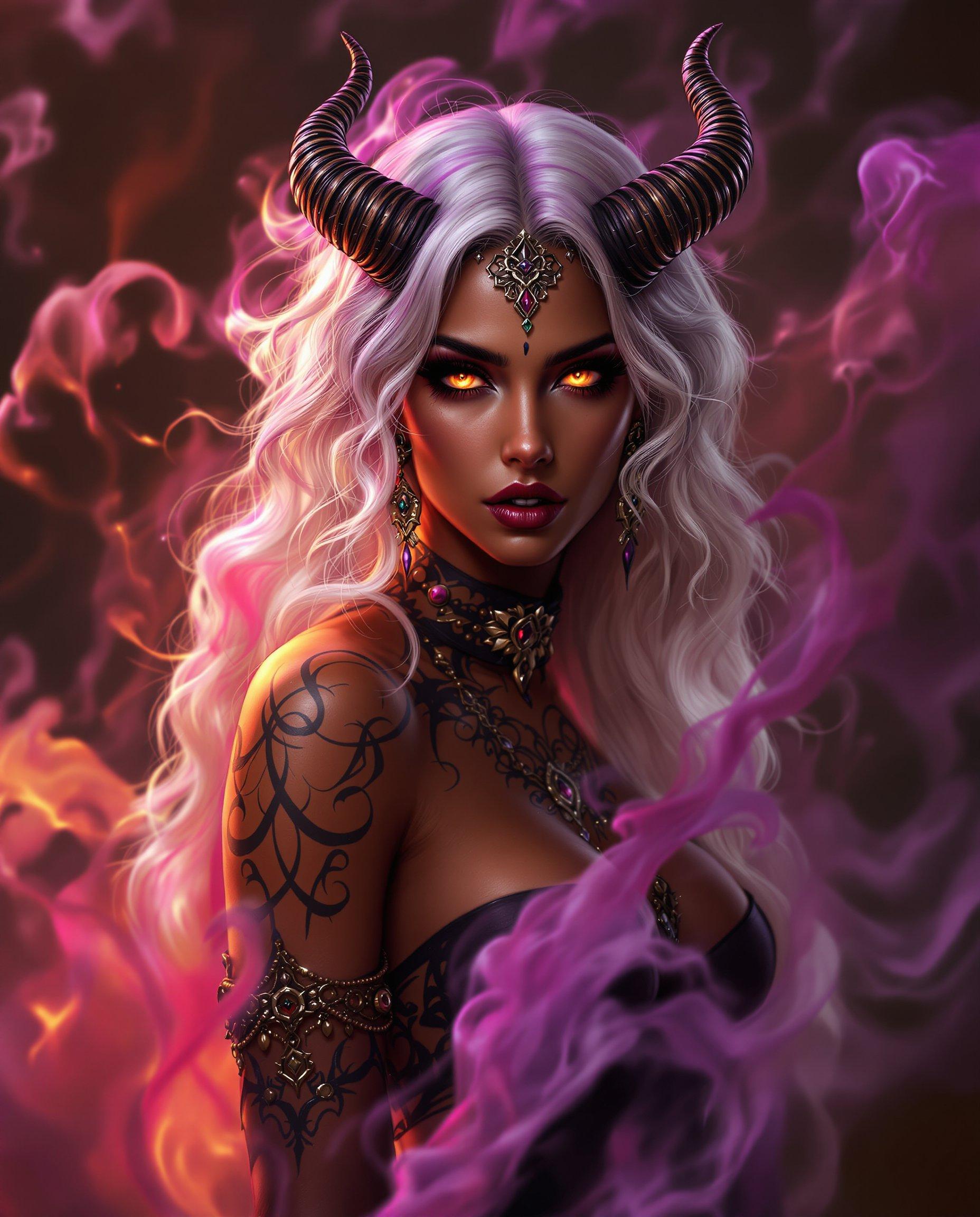
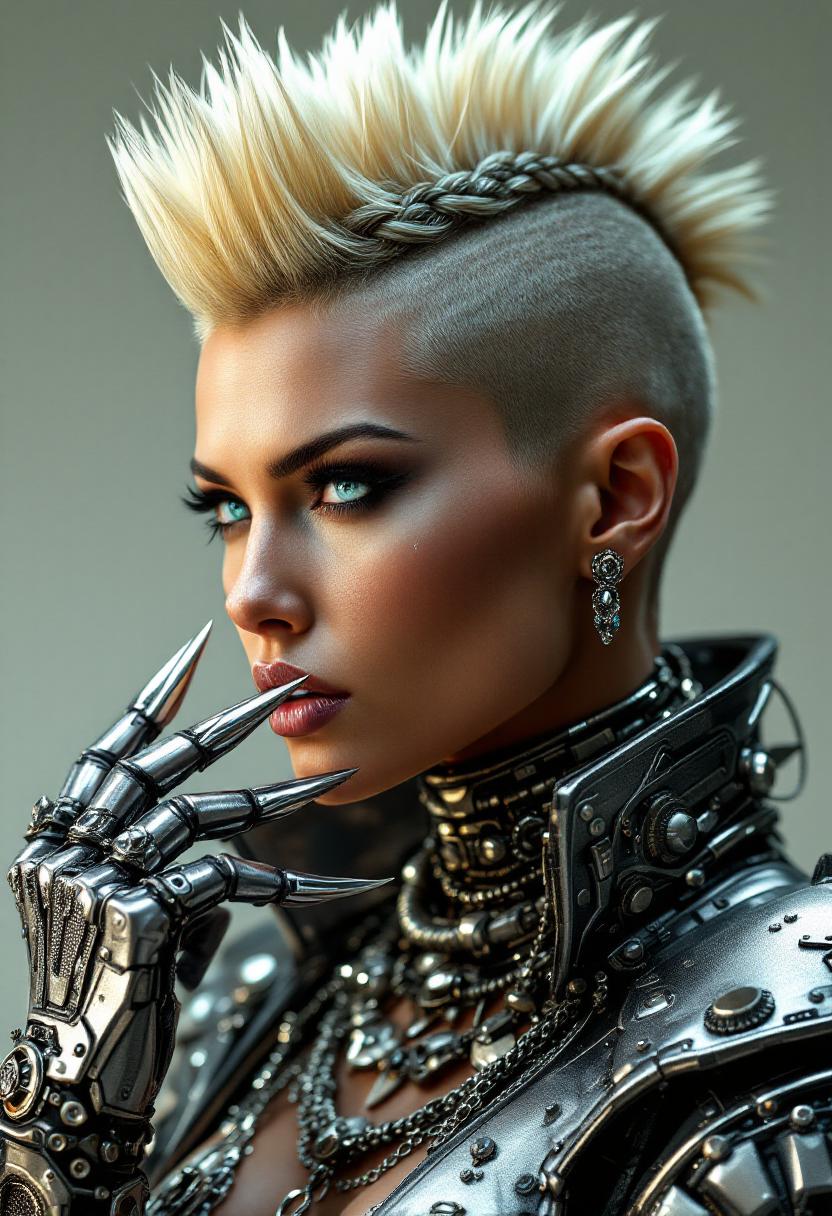
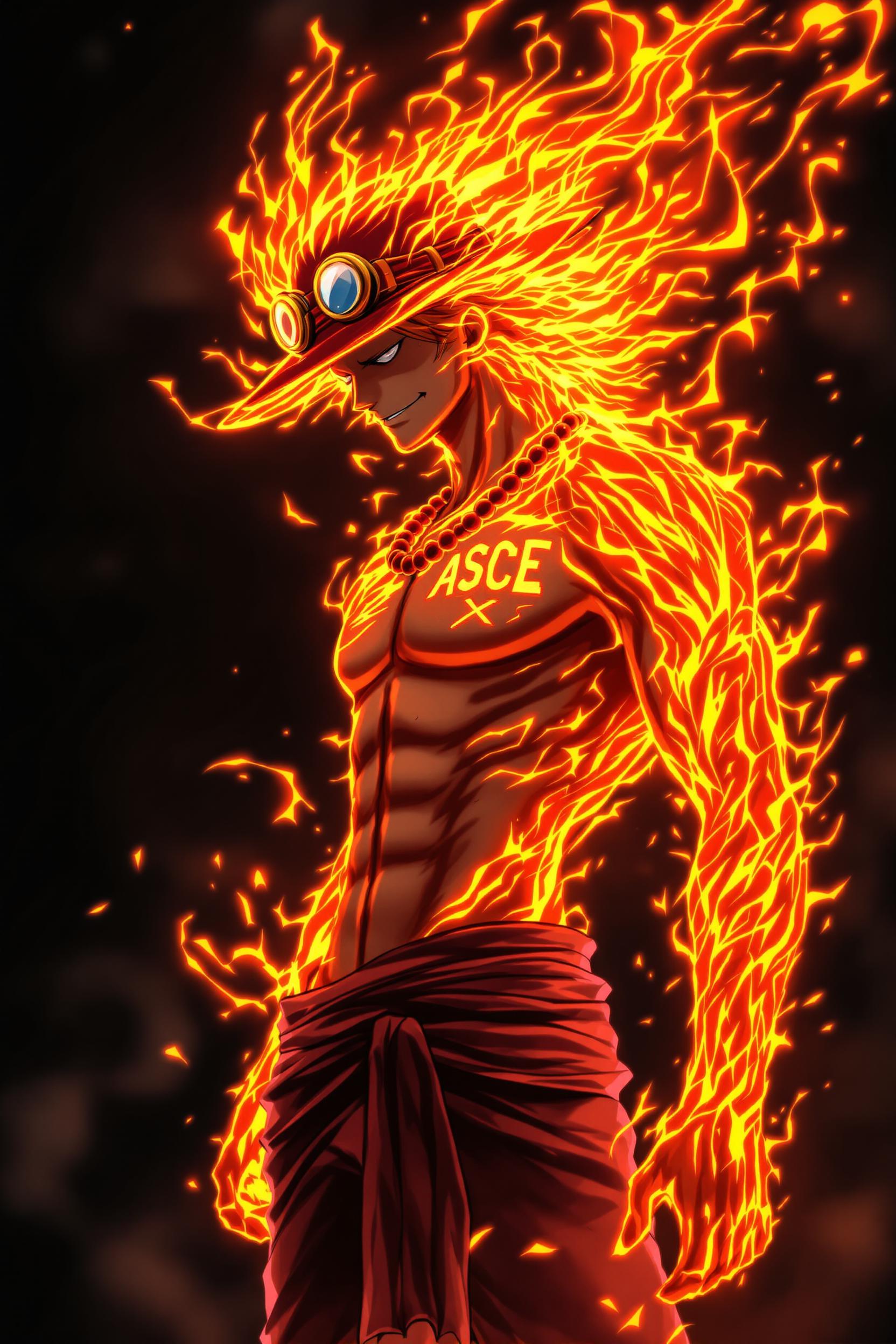
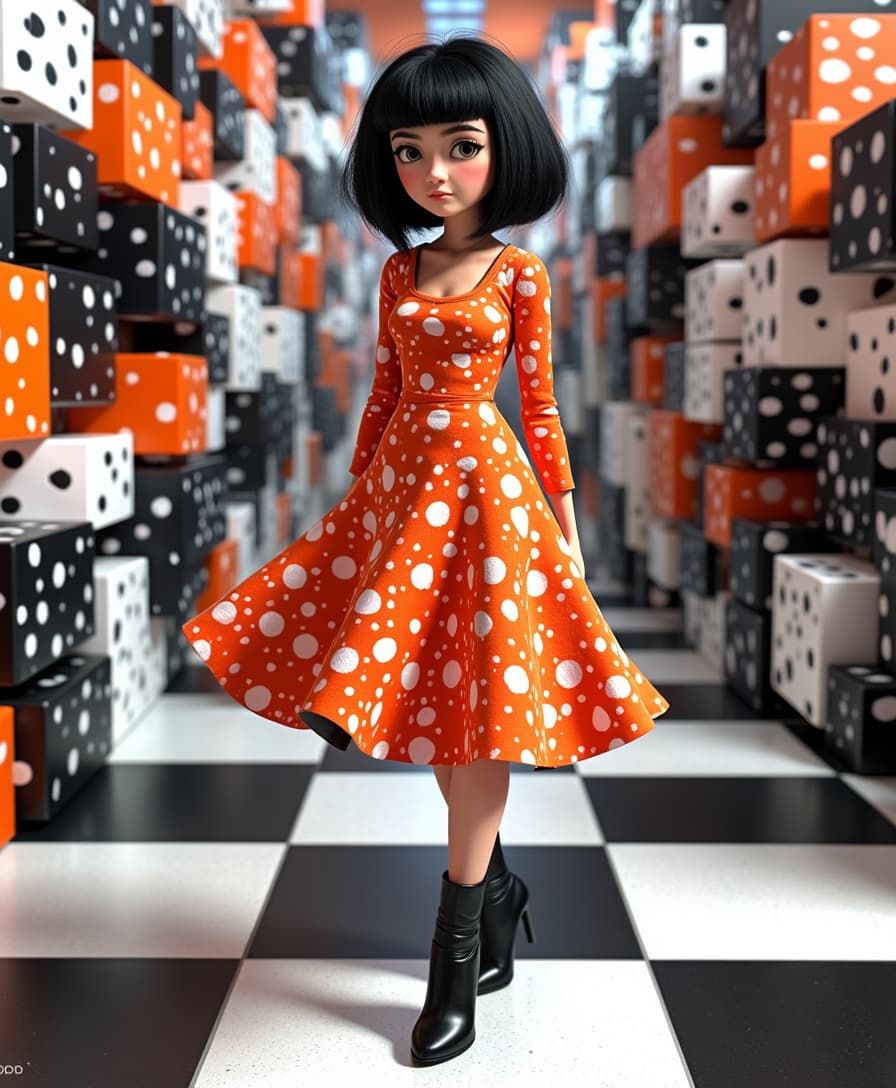
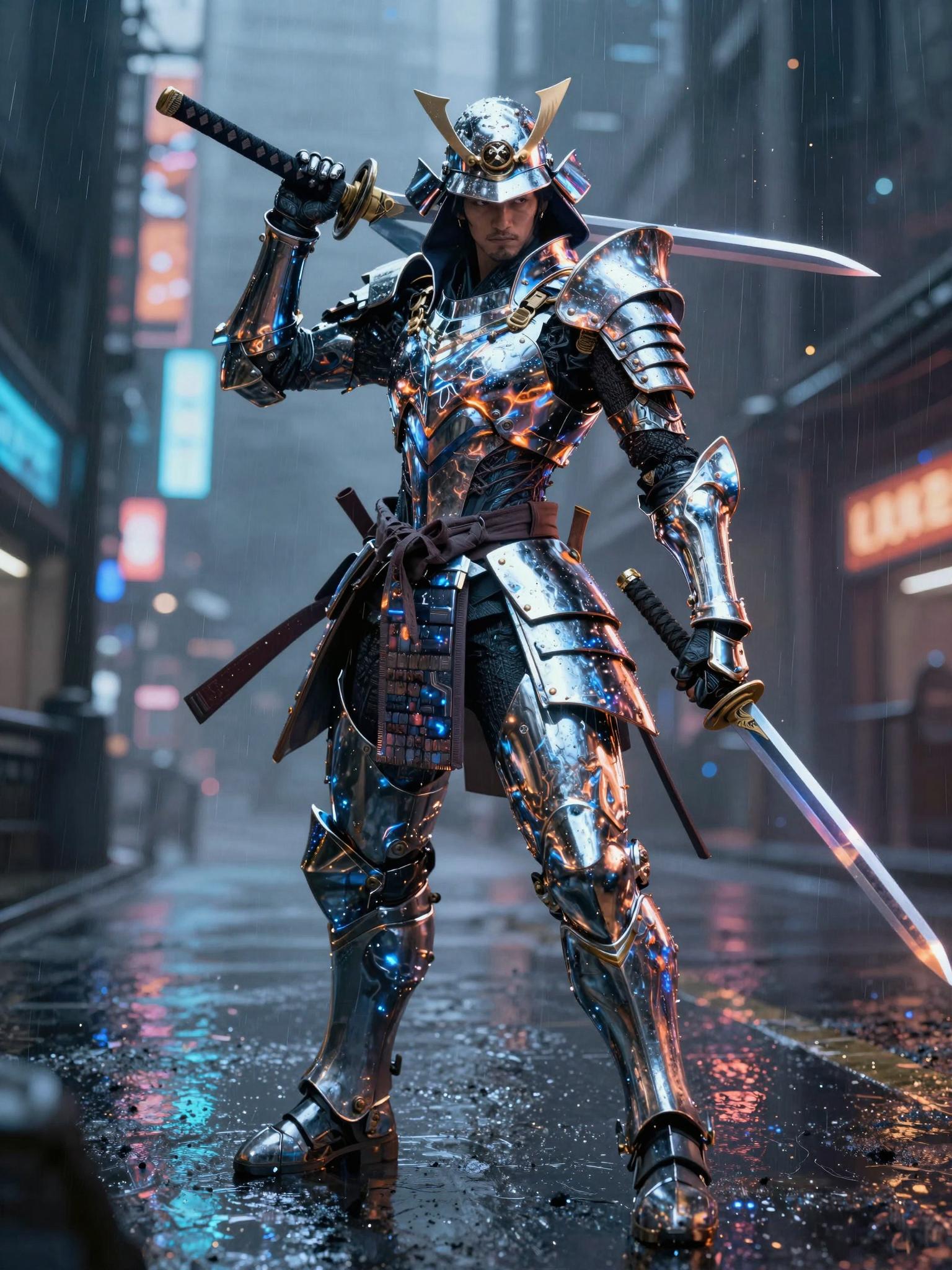

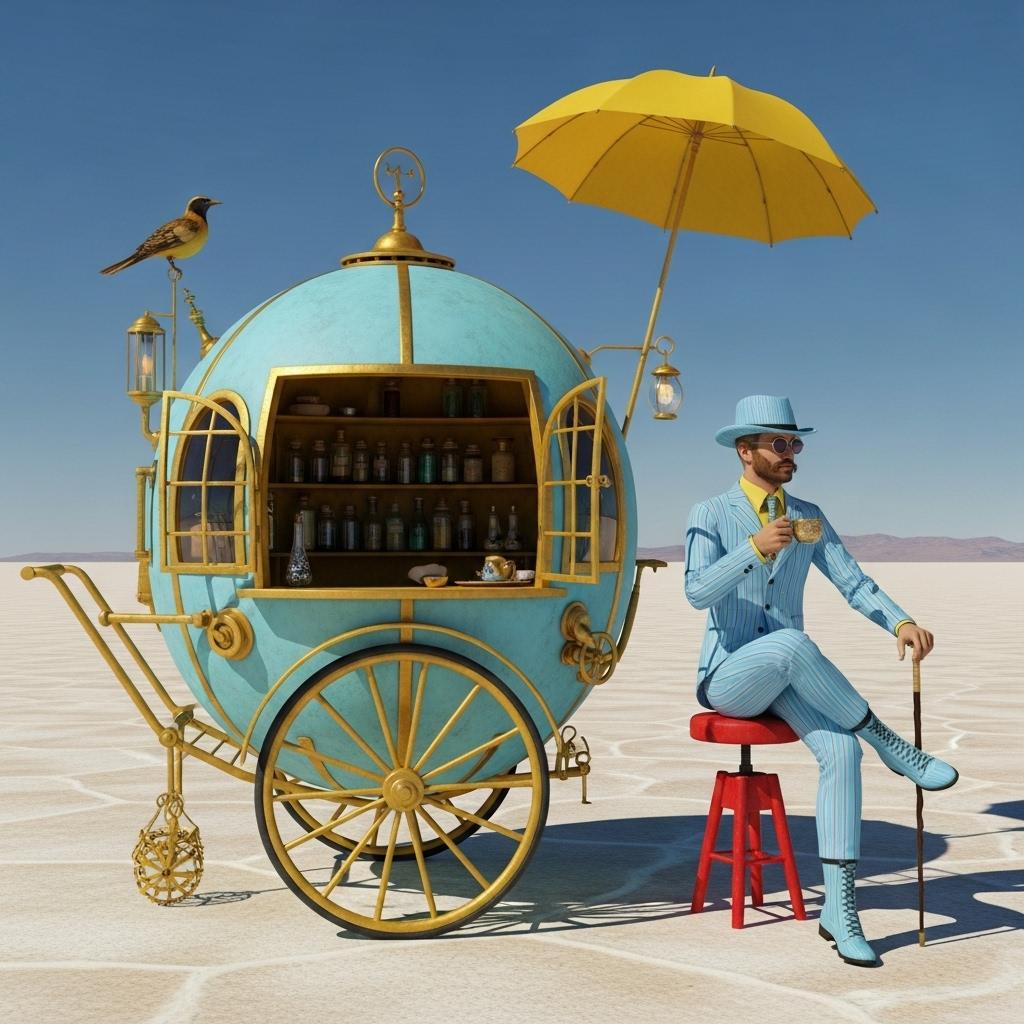
The Pixel Dojo Advantage
Why PixelDojo outperforms other options for cinematic image generation:
| Others | Pixel Dojo |
|---|---|
| Traditional Cinematic Image Creation | Eliminate the need for expensive software and extensive training; create images instantly with AI. |
| Generic AI Tools | Enjoy a comprehensive suite of tools tailored for diverse creative needs, offering more flexibility and control. |
| Manual Photo Editing | Save hours of editing time by generating ready-to-use images that require minimal adjustments. |
Loved by Creators
See what our community says about Text to cinematic image Wan
"PixelDojo has revolutionized the way I create content. The AI tools are intuitive and produce high-quality images that resonate with my audience."
Alex Johnson
Digital Marketer
"As a freelance designer, PixelDojo has become an indispensable part of my workflow. The variety of tools and ease of use are unmatched."
Samantha Lee
Graphic Designer
Common Questions
Everything you need to know about Text to cinematic image Wan AI generation
How can I create AI-generated cinematic images with PixelDojo?
Simply select one of our AI tools, enter a descriptive prompt, and our platform will generate an image based on your input. You can then customize and download the image as needed.
Do I need any prior experience to use PixelDojo's AI tools?
No prior experience is necessary. Our user-friendly interface is designed to be accessible to everyone, regardless of their technical background.
Can I use the images created with PixelDojo for commercial purposes?
Yes, images generated using PixelDojo can be used for both personal and commercial projects. Please ensure you comply with our terms of service.
What types of AI image generation tools does PixelDojo offer?
PixelDojo offers a variety of tools including Flux.1 Studio, Seedream 4.5, SDXL, and more, each designed to cater to different creative needs.
Is there a limit to the number of images I can create?
Our subscription plans offer varying limits to suit different user needs. Please refer to our pricing page for detailed information.
How does PixelDojo ensure the quality of AI-generated images?
Our AI models are trained on diverse datasets to produce high-quality, realistic images. We continuously update our tools to enhance performance and output quality.