Text to image edit Qwen Plus AI Generator
Unlock the full potential of your images with PixelDojo's Qwen Plus text-to-image editing tools. Whether you're a designer aiming for perfection, a marketer crafting compelling visuals, or a creative exploring new horizons, our AI-powered solutions offer unparalleled precision and ease. Transform your images effortlessly, achieving professional-quality results in minutes.

Join over 5,000 creators who trust PixelDojo for their image editing needs, boasting a 99% satisfaction rate. Our tools are globally recognized and utilized by design and marketing teams to produce stunning visuals daily.
Why Choose Pixel Dojo for Text to image edit Qwen Plus
Professional-quality results with cutting-edge AI technology
Flawless Bilingual Text Editing
Seamlessly add, remove, or modify text in both English and Chinese, preserving the original font, size, and style—even on complex backgrounds.
Consistent Style and Character Preservation
Maintain brand consistency by locking in specific visual styles, characters, or clothing across all your edits using custom LoRA models.
Efficient Multi-Image Editing
Edit multiple images simultaneously, apply various adjustments, and preview results in seconds, significantly reducing your workflow time.
How It Works
Transforming your images with Qwen Plus is a straightforward process. Follow these steps to achieve your desired edits:
Step 1: Select the Qwen Image Edit Tool
Navigate to PixelDojo’s 'Edit Images' section and choose 'Qwen Image Edit' or 'Edit-Plus' for detailed control with LoRA support.
Step 2: Upload Your Image and Add LoRA
Upload your source image (supporting 1-3 images). Load your custom LoRA models (up to 3) and adjust blending scales to define style influence.
Step 3: Enter Prompt and Configure Output Settings
Describe the desired changes (e.g., 'replace the background, add Chinese text “欢迎”, keep hoodie style'). Set resolution, format, and seed for reproducibility.
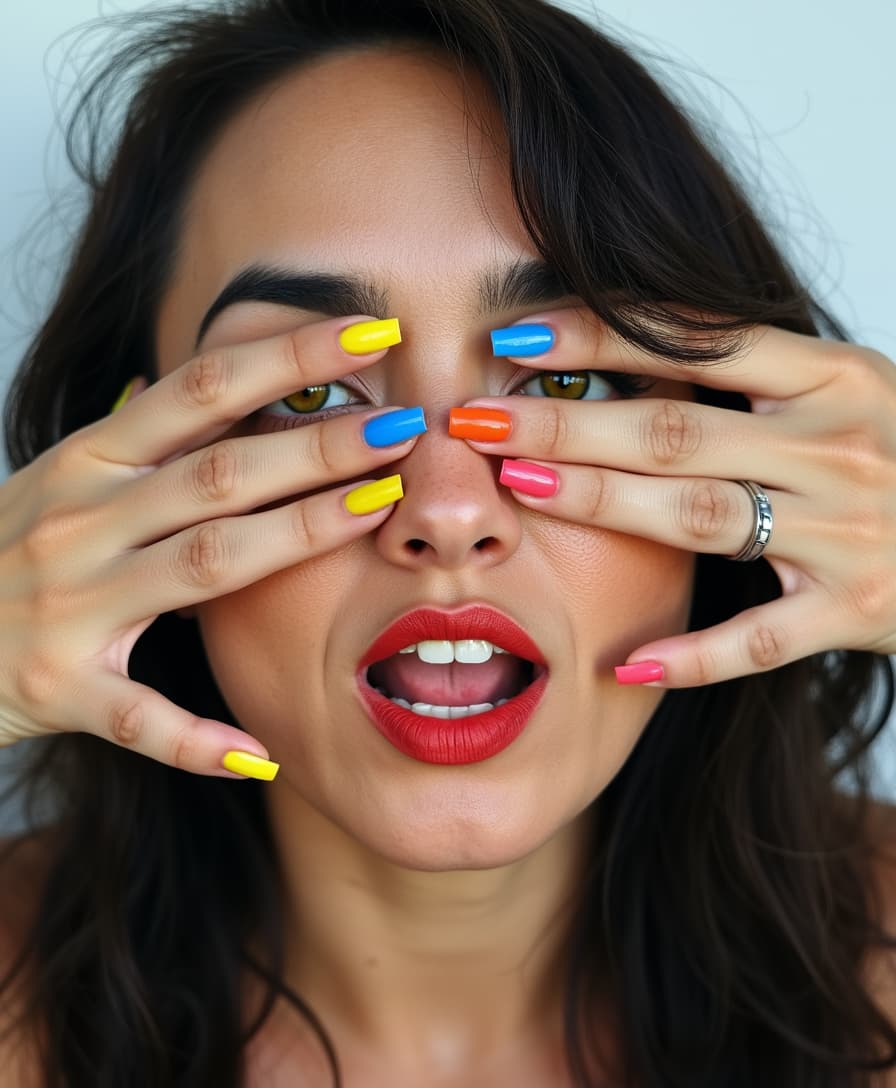

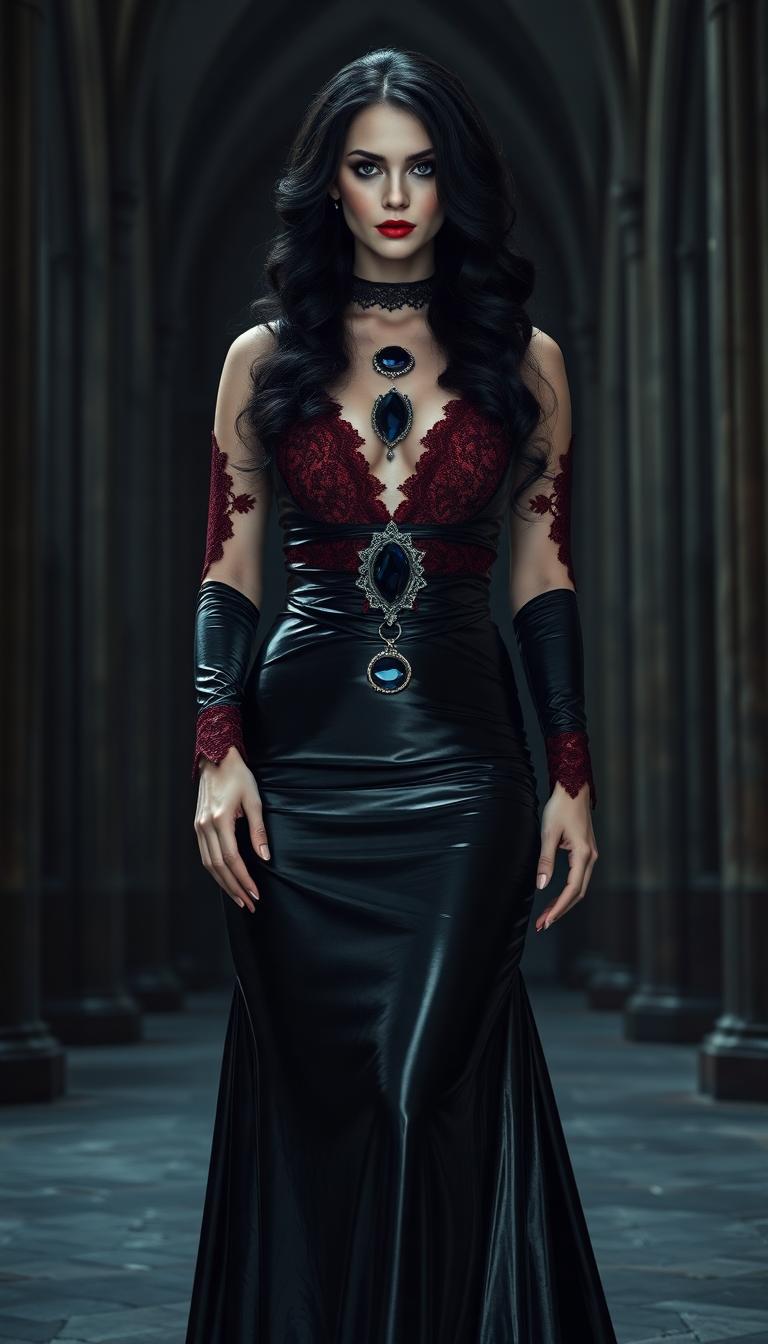

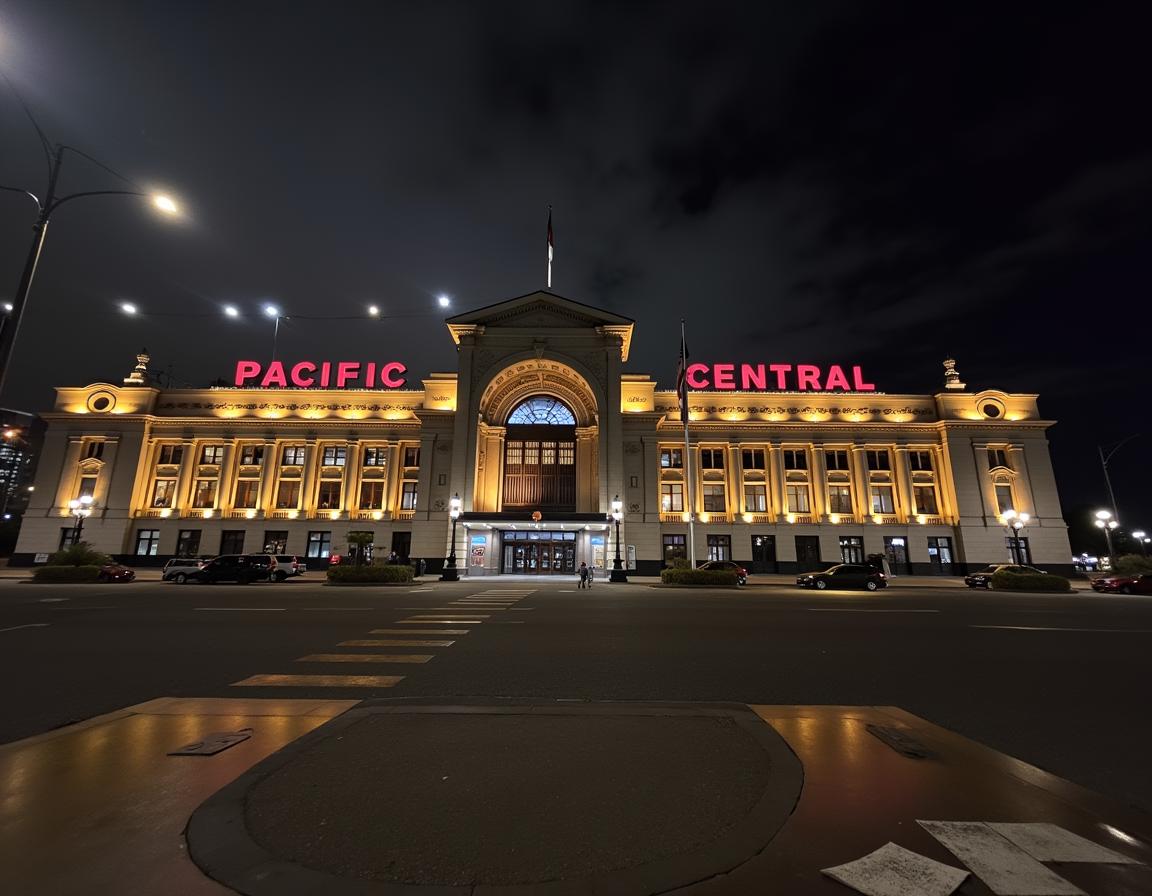



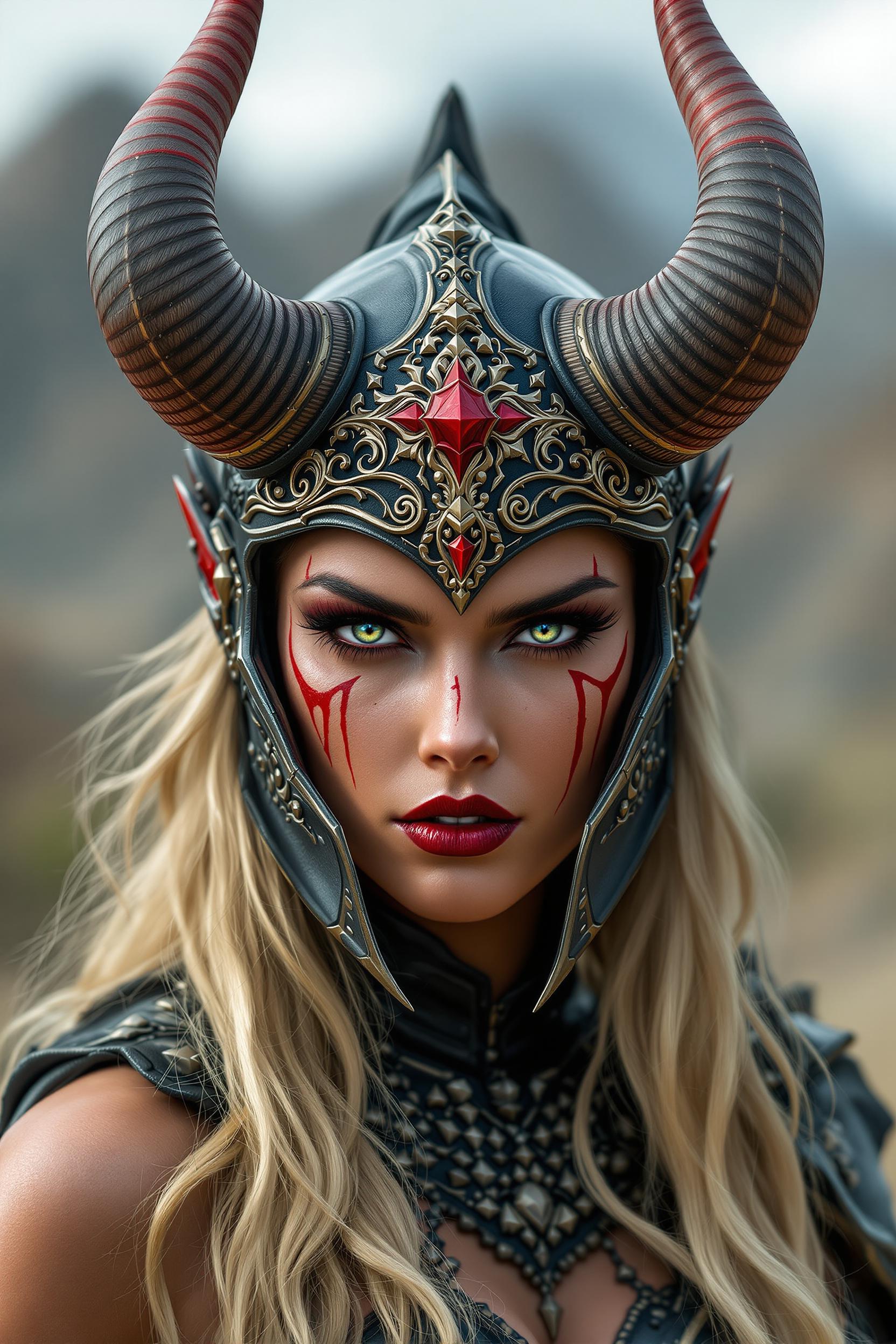

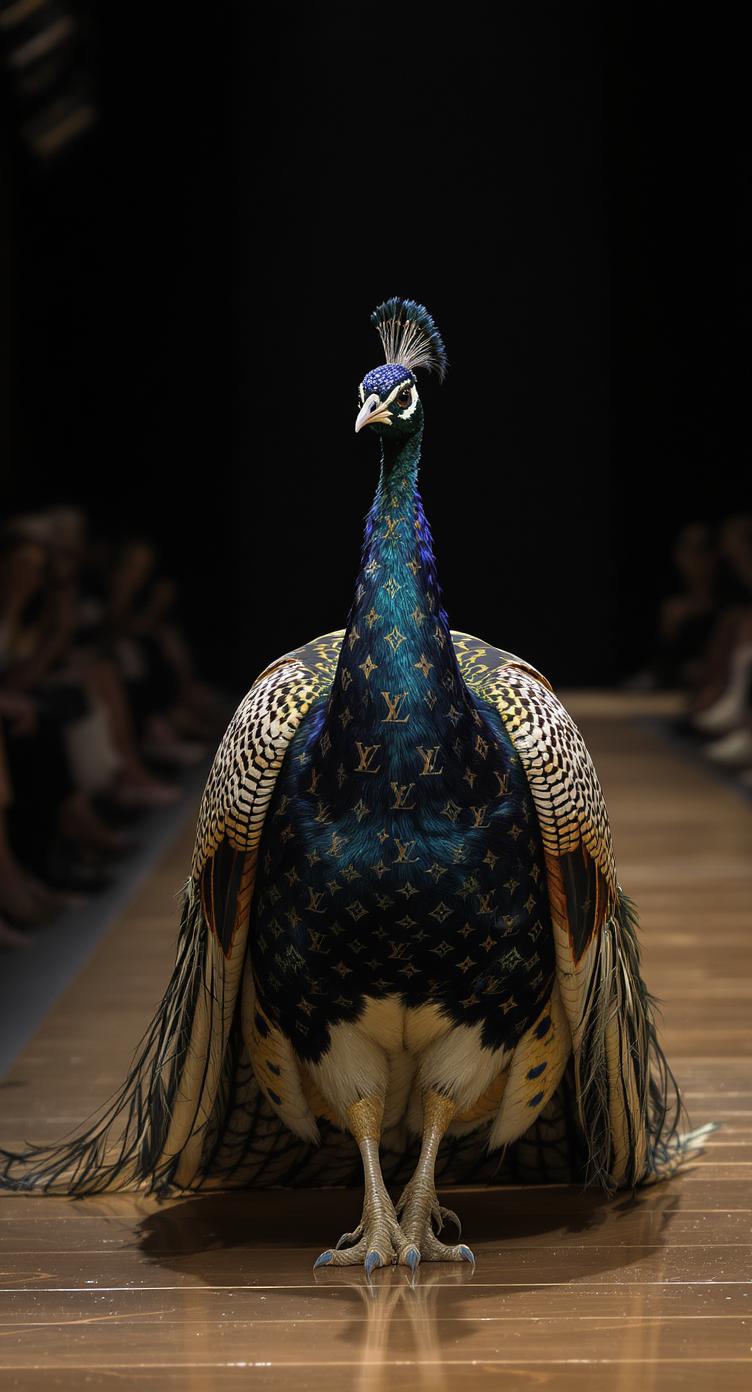





The Pixel Dojo Advantage
Discover why PixelDojo's Qwen Plus tools are the superior choice for text-to-image editing:
| Others | Pixel Dojo |
|---|---|
| Traditional Manual Editing | Eliminate the need for complex software and time-consuming manual adjustments. Achieve precise edits with simple prompts. |
| Generic AI Editing Tools | Benefit from advanced features like LoRA support for style consistency and bilingual text editing, which generic tools often lack. |
| Outsourcing to Designers | Reduce costs and turnaround times by handling edits in-house with user-friendly AI tools, without compromising on quality. |
Loved by Creators
See what our community says about Text to image edit Qwen Plus
"With Qwen Edit + LoRA, I localized my product cards in Chinese and English within minutes, and each image kept my brand color palette perfectly."
Sarah Chen
Marketing Director
"I trained a character LoRA once and now every design I edit in that character feels seamless and true to my original sketch. No more patchy edits."
Alex Rivera
Illustrator
Common Questions
Everything you need to know about Text to image edit Qwen Plus AI generation
How does Qwen Edit with LoRA support enhance image editing?
Qwen Edit with LoRA support allows you to incorporate custom style or character adapters, providing control over style and ensuring edits remain coherent across designs. For instance, you can change outfit colors or poses while maintaining your custom character's look intact.
Can I preserve fonts and text styles when editing images?
Yes, when using Qwen Image Edit or Edit-Plus with LoRA, you can write your text instructions in the prompt. The tools are optimized to retain typeface, size, kerning, and layout, even when replacing or adding text, ensuring consistency with the original design.
Is it possible to use multiple custom LoRAs simultaneously?
Absolutely. PixelDojo’s Qwen editing tools support up to three custom LoRAs per image. You can adjust the blending scale of each LoRA to achieve the desired effect strength, from subtle to strong.
What types of edits can I perform with Qwen Plus tools?
You can execute both appearance edits (such as color, texture, lighting, background swaps) and semantic edits (like pose shifts, style transfers, object addition/removal). The tools also support bilingual text editing without losing the original font aesthetic.
Do I need advanced technical skills to use Qwen Plus tools?
Not at all. PixelDojo's Qwen Plus tools are designed with user-friendliness in mind. With intuitive interfaces and straightforward prompts, users of all skill levels can achieve professional-quality edits.
How does PixelDojo ensure the quality of edited images?
PixelDojo employs state-of-the-art AI models and continuously updates its tools to ensure high-quality, precise edits. Additionally, user feedback is integral to our development process, allowing us to refine and enhance our offerings continually.