upscaling tool AI Generator
In today's digital landscape, high-quality visuals are paramount. Whether you're a photographer, designer, or content creator, the clarity and detail of your images can make or break your project's success. PixelDojo's AI upscaling tools empower you to transform low-resolution images into stunning, high-definition masterpieces effortlessly. Say goodbye to pixelation and hello to crisp, clear visuals that captivate your audience.
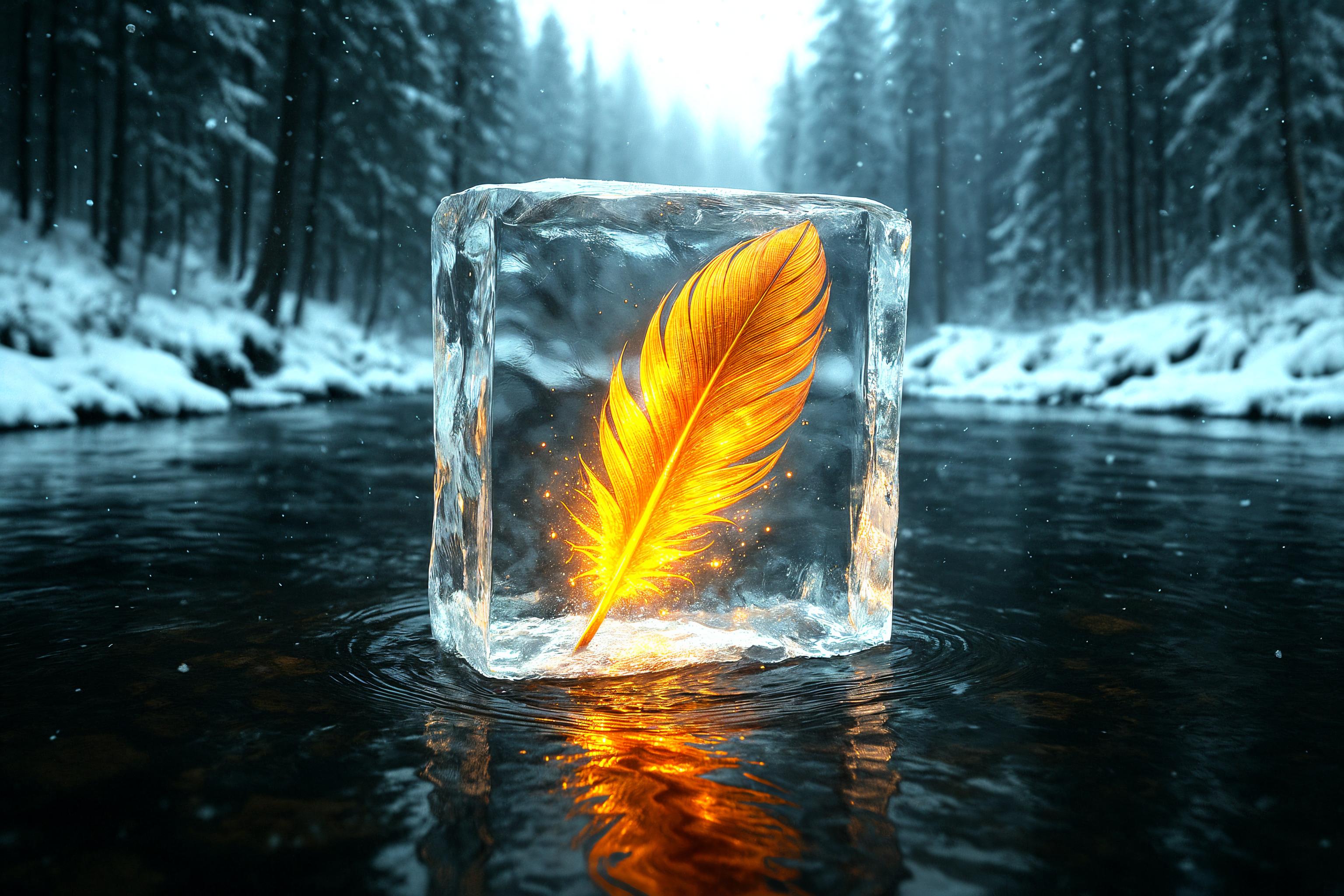
Join over 10,000 satisfied creators who have enhanced their visuals using PixelDojo's AI upscaling tools. Rated 4.8/5 based on 2,000+ reviews.
Why Choose Pixel Dojo for upscaling tool
Professional-quality results with cutting-edge AI technology
Achieve Professional-Grade Quality
Elevate your images to professional standards, ensuring every detail is sharp and clear.
Save Time with AI Efficiency
Let our AI handle the heavy lifting, reducing manual editing time and increasing productivity.
Preserve Original Integrity
Maintain the essence of your original images while enhancing resolution and clarity.
How It Works
Transforming your images with PixelDojo's AI upscaling tools is a straightforward process:
Step 1: Select Your Image
Upload the image you wish to enhance. Our platform supports various formats for your convenience.
Step 2: Choose Upscaling Parameters
Specify the desired upscaling factor and any additional enhancements. Our AI will tailor the process to your preferences.
Step 3: Preview and Download
Review the upscaled image to ensure it meets your expectations. Once satisfied, download the high-resolution version.


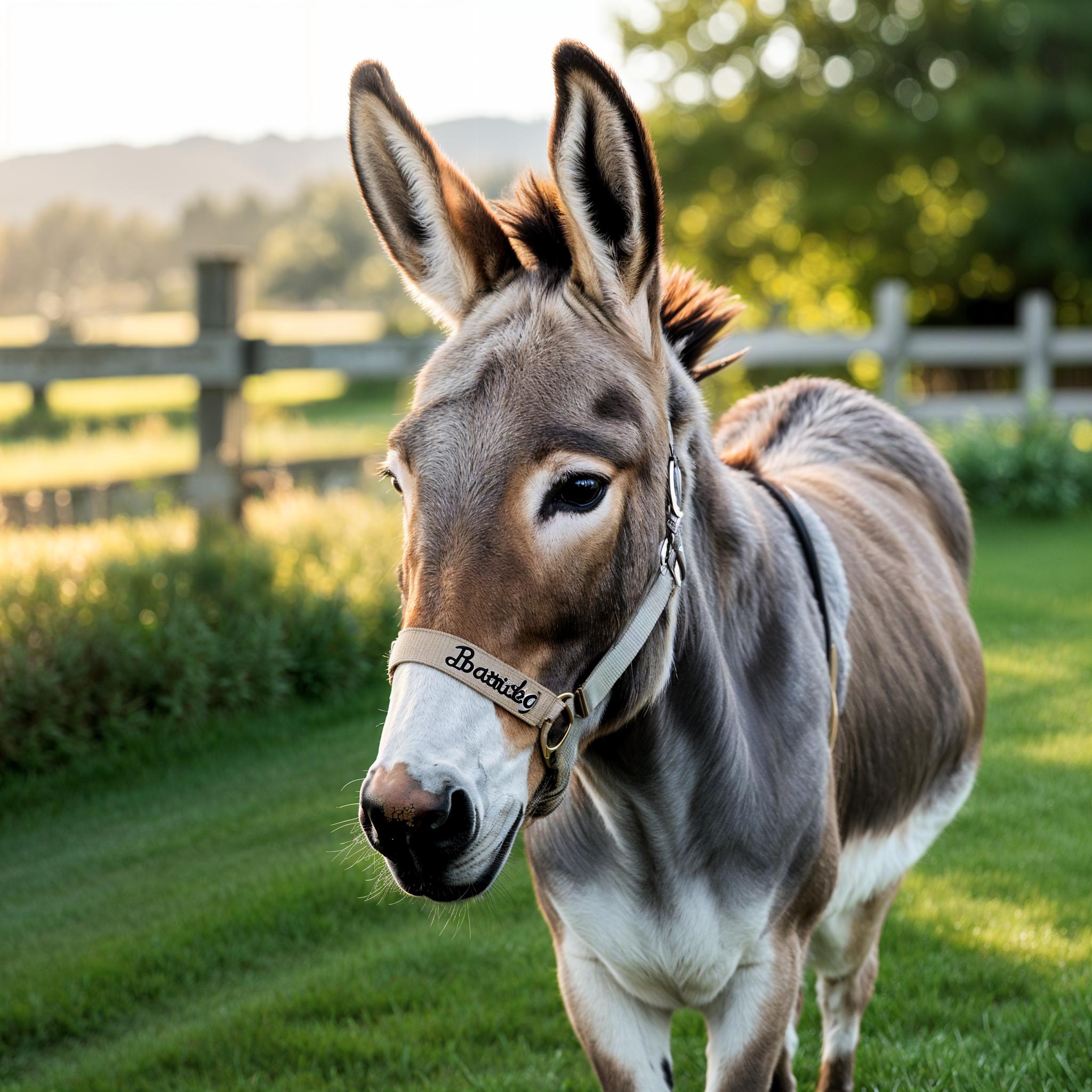
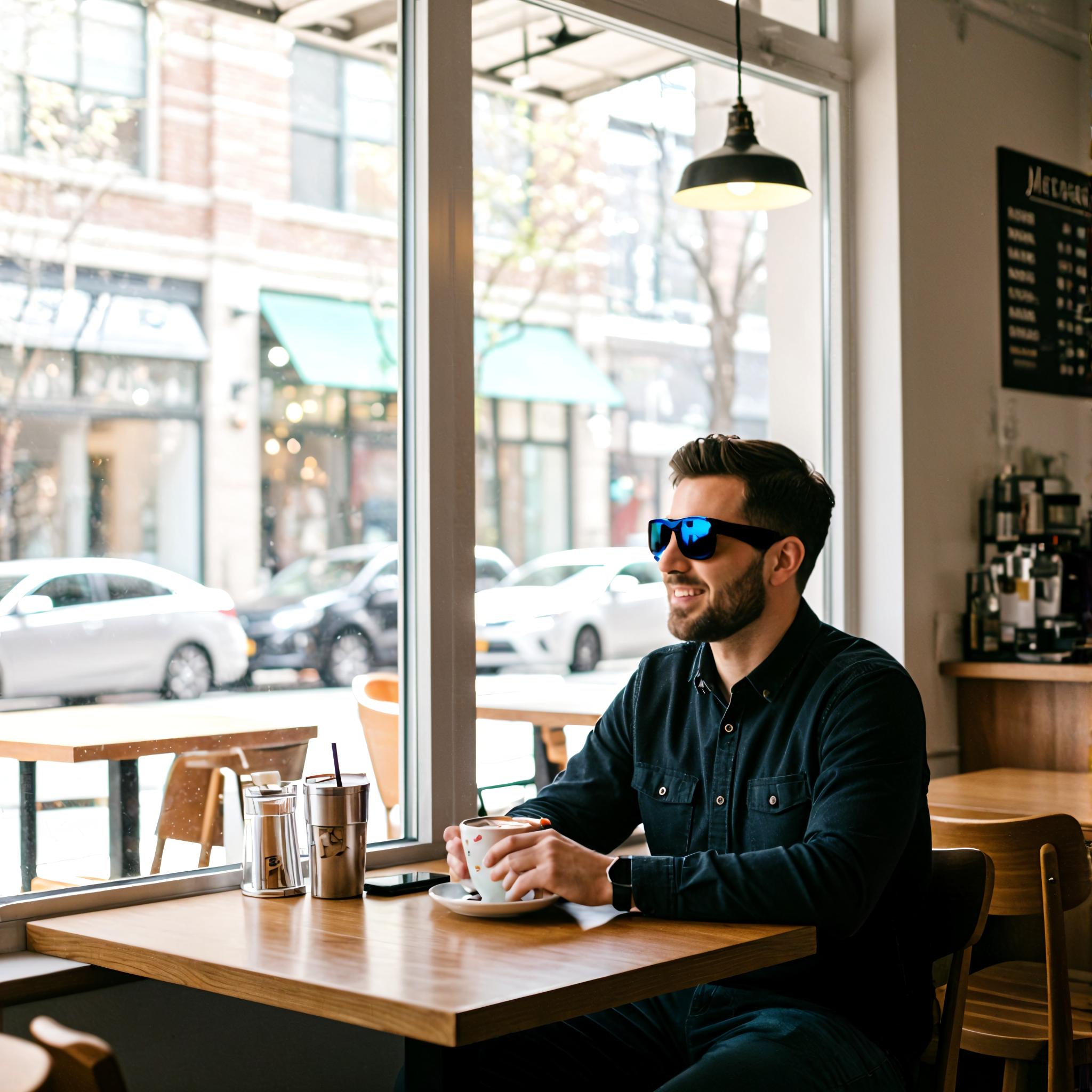
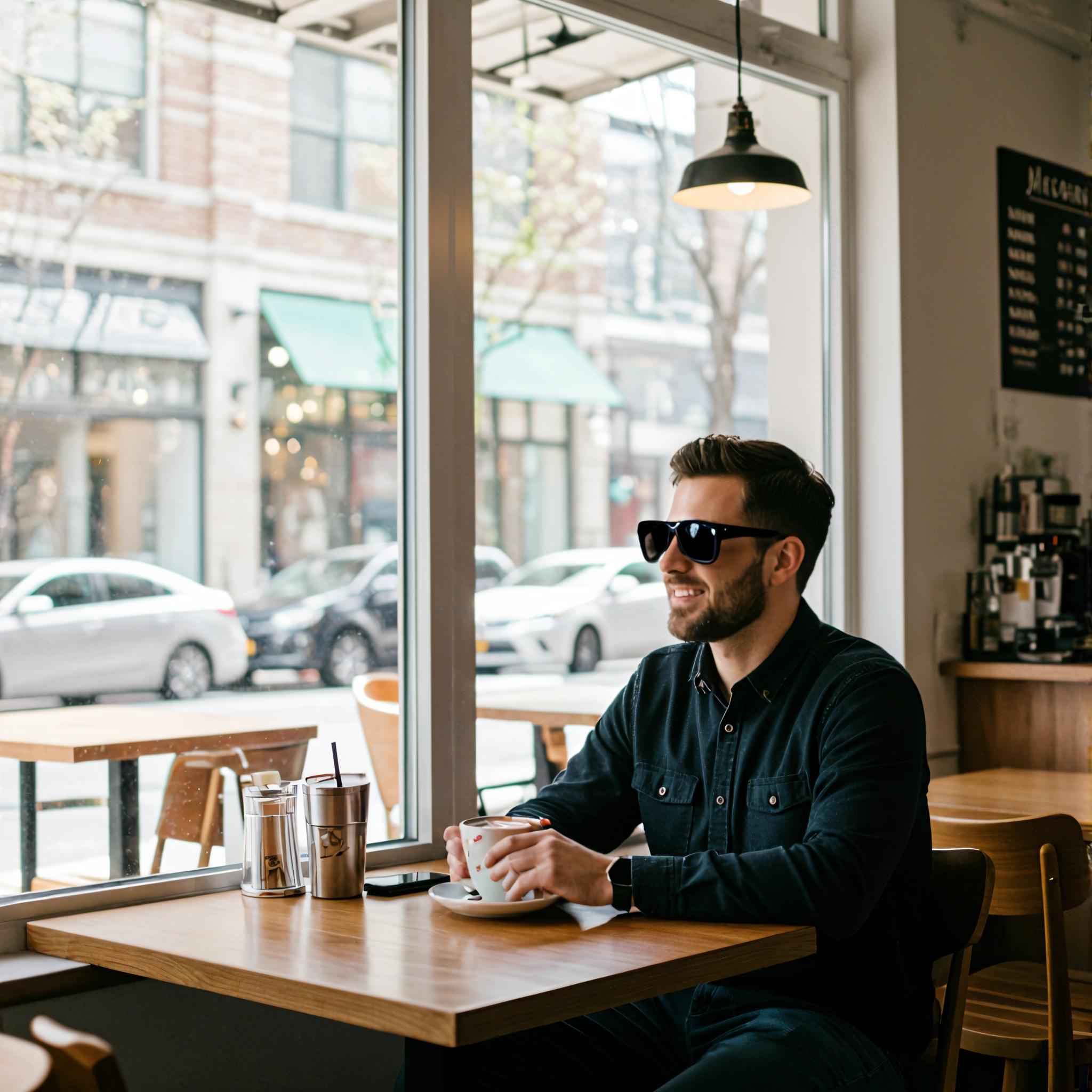
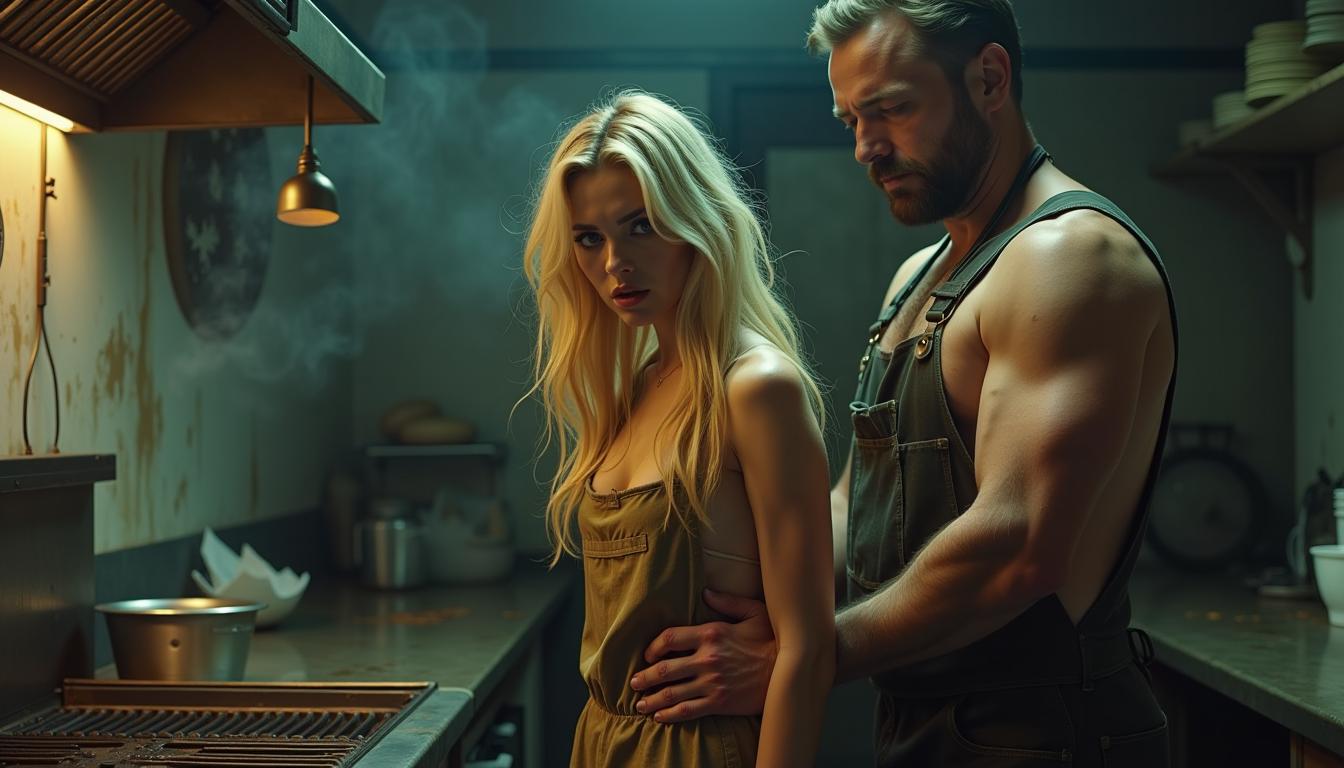
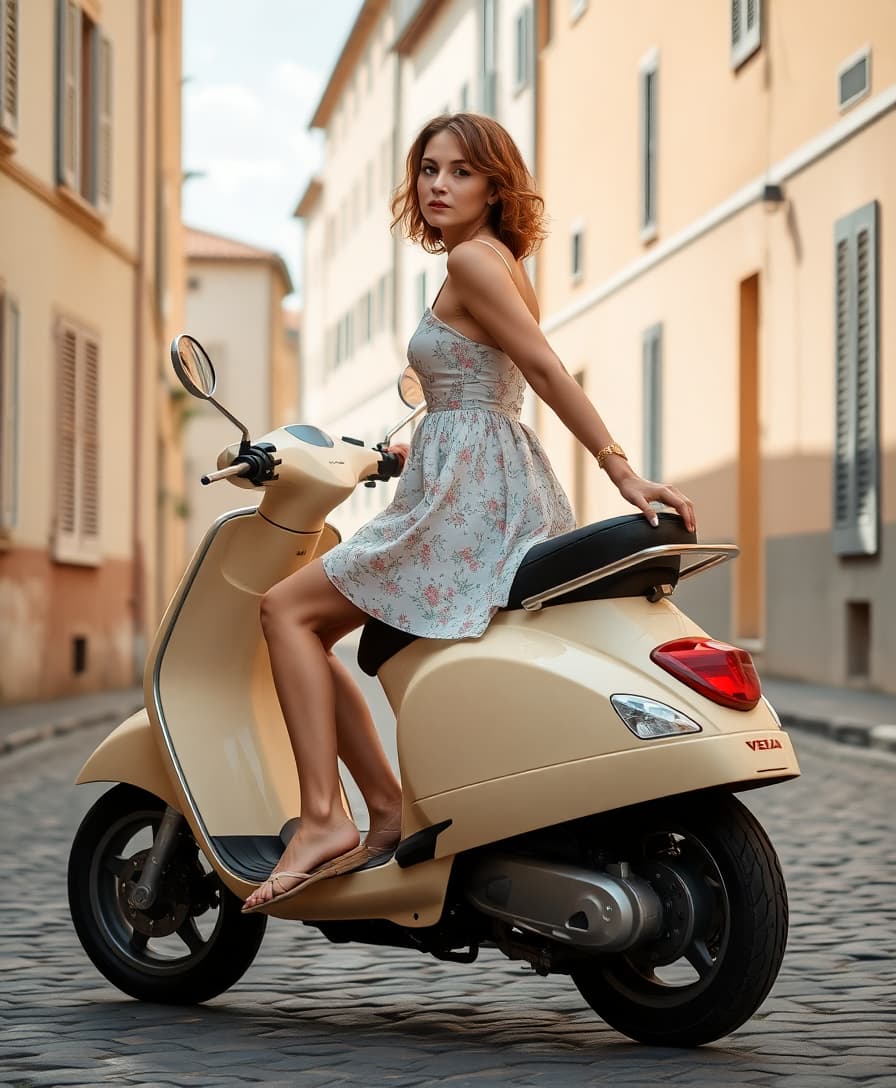
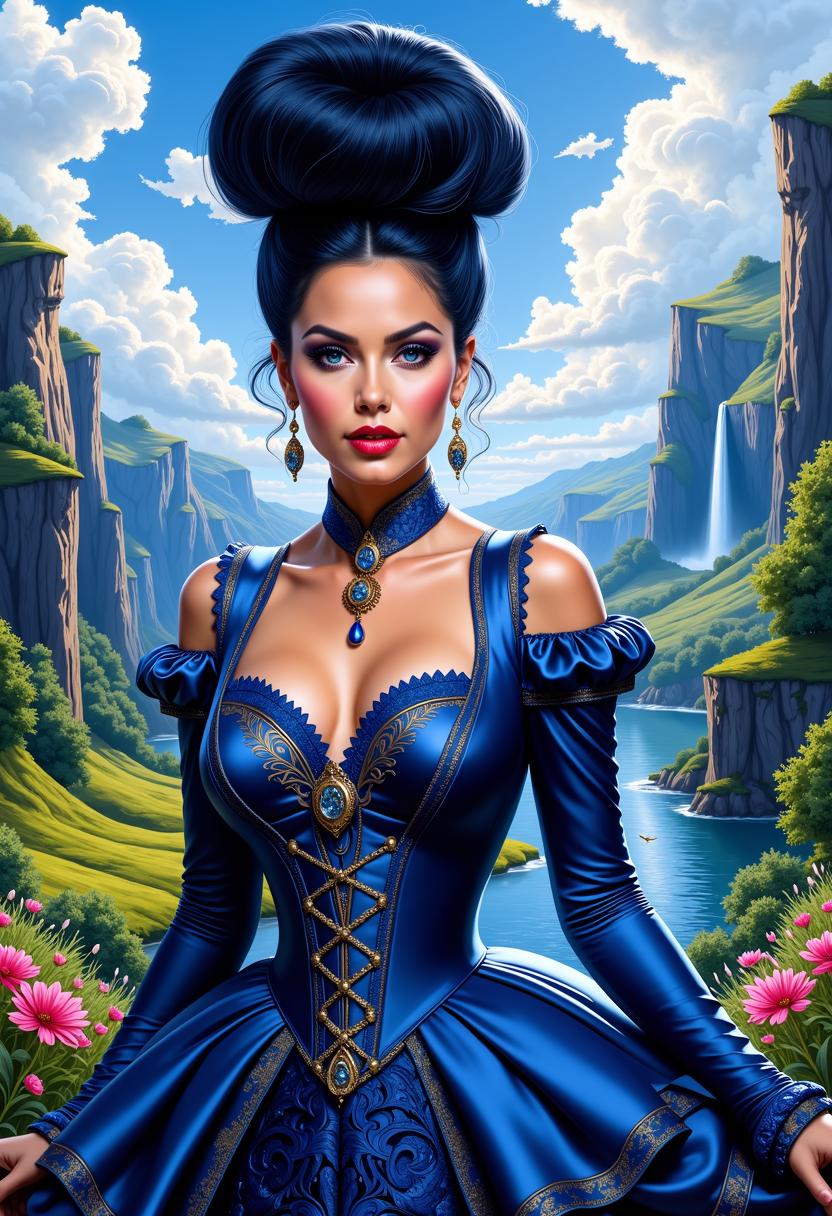
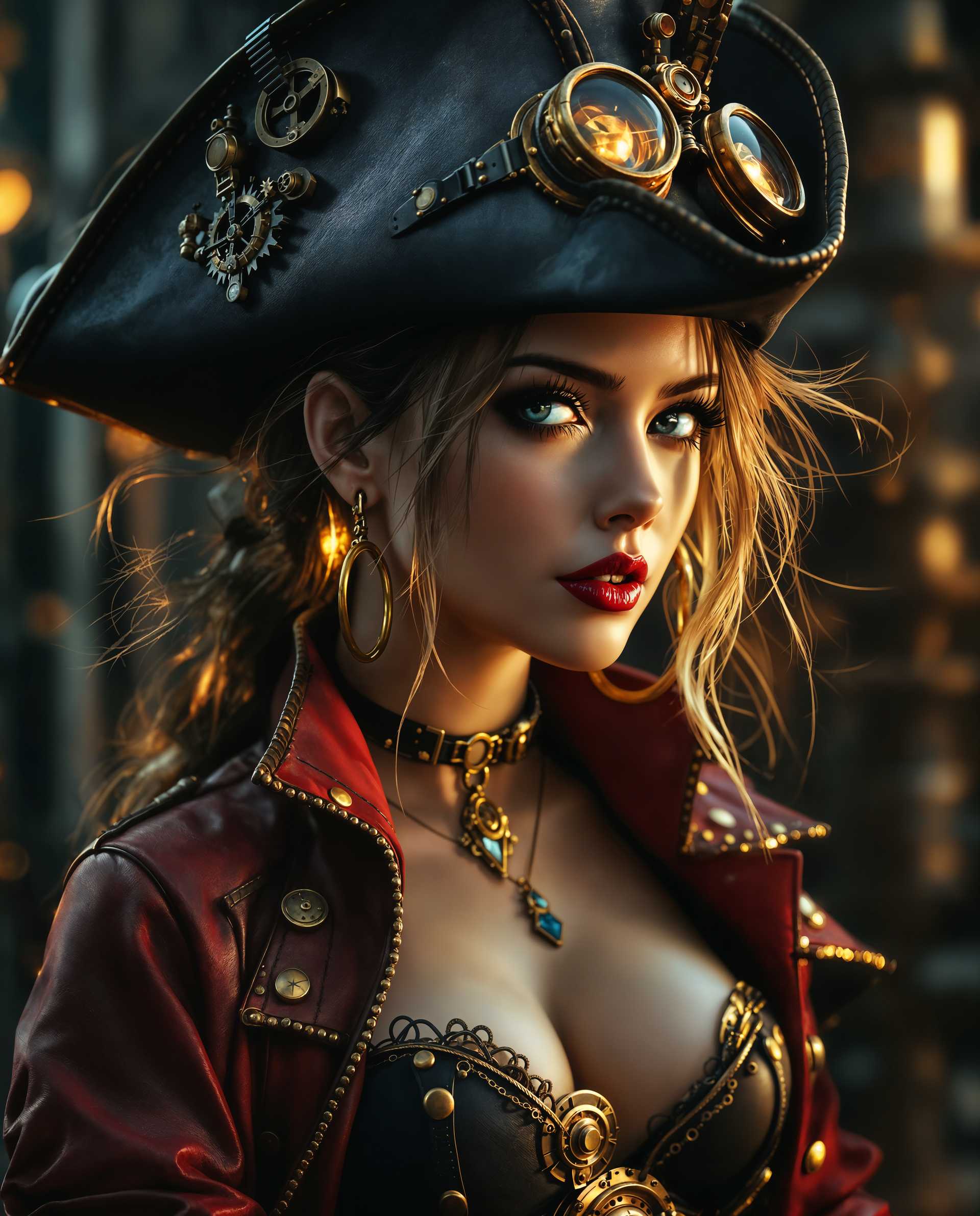
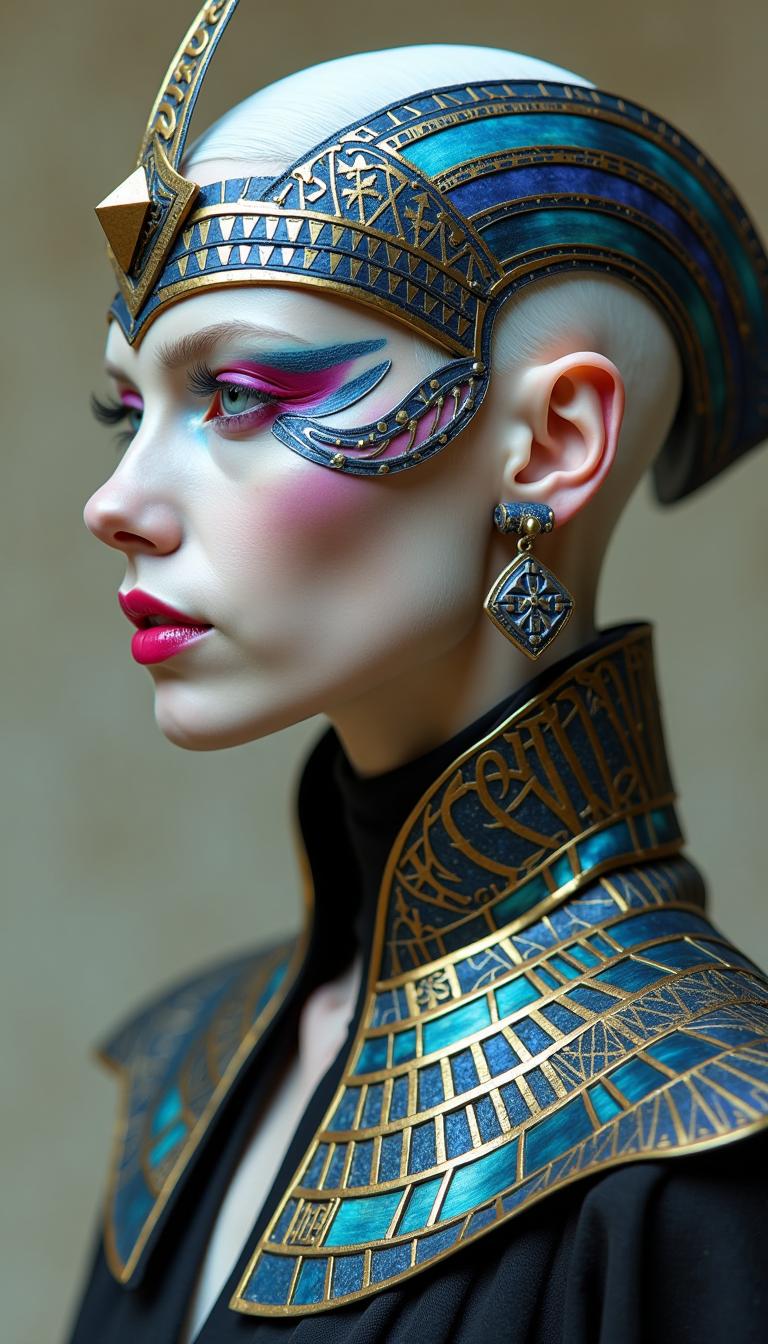
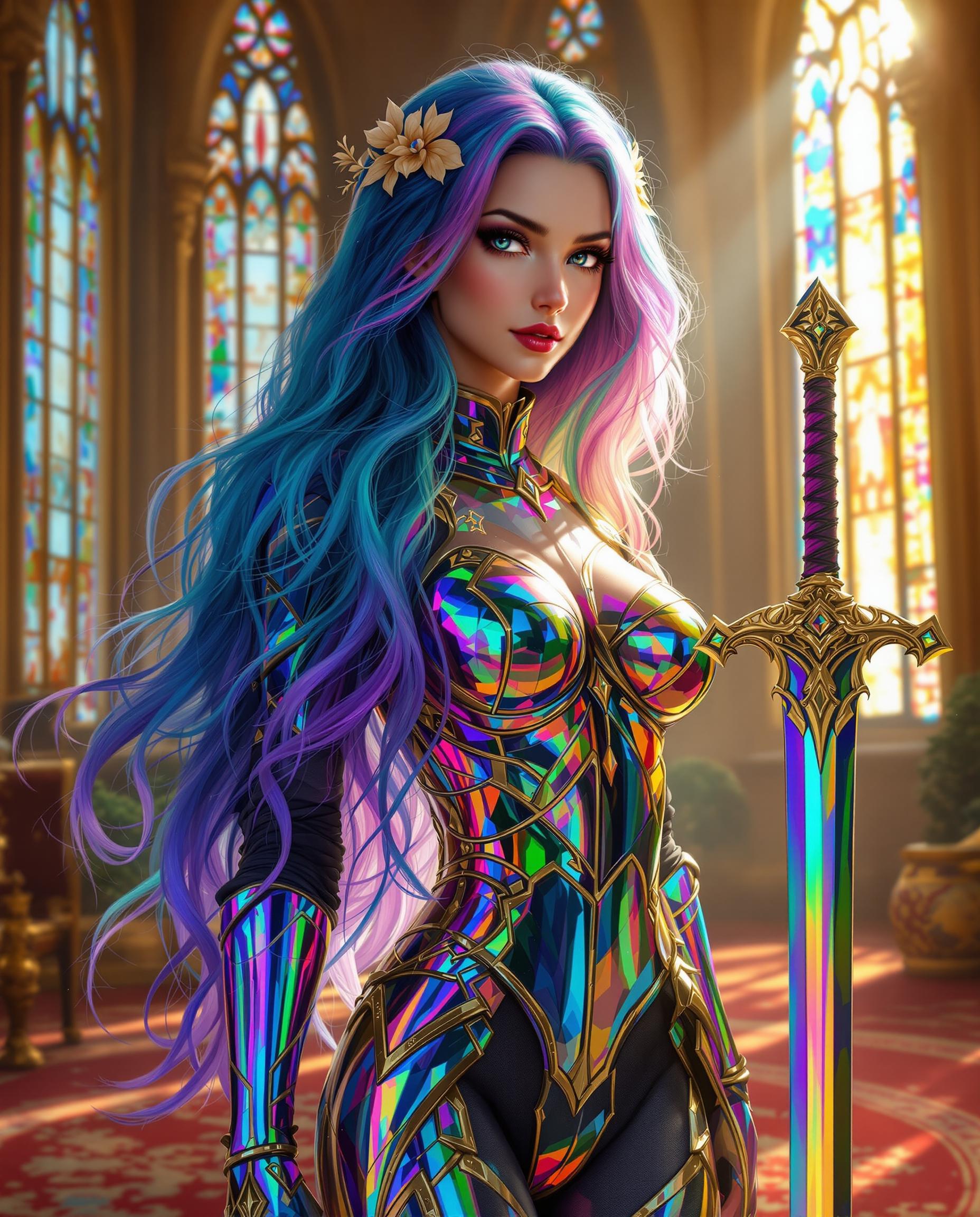
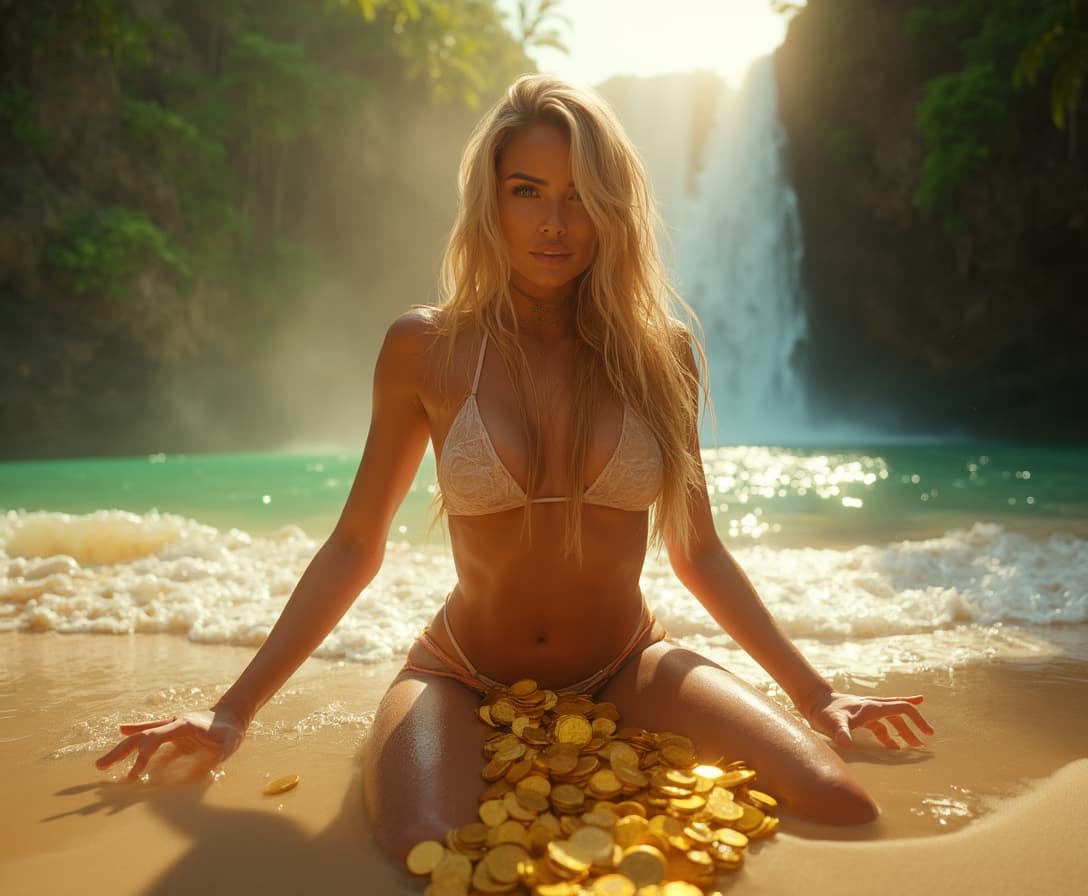

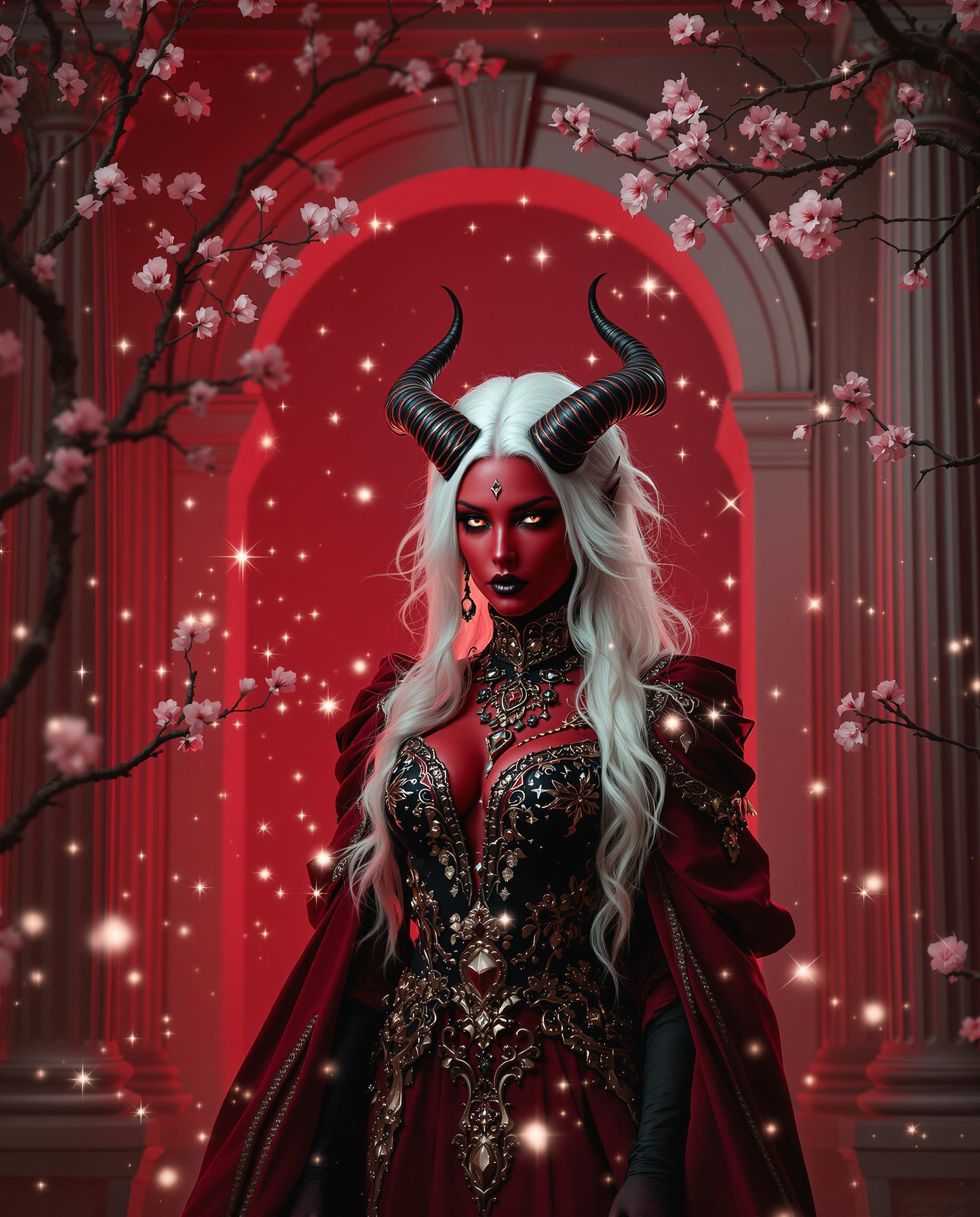
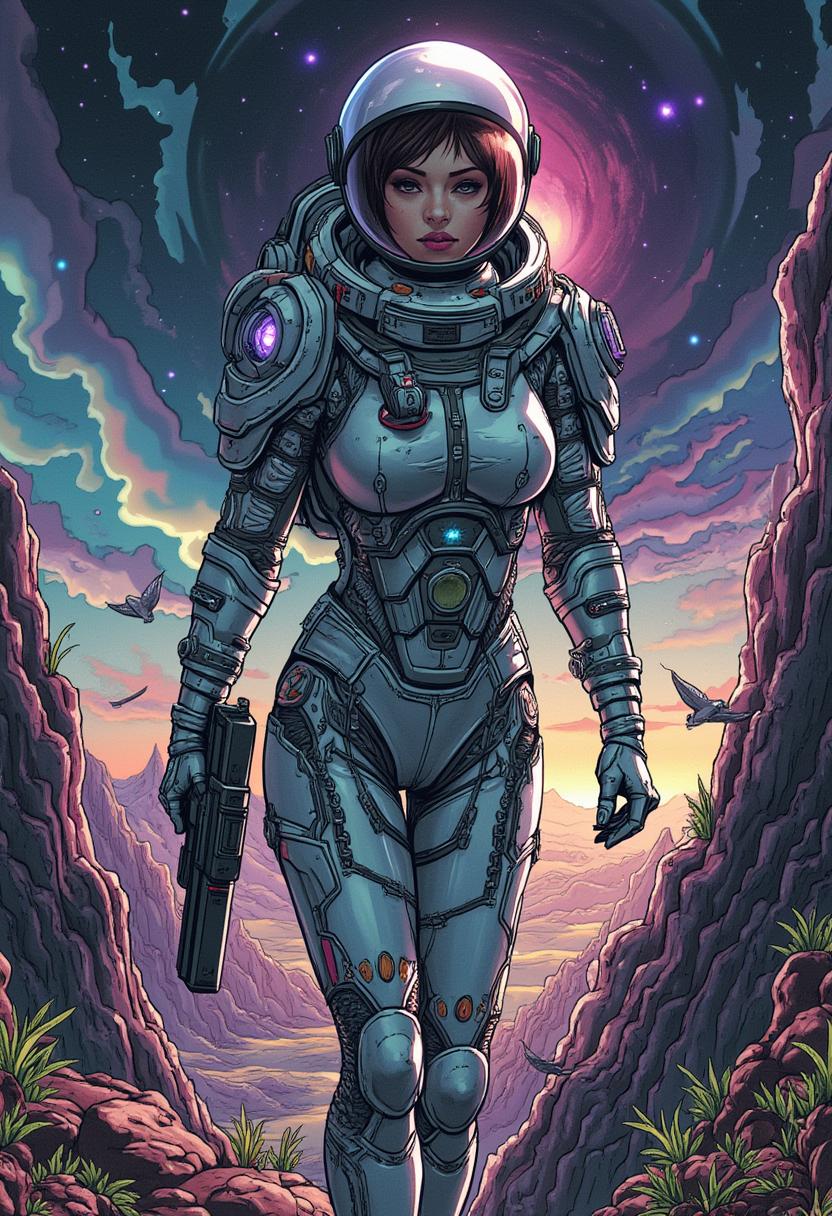
The Pixel Dojo Advantage
Why PixelDojo's AI upscaling tools stand out:
| Others | Pixel Dojo |
|---|---|
| Traditional Upscaling Methods | Our AI-driven approach delivers superior clarity and detail without manual intervention. |
| Generic AI Tools | PixelDojo offers specialized upscaling tools tailored for various image types, ensuring optimal results. |
| Manual Photo Editing | Save hours of editing time with our automated solutions that maintain image integrity. |
Loved by Creators
See what our community says about upscaling tool
"PixelDojo's upscaling tools have revolutionized my workflow. The results are consistently impressive, and the process is incredibly user-friendly."
Alex Johnson
Professional Photographer
"As a graphic designer, image quality is crucial. PixelDojo's AI upscaling has allowed me to enhance client images effortlessly, saving time and delivering exceptional results."
Maria Lopez
Graphic Designer
Common Questions
Everything you need to know about upscaling tool AI generation
How does PixelDojo's AI upscaling improve image quality?
Our AI analyzes your image, identifying areas that require enhancement, and intelligently adds details to produce a higher-resolution version without compromising quality.
Can I upscale images of any format?
Yes, PixelDojo supports a wide range of image formats, including JPEG, PNG, and TIFF, ensuring flexibility for all users.
Is there a limit to the upscaling factor I can choose?
Our tools allow for various upscaling factors. However, for optimal results, we recommend upscaling up to 4x to maintain image integrity.
Will the upscaling process alter the original colors of my image?
No, our AI ensures that the original colors and tones are preserved during the upscaling process.
How long does the upscaling process take?
The duration depends on the image size and chosen upscaling factor, but our efficient AI processes most images within minutes.
Is my data secure when using PixelDojo's services?
Absolutely. We prioritize user privacy and ensure that all uploaded images are processed securely and are not stored without your consent.