veo 3.1 blend images video AI Generator
Imagine turning your static images into mesmerizing, blended videos that tell compelling stories, boost engagement, and drive results for your projects. With PixelDojo's Veo 3.1 Blend Images to Video tool, you can seamlessly merge multiple images into fluid video sequences, creating professional-grade content that captivates audiences on social media, enhances marketing campaigns, or brings educational materials to life. No advanced skills needed – just your creativity and our cutting-edge AI to achieve stunning outcomes like viral videos, immersive tutorials, or personalized animations that save you time and elevate your brand.
Join over 50,000 creators who trust PixelDojo for AI-powered video blending. Rated 4.9/5 on Trustpilot with testimonials praising our Veo 3.1 for delivering high-quality, seamless image-to-video blends in minutes. Backed by industry leaders in digital content creation.
Why Choose Pixel Dojo for veo 3.1 blend images video
Professional-quality results with cutting-edge AI technology
Create Captivating Stories Effortlessly
Blend your images into dynamic videos that engage viewers longer, increasing shares and conversions for your social media or marketing efforts.
Save Time on Professional Edits
Achieve polished, blended video results in seconds, freeing you to focus on growing your audience or business without hours of manual editing.
Boost Engagement with Unique Visuals
Produce standout content that stands out in crowded feeds, helping you attract more followers, clients, or students with visually compelling narratives.
How It Works
Creating blended image-to-video masterpieces with Veo 3.1 on PixelDojo is simple and intuitive, allowing you to focus on your vision while our AI handles the heavy lifting.
Step 1: Choose Your Tool
Log in to PixelDojo and select the Veo 3.1 tool from our Video Generation suite. Upload your images or choose from our library to start blending.
Step 2: Enter Your Prompt
Describe how you want your images blended – add text prompts for transitions, styles, or effects using Veo 3.1's advanced capabilities to guide the AI.
Step 3: Customize & Download
Refine with tools like Video Reframe or Lip Sync, preview your blended video, and download in high resolution ready for sharing or embedding.
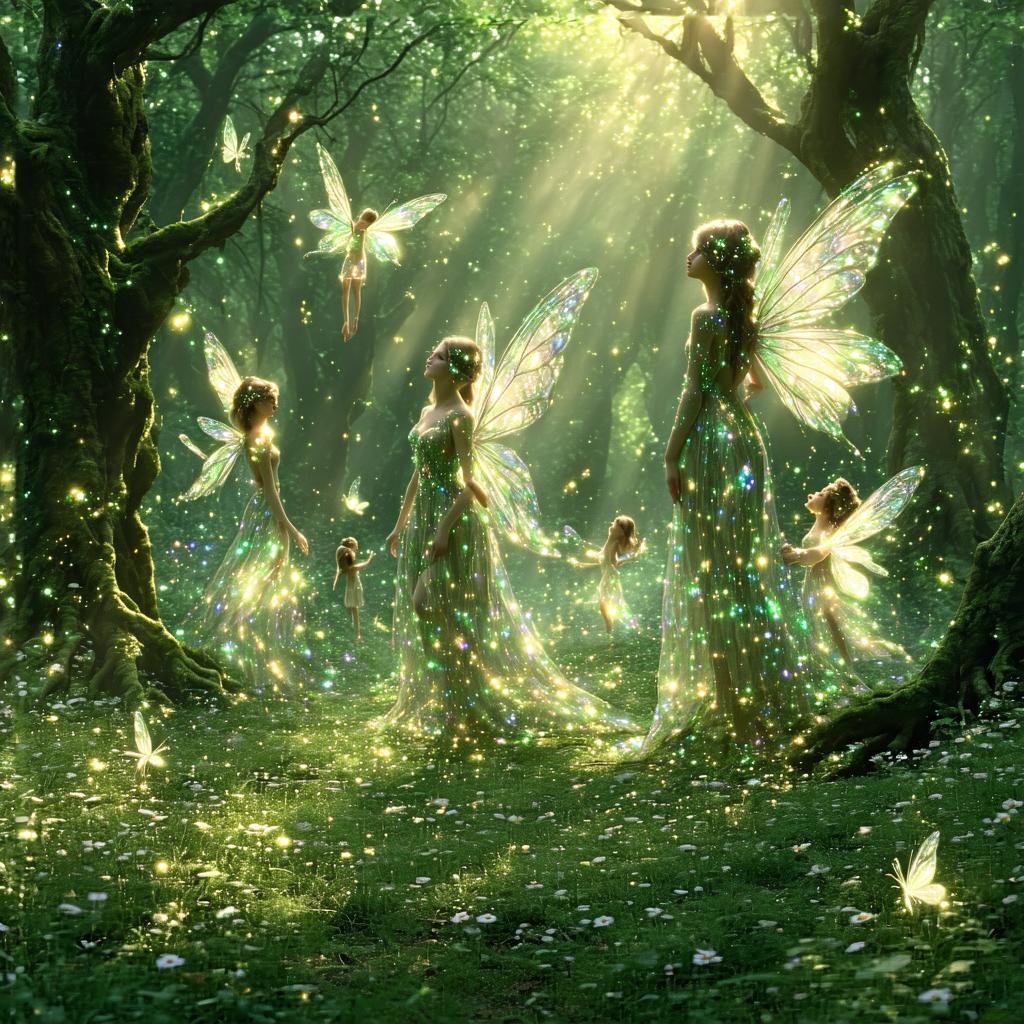
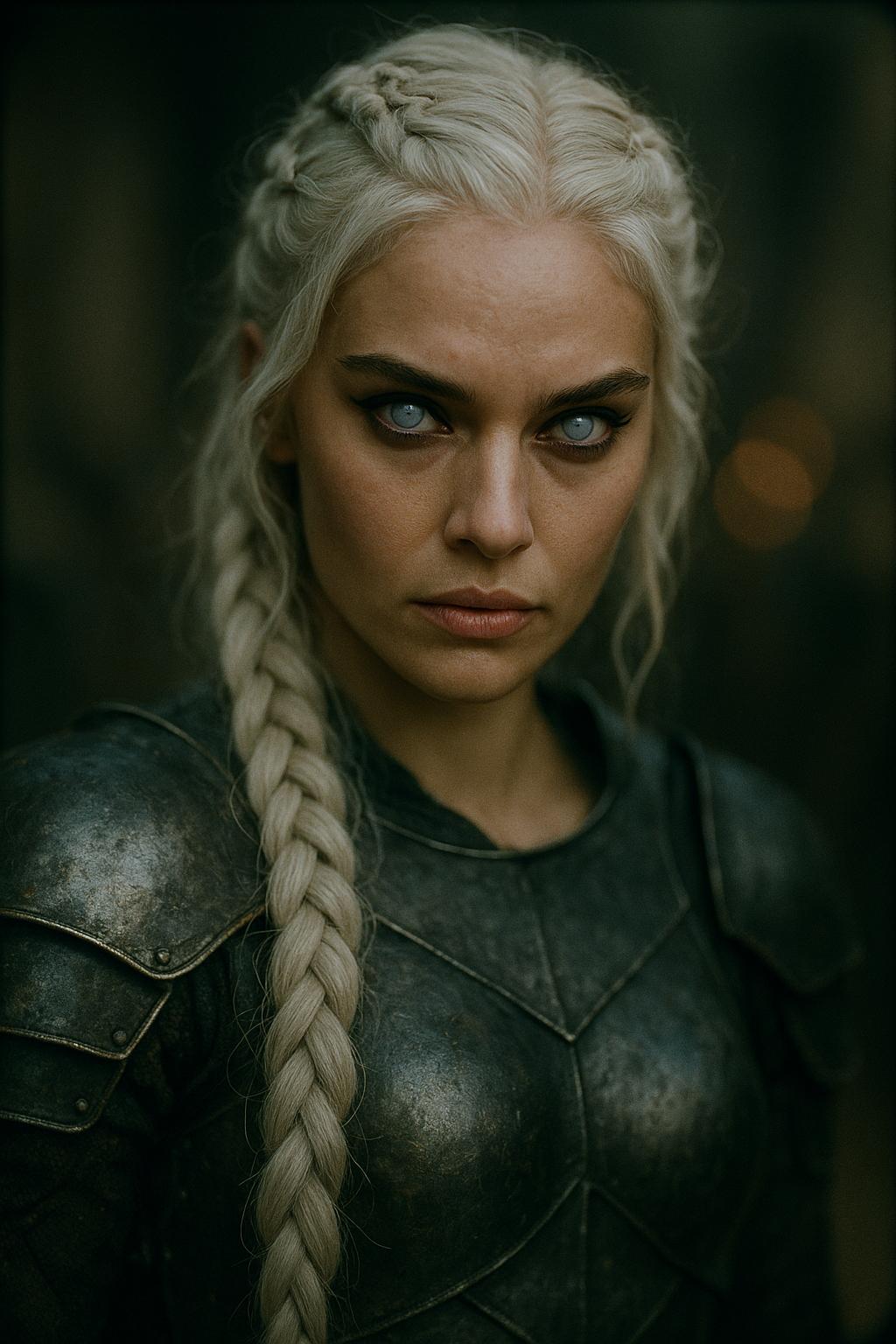
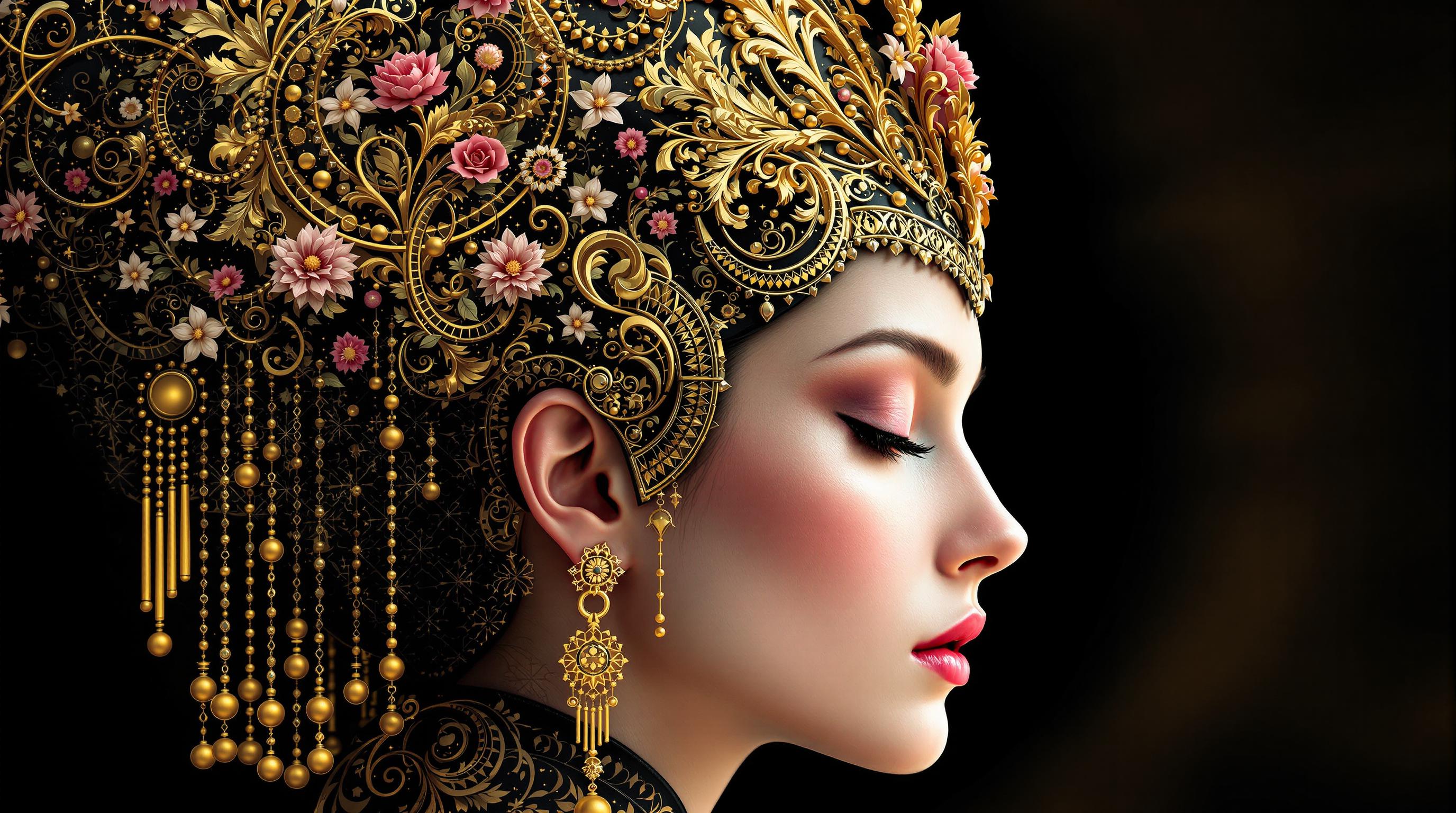
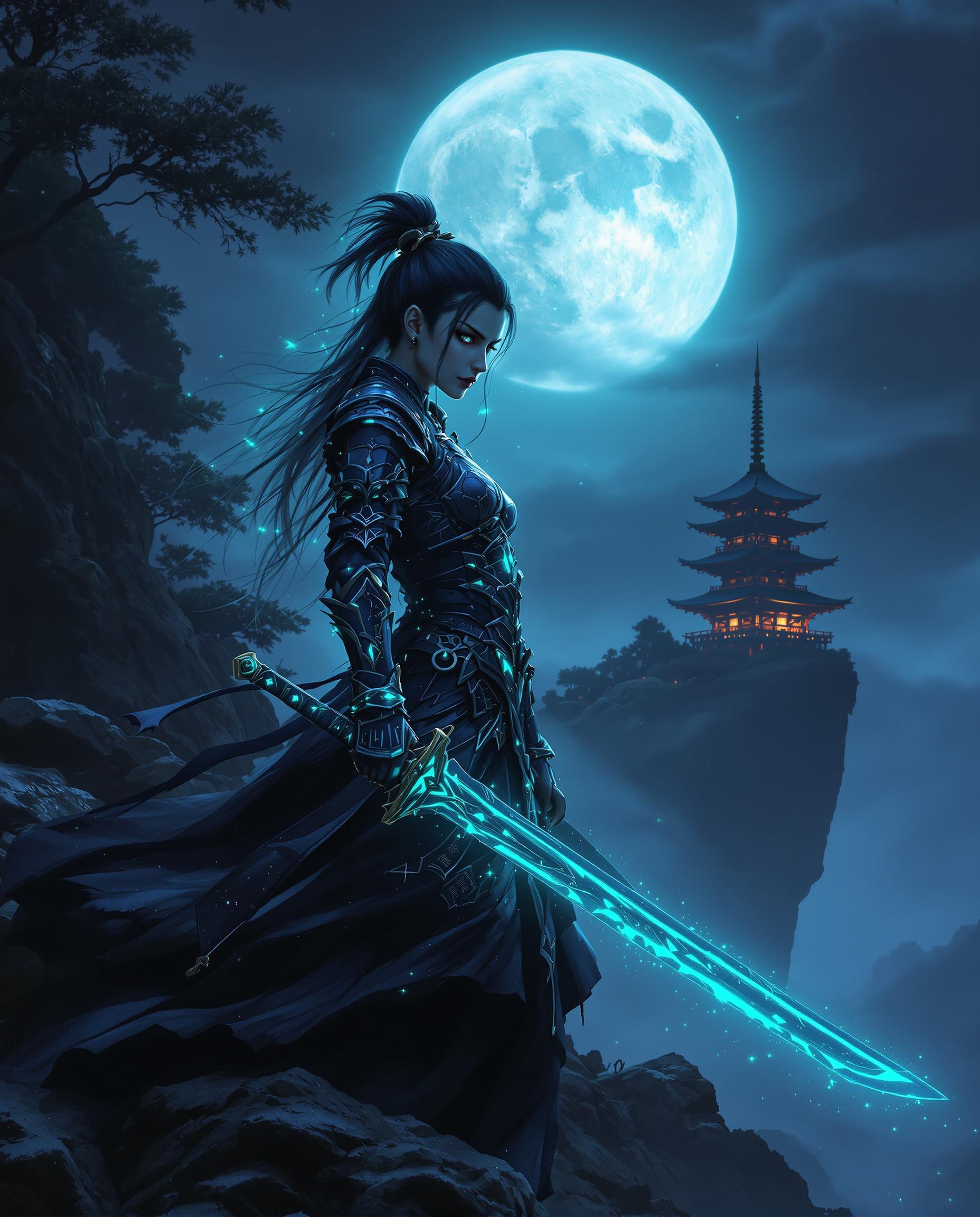
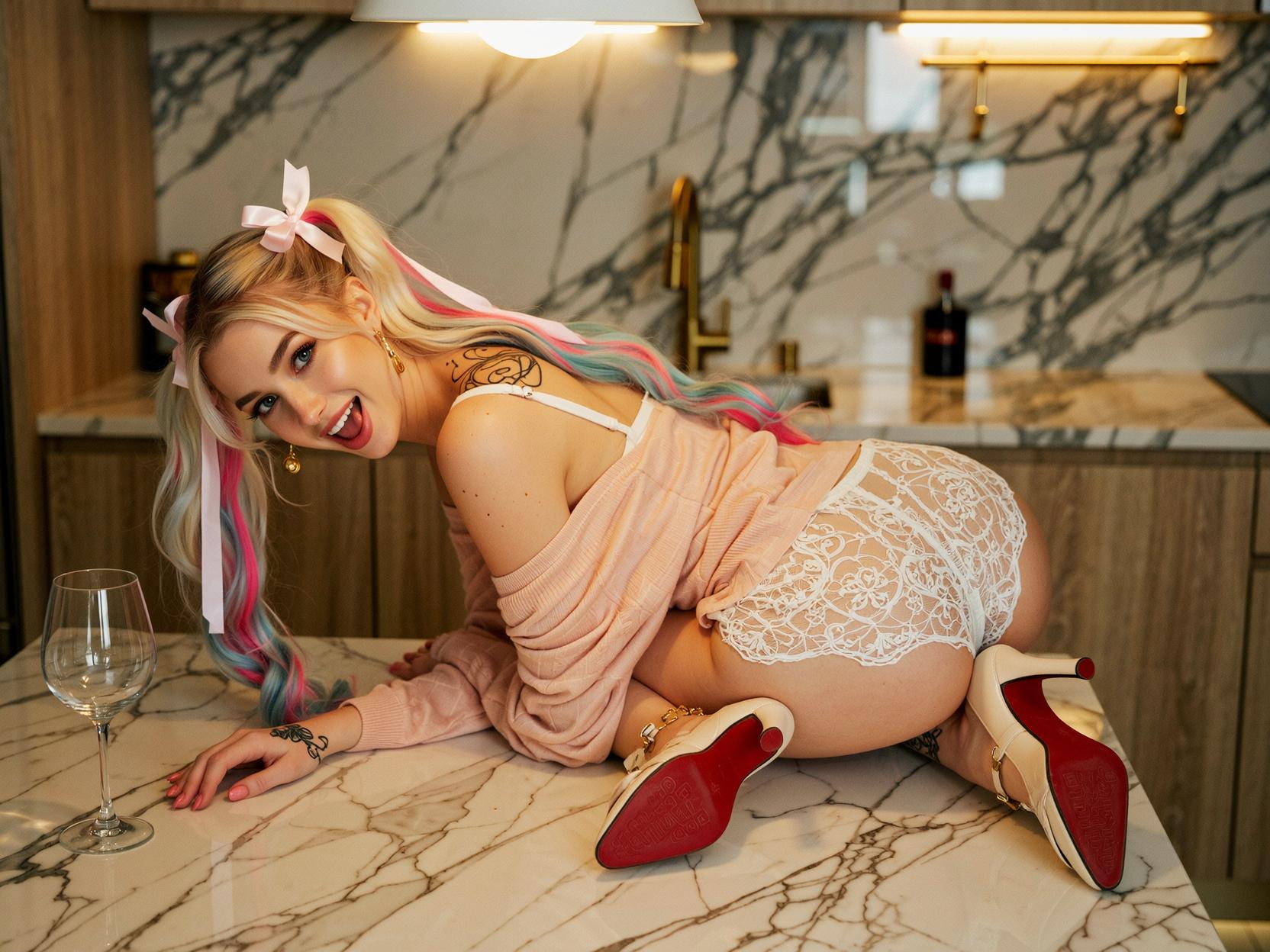
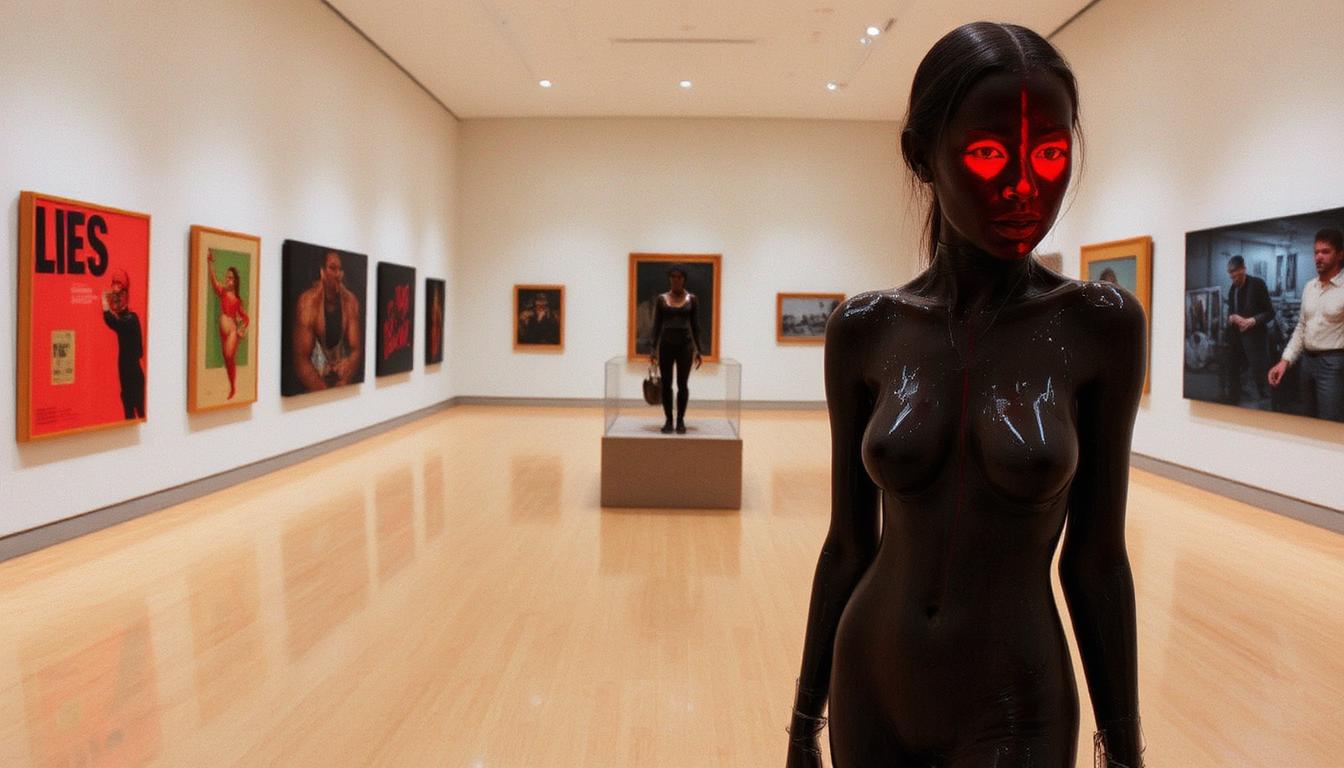
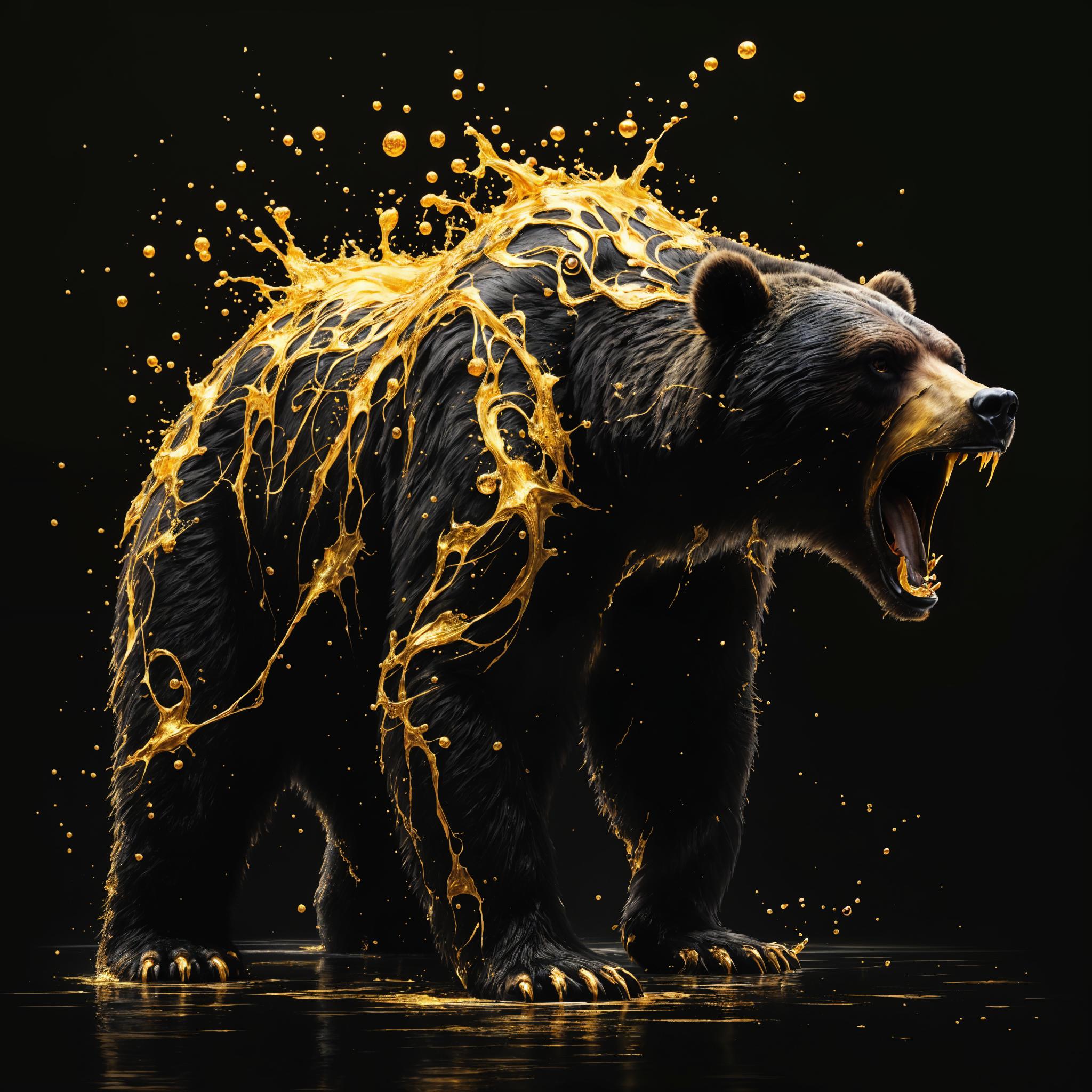
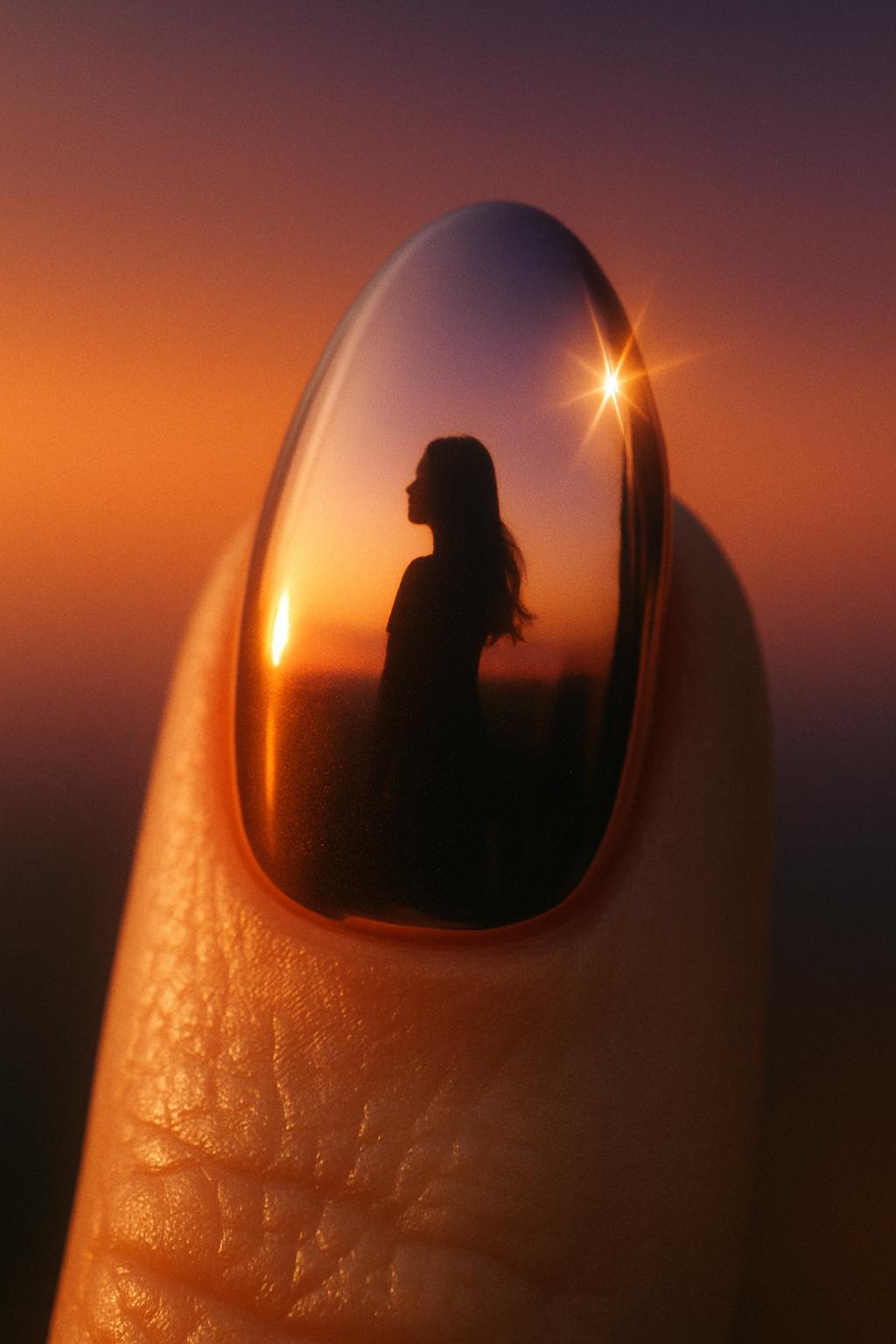
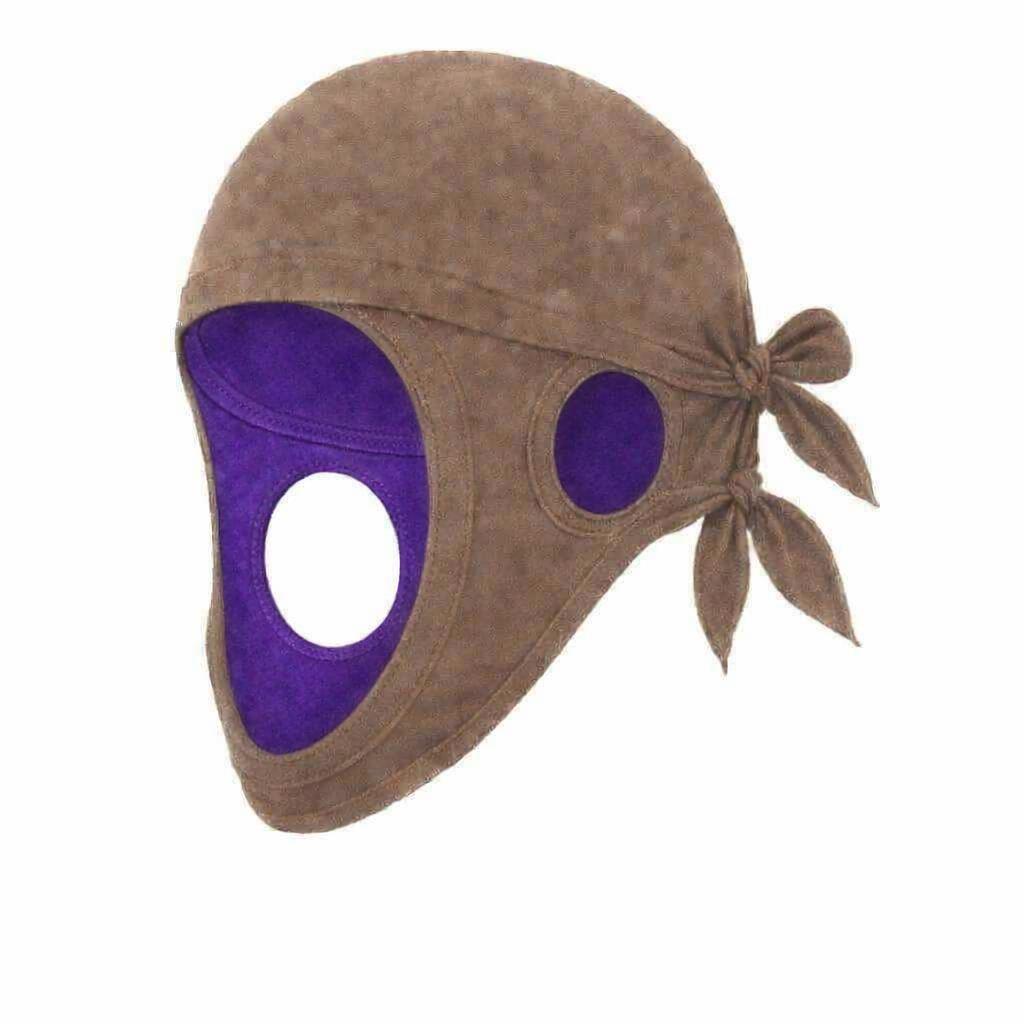
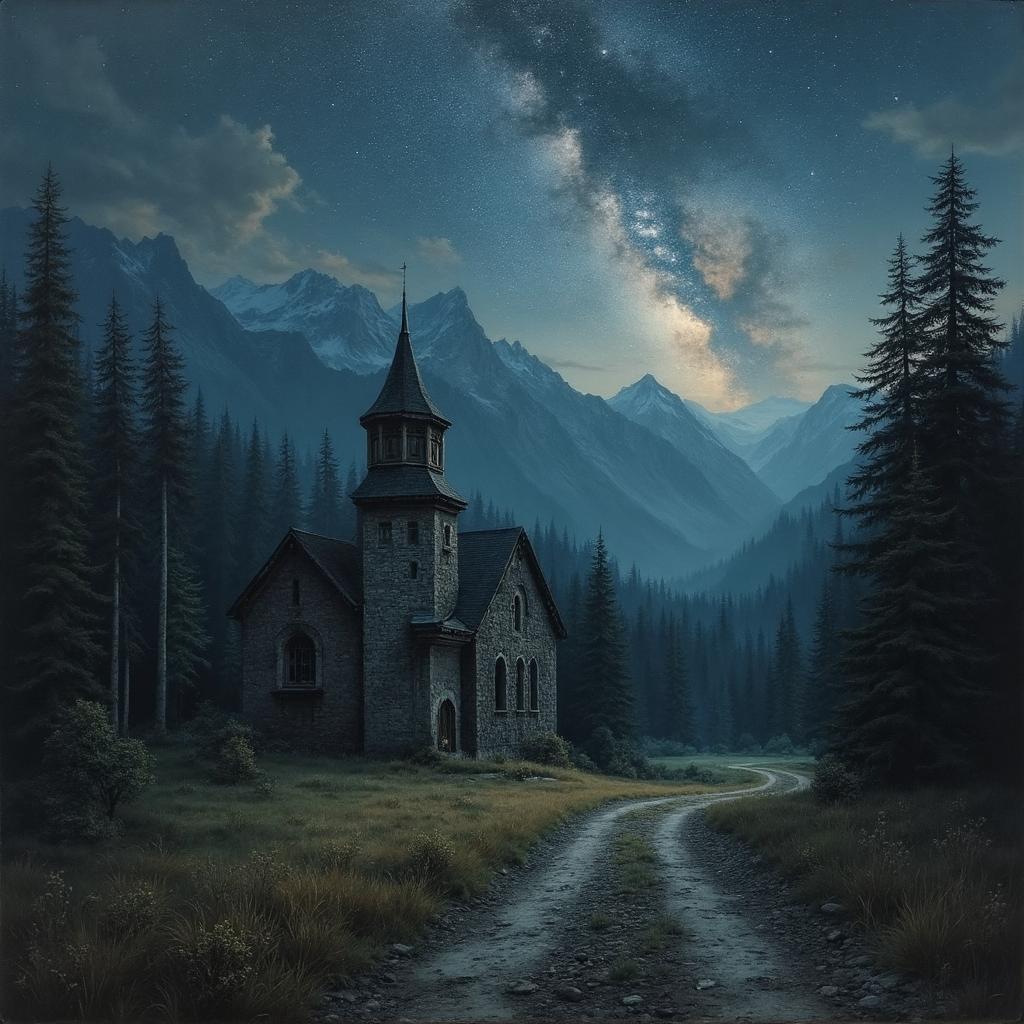
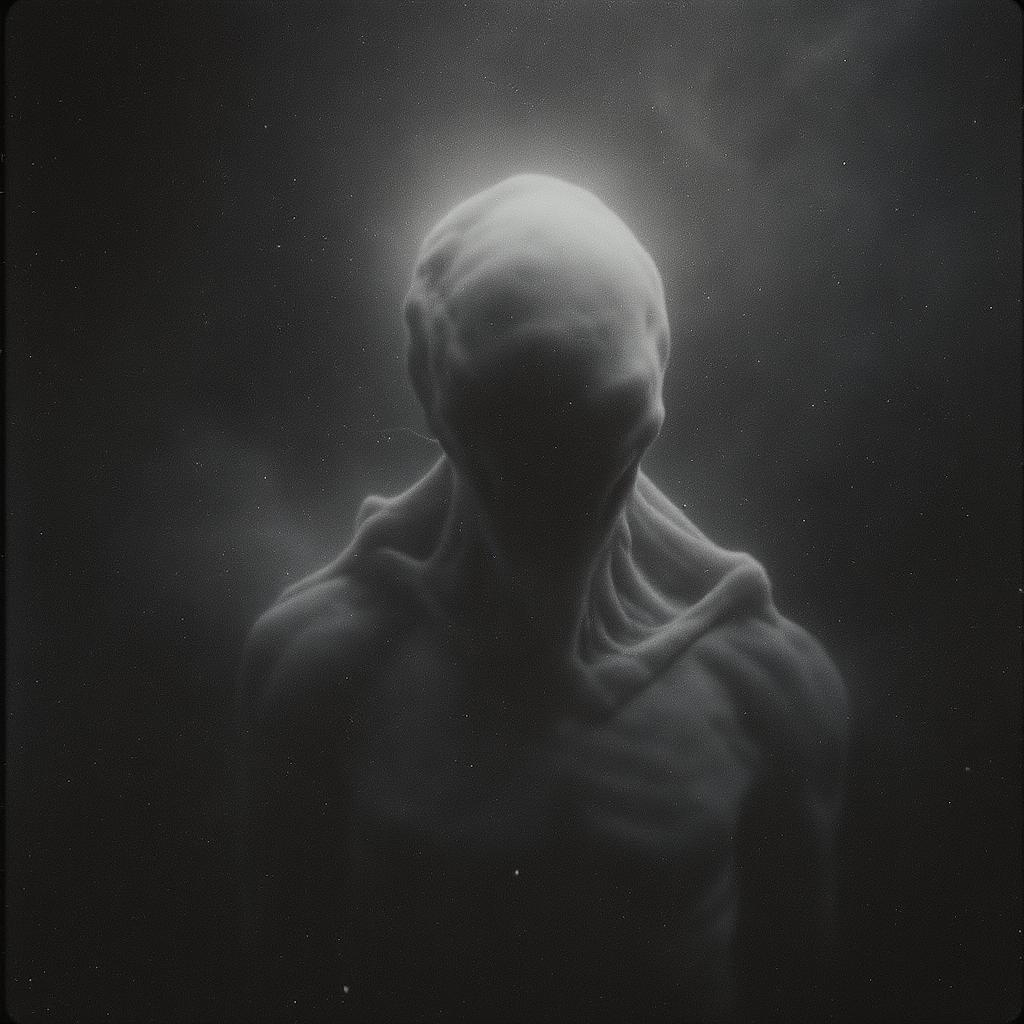
The Pixel Dojo Advantage
Why PixelDojo outperforms other options for Veo 3.1 blend images to video generation
| Others | Pixel Dojo |
|---|---|
| Traditional video editing software | Eliminate complex timelines and manual keyframing – get instant, AI-driven blends that save hours and deliver pro results without expertise. |
| Generic AI tools | Access specialized Veo 3.1 integration with seamless image blending, plus complementary tools like Inpainting for precise customizations. |
| Manual photo editing | Transform static edits into dynamic videos automatically, achieving fluid motion and storytelling that's impossible with still-image tools alone. |
Loved by Creators
See what our community says about veo 3.1 blend images video
"PixelDojo's Veo 3.1 turned my photo collection into an engaging video story that doubled my Instagram engagement overnight!"
Alex Rivera
Content Creator
"Blending images into videos has never been easier – Veo 3.1 on PixelDojo saved me weeks of work for my marketing campaign."
Jordan Lee
Marketing Director
Common Questions
Everything you need to know about veo 3.1 blend images video AI generation
How does Veo 3.1 blend images into video on PixelDojo?
PixelDojo's Veo 3.1 intelligently analyzes your uploaded images, applying advanced blending techniques to create smooth transitions and animations. You can achieve outcomes like turning product photos into demo videos or family pictures into memory montages, all with customizable prompts and tools like Video Upscaler for enhanced quality.
What are the latest trends in Veo 3.1 blend images video generation?
Current trends include hyper-realistic morphing for storytelling, style-consistent blends for branding, and interactive elements like audio integration. With PixelDojo, you leverage these via Veo 3.1 combined with WAN Sound to Video, helping you create trending content that boosts viewer retention and shares.
Can I use Veo 3.1 to blend multiple images into a single video?
Absolutely – upload several images to Veo 3.1 on PixelDojo, and our AI will blend them into a cohesive video narrative. This is perfect for creating tutorials, ads, or art pieces, with options to refine using Inpainting or Style Transfer for personalized, high-impact results.
What techniques does Veo 3.1 use for image to video blending?
Veo 3.1 employs frame interpolation, motion prediction, and semantic blending to merge images seamlessly. On PixelDojo, this means you get professional videos without technical hassle, ideal for educators or marketers aiming to engage audiences with fluid, story-driven content.
How to get started with Veo 3.1 blend images video on PixelDojo?
Sign up for free, select Veo 3.1 from Video Generation, upload images, input your blend prompt, and generate. Customize with our suite of tools like Merge Videos, and download – all designed to help you produce shareable videos quickly and easily.
What examples of Veo 3.1 blend images video can I create?
Examples include blending travel photos into adventure videos, product images into promotional clips, or abstract art into animated sequences. PixelDojo's Veo 3.1 empowers you to realize these visions, enhancing your portfolio or business with versatile, eye-catching outputs.