veo 3.1 object insertion AI Generator
Imagine effortlessly adding objects into your videos to create compelling narratives and stunning visual effects. With PixelDojo's Veo 3.1 Object Insertion, you can seamlessly integrate elements into your footage, transforming ordinary videos into extraordinary visual stories.

Join over 10,000 creators who have enhanced their videos using PixelDojo's AI tools, achieving a 95% satisfaction rate.
Why Choose Pixel Dojo for veo 3.1 object insertion
Professional-quality results with cutting-edge AI technology
Seamless Object Integration
Insert objects into your videos with precision, ensuring they blend naturally with the existing footage.
Enhanced Storytelling
Add elements that enrich your narrative, making your videos more engaging and impactful.
Time-Efficient Editing
Achieve professional-quality edits in minutes, reducing the time spent on manual video editing.
How It Works
Creating videos with object insertion using Veo 3.1 is straightforward. Follow these steps to enhance your footage:
Step 1: Select Your Video
Upload the video you wish to enhance to PixelDojo's platform.
Step 2: Choose the Object
Select or upload the object you want to insert into your video.
Step 3: Position and Customize
Place the object in the desired location within the video and adjust its size, orientation, and timing.




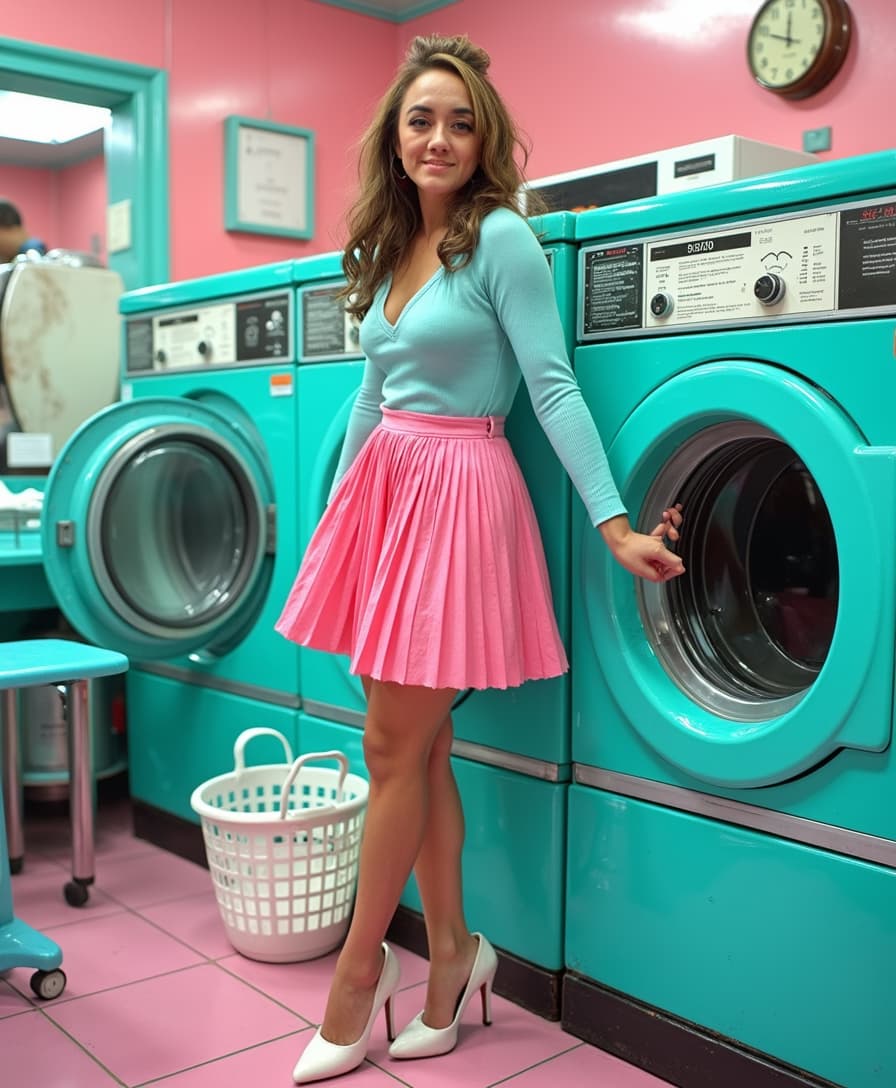
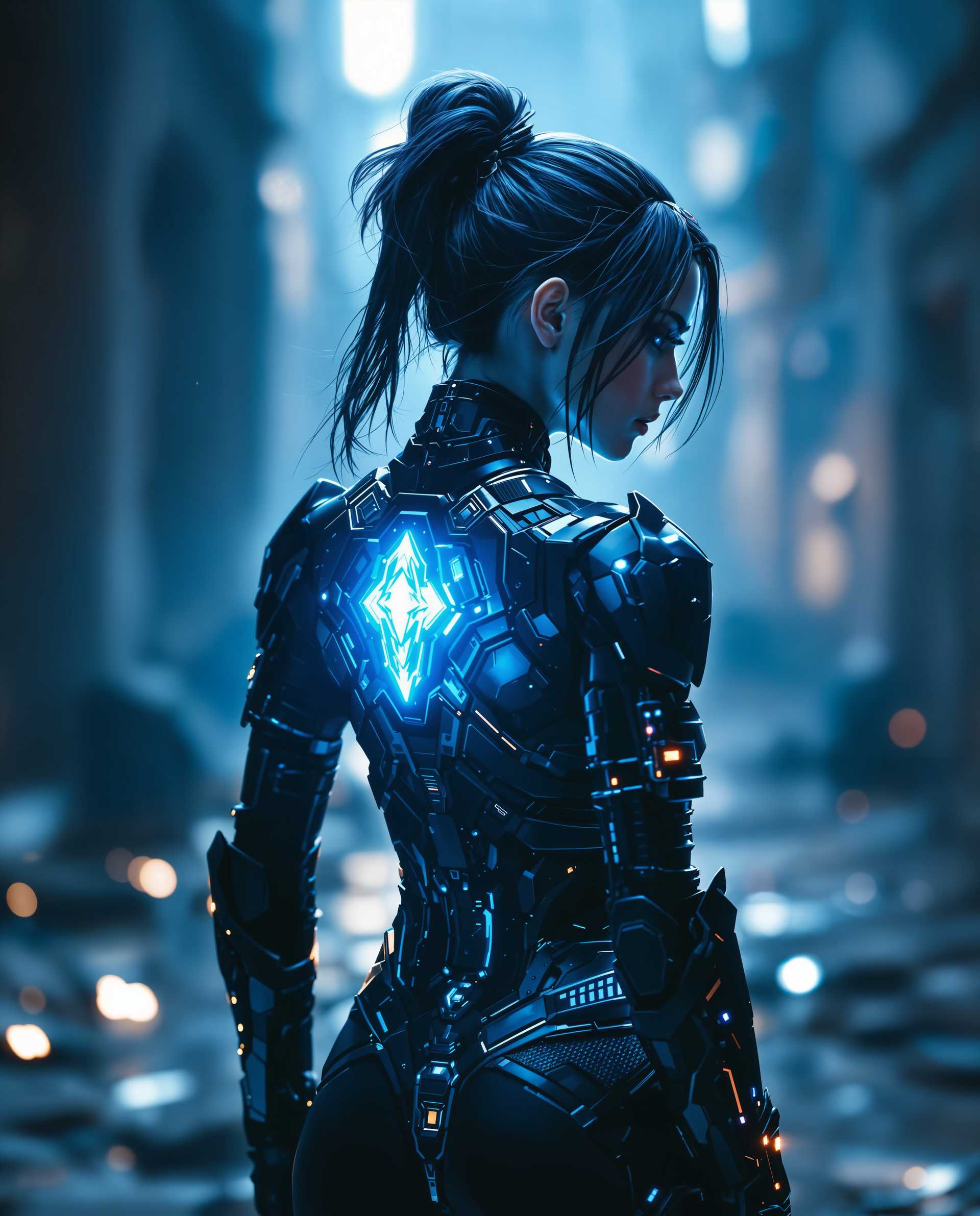







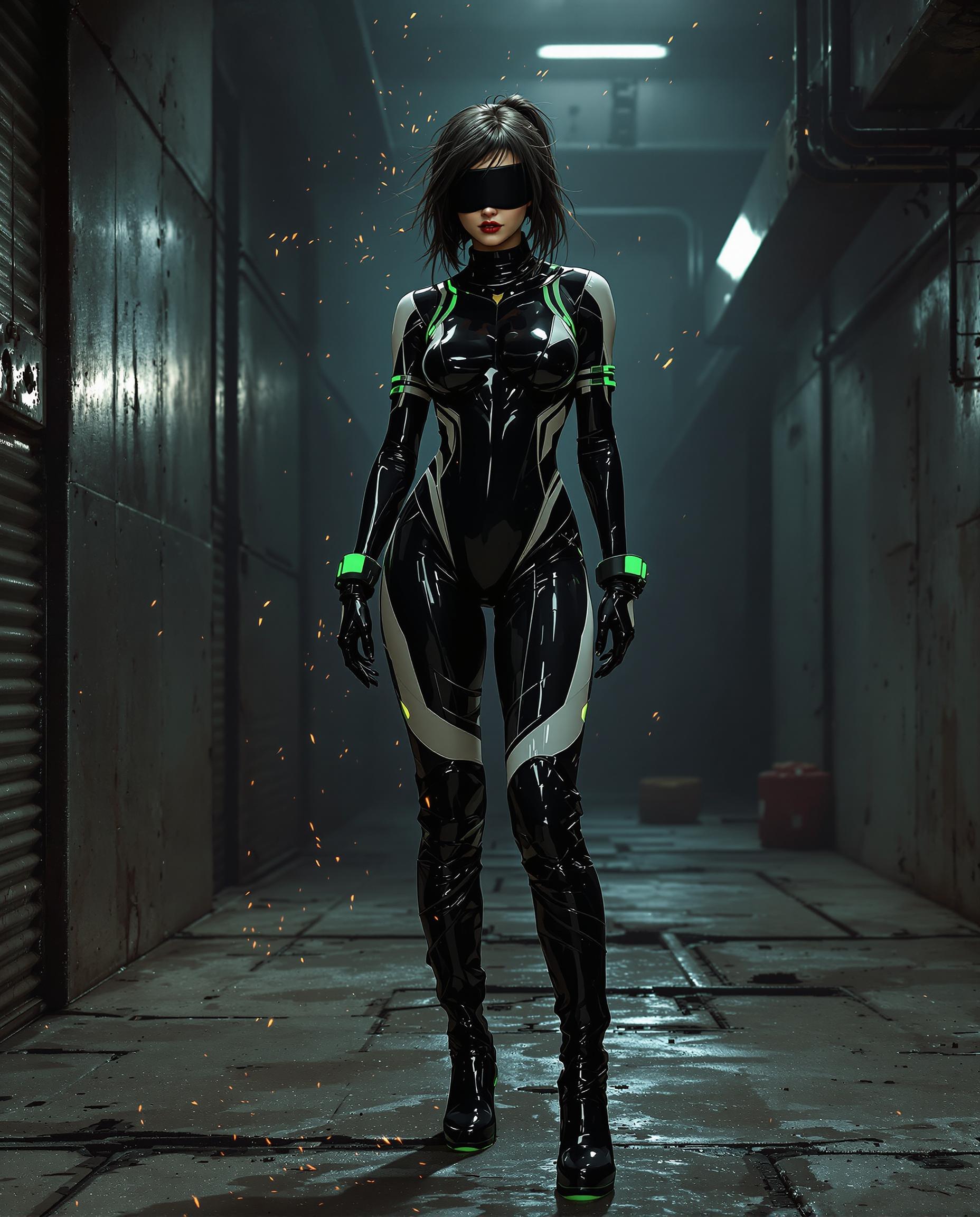


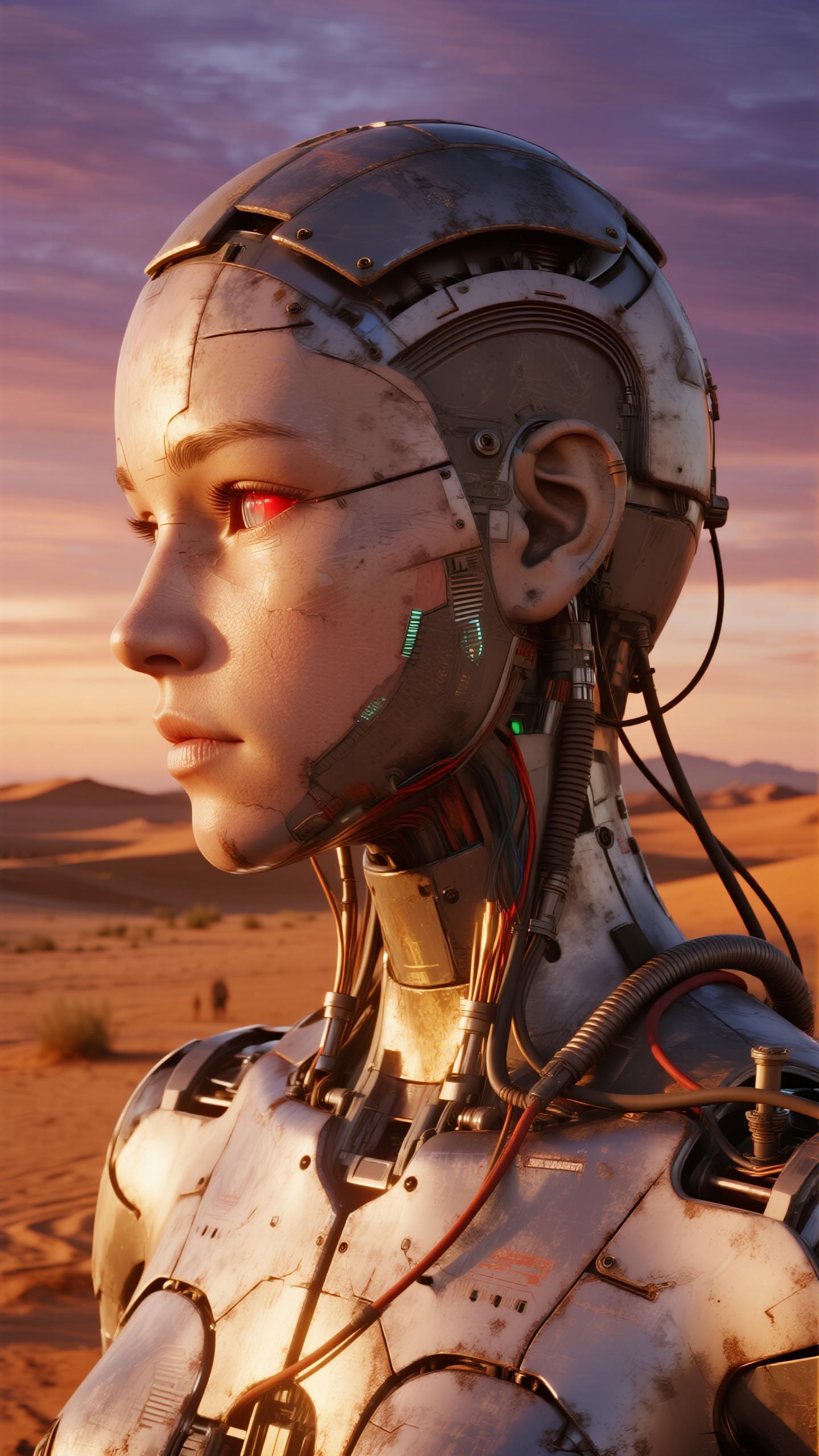
The Pixel Dojo Advantage
Why PixelDojo's Veo 3.1 Object Insertion stands out:
| Others | Pixel Dojo |
|---|---|
| Traditional Video Editing | Automates object insertion, eliminating the need for complex manual editing. |
| Generic AI Tools | Offers specialized object insertion capabilities tailored for seamless integration. |
| Manual Compositing | Provides intuitive controls that simplify the compositing process, saving time and effort. |
Loved by Creators
See what our community says about veo 3.1 object insertion
"PixelDojo's Veo 3.1 transformed my video projects. The object insertion feature is intuitive and delivers professional results."
Alex Johnson
Video Producer
"Inserting objects into my videos has never been easier. PixelDojo's tools are a game-changer for content creators."
Maria Lopez
Content Creator
Common Questions
Everything you need to know about veo 3.1 object insertion AI generation
How does Veo 3.1 ensure objects blend naturally into videos?
Veo 3.1 utilizes advanced AI algorithms to analyze your video's lighting, perspective, and motion, ensuring that inserted objects match the scene seamlessly.
Can I insert multiple objects into a single video using Veo 3.1?
Yes, Veo 3.1 allows you to insert multiple objects into your video, each with customizable placement and timing.
Is there a limit to the video length for object insertion?
PixelDojo supports videos up to 10 minutes in length for object insertion, accommodating most project needs.
Do I need prior video editing experience to use Veo 3.1?
No, Veo 3.1 is designed with a user-friendly interface, making it accessible to both beginners and experienced editors.
What file formats are supported for object insertion?
PixelDojo supports common video formats such as MP4, MOV, and AVI for object insertion projects.
Can I preview the video before finalizing the object insertion?
Yes, PixelDojo provides a preview feature that allows you to review the video with inserted objects before finalizing and downloading.