veo 3.1 realistic videos AI Generator

Imagine transforming your creative concepts into stunning, lifelike videos without the need for expensive equipment or technical expertise. With PixelDojo's Veo 3.1 AI video generation tool, you can effortlessly produce high-quality, realistic videos that captivate your audience and elevate your projects.

AI Generated
Get Started TodayResults in seconds50+ AI models

Join over 10,000 creators who have generated more than 50,000 AI-powered videos with PixelDojo's innovative platform.

Why Choose Pixel Dojo for veo 3.1 realistic videos

Professional-quality results with cutting-edge AI technology

Effortless Video Creation

Generate professional-quality videos from text descriptions or images without prior experience.

Time and Cost Efficiency

Save hours of production time and reduce costs associated with traditional video creation methods.

Enhanced Engagement

Create personalized and dynamic videos that captivate your audience, leading to higher engagement and conversion rates.

How It Works

Creating realistic videos with Veo 3.1 on PixelDojo is simple and intuitive. Follow these steps to bring your ideas to life:

1

Step 1: Choose Your Tool

Log in to your PixelDojo account and navigate to the Veo 3.1 AI video generation tool.

2

Step 2: Enter Your Prompt

Input a detailed text description of the scene you envision, or upload an image to serve as the basis for your video.

3

Step 3: Customize & Download

Adjust settings such as video duration, resolution, and style. Once satisfied, generate and download your realistic video.
Community veo 3.1 realistic videos Gallery

Real examples created by our community

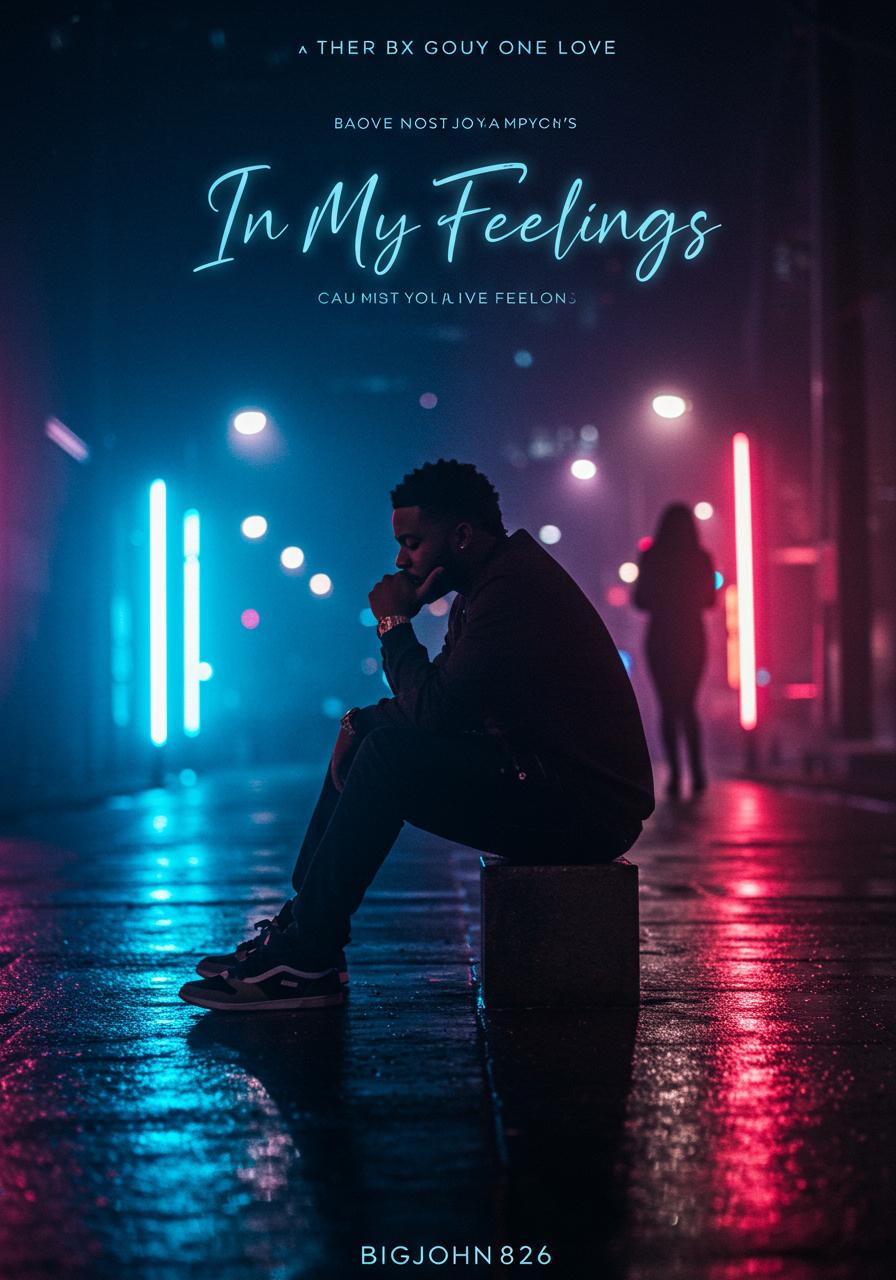
Create an album cover for the song In My Feelings by BigJohn826. The cover should have a moody, romantic, and introspective vibe, blending elements of love and deep emotion. The central figure should be a stylish Black man, sitting alone in a dimly lit cityscape at night, looking thoughtful as if lost in deep emotions. The background should feature soft neon lights reflecting off wet pavement, evoking a late-night urban feel. A faint silhouette of a beautiful woman should appear in the background, symbolizing the love interest who has him caught up in his feelings. The colors should be deep blues, purples, and hints of warm gold to create a dreamy yet modern aesthetic. The title In My Feelings should be in an elegant cursive or modern font, glowing softly to match the ambiance. The artist’s name, BigJohn826, should be bold and stylish, ensuring it stands out without overpowering the emotional tone of the artwork.
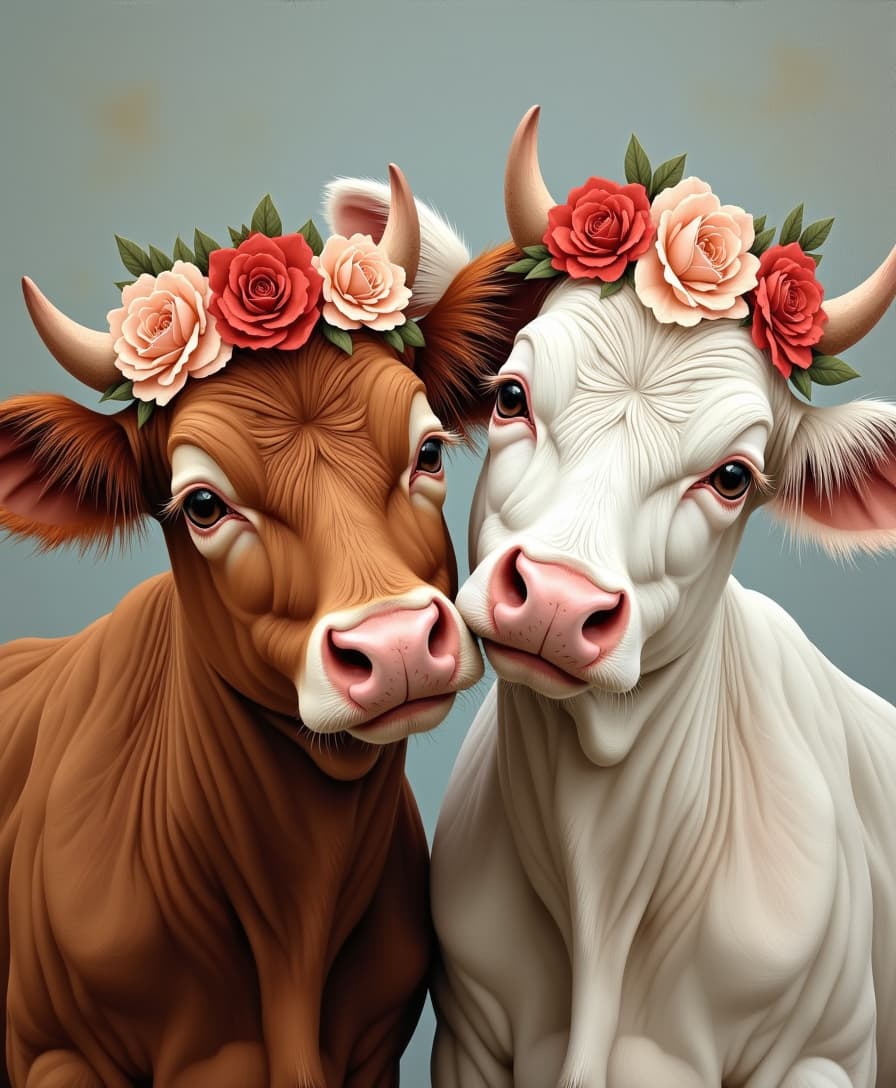
Oil painting of two cows, one brown and the other white, with flower crowns on their heads. Close-up portrait with a gray background, in a vintage style with soft lighting and a romantic atmosphere. The cows have cute expressions, warm tones, and rich details.
AI-generated image
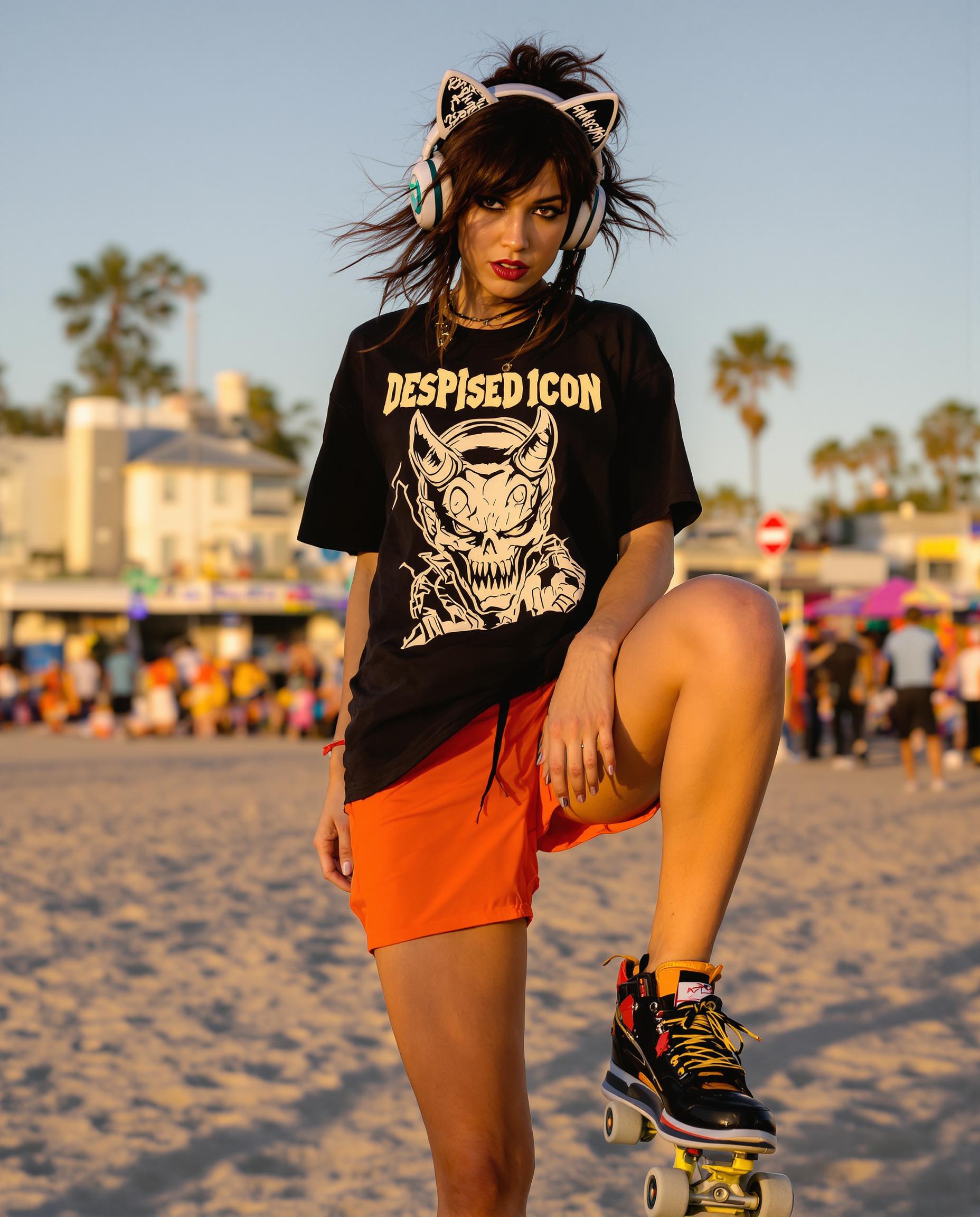
**Prompt:**

A dynamic full-body portrait of a young, punk-inspired woman in her late 20's, exuding a confident and rebellious vibe. She stands on razor skates at Venice Beach, California, at golden hour, where the setting sun casts a warm, vibrant glow on her skin and the surrounding environment. 

**Visual Details:**
- Her hair is a rich, untamed brunette, styled in a messy, yet stylish manner that complements her punk aesthetic. 
- She wears bright orange shorts, capturing the eye with their vivid hue against the beach's natural tones.
- Her black t-shirt features a bold graphic of a demon with the text "Despised Icon" in a grunge-inspired font, adding to her edgy look.
- Over her ears, she sports oversized headphones with whimsical cat ears, adding a playful yet ironic touch to her outfit.
- Her skin shows the subtle sheen of sweat, reflecting the light to highlight her athletic build.

**Style:**
- Capture this scene in a style reminiscent of modern street photography, focusing on candid moments with high contrast, and a slight graininess to convey the urban, raw energy of Venice Beach.

**Composition:**
- The woman is captured in a dynamic pose, with one leg bent, showcasing her skill on the razor skates, her body slightly turned to the side, but her gaze directly engaging the viewer, creating a sense of interaction.
- The camera angle is slightly low to emphasize her height and the freedom of movement, with a shallow depth of field to blur the bustling background of the beach.

**Mood and Atmosphere:**
- The atmosphere is lively and energetic, with the beach's crowd in the background, creating a contrast between her personal space and the vibrant public setting. 
- The time of day is just before sunset, enhancing the mood with a golden, almost ethereal light that softens the scene.

**Technical Aspects:**
- Utilize a fast shutter speed to freeze her motion, ensuring clarity in her pose against the backdrop of a busy, moving environment.
- Employ a wide aperture for a shallow depth of field, focusing sharply on her while allowing the background to blur, emphasizing her as the central figure.

**Cohesion:**
- All elements should work in harmony to create a believable scene at Venice Beach, where the punk aesthetic meets the carefree spirit of beach culture, resulting in a unique, visually compelling image.
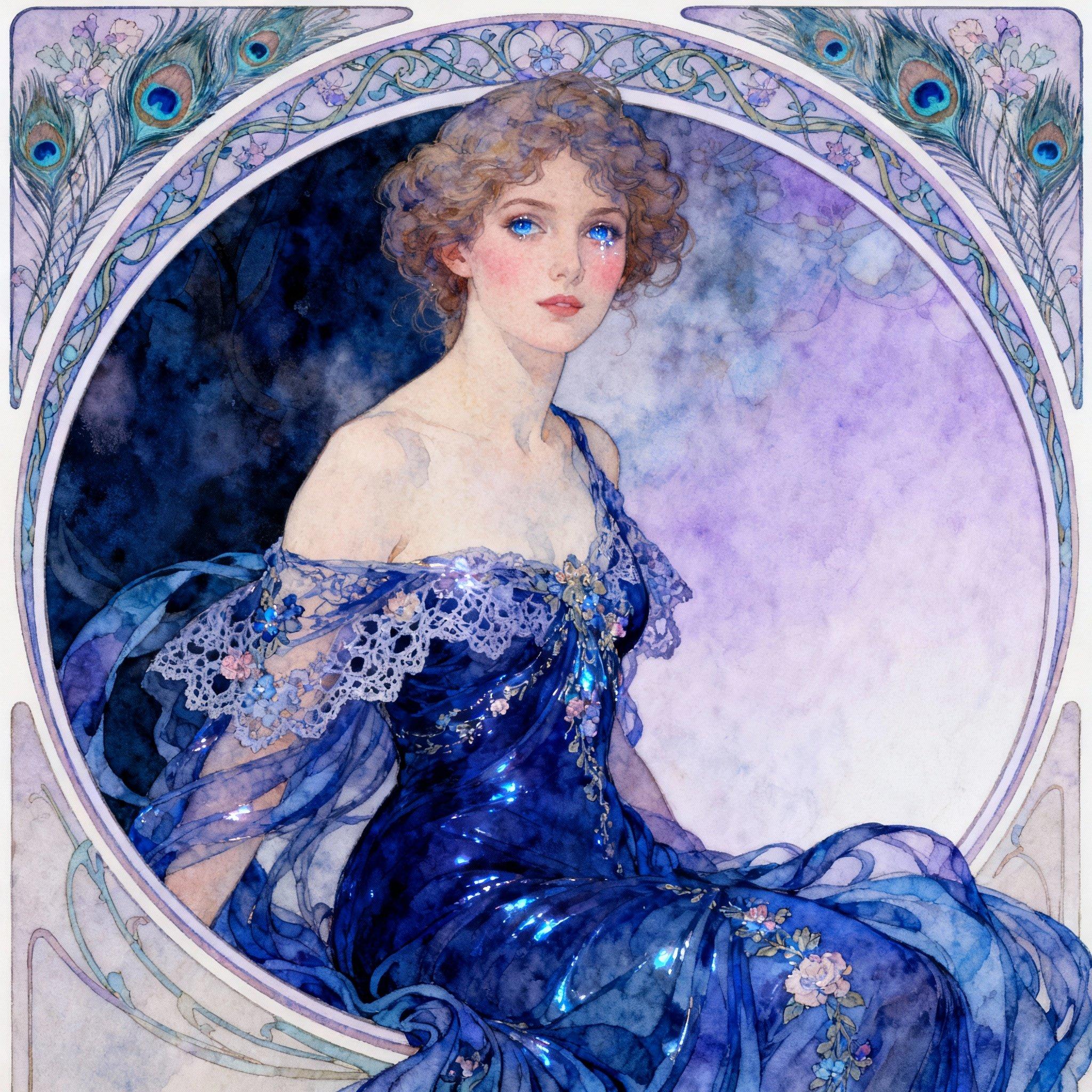
Instagirl masterpiece, best quality, highres, sharp image, more detail, In the style of Alphonse Mucha, paint a stunning portrait of a captivating 20-year-old woman exuding an air of elegance and allure. Her hair is styled in intricate, flowing locks, framing her delicate features. She wears a **flowing blue gown** with delicate lace and floral patterns, emphasizing her youthful beauty and sophistication. The gown's fabric should shimmer subtly, reflecting the light in a way that enhances her figure.

**Visual Details:**
- The gown's color is a deep, rich blue, creating a striking contrast with her fair skin and the lighter tones of the background.
- Her eyes should sparkle with a hint of mystery, perhaps in a shade that complements the gown, like a soft sapphire blue or a deep emerald green.
- The texture of her skin should be smooth and luminous, with a slight blush on her cheeks to add to her natural beauty.

**Composition:**
- Position her in a three-quarter view, slightly turned towards the viewer, allowing the gown to cascade around her, creating dynamic lines that lead the eye.
- She is set against a **circular frame** that mimics the decorative borders typical in Mucha's work, with intricate Art Nouveau patterns and motifs like flowers, vines, and peacock feathers.

**Lighting and Atmosphere:**
- Use soft, diffused lighting to give the painting a dreamlike quality, with the light source subtly highlighting her features and the gown's contours.
- The background should transition from darker shades to lighter, creating depth and placing the focus on her.

**Mood:**
- The overall mood should be one of serene beauty and timeless charm, capturing the essence of Mucha's romanticism with an undercurrent of sensuality.

**Technical Aspects:**
- Employ Mucha's signature techniques like delicate line work, pastel colors, and intricate detailing in both the gown and background patterns.
- Use a shallow depth of field to keep the focus on her, with the background elements slightly blurred yet still visible, creating a harmonious blend of foreground and background.
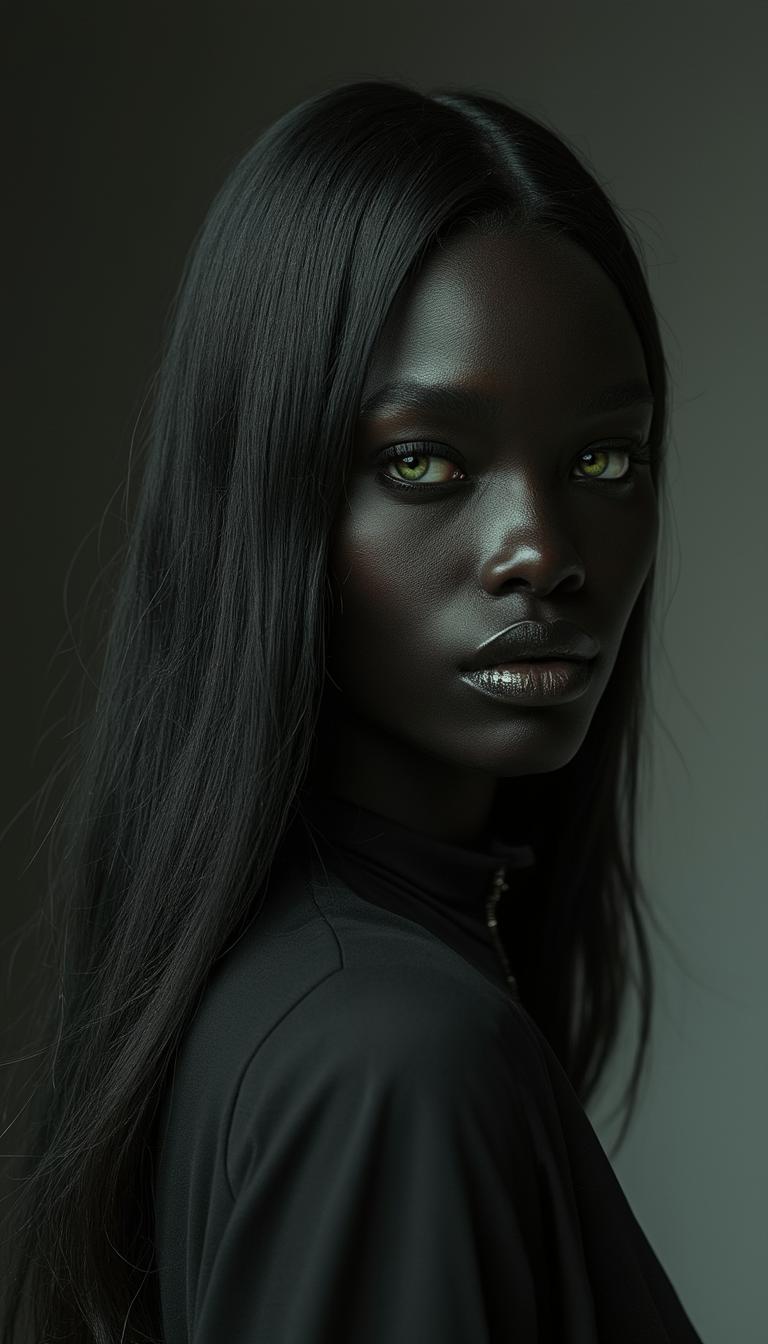
In a minimalist photography style, capture a stunning standing woman with a profound sense of elegance, featuring very dark black skin that exudes warmth and beauty. Her face is a masterpiece, with well-defined features and a subtle, enigmatic smile. Her deep black long hair cascades down her back, framing her exquisite face and drawing attention to her striking green eyes that pop against her dark skin and hair. Every article of clothing and accessory she wears is rendered in matte black, creating a sense of cohesion and chic sophistication. The dark background and subtle lighting emphasize her porcelain-like complexion, while her green eyes sparkle like emeralds, drawing the viewer in. The overall mood is one of understated glamour and refinement, highlighting the subject's natural beauty and poise.
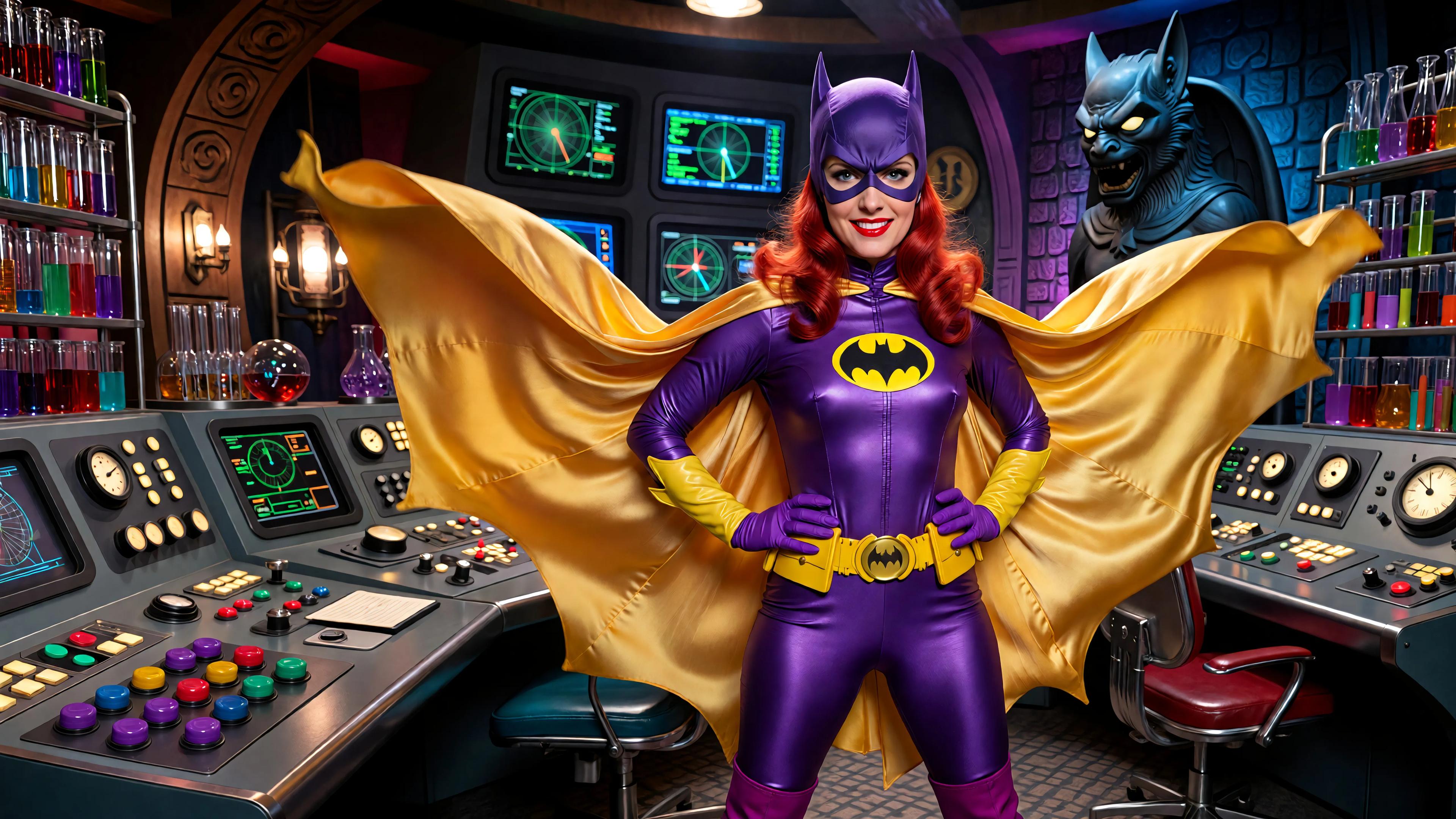
A highly detailed photorealistic recreation of a 1966 Batman TV series screenshot featuring Yvonne Craig as Batgirl in a dynamic heroic pose with hands on hips, standing confidently in the Batcave control room. She has a glamorous smiling face with bright red wavy hair peeking from under her purple cowl mask with white eye lenses, fair skin, bold red lips. Her iconic shiny purple latex bodysuit clings tightly to her athletic hourglass figure, featuring a large yellow bat emblem on the chest, purple gloves extending to elbows with yellow cuffs, yellow bat-shaped belt, yellow flowing cape billowing behind, and purple go-go boots. Vibrant campy 1960s pop art color palette with saturated purples, bright yellows, fiery reds, emerald greens, and turquoise accents. Background packed with futuristic angled control panels and consoles: glossy metallic surfaces with glowing dials, switches, levers, radar screens, blinking lights, bat motifs, a large bat gargoyle statue on the right, test tube racks, and oversized buttons in purple, green, red, and yellow. Dramatic theatrical lighting with high contrast shadows, lens flares, and a starry sparkle effect. Ultra-high resolution, sharp focus, cinematic composition, glossy film grain, 4K, reminiscent of ABC Batman show's bold comic-book style.
AI-generated image
Marine biologists in a research vessel peer over the side, their flashlights catching the gleaming black scales and monstrous teeth of the Black Devil anglerfish, a deep-sea nightmare now drifting eerily at the ocean’s surface. The creature’s eerie glow reflects off the scientists’ shocked expressions. The sky is a mix of twilight and storm clouds, setting an ominous tone.
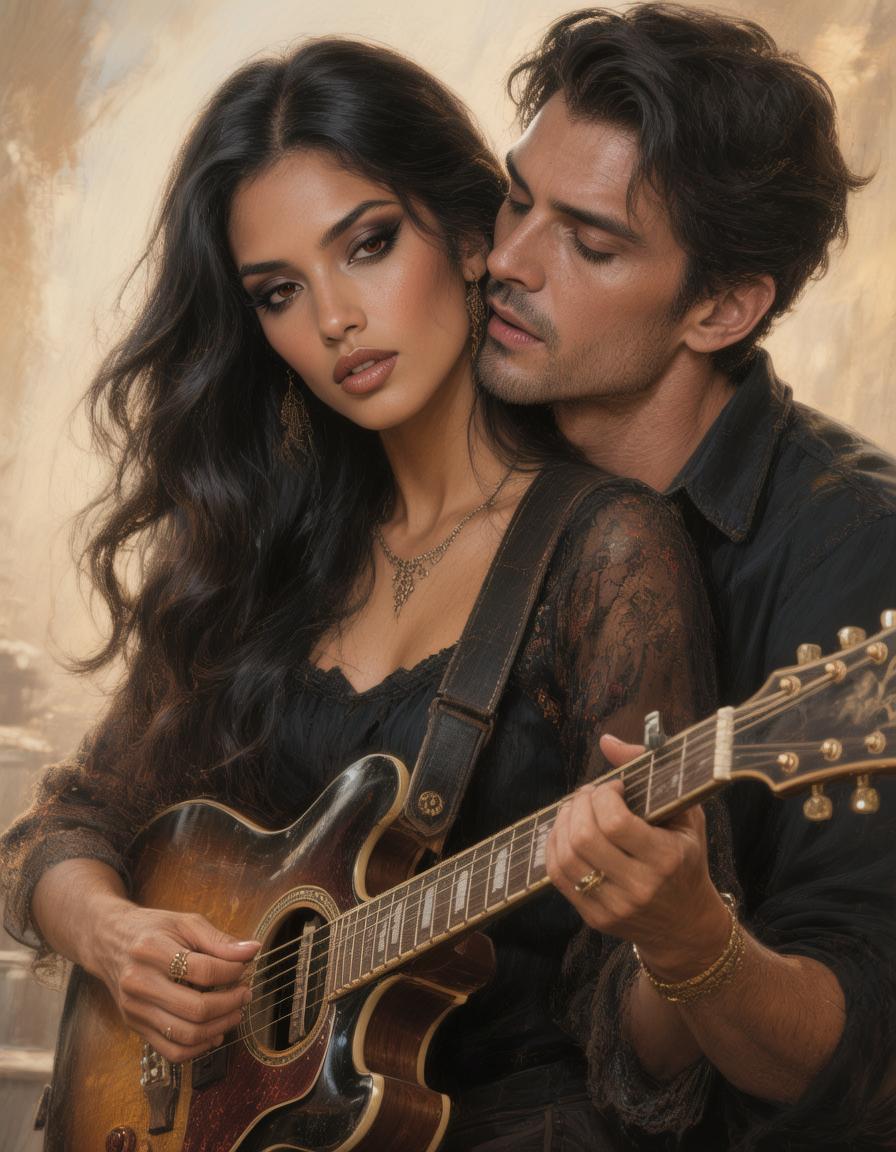
The Sultry Musician: Long, raven hair falling in waves to her waist, warm caramel skin that invites your fingers to linger, and dark, smoky eyes that hold secrets like a late-night melody. Soulful and intense, she strums her guitar softly before her voice turns to murmurs against your neck—seductive, empathetic, the type who composes symphonies from your sighs.

Start Creating Realistic Videos Today

40+ cutting-edge AI tools, loved by thousands of creators worldwide, cancel anytime, try it today

The Pixel Dojo Advantage

Why PixelDojo outperforms other options for realistic video generation

OthersPixel Dojo
Traditional Video ProductionEliminates the need for expensive equipment and large teams, making professional video creation accessible and affordable.
Generic AI ToolsOffers specialized tools like Veo 3.1 for more precise and creative outputs.
Manual AnimationAutomates the animation process, saving time and ensuring consistent quality.

Loved by Creators

See what our community says about veo 3.1 realistic videos

"PixelDojo's Veo 3.1 transformed my content creation process. I can now produce high-quality videos in minutes without any technical skills."

Alex Johnson

Content Creator

"As a marketer, engaging visuals are crucial. PixelDojo's AI tools have allowed me to create stunning videos that resonate with my audience."

Samantha Lee

Marketing Manager

Common Questions

Everything you need to know about veo 3.1 realistic videos AI generation

How does Veo 3.1 generate realistic videos?

Veo 3.1 utilizes advanced AI algorithms to interpret your text descriptions or images, generating high-quality videos with lifelike visuals and synchronized audio.

Can I use the videos created with Veo 3.1 for commercial purposes?

Yes, videos generated with Veo 3.1 on PixelDojo can be used for commercial projects, including marketing campaigns, product showcases, and more.

What file formats are supported for image uploads?

Veo 3.1 supports various image formats, including JPEG, PNG, and BMP, allowing flexibility in your creative process.

Is there a limit to the length of videos I can create?

Currently, Veo 3.1 supports generating videos up to one minute in length, suitable for most social media and marketing needs.

How long does it take to generate a video with Veo 3.1?

The time to generate a video depends on its complexity and length, but most videos are ready within a few minutes, allowing for quick turnaround times.

Do I need any technical skills to use Veo 3.1?

No, Veo 3.1 is designed to be user-friendly, enabling anyone to create professional-quality videos without prior experience or technical knowledge.

Ready to create amazing realistic videos?

Ready to Create Amazing veo 3.1 realistic videos Images?

Join thousands of creators using AI to bring their ideas to life