Visual style transfer Qwen Plus AI Generator
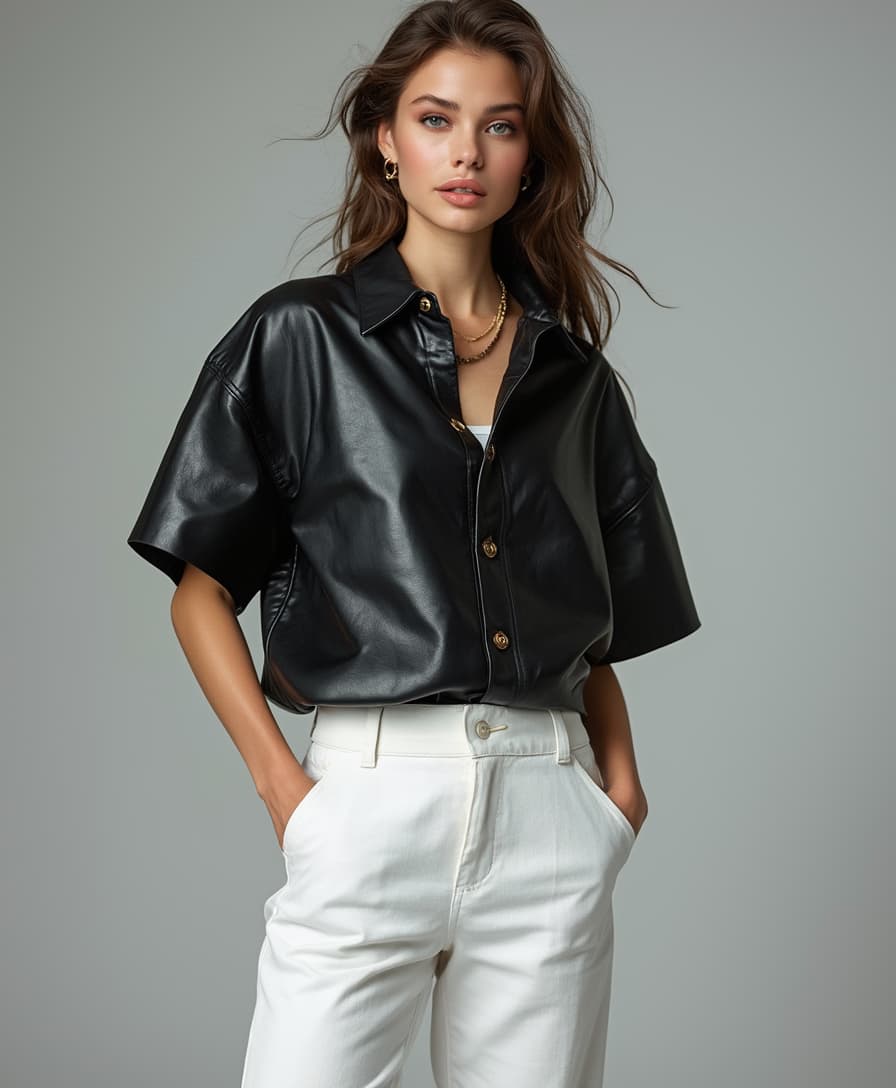
Unlock the full potential of your images with PixelDojo's Qwen Plus Style Transfer. Effortlessly transform your photos into stunning artworks by applying a variety of artistic styles, enhancing their visual appeal and making them stand out.
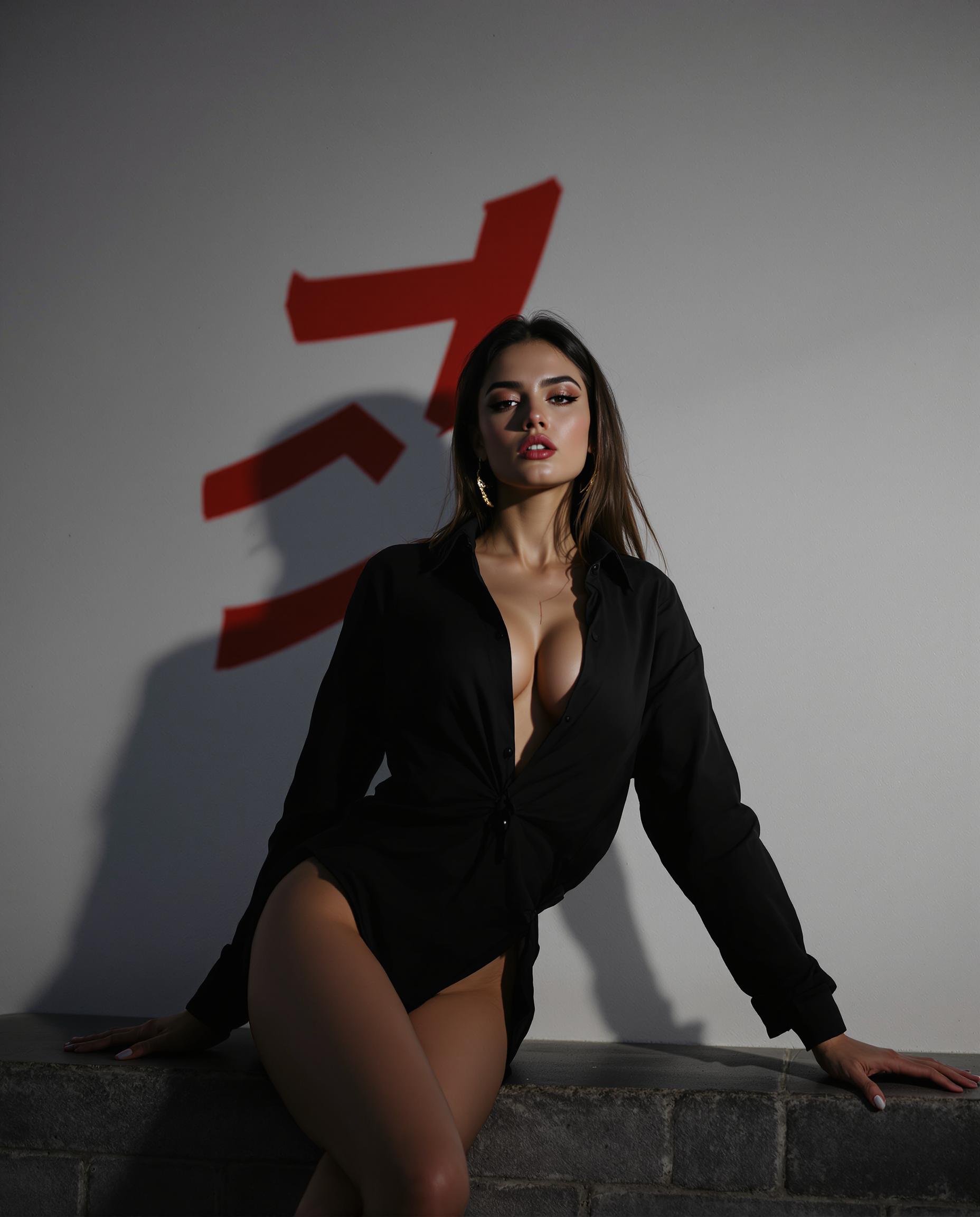
Join over 10,000 creators who have enhanced their visuals using PixelDojo's AI-powered tools, achieving a 95% satisfaction rate.
Why Choose Pixel Dojo for Visual style transfer Qwen Plus
Professional-quality results with cutting-edge AI technology
Seamless Artistic Transformations
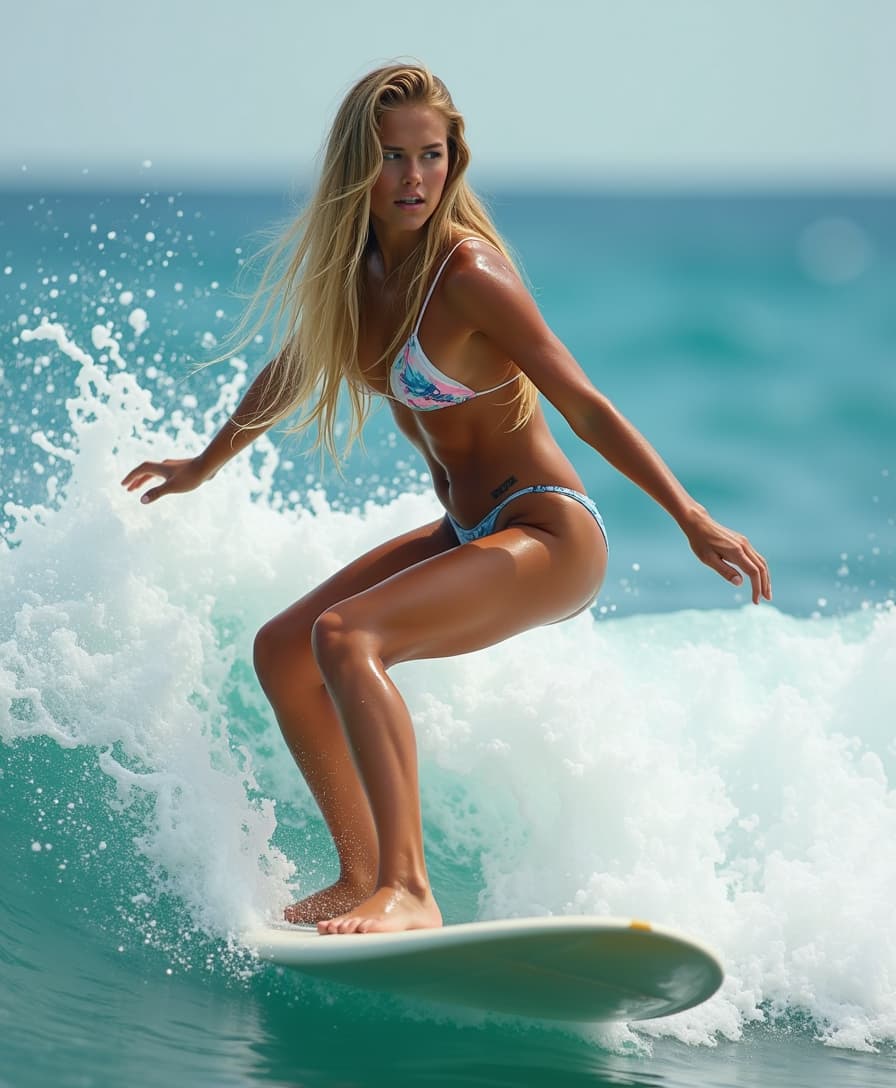
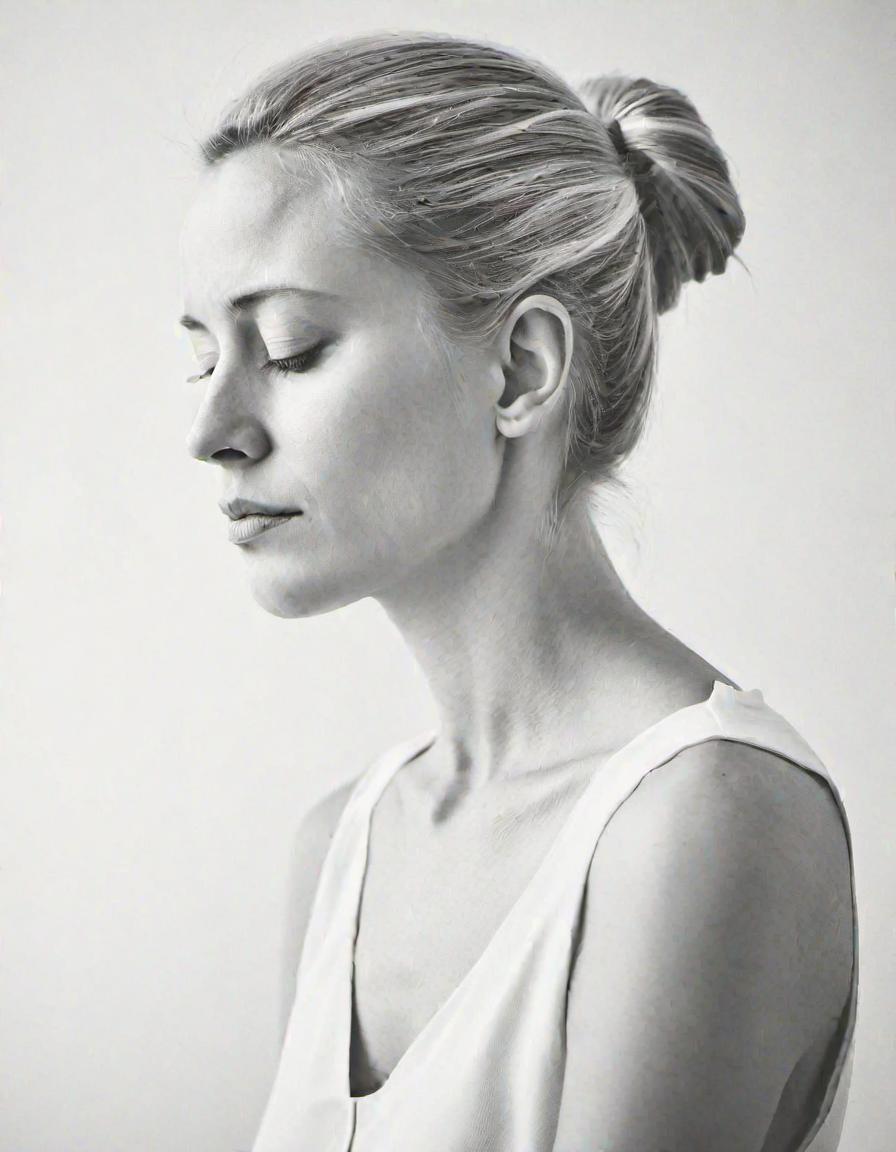
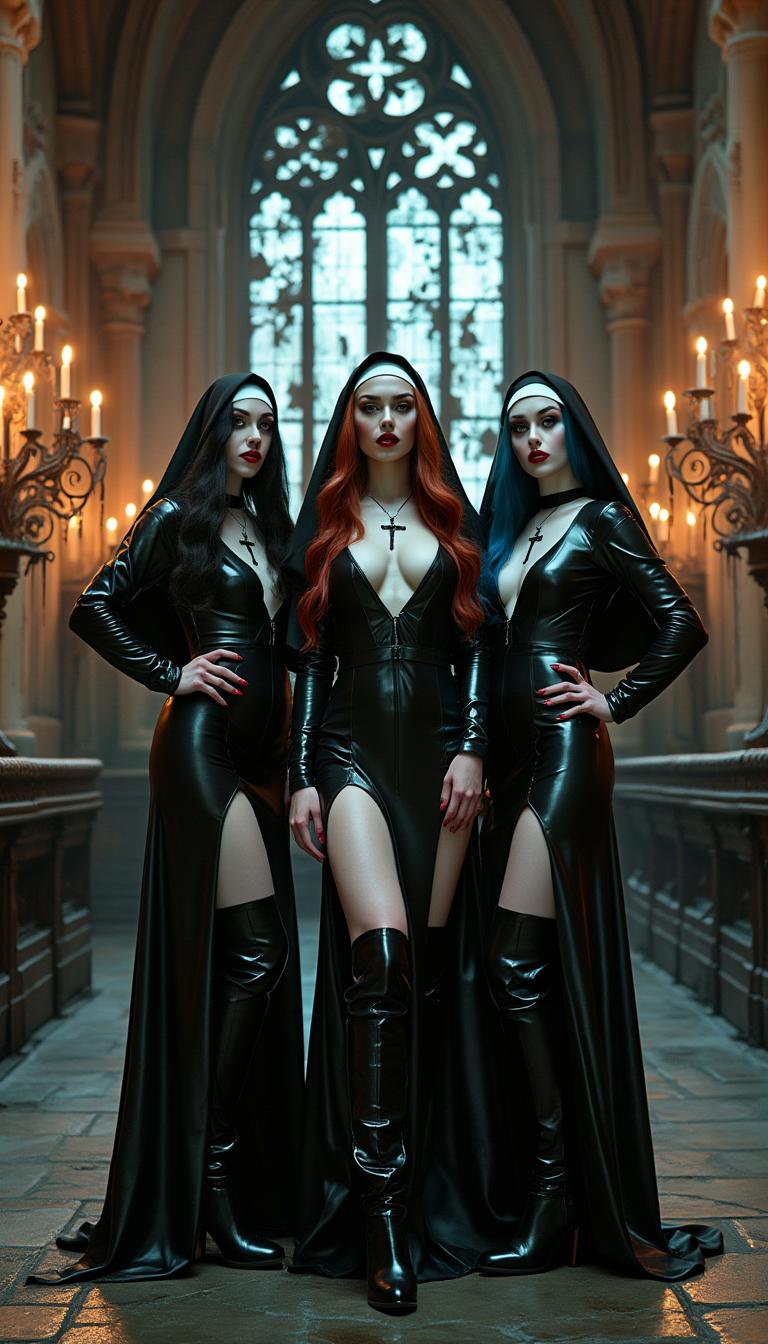
Apply diverse artistic styles to your images, from classic paintings to modern digital art, with just a few clicks.
Preserve Image Integrity
Maintain the original content and structure of your images while enhancing their aesthetic appeal.
Effortless Editing Process
Achieve professional-quality results without the need for complex software or technical expertise.
How It Works
Creating stunning images with Qwen Plus Style Transfer is simple and intuitive. Follow these steps to get started:
Step 1: Choose Your Tool
Select the 'QWEN Image' tool from PixelDojo's suite of AI image generation options.
Step 2: Enter Your Prompt
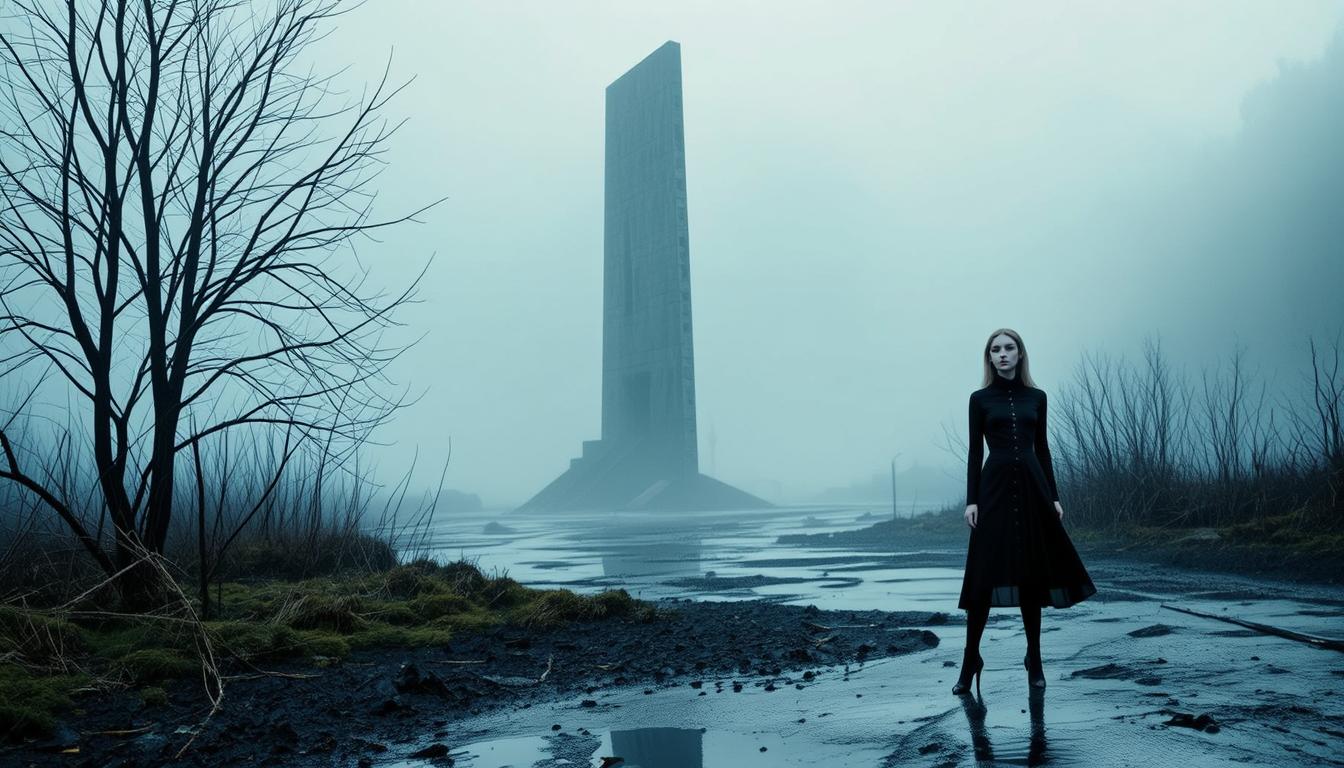
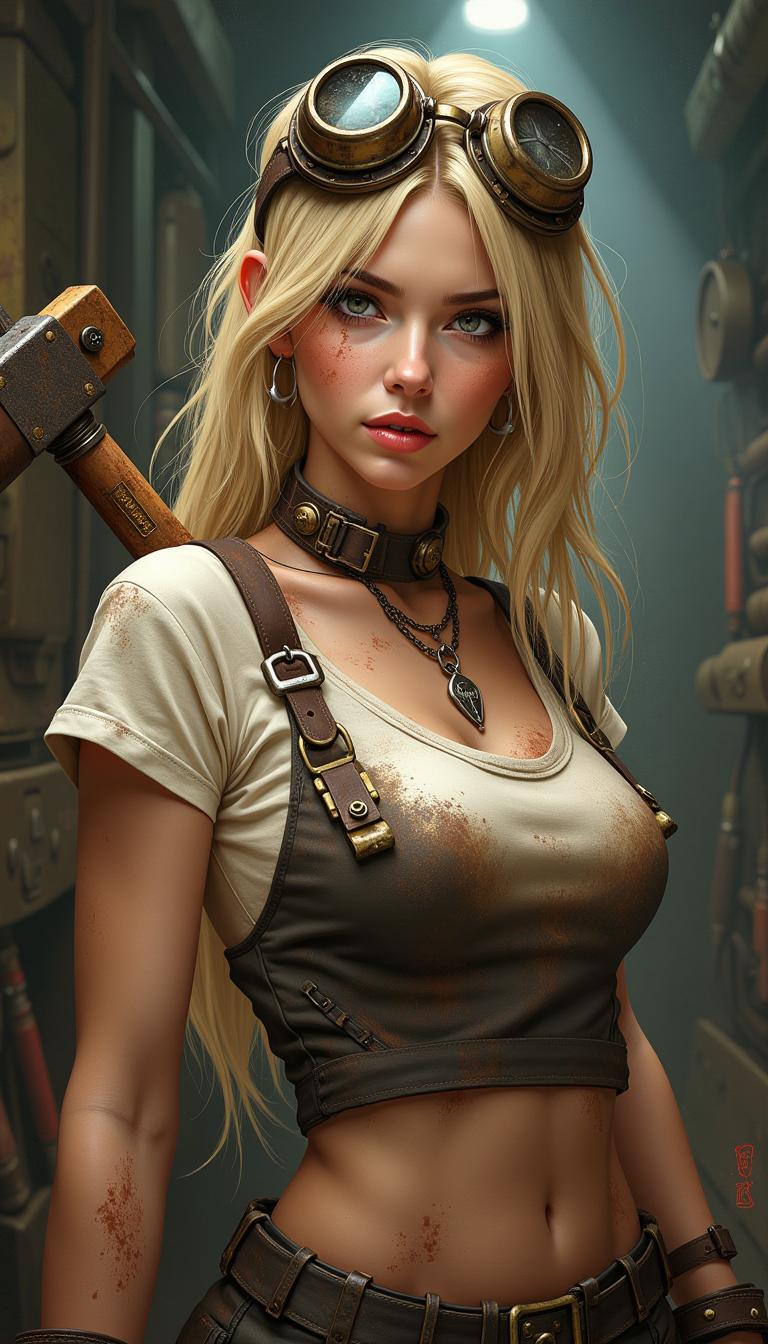
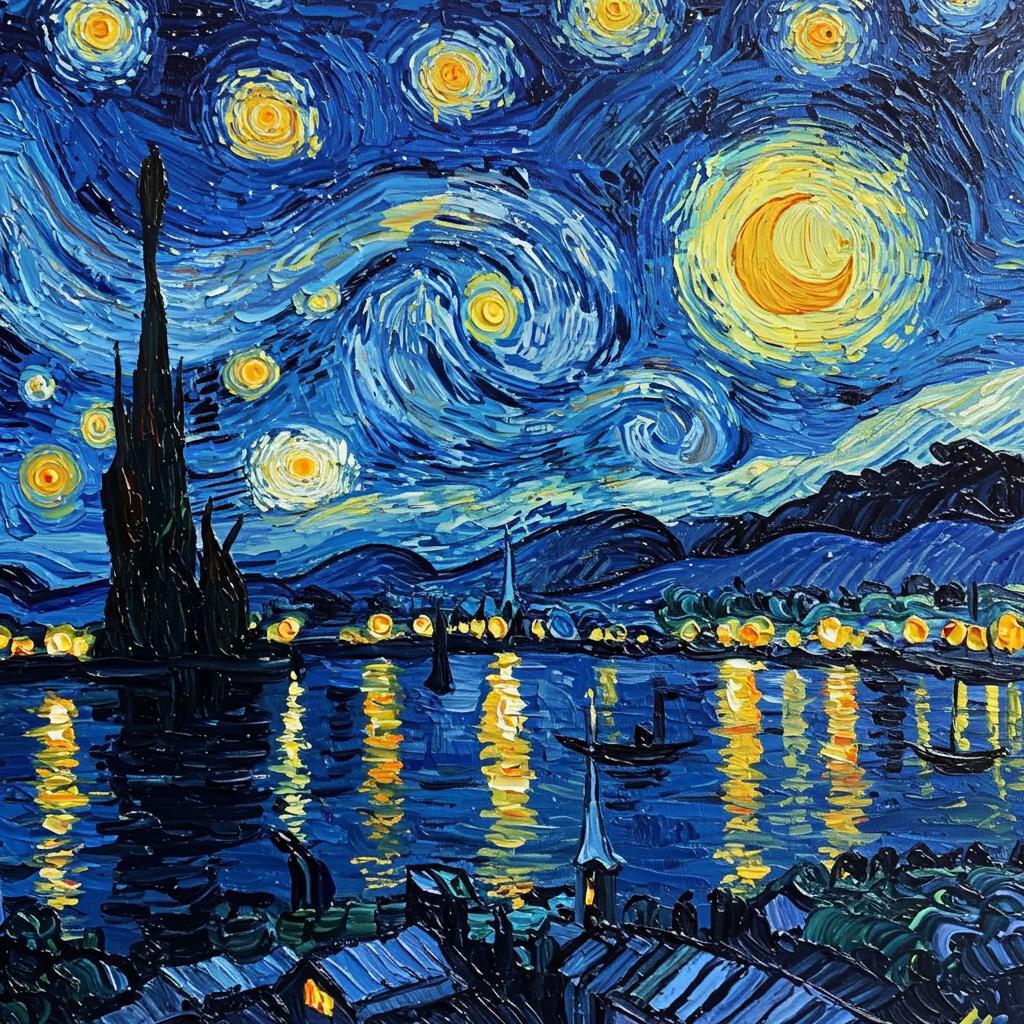
Input a detailed description of your desired image, specifying the subject, scene, and style. For example: 'A serene landscape in the style of Van Gogh's Starry Night.'
Step 3: Customize & Download
Review the generated image, make any necessary adjustments, and download the final version for your use.






The Pixel Dojo Advantage
Why PixelDojo outperforms other options for Qwen Plus style transfer
| Others | Pixel Dojo |
|---|---|
| Traditional Image Editing | Achieve complex text integration and style application without manual effort. |
| Generic AI Tools | Access specialized Qwen Plus style transfer capabilities tailored for diverse artistic needs. |
| Manual Design Processes | Save time and resources by automating intricate design elements with AI precision. |
Loved by Creators
See what our community says about Visual style transfer Qwen Plus
"PixelDojo's Qwen Plus style transfer has revolutionized our marketing visuals, making them more engaging and professional."
Alex Johnson
Marketing Director
"The seamless integration of complex text into our designs has never been easier, thanks to PixelDojo's intuitive tools."
Maria Lopez
Graphic Designer
Common Questions
Everything you need to know about Visual style transfer Qwen Plus AI generation
How does Qwen Plus style transfer enhance my images?
Qwen Plus style transfer allows you to apply complex text and diverse artistic styles to your images, enhancing their visual appeal and professionalism.
Is PixelDojo's Qwen Plus style transfer suitable for beginners?
Absolutely! PixelDojo's tools are designed with user-friendliness in mind, making advanced style transfers accessible to users of all skill levels.
Can I use Qwen Plus style transfer for commercial projects?
Yes, images created with PixelDojo's Qwen Plus style transfer can be used for both personal and commercial projects.
What types of artistic styles can I apply with Qwen Plus?
You can apply a wide range of styles, including classic paintings, modern digital art, and more, to match your creative vision.
Do I need any special software to use Qwen Plus style transfer?
No, PixelDojo's Qwen Plus style transfer is accessible directly through your web browser without the need for additional software.
How long does it take to process an image with Qwen Plus style transfer?
Processing times are typically quick, allowing you to see results in seconds, depending on the complexity of the transformation.