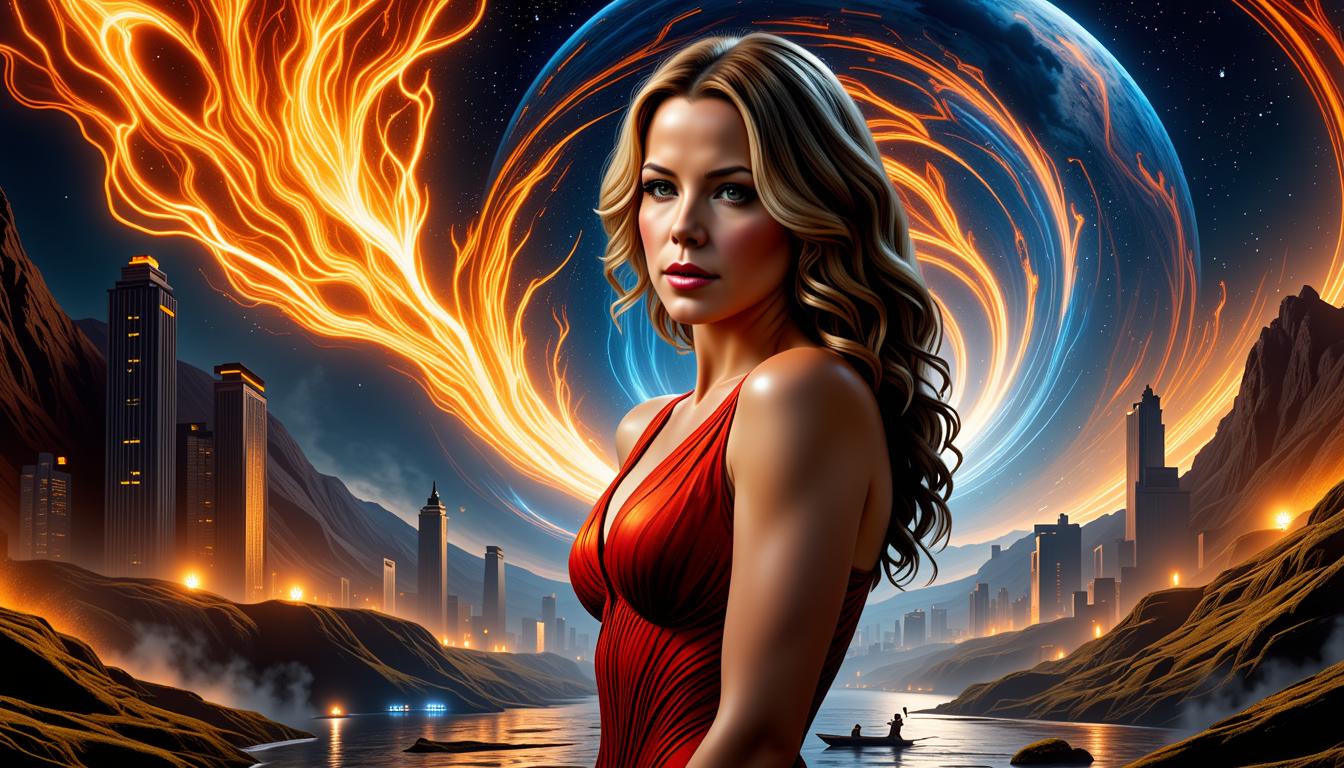
Wan 2.2 Animate AI model AI Generator

Imagine turning your static images into vibrant, moving stories that captivate audiences and elevate your content game. With PixelDojo's Wan 2.2 Animate AI model, you can effortlessly animate photos, illustrations, or designs into professional-quality videos. Whether you're a marketer crafting engaging ads, a storyteller bringing characters to life, or a creator producing viral social media content, this tool empowers you to achieve stunning results without complex software or animation skills. Say goodbye to hours of manual editing and hello to quick, high-impact animations that drive views, shares, and conversions. PixelDojo makes it simple for you to stand out in a crowded digital world.

AI Generated
Get Started TodayResults in seconds50+ AI models

Join over 50,000 creators who've generated millions of animations using PixelDojo. Rated 4.9/5 stars on Trustpilot from 2,500+ reviews. Featured in top creative blogs for revolutionizing AI animation.

Why Choose Pixel Dojo for Wan 2.2 Animate AI model

Professional-quality results with cutting-edge AI technology

Effortless Image-to-Video Transformation

Quickly convert your still images into smooth, dynamic animations that grab attention and tell compelling stories, saving you time while boosting your content's appeal.

High-Engagement Content Creation

Produce videos that increase viewer retention and social shares, helping you grow your audience and achieve better marketing results without needing animation expertise.

Customizable Professional Outputs

Tailor animations to fit your brand or vision, resulting in polished videos ready for platforms like YouTube, Instagram, or TikTok, all with minimal effort.

How It Works

Creating animations with the Wan 2.2 Animate AI model on PixelDojo is straightforward and user-friendly. Follow these steps to bring your images to life in minutes.

1

Step 1: Choose Your Tool

Log in to PixelDojo and select the WAN 2.2 Animate tool from the Video Editing section. Upload your static image or choose from your library to start the animation process.

2

Step 2: Enter Your Prompt

Describe the desired motion or effects in the prompt field, such as adding wind to trees or character movements. The AI analyzes your input and generates a preview animation based on Wan 2.2's advanced techniques for realistic motion.

3

Step 3: Customize & Download

Refine the animation using options like speed adjustments, lip sync if needed, or integrate with other tools like Video Upscaler. Once satisfied, download your high-quality video ready for sharing.

Community Wan 2.2 Animate AI model Gallery

Real examples created by our community

A highly detailed digital painting of a striking female character with a commanding presence, captured in a photorealistic style that emphasizes lifelike textures and three-dimensional depth. She wears an opulent fantasy costume in red and black with gold accents, featuring intricate lace, embroidery, and armor-like details, complemented by matching gloves, boots, and a sword with an ornate golden hilt, while her expansive blue-gradient feathered wings spread ethereally behind her. The dramatic scene is set in a luxurious gothic-baroque interior with rich reds, golds, and blues, enhanced by cinematic lighting that casts deep shadows and vivid highlights.
Shot composition: Medium shot framing a graceful Twi'lek woman dancing dynamically in the foreground, with Jabba the Hutt looming imposingly on his divan couch in the midground, captured from a slight low angle to emphasize power dynamics, using a 35mm lens for balanced depth and intimacy.

Scene setting: Opulent throne room in Jabba's Tatooine palace, dimly lit by flickering torchlight and hazy alien glows during nighttime, evoking a tense, decadent atmosphere thick with smoke and shadows.

Subject and wardrobe: The Twi'lek woman, with vibrant blue skin, lekku head-tails adorned in golden chains, wears a skimpy, flowing dancer's outfit of silks and jewels, her expression one of focused allure and subtle defiance; Jabba the Hutt, massive and grotesque with slimy green skin and bulging eyes, lounges in lavish robes on his ornate couch, smirking with predatory glee.

Motion and animation: omit if not relevant to still imagery

Camera movement: none

Visual style: Cinematic Star Wars aesthetic with rich, saturated colors in golds and reds, subtle film grain for a gritty sci-fi texture, high contrast to highlight dramatic tension.
This photograph captures a serene and majestic landscape, likely a river canyon, with towering red rock formations in the background and a clear, turquoise river flowing through it. The art style is realistic, with attention to detail and natural lighting that enhances the vividness of the colors and the textures of the rocks and foliage. Medium The photo appears to be a high-resolution photograph, given the clarity and sharpness of the details. Colors The colors in the image are rich and varied. The river water is a striking turquoise, which stands out against the warm tones of the rocks and the green of the trees. The red rock formations in the background are a deep, rich red, with some areas showing lighter, sandy hues. The green of the trees is a bright, almost neon green, which contrasts with the browns and reds of the rocks and the blue of the sky. Objects in the Image 1. River The river is the central focus of the image, with its clear, turquoise water flowing gently over and around the rocks. The water is shallow in some places, revealing smooth, rounded stones beneath the surface. 2. Rocks There are several rocks visible in the river, with different shapes and sizes. Some rocks are submerged, while others protrude slightly from the waters surface. The rocks have a rough, uneven texture, with striations and grooves that indicate erosion over time. 3. Trees There are several trees lining the riverbanks, with dense foliage that provides a green contrast to the red rock formations in the background. The trees appear to be willows or similar species, with long, thin branches that sway gently in the breeze. 4. Red Rock Formations Towering in the background, the red rock formations rise dramatically from the riverbanks. The formations are layered, with different strata visible, and they have a rugged, jagged texture. The sunlight casts shadows across the formations, highlighting their depth and dimension. 5. Sky The sky is a clear, deep blue, with no clouds or other obstructions, which enhances the sense of openness and vastness in the landscape.Overall, the image conveys a sense of tranquility and natural beauty, with a harmonious blend of colors and textures that create a visually striking and immersive scene. photorealistic 128K
This image is a realistic photo (photograph) of a female real person digital artwork that exudes a dark fantasy vibe. The art style is reminiscent of high fantasy, with a focus on detailed armor and weaponry, and a gothic touch in the overall composition. The medium appears to be digital painting, given the smooth blending of colors and the lack of texture that might be present in traditional mediums.The colors are predominantly dark and muted, with a few highlights of red and white that stand out against the black and gray tones. The armor is primarily black with hints of silver and red, which gives it a metallic and somewhat ominous appearance. The red accents are particularly striking, with glowing eyes and a red gem on the sword, which adds a touch of horror and intensity to the character.The objects in the image are primarily the armored figure and the sword. The figure is wearing a full suit of armor, with a helmet that has horns protruding from the top, and a visor that obscures the face. The armor is intricate, with spikes and jagged edges that give it a menacing look. The figures right hand is visible, with a gauntlet that matches the armor, and the fingers are tipped with sharp claws. The left hand is obscured by the sword.The sword is the central object in the image, and it is a large, ornate blade with a bloodstained edge. The hilt is detailed with a red gem and a skull, and the blade itself has a jagged edge and a red glow near the tip, suggesting it might be enchanted or cursed.The background is a dark, gothic cathedral with pointed arches and stained glass windows. The cathedral is in ruins, with broken walls and debris scattered throughout, adding to the ominous atmosphere of the scene. The lighting is dramatic, with a spotlight effect that casts the figure and the sword in a brighter light, emphasizing their presence and giving the image a cinematic quality.
few friends all different style small fire at night in the wood, Slightly grainy image, 1980, Slightly grainy image, 80s outfits, Low key lighting,                                                                                                                                      Fun, drunk, cheer
AI-generated image
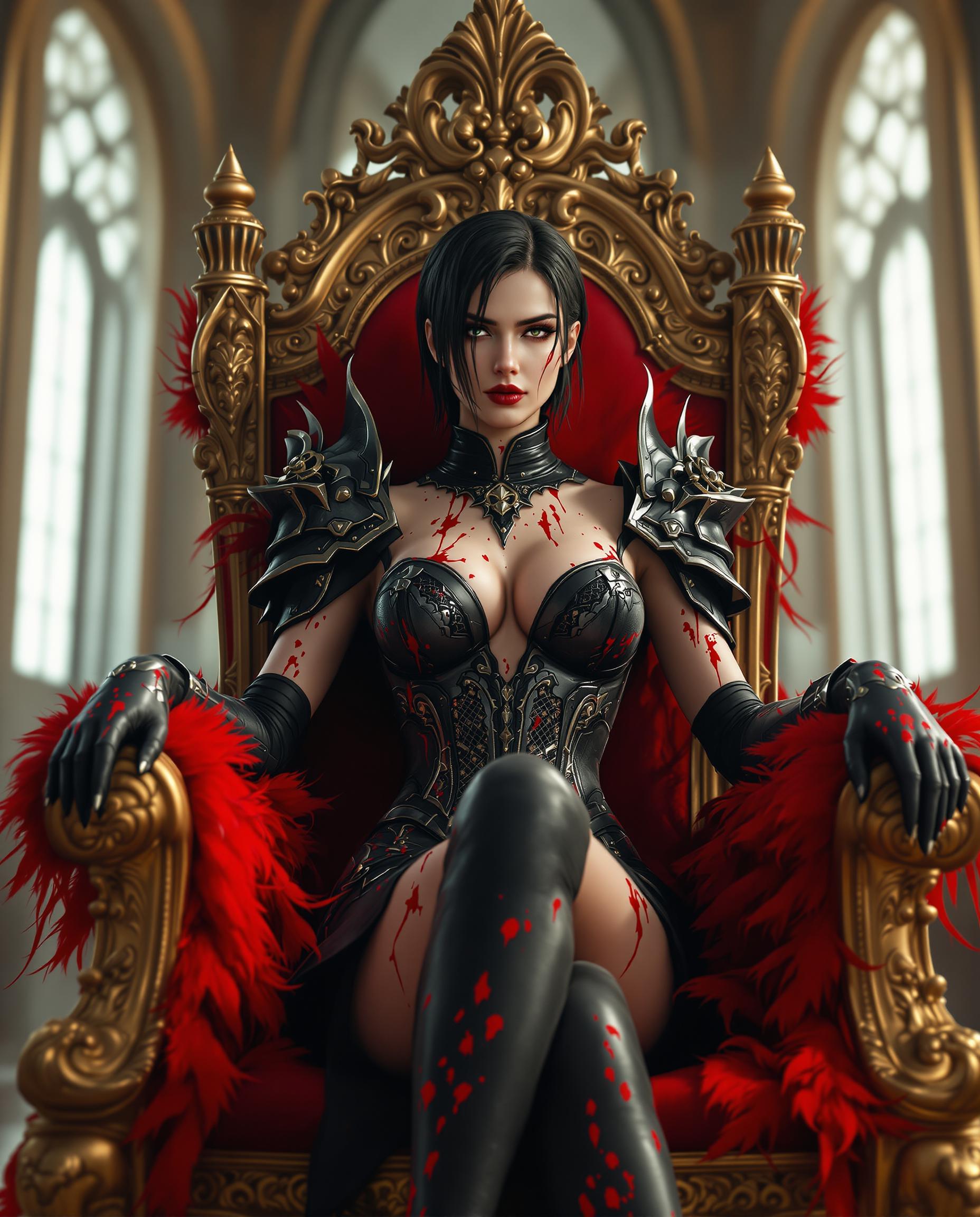
A stunning digital photograph of a female character in a striking red and black costume, blending fantasy and gothic elements with a highly stylized aesthetic. The formfitting outfit features intricate lace and weblike patterns, showcasing the character's muscular build, illuminated by dramatic cinematic lighting that enhances texture and depth in 8K detail, captured with a 50mm lens and shallow depth of field. The slightly blurred background hints at a traditional yet futuristic setting with red lanterns and wooden structures, enriching the bold, vibrant crimson and deep maroon color palette against rich black accents.

Start Creating Wan 2.2 Animate AI Model Images Today

40+ cutting edge AI tools, loved by thousands of creators worldwide, cancel anytime, try it today

The Pixel Dojo Advantage

Why PixelDojo outperforms other options for Wan 2.2 Animate AI model image generation

OthersPixel Dojo
Traditional animation softwareSkip the steep learning curve and expensive licenses; PixelDojo delivers instant, AI-powered animations that match professional quality in seconds.
Generic AI toolsAccess specialized Wan 2.2 Animate features integrated with 40+ tools for seamless workflows, ensuring more precise and creative results tailored to your needs.
Manual photo editingAvoid tedious frame-by-frame edits; automatically generate fluid animations that save hours and produce engaging content effortlessly.

Loved by Creators

See what our community says about Wan 2.2 Animate AI model

"PixelDojo's Wan 2.2 Animate turned my product photos into eye-catching videos that doubled my social media engagement overnight!"

Sarah Chen

Digital Marketer

"As an artist, I love how Wan 2.2 Animate brings my illustrations to life so easily. It's a game-changer for my storytelling projects."

Mike Rodriguez

Freelance Illustrator

Common Questions

Everything you need to know about Wan 2.2 Animate AI model AI generation

What is the Wan 2.2 Animate AI model and how does it work for image animation?

The Wan 2.2 Animate AI model on PixelDojo is a powerful tool that transforms static images into dynamic videos using advanced AI techniques like motion prediction and frame interpolation. You can achieve outcomes like animated characters, flowing landscapes, or product demos, all without animation software. Integrate it with tools like Lip Sync or Video Upscaler for even more polished results, helping you create content that stands out.

How to use Wan 2.2 Animate AI model for realistic character animations?

With PixelDojo's Wan 2.2 Animate, upload your character image, input a prompt describing movements like walking or gesturing, and let the AI generate smooth animations. Combine with Consistent Characters or Face Enhancer for lifelike results. This enables you to produce engaging stories or ads quickly, loved by thousands for its ease and quality.

What are the latest trends in Wan 2.2 Animate AI model techniques?

Recent trends include hyper-realistic motion blending, AI-driven lip syncing, and integration with sound for immersive videos. PixelDojo stays ahead by updating Wan 2.2 Animate with these features, allowing you to create trending content like viral TikToks or educational animations effortlessly. Cancel anytime if it doesn't fit your needs.

Can I customize animations with Wan 2.2 Animate AI model on PixelDojo?

Absolutely! After generating with Wan 2.2 Animate, use PixelDojo's editing suite including Video Reframe, Extract Frame, or Merge Videos to tweak duration, add effects, or combine clips. This flexibility helps you achieve professional outcomes tailored to your project, with over 40 tools at your disposal.

Is Wan 2.2 Animate AI model suitable for beginners in video creation?

Yes, PixelDojo designed Wan 2.2 Animate for all skill levels. Start with simple prompts and build up to complex animations using intuitive interfaces. Thousands of beginners have created stunning videos, and with our cancel-anytime subscription, you can try it risk-free today.

How does Wan 2.2 Animate AI model compare to other AI animation tools?

PixelDojo's Wan 2.2 Animate excels in speed and realism, offering seamless integration with tools like WAN Sound to Video or Pose Control. You get faster renders and more creative control, resulting in higher-quality animations that drive better engagement compared to standalone options.

Ready to create amazing Wan 2.2 Animate AI model images?

Ready to Create Amazing Wan 2.2 Animate AI model Images?

Join thousands of creators using AI to bring their ideas to life