Wan 2.2 Animate tutorial AI Generator
Transform your static images into dynamic, lifelike animations with Wan 2.2 Animate. Whether you're a content creator, marketer, or designer, this powerful tool enables you to breathe life into your characters, enhancing engagement and storytelling in your projects.
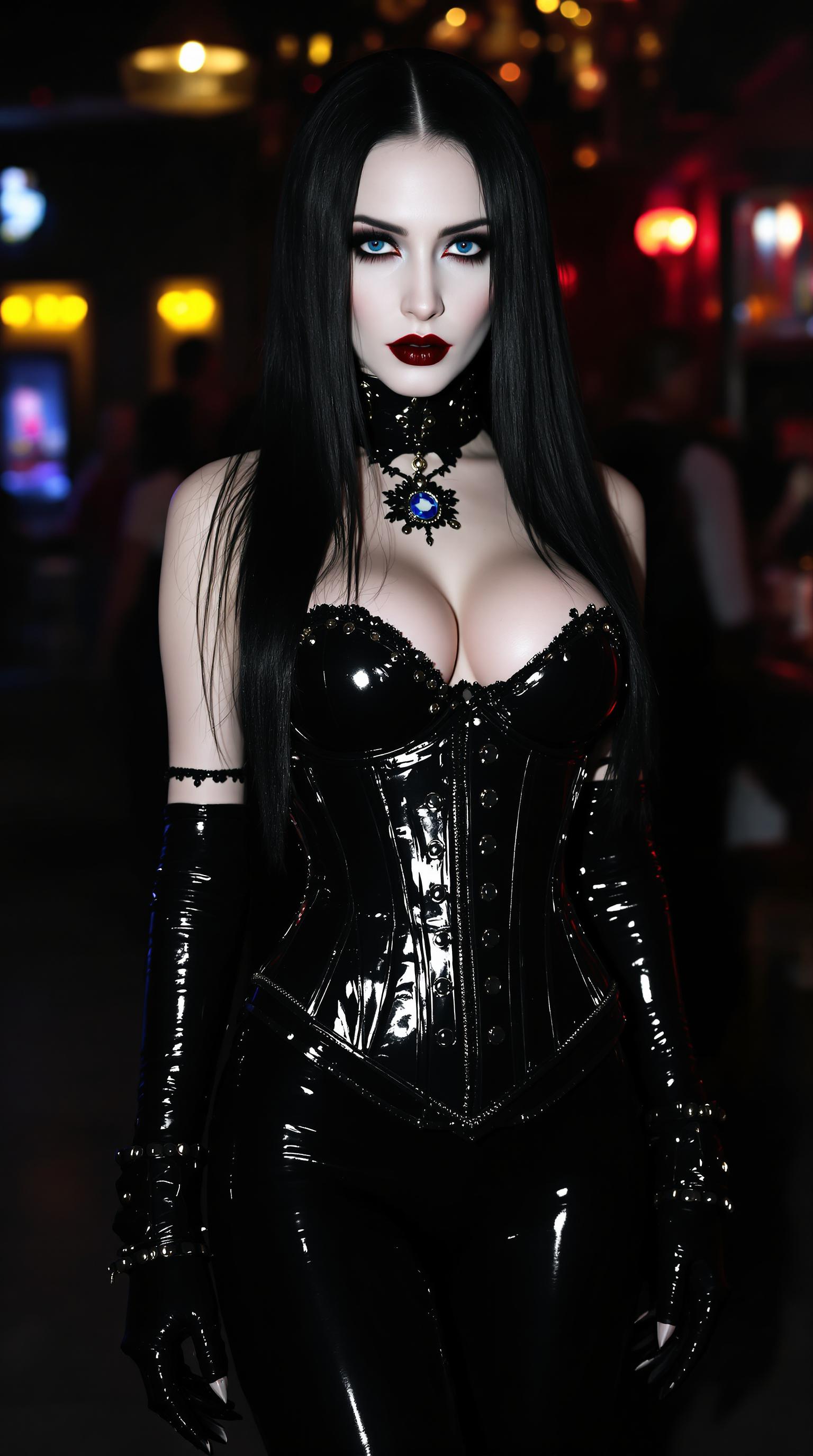
Join over 200,000 active users who have created more than 400,000 animations with Wan 2.2 Animate, achieving a 4.9/5 user satisfaction rating.
Why Choose Pixel Dojo for Wan 2.2 Animate tutorial
Professional-quality results with cutting-edge AI technology
Effortless Character Animation
Animate any character from a single image, eliminating the need for complex rigging or manual animation.
Seamless Integration
Replace characters in existing videos while maintaining scene lighting and color tones for natural results.
High-Quality Output
Generate professional-grade animations at 720p resolution with smooth 24fps motion.
How It Works
Creating stunning character animations with Wan 2.2 Animate is a straightforward process. Follow these steps to bring your characters to life:
Step 1: Upload Your Character Image
Select a clear, high-quality image of the character you wish to animate. Ensure the character's face and body are fully visible for optimal results.
Step 2: Provide a Reference Video
Choose a video that demonstrates the desired movements and expressions. This video will guide the animation process, transferring the motion to your character.
Step 3: Generate and Download Your Animation
Use Wan 2.2 Animate to process the inputs and create your animation. Once generated, review the animation and download it for use in your projects.
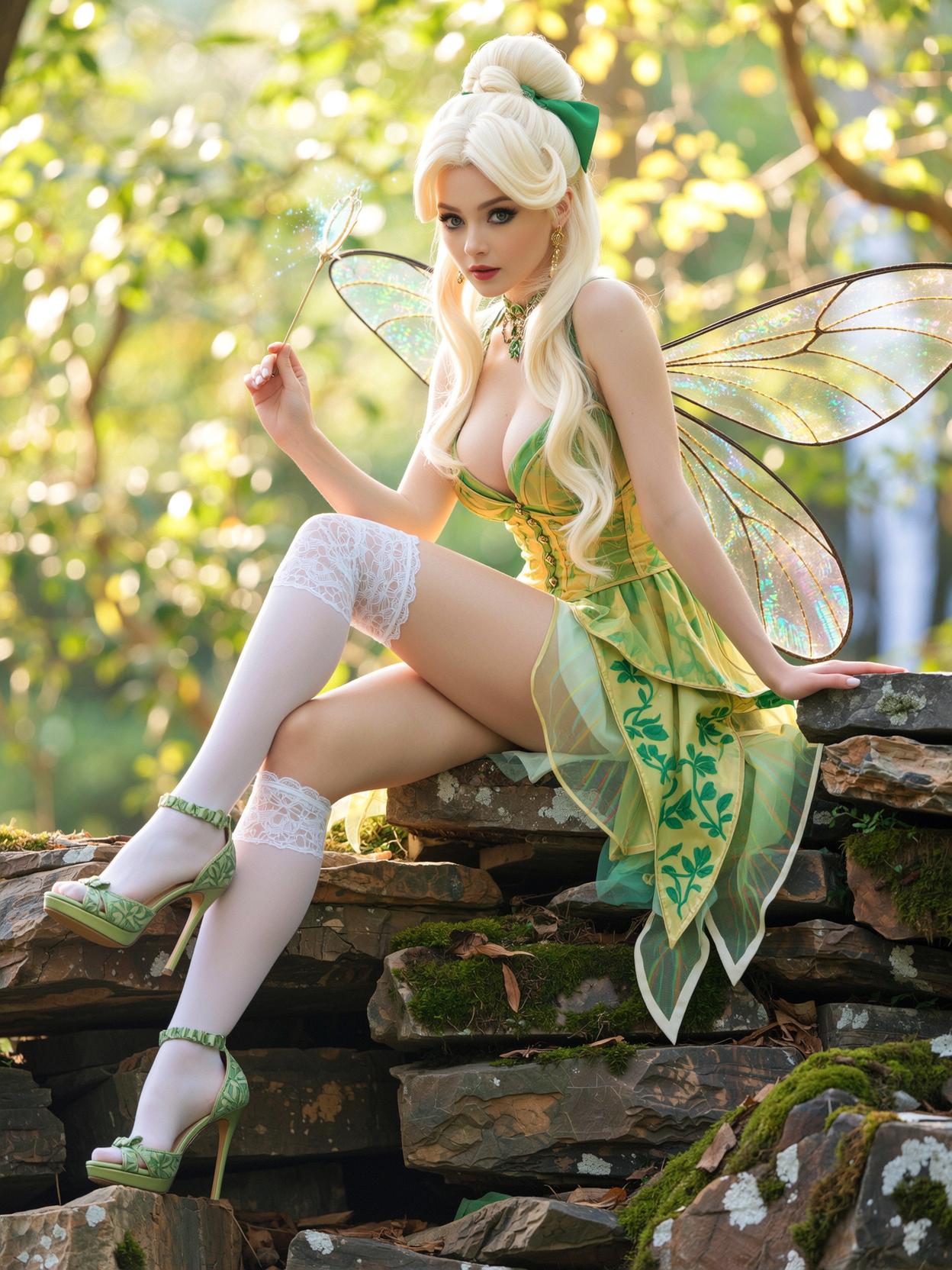
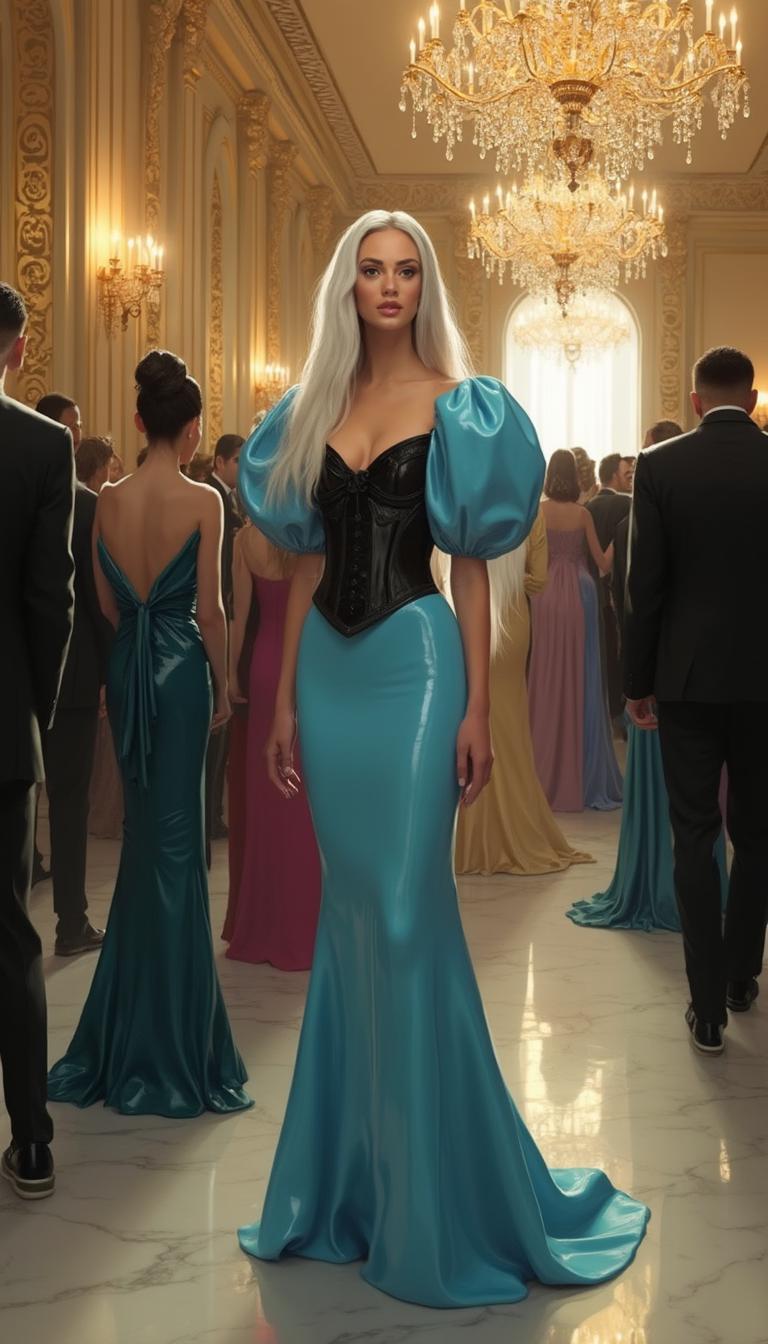
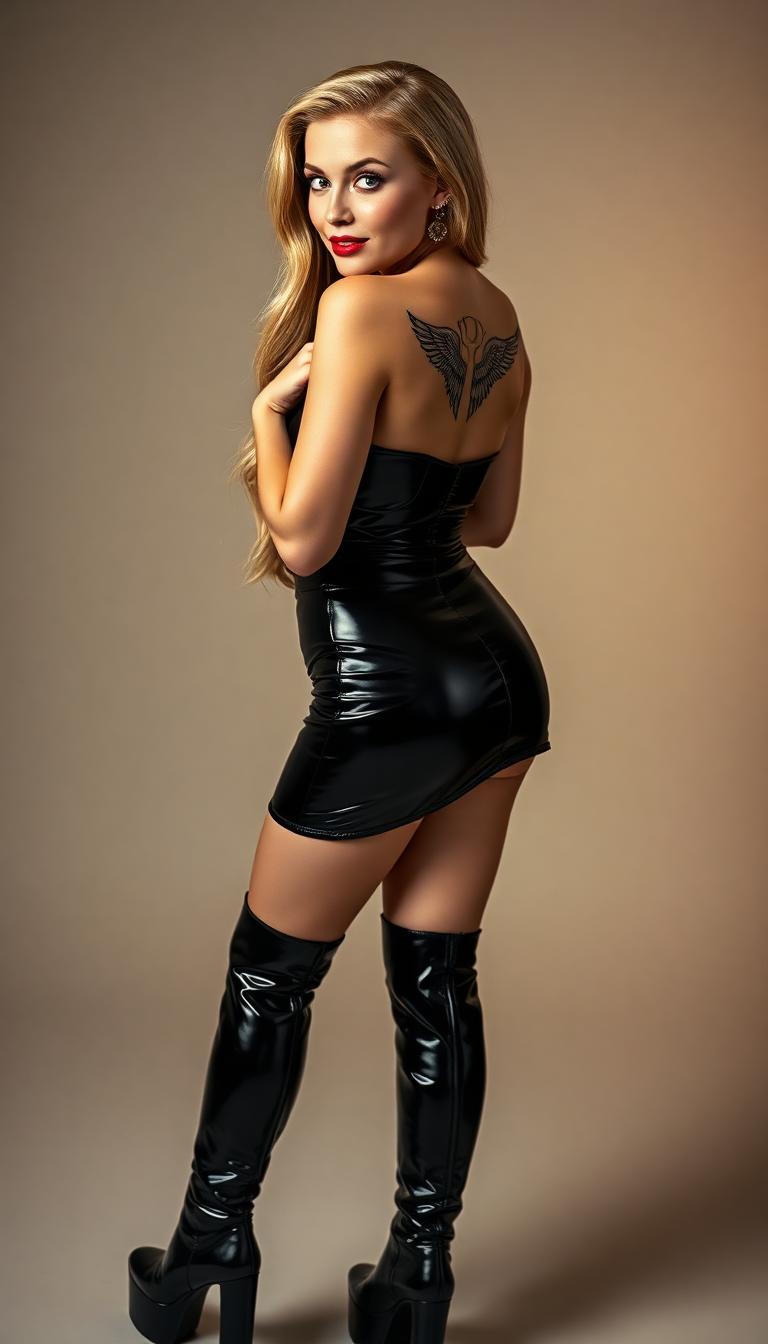
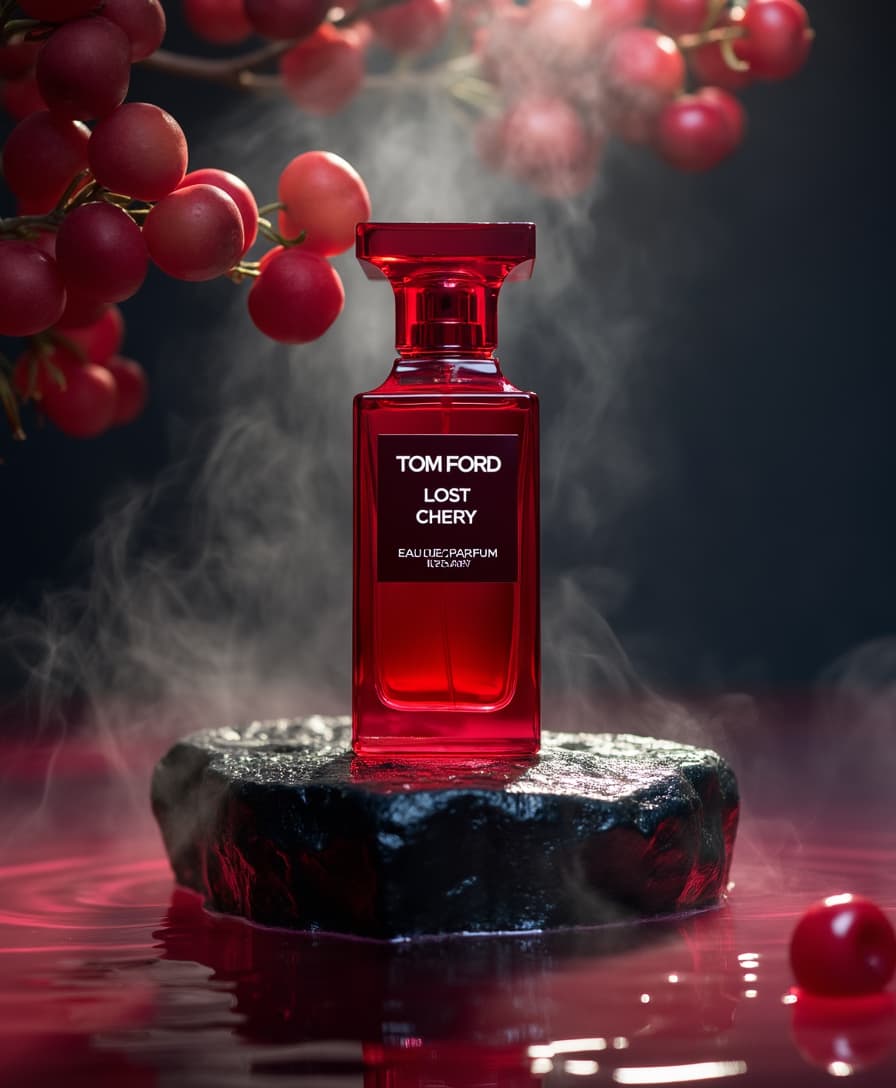
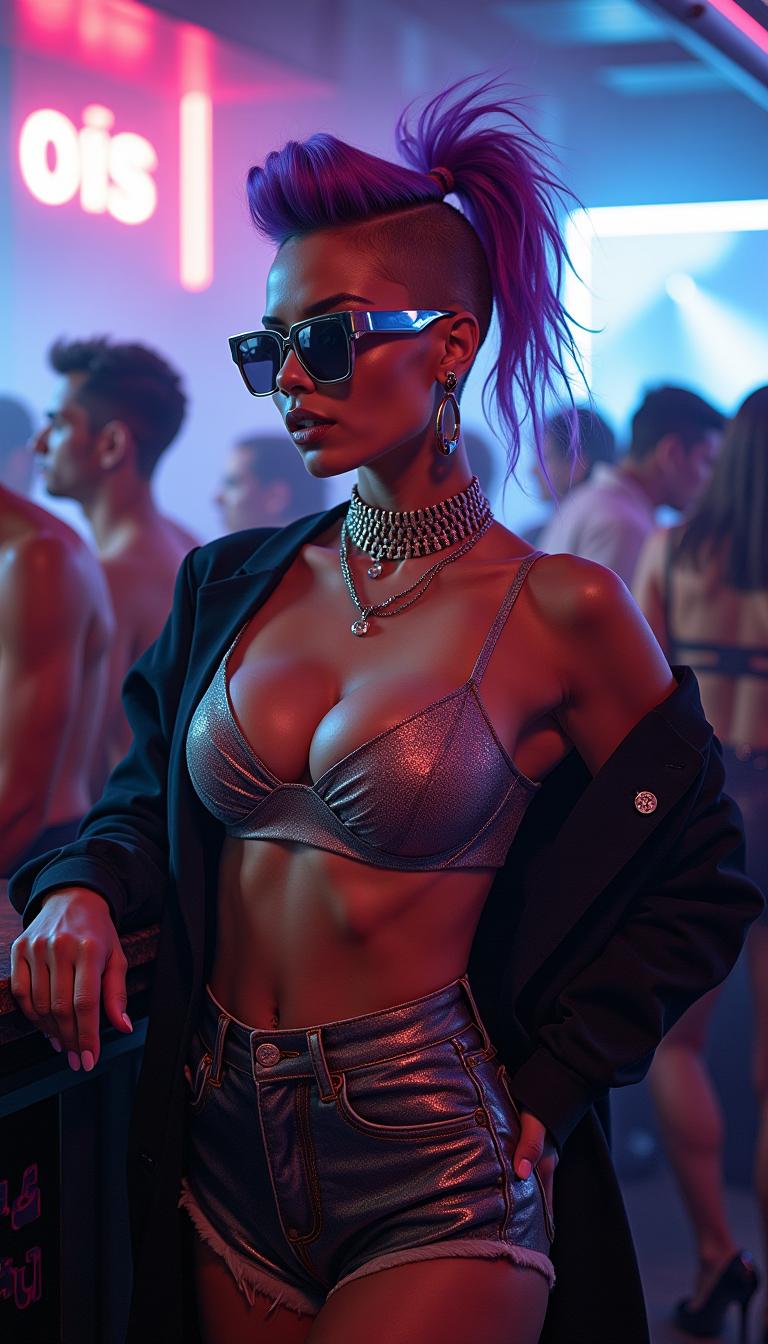
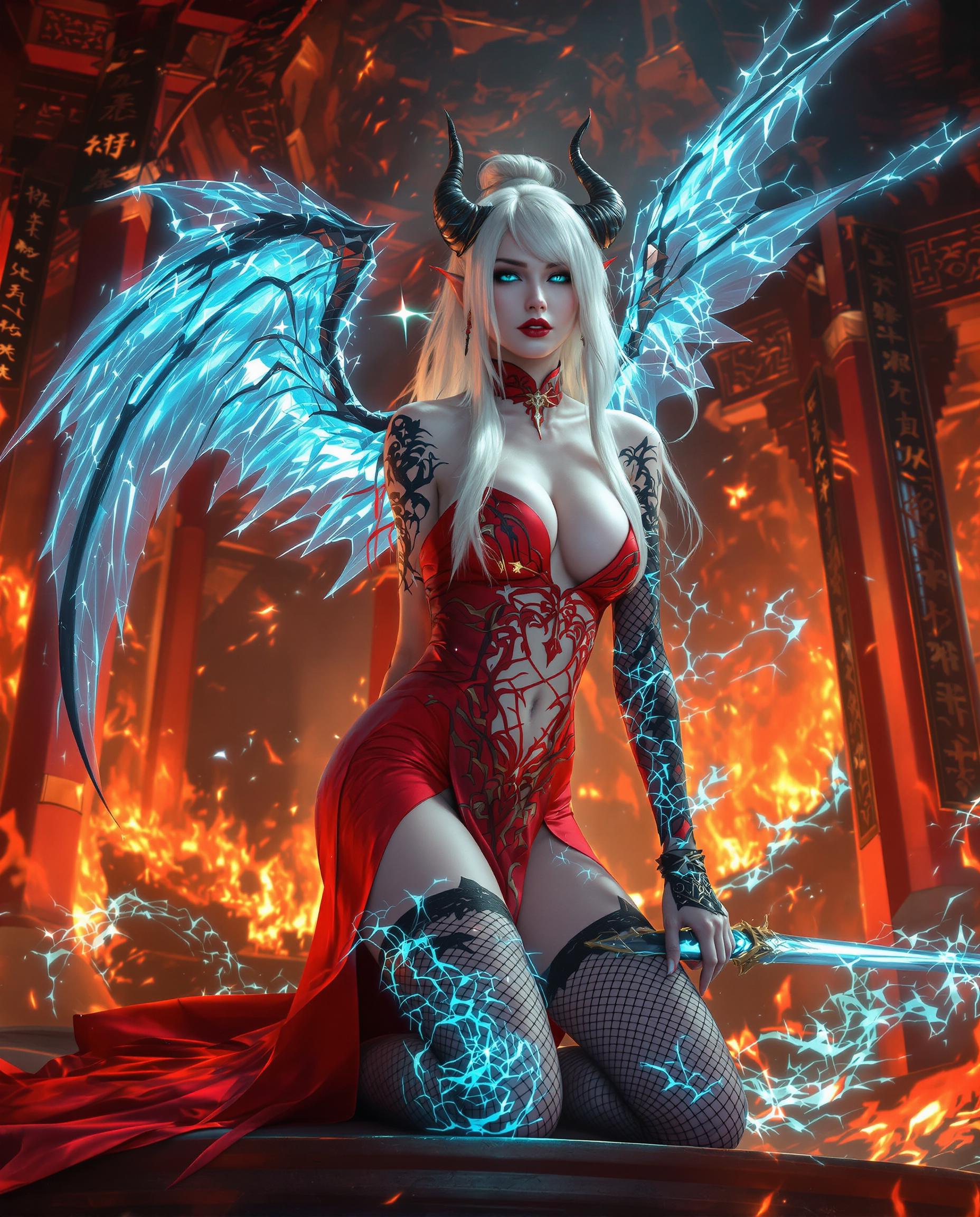
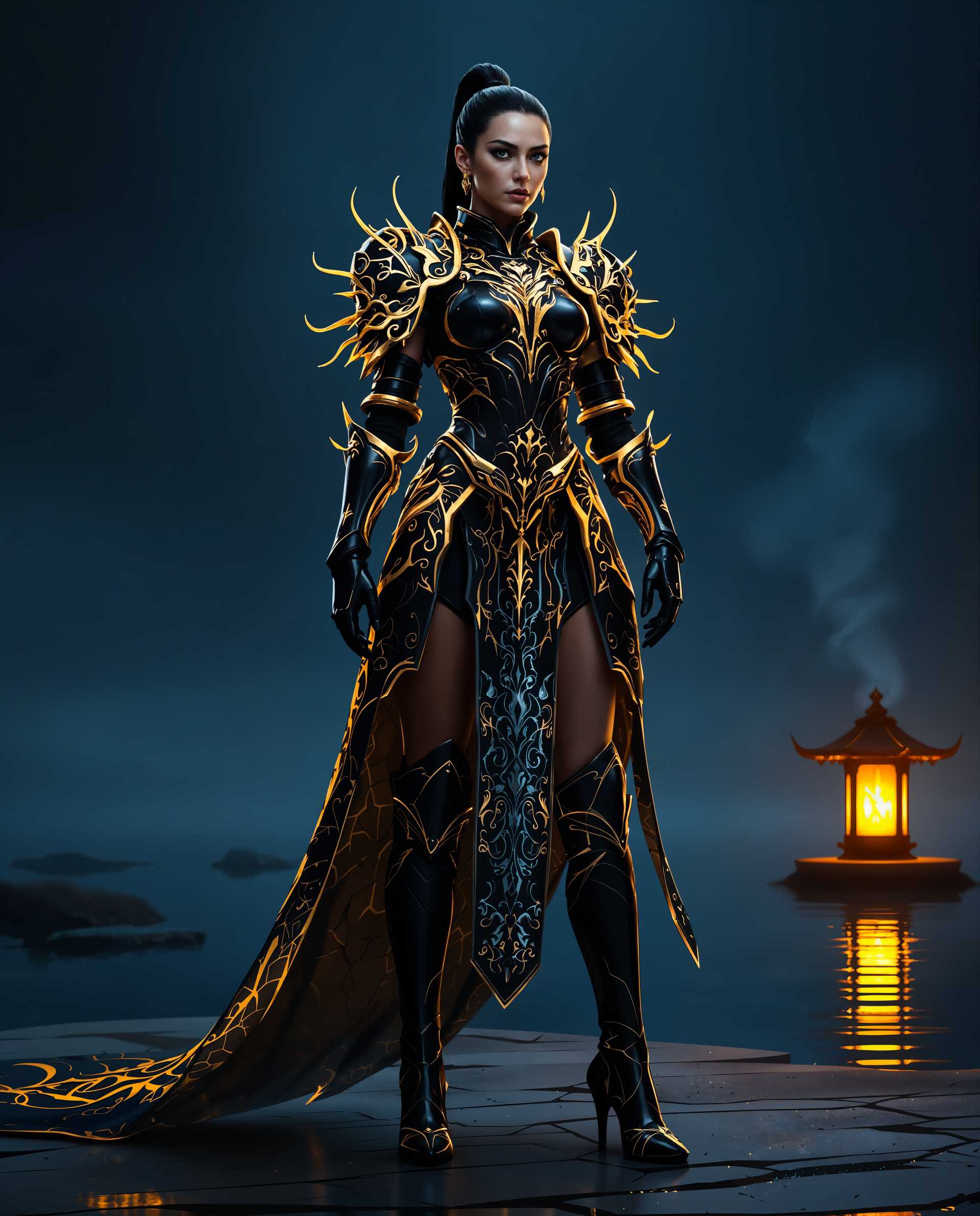
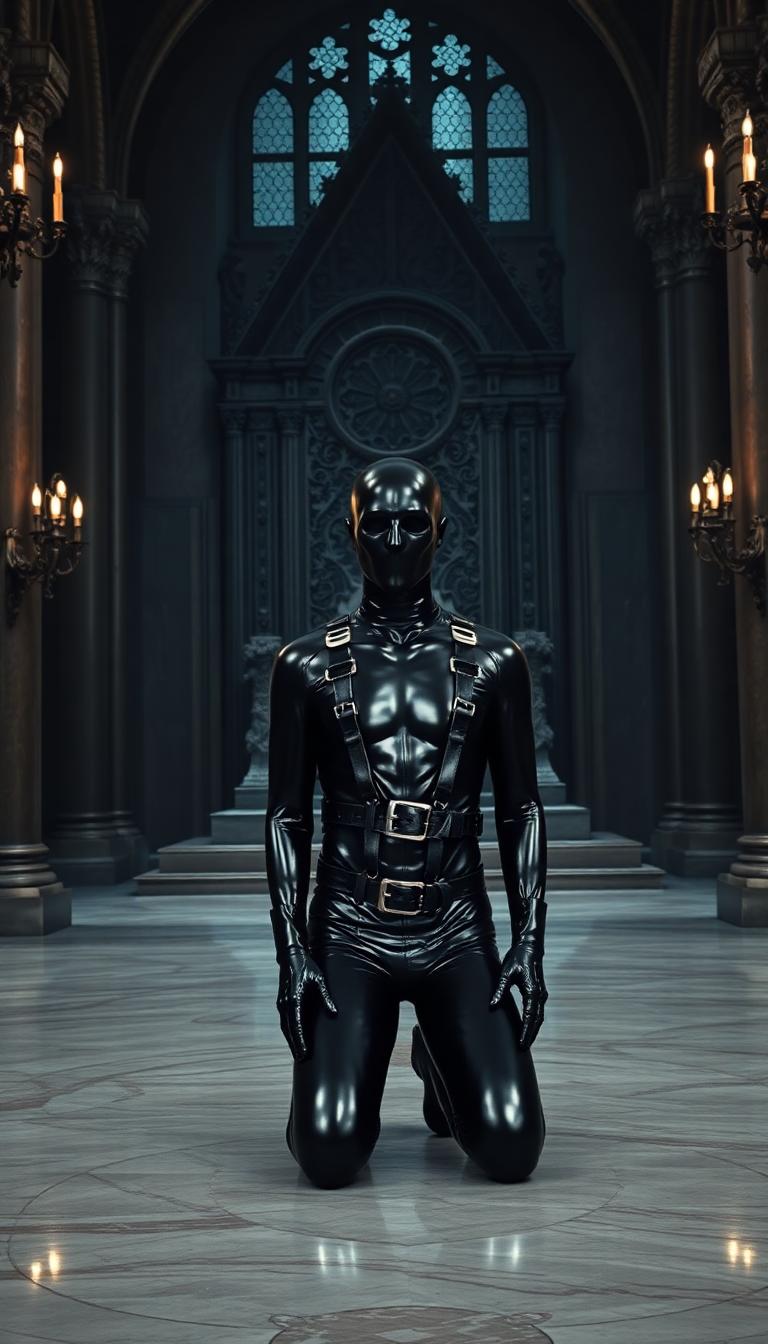

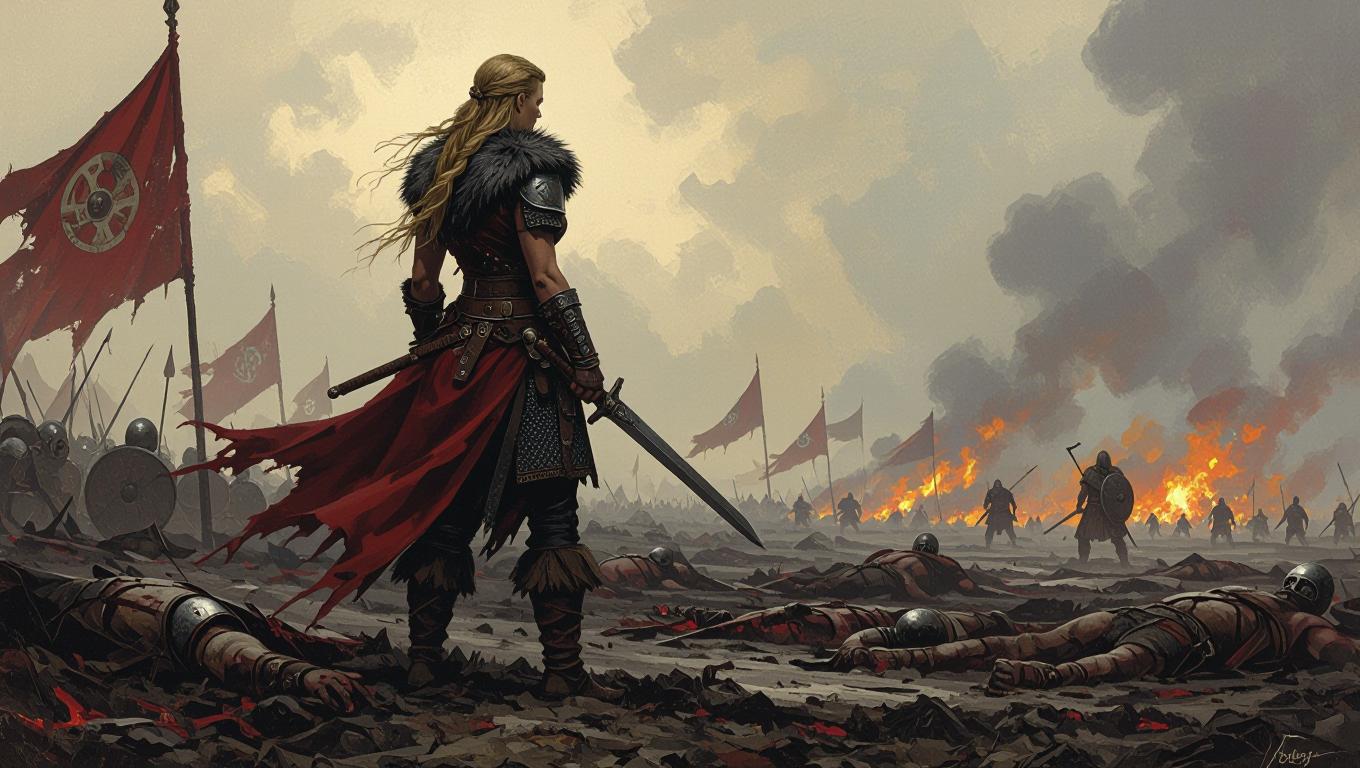
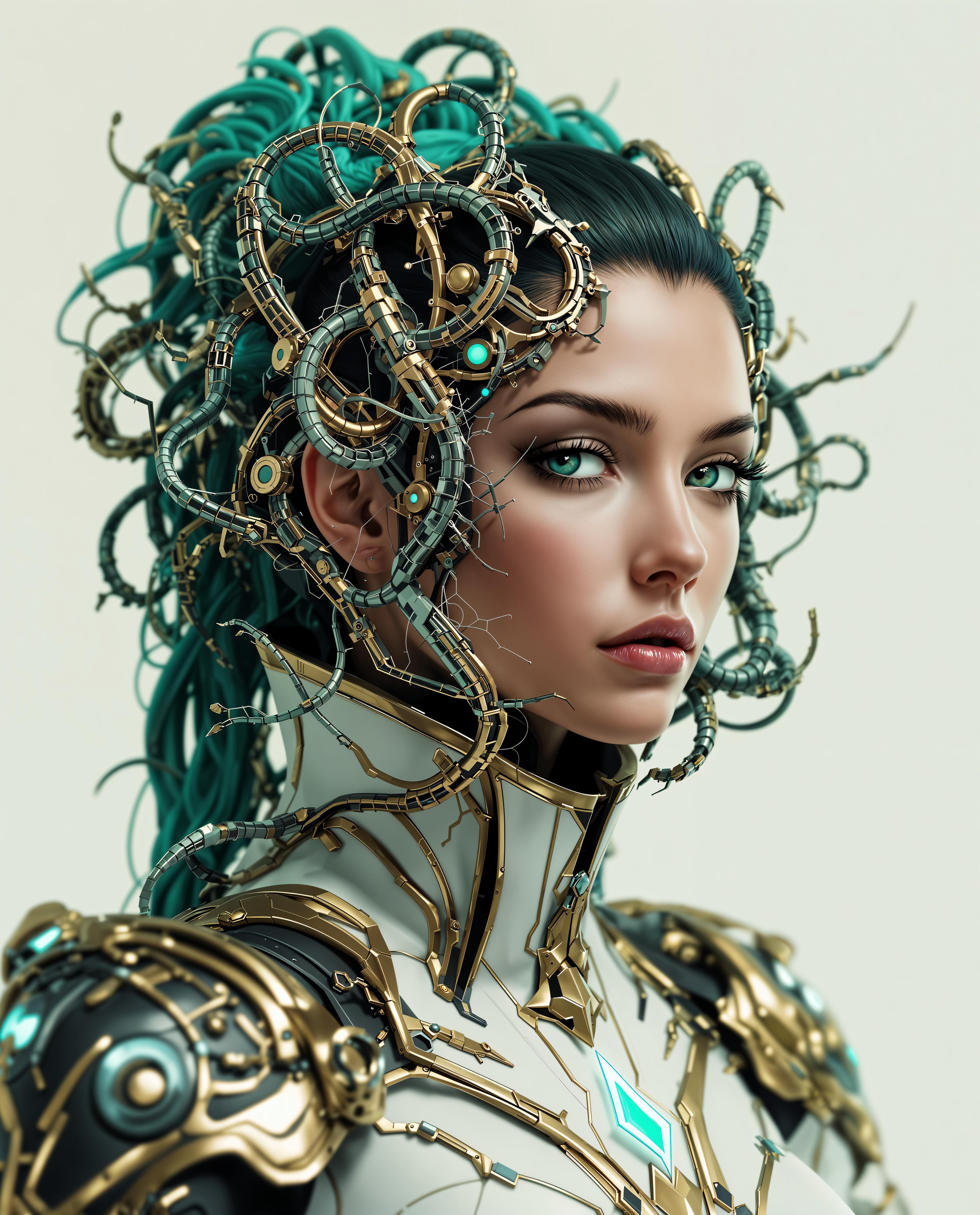
![A hyper-realistic [LIZARD] wearing fashionable fancy sunglasses and a colorful, highly fashionable, trendy jacket that reflects unique street style—could be anything from bold patterns to futuristic fabrics. The outfit is tailored to the animal’s physique, oozing confidence and individuality. It strikes a confident pose under neon nightclub lighting. The scene is bathed in vibrant pinks, blues, and purples, with dramatic backlighting and glowing accents that highlight the texture of fur, feathers, or scales. The overall vibe is surreal and stylish, blending streetwear and cyberpunk in a cinematic atmosphere.](https://cdn.pixeldojo.ai/cdn-cgi/image/f=auto,q=75,w=3840/pixeldojo/generated-images/1743879951002-xw8misct2.png)
The Pixel Dojo Advantage
Why Wan 2.2 Animate is the Preferred Choice for Character Animation
| Others | Pixel Dojo |
|---|---|
| Traditional Animation Methods | Eliminates the need for manual rigging and frame-by-frame animation, significantly reducing production time. |
| Generic AI Animation Tools | Offers advanced features like scene-aware lighting and identity-locked motion for more realistic animations. |
| Manual Video Editing | Automates the animation process, allowing for quick iterations and consistent results without extensive editing skills. |
Loved by Creators
See what our community says about Wan 2.2 Animate tutorial
"Wan 2.2 Animate has revolutionized our content creation process, enabling us to produce engaging animations in record time."
Michael Williams
Digital Marketing Manager, UK
"As a motion designer, I appreciate the precision and ease of use that Wan 2.2 Animate offers. It's a game-changer for our projects."
Clara Bennett
Motion Designer, Australia
Common Questions
Everything you need to know about Wan 2.2 Animate tutorial AI generation
What is Wan 2.2 Animate?
Wan 2.2 Animate is an AI-powered tool that transforms static character images into dynamic animations by applying motion from a reference video, maintaining character identity and scene consistency.
How do I use Wan 2.2 Animate?
Simply upload a character image and a reference video demonstrating the desired motion. Wan 2.2 Animate will process these inputs to generate a lifelike animation of your character.
What are the input requirements for Wan 2.2 Animate?
For optimal results, use high-quality images with clear character features and reference videos with visible, well-lit movements. Ensure the character's face and body are unobstructed.
Can I use Wan 2.2 Animate for commercial projects?
Yes, Wan 2.2 Animate is suitable for both personal and commercial use, allowing creators to produce professional-grade animations for various applications.
What output quality does Wan 2.2 Animate provide?
Wan 2.2 Animate generates animations at 720p resolution with smooth 24fps motion, ensuring high-quality results suitable for professional use.
Is there a free version of Wan 2.2 Animate available?
Yes, you can start using Wan 2.2 Animate with our free tier to explore its capabilities. We also offer premium plans with additional features for advanced users.