Wan 2.6 demo images AI Generator
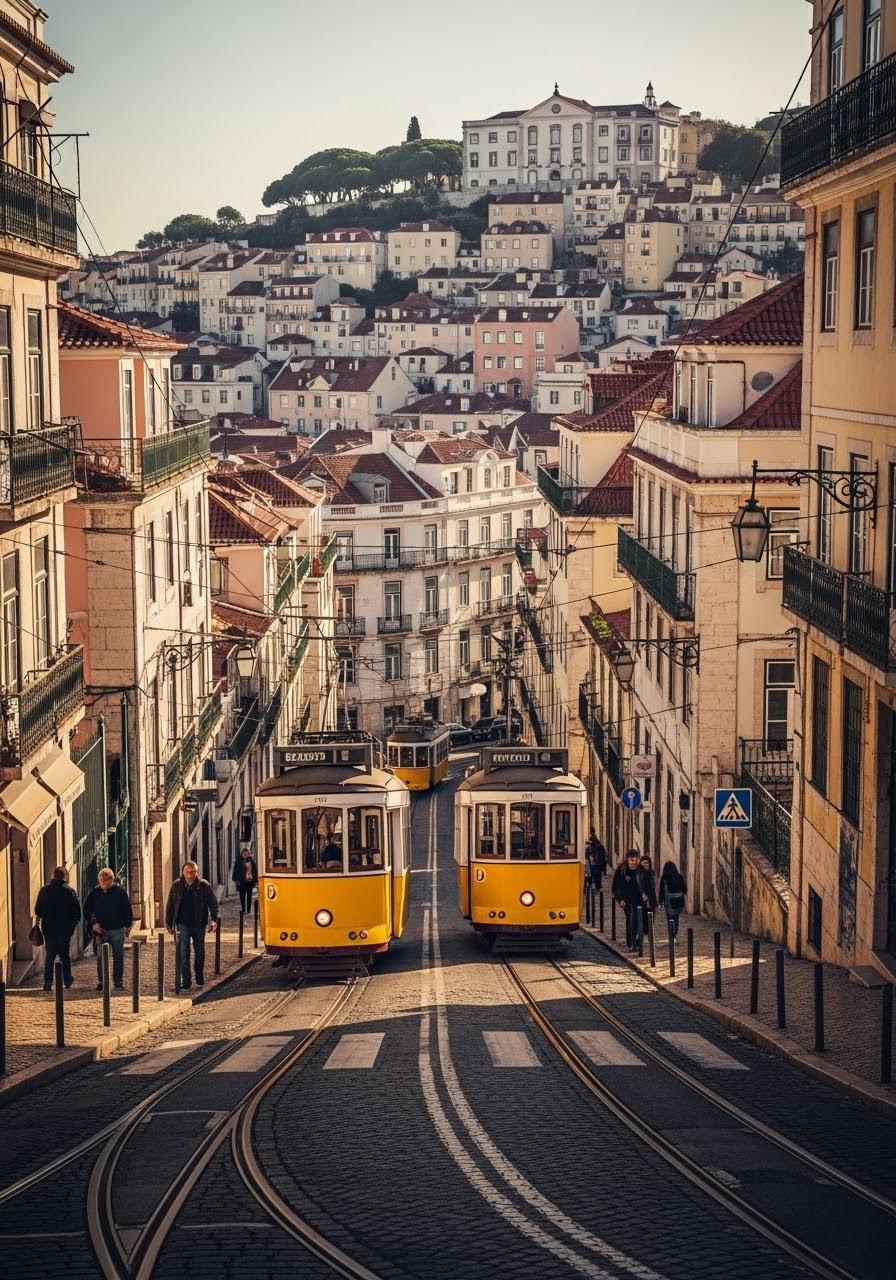
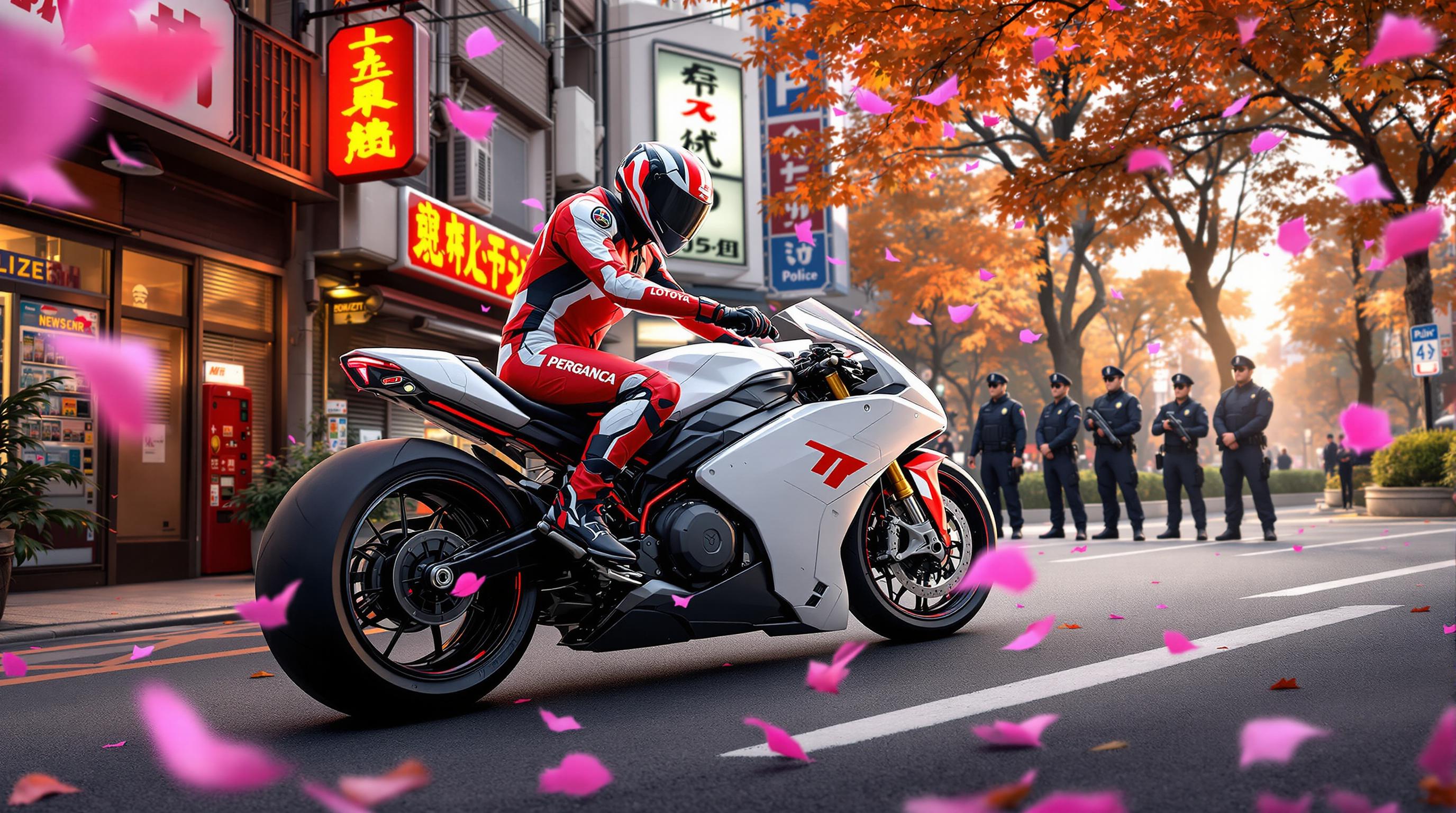
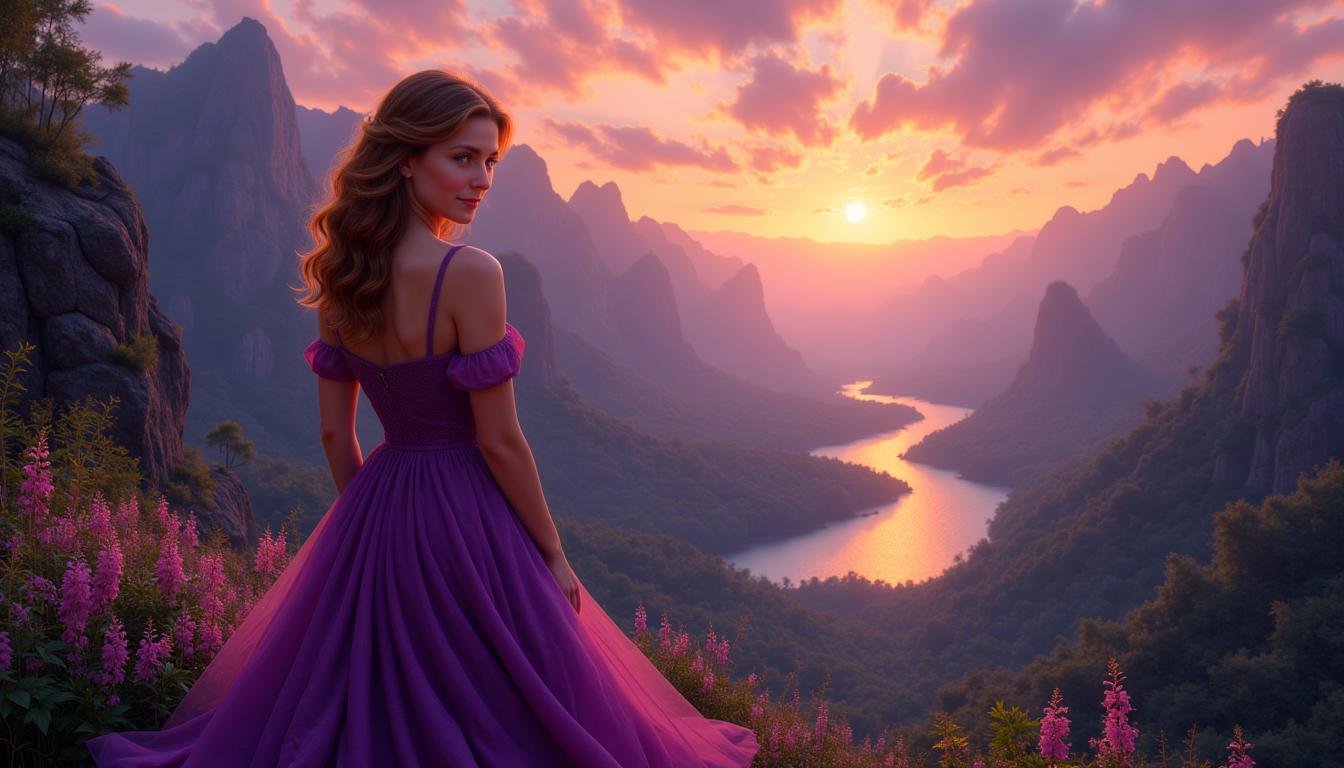
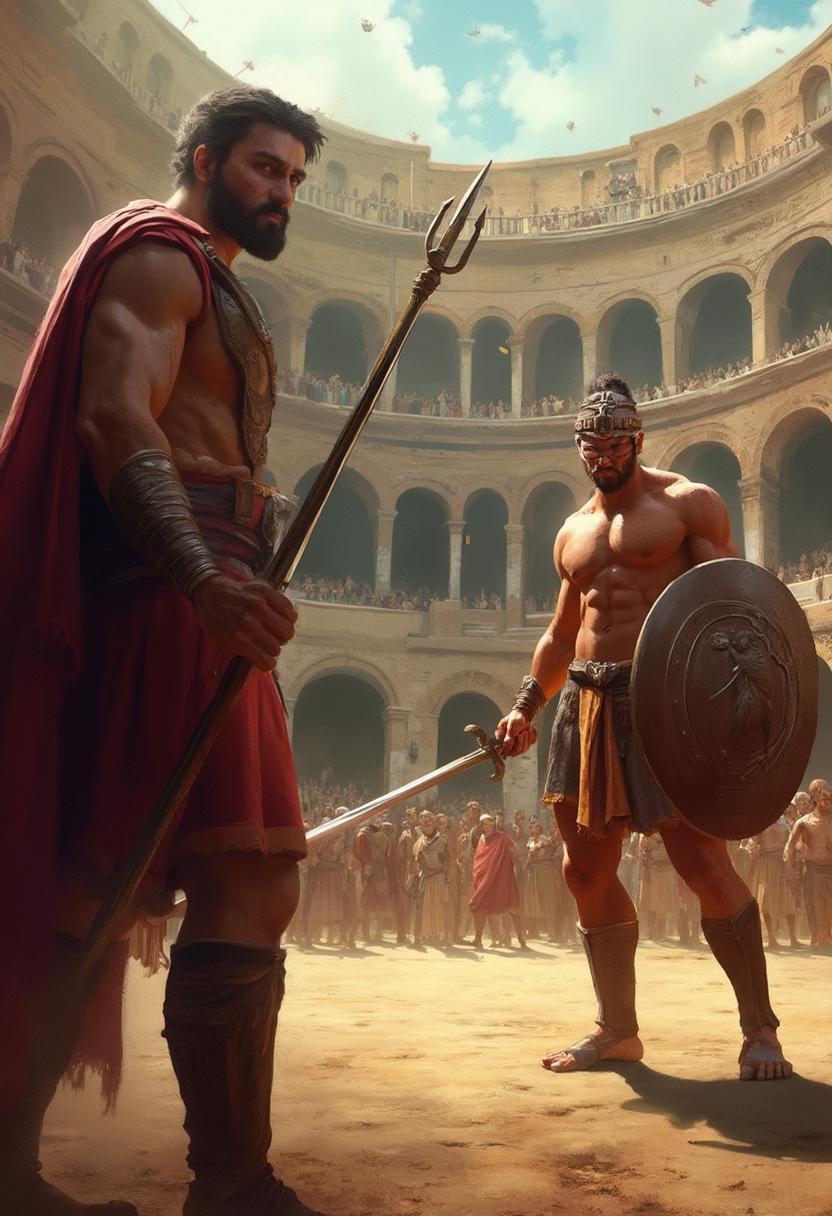
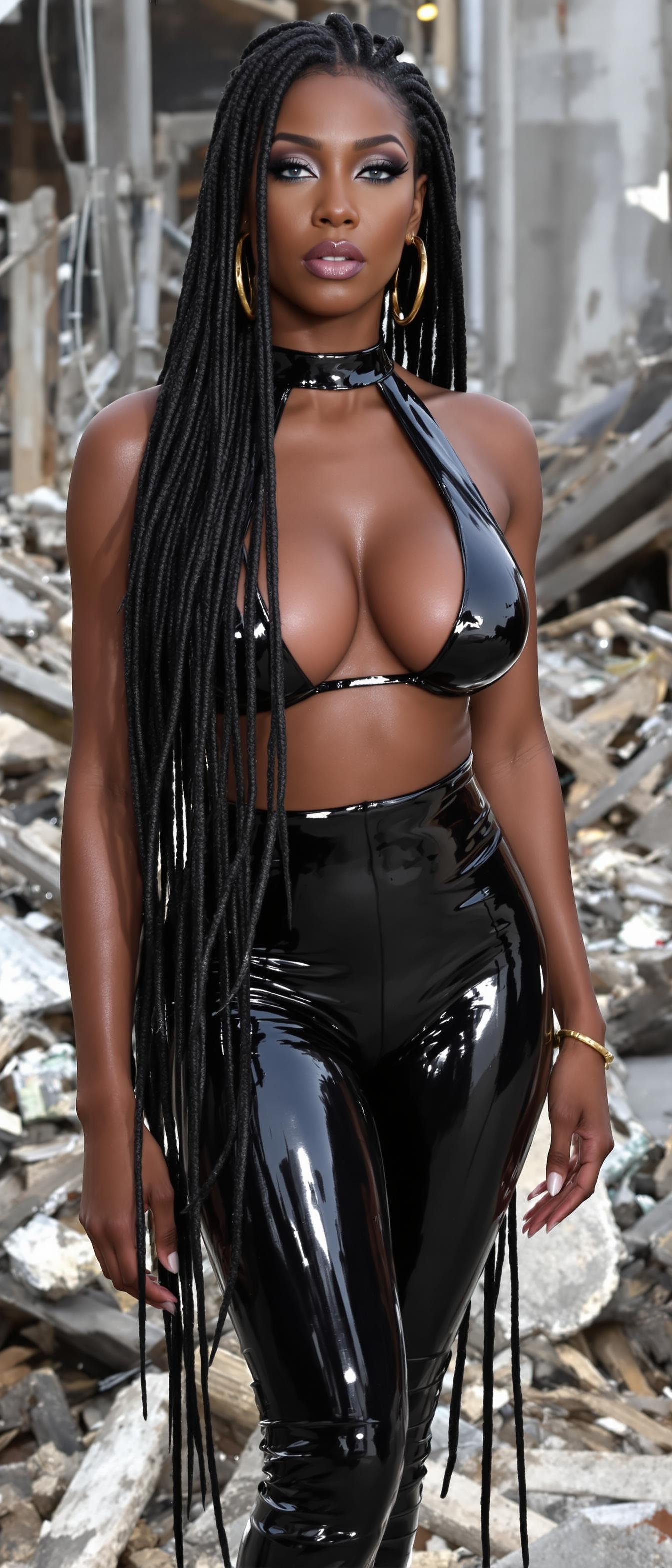
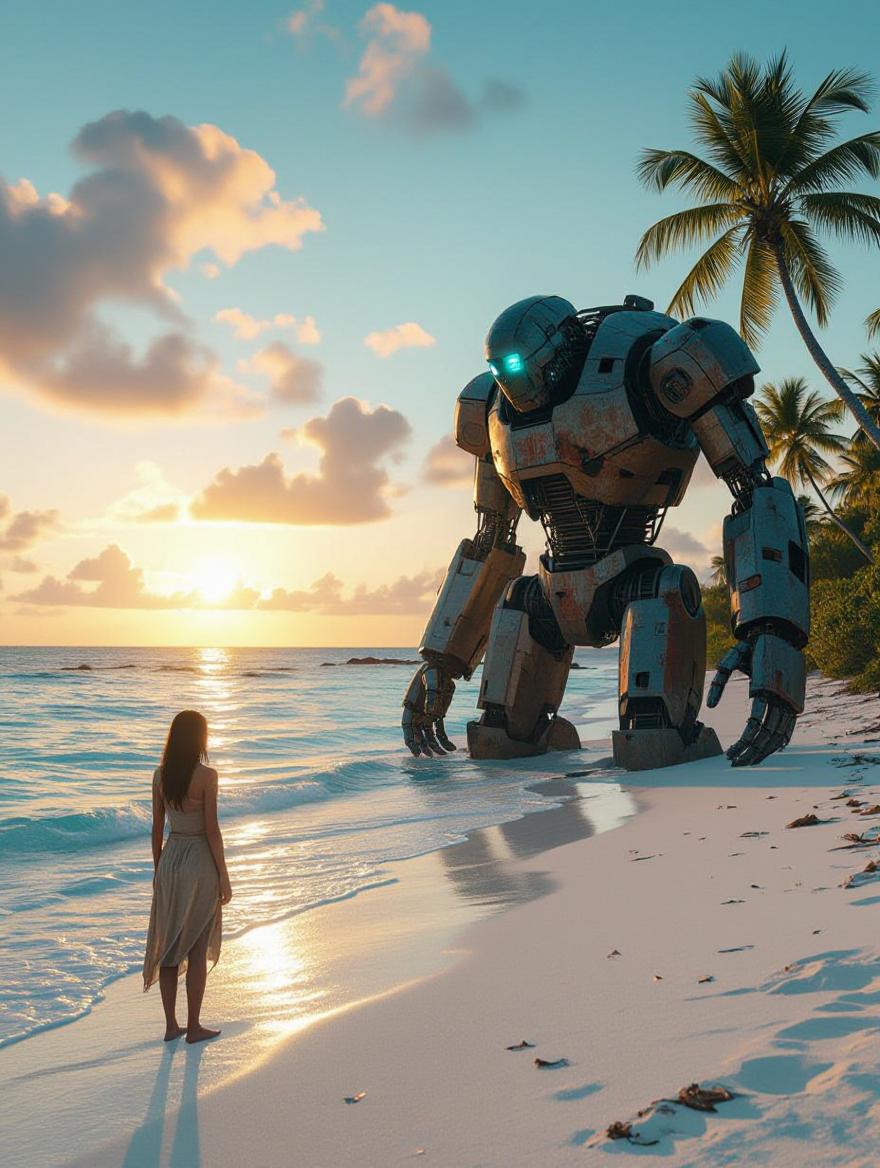
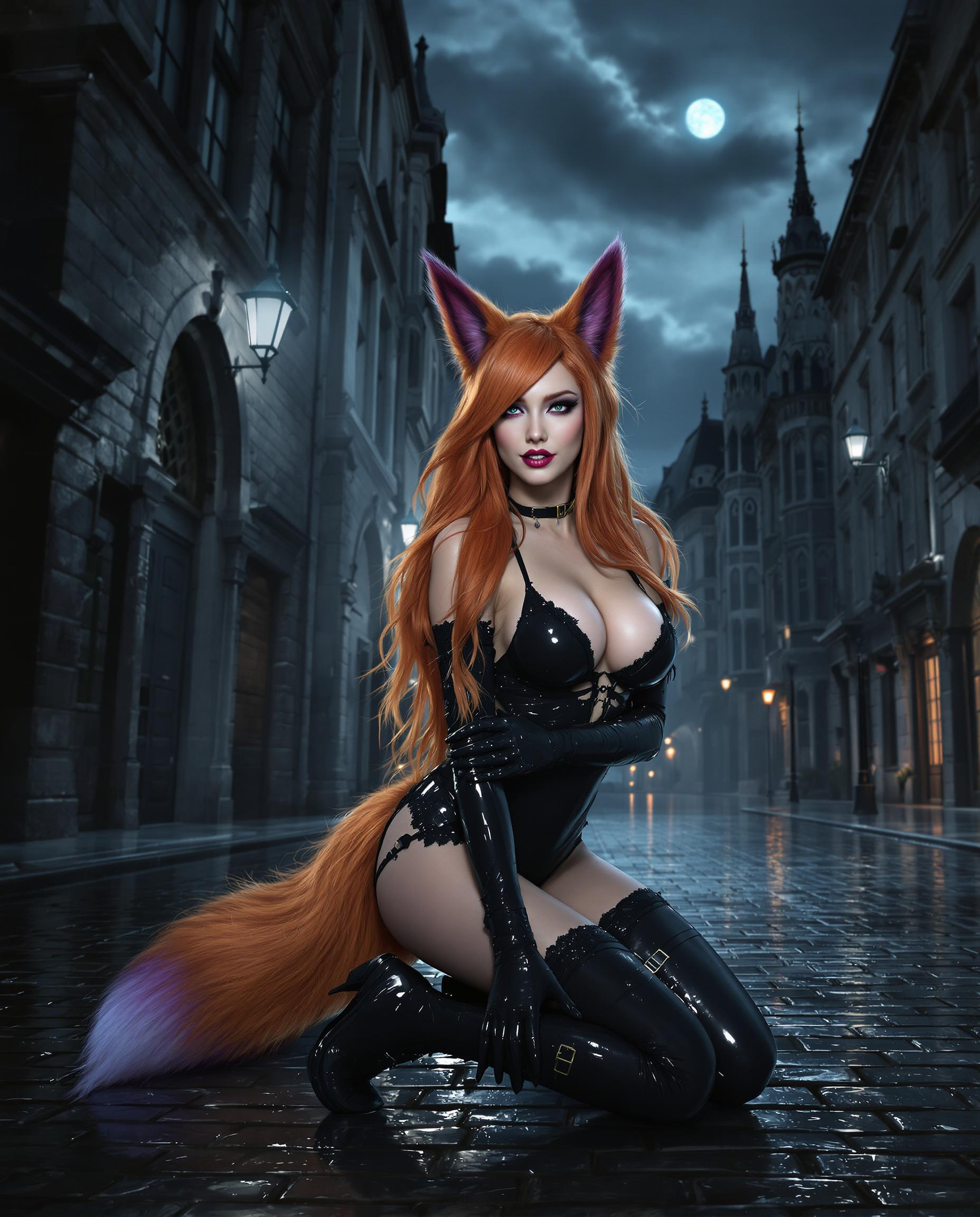
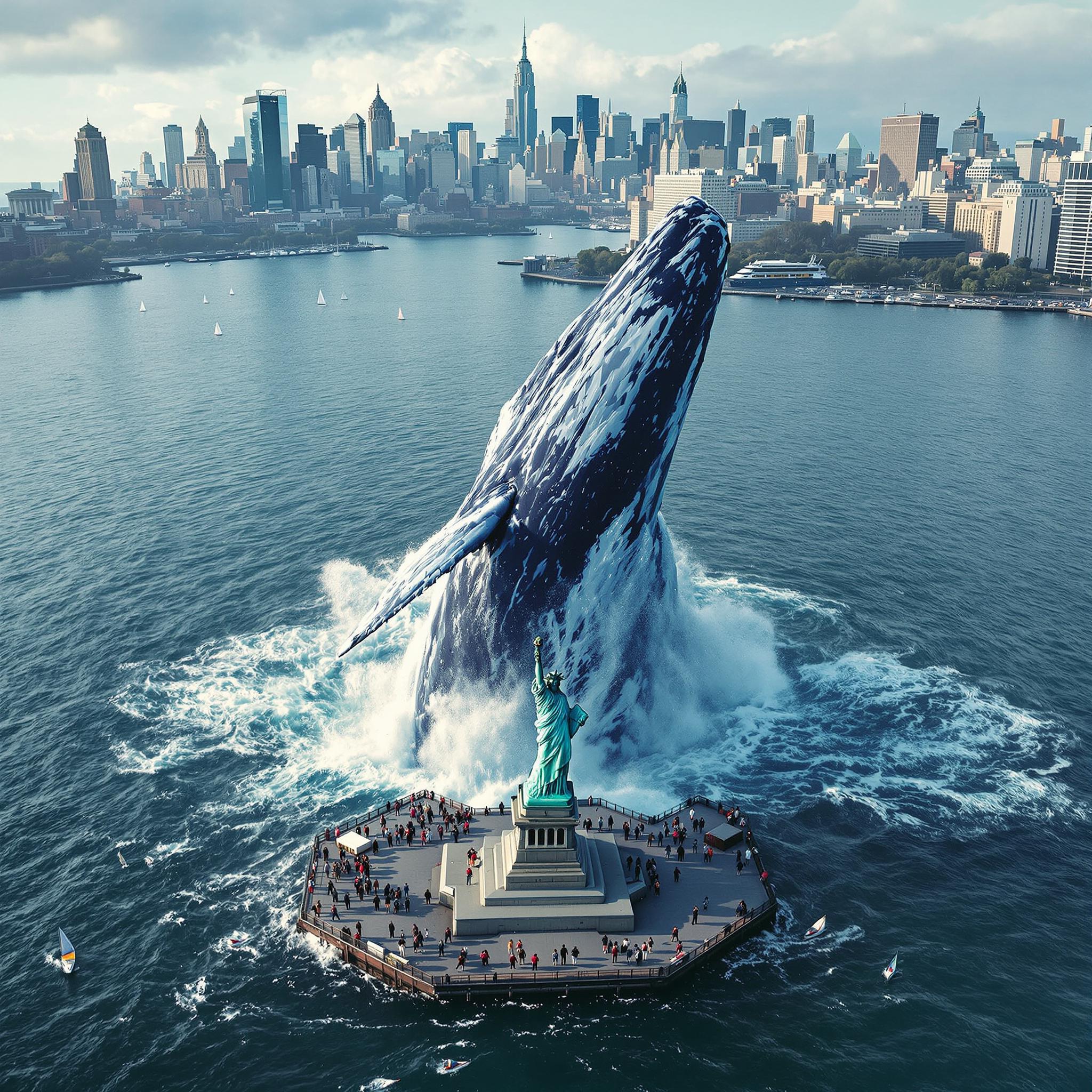
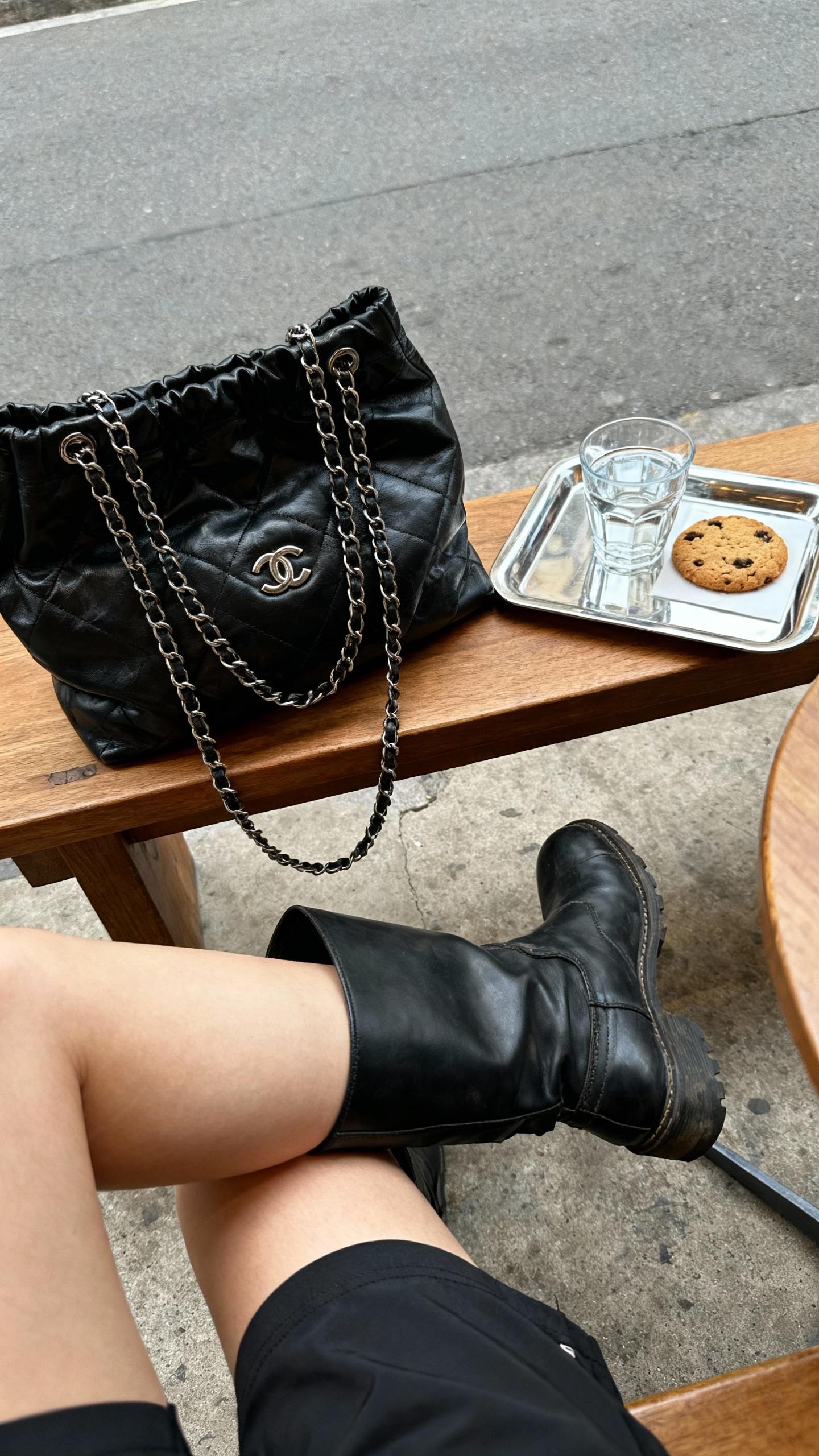
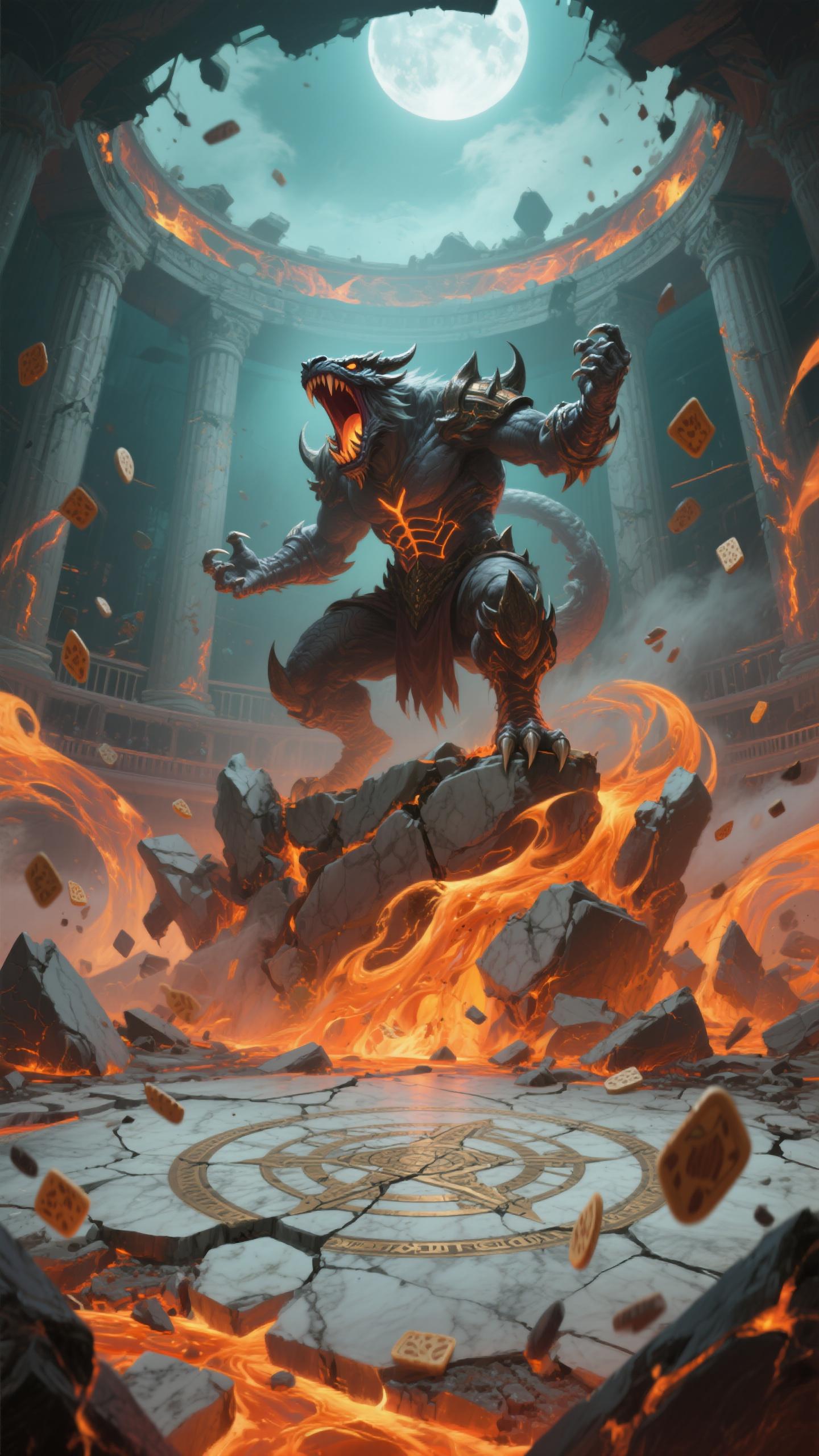
Imagine producing studio-quality images that rival high-end professional shoots—without the costly equipment, lighting setups, or photography teams. With PixelDojo's WAN 2.6 AI image generation, you can create flawless product shots, architectural renders, fashion visuals, and marketing assets that captivate audiences and drive sales. Whether you're a marketer needing ad-ready visuals, an e-commerce seller perfecting product displays, or a designer crafting premium concepts, WAN 2.6 delivers hyper-realistic results with precise control over lighting, angles, and composition. Transform your ideas into production-ready masterpieces in minutes, saving thousands in production costs while achieving outcomes that boost engagement and conversions.

Join 50,000+ creators who've generated over 2 million WAN 2.6-style images. Rated 4.9/5 on Trustpilot. 'Best professional AI tool' – Featured in Creative Bloq. Loved by Shopify stores & top agencies worldwide.
Why Choose Pixel Dojo for Wan 2.6 demo images
Professional-quality results with cutting-edge AI technology
Achieve Studio-Grade Realism Instantly
Produce hyper-detailed images with perfect lighting, shadows, and textures—ideal for e-commerce product pages that increase click-through rates by up to 40%. No more blurry or inconsistent shots.
Customize for Your Brand's Vision
Tailor every detail like camera angles, materials, and environments using PixelDojo's WAN Image and editing suite, ensuring your images align perfectly with marketing campaigns and boost brand recognition.
Scale Production Without Limits
Generate unlimited variations in seconds for A/B testing, seasonal promotions, or global markets—empowering you to launch faster, test smarter, and skyrocket sales with pro-level visuals on demand.
How It Works
Creating WAN 2.6 professional production images on PixelDojo is effortless with our intuitive interface and powerful WAN Image tool. Follow these simple steps to go from concept to download-ready asset.
Step 1: Choose Your Tool
Head to PixelDojo's Create Images section and select WAN Image or Flux.1 Studio for WAN 2.6 professional styles. Upload a reference image if desired for precise matching.
Step 2: Enter Your Prompt
Describe your vision in natural language, e.g., 'WAN 2.6 professional production image of sneakers in studio setting, soft volumetric lighting, sharp focus, 8K'. Add specifics like angles or styles for tailored results.
Step 3: Customize & Download
Refine with Edit Images tools like Magic Lighting, Inpainting, or Background Remover. Upscale via Creative Upscaler, then download in high-res formats ready for web, print, or social media.
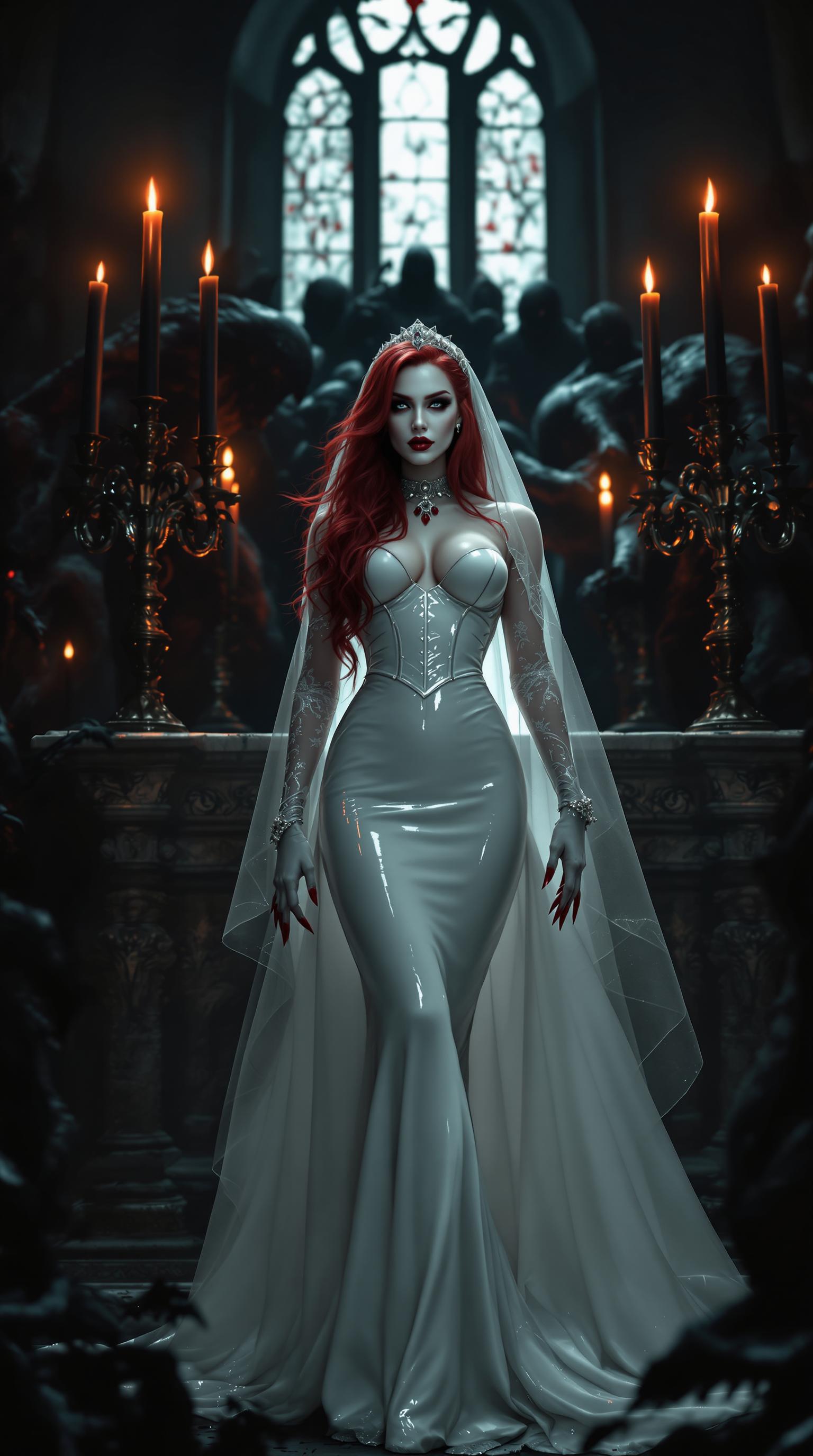
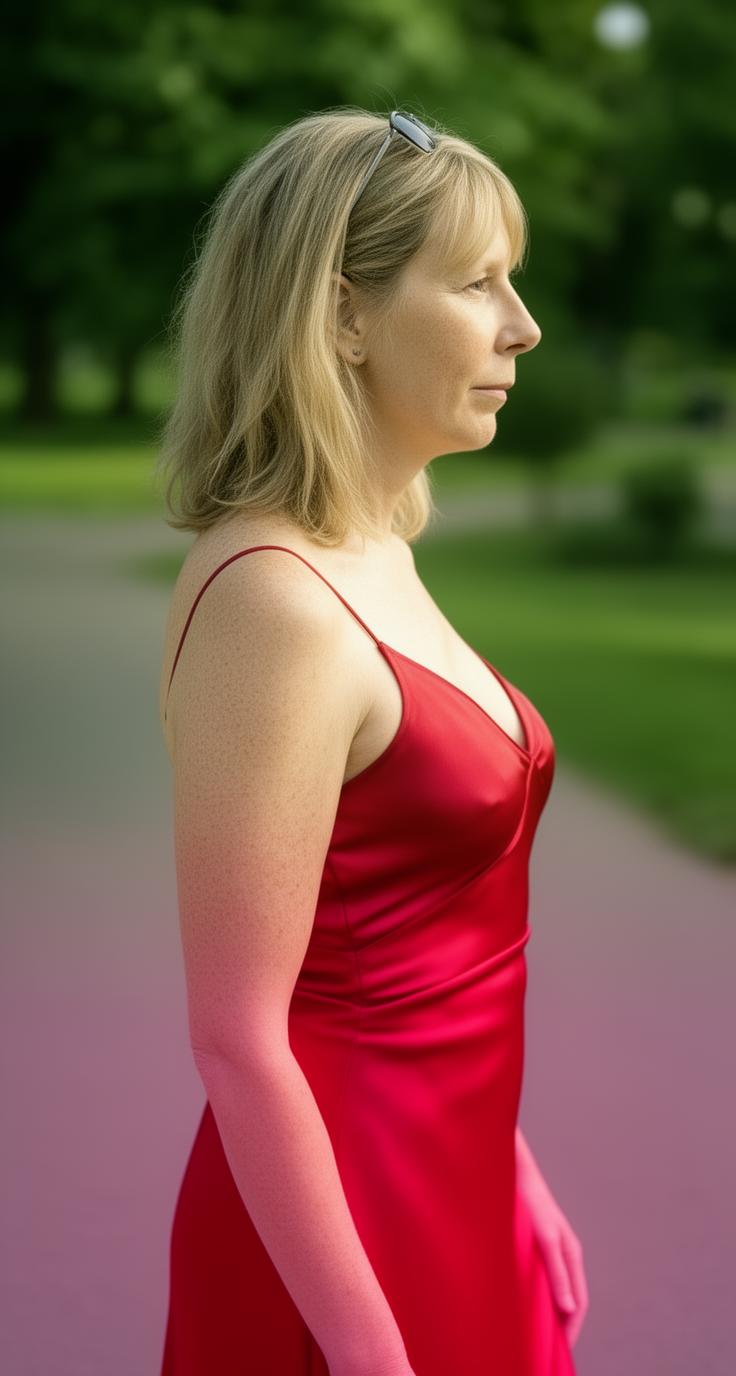
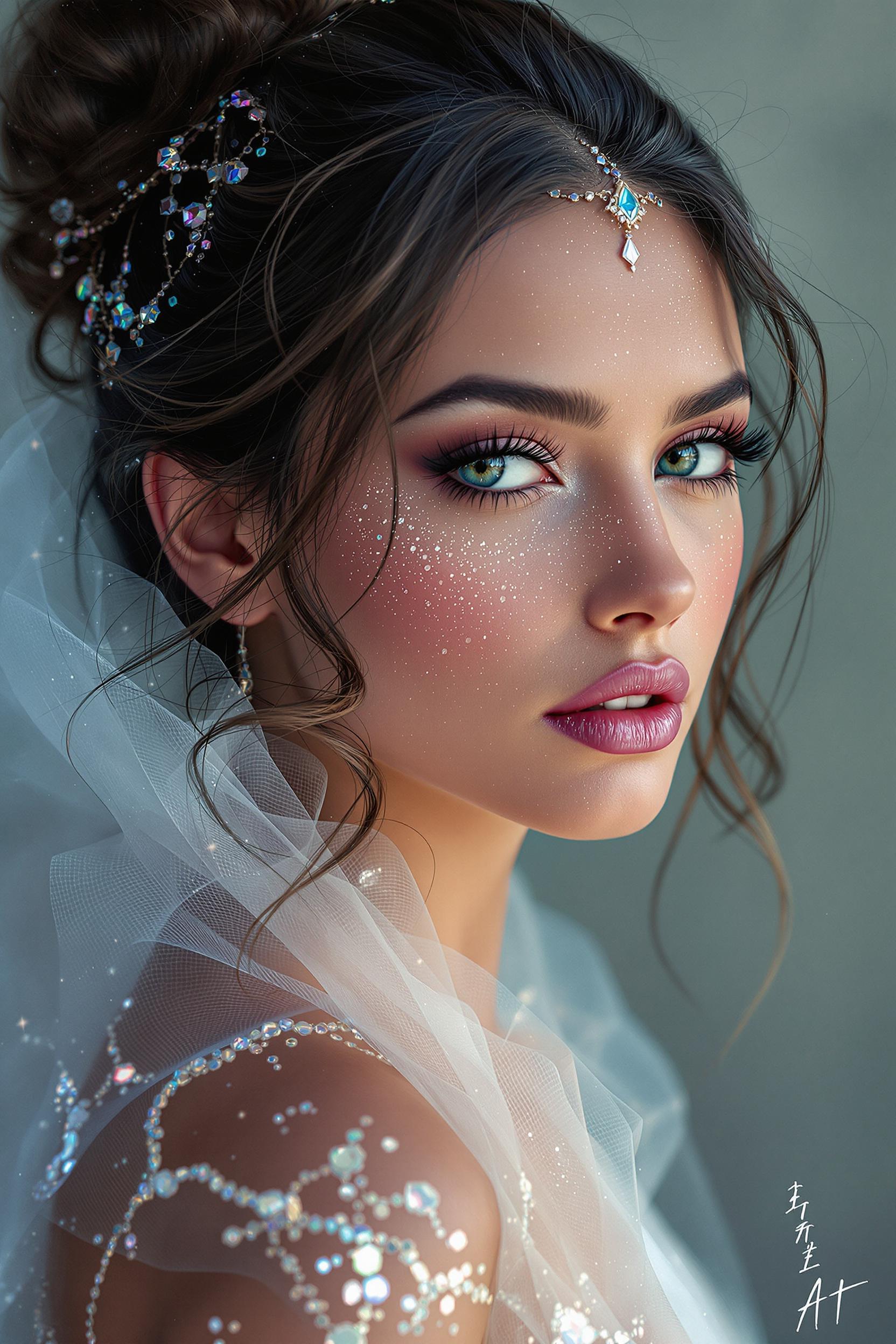
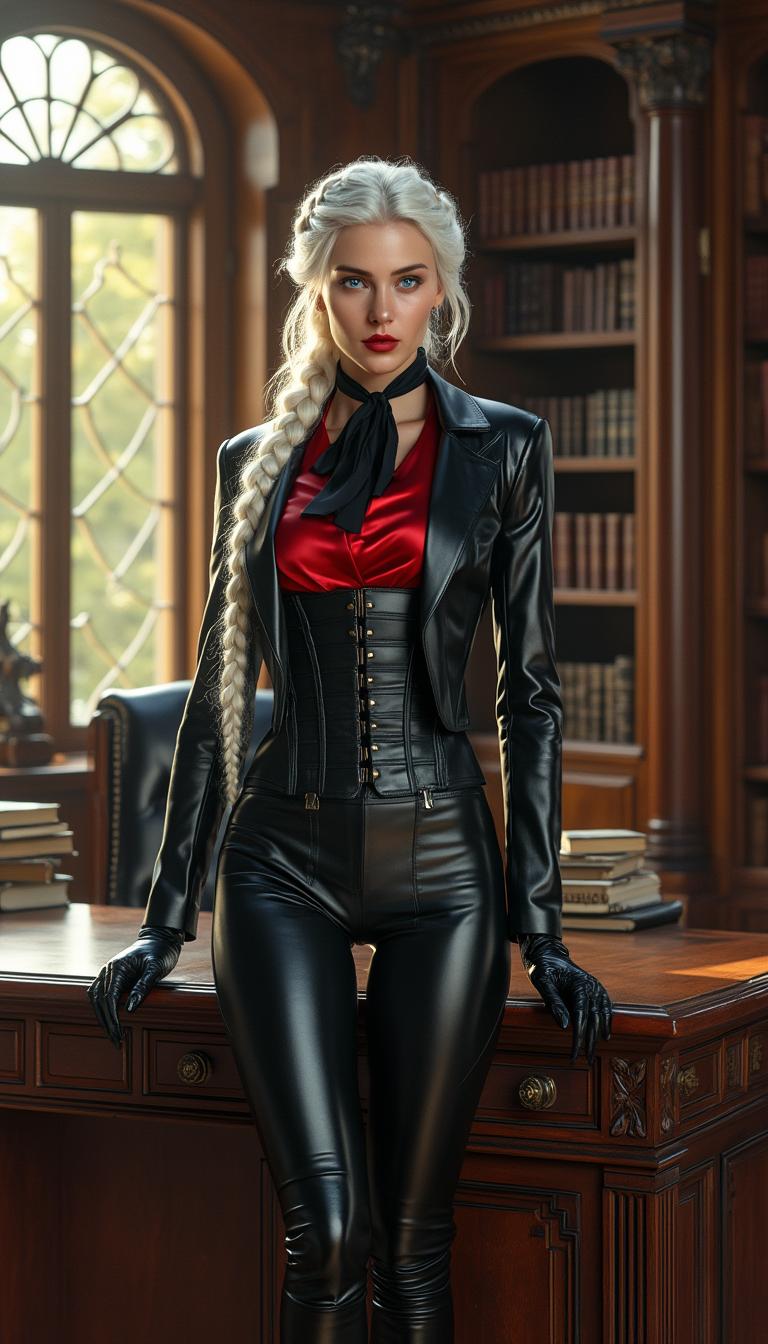


The Pixel Dojo Advantage
Why PixelDojo outperforms other options for WAN 2.6 professional production image generation
| Others | Pixel Dojo |
|---|---|
| Traditional studio photography | Cut costs by 90% and time from days to seconds while matching or exceeding pro studio quality with WAN Image's precise controls. |
| Generic AI tools | Access specialized WAN 2.6 trends like advanced ray-tracing lighting and material fidelity, plus 40+ integrated tools for seamless editing—no workflow disruptions. |
| Manual photo editing | Automate complex adjustments with one-click features like Style Transfer and Image Analyzer, freeing you to focus on creativity and results. |
Loved by Creators
See what our community says about Wan 2.6 demo images
"PixelDojo's WAN 2.6 turned my e-commerce product images into sales magnets—professional production quality that doubled my conversion rates overnight!"
Alex Johnson
E-commerce Entrepreneur
"As a designer, the ability to generate high-quality visuals quickly is invaluable. PixelDojo's WAN 2.6 has streamlined my workflow and impressed my clients."
Samantha Lee
Graphic Designer
Common Questions
Everything you need to know about Wan 2.6 demo images AI generation
How does PixelDojo's WAN 2.6 AI image generation work?
PixelDojo's WAN 2.6 utilizes advanced AI algorithms to interpret your text prompts and generate high-quality images. By describing your desired scene, the AI creates visuals that match your specifications, allowing for rapid and efficient image creation.
Can I customize the images generated by WAN 2.6?
Absolutely! After generating an image, you can use PixelDojo's suite of editing tools, such as Magic Lighting, Inpainting, and Background Remover, to refine and tailor the image to your exact needs.
Is there a limit to the number of images I can generate?
No, PixelDojo allows you to generate unlimited images, enabling you to create as many variations as needed for A/B testing, promotions, or different market segments.
What file formats are available for download?
You can download your images in high-resolution formats suitable for web, print, or social media, ensuring versatility across various platforms.
Do I need any prior experience to use WAN 2.6?
Not at all! PixelDojo's interface is user-friendly and designed for both beginners and professionals. The intuitive design guides you through the image creation process seamlessly.
How does PixelDojo ensure the quality of generated images?
PixelDojo's WAN 2.6 employs state-of-the-art AI models trained on diverse datasets to produce images with high fidelity, accurate lighting, and realistic textures, ensuring professional-grade results every time.