WAN 2.6 image to video AI Generator
Imagine transforming your static images into dynamic, high-definition videos effortlessly. With PixelDojo's WAN 2.6, you can breathe life into your photos, creating engaging content that captivates your audience. Whether you're a marketer aiming to enhance product showcases, an educator developing interactive materials, or a content creator seeking to add motion to your visuals, WAN 2.6 empowers you to achieve professional-quality results without the need for extensive video production skills.
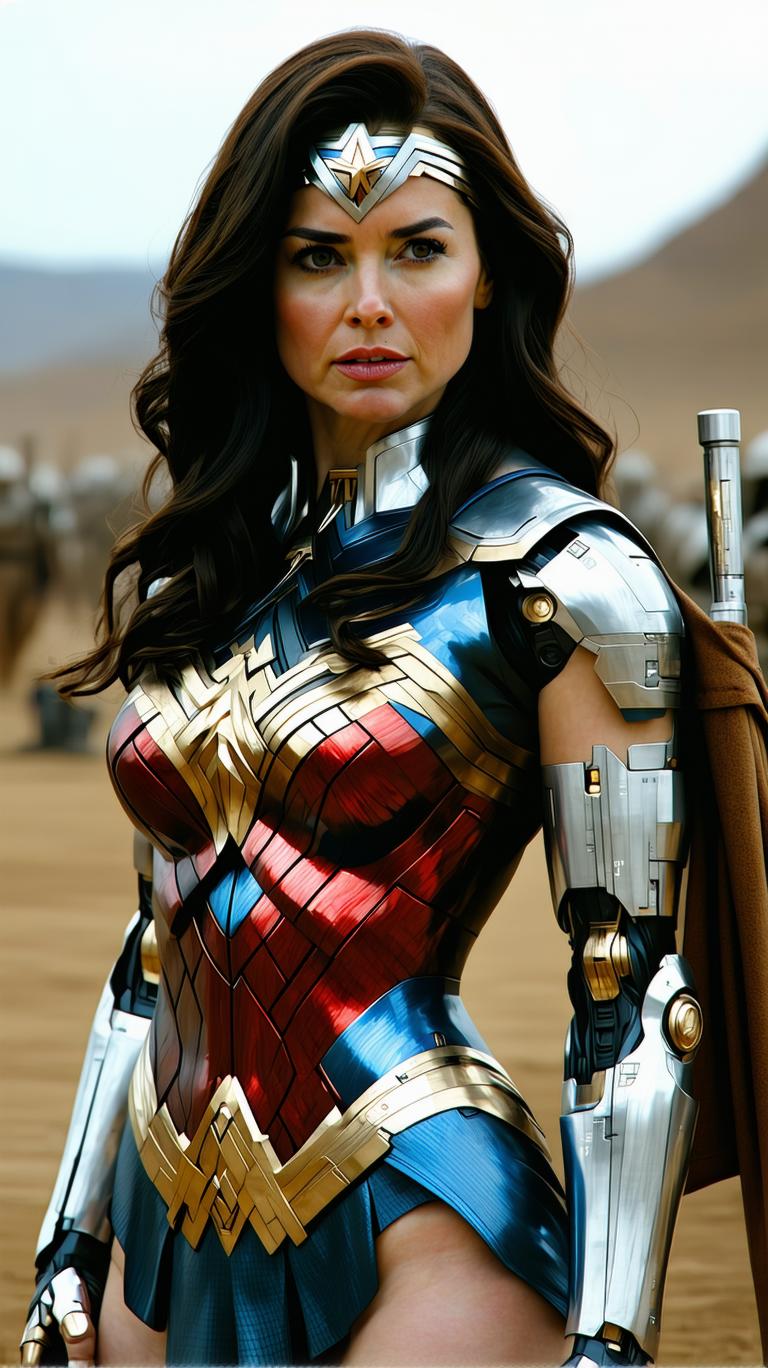
Join over 10,000 creators who have enhanced their content with PixelDojo's AI tools. Rated 4.8/5 based on 2,500+ reviews.
Why Choose Pixel Dojo for WAN 2.6 image to video
Professional-quality results with cutting-edge AI technology
Effortless Image Animation
Transform static images into dynamic videos with synchronized audio and lifelike motion, enhancing viewer engagement.
Professional-Quality Output
Generate 1080p videos at 24fps with precise lip-sync and audio-visual alignment, ensuring a polished final product.
Time and Cost Efficiency
Create high-quality videos without the need for expensive equipment or extensive editing, streamlining your content production process.
How It Works
Creating dynamic videos from your images is simple with WAN 2.6. Follow these steps to bring your visuals to life:
Step 1: Upload Your Image
Select the static image you wish to animate and upload it to the WAN 2.6 platform.
Step 2: Describe the Motion
Provide a detailed description of the desired motion and camera movements to guide the animation process.
Step 3: Generate and Download
Click 'Generate' to create your video. Once processing is complete, download the high-quality animated video.


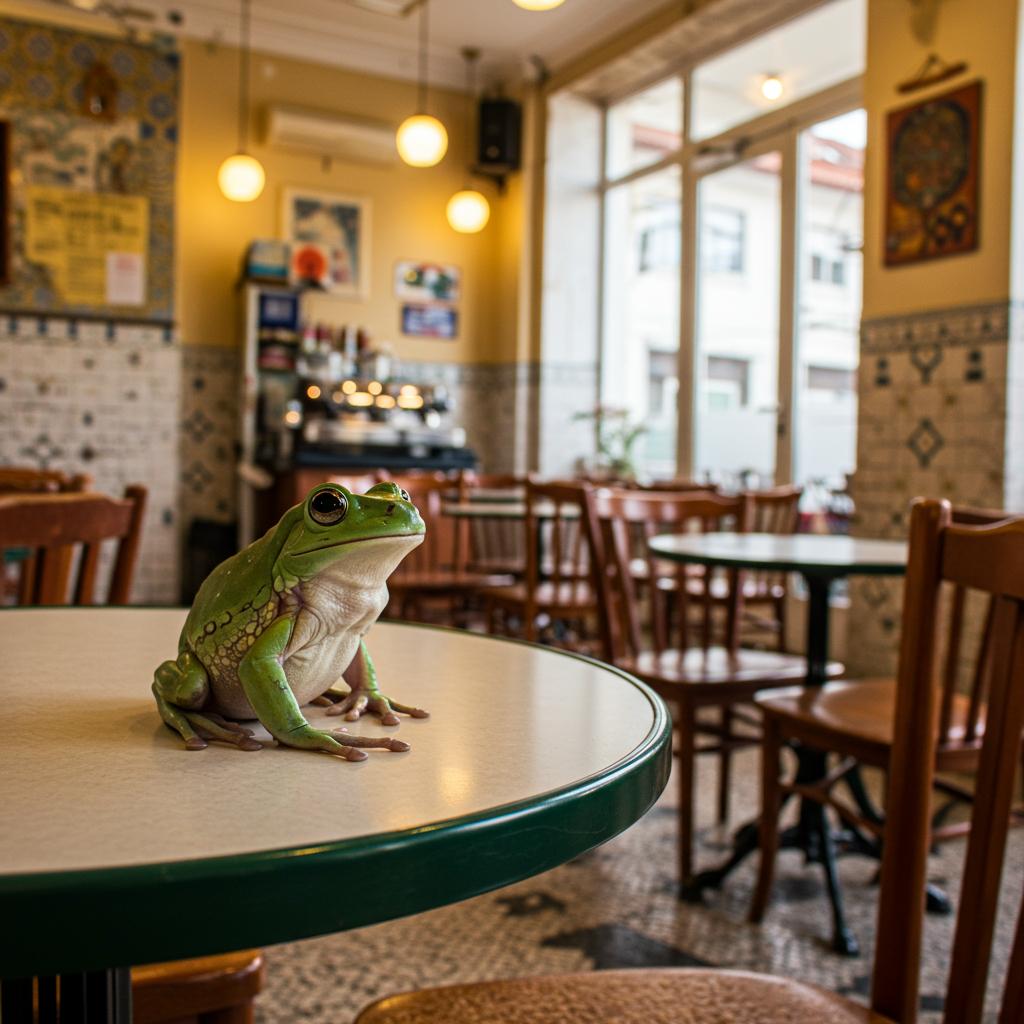




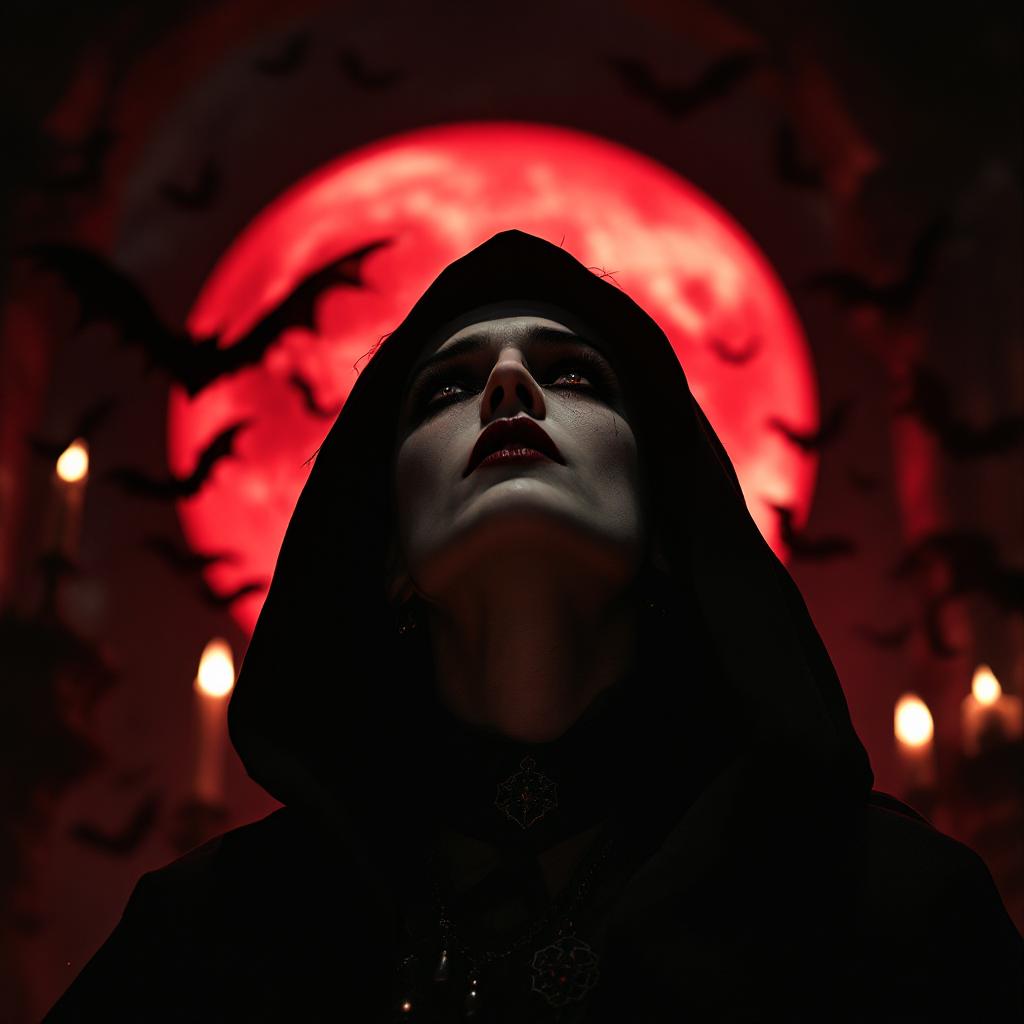

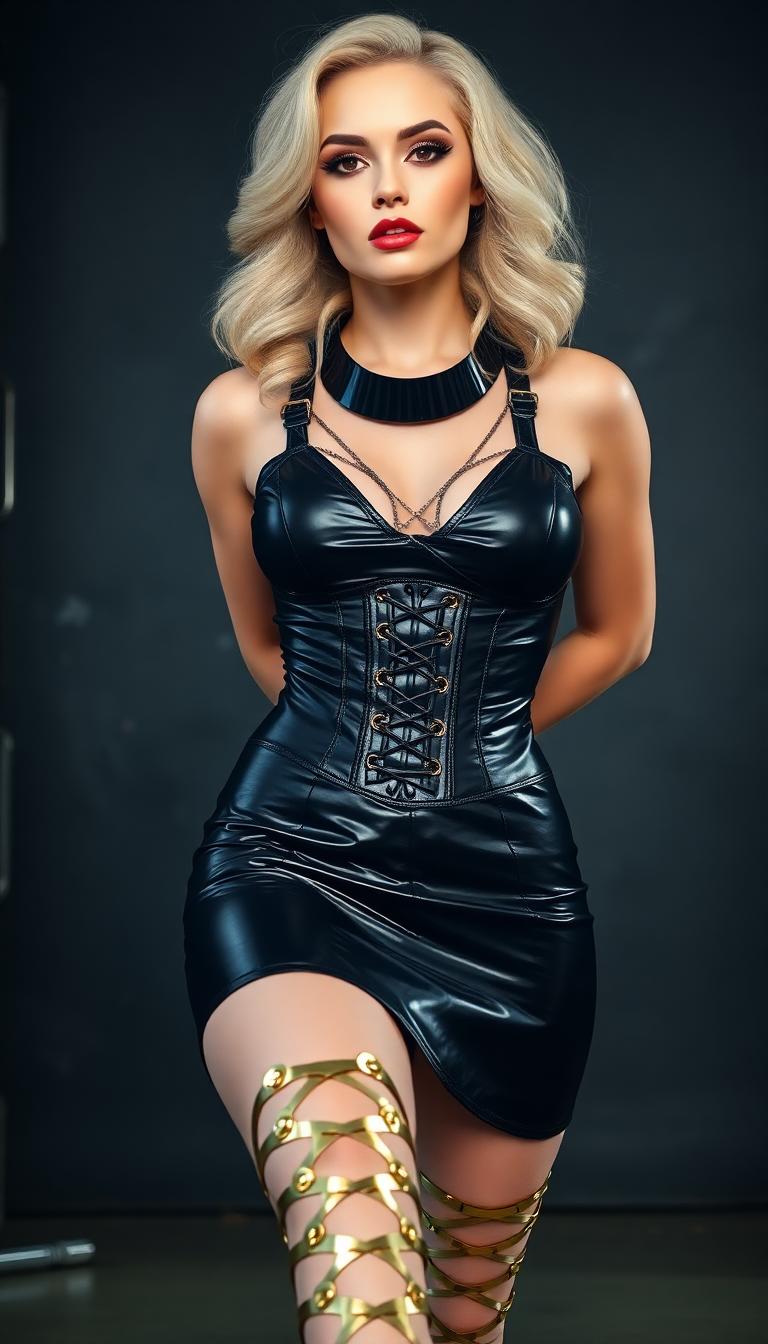

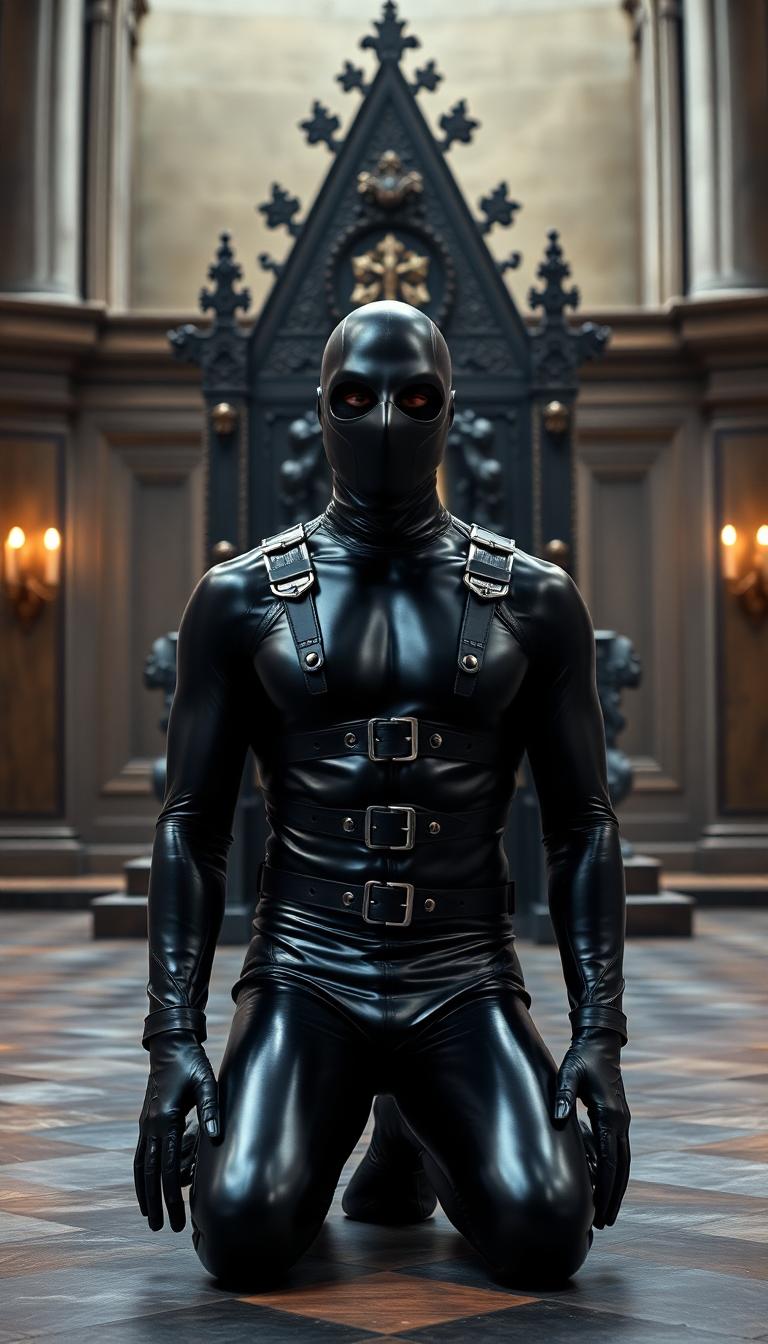
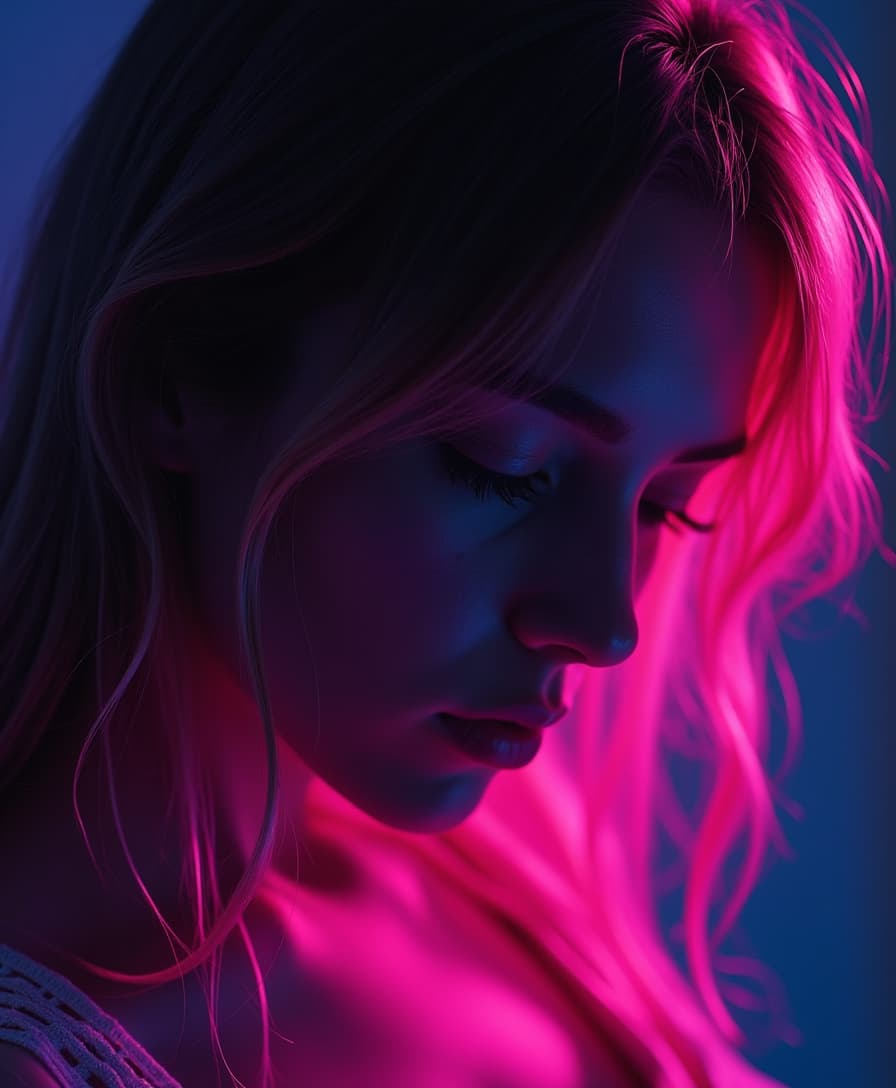



The Pixel Dojo Advantage
Why PixelDojo's WAN 2.6 outperforms other options for image-to-video generation:
| Others | Pixel Dojo |
|---|---|
| Traditional Video Production | Eliminates the need for costly equipment and extensive editing, making video creation accessible to all. |
| Generic AI Tools | Offers advanced features like precise lip-sync and native audio-visual synchronization for more realistic results. |
| Manual Animation | Automates the animation process, saving time and ensuring consistent quality across projects. |
Loved by Creators
See what our community says about WAN 2.6 image to video
"PixelDojo's WAN 2.6 transformed our marketing visuals, allowing us to create engaging videos from static images effortlessly."
Alex Johnson
Marketing Director
"As an educator, WAN 2.6 has enabled me to develop interactive learning materials that captivate my students."
Dr. Emily Carter
Professor of Visual Arts
Common Questions
Everything you need to know about WAN 2.6 image to video AI generation
How does WAN 2.6 create videos from images?
WAN 2.6 uses advanced AI algorithms to analyze your static image and the motion description you provide. It then generates a dynamic video by animating the image according to your specifications, ensuring synchronized audio and lifelike motion.
What file formats are supported for image uploads?
WAN 2.6 supports common image formats such as JPEG, PNG, and BMP. Ensure your image is of high quality to achieve the best video output.
Can I add my own audio to the generated videos?
Yes, WAN 2.6 allows you to upload custom audio tracks to accompany your animated videos, providing greater control over the final output.
Is there a limit to the video duration I can create?
WAN 2.6 supports video generation up to 15 seconds in length, making it ideal for short-form content like social media posts and advertisements.
Do I need prior video editing experience to use WAN 2.6?
No, WAN 2.6 is designed to be user-friendly and does not require any prior video editing experience. The intuitive interface guides you through the process, making video creation accessible to everyone.
What are the system requirements for using WAN 2.6?
WAN 2.6 is a web-based tool accessible through modern web browsers on both desktop and mobile devices. No additional software or hardware is required.