WAN 2.6 lens control AI Generator

Imagine capturing breathtaking portraits with creamy bokeh, epic landscapes through wide-angle drama, or product shots with pinpoint sharpness – all without owning a single camera lens. With PixelDojo's WAN 2.6 lens control, you gain instant access to pro-level photography effects in AI-generated images. Whether you're a content creator needing viral social media visuals, a marketer crafting compelling ads, or a designer prototyping concepts, WAN 2.6 lets you simulate any lens – from 35mm primes to fisheye distortions – delivering hyper-realistic results that wow audiences and boost engagement. No more gear costs or post-editing hassles; just type your vision and watch professional-grade images emerge in seconds.

Generate a hyper-realistic beauty portrait of a glamorous fashion model, she's pointing to her right with a surprised look on her face, she's wearing black glasses and a diamond encrusted necklace on her neck, photographed in natural directional light, with luminous skin texture, vibrant lips, and expressive eyes. Include dynamic elements like wind-tousled hair, dramatic diamond jewelry, and a shallow depth of field that enhances facial contours. Use a camera setup such as Canon EOS R5 + RF 85mm f/1.2L lens or Phase One IQ4 with Schneider Kreuznach 110mm LS f/2.8. The image should simulate high-end editorial photography seen in Vogue or Harper’s Bazaar. Add detailed skin micro-texture, soft bokeh, and realistic shadow gradients. Output in 8K, ultra-high fidelity, styled for a luxury skincare or haute couture campaign.
AI Generated
Get Started TodayResults in seconds50+ AI models

Join 50,000+ creators generating 1M+ WAN 2.6 images monthly | 4.9/5 stars from 2,500+ reviews | Trusted by top influencers & agencies worldwide

Why Choose Pixel Dojo for WAN 2.6 lens control

Professional-quality results with cutting-edge AI technology

Achieve Cinematic Depth of Field Instantly

Craft images with shallow focus and dreamy bokeh that make subjects pop, turning ordinary scenes into magazine-worthy masterpieces you can use for portfolios or client pitches right away.

Simulate Any Lens Without Buying Gear

Replicate telephoto compression, wide-angle immersion, or macro close-ups effortlessly, saving thousands on equipment while experimenting endlessly to perfect your creative vision.

Boost Engagement with Hyper-Realistic Effects

Produce distortion-free product visuals or dramatic architectural shots that captivate viewers, driving higher clicks, shares, and conversions on your social feeds or websites.

How It Works

Creating WAN 2.6 lens control images on PixelDojo is as simple as describing your shot. Leverage WAN Image with 2.6 enhancements for precise aperture, focal length, and distortion control – no expertise required.

1

Step 1: Select WAN 2.6 Tool

Head to Create Images in your PixelDojo dashboard, choose WAN Image (powered by 2.6 updates), and specify lens control mode. Upload a reference photo if you want to match real-world optics.

2

Step 2: Craft Your Lens-Controlled Prompt

Enter a detailed prompt like 'stunning portrait of a model, 85mm f/1.4 lens, shallow depth of field, creamy bokeh background, golden hour lighting'. Add parameters for aperture (e.g., f/2.8), focal length (24mm-200mm), or effects like vignette.

3

Step 3: Refine & Download Your Masterpiece

Use built-in sliders to tweak lens distortion, field curvature, or chromatic aberration. Hit generate, then enhance with PixelDojo's Inpainting or Creative Upscaler. Download in high-res for instant use.
Community WAN 2.6 lens control Gallery

Real examples created by our community

Generate a hyper-realistic beauty portrait of a glamorous fashion model, she's pointing to her right with a surprised look on her face, she's wearing black glasses and a diamond encrusted necklace on her neck, photographed in natural directional light, with luminous skin texture, vibrant lips, and expressive eyes. Include dynamic elements like wind-tousled hair, dramatic diamond jewelry, and a shallow depth of field that enhances facial contours. Use a camera setup such as Canon EOS R5 + RF 85mm f/1.2L lens or Phase One IQ4 with Schneider Kreuznach 110mm LS f/2.8. The image should simulate high-end editorial photography seen in Vogue or Harper’s Bazaar. Add detailed skin micro-texture, soft bokeh, and realistic shadow gradients. Output in 8K, ultra-high fidelity, styled for a luxury skincare or haute couture campaign.
a beautiful woman in a cafe
make the shirt ti-dye and the background is a sunny beach (edited with Flux Kontext Dev)
AI-generated image
A photorealistic image of a stunning young woman with tan skin, long braided light brown hair, piercing blue eyes, full lips, and a seductive expression, standing on a high-rise balcony at night overlooking a sprawling modern city skyline with illuminated skyscrapers and buildings in shades of deep blue, purple, and warm yellow lights. She is posing confidently with one hand on a white metal railing, wearing a form-fitting black sequined evening gown with thin spaghetti straps, a plunging deep V-neckline revealing ample cleavage, and a high thigh slit exposing her toned left leg adorned with a detailed black rose tattoo. The dress sparkles subtly under the city lights, clinging to her curvaceous figure with an hourglass silhouette. The balcony floor is tiled in light stone, and the overall atmosphere is glamorous and urban, captured in high-resolution digital photography style with dramatic low-key lighting, soft bokeh from distant city lights, and a cool nighttime color palette dominated by blacks, silvers, and vibrant neon accents from the metropolis below.
AI-generated image
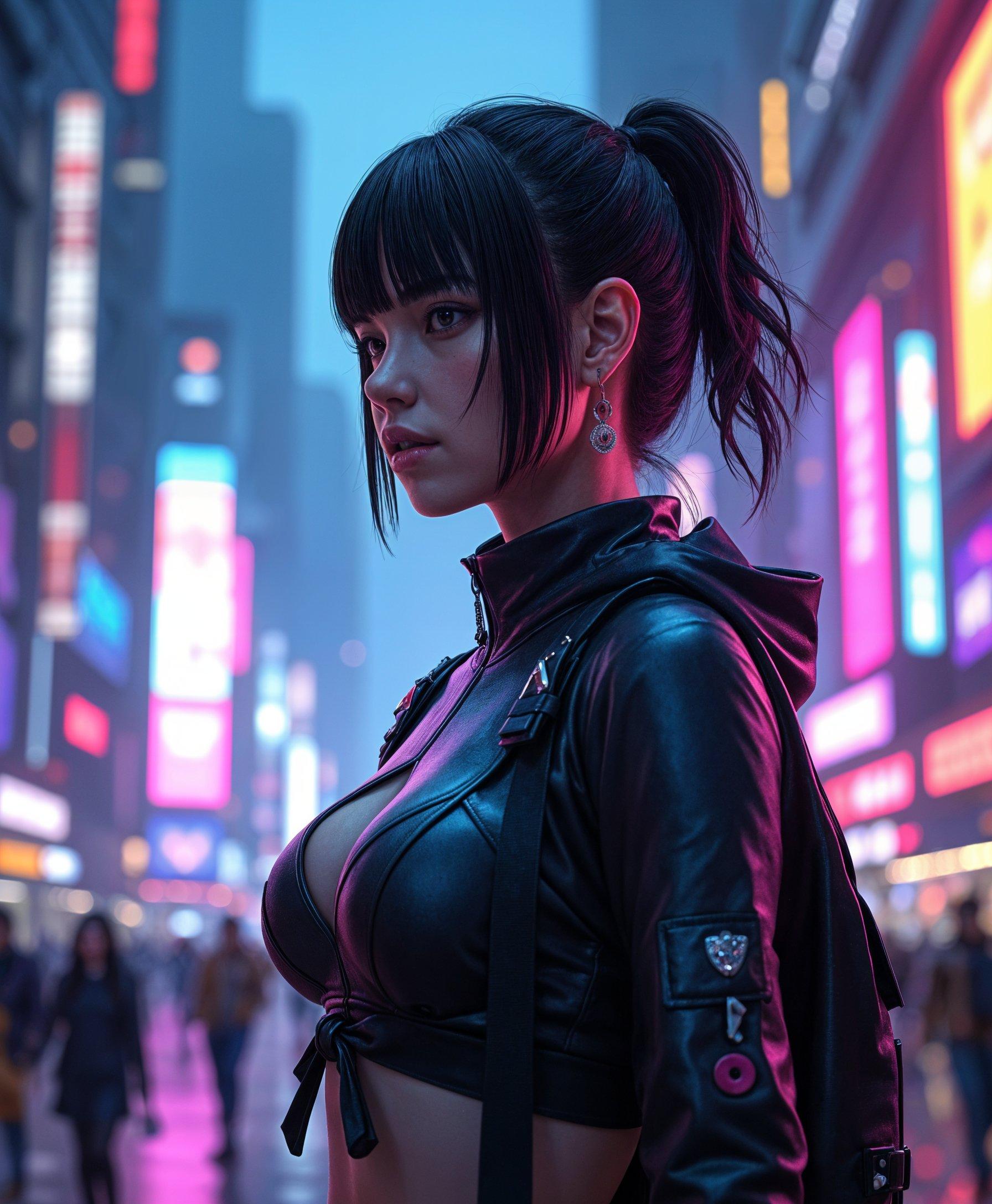
A (((super cute and futuristic sci fi tech goth girl))), with pale skin and, (bubbling curly black hair), wearing a sleek and ((high-tech black dress)), accessorized with a delicate (((diamond necklace))), a luxe watch with intricate details, and elegant, minimalist earrings. Her look blends seamlessly into an (((hyperrealistic 8K scene))) where she's posed confidently, surrounded by a whimsically detailed backdrop consisting of swirling colors and (crystal patterns). The scene has a distinctly anime-inspired flair, reminiscent of Studio Ghibli's art, with (natural, glowing light) that enhances the overall atmosphere
AI-generated image
An illustration in the style of BWcomix featuring TOKALEMAP wearing a shiny black leather jumpsuit, unzipped to reveal cleavage. She has a sultry, alluring look. The scene is rendered in high contrast dramatic lighting, with sharp shadows and bright highlights to enhance the texture and sheen of the leather. The artwork is characterized by comic inked lines and strokes, emphasizing contours and details. An intimate, close-up composition with a slightly low camera angle captures her confident and seductive pose. The background is minimalistic to keep the focus on Salma, creating a striking and enticing atmosphere. No signature. Empty white background
masterpiece, best quality, highres, sharp image, more detail <lora:more_details:0.5> <lora:SDXLrender_v2.0:1>, masterpiece, best quality, highres, sharp image, more detail <lora:more_details:0.5> <lora:SDXLrender_v2.0:1>
Loading video...
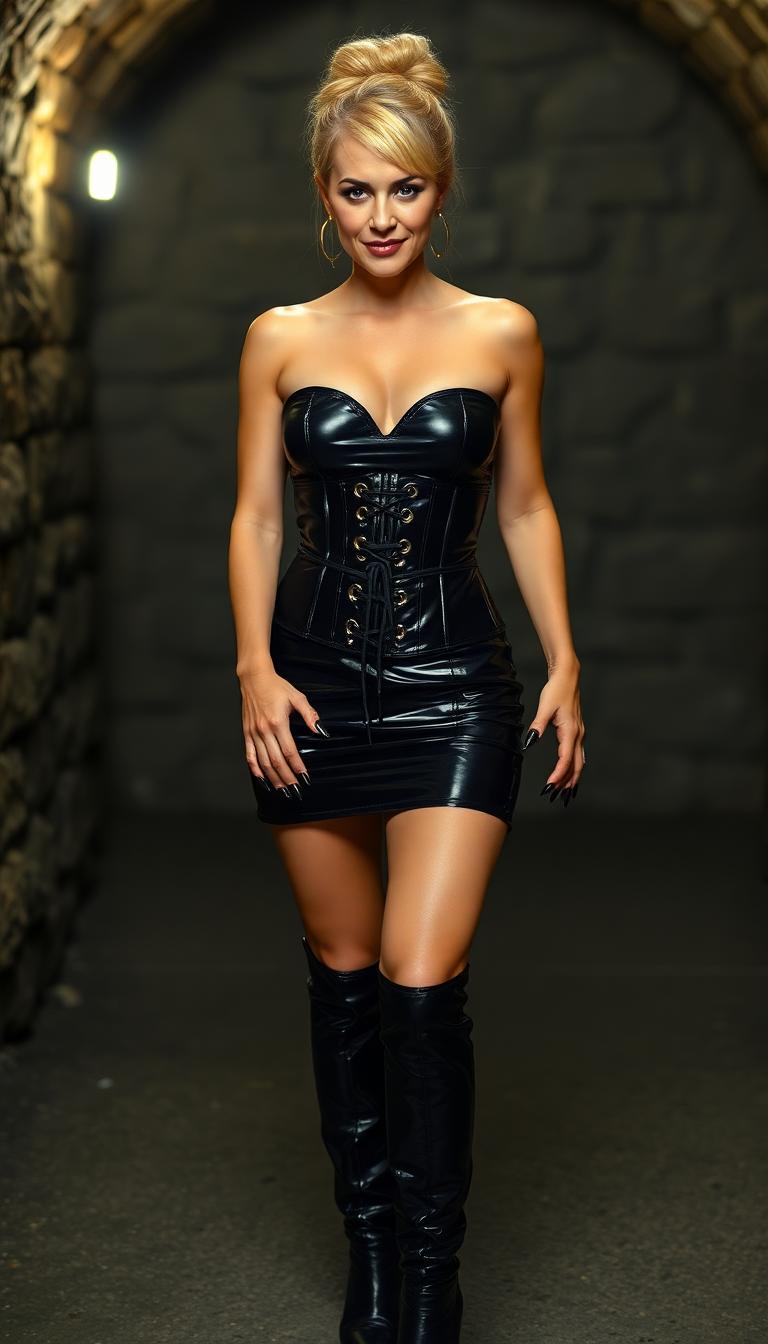
A striking young Black woman in her early 20s stands confidently in a dimly lit library, surrounded by towering, ancient bookshelves heavy with dusty tomes, wearing a tight, shiny black latex halter corset top with straps and buckles, paired with a matching latex mini skirt that catches the faint, ambient light. Her long, silky black hair cascades around her face, accentuating piercing sky-blue eyes behind slim round-framed glasses, while bold goth makeup with black lipstick and slim. Captured with a cinematic DSLR style using a 50mm lens, this 8K image radiates a moody, atmospheric vibe with soft shadows, subtle warm highlights, and a shallow depth of field. She is covered black tribal tattoos
{
  "SHOT COMPOSITION": "Medium shot captured with a 50mm lens on a Canon 5D camera, featuring a shallow depth of field to focus sharply on the central catgirl while softly blurring the surrounding figures and ornate Victorian details in the background.",
  "SUBJECT & WARDROBE": "A young catgirl with striking fluffy black fur cat ears perched atop her head and a matching big fluffy black furred tail swaying behind her, long black hair falling down her. dressed in a shiny black latex goth lolita style dress accentuated by a strapped shiny black latex corset that cinches her waist elegantly and a shiny black latex blouse with puffy sleeves; she stands poised with a mysterious smile, her posture graceful and inviting.her makeup is pronounced and striking done in a thick goth style, shiny black lipstick, and many lip and ear piercings.
  "SCENE SETTING": "The scene unfolds in an elegant Victorian-style parlour adorned with velvet drapes, antique wooden furniture, crystal chandeliers, and intricate wallpaper, set during the golden hour of evening with warm ambient light filtering through lace-curtained windows, casting a cozy yet dramatic glow that enhances the intimate and mysterious tone.",
  "VISUAL STYLE": "Cinematic gothic aesthetic with a vintage film look, incorporating subtle grain texture and deep shadow color grading in cool blacks and contrasting whites to evoke a hauntingly elegant atmosphere, reminiscent of a high-fashion editorial photoshoot."
}
Loading video...
A striking young Black woman in her early 20s stands confidently in a dimly lit library, surrounded by towering, ancient bookshelves heavy with dusty tomes, wearing a tight, shiny black latex halter corset top with straps and buckles, paired with a matching latex mini skirt that catches the faint, ambient light. Her long, silky black hair cascades around her face, accentuating piercing sky-blue eyes behind slim round-framed glasses, while bold goth makeup with black lipstick and slim. Captured with a cinematic DSLR style using a 50mm lens, this 8K image radiates a moody, atmospheric vibe with soft shadows, subtle warm highlights, and a shallow depth of field. She is covered black Samoan style tribal tattoos
a photo of a store front called "Seedream 4", it sells ninja equipment. a poster in the window says "Seedream 4 now on Pixel Dojo"
Loading video...
a photo of a store front called "Seedream 4", it sells ninja equipment. a poster in the window says "Seedream 4 now on Pixel Dojo"

Start Creating WAN 2.6 Lens Control Images Today

40+ cutting edge AI tools, loved by thousands of creators worldwide, cancel anytime, try it today

The Pixel Dojo Advantage

Why PixelDojo outperforms other options for WAN 2.6 lens control image generation

OthersPixel Dojo
Traditional lens control creationSkip $5K+ camera kits and hours of shooting – get pro results in seconds with zero setup or weather dependencies.
Generic AI toolsWAN 2.6's specialized lens simulation delivers accurate optics physics, not vague approximations, for truly professional outputs.
Manual photo editingNo Photoshop layers or plugins needed – one-click generation handles complex bokeh, flares, and distortions flawlessly.

Loved by Creators

See what our community says about WAN 2.6 lens control

"WAN 2.6 lens control transformed my Instagram feed – portraits with perfect bokeh that get 10x more likes, all without my DSLR!"

Sarah Kline

Social Media Influencer

"As a product photographer, PixelDojo's WAN 2.6 saves me days of editing. Macro lens sims are spot-on for e-commerce shots."

Mike Rivera

E-commerce Photographer

Common Questions

Everything you need to know about WAN 2.6 lens control AI generation

What is WAN 2.6 lens control image generation?

WAN 2.6 lens control on PixelDojo lets you create AI images mimicking real camera lenses, controlling focal length, aperture for bokeh, and distortions like barrel or pincushion. Achieve outcomes like sharp product focus or immersive landscapes using WAN Image tool – perfect for creators needing pro visuals fast.

How do I generate WAN 2.6 lens control AI images for portraits?

Select WAN Image in PixelDojo's Create Images section, prompt with 'close-up portrait, 50mm f/1.8, razor-thin depth of field'. Refine with sliders for bokeh intensity, then upscale via Creative Upscaler. You'll get headshots rivaling studio photography, ready for LinkedIn or ads.

Can WAN 2.6 lens control simulate wide-angle lenses for landscapes?

Absolutely – prompt 'epic mountain vista, 16mm fisheye lens, dramatic perspective distortion'. PixelDojo's WAN 2.6 excels at natural field curvature and edge softness, producing shareable travel images that stand out without hiking gear.

What aperture settings work best in WAN 2.6 AI image generation?

Use f/1.4-f/2.8 for portraits with heavy bokeh, f/8-f/11 for sharp landscapes. WAN 2.6 accurately renders light falloff and circle of confusion, integrated with tools like Magic Lighting for realistic flares – ideal for your commercial projects.

Is WAN 2.6 lens control compatible with PixelDojo editing tools?

Yes, seamlessly chain with Image to Image for angle changes, Inpainting for fixes, or Background Remover. Generate a telephoto shot, then stylize it – empowering you to iterate quickly and deliver polished finals loved by clients.

How does PixelDojo's WAN 2.6 compare for professional lens effects?

It outperforms by simulating advanced optics like aspherical elements and vignetting natively, no add-ons needed. Thousands use it daily for consistent, high-engagement visuals – plus access 40+ tools like Flux.1 Studio for hybrid workflows.

Ready to create amazing WAN 2.6 lens control images?

Ready to Create Amazing WAN 2.6 lens control Images?

Join thousands of creators using AI to bring their ideas to life