WAN 2.6 lighting effects AI Generator
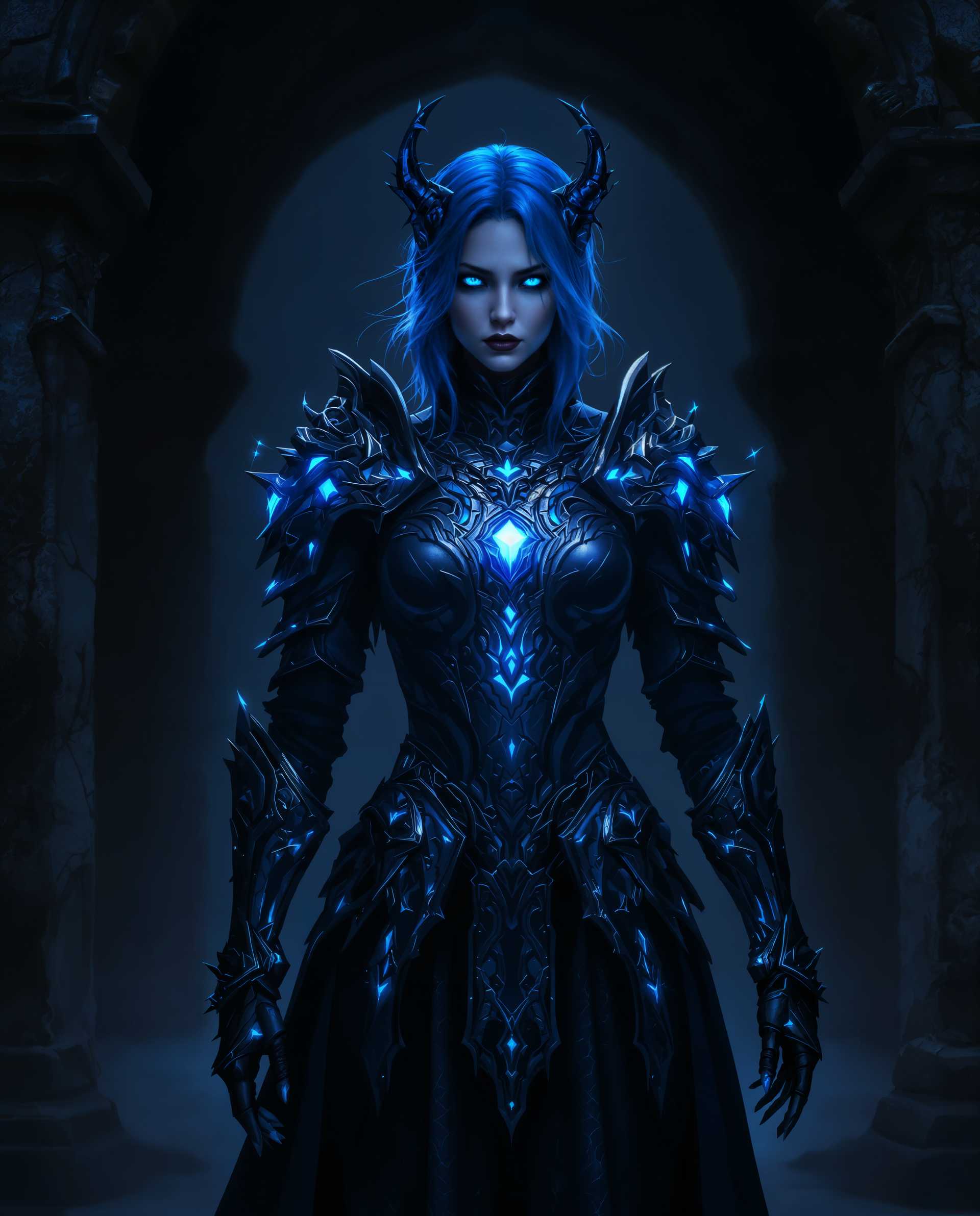
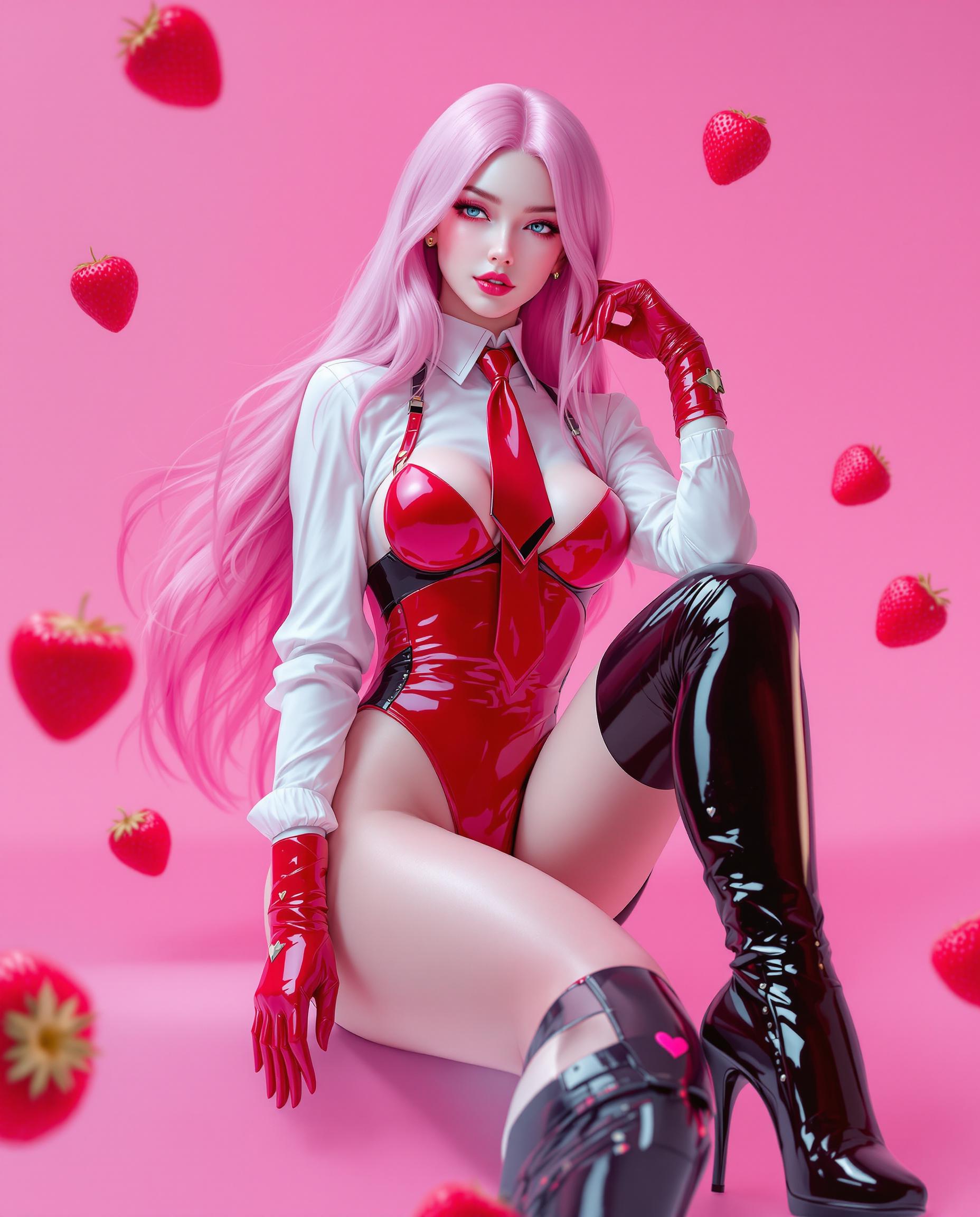
Bring your images to life with PixelDojo's WAN 2.6 lighting effects. Our advanced AI tools empower you to add realistic and dynamic lighting, enhancing the mood and depth of your visuals effortlessly. Whether you're aiming for a serene ambiance or a dramatic flair, PixelDojo provides the resources to achieve professional-quality results without the need for complex setups or technical expertise.

Join over 10,000 creators who have transformed their visuals using PixelDojo's AI tools. Rated 4.8/5 based on 2,500+ reviews.
Why Choose Pixel Dojo for WAN 2.6 lighting effects
Professional-quality results with cutting-edge AI technology
Achieve Professional-Quality Lighting Effects
Enhance your images with realistic and dynamic lighting, adding depth and mood to your visuals.
Save Time with AI-Powered Enhancements
Automate complex lighting adjustments, allowing you to focus on creativity rather than technical details.
Customize Lighting to Fit Your Vision
Easily adjust lighting parameters to match the specific atmosphere and style you desire.
How It Works
Creating stunning lighting effects with PixelDojo's WAN 2.6 is straightforward. Follow these steps to bring your vision to life:
Step 1: Choose Your Tool
Navigate to PixelDojo's WAN 2.6 tool to begin your image creation process.
Step 2: Enter Your Prompt
Describe your desired scene, specifying lighting conditions such as 'soft morning light' or 'dramatic backlighting'.
Step 3: Customize & Download
Review the generated image, make any necessary adjustments, and download your final masterpiece.

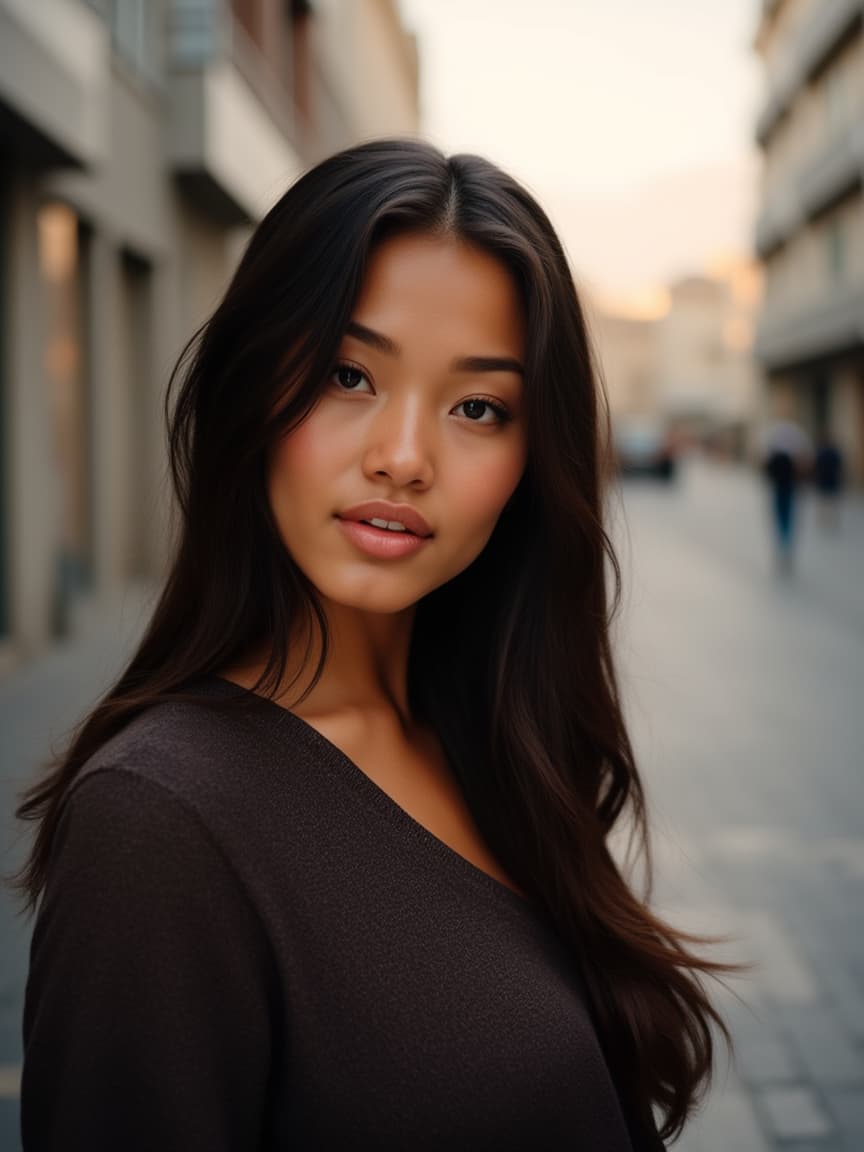
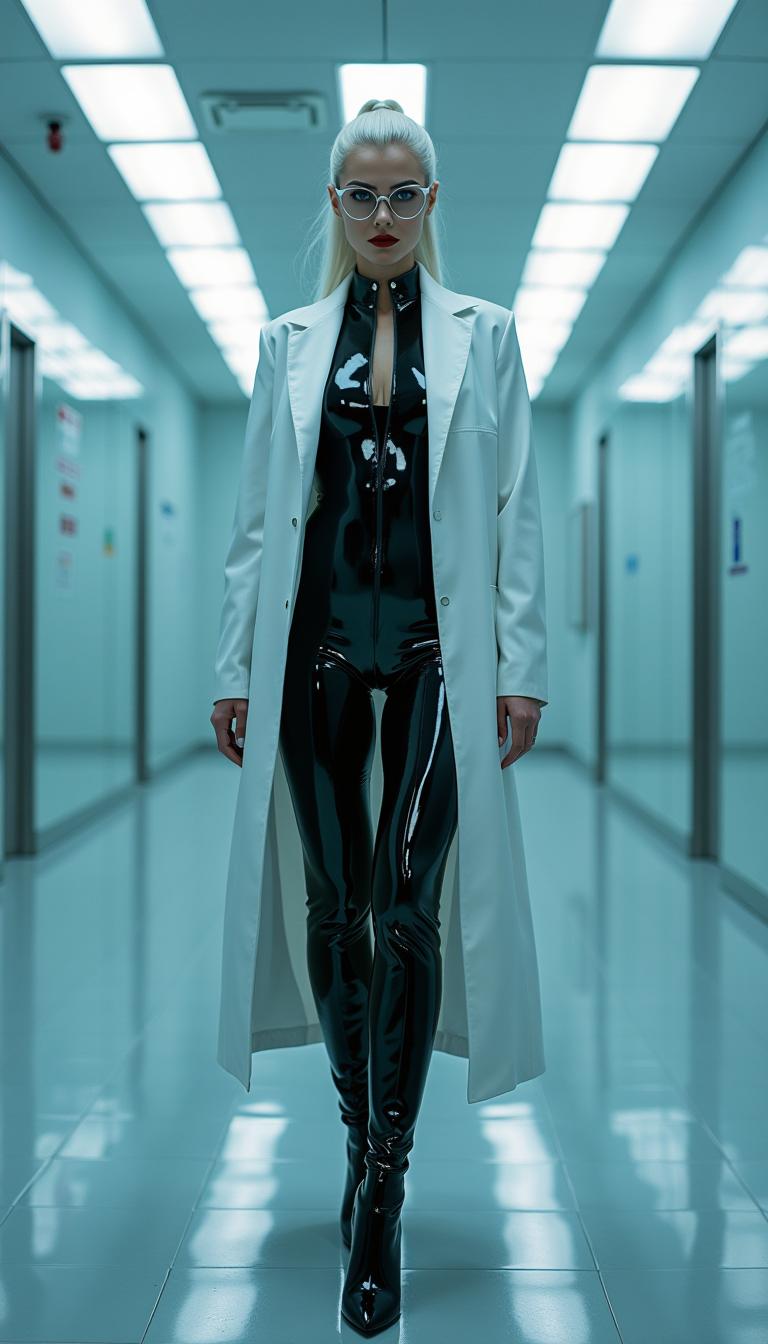


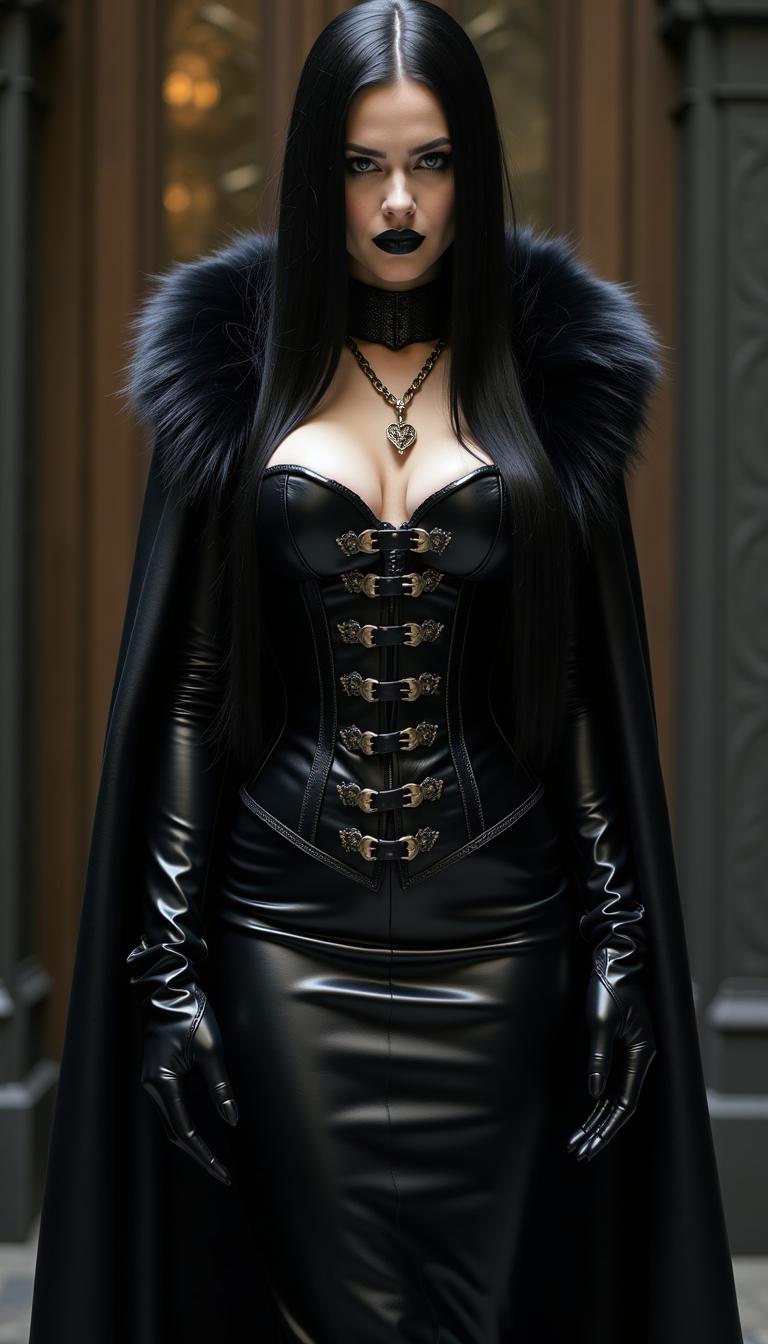

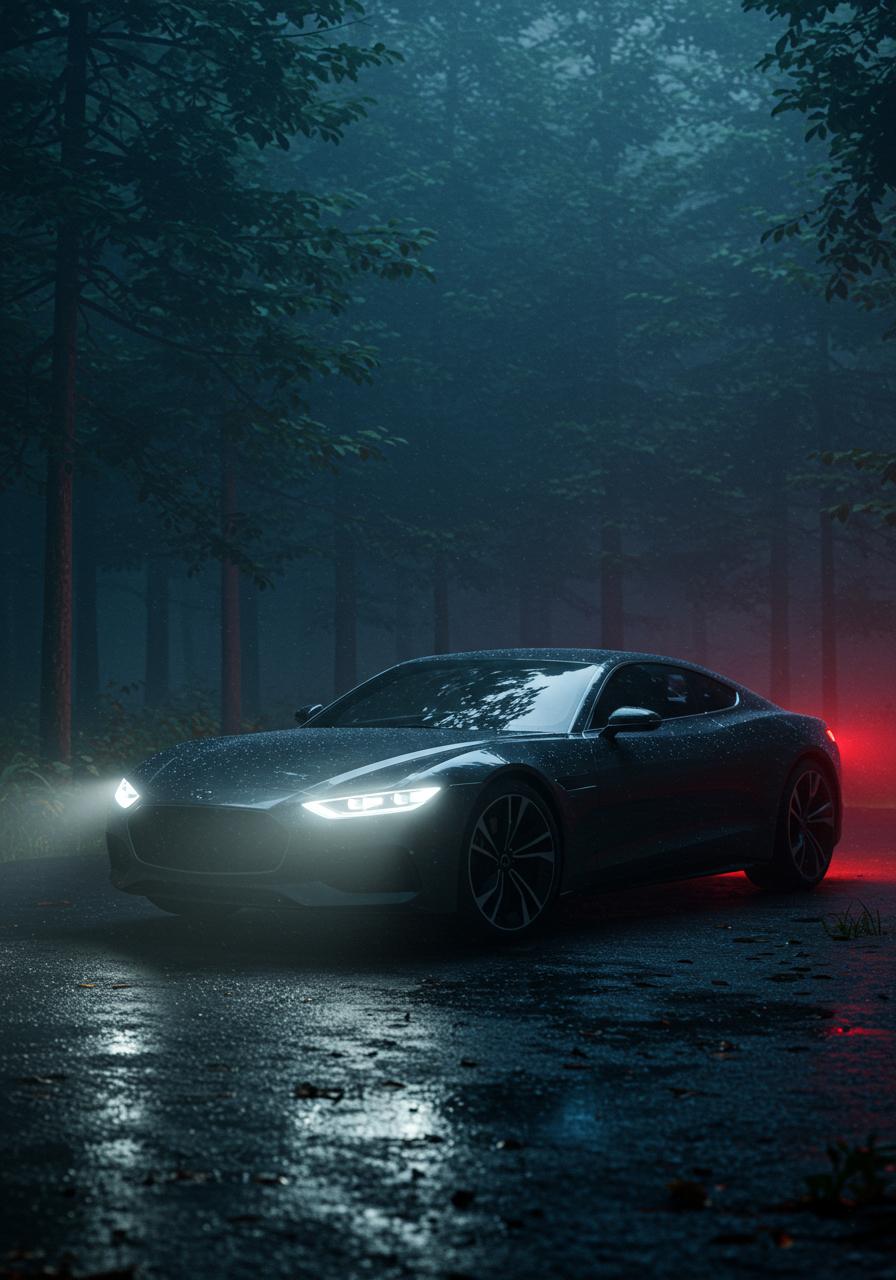







The Pixel Dojo Advantage
Why PixelDojo outperforms other options for AI image lighting effects:
| Others | Pixel Dojo |
|---|---|
| Traditional Lighting Setups | Eliminate the need for expensive equipment and complex setups; achieve desired lighting effects digitally with ease. |
| Generic AI Tools | Specialized lighting effects tailored to your creative vision, offering more control and precision. |
| Manual Photo Editing | Save time and effort with automated lighting enhancements, reducing the need for extensive manual adjustments. |
Loved by Creators
See what our community says about WAN 2.6 lighting effects
"PixelDojo's WAN 2.6 lighting effects have revolutionized my workflow. I can now achieve the perfect mood in my images without spending hours on setup."
Alex Johnson
Professional Photographer
"As a digital artist, the ability to control lighting dynamically has opened up new creative possibilities. PixelDojo makes it incredibly easy."
Maria Lopez
Digital Artist
Common Questions
Everything you need to know about WAN 2.6 lighting effects AI generation
How can I achieve realistic lighting effects using PixelDojo's WAN 2.6?
By specifying detailed lighting conditions in your prompts, such as 'soft morning light' or 'dramatic backlighting', PixelDojo's WAN 2.6 tool generates images with realistic and dynamic lighting effects.
Do I need prior experience to use WAN 2.6 for lighting effects?
No, WAN 2.6 is designed for users of all skill levels, providing an easy-to-use interface for applying complex lighting effects effortlessly.
Can I adjust the lighting after generating an image?
Yes, PixelDojo allows you to refine lighting post-generation using intuitive editing tools to match your vision.
Are there specific prompts to achieve certain lighting styles?
Yes, using prompts like 'cinematic lighting' or 'neon glow' can guide WAN 2.6 to generate images with those specific lighting styles.
Can WAN 2.6 simulate natural light conditions?
Absolutely, WAN 2.6 can replicate various natural lighting scenarios, from sunrise to twilight, enhancing the realism of your images.
Is there a community to share and learn about WAN 2.6 lighting techniques?
Yes, PixelDojo offers a vibrant community where users share tips, prompts, and experiences to help each other master WAN 2.6.