Wan 2.6 realistic motion AI Generator
Imagine transforming your static images into dynamic, lifelike videos with ease. With PixelDojo's WAN 2.6, you can create realistic motion videos that captivate your audience and elevate your content. Whether you're a marketer, designer, or content creator, WAN 2.6 empowers you to produce cinematic-quality videos without the need for extensive technical skills or expensive equipment.

Join over 10,000 creators who have enhanced their projects with PixelDojo's AI tools. Rated 4.8/5 based on 2,500+ reviews.
Why Choose Pixel Dojo for Wan 2.6 realistic motion
Professional-quality results with cutting-edge AI technology
Effortless Image-to-Video Conversion
Transform static images into dynamic videos with smooth, natural motion, saving time and resources.
Cinematic-Quality Results
Achieve professional-grade videos with realistic physics, lighting, and depth, enhancing your content's appeal.
User-Friendly Interface
Create stunning videos without prior experience, thanks to an intuitive platform designed for all skill levels.
How It Works
Creating realistic motion videos with WAN 2.6 is a straightforward process. Follow these steps to bring your images to life:
Step 1: Upload Your Image
Select and upload the static image you wish to animate. This image will serve as the foundation for your video.
Step 2: Enter Your Prompt
Provide a brief text description to guide the animation. For example, 'A gentle breeze moves through the trees, creating a calming effect.'
Step 3: Customize & Download
Adjust settings such as video duration and resolution to suit your needs. Once satisfied, generate and download your realistic motion video.

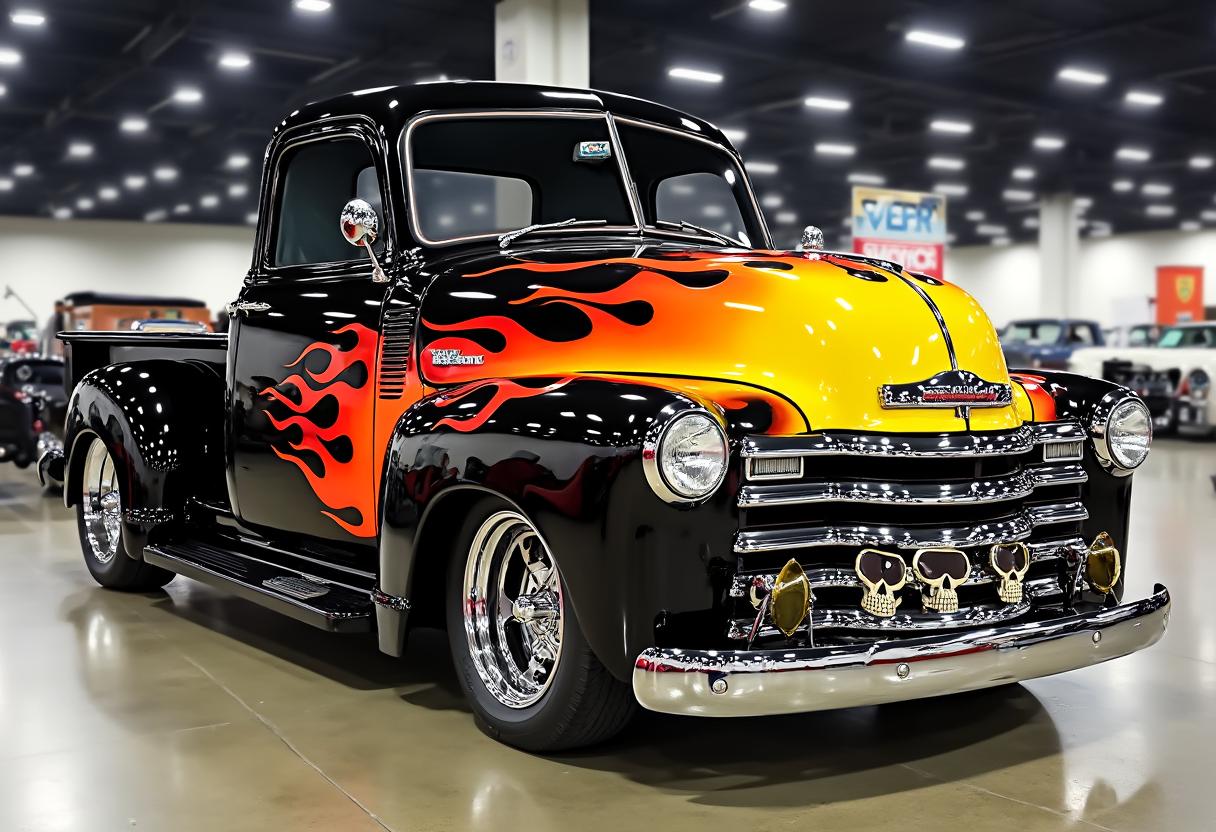


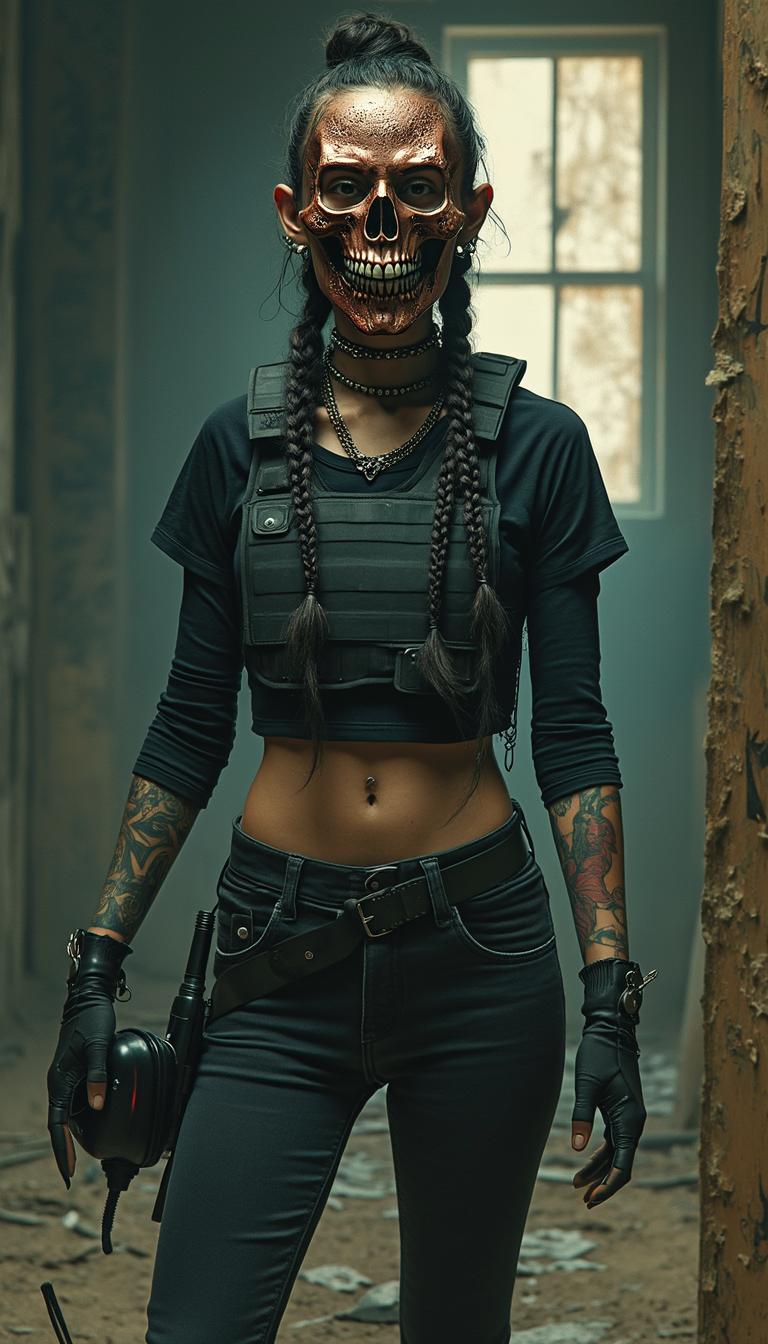




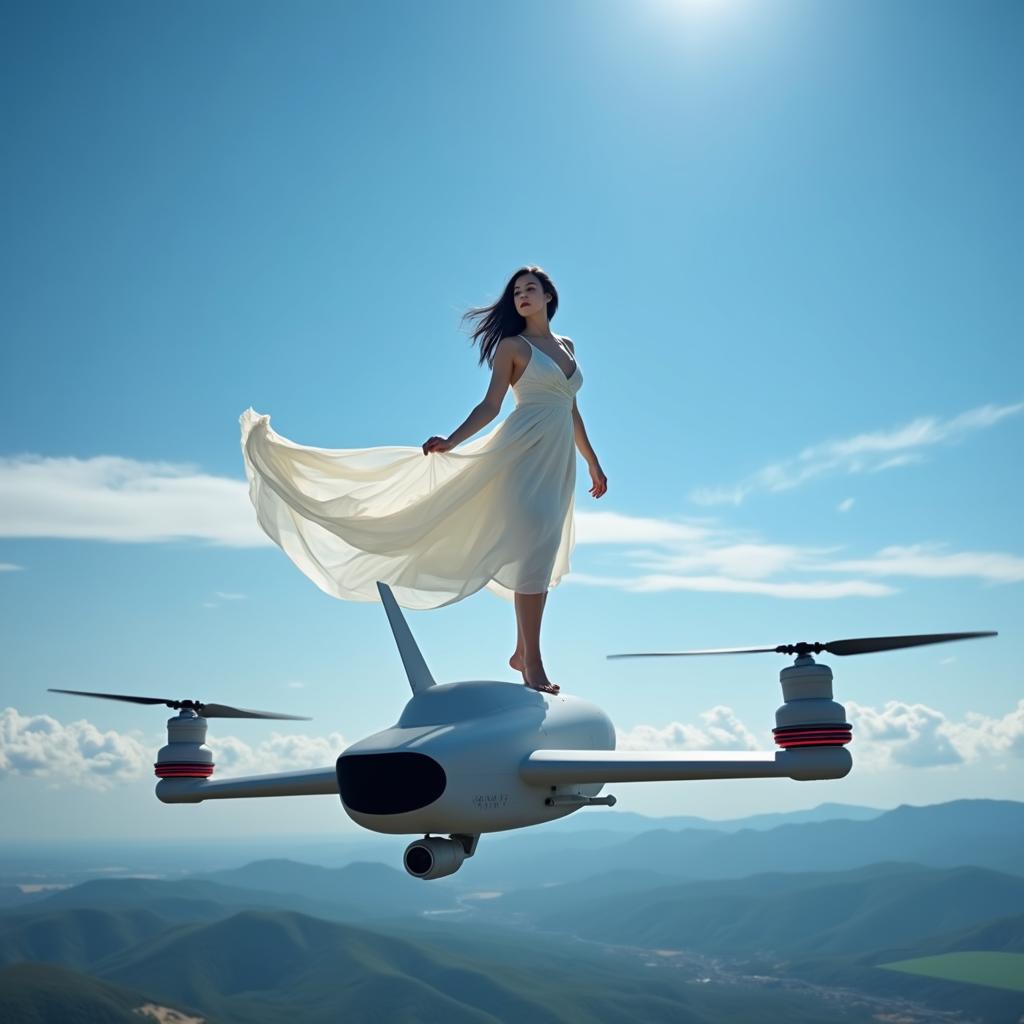
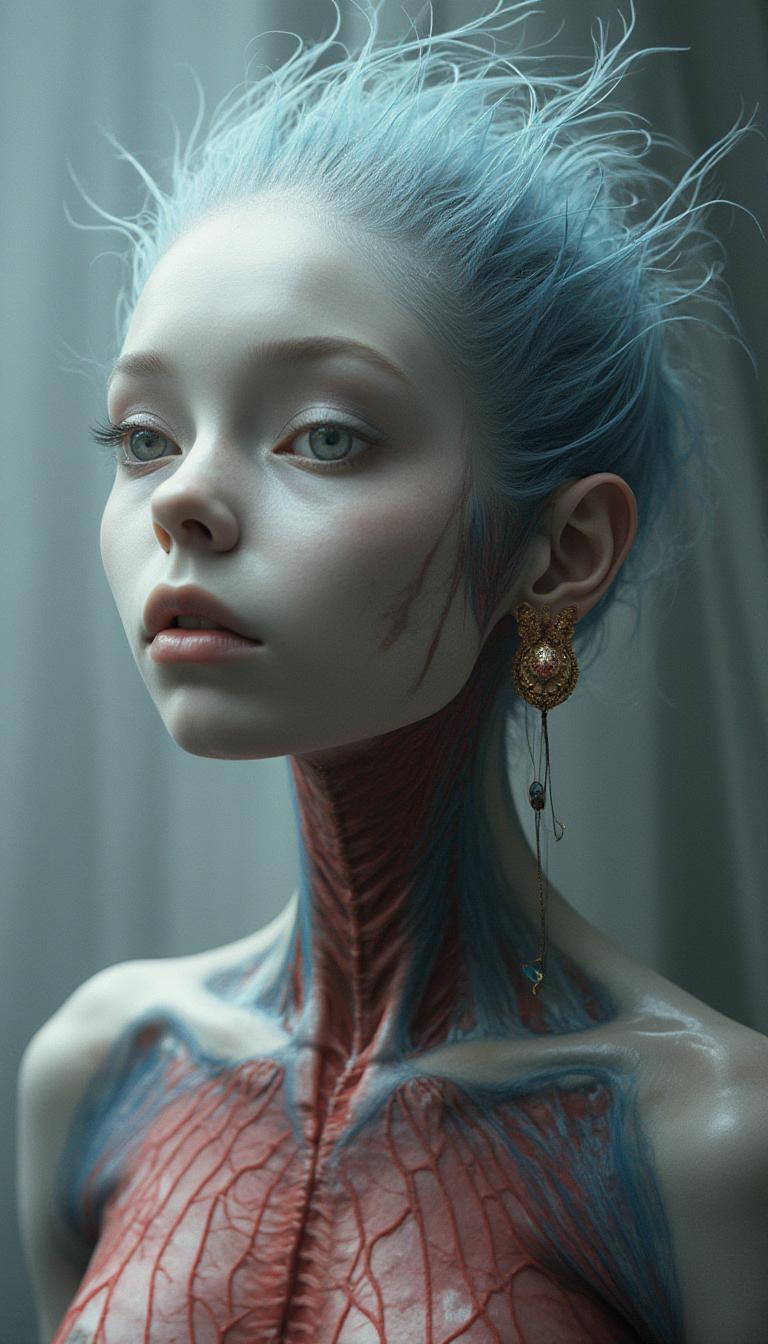


The Pixel Dojo Advantage
Why PixelDojo outperforms other options for realistic motion video generation
| Others | Pixel Dojo |
|---|---|
| Traditional Video Production | Eliminates the need for costly equipment and extensive production time, making video creation accessible to all. |
| Generic AI Tools | Offers specialized features tailored for realistic motion, ensuring higher quality and more natural results. |
| Manual Animation | Automates the animation process, reducing the learning curve and allowing for faster content creation. |
Loved by Creators
See what our community says about Wan 2.6 realistic motion
"WAN 2.6 has revolutionized my content creation process. The realistic motion it adds to my images is unparalleled."
Alex Johnson
Digital Marketer
"As a designer, I appreciate how WAN 2.6 allows me to create dynamic visuals without needing animation expertise."
Maria Lopez
Graphic Designer
Common Questions
Everything you need to know about Wan 2.6 realistic motion AI generation
How does WAN 2.6 create realistic motion videos?
WAN 2.6 utilizes advanced AI algorithms to analyze your static images and generate smooth, natural motion, resulting in lifelike videos.
Do I need prior animation experience to use WAN 2.6?
No, WAN 2.6 is designed with a user-friendly interface that allows individuals without animation experience to create professional-quality videos.
Can I customize the motion in my videos?
Yes, you can guide the animation by providing text prompts that describe the desired motion, giving you creative control over the final output.
What file formats are supported for image uploads?
WAN 2.6 supports various image formats, including JPG, PNG, and BMP, allowing flexibility in your creative process.
Is there a limit to the video duration I can create?
While there are default settings, you can customize the video duration to meet your specific needs, ensuring your content aligns with your vision.
How long does it take to generate a video with WAN 2.6?
The generation time depends on the complexity of the animation and video settings, but WAN 2.6 is optimized for quick processing to deliver results efficiently.