WAN 2.6 sharper motion AI Generator
Bring your static images to life with WAN 2.6's advanced AI video generation. Transform still photos into dynamic, high-quality videos with precise motion and audio synchronization, all without the need for complex editing software.

Join thousands of creators who have enhanced their content with WAN 2.6's cutting-edge AI technology.
Why Choose Pixel Dojo for WAN 2.6 sharper motion
Professional-quality results with cutting-edge AI technology
Effortless Video Creation
Convert static images into dynamic videos with minimal effort, saving time and resources.
High-Quality Output
Generate 1080p videos at 24fps with sharp details and smooth motion, suitable for professional use.
Precise Audio Synchronization
Achieve perfect lip-sync and audio-visual alignment, enhancing the realism of your videos.
How It Works
Creating motion-rich videos with WAN 2.6 is simple and straightforward. Follow these steps to transform your images:
Step 1: Upload Your Image
Select a high-quality image that you want to animate. Ensure the image is clear and well-lit for optimal results.
Step 2: Describe the Desired Motion
Input a detailed description of the motion you want to apply to your image. For example, 'The subject waves their hand and smiles.'
Step 3: Generate and Download
Click 'Generate' to process your video. Once completed, preview the result and download the high-quality video file.

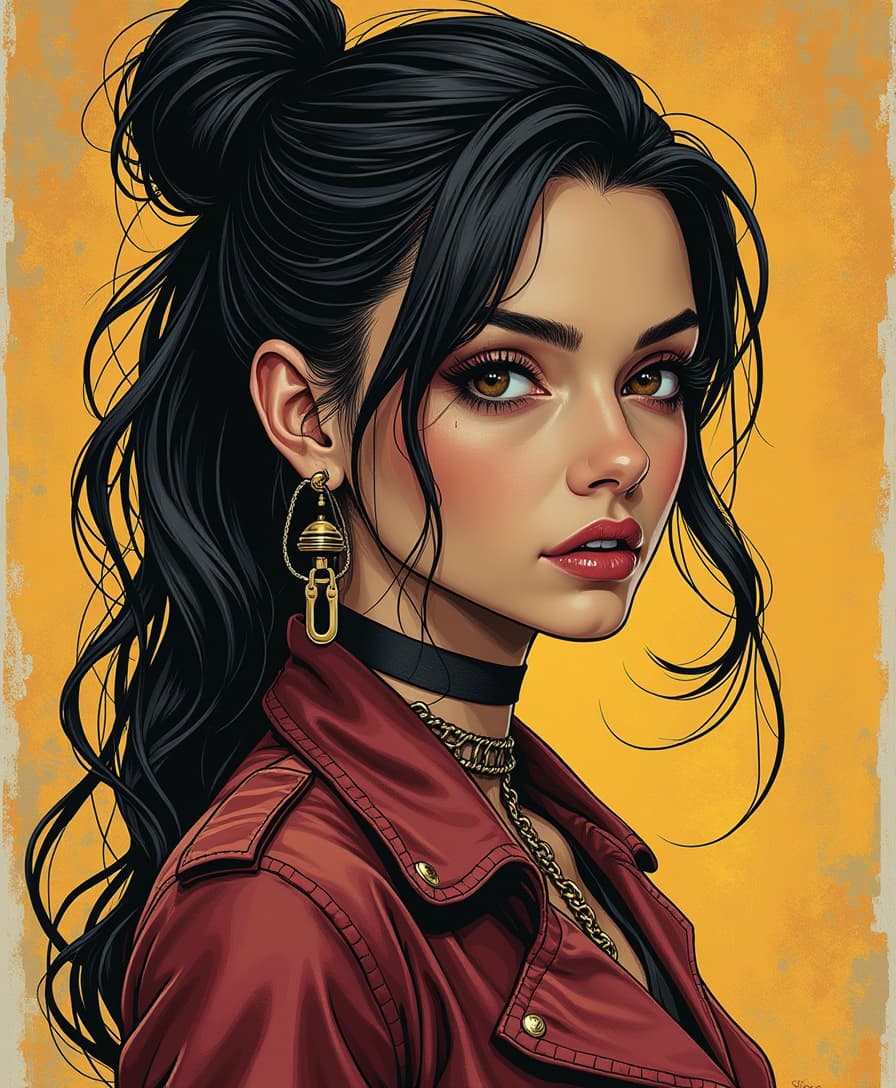
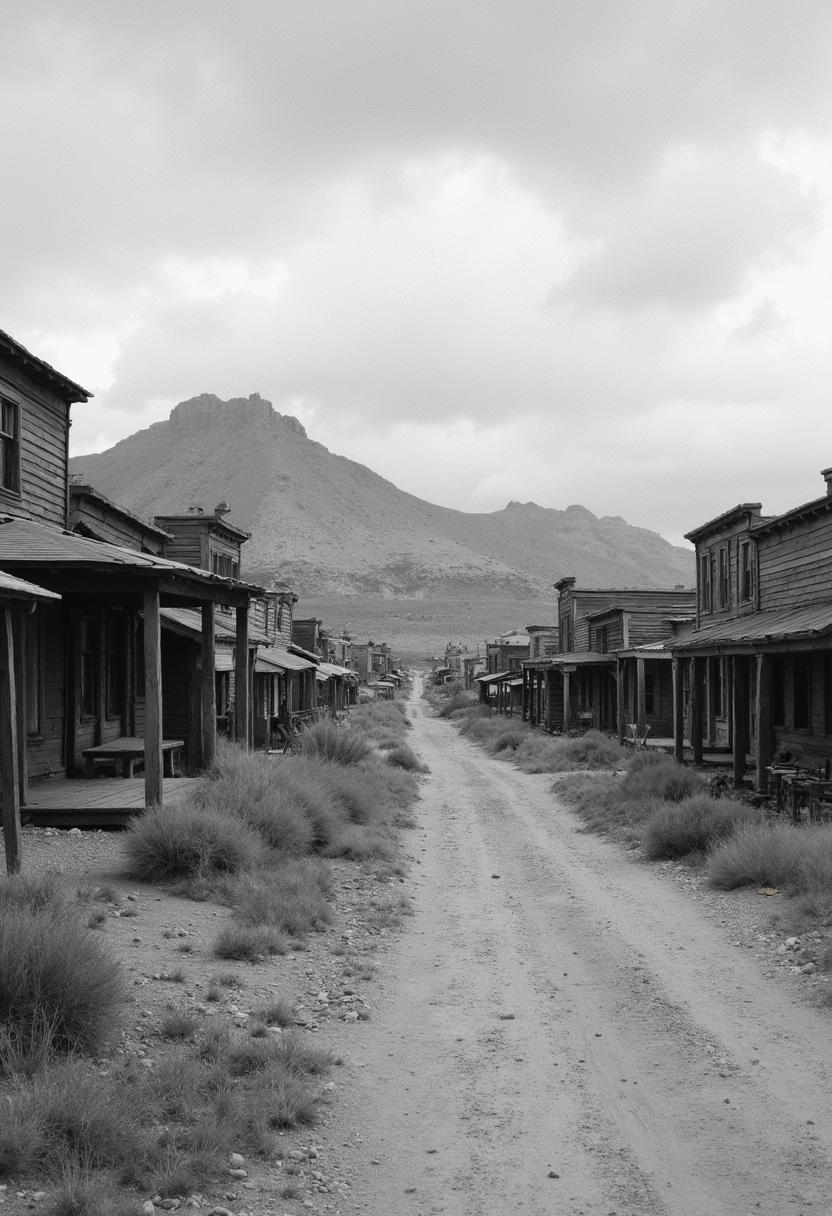

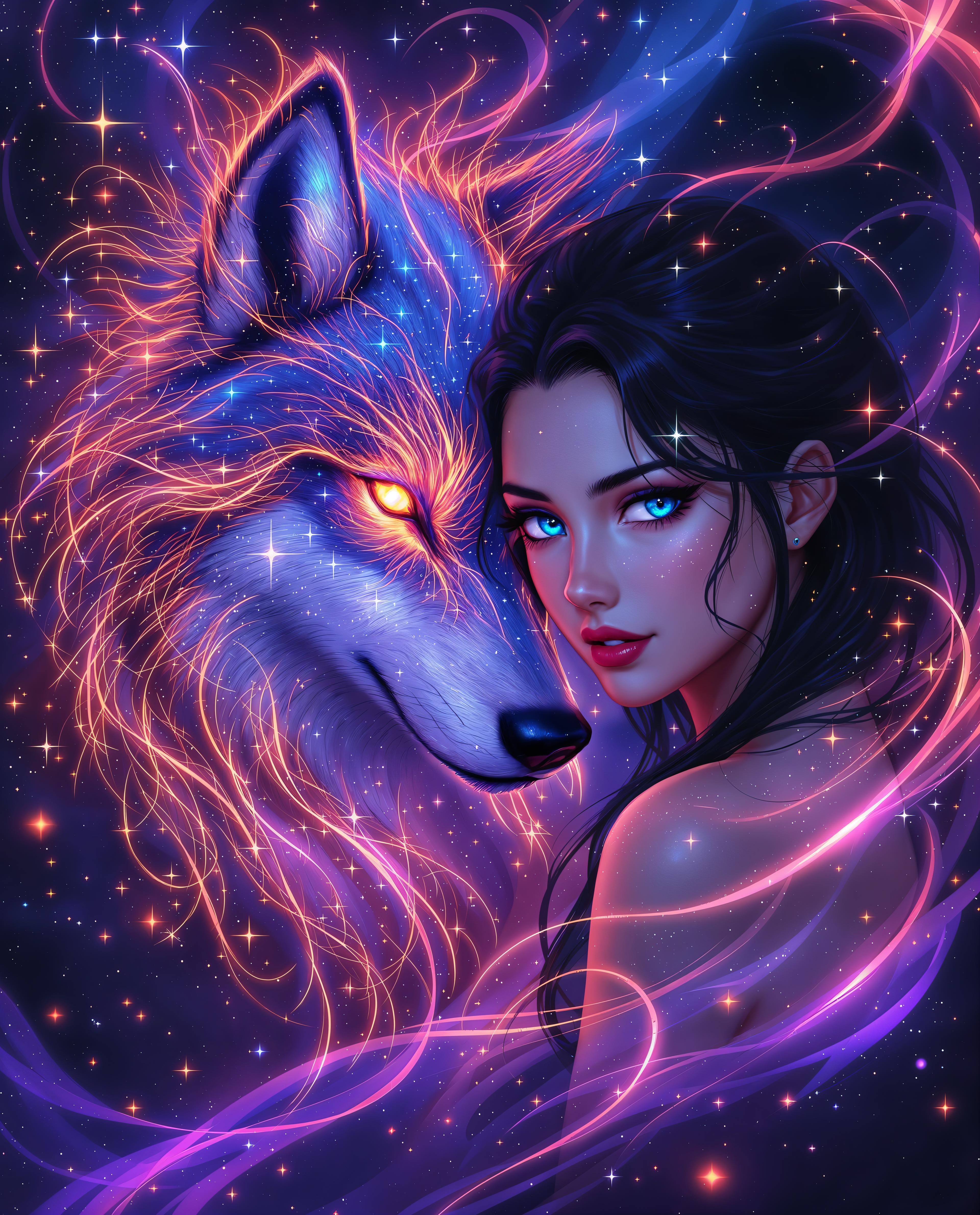


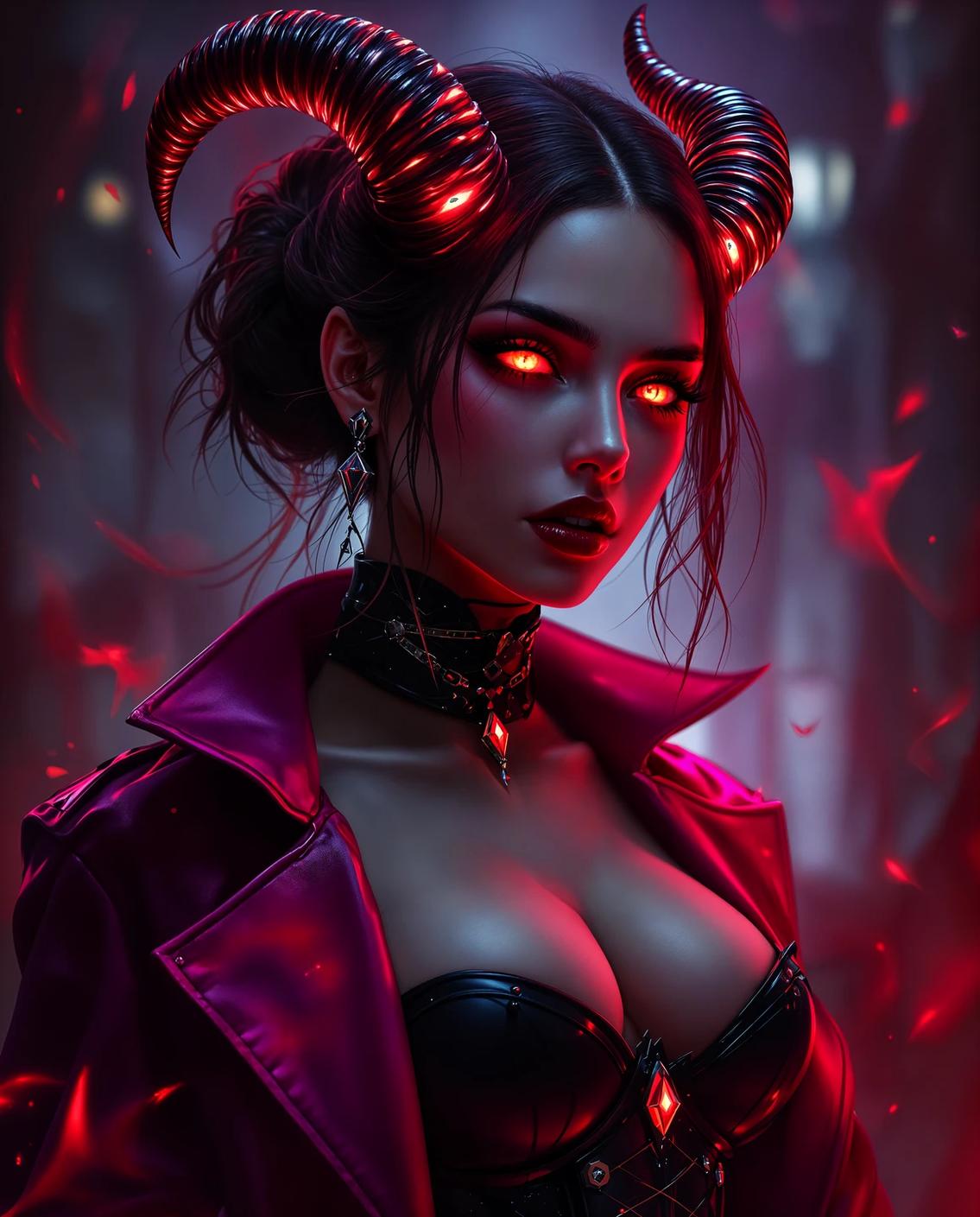
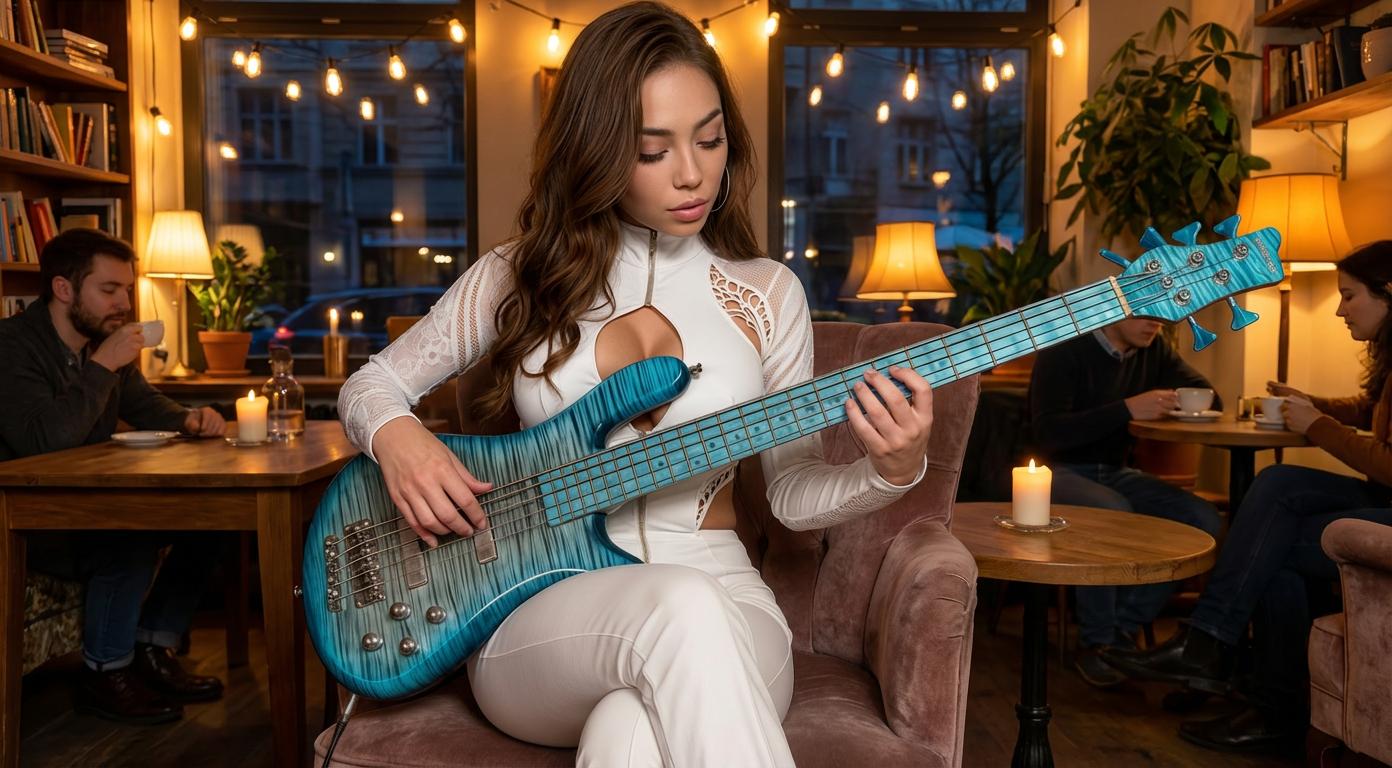
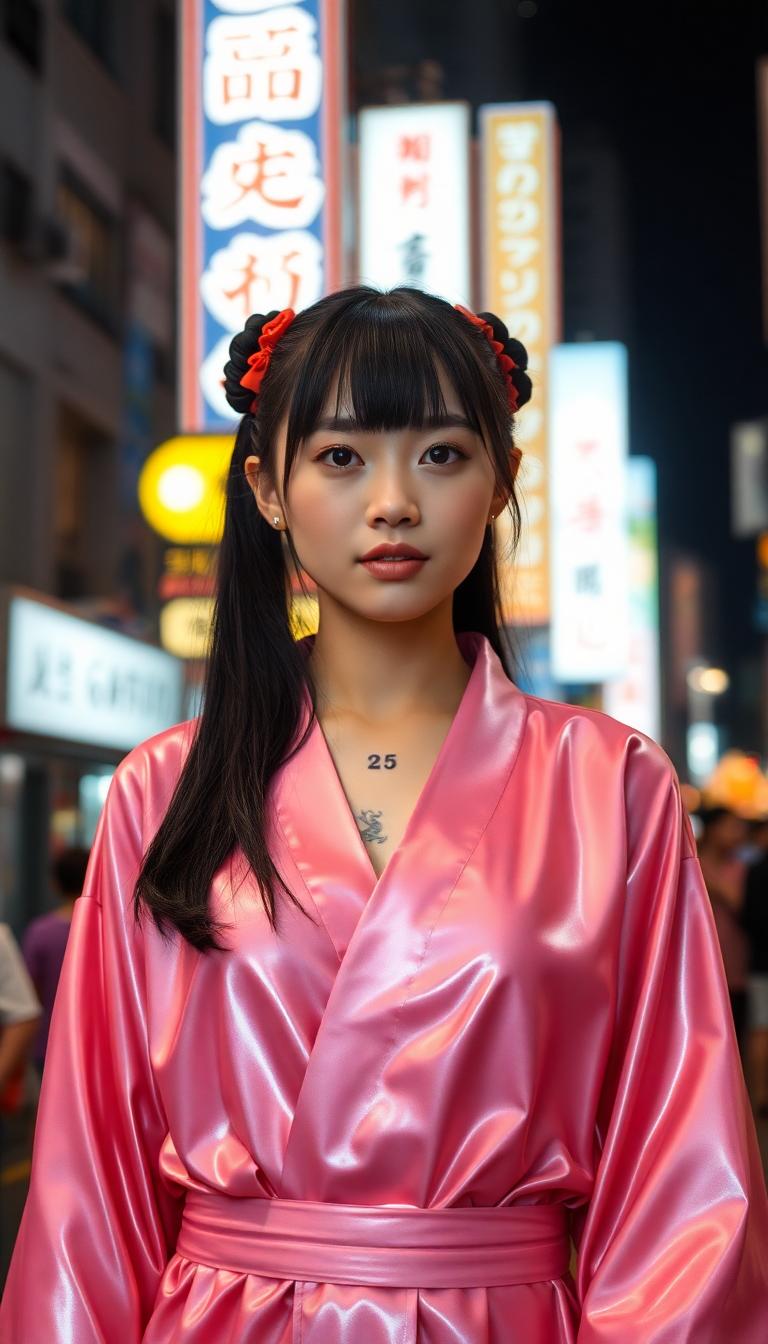
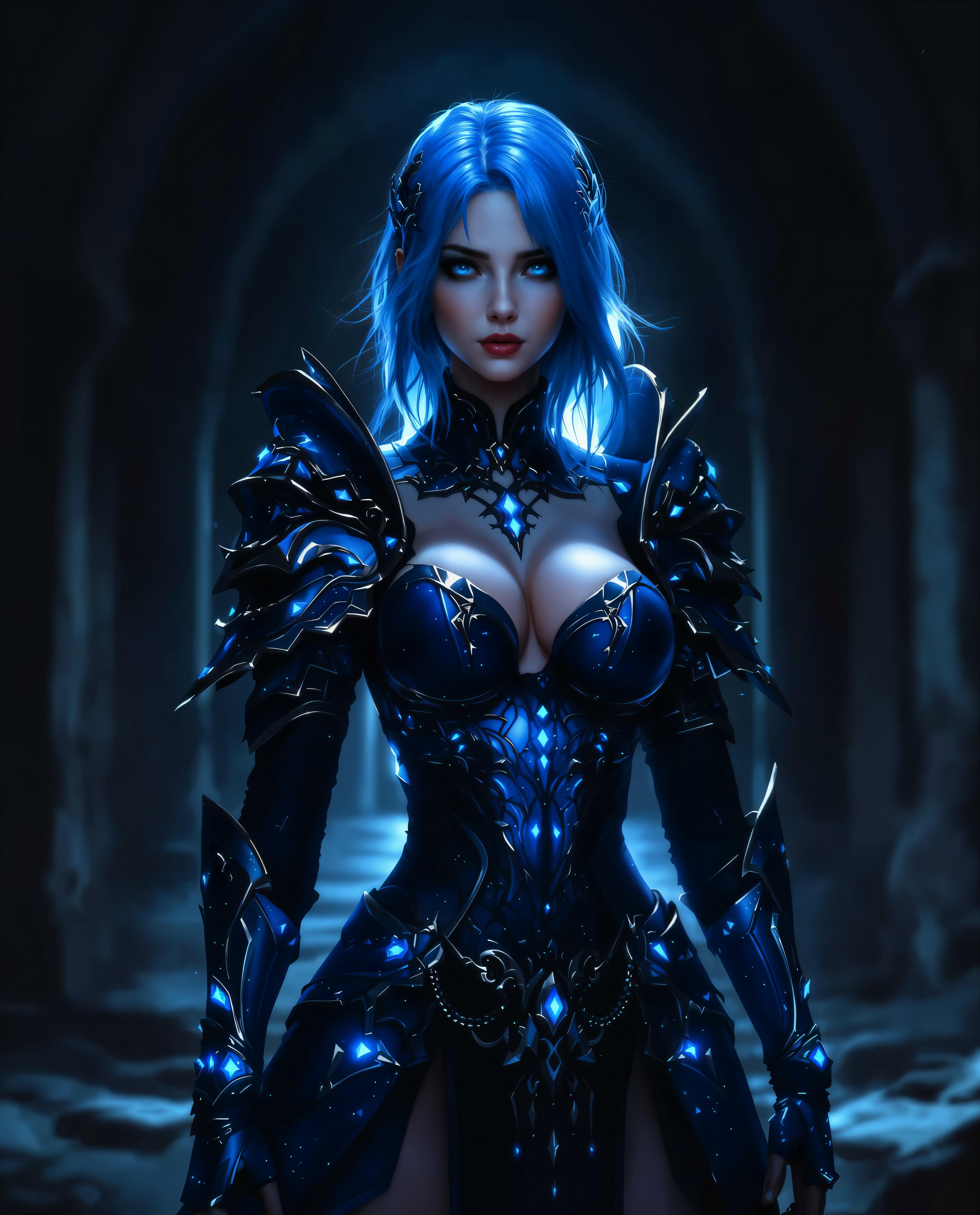


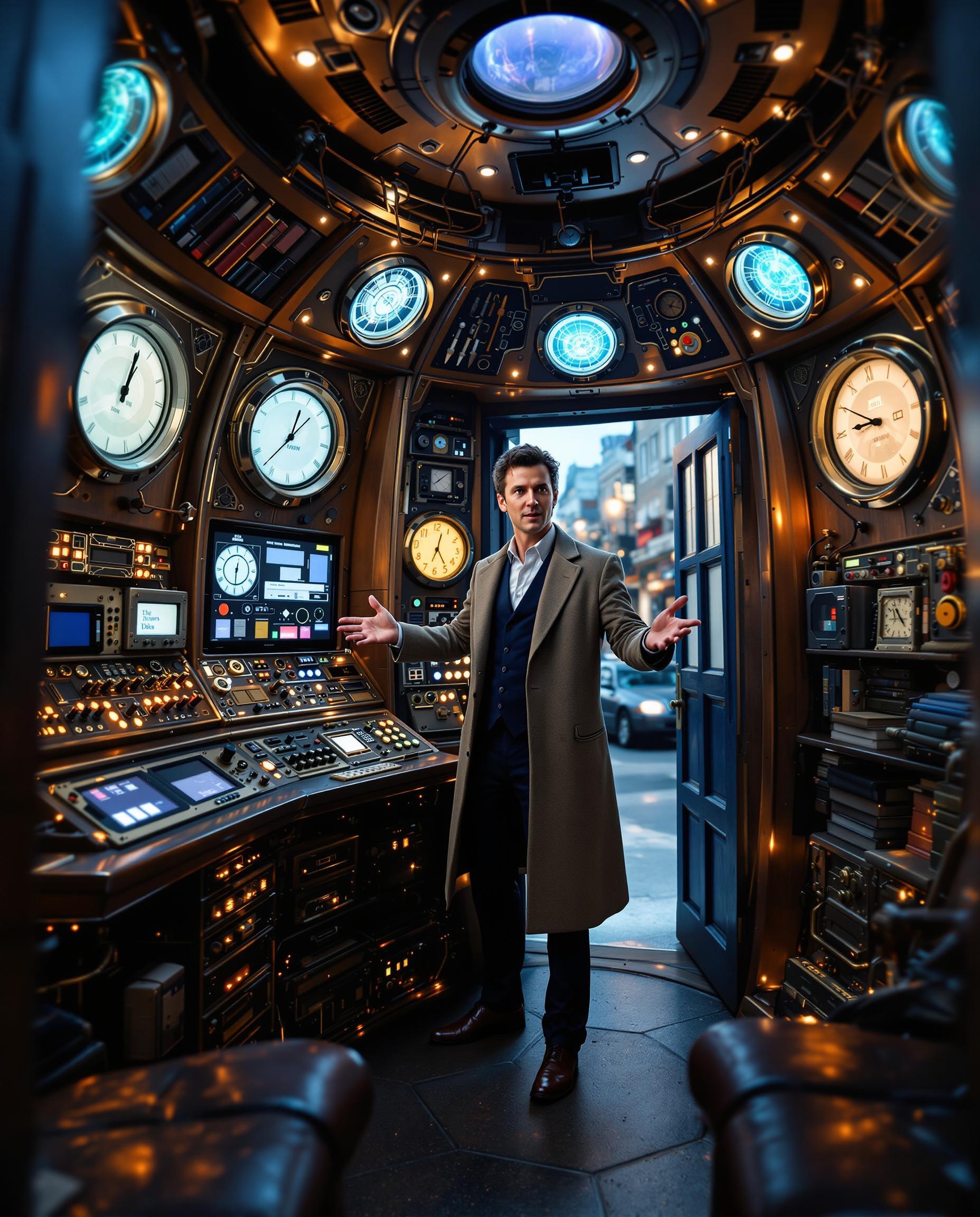

The Pixel Dojo Advantage
Discover how WAN 2.6 stands out in the realm of AI video generation:
| Others | Pixel Dojo |
|---|---|
| Traditional Video Editing | Eliminates the need for complex software and manual editing, streamlining the video creation process. |
| Generic AI Tools | Offers advanced motion control and audio synchronization features not found in standard AI video generators. |
| Manual Animation | Reduces the time and skill required to animate images, making video creation accessible to all. |
Loved by Creators
See what our community says about WAN 2.6 sharper motion
"WAN 2.6 has revolutionized how I create content. The motion quality and ease of use are unparalleled."
Alex Johnson
Content Creator
"As a marketer, WAN 2.6 allows me to produce engaging videos quickly, enhancing our campaigns significantly."
Samantha Lee
Marketing Manager
Common Questions
Everything you need to know about WAN 2.6 sharper motion AI generation
How does WAN 2.6 achieve precise motion in videos?
WAN 2.6 utilizes advanced AI algorithms to analyze your input image and motion description, generating videos with accurate and natural movement.
Can I add audio to my generated videos?
Yes, WAN 2.6 supports native audio-visual synchronization, allowing you to add voiceovers or music that perfectly aligns with the video.
What file formats are supported for image uploads?
WAN 2.6 accepts common image formats such as JPEG and PNG for uploads.
Is there a limit to the video duration I can create?
WAN 2.6 supports video durations up to 15 seconds, suitable for most social media platforms and presentations.
Do I need prior experience in video editing to use WAN 2.6?
No, WAN 2.6 is designed for users of all skill levels, providing an intuitive interface for easy video creation.
Can I use WAN 2.6 for commercial projects?
Yes, videos generated with WAN 2.6 come with full commercial rights, allowing you to use them in your professional projects.