Wan 2.6 shot orchestration AI Generator
Imagine bringing your creative visions to life through professional-quality videos without the need for expensive equipment or extensive editing skills. With Wan 2.6 AI, you can effortlessly produce 15-second cinematic videos featuring multi-shot storytelling, consistent characters, and synchronized audio-visual elements. Whether you're a content creator, marketer, or filmmaker, Wan 2.6 empowers you to craft compelling narratives that captivate your audience.
Join over 50,000 creators who generate daily videos using Wan 2.6, achieving a 95% first-try success rate and a 4.9/5 user rating.
Why Choose Pixel Dojo for Wan 2.6 shot orchestration
Professional-quality results with cutting-edge AI technology
Effortless Multi-Shot Storytelling
Automatically expand simple prompts into coherent multi-shot narratives, enhancing your storytelling capabilities without manual editing.
Consistent Character Representation
Maintain perfect character identity and appearance across multiple scenes, ensuring a cohesive and professional video output.
Seamless Audio-Visual Synchronization
Generate videos with natural audio-visual sync, including precise lip-sync for dialogue scenes, reducing post-production efforts.
How It Works
Creating cinematic multi-shot videos with Wan 2.6 AI is a straightforward process. Follow these steps to bring your ideas to life:
Step 1: Choose Your Input Method
Select whether you want to generate a video from a text prompt, an image, or a reference video. Wan 2.6 supports text-to-video, image-to-video, and reference-to-video generation modes.
Step 2: Enter Your Prompt and Configure Settings
Provide a detailed description of your desired scene, including subject, setting, actions, and mood. Configure additional settings such as video duration (up to 15 seconds), resolution (720p or 1080p), and whether to enable multi-shot mode for complex narratives.
Step 3: Generate and Download Your Video
Click 'Generate' to let Wan 2.6 process your input and create the video. Once generated, preview the result and download the high-quality video file ready for sharing or further editing.
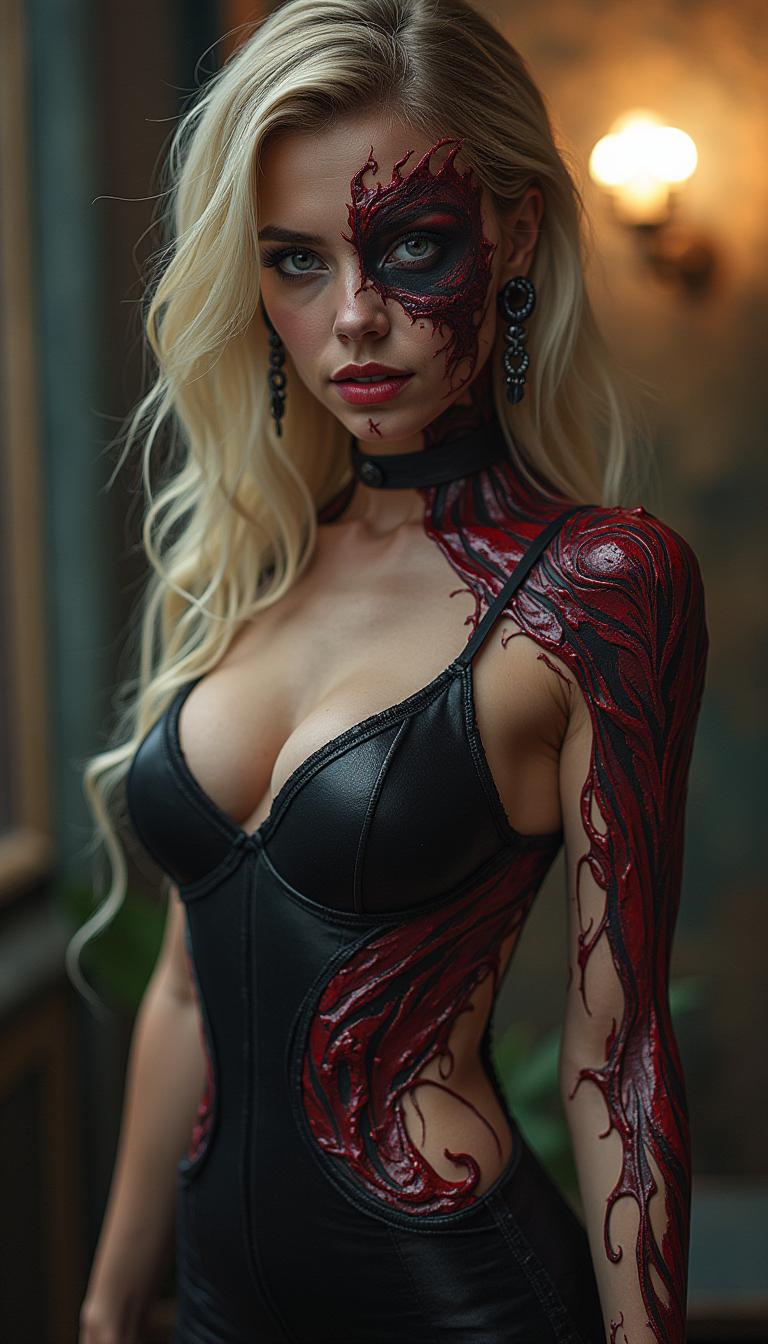

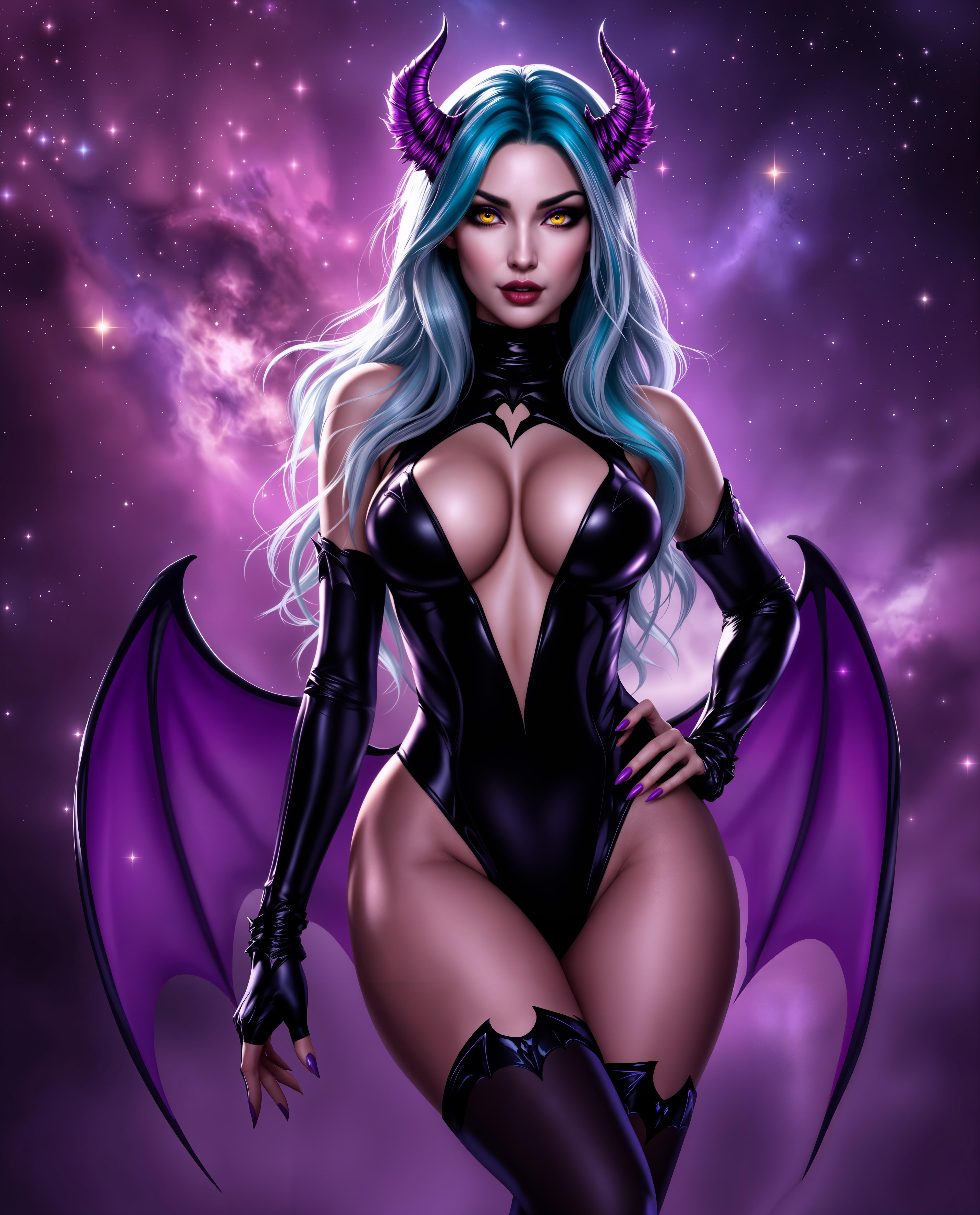
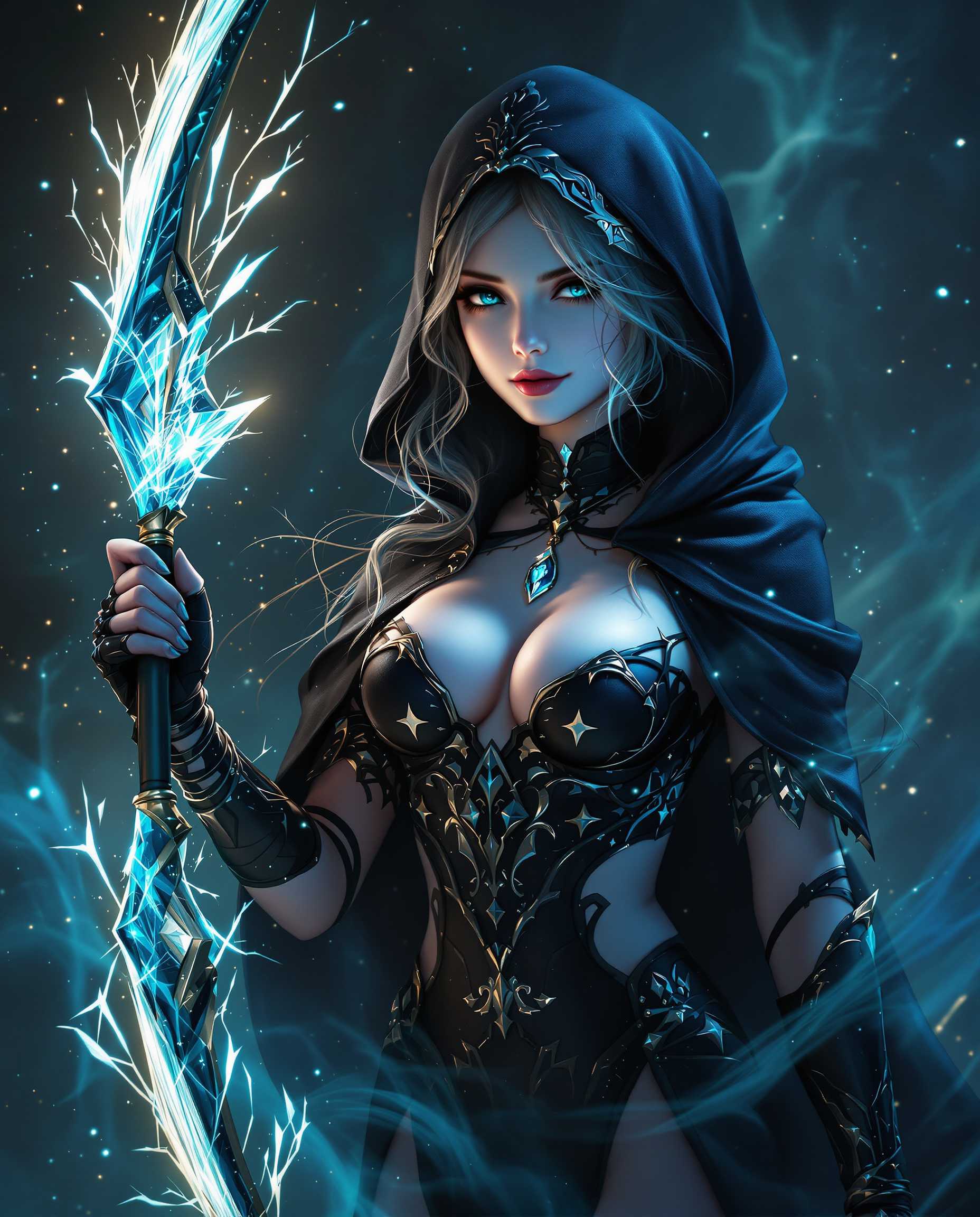



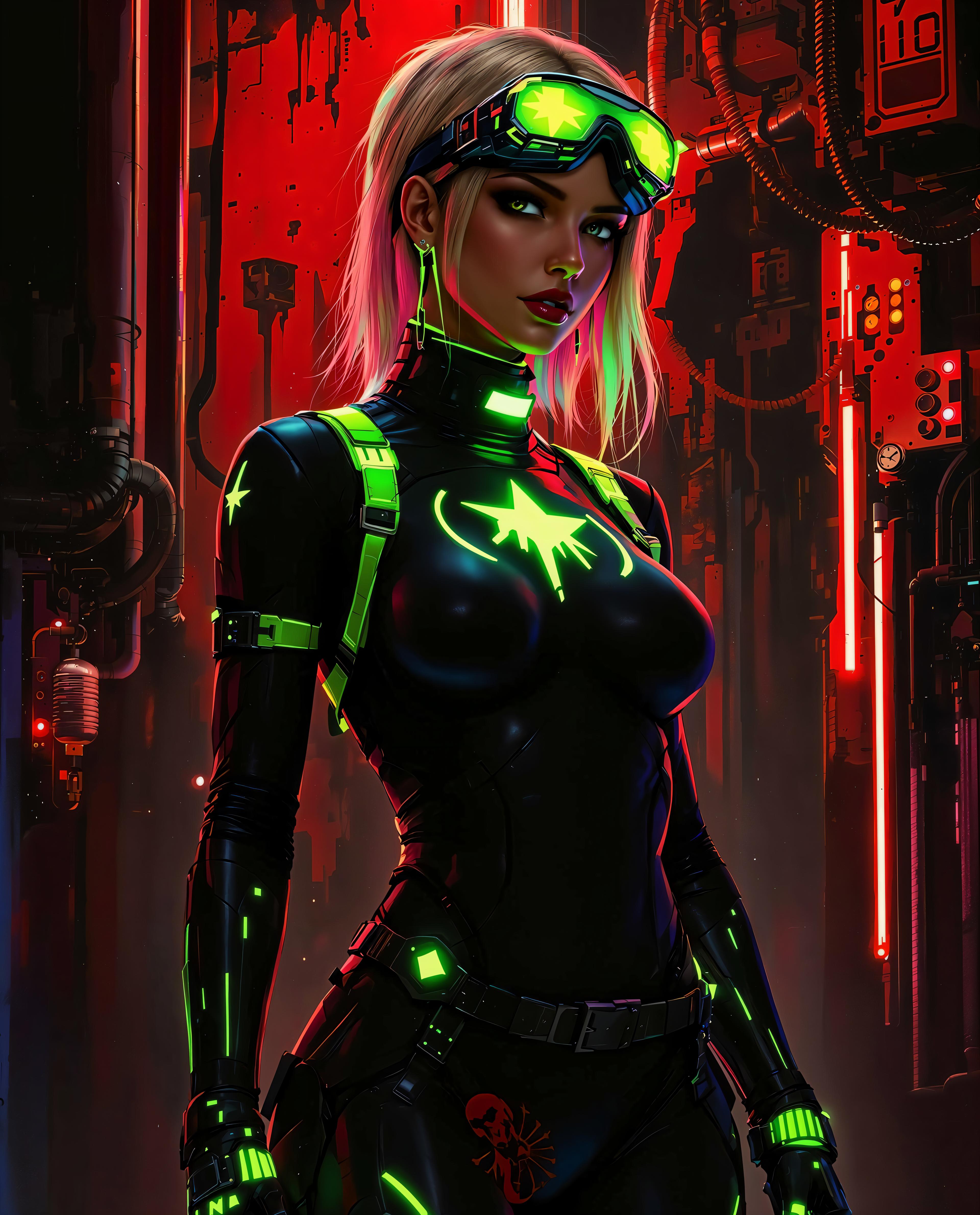

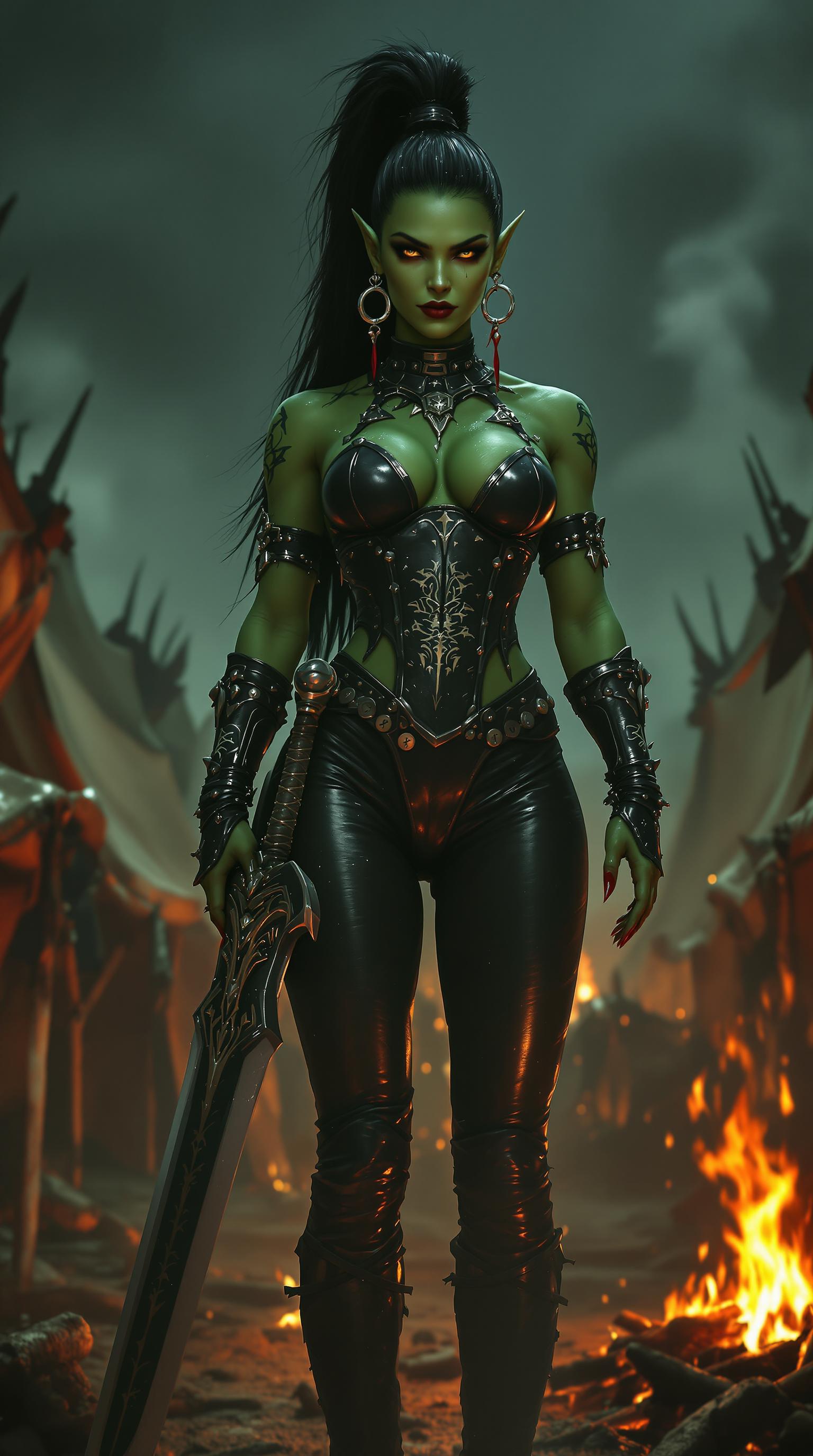
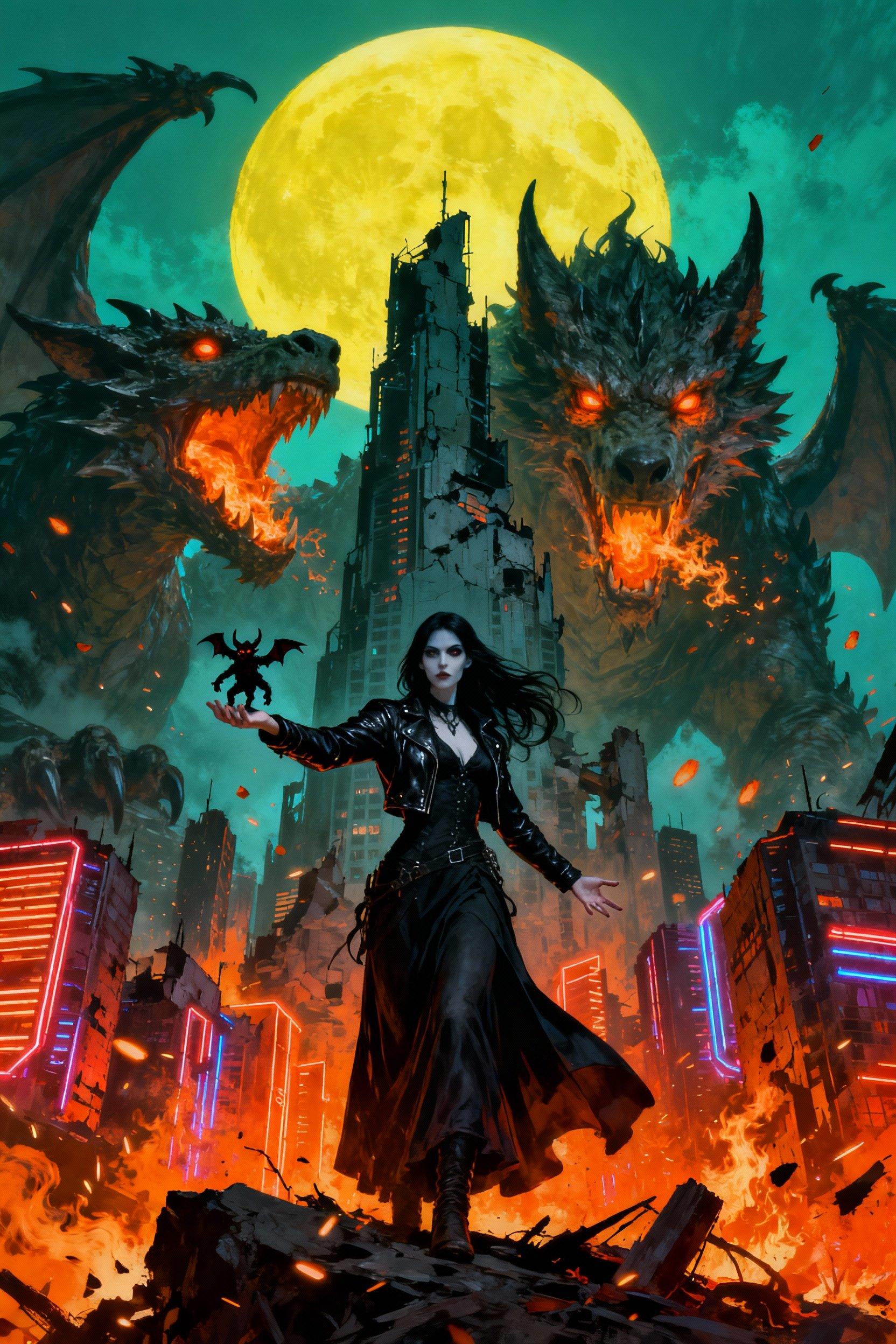

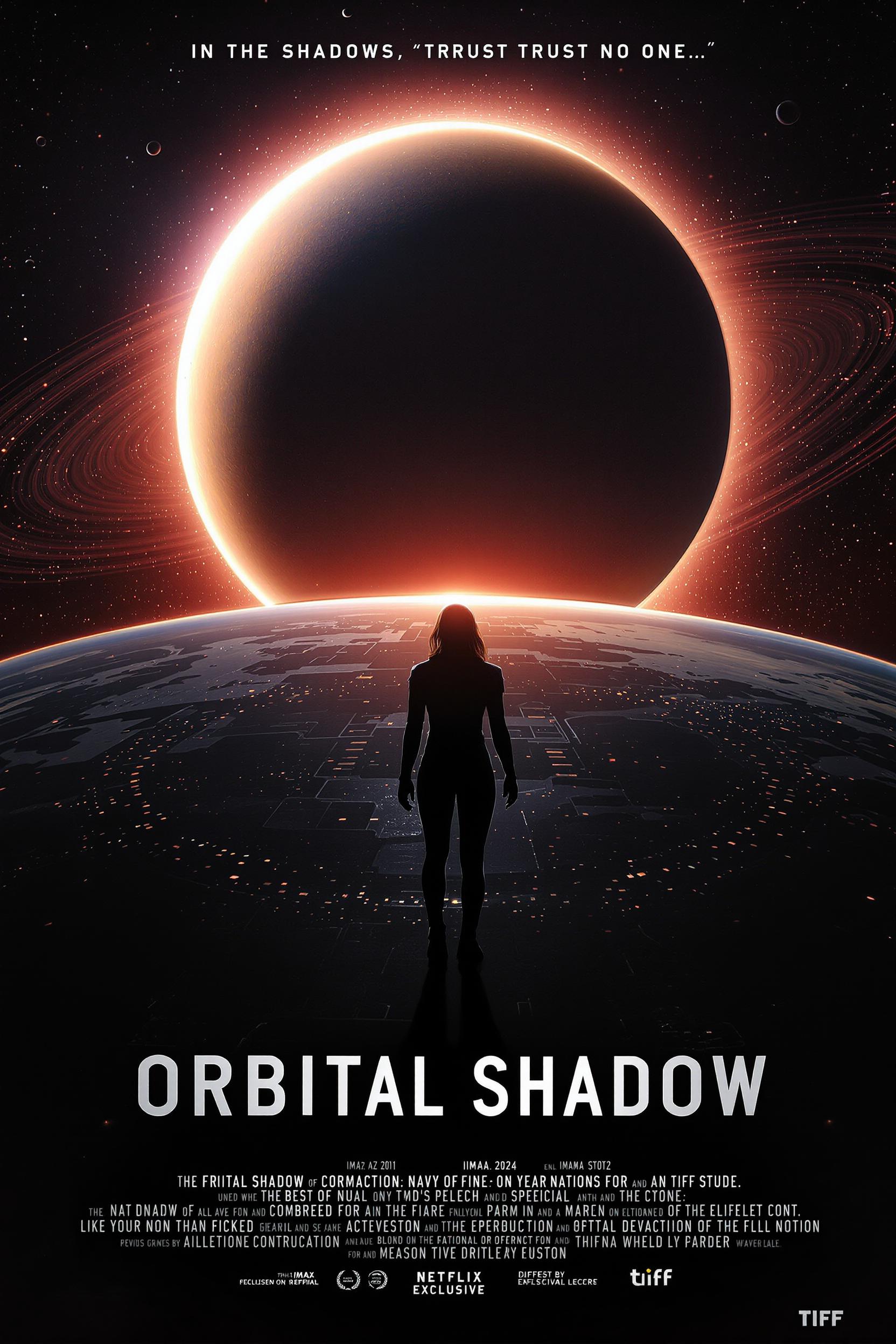

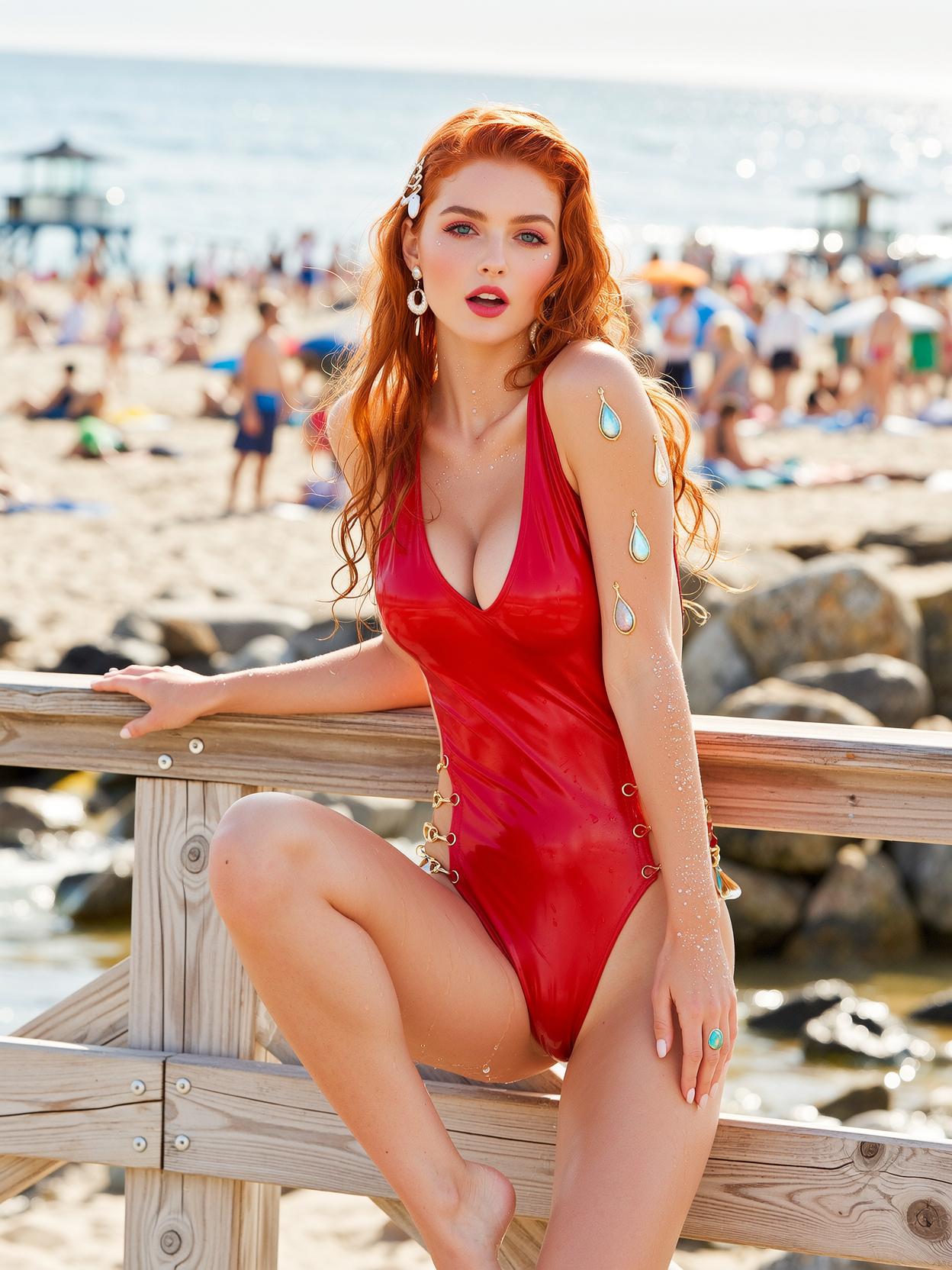
The Pixel Dojo Advantage
Why Wan 2.6 AI Outperforms Other Video Creation Methods
| Others | Pixel Dojo |
|---|---|
| Traditional Video Production | Eliminates the need for expensive equipment and extensive editing skills, making professional video creation accessible to everyone. |
| Generic AI Video Tools | Offers advanced features like multi-shot storytelling, consistent character representation, and native audio-visual synchronization, setting it apart from basic AI video generators. |
| Manual Video Editing | Automates complex processes such as shot planning and audio synchronization, significantly reducing the time and effort required to produce high-quality videos. |
Loved by Creators
See what our community says about Wan 2.6 shot orchestration
"Wan 2.6 has revolutionized my content creation process. The multi-shot feature allows me to tell more engaging stories without spending hours on editing."
Alex Johnson
Content Creator
"As a marketer, producing high-quality videos quickly is crucial. Wan 2.6 enables me to generate professional videos that resonate with my audience, all within minutes."
Samantha Lee
Digital Marketer
Common Questions
Everything you need to know about Wan 2.6 shot orchestration AI generation
How does Wan 2.6 ensure character consistency across multiple shots?
Wan 2.6 utilizes advanced AI algorithms to maintain character identity and appearance throughout various scenes, ensuring a cohesive narrative without manual intervention.
Can I use my own audio in the videos generated by Wan 2.6?
Yes, Wan 2.6 allows you to upload your own audio files to be synchronized with the generated video, providing flexibility in audio-visual integration.
What is the maximum duration of videos I can create with Wan 2.6?
Wan 2.6 supports video generation up to 15 seconds in length, suitable for short-form content like social media posts and advertisements.
Is there a free trial available for Wan 2.6?
Yes, Wan 2.6 offers a free trial with a daily quota, allowing you to explore its features before committing to a subscription.
What input methods does Wan 2.6 support for video generation?
Wan 2.6 supports text-to-video, image-to-video, and reference-to-video generation modes, providing flexibility in how you create your videos.
How does Wan 2.6 handle audio-visual synchronization?
Wan 2.6 generates videos with native audio-visual synchronization, including precise lip-sync for dialogue scenes, ensuring a natural and professional output.