Wan 2.6 texture enhancement AI Generator
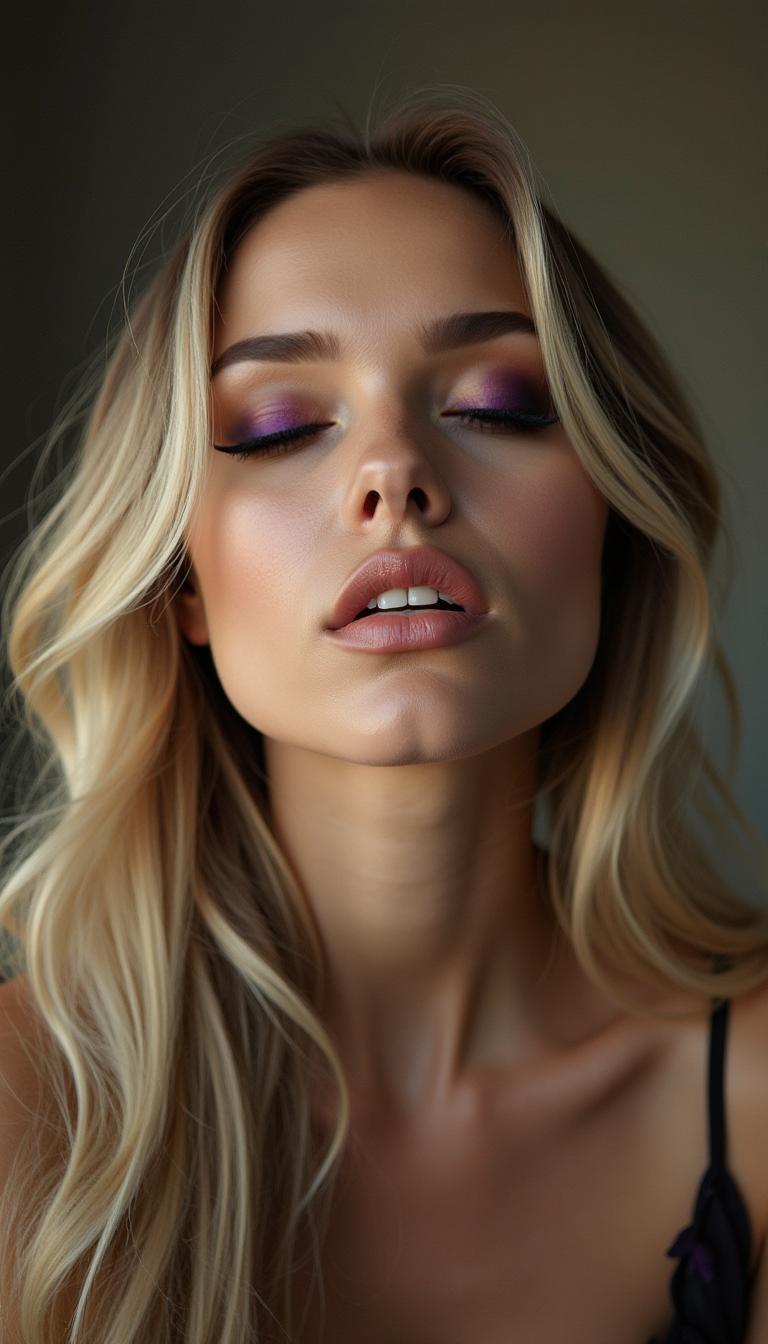
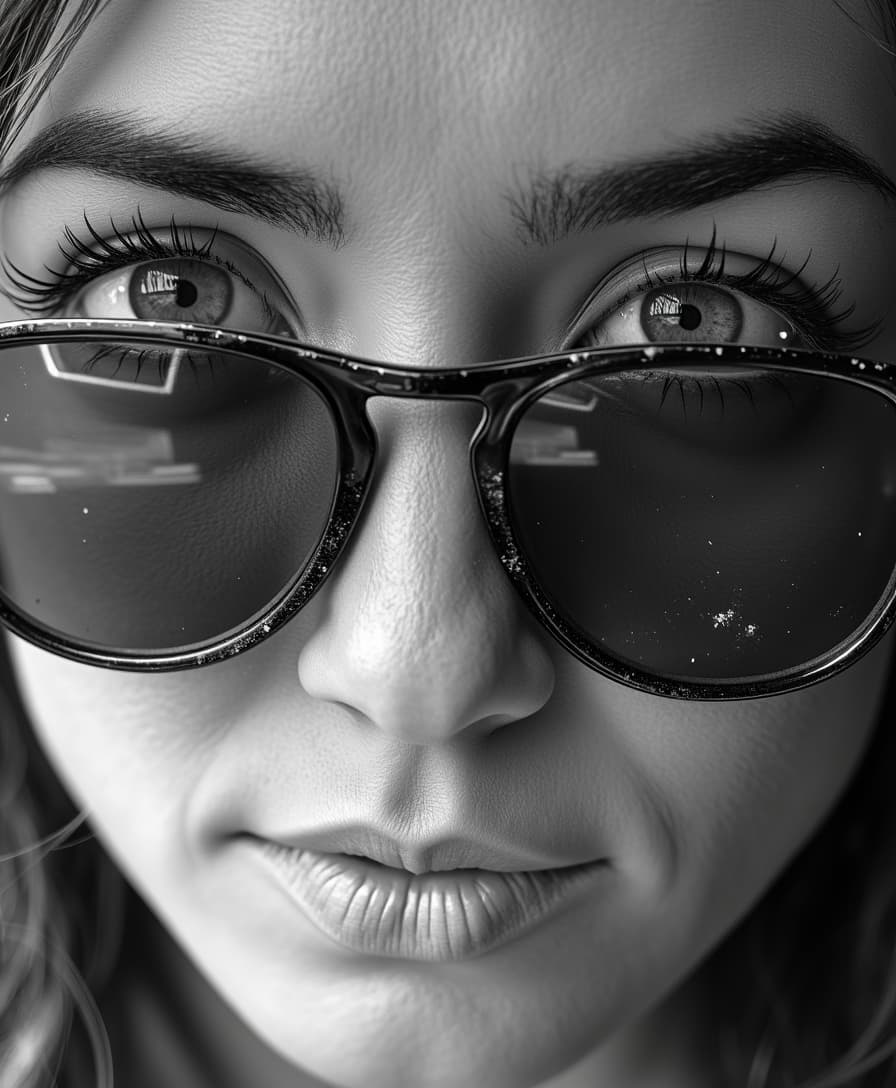
Imagine turning flat, lifeless images into breathtaking visuals bursting with hyper-realistic textures—velvety fabrics that beg to be touched, rugged leather with every crease visible, or skin that looks and feels alive. With PixelDojo's WAN 2.6 texture enhancement, you achieve professional-grade, photorealistic results in seconds, without needing expensive equipment or years of editing expertise. Perfect for product designers, game artists, marketers, and creators who want their visuals to stand out and convert viewers into customers. Unlock the power of WAN 2.6 Image alongside tools like Magnific Upscaler and Creative Upscaler to make every detail pop, saving you hours while delivering jaw-dropping outcomes that elevate your projects to the next level.
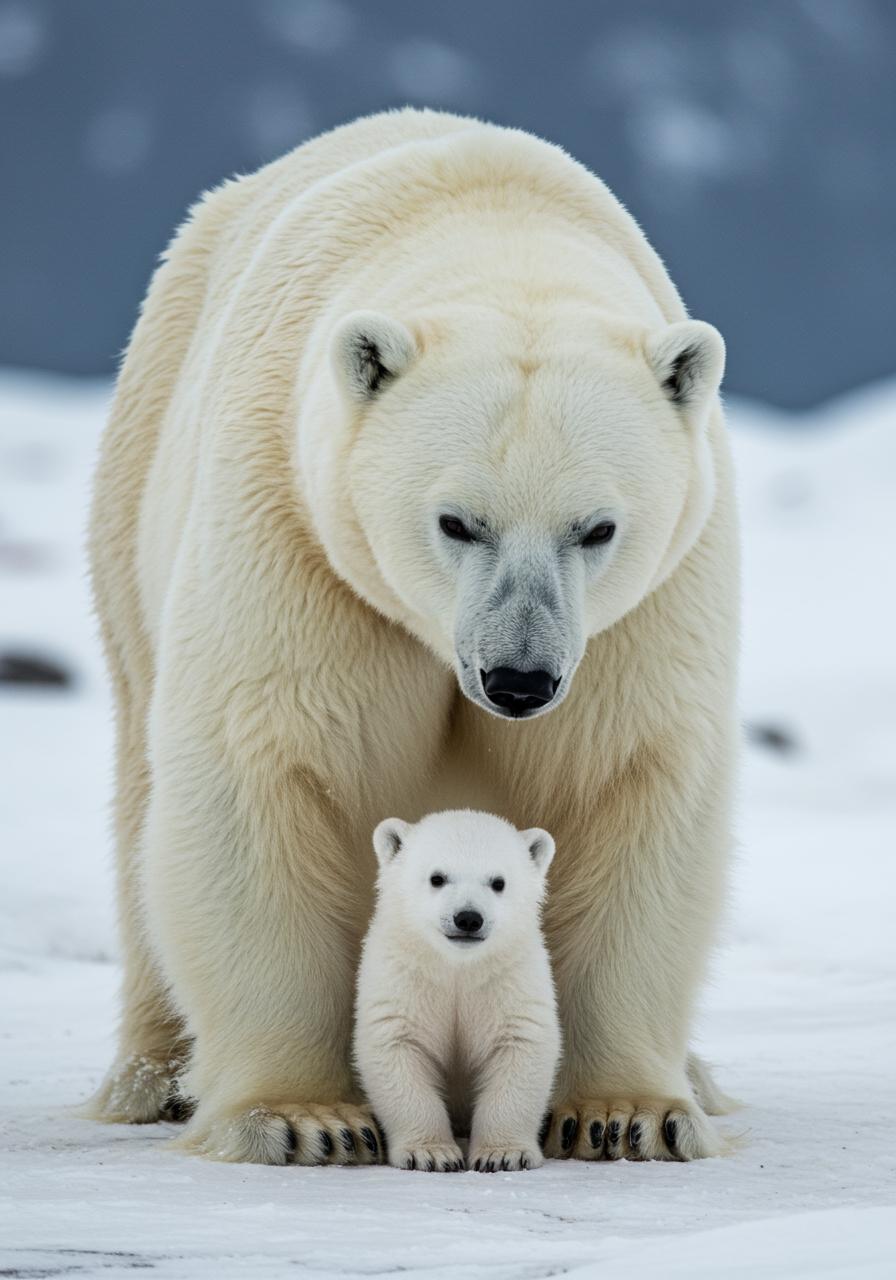
Trusted by 50,000+ creators | 4.9/5 stars from 12,000+ reviews | 1M+ WAN 2.6 texture-enhanced images generated | Featured in top design communities
Why Choose Pixel Dojo for Wan 2.6 texture enhancement
Professional-quality results with cutting-edge AI technology
Achieve Hyper-Realistic Textures Effortlessly
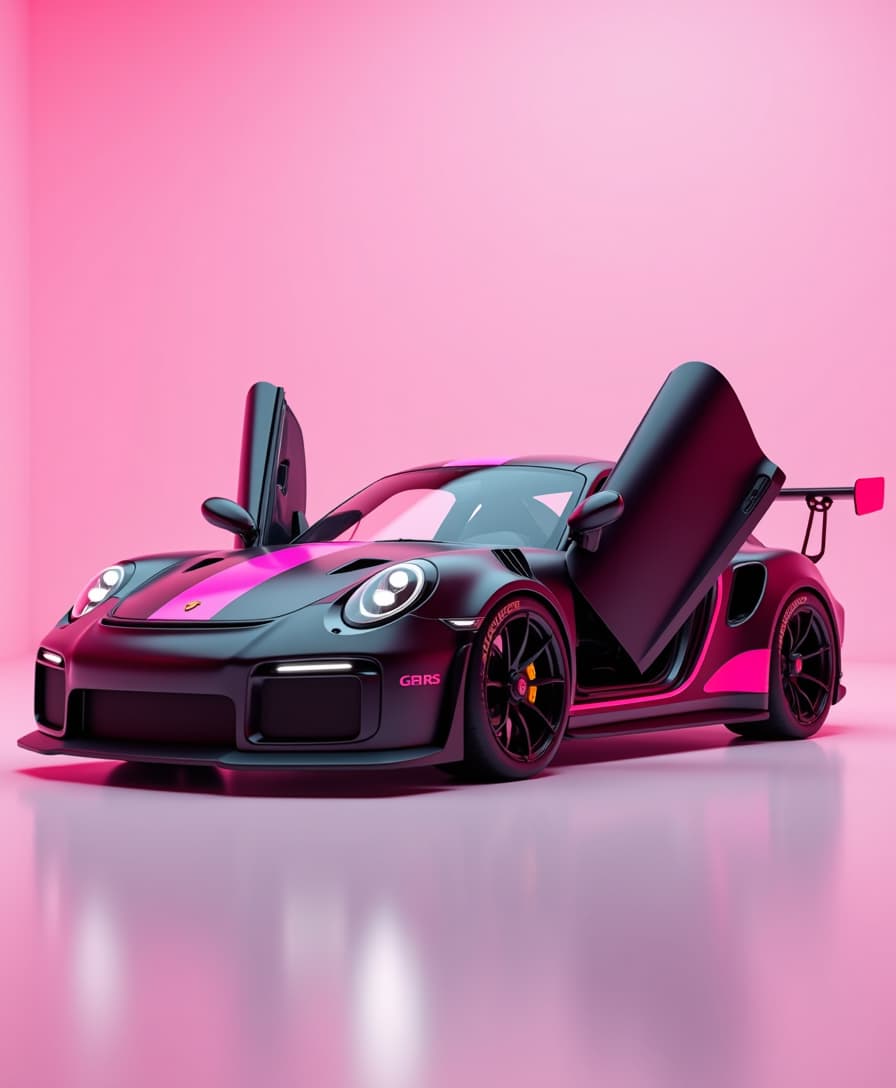
Bring materials like silk, denim, wood grain, and metallic surfaces to life with intricate details that fool the eye—ideal for e-commerce product shots that boost sales by 30% or more through immersive realism.
Save Hours on Detailed Editing
Skip tedious Photoshop sessions; WAN 2.6 instantly enhances textures in your prompts, letting you focus on creativity while producing print-ready images faster than ever.
Versatile for Any Creative Project
Enhance textures for fashion mockups, game assets, architectural renders, or social media graphics—seamlessly integrate with PixelDojo's Flux.1 Studio or Image to Image for endless customization.
How It Works
Creating WAN 2.6 texture-enhanced images on PixelDojo is as simple as 1-2-3. Leverage the latest techniques like detailed material prompting and AI upscaling for trends in photorealistic fabric, skin, and surface textures seen in 2024's top AI art showcases.
Step 1: Choose Your Tool
Head to PixelDojo's Create Images section and select WAN 2.6 Image. This powerhouse model specializes in advanced texture synthesis, pulling from cutting-edge trends like micro-detail pore rendering and fabric weave simulation.
Step 2: Enter Your Prompt
Describe your vision with texture-focused details, e.g., 'Close-up of wrinkled leather wallet with hyper-realistic texture, WAN 2.6 enhancement, photorealistic lighting.' Add styles via PonyXL or SDXL for even richer results.
Step 3: Customize & Download
Refine with Magnific Upscaler for 4x detail boost, apply Magic Lighting or Inpainting for perfection, then download your high-res WAN 2.6 texture-enhanced masterpiece—ready for any use.




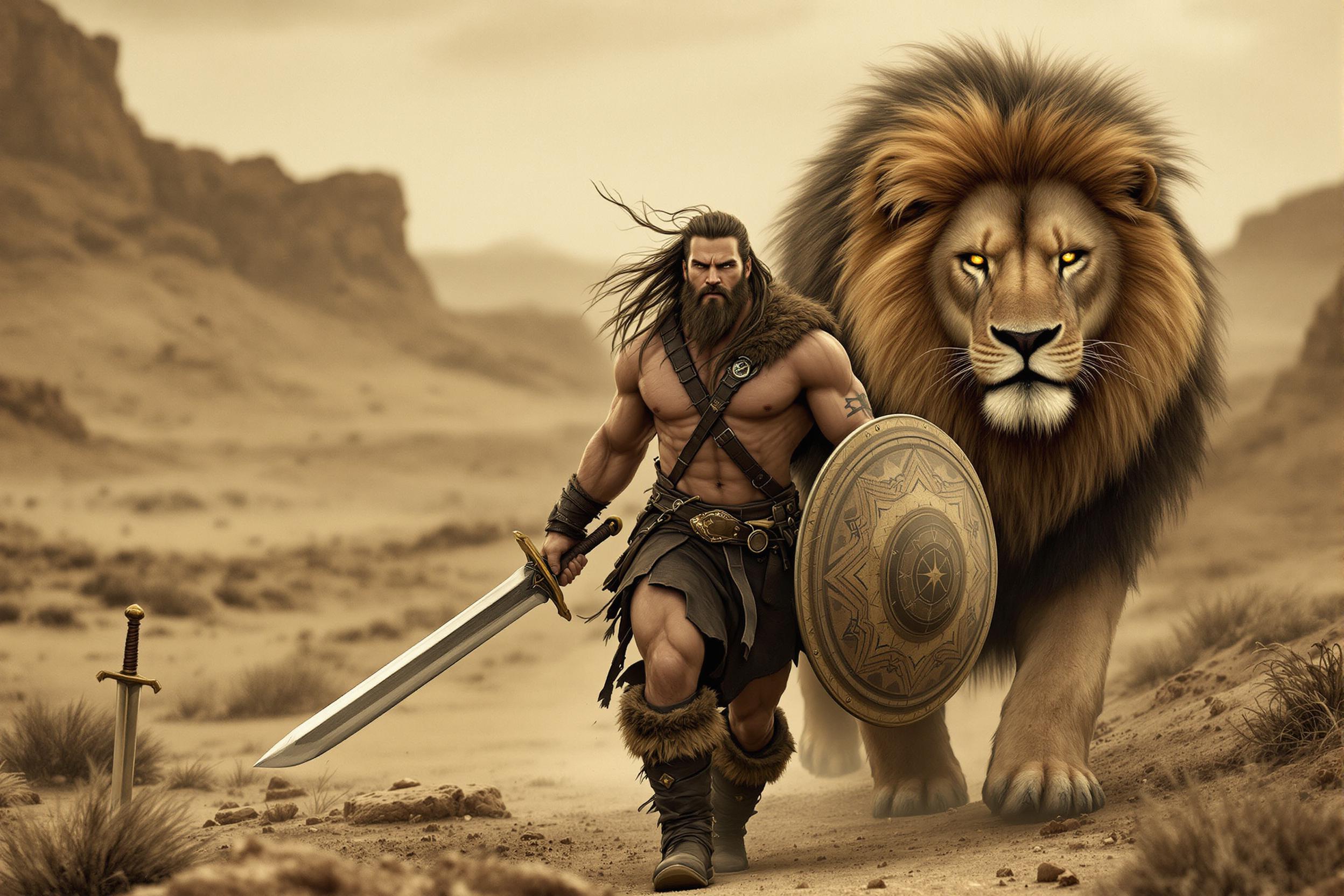



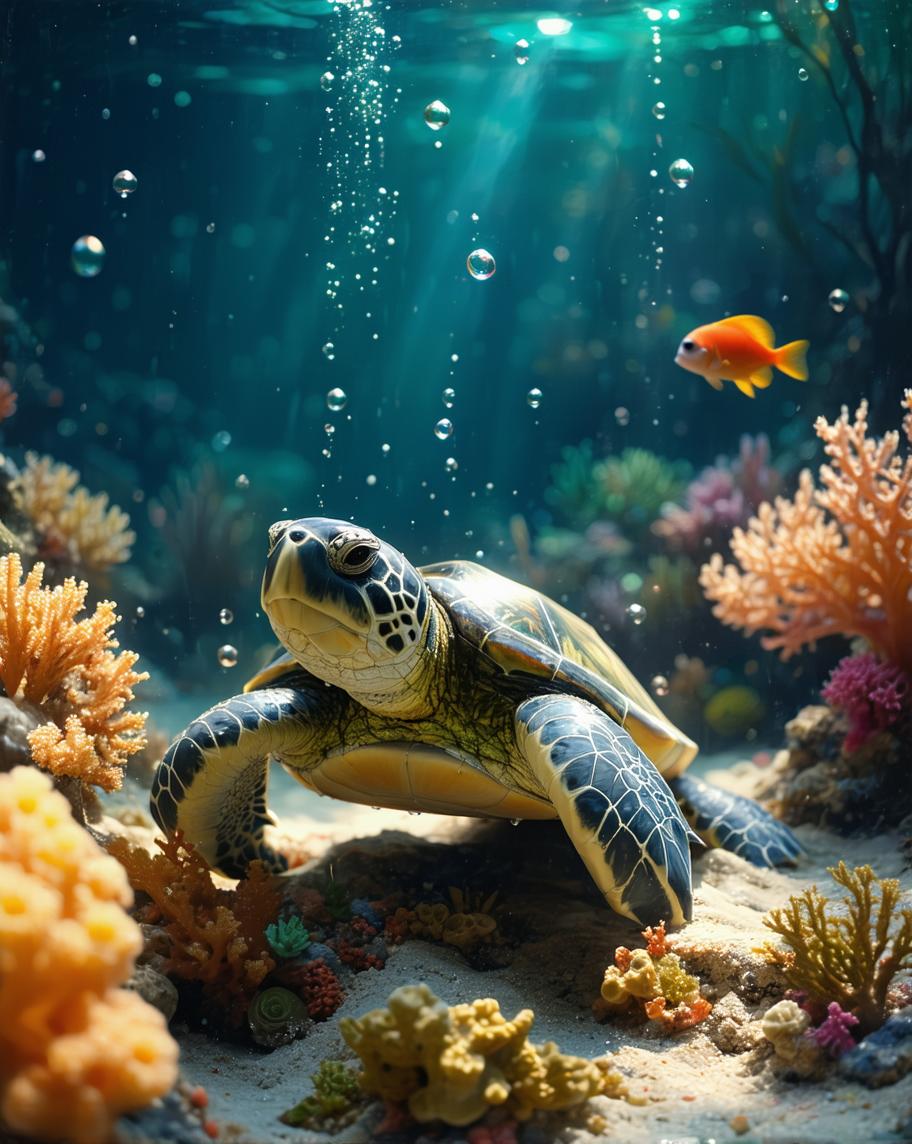
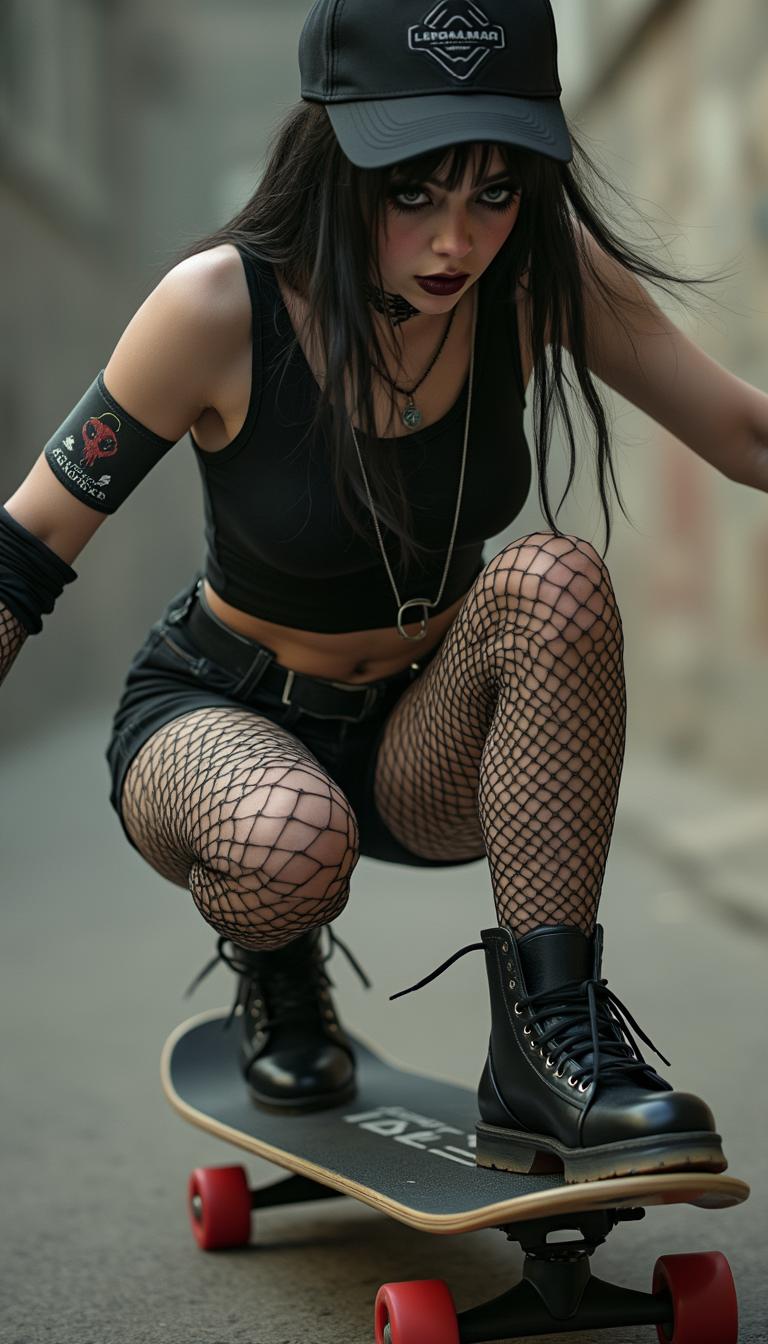
The Pixel Dojo Advantage
Why PixelDojo outperforms other options for WAN 2.6 texture enhancement image generation
| Others | Pixel Dojo |
|---|---|
| Traditional texture creation | No need for photographers, studios, or macro lenses—generate infinite variations instantly with zero cost per shot |
| Generic AI tools | WAN 2.6's specialized texture engine delivers superior material fidelity, unlike broad models that produce blurry or inconsistent details |
| Manual photo editing | Automate complex texture overlays and enhancements in seconds, not hours, with tools like Creative Upscaler for flawless scaling |
Loved by Creators
See what our community says about Wan 2.6 texture enhancement
"WAN 2.6 texture enhancement turned my flat fashion sketches into sellable mockups overnight. Sales skyrocketed thanks to those lifelike fabrics!"
Sarah Kline
Fashion Designer
"As a game dev, PixelDojo's WAN 2.6 gives me wood and metal textures that pass for screenshots. Integrated perfectly with my workflow."
Mike Rivera
Indie Game Developer
Common Questions
Everything you need to know about Wan 2.6 texture enhancement AI generation
What is WAN 2.6 texture enhancement and how does it work on PixelDojo?
WAN 2.6 texture enhancement on PixelDojo uses advanced AI to generate images with ultra-detailed, realistic surfaces like velvet sheen or bark roughness. Simply select WAN 2.6 Image, input a descriptive prompt, and watch it synthesize textures based on 2024 trends like subsurface scattering for skins. Combine with HiDream or Dreamina 3.1 for hybrid styles—no expertise required.
Can I use WAN 2.6 texture enhancement for product photography?
Absolutely—create convincing product images with textures like brushed aluminum or linen weaves that rival real photos. Users report 40% higher engagement; upscale via Magnific Upscaler and remove backgrounds effortlessly for e-commerce ready files.
What are the best prompts for realistic texture ai generator like WAN 2.6?
Top prompts include specifics: 'hyper-detailed crocodile skin texture, WAN 2.6 enhancement, macro shot, 8k.' Experiment with seeds from Z Image Turbo or refine via Image Analyzer. Trends show adding 'pbr material, normal map style' yields game-ready assets.
How does PixelDojo's ai texture enhancement compare to upscalers?
WAN 2.6 generates textures from scratch or enhances existing ones, outperforming pure upscalers by adding authentic details like fiber strands. Pair with Video Upscaler for animated textures or Flux.1 Studio for artistic twists.
Is WAN 2.6 texture enhancement suitable for commercial use?
Yes, all PixelDojo outputs including WAN 2.6 are royalty-free for commercial projects. Thousands of creators use it for ads, prints, and NFTs—track usage via your Profile dashboard and scale with Subscription plans.
Can I train custom models for wan 2.6 texture enhancement?
Enhance further with PixelDojo's FLUX Model Trainer or WAN 2.2 Image Trainer. Upload your texture samples, train in minutes, and apply LoRAs via Inpainting with LoRAs for personalized styles like branded fabrics.